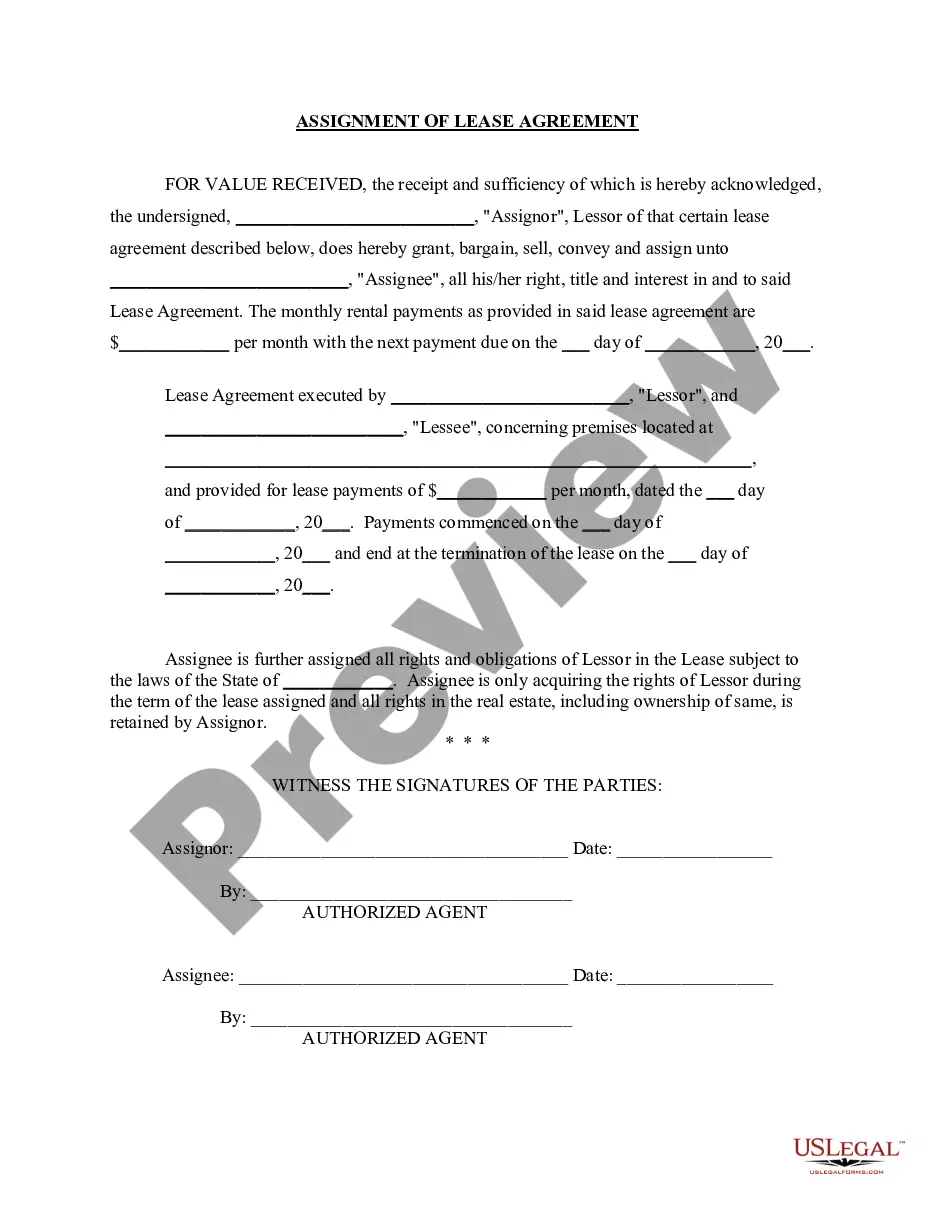
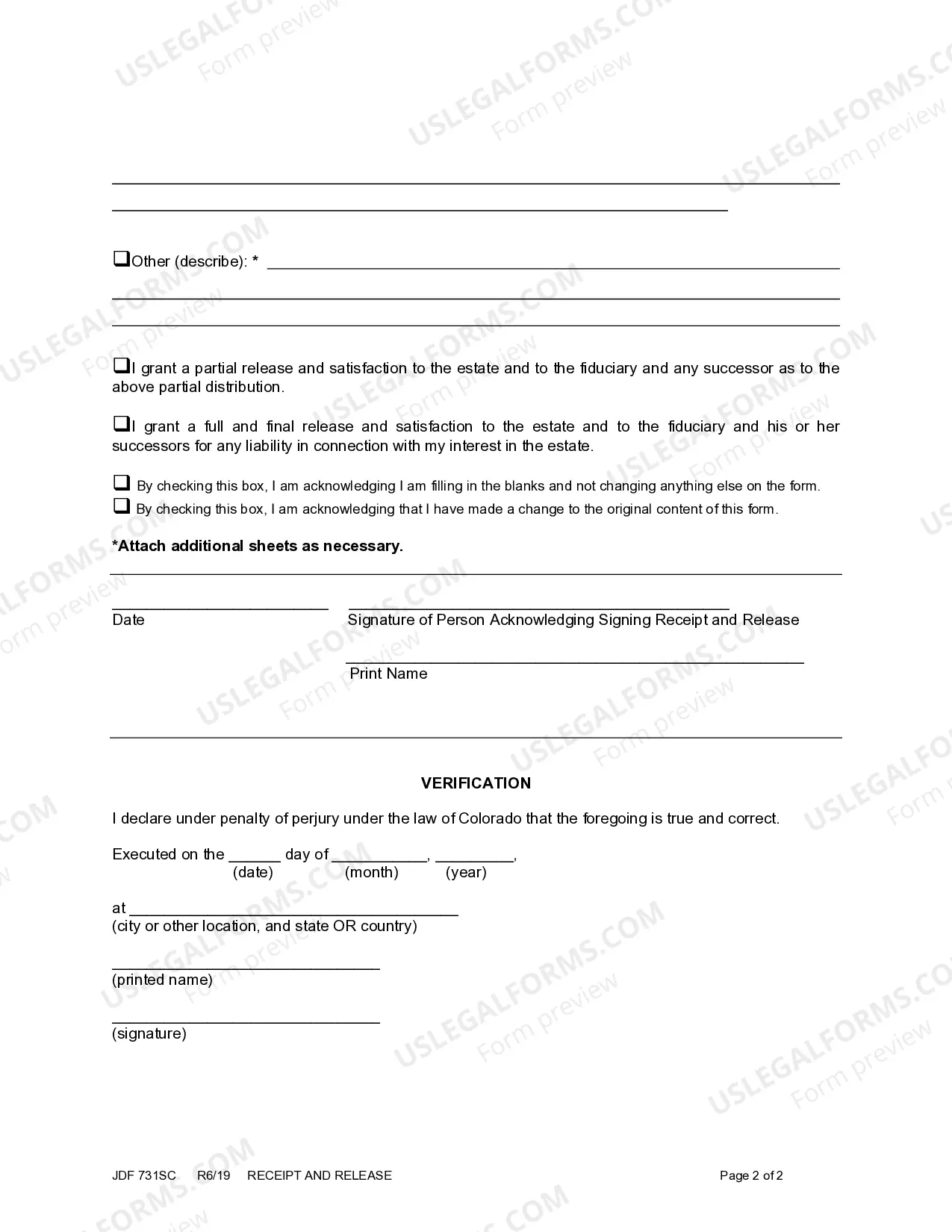
Receipt And Release Form For Trust
Description
Get your form ready online
Our built-in tools help you complete, sign, share, and store your documents in one place.
Make edits, fill in missing information, and update formatting in US Legal Forms—just like you would in MS Word.
Download a copy, print it, send it by email, or mail it via USPS—whatever works best for your next step.
Sign and collect signatures with our SignNow integration. Send to multiple recipients, set reminders, and more. Go Premium to unlock E-Sign.
If this form requires notarization, complete it online through a secure video call—no need to meet a notary in person or wait for an appointment.
We protect your documents and personal data by following strict security and privacy standards.

Make edits, fill in missing information, and update formatting in US Legal Forms—just like you would in MS Word.

Download a copy, print it, send it by email, or mail it via USPS—whatever works best for your next step.

Sign and collect signatures with our SignNow integration. Send to multiple recipients, set reminders, and more. Go Premium to unlock E-Sign.

If this form requires notarization, complete it online through a secure video call—no need to meet a notary in person or wait for an appointment.

We protect your documents and personal data by following strict security and privacy standards.
Looking for another form?



How to fill out Colorado Receipt And Release?
Well-structured official documentation is one of the essential safeguards for preventing complications and legal disputes, but obtaining it without the help of an attorney may require some time.
Whether you need to swiftly discover an updated Receipt And Release Form For Trust or any other documentation for employment, family, or business contexts, US Legal Forms is always available to assist.
The procedure is even more straightforward for existing users of the US Legal Forms library. If your subscription is active, you simply need to Log In to your account and press the Download button adjacent to the selected document. Additionally, you can access the Receipt And Release Form For Trust at any time later, as all the documents ever obtained on the platform are retrievable within the My documents section of your profile. Conserve time and money on preparing official paperwork. Experience US Legal Forms today!
- Confirm that the document is appropriate for your circumstances and location by reviewing the description and preview.
- Search for another example (if necessary) using the Search bar located in the page header.
- Select Buy Now when you find the suitable template.
- Pick your preferred pricing plan, Log In to your account or create a new one.
- Choose the payment option that you prefer to purchase the subscription plan (using a credit card or PayPal).
- Select PDF or DOCX file format for your Receipt And Release Form For Trust.
- Click Download, then print the document to complete it or upload it to an online editor.
Form popularity
FAQ
A release provides protection to the trustee in a scenario where the beneficiary later decides to sue the trustee. The trustee can use the release to show that the beneficiary released the trustee of any legal claims the beneficiary might later bring.
A Receipt and Release Agreement is the means by which a beneficiary of an estate may acknowledge receipt of the property to which he is entitled, and agree to release the executor from any further liability with respect thereto.
How Can I Get My Money Out of a Trust?Create a Revocable Trust. There are revocable and irrevocable living trusts.List Your Rights. Spell out your right to withdraw money in the trust documents.Name Yourself a Trustee. Put the name of the trust, with yourself as trustee, on the ownership documents.Transfer Your Assets.
After you know the date the trust officially terminates, you can then calculate the final payout. You need to pay out to the income beneficiary all the income still in the trust on the date of termination and all the income that the trust was entitled to receive by that date but that hadn't yet been paid to the trust.
When trust beneficiaries receive distributions from the trust's principal balance, they do not have to pay taxes on the distribution. The Internal Revenue Service (IRS) assumes this money was already taxed before it was placed into the trust.