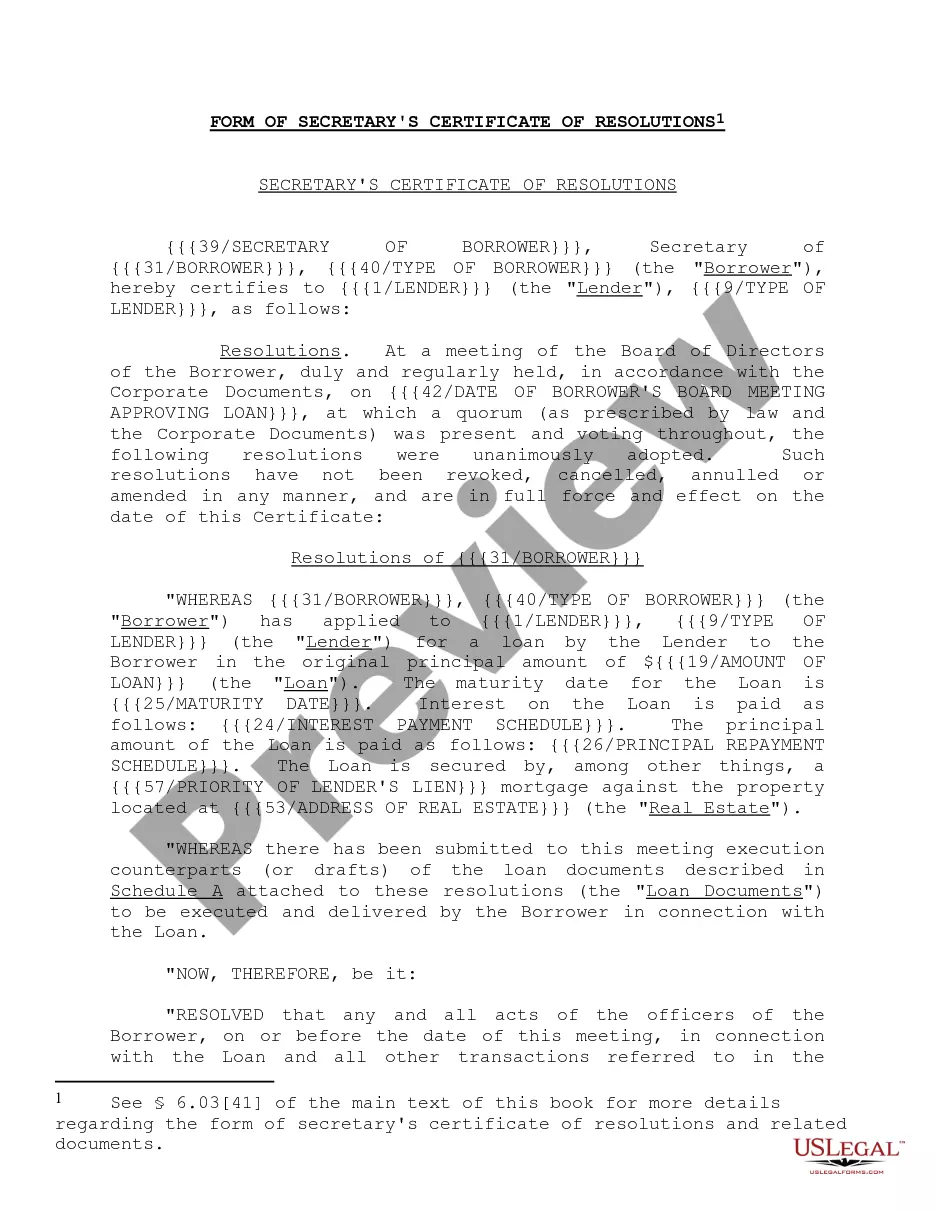
California Contractor Form For Construction
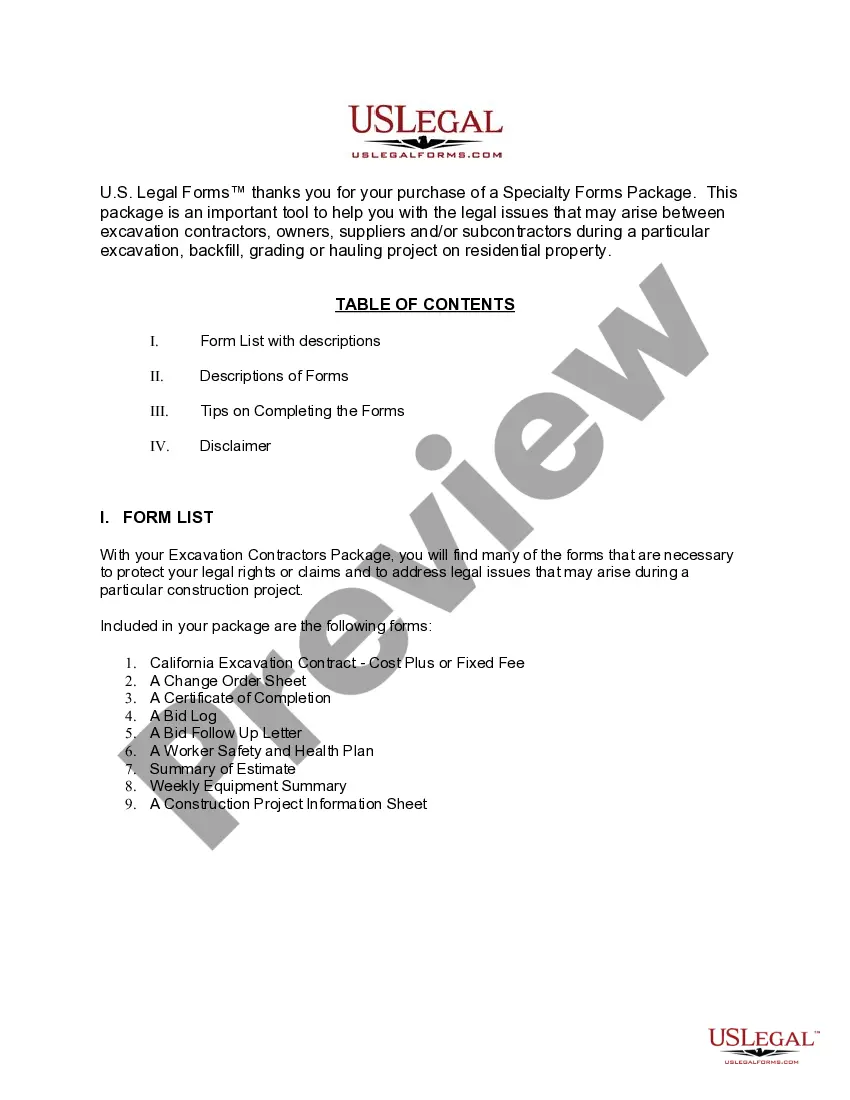
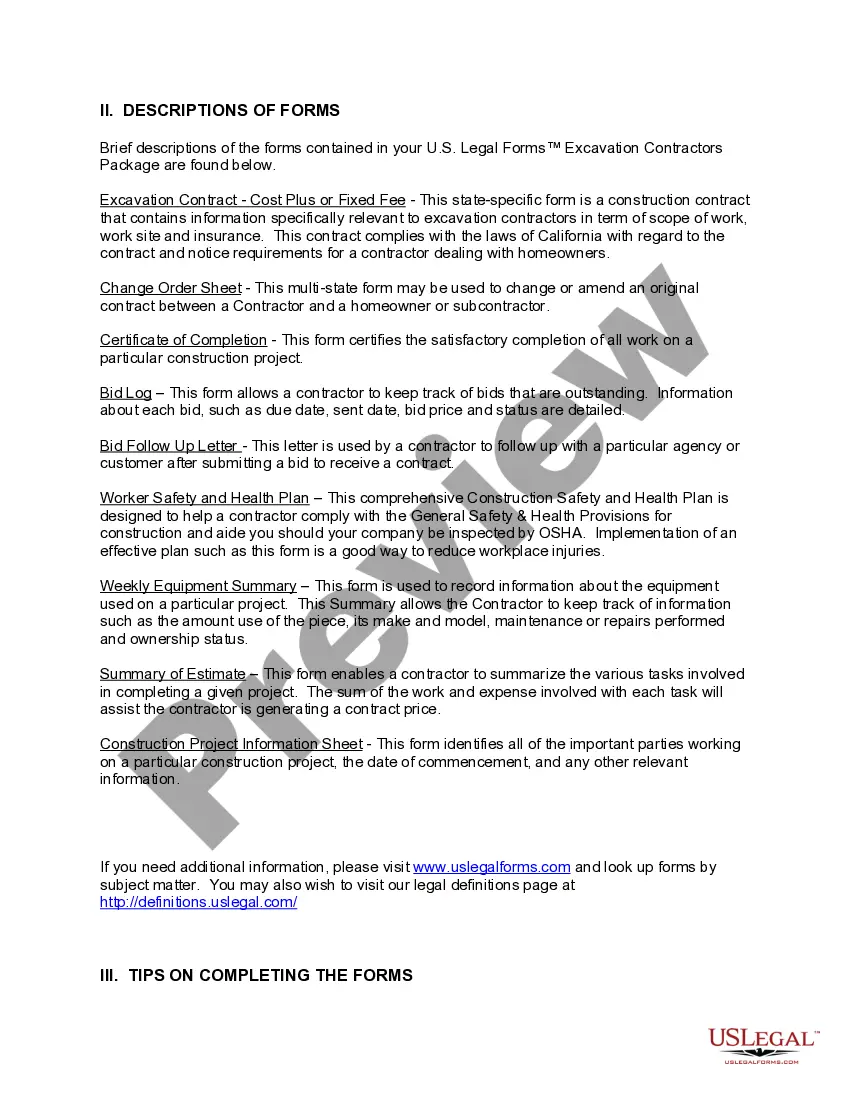
Description

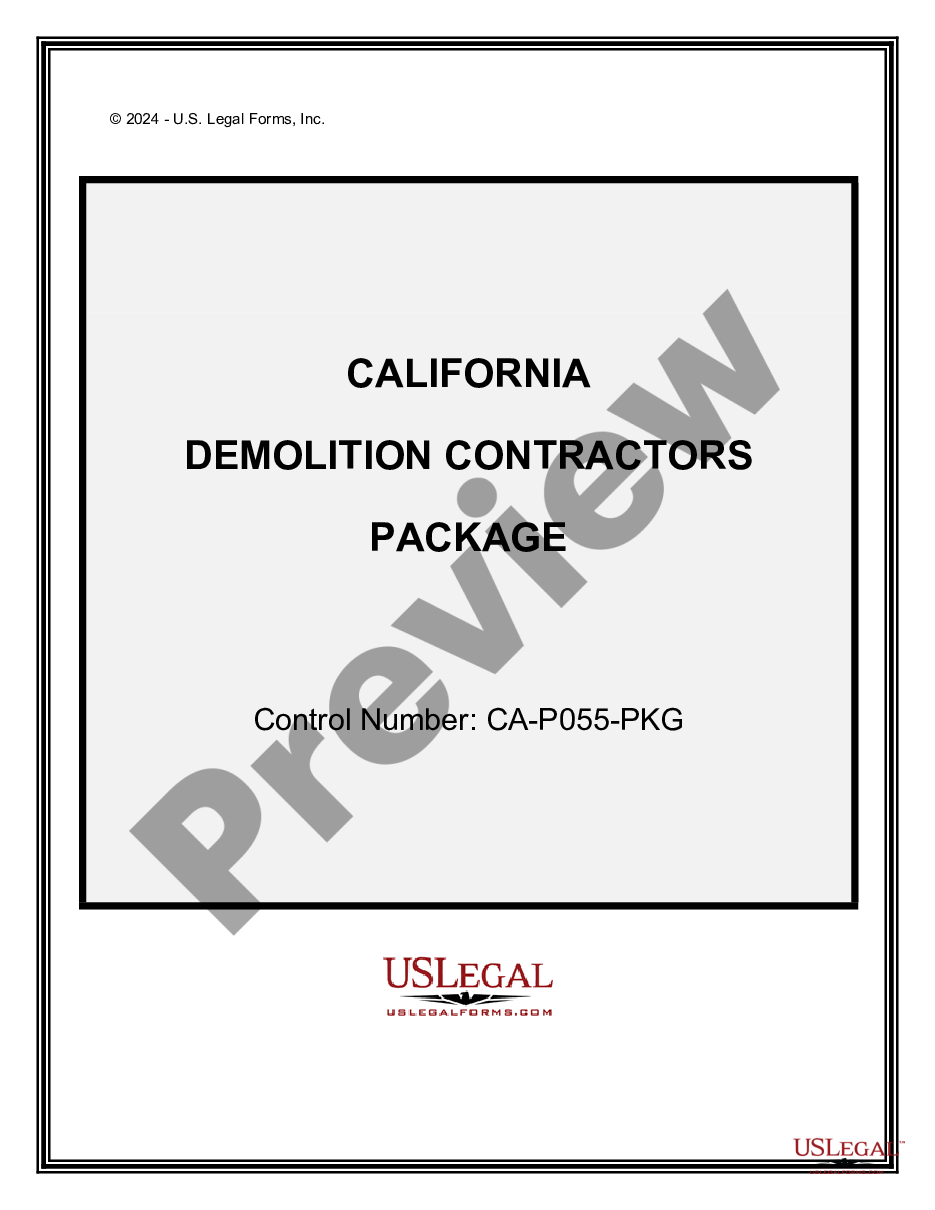
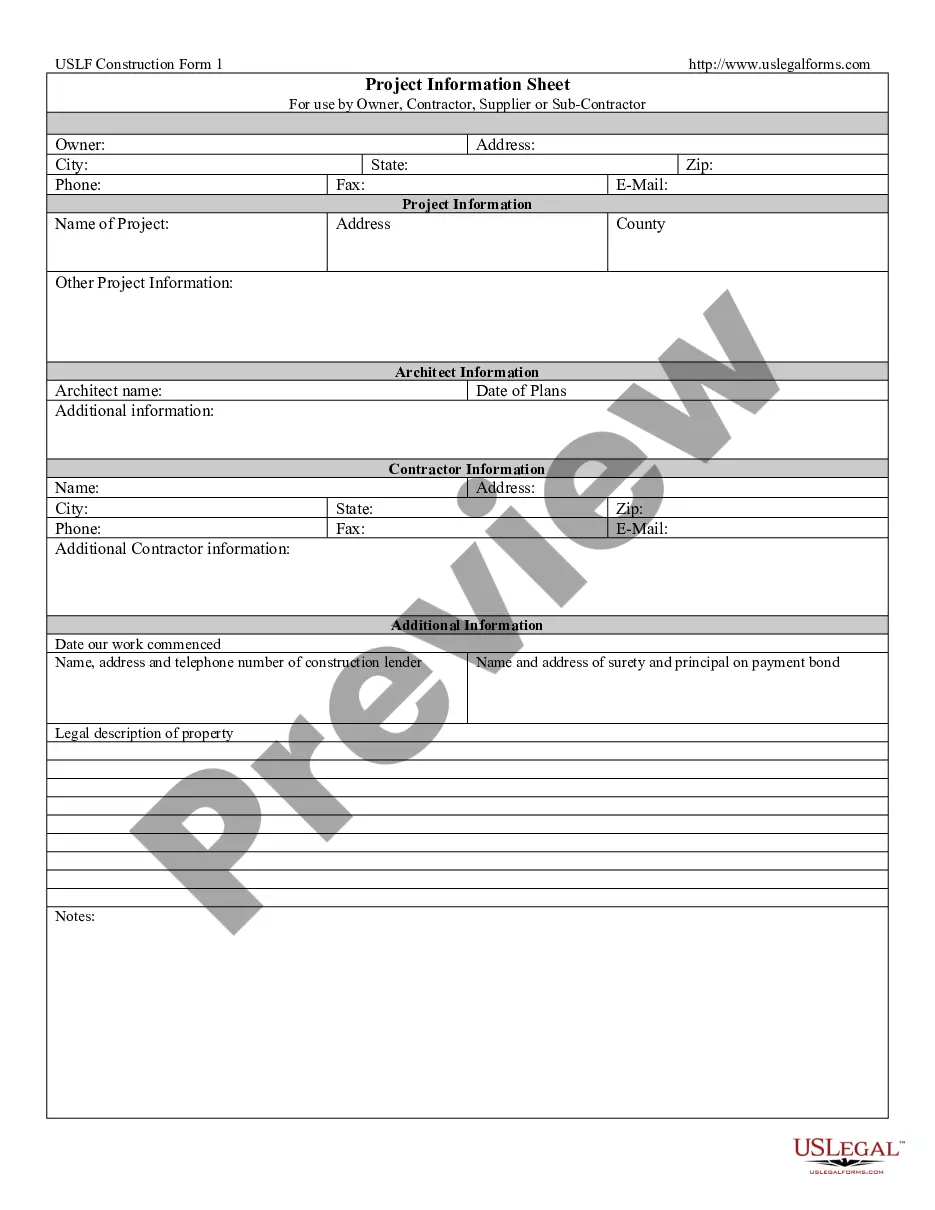
Get your form ready online
Our built-in tools help you complete, sign, share, and store your documents in one place.
Make edits, fill in missing information, and update formatting in US Legal Forms—just like you would in MS Word.
Download a copy, print it, send it by email, or mail it via USPS—whatever works best for your next step.
Sign and collect signatures with our SignNow integration. Send to multiple recipients, set reminders, and more. Go Premium to unlock E-Sign.
If this form requires notarization, complete it online through a secure video call—no need to meet a notary in person or wait for an appointment.
We protect your documents and personal data by following strict security and privacy standards.

Make edits, fill in missing information, and update formatting in US Legal Forms—just like you would in MS Word.

Download a copy, print it, send it by email, or mail it via USPS—whatever works best for your next step.

Sign and collect signatures with our SignNow integration. Send to multiple recipients, set reminders, and more. Go Premium to unlock E-Sign.

If this form requires notarization, complete it online through a secure video call—no need to meet a notary in person or wait for an appointment.

We protect your documents and personal data by following strict security and privacy standards.
Looking for another form?


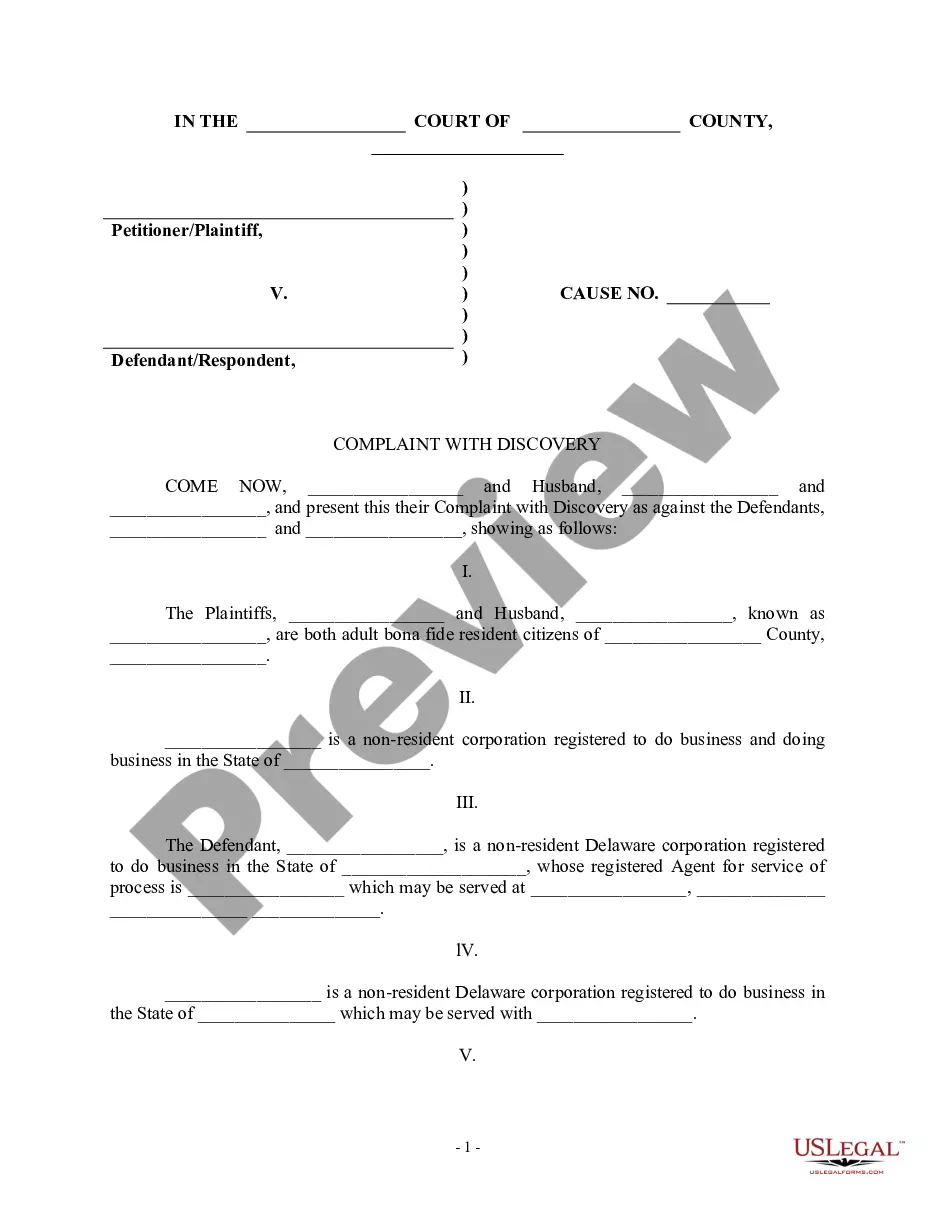





How to fill out California Excavation Contractor Package?
Individuals frequently connect legal documentation with something complex that only an expert can manage.
In some respects, this is accurate, as drafting the California Contractor Form For Construction requires considerable knowledge of subject matter requirements, including state and local laws.
Nonetheless, with US Legal Forms, the process has become simpler: pre-prepared legal templates for any life and business event specific to state regulations are gathered in a single online library and are now accessible to all.
All templates in our collection are reusable: once acquired, they remain stored in your profile. You can access them whenever necessary through the My documents tab. Discover all the benefits of using the US Legal Forms platform. Subscribe today!
- Verify the page content thoroughly to ensure it meets your requirements.
- Review the form description or examine it using the Preview option.
- Find another template using the Search bar above if the previous one does not fit your needs.
- Click Buy Now once you discover the appropriate California Contractor Form For Construction.
- Select a subscription plan that fits your needs and financial plan.
- Create an account or Log In to proceed to the payment section.
- Make the payment for your subscription via PayPal or using your credit card.
- Choose the format for your document and click Download.
- Print your document or upload it to an online editor for faster completion.
Form popularity
FAQ
To obtain a general contractor license, you must:Be 18 or older with a valid Social Security number or individual taxpayer identification number.Have had four years of qualifying experience (journey-level or above) within the past 10 years.Pass a two-part exam through the Contractors State Licensing Board.
However, contracting without a license in California doesn't provide many opportunities. An unlicensed contractor can only be hired for projects that are less than $500, including labor and materials, so making a living without a license will be a challenge.
All businesses or individuals who construct or alter any building, highway, road, parking facility,railroad, excavation, or other structure in California must be licensed by the California Contractors State License Board (CSLB) if the total cost (labor and materials) of one or more contracts on the project is $500 or
California. There is no specific handyman license in California for small jobs. However, a handyperson working on jobs worth more than $500 (even if your component is less than $500, but the overall job is worth more) must have a general contractor license from the state of California.
Contractors, including subcontractors, specialty contractors, and persons engaged in the business of home improvement (with the exception of joint ventures and projects involving federal funding), must be licensed before submitting bids.