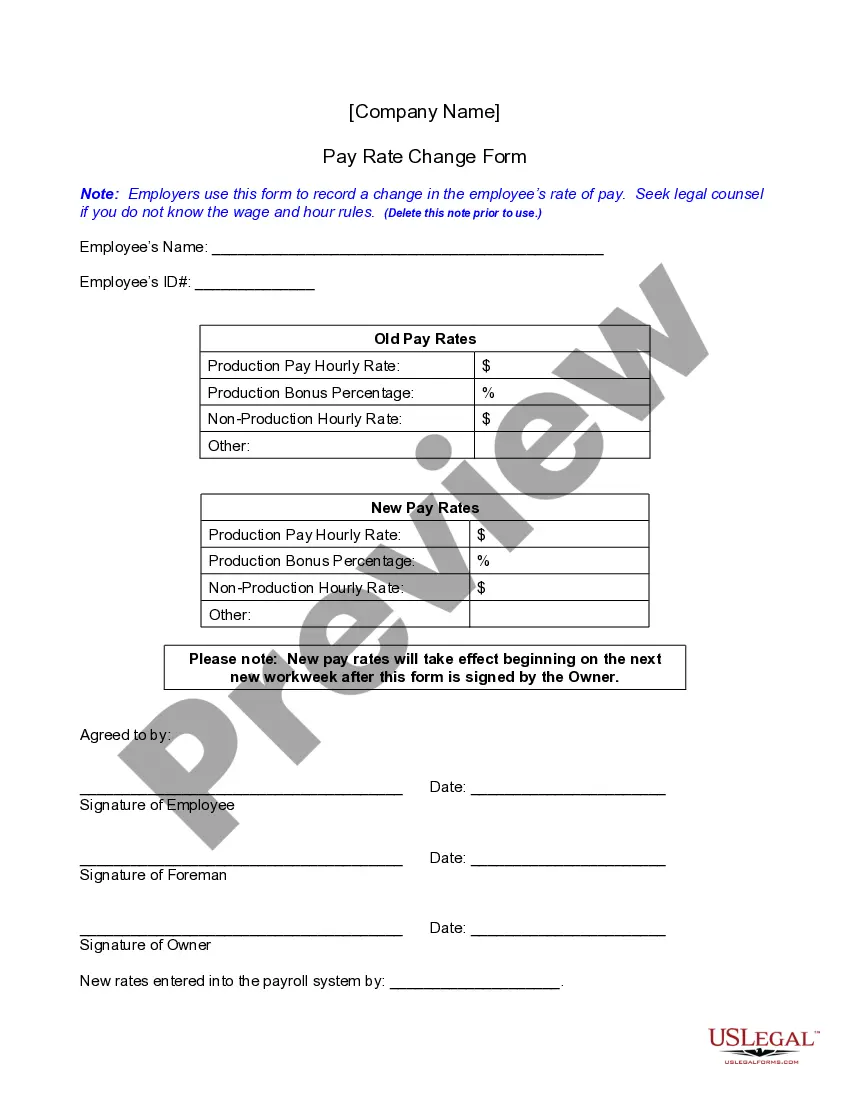
California Pay Form For Tax Extension
Description
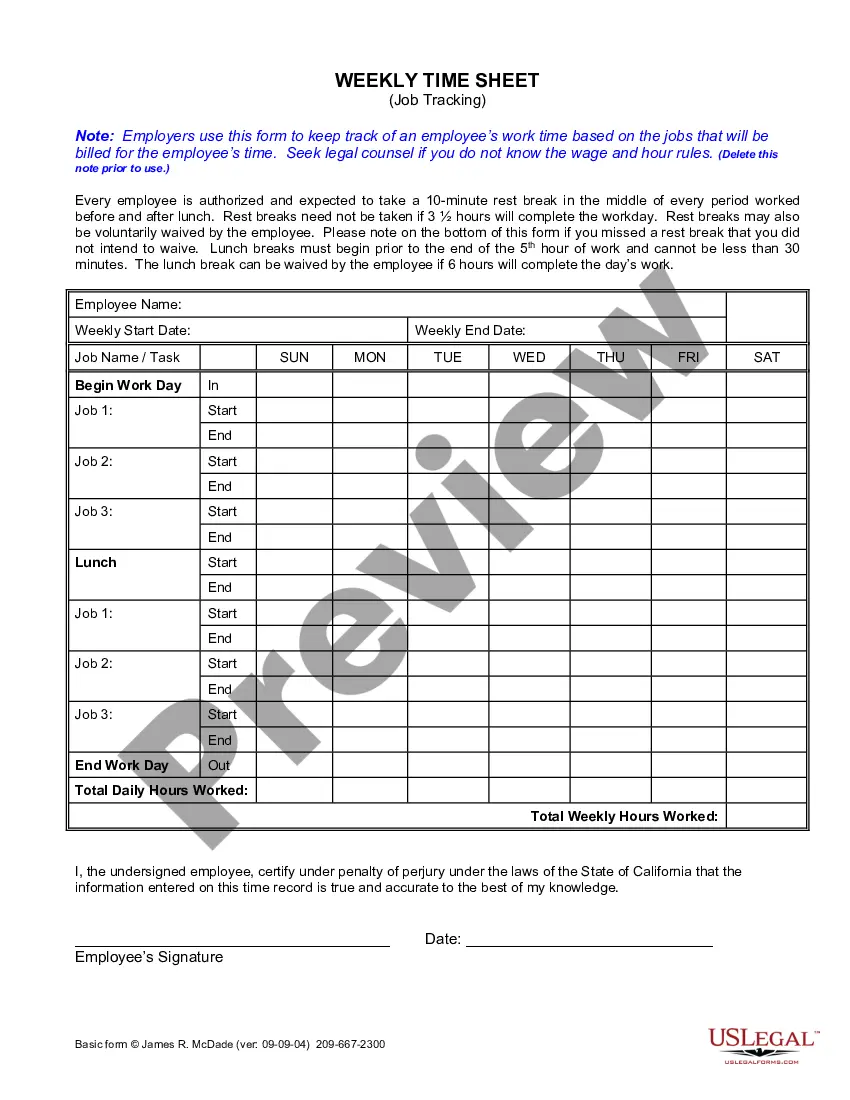
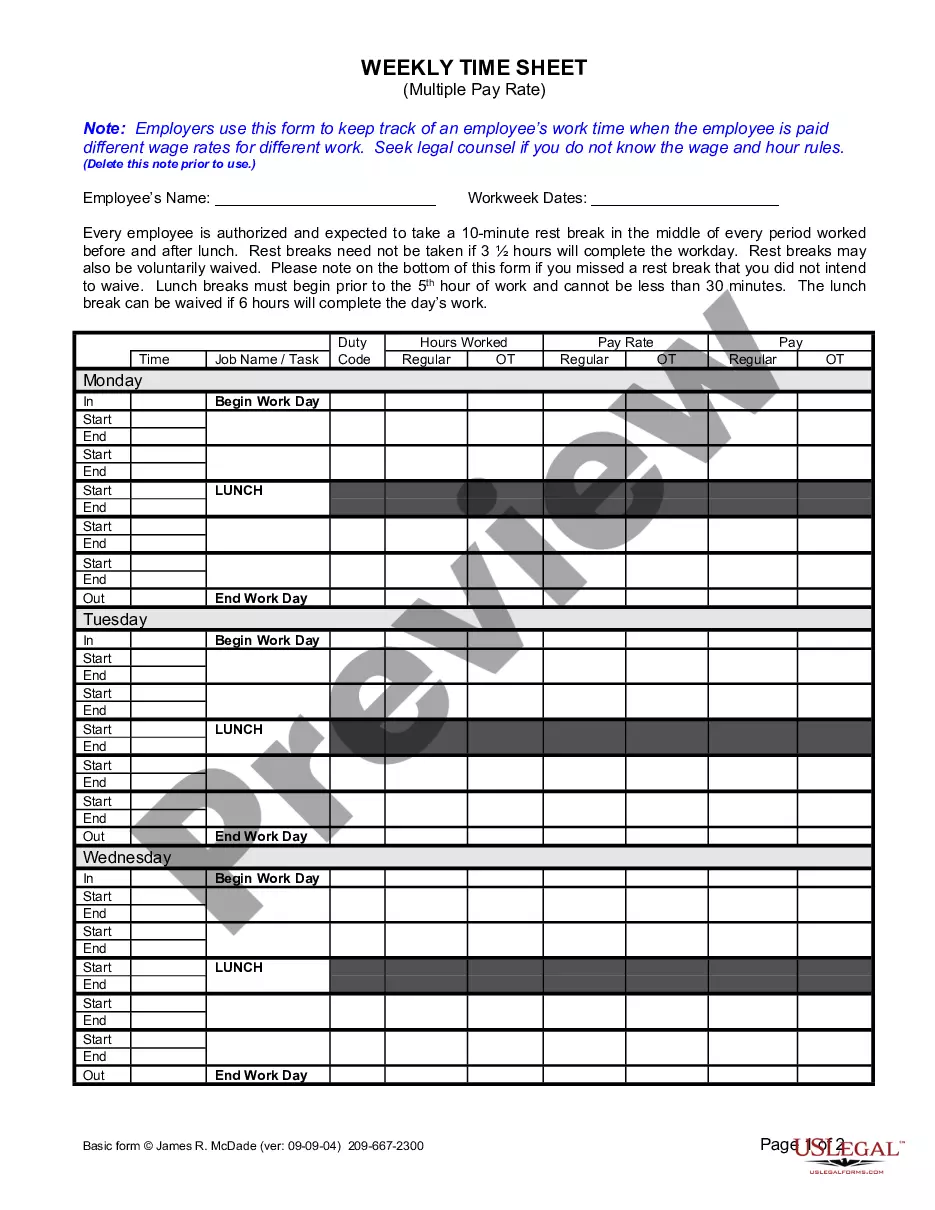
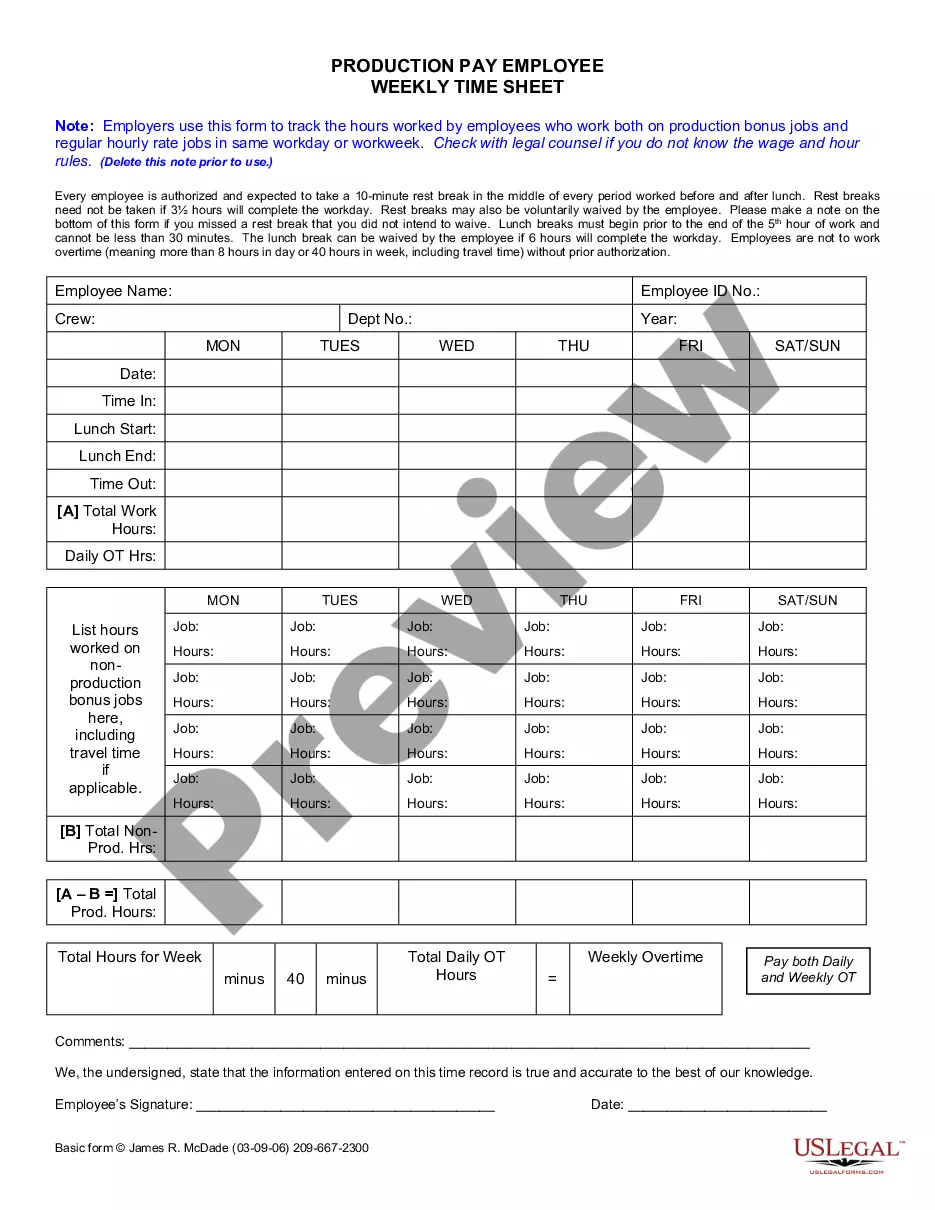
Get your form ready online
Our built-in tools help you complete, sign, share, and store your documents in one place.
Make edits, fill in missing information, and update formatting in US Legal Forms—just like you would in MS Word.
Download a copy, print it, send it by email, or mail it via USPS—whatever works best for your next step.
Sign and collect signatures with our SignNow integration. Send to multiple recipients, set reminders, and more. Go Premium to unlock E-Sign.
If this form requires notarization, complete it online through a secure video call—no need to meet a notary in person or wait for an appointment.
We protect your documents and personal data by following strict security and privacy standards.

Make edits, fill in missing information, and update formatting in US Legal Forms—just like you would in MS Word.

Download a copy, print it, send it by email, or mail it via USPS—whatever works best for your next step.

Sign and collect signatures with our SignNow integration. Send to multiple recipients, set reminders, and more. Go Premium to unlock E-Sign.

If this form requires notarization, complete it online through a secure video call—no need to meet a notary in person or wait for an appointment.

We protect your documents and personal data by following strict security and privacy standards.
Looking for another form?
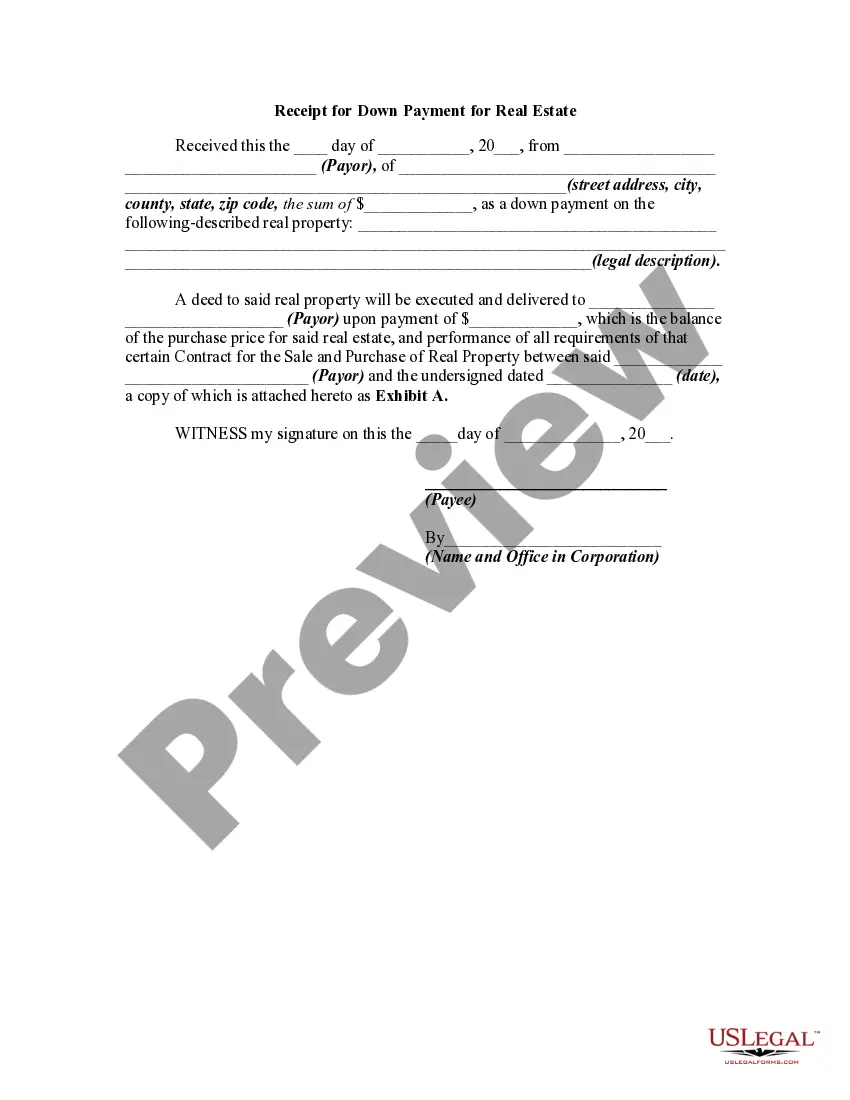

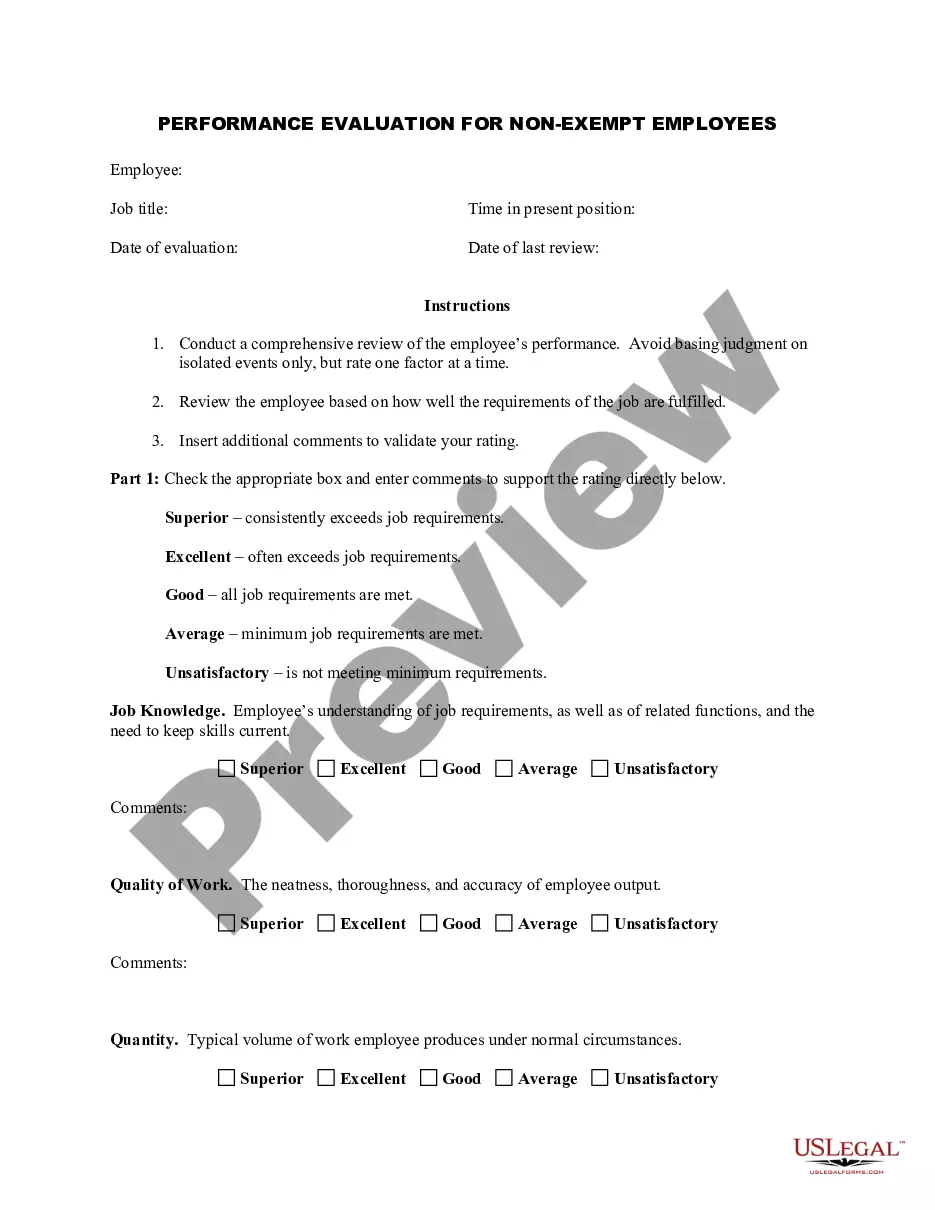
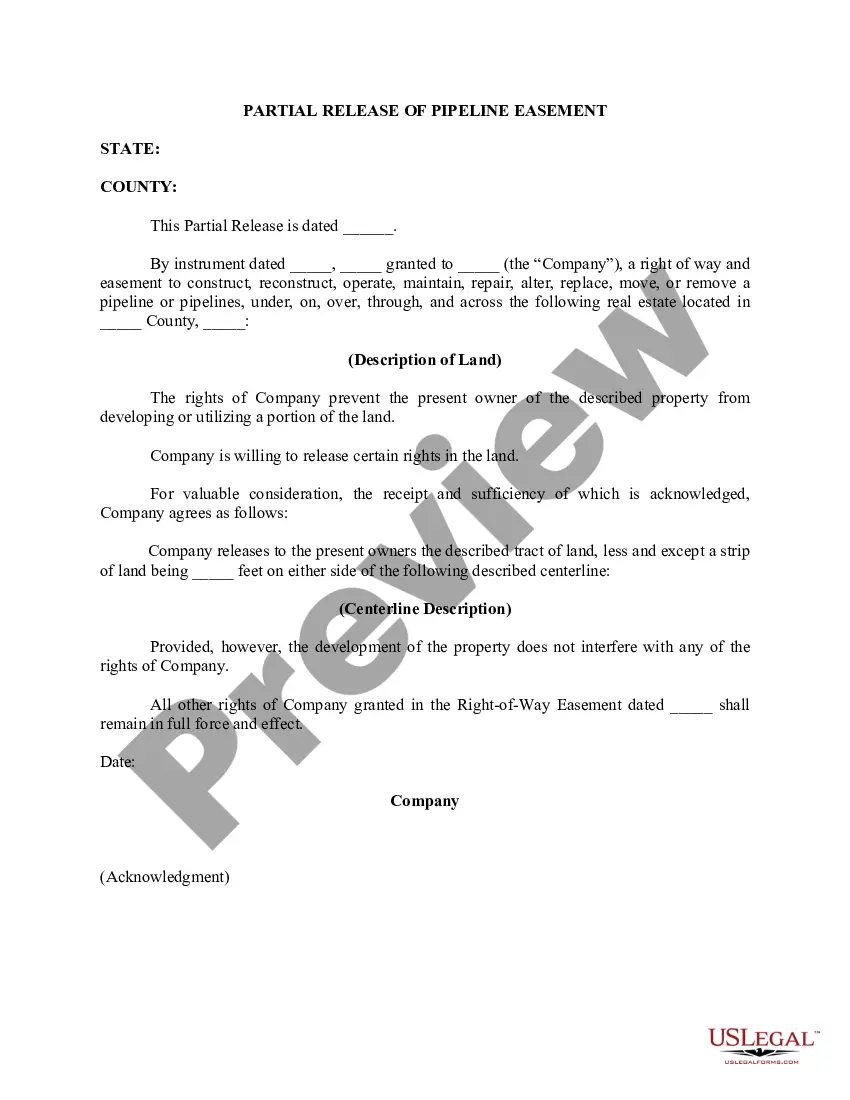
How to fill out California Pay Rate Change Form?
Whether for business purposes or for personal matters, everyone has to deal with legal situations at some point in their life. Filling out legal documents demands careful attention, beginning from picking the right form sample. For instance, when you pick a wrong edition of the California Pay Form For Tax Extension, it will be turned down when you submit it. It is therefore essential to have a reliable source of legal papers like US Legal Forms.
If you have to get a California Pay Form For Tax Extension sample, stick to these simple steps:
- Get the template you need using the search field or catalog navigation.
- Look through the form’s information to make sure it fits your situation, state, and county.
- Click on the form’s preview to examine it.
- If it is the incorrect form, go back to the search function to find the California Pay Form For Tax Extension sample you require.
- Get the template if it meets your needs.
- If you have a US Legal Forms profile, simply click Log in to gain access to previously saved documents in My Forms.
- If you do not have an account yet, you can download the form by clicking Buy now.
- Select the proper pricing option.
- Complete the profile registration form.
- Choose your payment method: use a bank card or PayPal account.
- Select the document format you want and download the California Pay Form For Tax Extension.
- After it is saved, you are able to fill out the form by using editing software or print it and finish it manually.
With a large US Legal Forms catalog at hand, you never have to spend time searching for the appropriate template across the internet. Take advantage of the library’s straightforward navigation to get the proper form for any occasion.
Form popularity
FAQ
Write your SSN, daytime phone number, and ?2022 Form 4868? on your check or money order. Don't staple or attach your payment to Form 4868. Note: If you e-file Form 4868 and mail a check or money order to the IRS for payment, use a completed paper Form 4868 as a voucher.
Pay By Mail Be sure to make your check or money order payable to the "United States Treasury." Write your social security number, daytime phone number, and "Form 4868" on your check or money order.
You can make a California extension payment online, by credit card, or by check with Form FTB 3519. California Tax Extension Tip: If your California tax liability is zero or you're owed a state tax refund, California will automatically grant you a filing extension.
Personal. We give you an automatic 6-month extension to file your return. You must file by the deadline to avoid a late filing penalty.
Pay Online: Use Web Pay for Business and enjoy the ease of our free online payment service. Go to ftb.ca.gov/pay for more information. Pass-Through Entities (PTEs) can schedule payments up to one year in advance. Do not mail this form if the PTE uses Web Pay.