Employee Tracking Form For Employees
Description
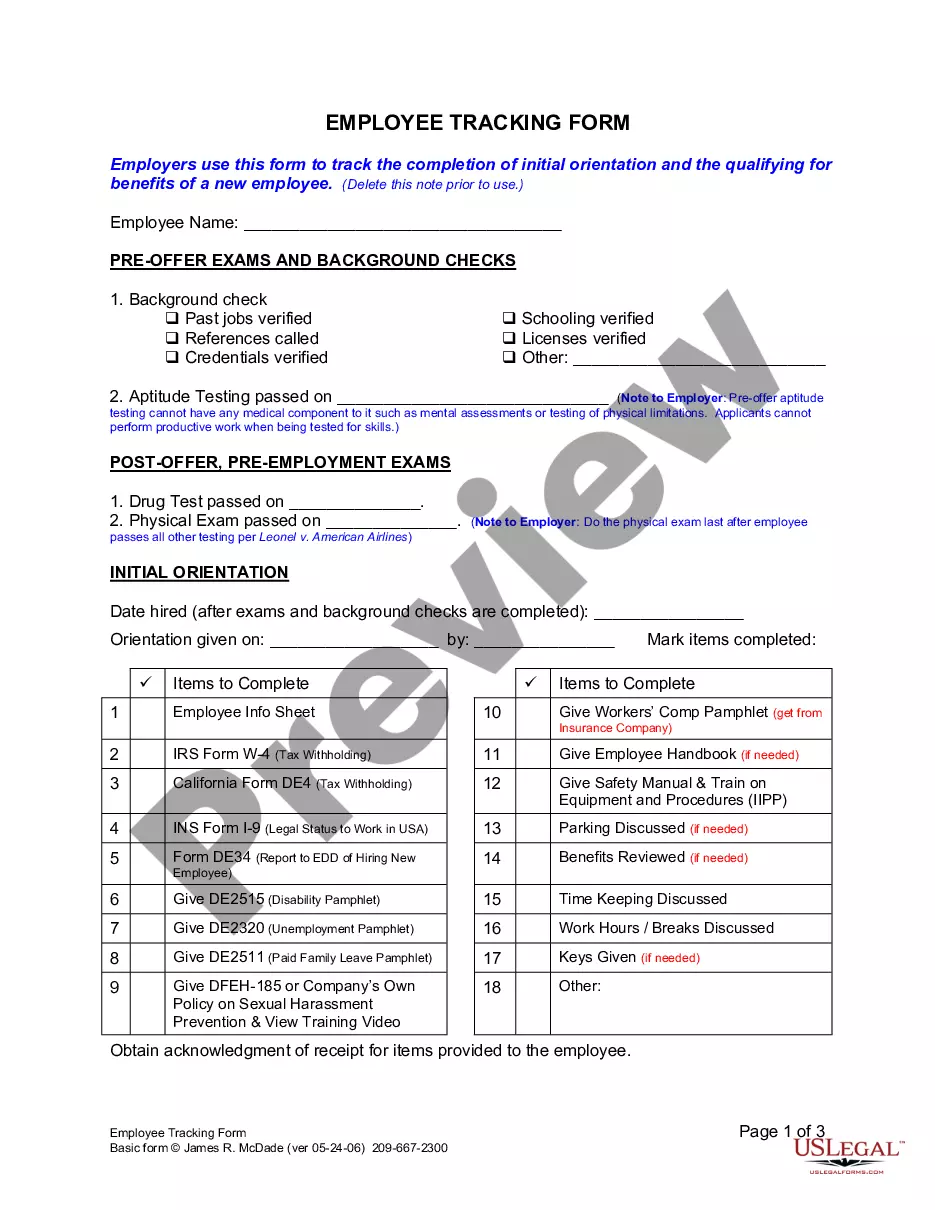
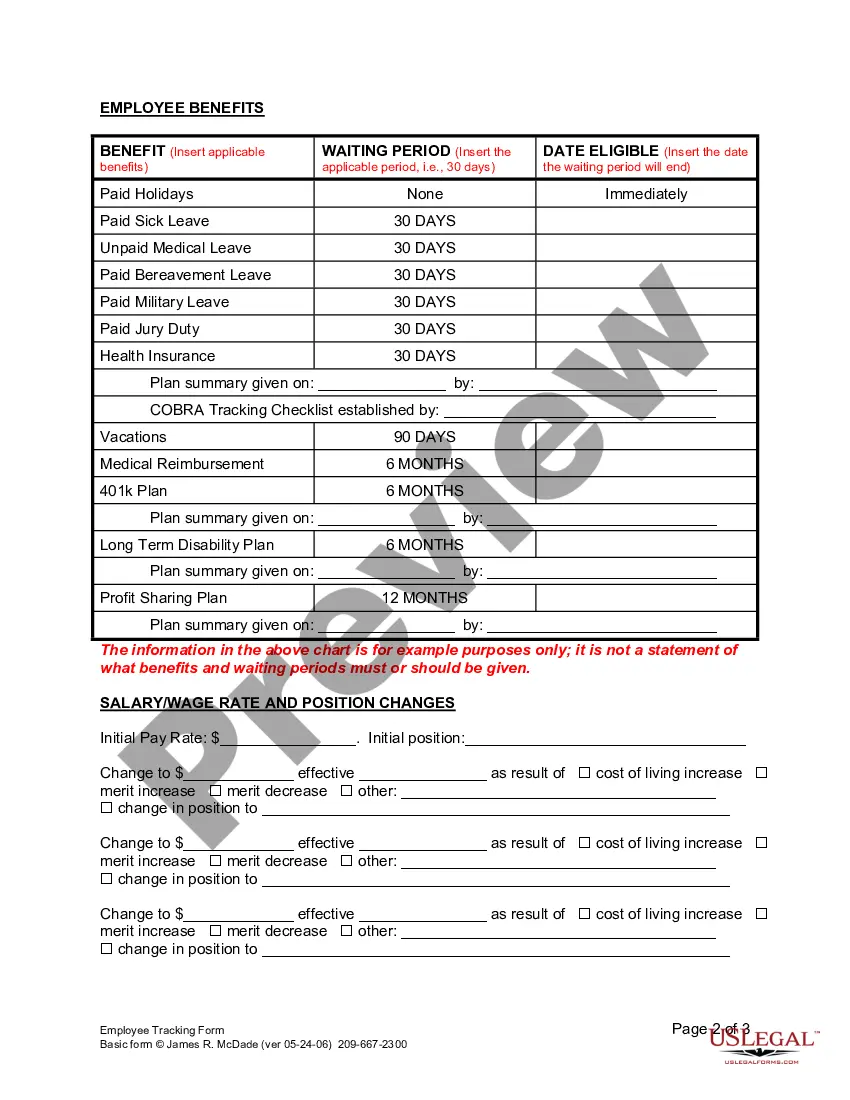
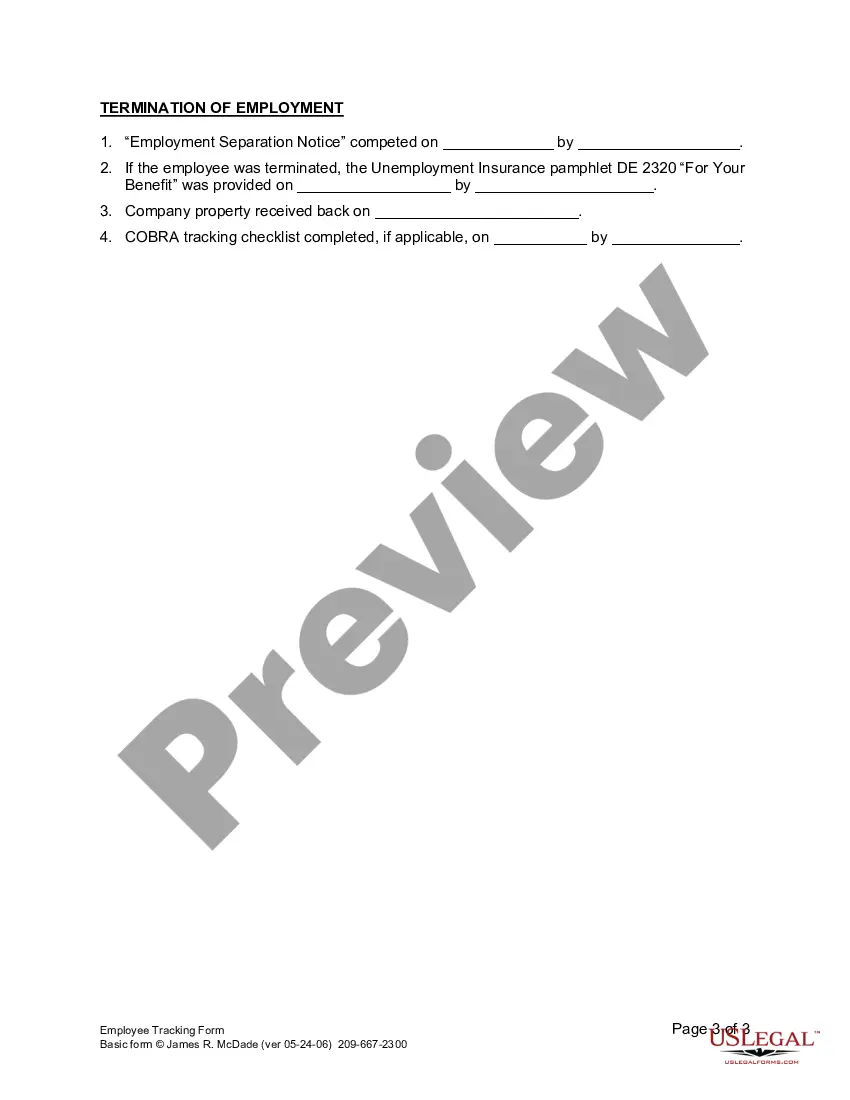
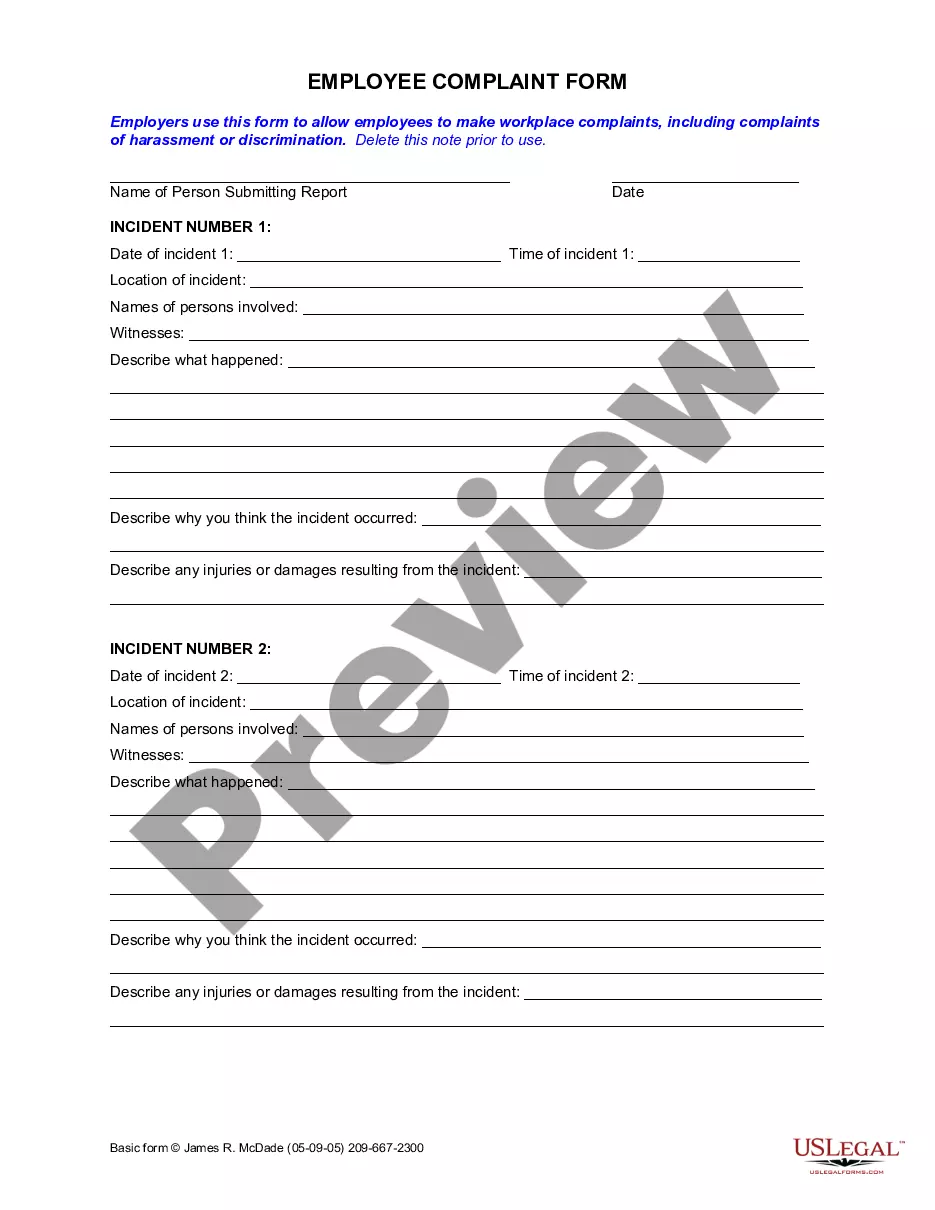
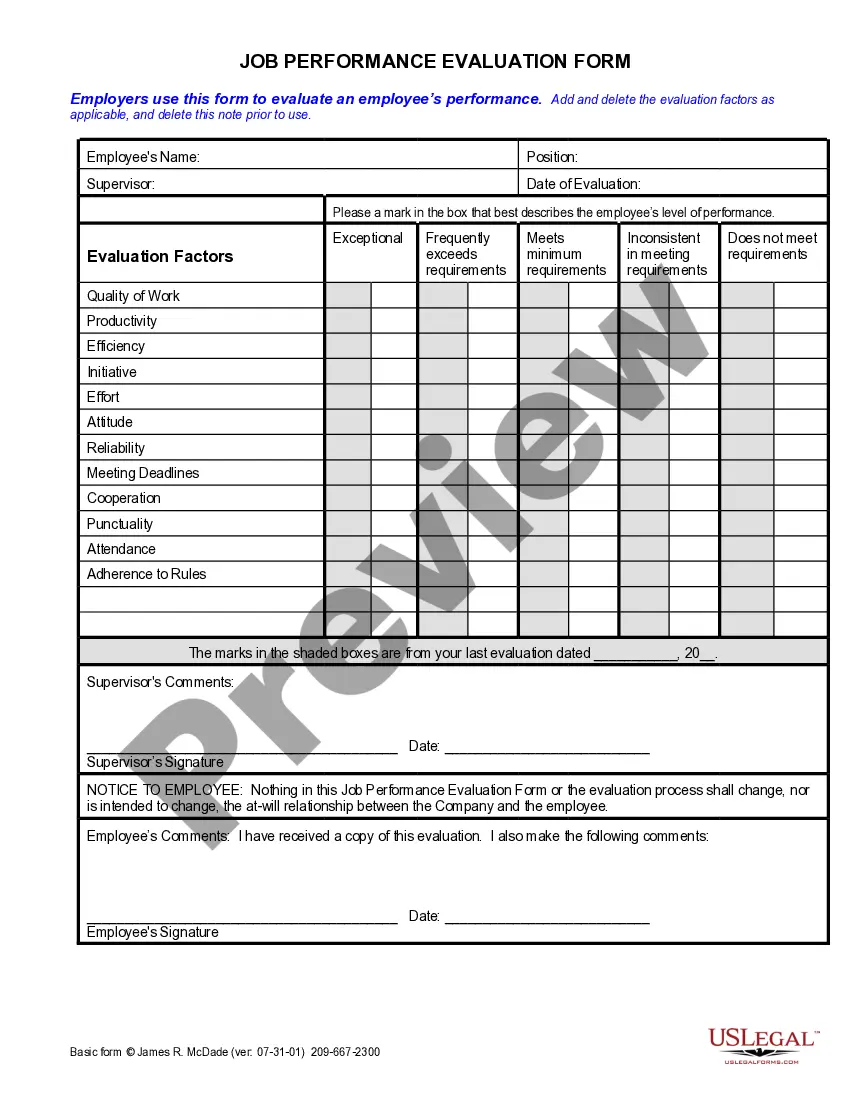
Get your form ready online
Our built-in tools help you complete, sign, share, and store your documents in one place.
Make edits, fill in missing information, and update formatting in US Legal Forms—just like you would in MS Word.
Download a copy, print it, send it by email, or mail it via USPS—whatever works best for your next step.
Sign and collect signatures with our SignNow integration. Send to multiple recipients, set reminders, and more. Go Premium to unlock E-Sign.
If this form requires notarization, complete it online through a secure video call—no need to meet a notary in person or wait for an appointment.
We protect your documents and personal data by following strict security and privacy standards.

Make edits, fill in missing information, and update formatting in US Legal Forms—just like you would in MS Word.

Download a copy, print it, send it by email, or mail it via USPS—whatever works best for your next step.

Sign and collect signatures with our SignNow integration. Send to multiple recipients, set reminders, and more. Go Premium to unlock E-Sign.

If this form requires notarization, complete it online through a secure video call—no need to meet a notary in person or wait for an appointment.

We protect your documents and personal data by following strict security and privacy standards.
Looking for another form?



How to fill out California Employee Tracking Form?
Creating legal documents from the ground up can occasionally be somewhat daunting. Certain situations may require extensive research and significant financial investment.
If you’re looking for a simpler and more affordable method of generating Employee Tracking Form For Employees or any other paperwork without unnecessary complications, US Legal Forms is always available to assist you.
Our online collection of over 85,000 current legal forms covers nearly every aspect of your financial, legal, and personal affairs. With just a few clicks, you can swiftly obtain state- and county-compliant forms meticulously designed for you by our legal experts.
Utilize our platform whenever you require a dependable and trustworthy service through which you can effortlessly find and download the Employee Tracking Form For Employees. If you’re familiar with our site and have previously created an account with us, simply Log In to your account, select the template, and download it or retrieve it later from the My documents section.
Download the form. Then complete, verify, and print it out. US Legal Forms boasts an impeccable reputation and over 25 years of experience. Join us today and simplify form processing into a seamless experience!
- Don’t have an account? No problem. It takes just a few minutes to sign up and browse the library.
- Before you proceed to download the Employee Tracking Form For Employees, follow these suggestions.
- Review the document preview and descriptions to ensure you have the correct document.
- Confirm that the form you select adheres to the regulations and laws of your state and county.
- Select the appropriate subscription option to acquire the Employee Tracking Form For Employees.
Form popularity
FAQ
5 Ways To Track Employee Hours Manual Time Tracking. The easiest way to start if you're not doing any sort of time tracking is to start manually. ... Manual Timesheets. Manual timesheets are just a notch above manual time tracking. ... Time Tracking Software. ... Time Clocks. ... GPS Clock-In.
When you fill the form: Be honest and critical. Analyze your failures and mention the reasons for it. ... Keep the words minimal. ... Identify weaknesses. ... Mention your achievements. ... Link achievements to the job description and the organization's goals. ... Set the goals for the next review period. ... Resolve conflicts and grievances.
Contents Set out clear goals and expectations. Review work-in-progress on a regular basis. Help employees with self-monitoring tools. Use productivity score. Make use of charts. Arrange meetings.
Task management software Task management tools like Asana, Trello, and Jira can track tasks. They also handle task dependencies, project timelines, individual assignments, employee due dates, and project milestones. A guide to employee task tracking: Best methods & top tools timedoctor.com ? blog ? employee-task-trac... timedoctor.com ? blog ? employee-task-trac...
The employee information form includes: Full name. Address and phone number. Title and department. Social Security number. Start date. Salary. Emergency contacts. Educational background.