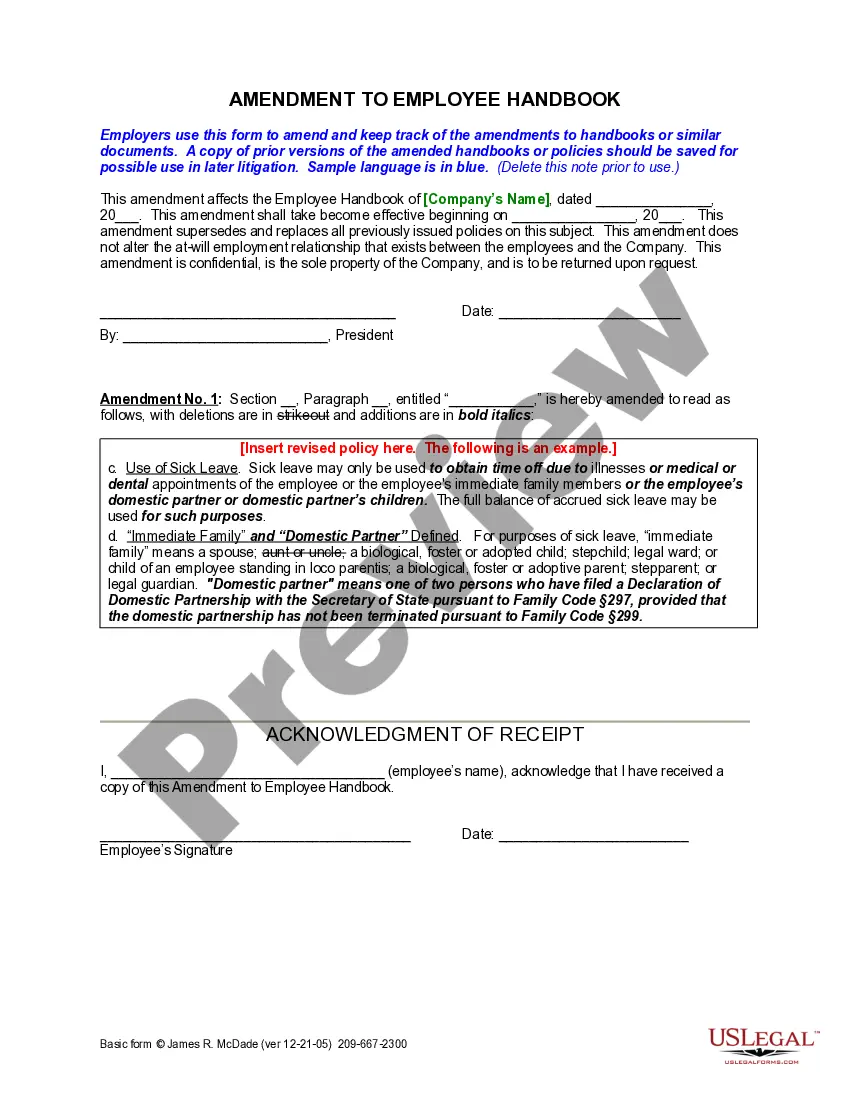
Employee Handbook Amendment Template With Calculator
Description
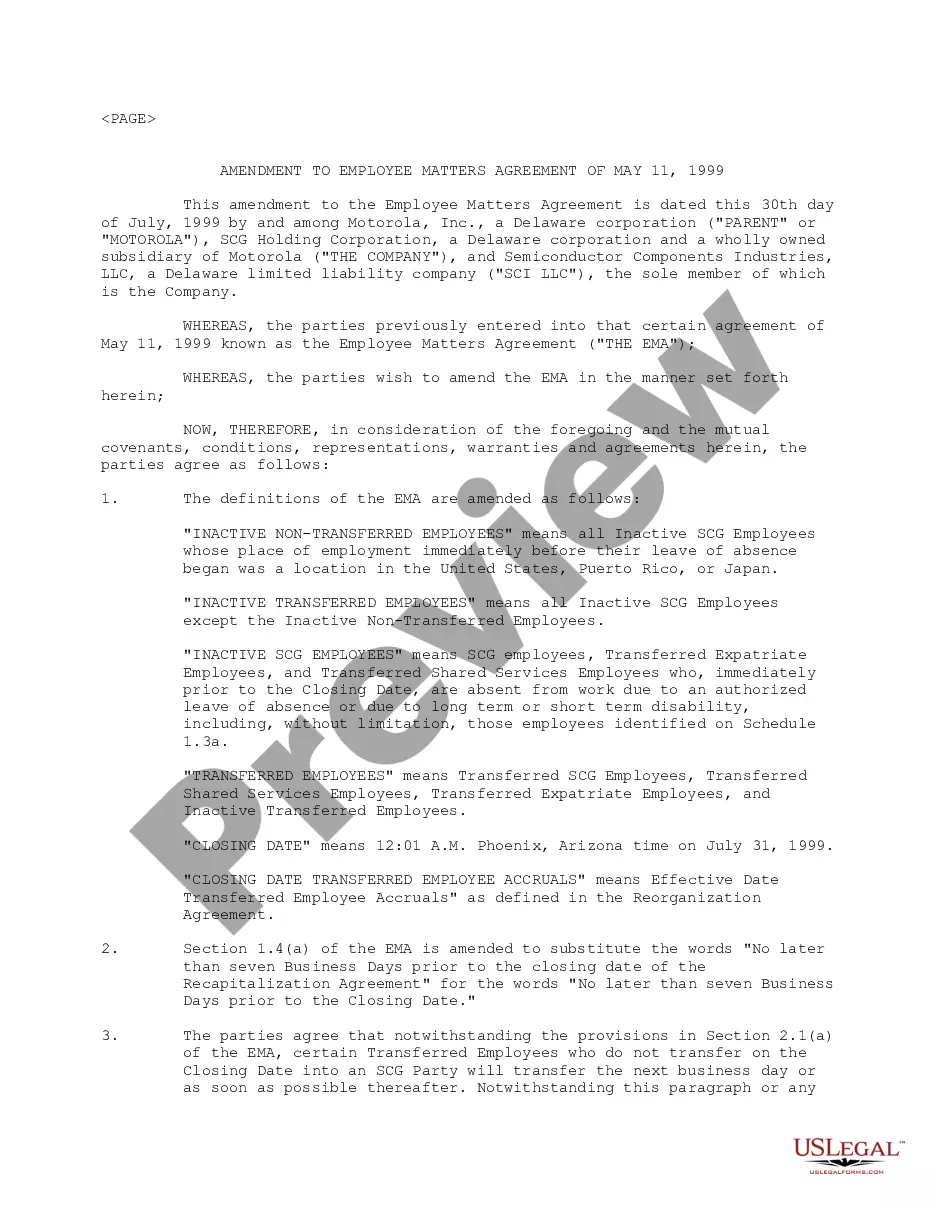
Get your form ready online
Our built-in tools help you complete, sign, share, and store your documents in one place.
Make edits, fill in missing information, and update formatting in US Legal Forms—just like you would in MS Word.
Download a copy, print it, send it by email, or mail it via USPS—whatever works best for your next step.
Sign and collect signatures with our SignNow integration. Send to multiple recipients, set reminders, and more. Go Premium to unlock E-Sign.
If this form requires notarization, complete it online through a secure video call—no need to meet a notary in person or wait for an appointment.
We protect your documents and personal data by following strict security and privacy standards.

Make edits, fill in missing information, and update formatting in US Legal Forms—just like you would in MS Word.

Download a copy, print it, send it by email, or mail it via USPS—whatever works best for your next step.

Sign and collect signatures with our SignNow integration. Send to multiple recipients, set reminders, and more. Go Premium to unlock E-Sign.

If this form requires notarization, complete it online through a secure video call—no need to meet a notary in person or wait for an appointment.

We protect your documents and personal data by following strict security and privacy standards.
Looking for another form?





How to fill out California Amendment To Employee Handbook?
It’s clear that you cannot become a legal expert instantly, nor can you understand how to swiftly create an Employee Handbook Amendment Template With Calculator without a particular set of abilities. Drafting legal documents is a lengthy undertaking that necessitates specialized training and expertise. So why not entrust the development of the Employee Handbook Amendment Template With Calculator to the specialists.
With US Legal Forms, one of the most extensive legal document repositories, you can find everything from court documents to templates for internal communication. We recognize how vital compliance and adherence to federal and state laws and regulations are. That’s why, on our site, all templates are location-specific and current.
Here’s how you can initiate your journey with our platform and acquire the form you need in just a few minutes.
You can re-access your documents from the My documents section at any time. If you’re a returning customer, you can simply Log In, and locate and download the template from the same section.
Regardless of the intent of your paperwork—whether it’s financial, legal, or personal—our platform has you covered. Give US Legal Forms a try now!
- Locate the document you require by utilizing the search bar at the top of the page.
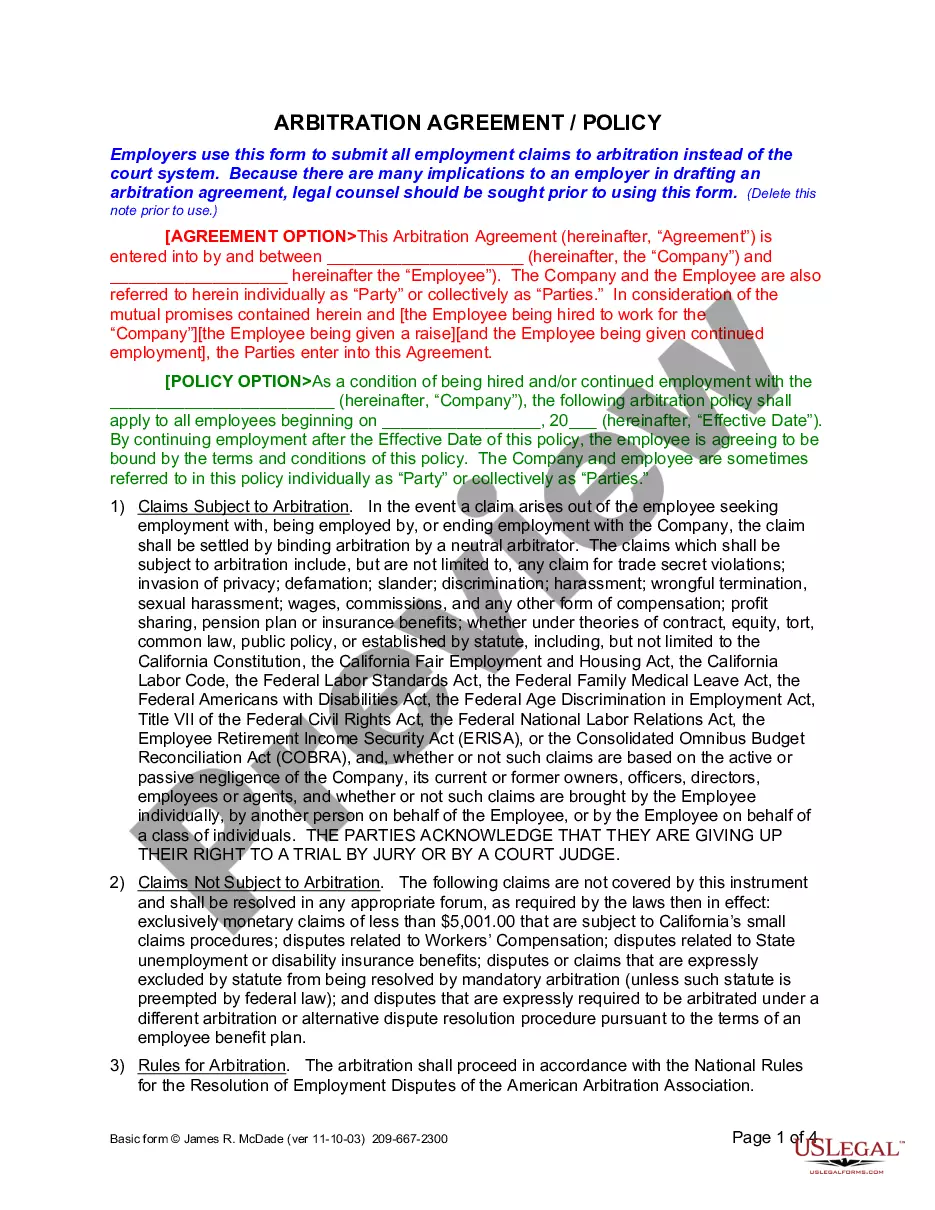
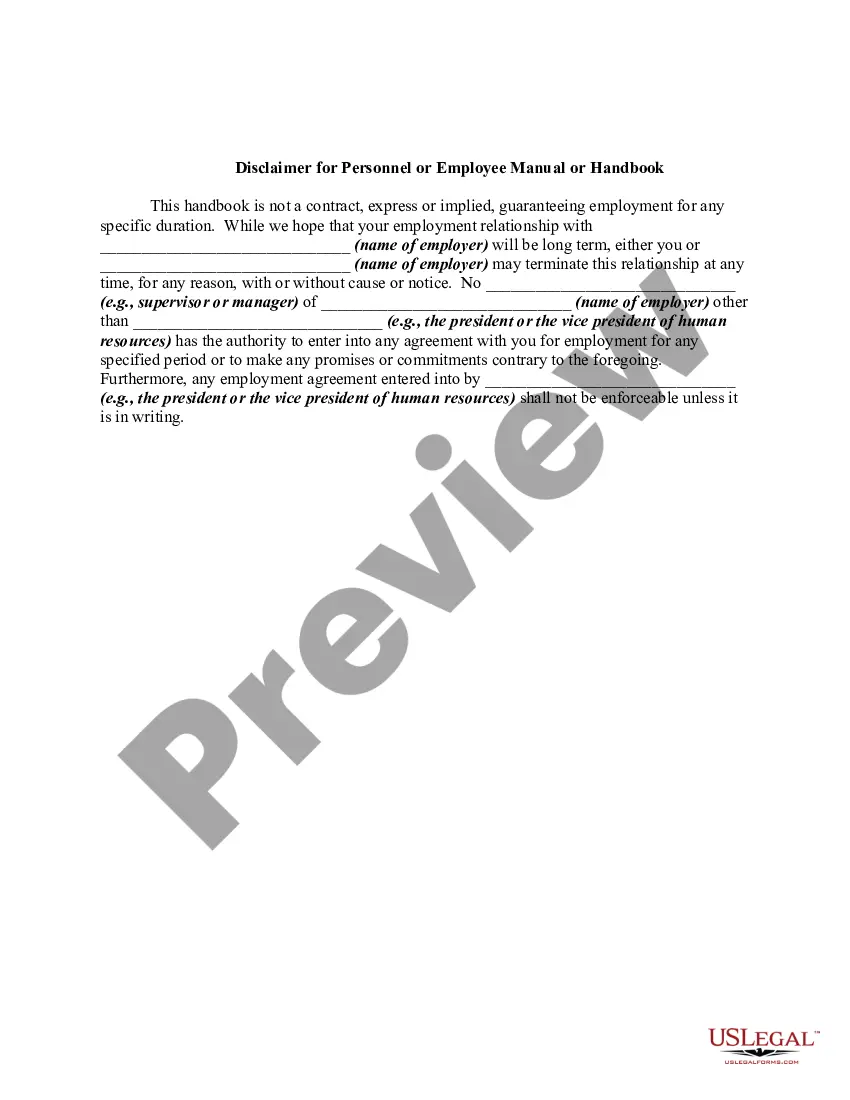
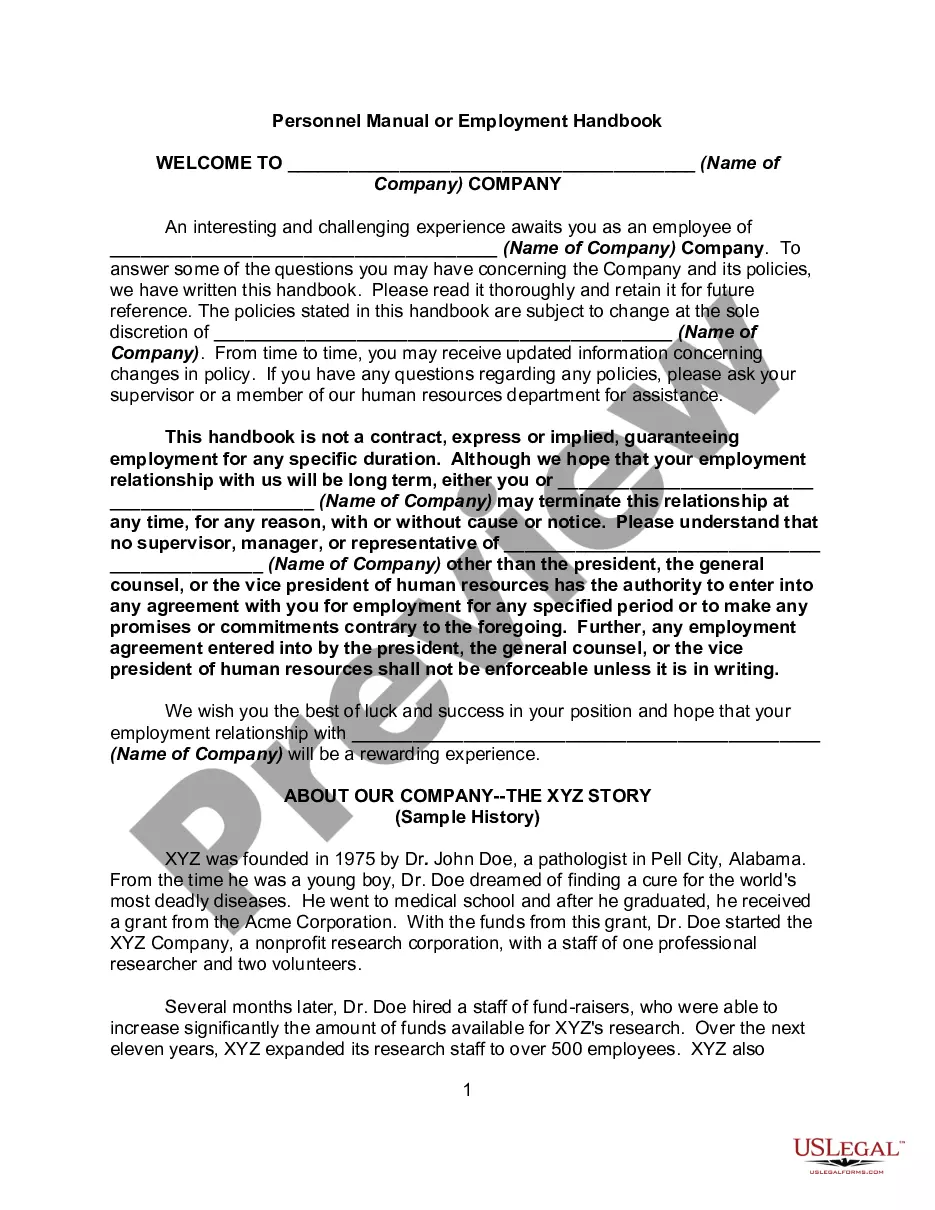
- Preview it (if this option is available) and review the accompanying description to ascertain whether the Employee Handbook Amendment Template With Calculator is what you seek.
- Start your search anew if you need any other form.
- Create a free account and choose a subscription plan to purchase the form.
- Select Buy now. Once the payment is processed, you can access the Employee Handbook Amendment Template With Calculator, fill it out, print it, and send or mail it to the designated recipients or organizations.
Form popularity
FAQ
If you don't agree with changes to your employment conditions. If you don't agree, your employer is not allowed to just bring in a change. However, they can terminate your contract (by giving notice) and offer you a new one including the revised terms - effectively sacking you and taking you back on.
What Should be Included in a Staff Handbook? An introduction for new hires. ... Health and safety measures. ... Disciplinary and grievance policies and procedures. ... Equal opportunities and anti-discrimination policies. ... Data protection policies. ... Internet, email and social media policies. ... Flexible/remote working policy.
Your employer can choose to make an exception and pay you sick pay even if you don't qualify under the company rules. Also, some sick pay schemes say that payments are 'at the employer's discretion', which means your employer can refuse payment if they think the absence is unjustified.
How to create a contract amendment Pinpoint what you want to change or add. Look at your contract and write down the parts you need to change. ... Date and title the new amendment. Next, add the current date and the title and date of the original agreement to the document. ... Draft and describe the changes. ... Finalize the changes.
8 Keys to Creating an Effective Employee Handbook #1: Know your history. ... #2: Identify required policies. ... #3: Include other must-have policies. ... #4: Know what policies to avoid. ... #5: Draft policies that reflect company values. ... #6: Set the tone. ... #8: Gather feedback.