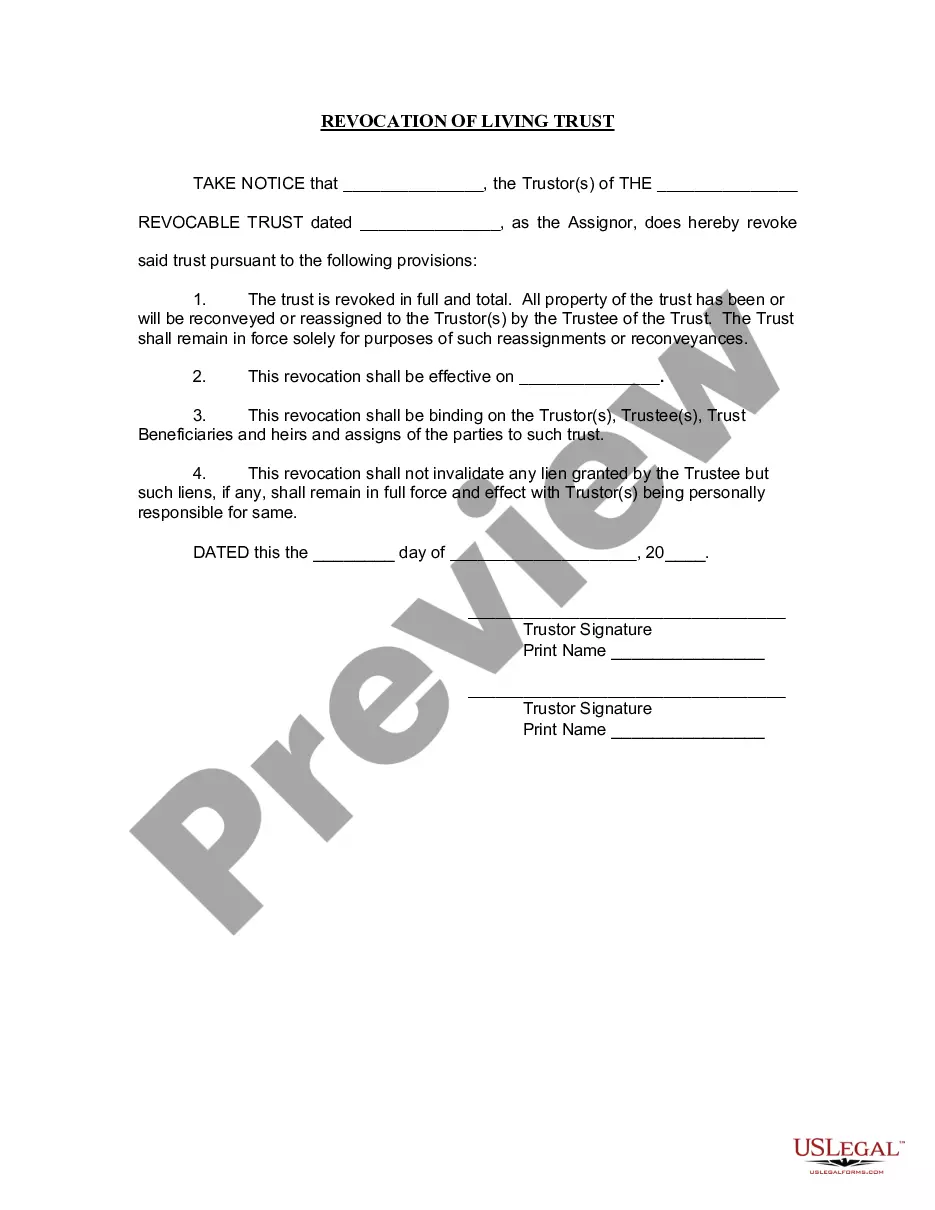
Trust Revocation Declaration Form With Signature
Description




Get your form ready online
Our built-in tools help you complete, sign, share, and store your documents in one place.
Make edits, fill in missing information, and update formatting in US Legal Forms—just like you would in MS Word.
Download a copy, print it, send it by email, or mail it via USPS—whatever works best for your next step.
Sign and collect signatures with our SignNow integration. Send to multiple recipients, set reminders, and more. Go Premium to unlock E-Sign.
If this form requires notarization, complete it online through a secure video call—no need to meet a notary in person or wait for an appointment.
We protect your documents and personal data by following strict security and privacy standards.

Make edits, fill in missing information, and update formatting in US Legal Forms—just like you would in MS Word.

Download a copy, print it, send it by email, or mail it via USPS—whatever works best for your next step.

Sign and collect signatures with our SignNow integration. Send to multiple recipients, set reminders, and more. Go Premium to unlock E-Sign.

If this form requires notarization, complete it online through a secure video call—no need to meet a notary in person or wait for an appointment.

We protect your documents and personal data by following strict security and privacy standards.
Looking for another form?


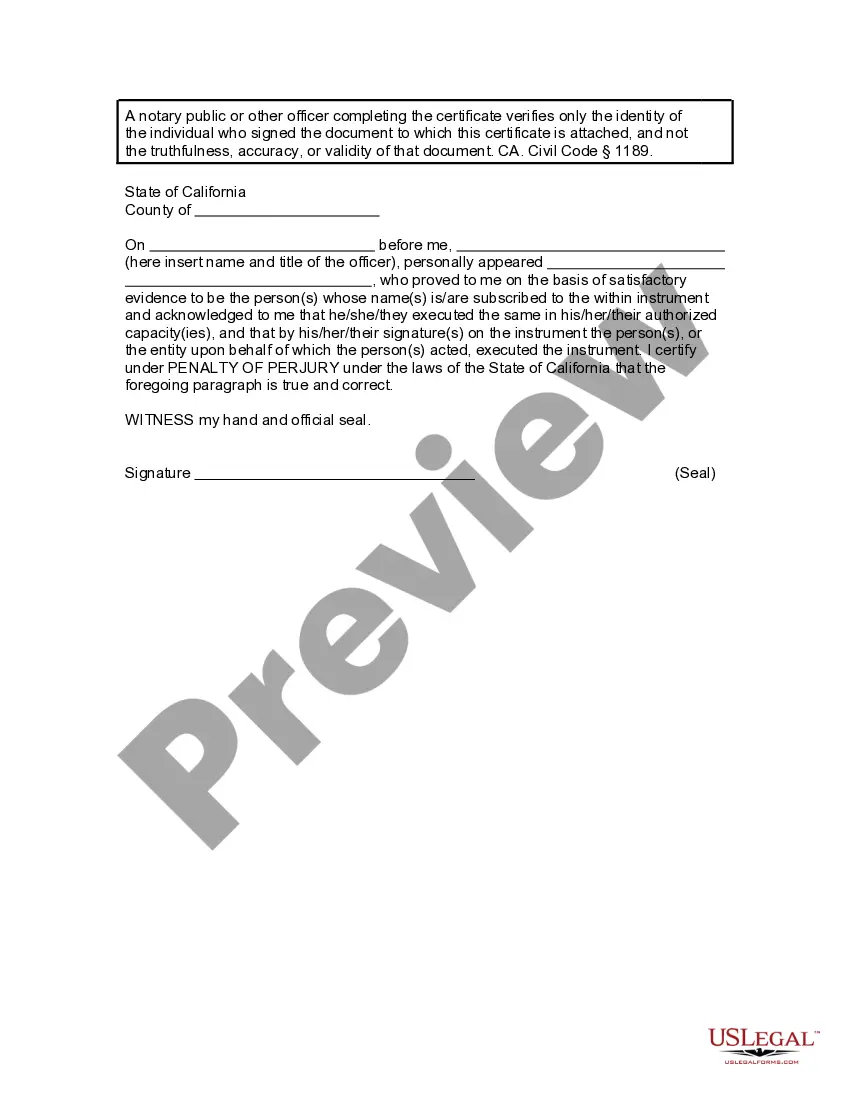
How to fill out California Revocation Of Living Trust?
Creating legal documents from the ground up can occasionally feel overwhelming.
Certain situations may require extensive research and significant financial investment.
If you’re looking for an easier and more affordable method of producing the Trust Revocation Declaration Form With Signature or any other forms without unnecessary complications, US Legal Forms is readily accessible to you.
Not registered yet? No problem. Signing up is quick and easy, allowing you to browse the catalog effortlessly. However, before you proceed to download the Trust Revocation Declaration Form With Signature, keep in mind these recommendations.
- Our online library of over 85,000 current legal documents encompasses almost every area of your financial, legal, and personal affairs.
- With merely a few clicks, you can swiftly obtain state- and county-specific templates carefully crafted for you by our legal experts.
- Utilize our platform whenever you require a dependable and trustworthy service to easily find and download the Trust Revocation Declaration Form With Signature.
- If you're familiar with our site and have already created an account, just Log In, select the template, and download it or re-download it anytime later from the My documents section.
Form popularity
FAQ
Irrevocable trusts cannot be modified, amended, or terminated without permission from the grantor's beneficiaries or by court order. The grantor transfers all ownership of assets into the trust and legally removes all of their ownership rights to the assets and the trust.
Key Takeaways. Revocable trusts, as their name implies, can be altered or completely revoked at any time by their grantor?the person who established them. The first step in dissolving a revocable trust is to remove all the assets that have been transferred into it.
The revocation clause revokes all of the wills and codicils that you (the testator) have made in the past. The purpose of the revocation clause is to prevent any of your earlier wills and codicils from having any legal effect after your new simple will is executed.
How to Revoke a Revocable Trust Remove all of your assets from the revocable trust. ... Have your attorney draft a ?dissolution document,? which must be signed and notarized and have two witnesses. ... Draft a new will or create a new trust.
A beneficiary can renounce their interest from the trust and, upon the consent of other beneficiaries, be allowed to exit. A trustee cannot remove a beneficiary from an irrevocable trust. A grantor can remove a beneficiary from a revocable trust by going back to the trust deed codes that allow for the same.