Amendment To Living Trust Form Without An Attorney
Description
Get your form ready online
Our built-in tools help you complete, sign, share, and store your documents in one place.
Make edits, fill in missing information, and update formatting in US Legal Forms—just like you would in MS Word.
Download a copy, print it, send it by email, or mail it via USPS—whatever works best for your next step.
Sign and collect signatures with our SignNow integration. Send to multiple recipients, set reminders, and more. Go Premium to unlock E-Sign.
If this form requires notarization, complete it online through a secure video call—no need to meet a notary in person or wait for an appointment.
We protect your documents and personal data by following strict security and privacy standards.

Make edits, fill in missing information, and update formatting in US Legal Forms—just like you would in MS Word.

Download a copy, print it, send it by email, or mail it via USPS—whatever works best for your next step.

Sign and collect signatures with our SignNow integration. Send to multiple recipients, set reminders, and more. Go Premium to unlock E-Sign.

If this form requires notarization, complete it online through a secure video call—no need to meet a notary in person or wait for an appointment.

We protect your documents and personal data by following strict security and privacy standards.
Looking for another form?









How to fill out California Amendment To Living Trust?
It’s clear that you cannot instantly become a legal expert, nor can you swiftly learn how to draft an Amendment To Living Trust Form Without An Attorney without possessing a specialized background.
Crafting legal documents is a lengthy procedure that necessitates specific education and expertise. So why not entrust the drafting of the Amendment To Living Trust Form Without An Attorney to the specialists.
At US Legal Forms, one of the most extensive legal document collections, you can discover everything from court documents to templates for internal communication.
You can recover access to your documents from the My documents section at any time. If you’re already a client, simply Log In, and find and download the template from the same section.
No matter the intention behind your forms—whether financial and legal, or personal—our platform has you covered. Experience US Legal Forms today!
- Utilize the search bar at the top of the page to find the form you need.
- Preview it (if the option is available) and read the accompanying description to check if the Amendment To Living Trust Form Without An Attorney is what you are looking for.
- If you require a different template, restart your search.
- Register for a free account and select a subscription plan to purchase the template.
- Click Buy now. Once the transaction is finalized, you can acquire the Amendment To Living Trust Form Without An Attorney, complete it, print it, and send or post it to the designated recipients or organizations.
Form popularity
FAQ
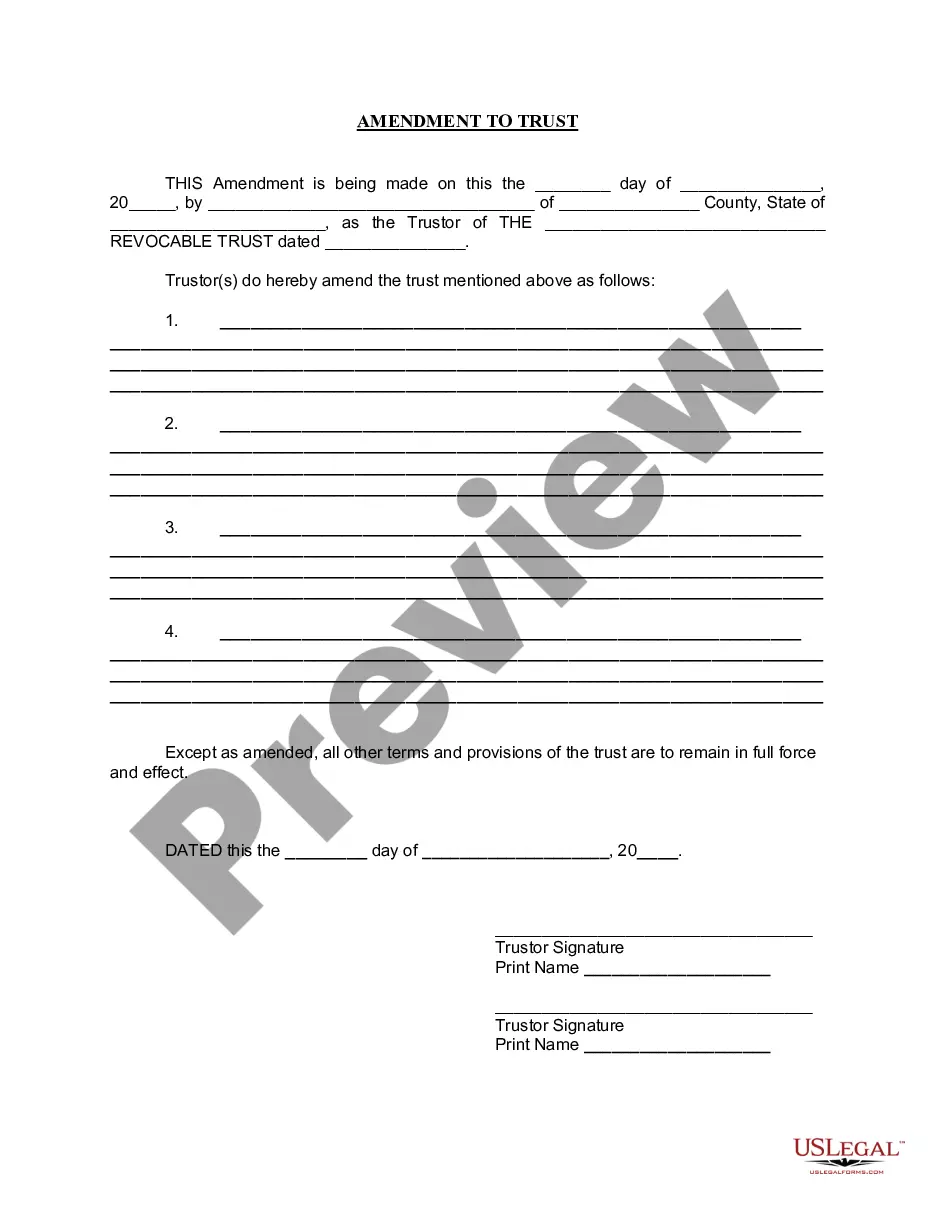
It's important to know what you want to change and where in your trust document this information lives (such as the article number you're amending). Fill out the amendment form. Complete the entire form. It's important to be clear and detailed in describing your changes.
If there is no amendment clause in the Trust Deed, any amendment has to be done with the permission of a Civil Court. Once the Civil Court has allowed permission for amendment, it is not open on the part of the Income Tax Officer or any other person to challenge such amendment.
A revocable trust and living trust are separate terms that describe the same thing: a trust in which the terms can be changed at any time. An irrevocable trust describes a trust that cannot be modified after it is created without the beneficiaries' consent.
The trust deed lists the trustees. Therefore, to change an individual trustee, you need to amend the trust deed. Most trust deeds permit a change of trustee by way of a trustee resolution and entry into a deed of variation. A trustee resolution is a signed statement of the actions taken by the trustee.
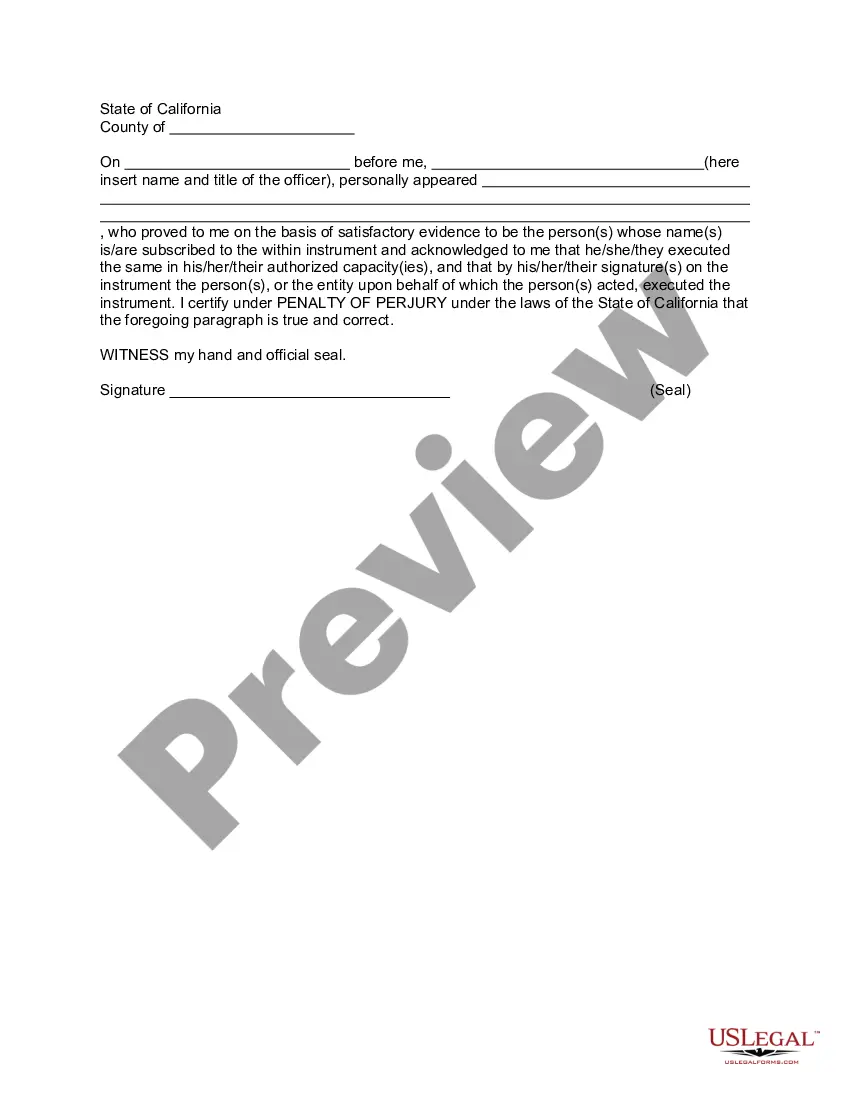
Don't sign the amendment to the living trust until you're with a notary (and be prepared to pay a fee). If you and your spouse share the trust, you'll both need to sign. Present the amendment form stapled to the original trust.