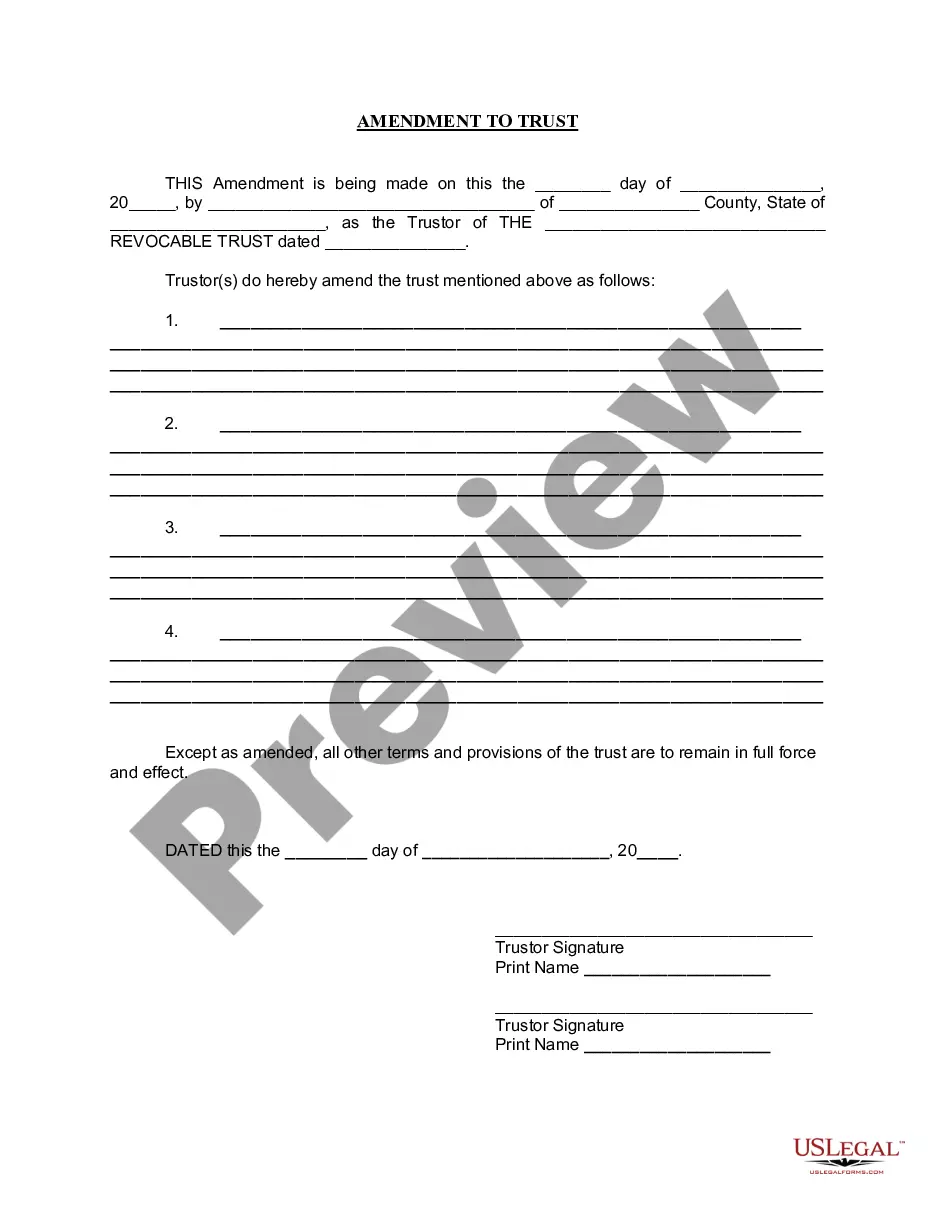
Amendment To Living Trust Form With A Trust
Description
Get your form ready online
Our built-in tools help you complete, sign, share, and store your documents in one place.
Make edits, fill in missing information, and update formatting in US Legal Forms—just like you would in MS Word.
Download a copy, print it, send it by email, or mail it via USPS—whatever works best for your next step.
Sign and collect signatures with our SignNow integration. Send to multiple recipients, set reminders, and more. Go Premium to unlock E-Sign.
If this form requires notarization, complete it online through a secure video call—no need to meet a notary in person or wait for an appointment.
We protect your documents and personal data by following strict security and privacy standards.

Make edits, fill in missing information, and update formatting in US Legal Forms—just like you would in MS Word.

Download a copy, print it, send it by email, or mail it via USPS—whatever works best for your next step.

Sign and collect signatures with our SignNow integration. Send to multiple recipients, set reminders, and more. Go Premium to unlock E-Sign.

If this form requires notarization, complete it online through a secure video call—no need to meet a notary in person or wait for an appointment.

We protect your documents and personal data by following strict security and privacy standards.
Looking for another form?




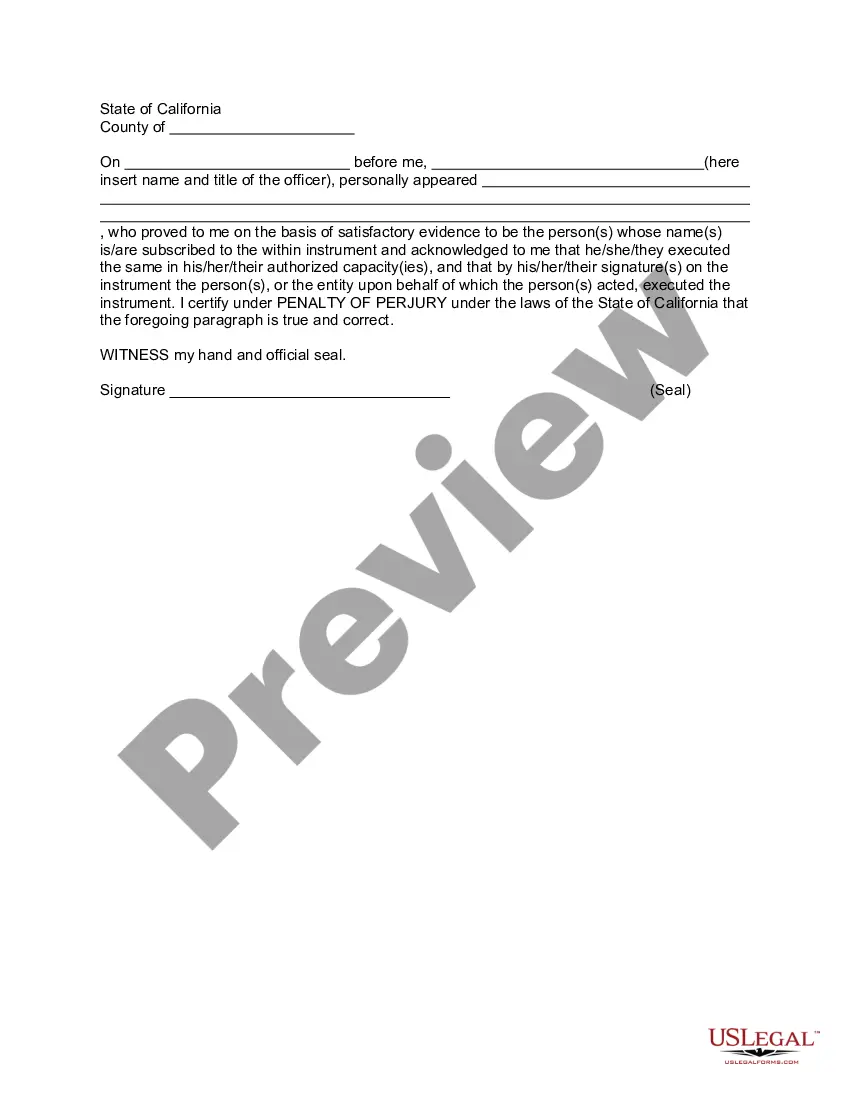
How to fill out California Amendment To Living Trust?
Creating legal documents from the ground up can frequently be intimidating.
Certain situations may require extensive investigation and significant financial investment.
If you’re looking for an easier and more economical method of generating the Amendment To Living Trust Form With A Trust or other documents without unnecessary complications, US Legal Forms is always available for your needs.
Our online library of more than 85,000 current legal documents encompasses nearly all facets of your financial, legal, and personal affairs. With just a few clicks, you can promptly access state- and county-compliant templates meticulously crafted by our legal experts.
Examine the document preview and details to ensure you have located the correct form.
- Utilize our website whenever you require dependable and trustworthy services that allow you to effortlessly find and obtain the Amendment To Living Trust Form With A Trust.
- If you’re already familiar with our services and have set up an account with us before, simply Log In to your account, find the template, and download it, or retrieve it again at any later time in the My documents section.
- Not registered yet? No problem. It requires minimal time to register and delve into the library.
- Before you rush into downloading the Amendment To Living Trust Form With A Trust, keep these suggestions in mind.
Form popularity
FAQ
In the trust deed where there is no mention about amendment, the amendment has to be done with the permission of a civil court. Even the Civil Courts do not have unlimited powers of amendment. The Civil Courts permit amendment under the doctrine of Cy pres, which means the original intent of the settlor should prevail.
For example, you might use a trust amendment form to: Update your trustee or successor trustee: If your chosen trustee is no longer willing or able to manage the trust, or you'd like to designate someone else, you can use an amendment form to name another person or organization to manage your trust.
(California Probate Code §15401-15402). The only way to amend an irrevocable living trust is to have the consent of each and every beneficiary to the trust. Once they all agree upon the amendment(s) to the trust, they can compel modification of the trust with a petition to the court.
Irrevocable trusts are just that ? irrevocable. Therefore, when asking the question ?can an irrevocable trust be amended?? the answer is usually ?no? you normally cannot revoke or amend them.
Modifying an Irrevocable Trust under California Law Under Probate Code §15404(a) any trust may be modified or terminated by the written consent of the settlor and all beneficiaries without court approval of the modification or termination.