Hoa Management Company Not Responding
Description
Get your form ready online
Our built-in tools help you complete, sign, share, and store your documents in one place.
Make edits, fill in missing information, and update formatting in US Legal Forms—just like you would in MS Word.
Download a copy, print it, send it by email, or mail it via USPS—whatever works best for your next step.
Sign and collect signatures with our SignNow integration. Send to multiple recipients, set reminders, and more. Go Premium to unlock E-Sign.
If this form requires notarization, complete it online through a secure video call—no need to meet a notary in person or wait for an appointment.
We protect your documents and personal data by following strict security and privacy standards.

Make edits, fill in missing information, and update formatting in US Legal Forms—just like you would in MS Word.

Download a copy, print it, send it by email, or mail it via USPS—whatever works best for your next step.

Sign and collect signatures with our SignNow integration. Send to multiple recipients, set reminders, and more. Go Premium to unlock E-Sign.

If this form requires notarization, complete it online through a secure video call—no need to meet a notary in person or wait for an appointment.

We protect your documents and personal data by following strict security and privacy standards.
Looking for another form?







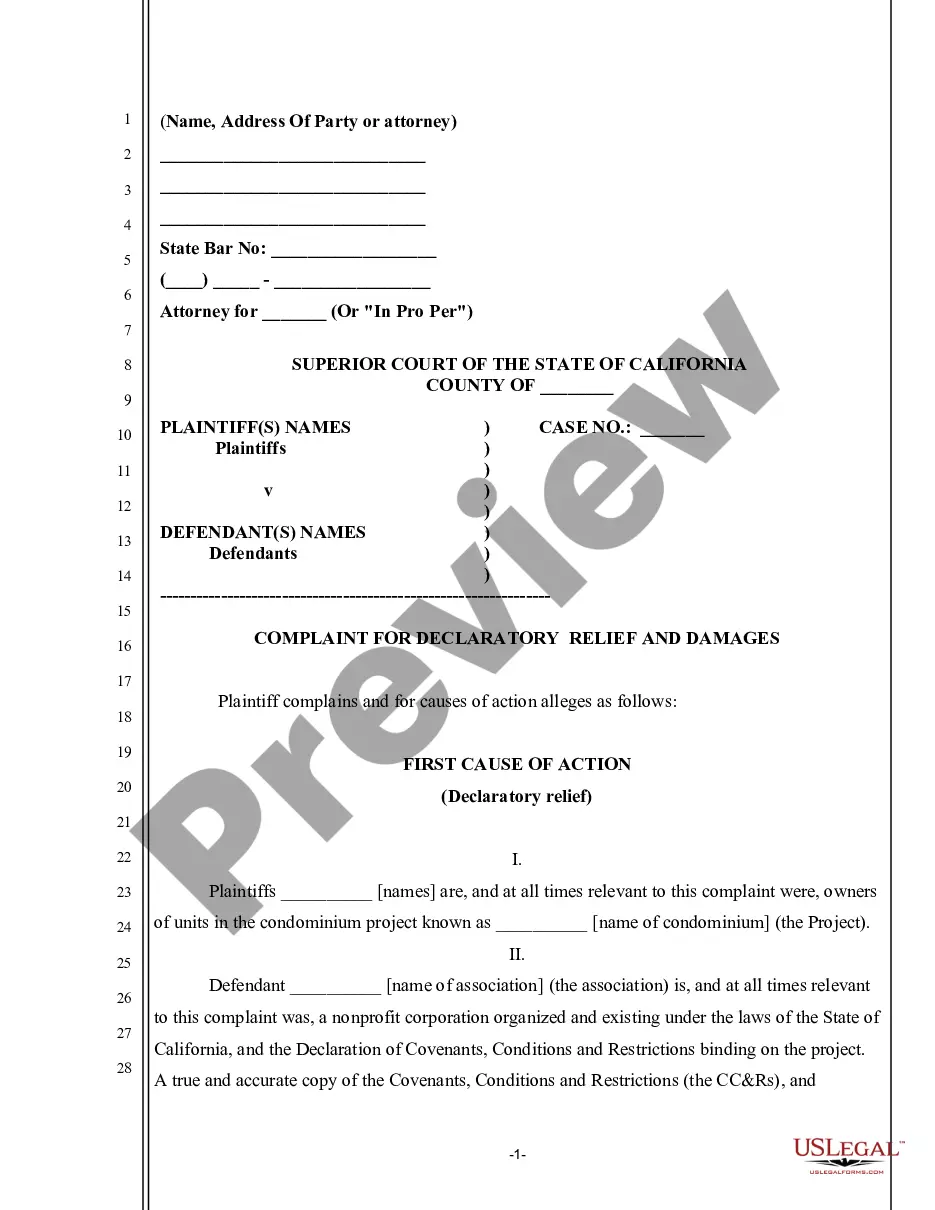
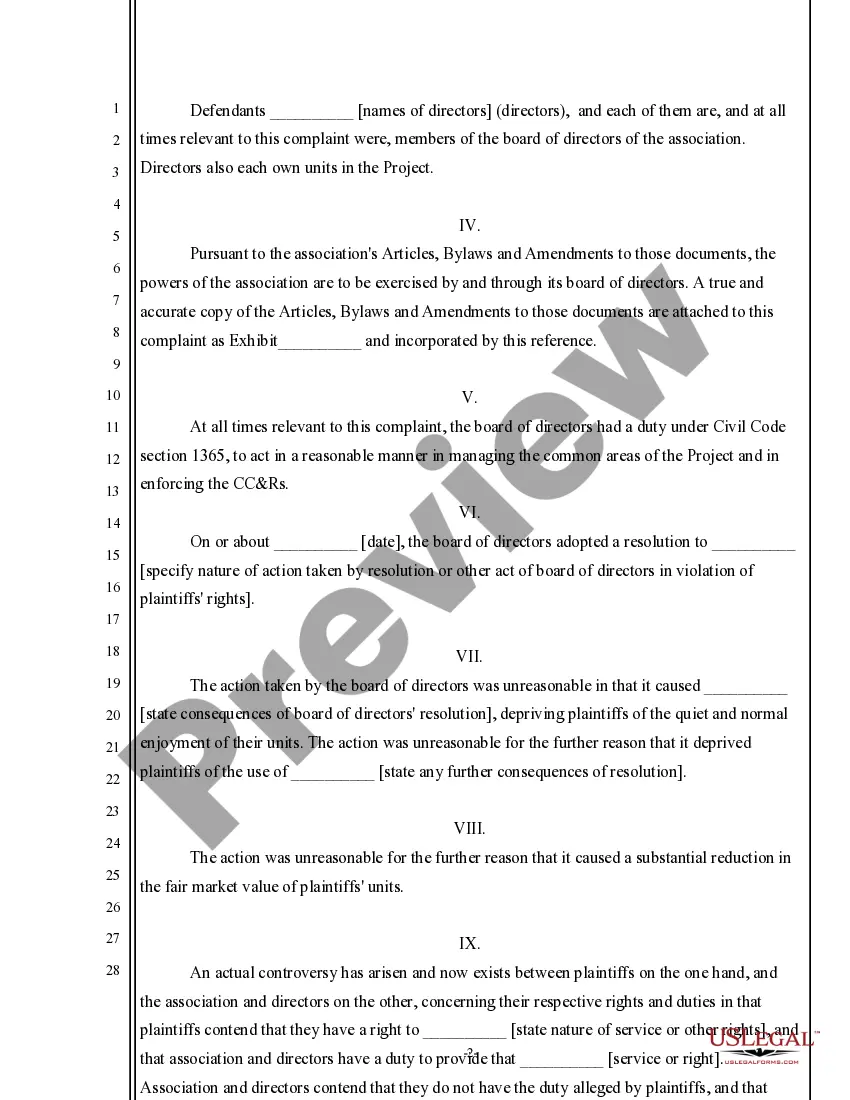
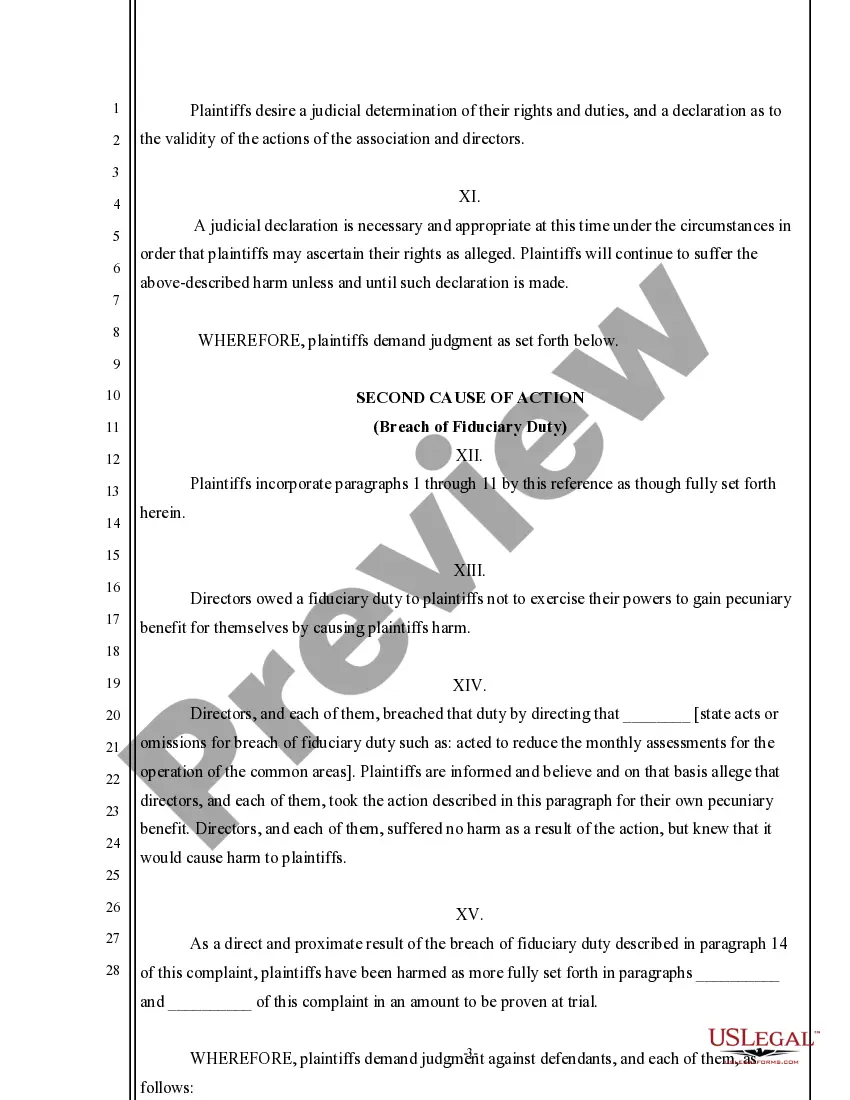
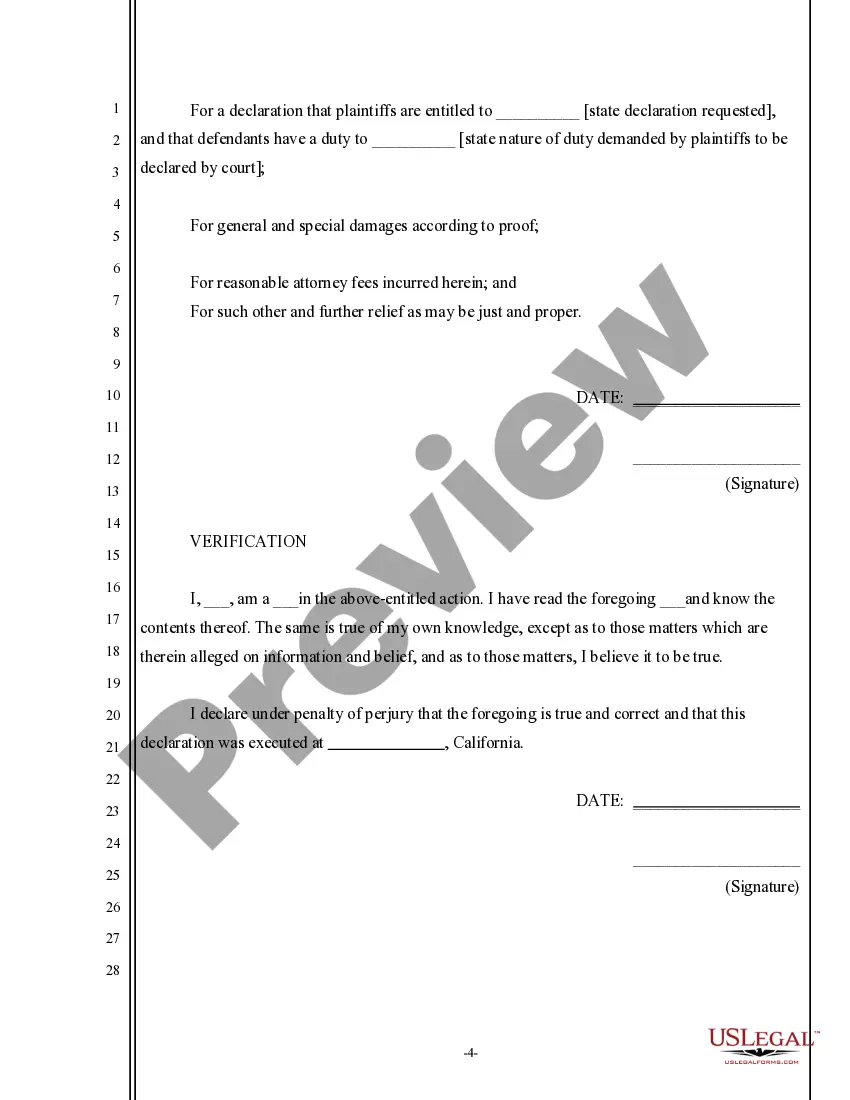
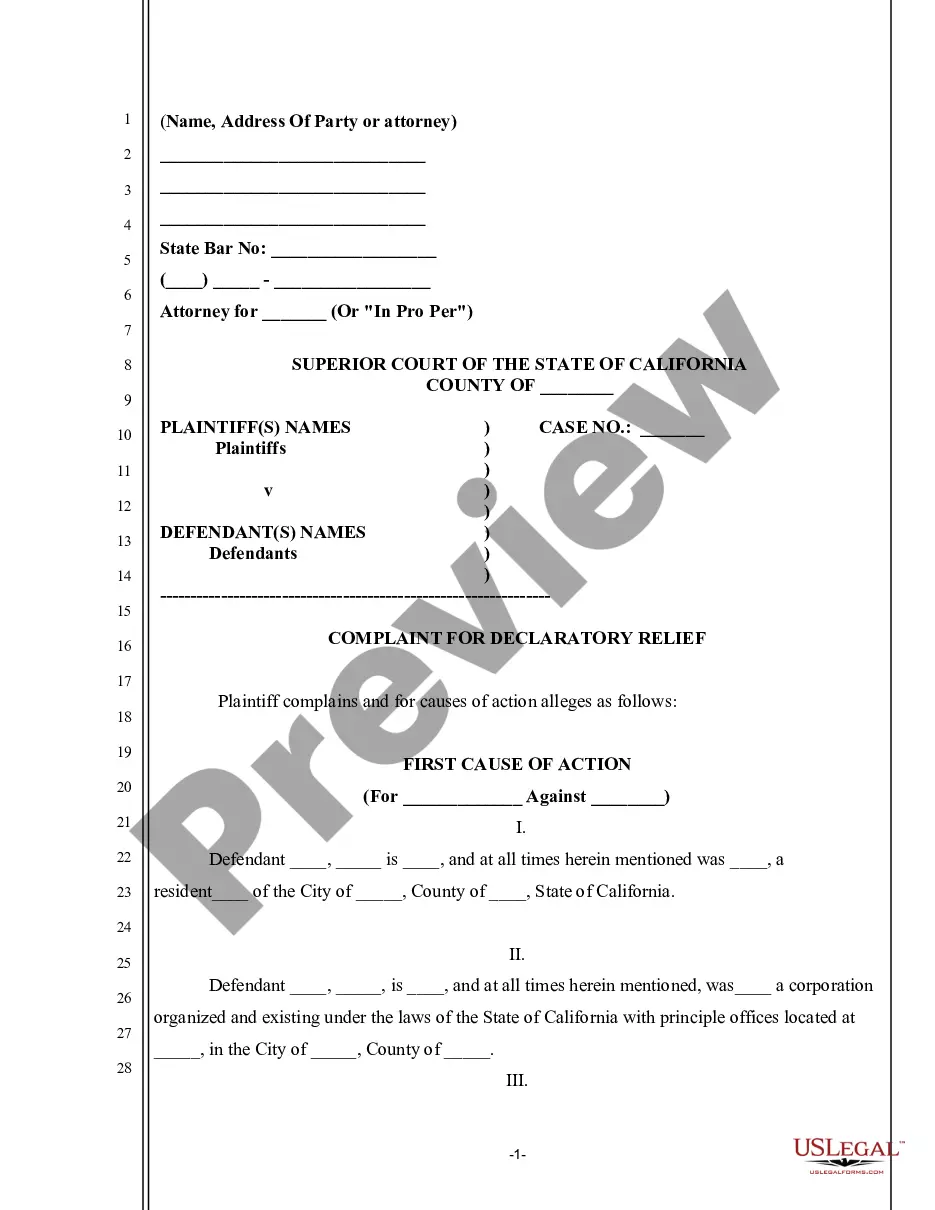
How to fill out California Complaint For Declaratory Relief And Damages By Condo Owner Against Association?
The Hoa Management Company Not Responding that you see on this page is a versatile legal template created by experienced attorneys in accordance with federal and local regulations.
For over 25 years, US Legal Forms has offered individuals, organizations, and legal experts more than 85,000 authenticated, state-specific documents for various business and personal needs. It’s the fastest, simplest, and most reliable method to acquire the documents you require, as the service ensures bank-grade data security and anti-malware safeguards.
Complete and sign the documents. Print the template to fill it out manually. Alternatively, use an online multifunctional PDF editor to quickly and accurately complete and sign your form with a valid signature. Re-download your documents whenever necessary. Access the My documents section in your profile to retrieve any previously purchased documents. Subscribe to US Legal Forms to have verified legal templates for every situation in life at your fingertips.
- Search for the document you require and review it.
- Browse through the file you looked up and preview it or read the form description to confirm it meets your needs. If it doesn’t, use the search bar to locate the correct one. Click Buy Now once you have found the template you need.
- Register and sign in.
- Select the pricing plan that fits your needs and create an account. Use PayPal or a credit card for a swift payment. If you already possess an account, Log In and verify your subscription to proceed.
- Obtain the fillable template.
- Choose the format you desire for your Hoa Management Company Not Responding (PDF, Word, RTF) and save the document on your device.
Form popularity
FAQ
Follow the HOA's Complaint Procedure Most HOAs have a formal complaint procedure that you must follow before taking legal action. This procedure may require you to submit your complaint in writing and provide supporting evidence. It may also require you to attend a hearing or meeting to present your case.
In Texas, all homeowners' associations are governed by the Texas Residential Property Owners Protection Act. This document lists out all the rules and regulations that all HOAs must follow. Condominium associations are governed by a separate law called the Uniform Condominium Act.
Consumer complaints may be submitted to the Texas Attorney General's Office. If a property owners' association violates a provision of the Texas Residential Property Owners Protection Act (Texas Property Code, Chapter 209), the property owner may sue the association in Justice of the Peace courts.
You may submit your inquiry to the CCIC Ombudsperson by completing the Inquiry Form, a fillable PDF, and then emailing it to FPR.CCICO@illinois.gov. You may call the CCIC Ombudsperson on its toll free number at 844.856. 5193.
Here are the steps and tips for writing HOA violation letters. Clearly Explain the Purpose of Your Letter. ... Give Proof of the HOA Violation. ... Request Changes Required to Resolve the Violation. ... Outline a Reasonable Timeline for Necessary Changes. ... Provide Details of Disciplinary Hearing if Needed. ... Consult Governing Documents.