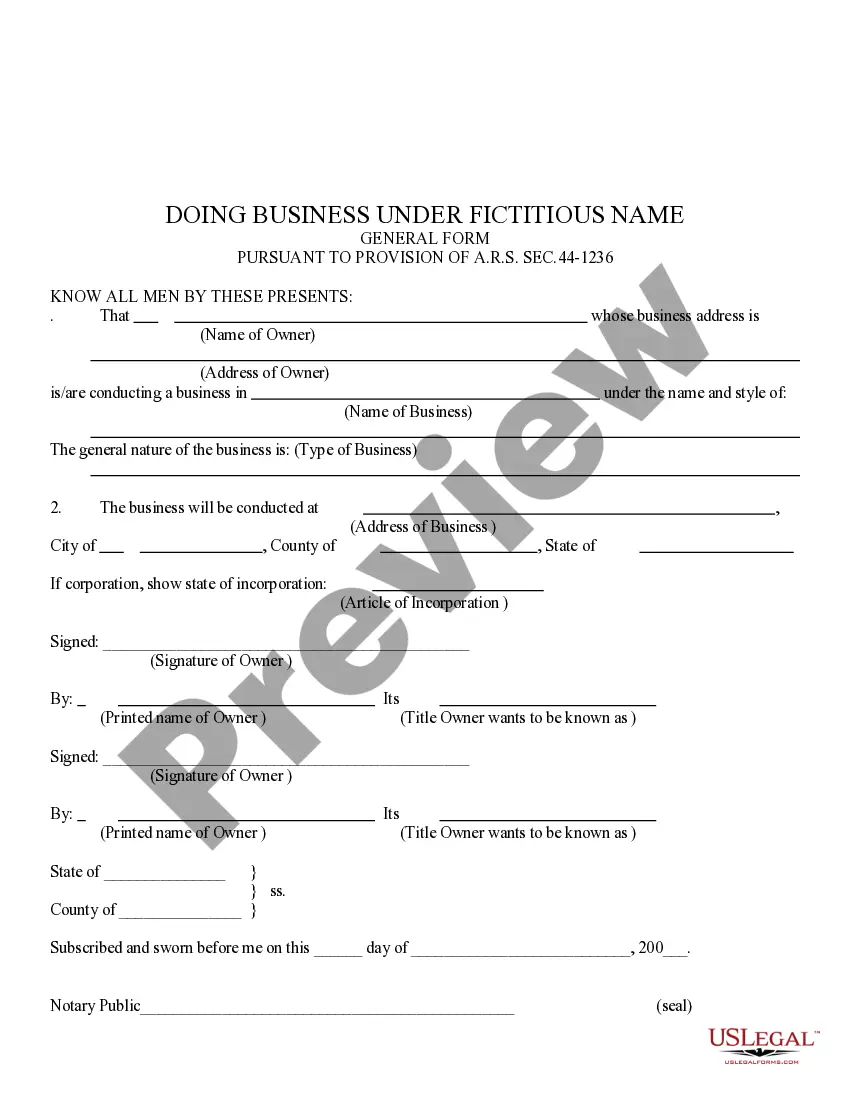
Doing Business With Arizona
Description

Get your form ready online
Our built-in tools help you complete, sign, share, and store your documents in one place.
Make edits, fill in missing information, and update formatting in US Legal Forms—just like you would in MS Word.
Download a copy, print it, send it by email, or mail it via USPS—whatever works best for your next step.
Sign and collect signatures with our SignNow integration. Send to multiple recipients, set reminders, and more. Go Premium to unlock E-Sign.
If this form requires notarization, complete it online through a secure video call—no need to meet a notary in person or wait for an appointment.
We protect your documents and personal data by following strict security and privacy standards.

Make edits, fill in missing information, and update formatting in US Legal Forms—just like you would in MS Word.

Download a copy, print it, send it by email, or mail it via USPS—whatever works best for your next step.

Sign and collect signatures with our SignNow integration. Send to multiple recipients, set reminders, and more. Go Premium to unlock E-Sign.

If this form requires notarization, complete it online through a secure video call—no need to meet a notary in person or wait for an appointment.

We protect your documents and personal data by following strict security and privacy standards.
Looking for another form?

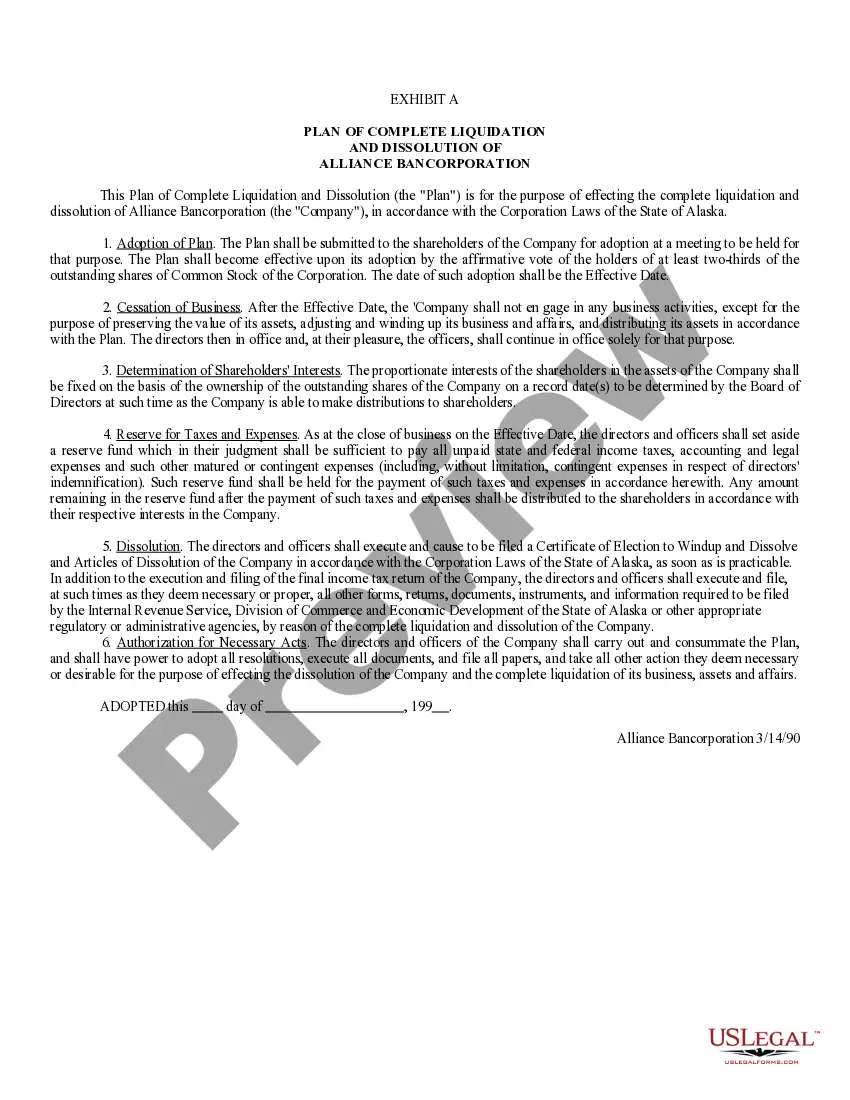
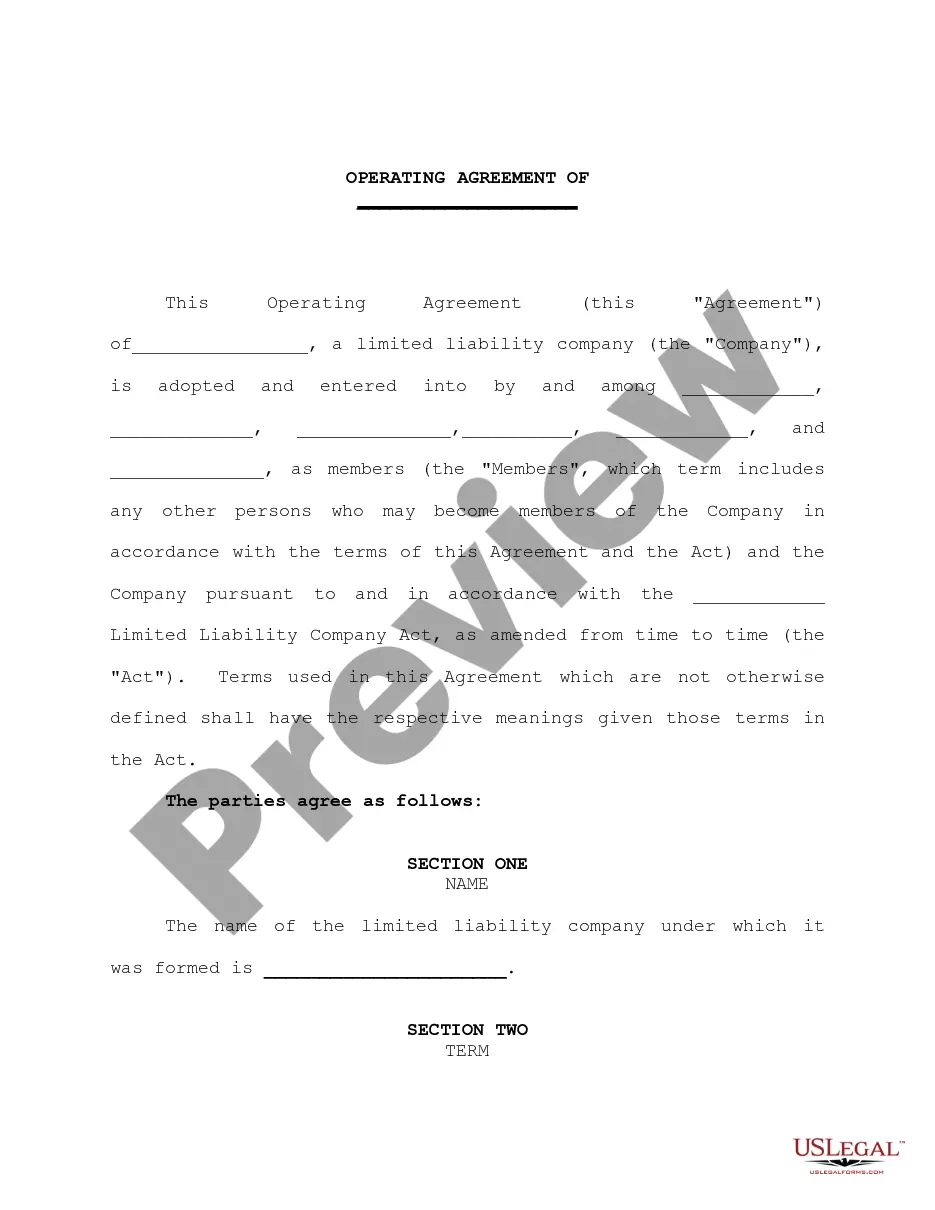
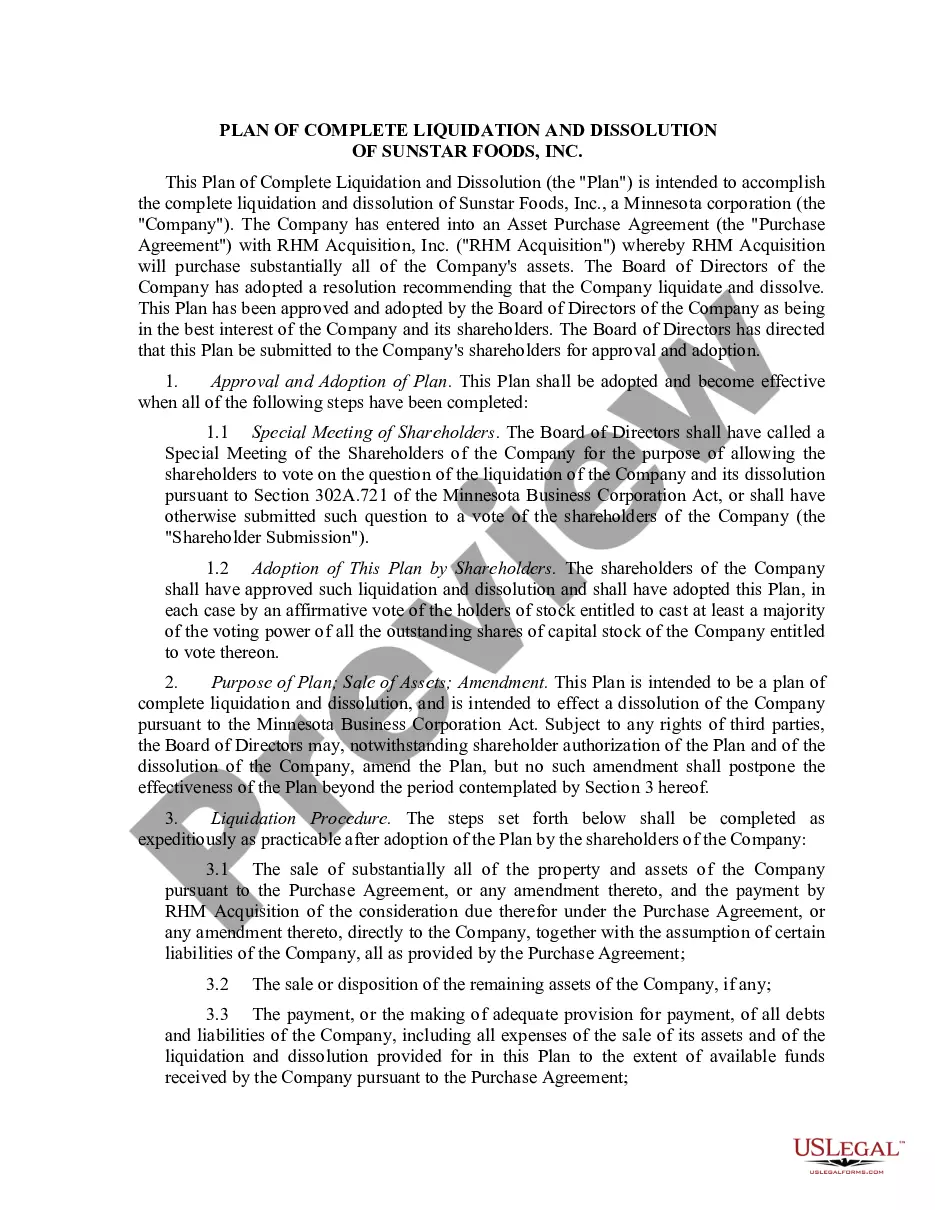

How to fill out Arizona Doing Business Under Fictitious Name?
Creating legal documents from the ground up can frequently be overwhelming. Certain situations may necessitate extensive research and significant financial investment.
If you’re looking for a simpler and more economical method of preparing Doing Business With Arizona or other paperwork without unnecessary complications, US Legal Forms is always available to assist you.
Our online repository of more than 85,000 current legal documents covers nearly every aspect of your financial, legal, and personal matters. With just a few clicks, you can swiftly obtain state- and county-specific templates meticulously crafted for you by our legal experts.
Utilize our website whenever you require a dependable and trustworthy service through which you can seamlessly locate and download the Doing Business With Arizona. If you’re a returning user and have already established an account with us, simply Log In to your account, choose the form, and download it or retrieve it anytime later in the My documents section.
Ensure the template you select meets your state and county's standards. Select the appropriate subscription plan to acquire the Doing Business With Arizona. Download the form, then complete, verify, and print it. US Legal Forms enjoys a strong reputation and boasts over 25 years of experience. Join us today and make document execution a straightforward and efficient process!
- Don’t have an account? No issue.
- Setting it up takes minimal time and allows you to browse the collection.
- Before downloading Doing Business With Arizona, adhere to these guidelines.
- Review the document preview and descriptions to confirm that you have found the correct document.
Form popularity
FAQ
Start an LLC in Arizona Step 1: Choose and Register an LLC Name for Your Arizona Business. ... Step 2: Designate an Agent for Service of Legal Documents. ... Step 3: File Articles of Organization and Publish. ... Step 4: Create an Operating Agreement. ... Step 5: Obtain an Employer Identification Number (EIN)
Starting an LLC in Arizona will include the following steps: #1: Choose and Register an LLC Name for Your Arizona Business. #2: Designate an Agent for Service of Legal Documents. #3: File Articles of Organization and Publish. #4: Create an Operating Agreement. #5: Obtain an Employer Identification Number (EIN)
Understand the fees: The filing fee for a DBA in Arizona is $10. This charge is payable to the Arizona Corporation Commission by cheque or money order. Discover the renewal process: After 5 years, your DBA registration will expire. You must submit a new application and pay the filing cost to renew your registration.
Arizona doesn't require the registration of DBAs, but Arizona's Secretary of State (SOS) calls registration an ?acceptable business practice.? While registering a DBA in Arizona doesn't prevent other businesses from using the name, it does keep other businesses from registering the same name with the state.
To verify a license, select Individual or Business, enter search criteria and click Search to see the results.