Arizona Revocation Living Trust Az For Adults
Description
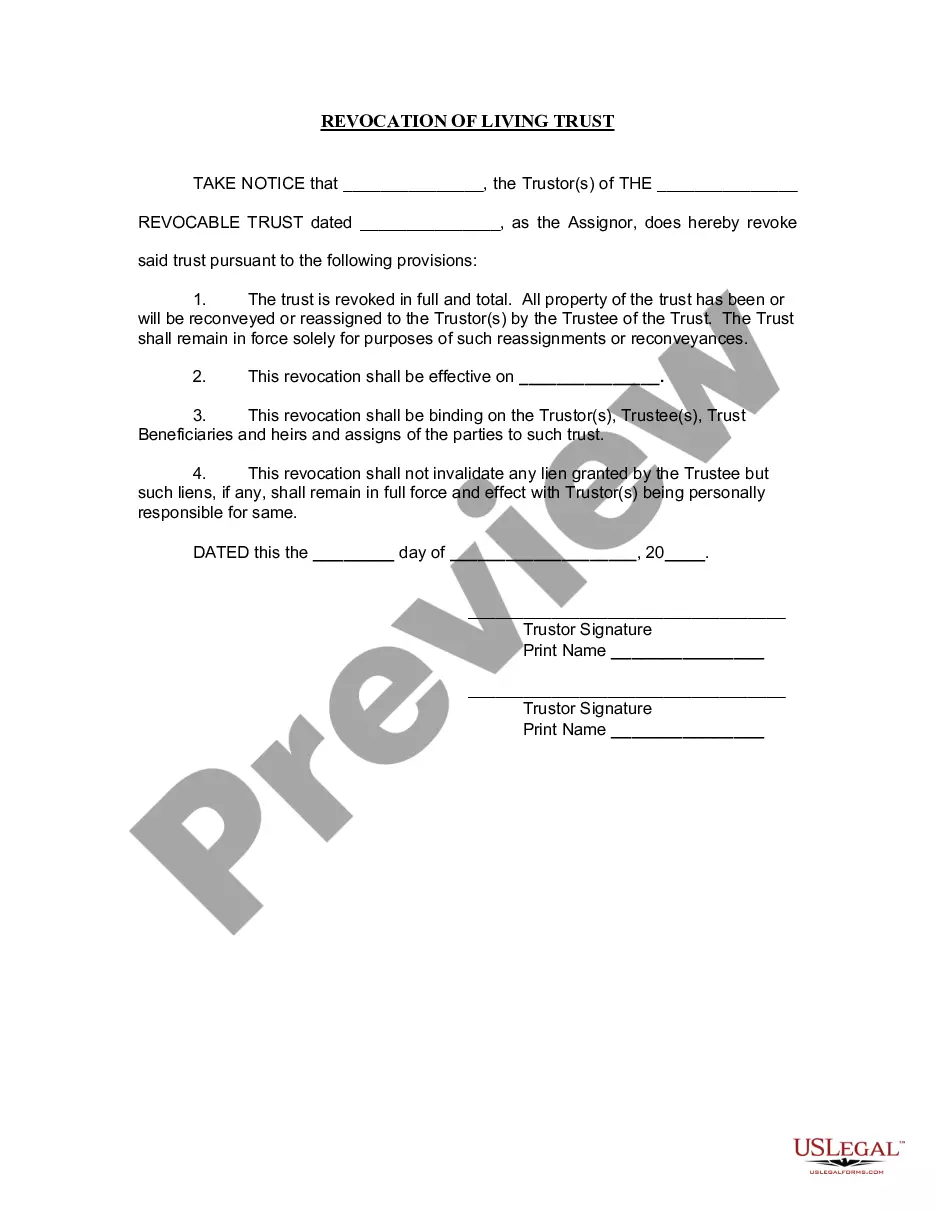
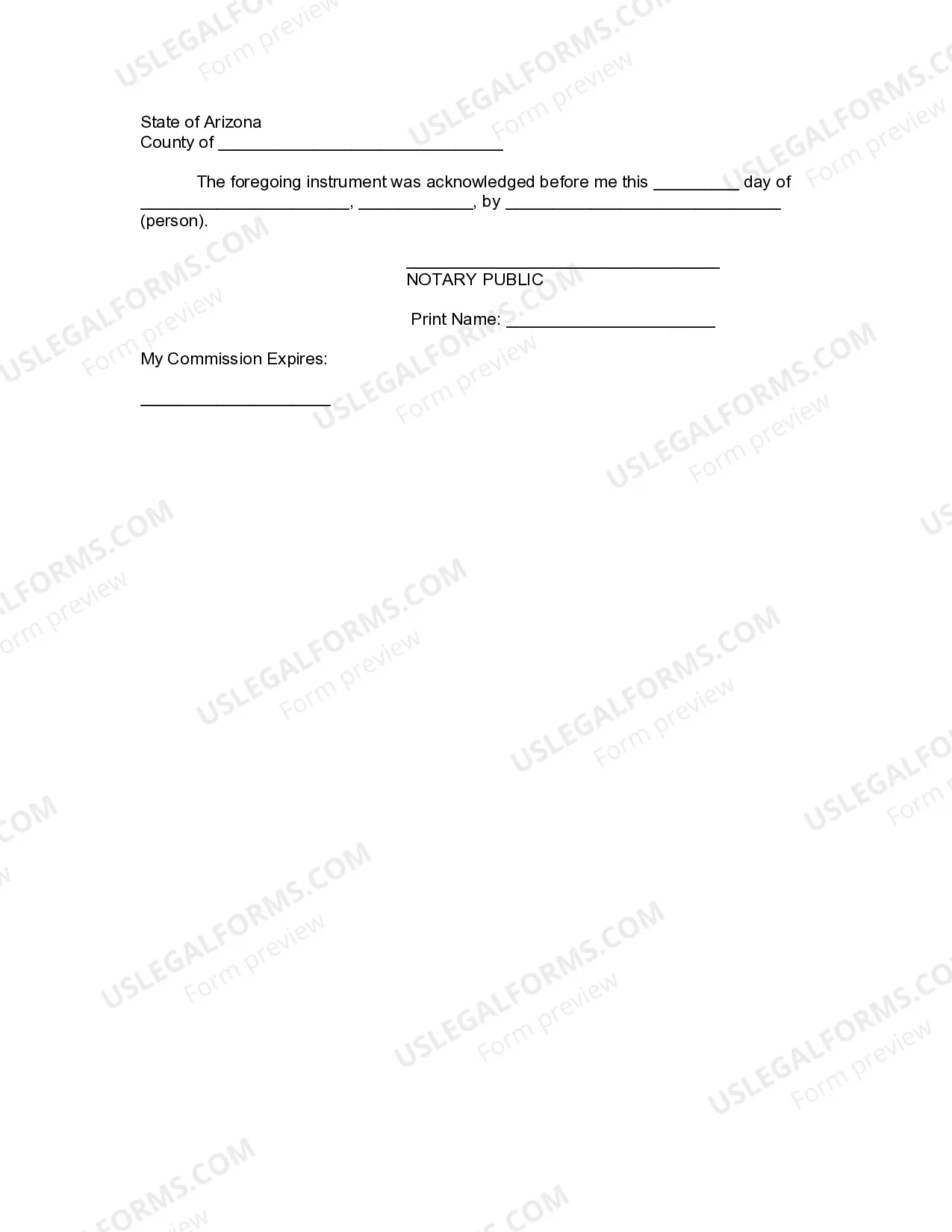
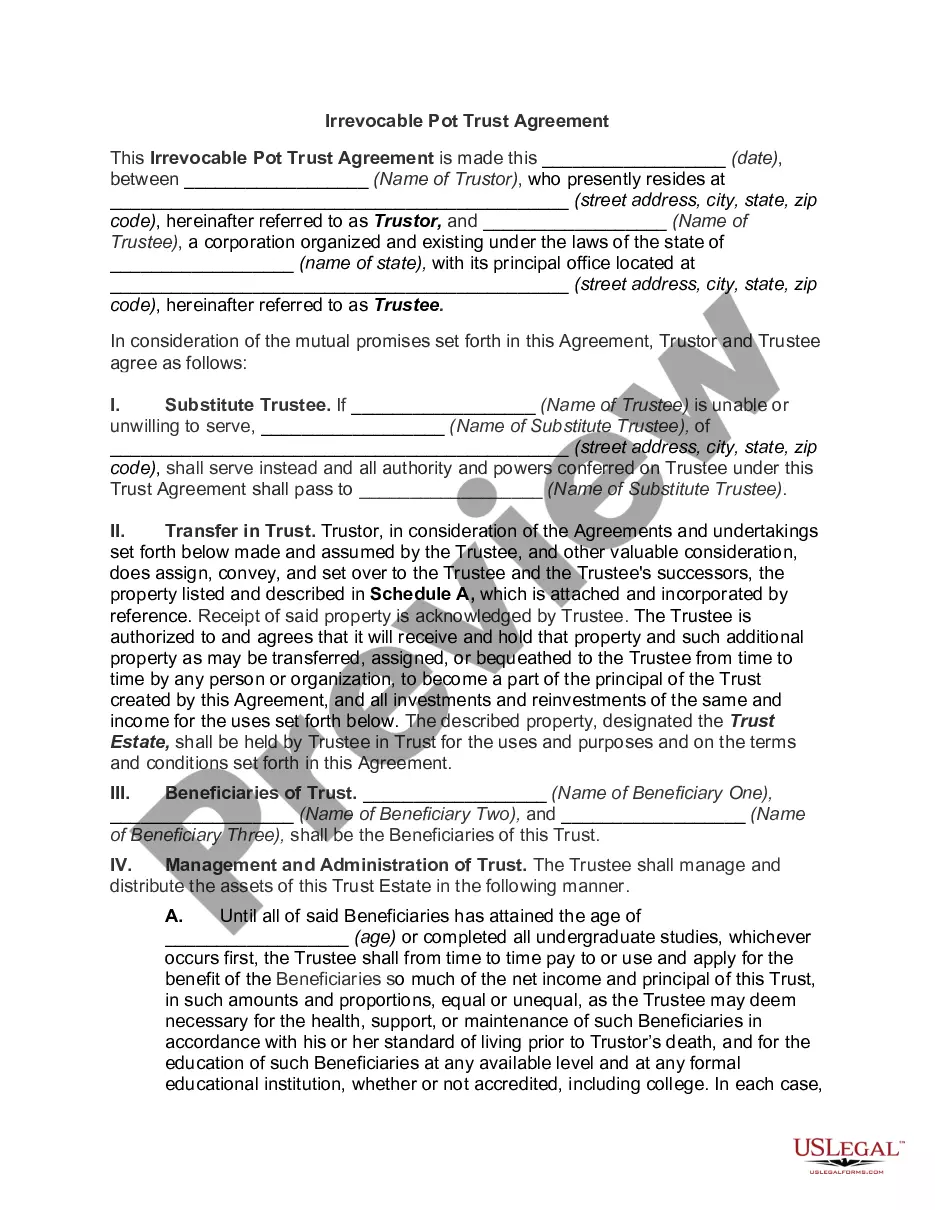
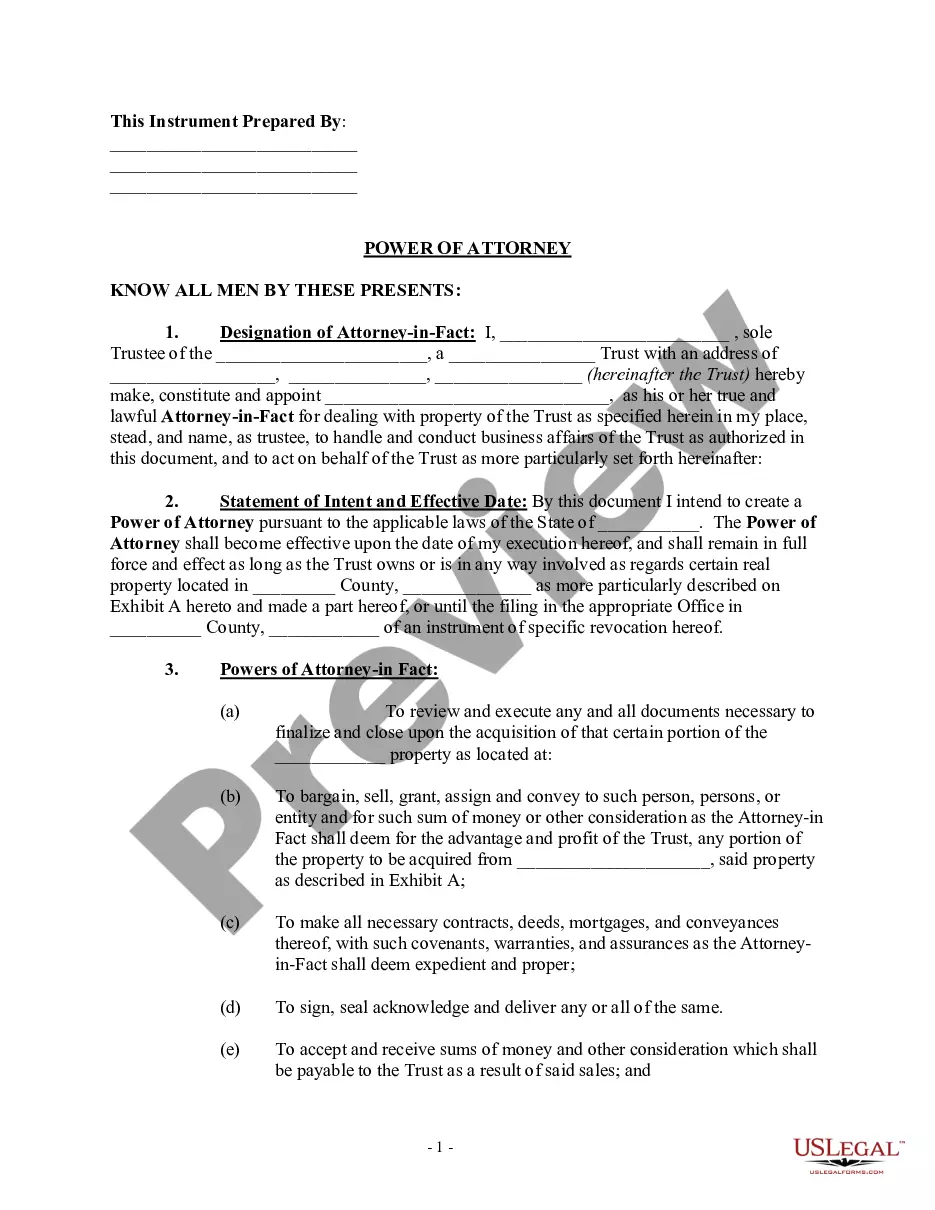
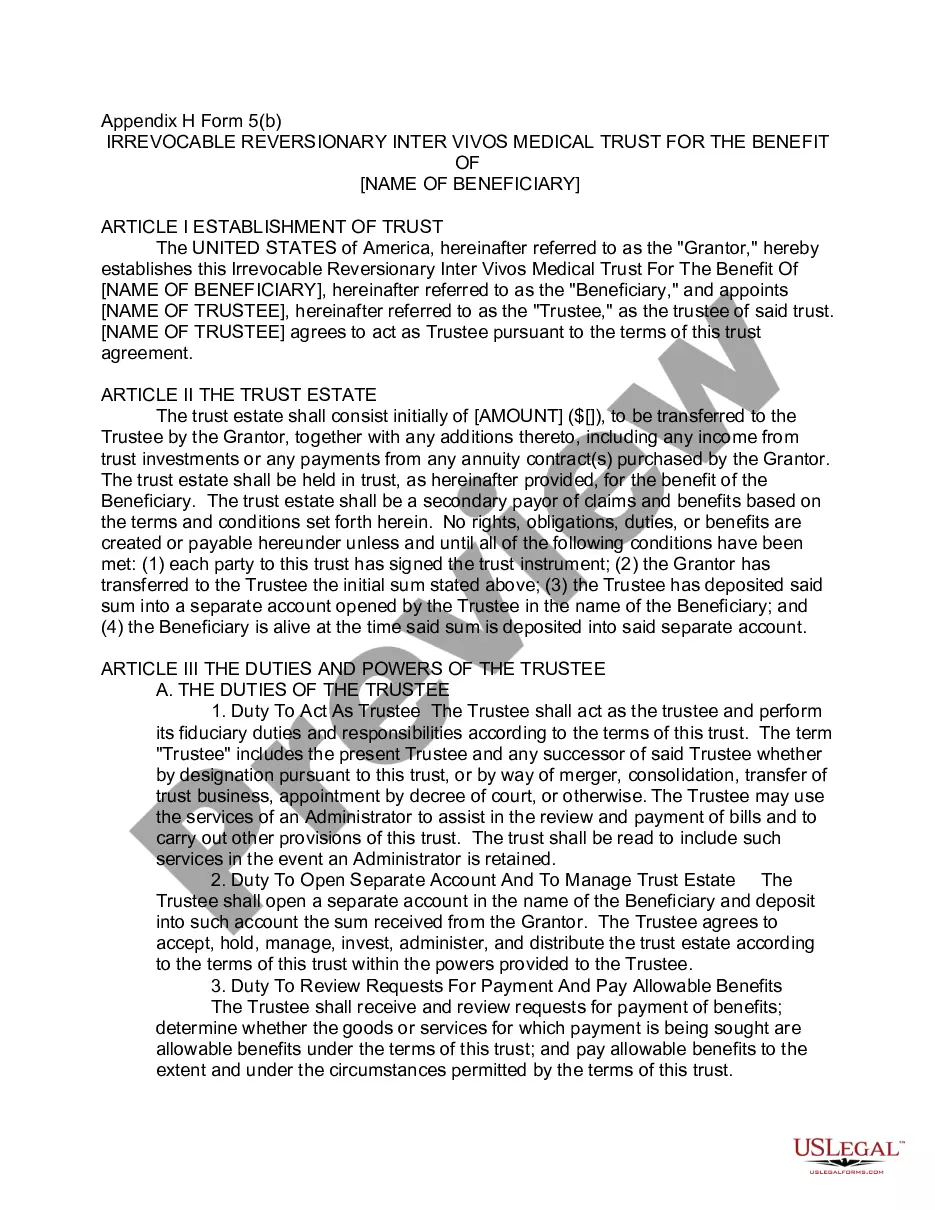
Get your form ready online
Our built-in tools help you complete, sign, share, and store your documents in one place.
Make edits, fill in missing information, and update formatting in US Legal Forms—just like you would in MS Word.
Download a copy, print it, send it by email, or mail it via USPS—whatever works best for your next step.
Sign and collect signatures with our SignNow integration. Send to multiple recipients, set reminders, and more. Go Premium to unlock E-Sign.
If this form requires notarization, complete it online through a secure video call—no need to meet a notary in person or wait for an appointment.
We protect your documents and personal data by following strict security and privacy standards.

Make edits, fill in missing information, and update formatting in US Legal Forms—just like you would in MS Word.

Download a copy, print it, send it by email, or mail it via USPS—whatever works best for your next step.

Sign and collect signatures with our SignNow integration. Send to multiple recipients, set reminders, and more. Go Premium to unlock E-Sign.

If this form requires notarization, complete it online through a secure video call—no need to meet a notary in person or wait for an appointment.

We protect your documents and personal data by following strict security and privacy standards.
Looking for another form?







How to fill out Arizona Revocation Of Living Trust?
Legal management can be perplexing, even for experienced professionals.
If you are seeking an Arizona Revocation Living Trust Az For Adults and lack the time to spend searching for the correct and updated version, the procedures can be overwhelming.
With US Legal Forms, you can.
Access a valuable collection of articles, tutorials, and guides related to your issues and needs.
Ensure that the sample is accepted in your state or county. Click Buy Now when you're ready. Choose a monthly subscription plan. Select the format you require, and Download, complete, eSign, print, and send your document. Take advantage of the US Legal Forms online repository, supported by 25 years of expertise and reliability. Transform your routine document management into a seamless and user-friendly process today.
- Save time and energy searching for the documents you require, and utilize US Legal Forms’ advanced search and Preview feature to locate Arizona Revocation Living Trust Az For Adults and obtain it.
- If you have a subscription, Log Into your US Legal Forms account, search for the form, and acquire it.
- Check the My documents tab to view the documents you have previously saved and to organize your files as you prefer.
- If this is your first experience with US Legal Forms, create an account for unlimited access to all the platform's benefits.
- Follow these steps after downloading the form you need: Verify that it is the correct form by previewing it and reviewing its description.
- An extensive online form repository could be transformative for anyone wanting to manage these matters effectively.
- US Legal Forms is a market leader in online legal documents, with more than 85,000 state-specific legal forms available to you at any time.
- Utilize advanced features to complete and manage your Arizona Revocation Living Trust Az For Adults.
Form popularity
FAQ
If you've already written a will that includes someone you wish to remove, don't add a codicil (an addition to your will written as a separate document) ? write a new will. It'll stop the document becoming too complicated and open to a challenge. It also means you can more accurately outline your current wishes.
There are basic requirements for a Trust to be created in the State of Arizona: (1) There must be a Grantor; (2) The Grantor must manifest the Intent to create a Trust; (3) There must a Trustee; (4) There must be identifiable Beneficiaries; (5) The Trustee must have duties to perform; and (6) the Sole Trustee may not ...
A beneficiary can renounce their interest from the trust and, upon the consent of other beneficiaries, be allowed to exit. A trustee cannot remove a beneficiary from an irrevocable trust. A grantor can remove a beneficiary from a revocable trust by going back to the trust deed codes that allow for the same.
Once you've decided that you want to revoke a trust, you must take the following steps to dissolve it: Review the Trust Agreement. You will want to make sure that you are aware of any specific requirements contained in the trust. ... Consult an Estate Planning Attorney. ... Defund the Trust. ... Complete a Written Revocation.
Modification by Consent An irrevocable trust can be dissolved if all the beneficiaries agree and the court determines that the continuance is not necessary to achieve any material purpose of the trust. Court approval is required; the beneficiaries cannot decide to dissolve the trust without court involvement.