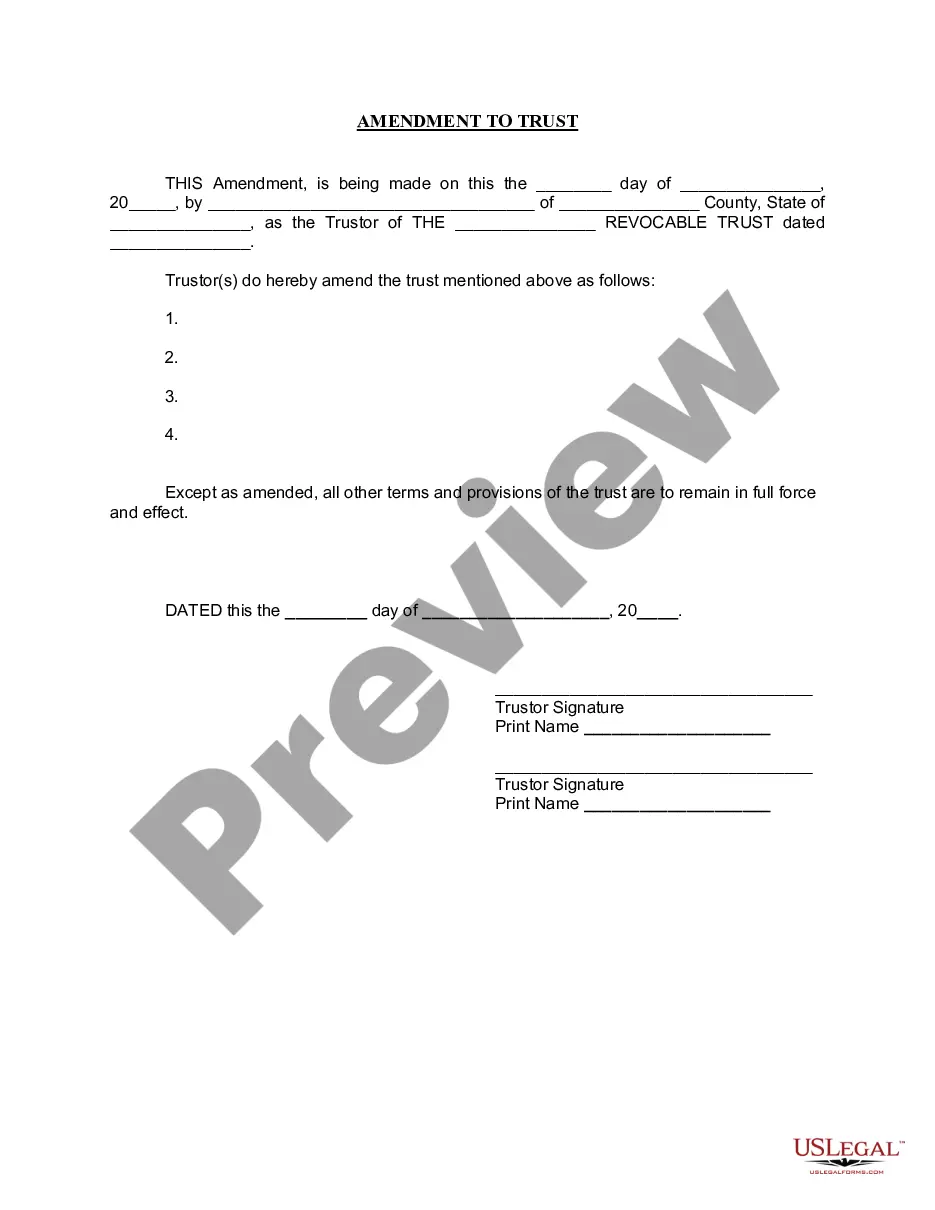
Living Trust Amendment Without Assets
Description


Get your form ready online
Our built-in tools help you complete, sign, share, and store your documents in one place.
Make edits, fill in missing information, and update formatting in US Legal Forms—just like you would in MS Word.
Download a copy, print it, send it by email, or mail it via USPS—whatever works best for your next step.
Sign and collect signatures with our SignNow integration. Send to multiple recipients, set reminders, and more. Go Premium to unlock E-Sign.
If this form requires notarization, complete it online through a secure video call—no need to meet a notary in person or wait for an appointment.
We protect your documents and personal data by following strict security and privacy standards.

Make edits, fill in missing information, and update formatting in US Legal Forms—just like you would in MS Word.

Download a copy, print it, send it by email, or mail it via USPS—whatever works best for your next step.

Sign and collect signatures with our SignNow integration. Send to multiple recipients, set reminders, and more. Go Premium to unlock E-Sign.

If this form requires notarization, complete it online through a secure video call—no need to meet a notary in person or wait for an appointment.

We protect your documents and personal data by following strict security and privacy standards.
Looking for another form?





How to fill out Arizona Amendment To Living Trust?
Creating legal documents from the ground up can frequently be daunting. Certain situations may require numerous hours of investigation and significant financial investment.
If you’re looking for a simpler and more economical method of drafting Living Trust Amendment Without Assets or any other paperwork without unnecessary complications, US Legal Forms is readily accessible.
Our online repository of over 85,000 current legal forms encompasses nearly every facet of your financial, legal, and personal affairs. With just a few clicks, you can swiftly obtain state- and county-specific templates meticulously prepared by our legal experts.
Utilize our website whenever you require a dependable and trustworthy service through which you can conveniently locate and download the Living Trust Amendment Without Assets. If you’re already familiar with our site and have previously registered an account with us, simply Log In to your account, choose the template, and download it right away or re-download it at any time in the My documents section.
Ensure the form you select meets the criteria of your state and county. Choose the most appropriate subscription option to purchase the Living Trust Amendment Without Assets. Download the file, then complete, validate, and print it. US Legal Forms has a solid reputation and over 25 years of expertise. Join us today and transform document processing into a straightforward and efficient experience!
- Don’t have an account? No problem.
- Setting it up takes little to no time to explore the library.
- But before you proceed to download Living Trust Amendment Without Assets, consider these suggestions.
- Review the document preview and descriptions to ensure you have located the document you need.
Form popularity
FAQ
A revocable trust can be modified while the Grantor is alive. Revising the terms of a trust is known as ?amending? the trust. An amendment is generally appropriate when there are only a few minor changes to make, like rewording a certain paragraph, changing the successor trustee, or modifying beneficiaries.
It's important to know what you want to change and where in your trust document this information lives (such as the article number you're amending). Fill out the amendment form. Complete the entire form. It's important to be clear and detailed in describing your changes.
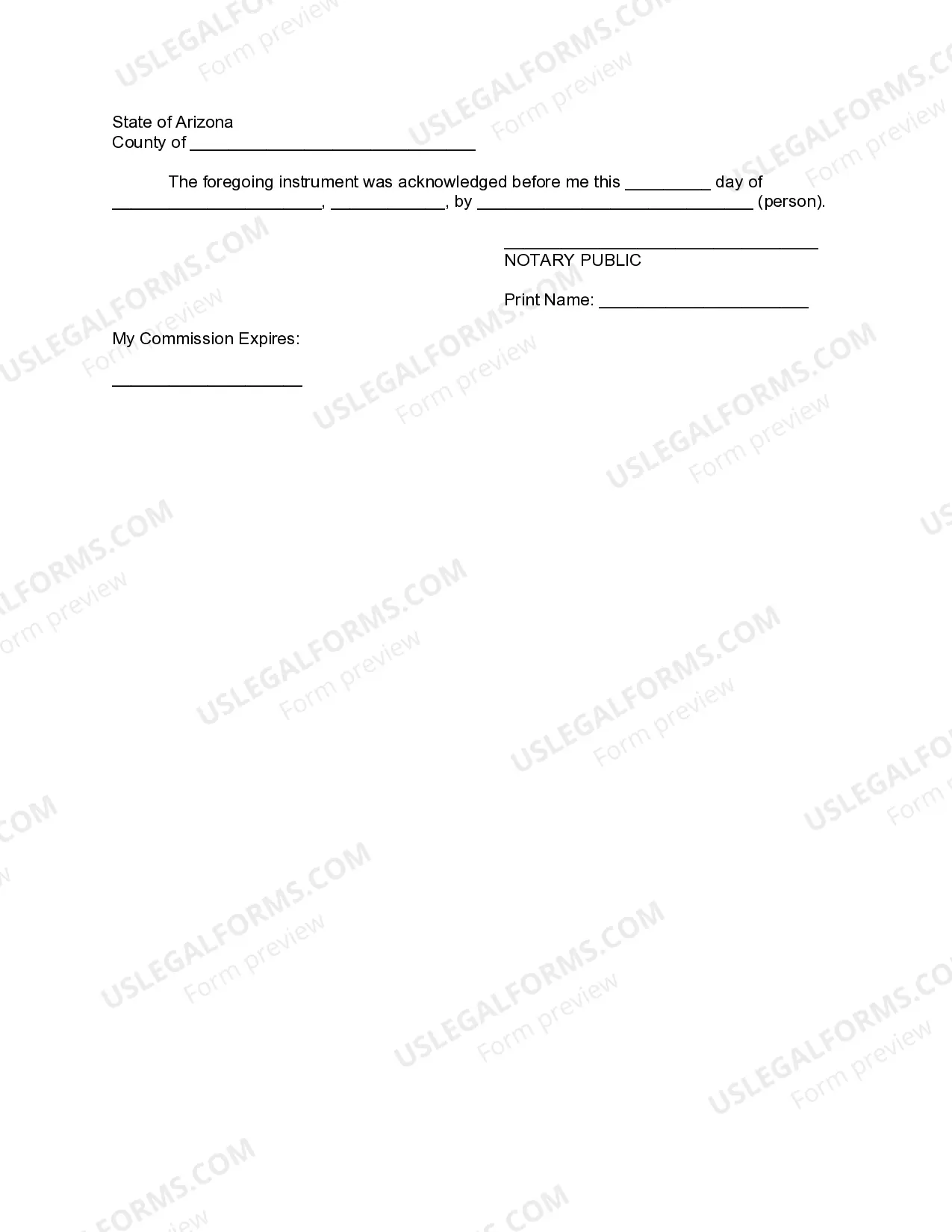
If you made a trust with your spouse or partner, then while both of you are alive, you both must agree to amend any provision of the trust document -- for example, to change a beneficiary, a successor trustee or the property management set up for a young beneficiary.
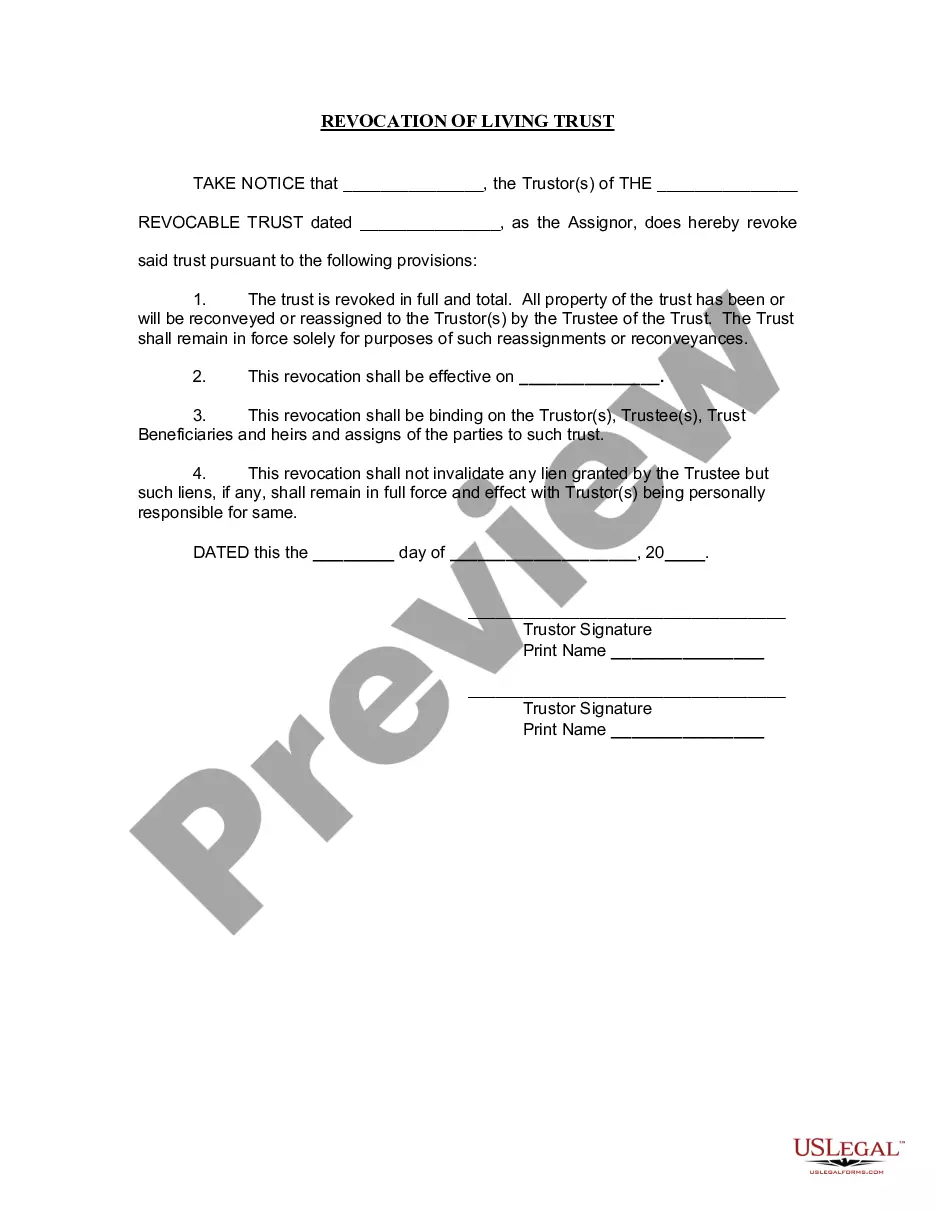
Reasons to amend a trust include changing who. becomes successor trustee or the distribution scheme. Sometimes entirely restating the trust is desirable. A restatement is an amendment that completely. rewrites the whole trust.
Attorney Assistance: Should you choose to seek the help of an attorney to amend an existing living trust, the fees typically range from $300 to $600. The exact cost may vary based on your location and the complexity of both the original trust and the amendment.