Living Trust Amendment Withdrawal
Description


Get your form ready online
Our built-in tools help you complete, sign, share, and store your documents in one place.
Make edits, fill in missing information, and update formatting in US Legal Forms—just like you would in MS Word.
Download a copy, print it, send it by email, or mail it via USPS—whatever works best for your next step.
Sign and collect signatures with our SignNow integration. Send to multiple recipients, set reminders, and more. Go Premium to unlock E-Sign.
If this form requires notarization, complete it online through a secure video call—no need to meet a notary in person or wait for an appointment.
We protect your documents and personal data by following strict security and privacy standards.

Make edits, fill in missing information, and update formatting in US Legal Forms—just like you would in MS Word.

Download a copy, print it, send it by email, or mail it via USPS—whatever works best for your next step.

Sign and collect signatures with our SignNow integration. Send to multiple recipients, set reminders, and more. Go Premium to unlock E-Sign.

If this form requires notarization, complete it online through a secure video call—no need to meet a notary in person or wait for an appointment.

We protect your documents and personal data by following strict security and privacy standards.
Looking for another form?
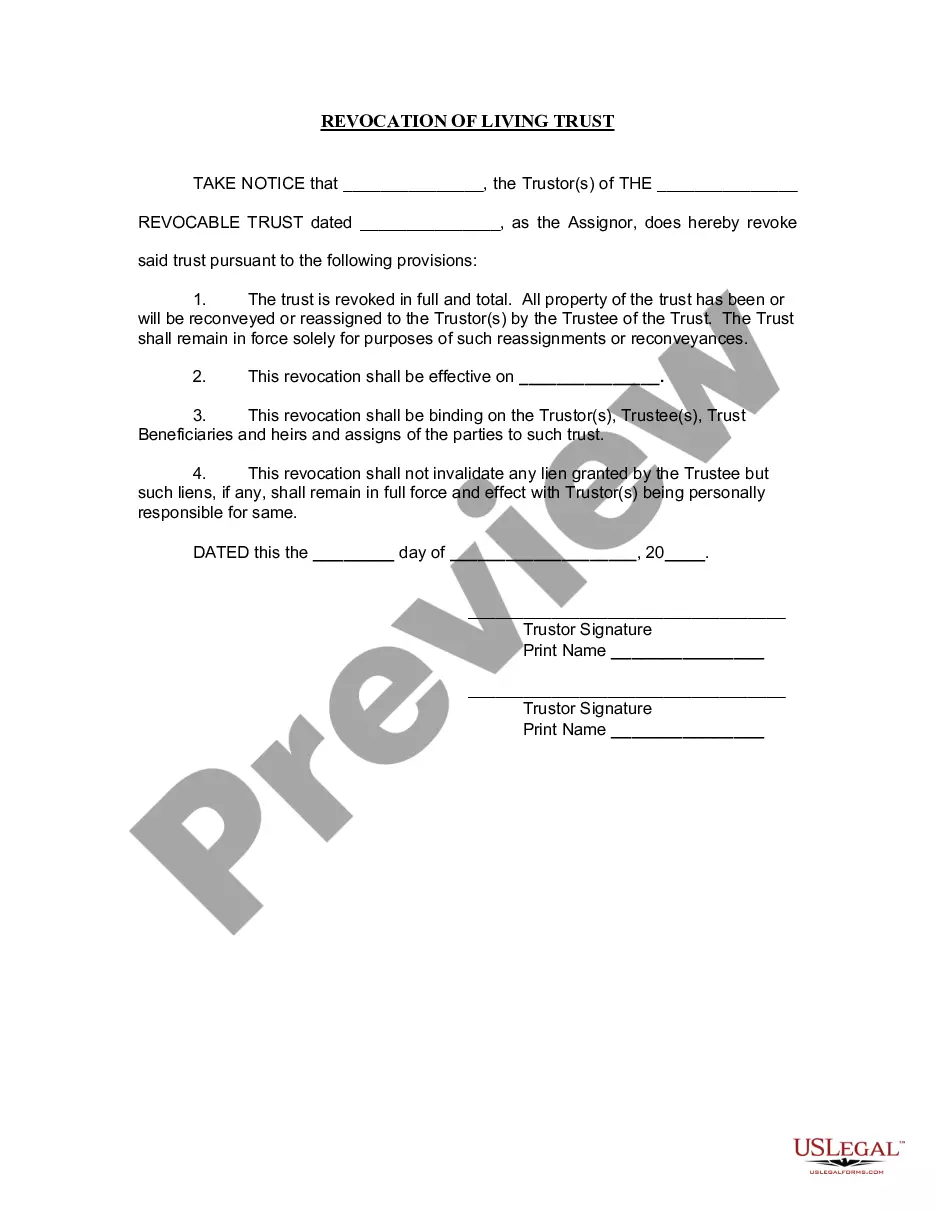



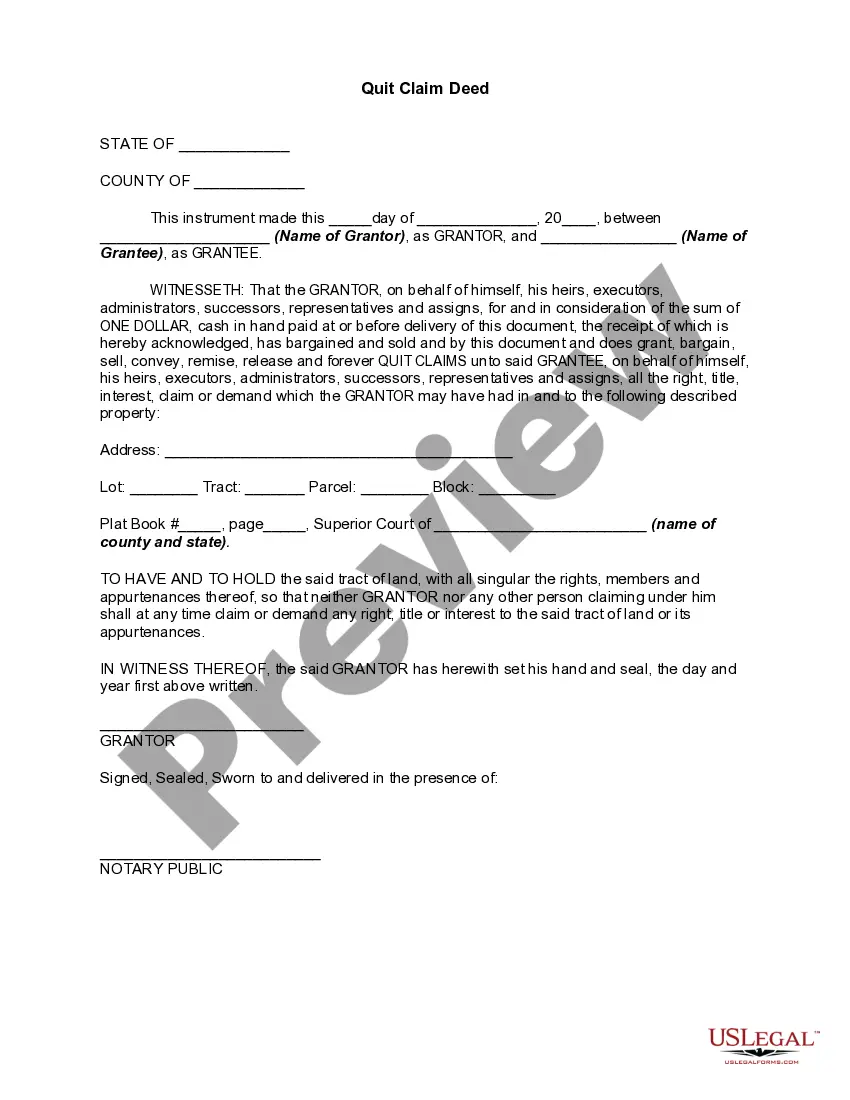
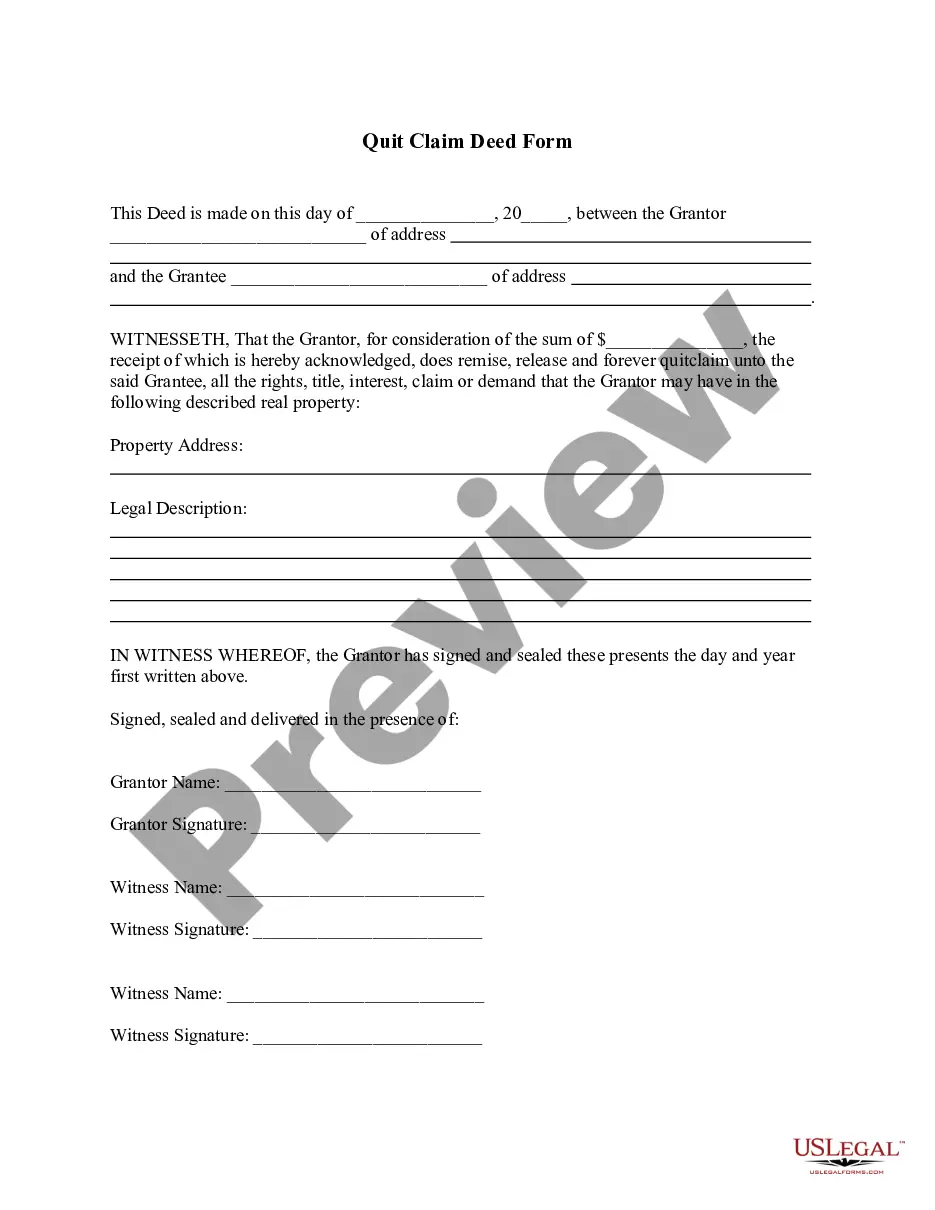

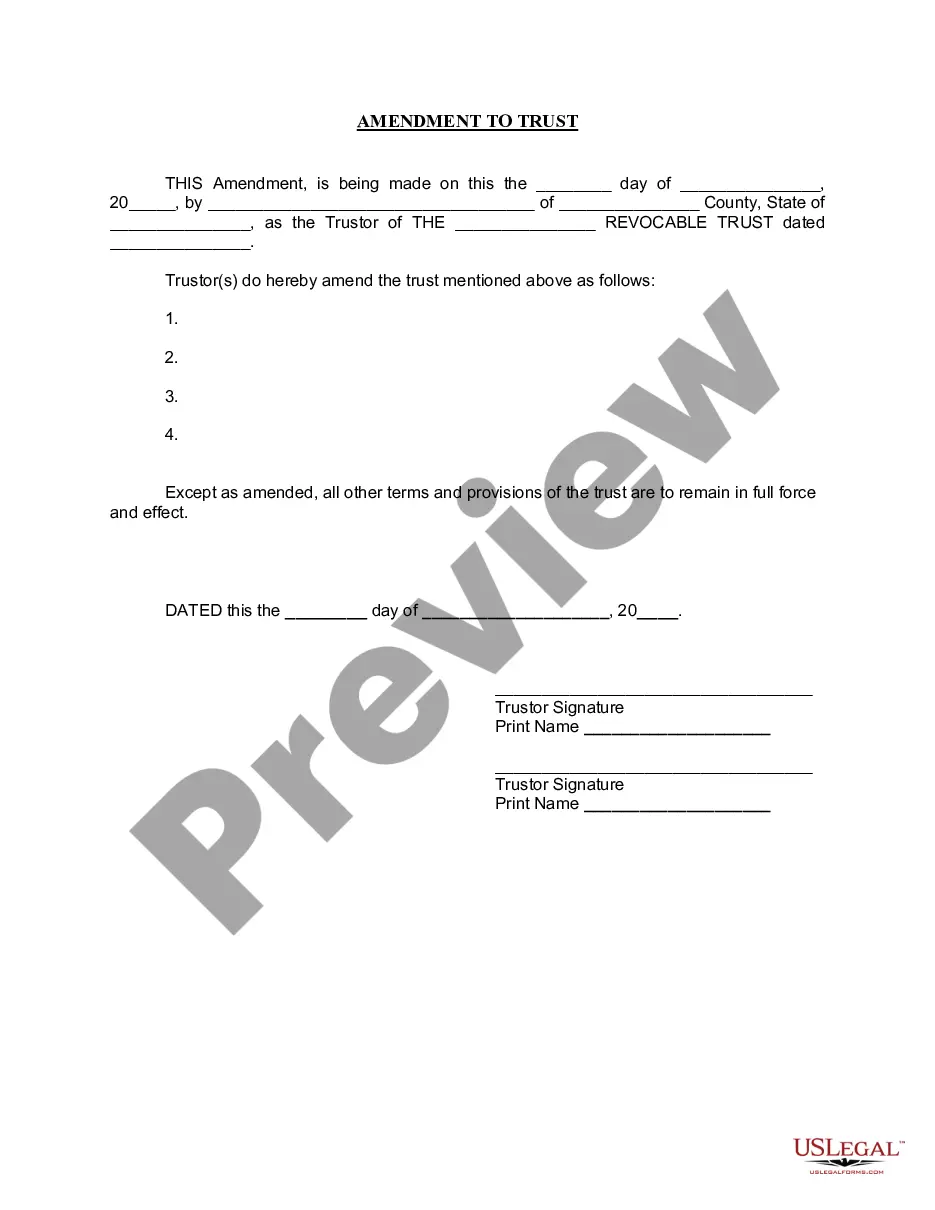
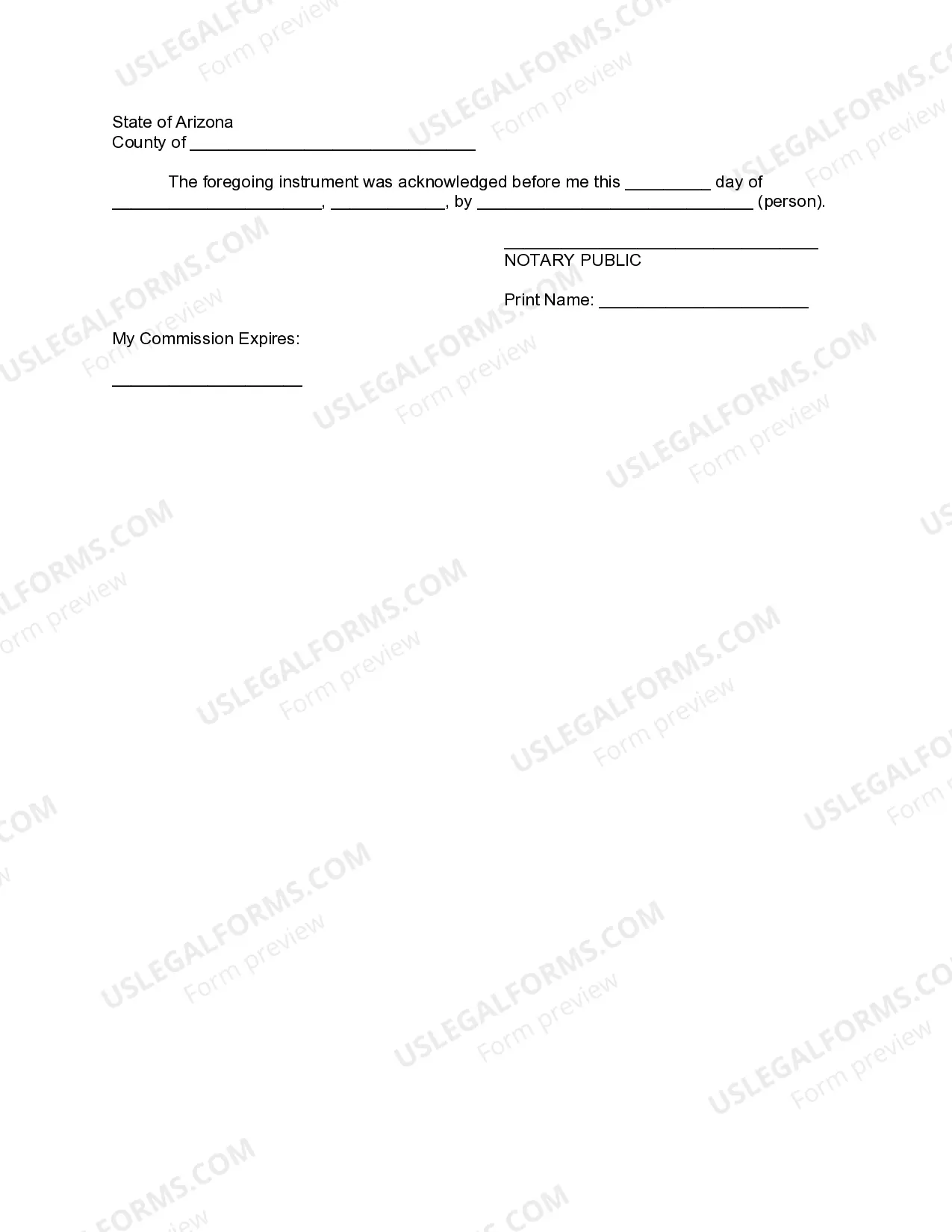
How to fill out Arizona Amendment To Living Trust?
Legal documents handling can be daunting, even for experienced professionals.
When you are seeking a Living Trust Amendment Withdrawal and don't have the time to spend searching for the right and current version, the procedures can be stressful.
US Legal Forms addresses all your requirements, from personal to business paperwork, all in one location.
Utilize advanced tools to complete and manage your Living Trust Amendment Withdrawal.
Here are the steps to follow after obtaining the form you require: Confirm that it is the correct form by previewing it and reviewing its description. Ensure that the template is accepted in your state or county. Click Buy Now when you are prepared. Select a monthly subscription plan. Choose the format you need, and Download, complete, sign, print, and send your document. Benefit from the US Legal Forms online library, supported by 25 years of experience and trustworthiness. Streamline your everyday document management into a simple and user-friendly procedure today.
- Access a repository of articles, guides, and resources related to your situation and requirements.
- Save time and effort searching for the documents you need, and utilize US Legal Forms’ sophisticated search and Review tool to locate and download your Living Trust Amendment Withdrawal.
- If you have a membership, Log In to your US Legal Forms account, search for the form, and download it.
- Check the My documents tab to view the documents you have previously saved and to organize your folders as needed.
- If it’s your first visit to US Legal Forms, create a free account and gain unlimited access to all the benefits of the library.
- A comprehensive online form collection could be a transformative solution for anyone looking to manage these matters effectively.
- US Legal Forms is a leading provider of online legal documents, offering over 85,000 state-specific legal forms accessible at any time.
- With US Legal Forms, you can find legal and business documents specific to your state or county.
Form popularity
FAQ
Just choose your preferred account on the ATM screen. If you use the credit card function on your Trust card at an ATM, this means you are taking a cash advance. Note that supplementary cardholders cannot take out a cash advance. If you use the debit card function, you are withdrawing cash from your savings account.
If you made a trust with your spouse or partner, then while both of you are alive, you both must agree to amend any provision of the trust document -- for example, to change a beneficiary, a successor trustee or the property management set up for a young beneficiary.
So can a trustee withdraw money from a trust they own? Yes, you could withdraw money from your own trust if you're the trustee. Since you have an interest in the trust and its assets, you could withdraw money as you see fit or as needed. You can also move assets in or out of the trust.
Trusts can be complicated, and by extension, so can trust distributions. Unlike estate distributions, which generally are made as one-time payments by the executor or administrator of an estate, trust distributions can take a variety of forms (e.g., they can be one-time payments or multiple payments made over time).
It's important to know what you want to change and where in your trust document this information lives (such as the article number you're amending). Fill out the amendment form. Complete the entire form. It's important to be clear and detailed in describing your changes.