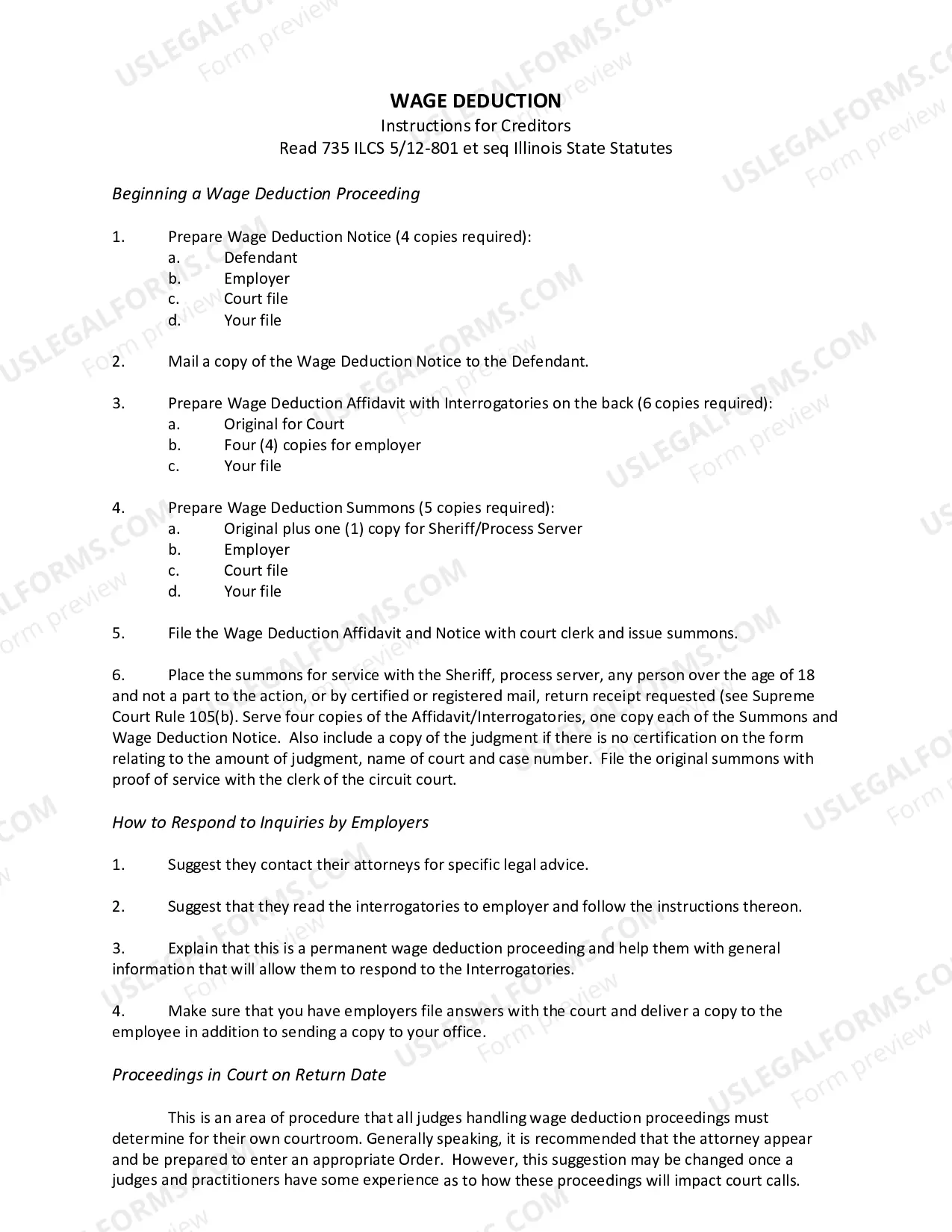
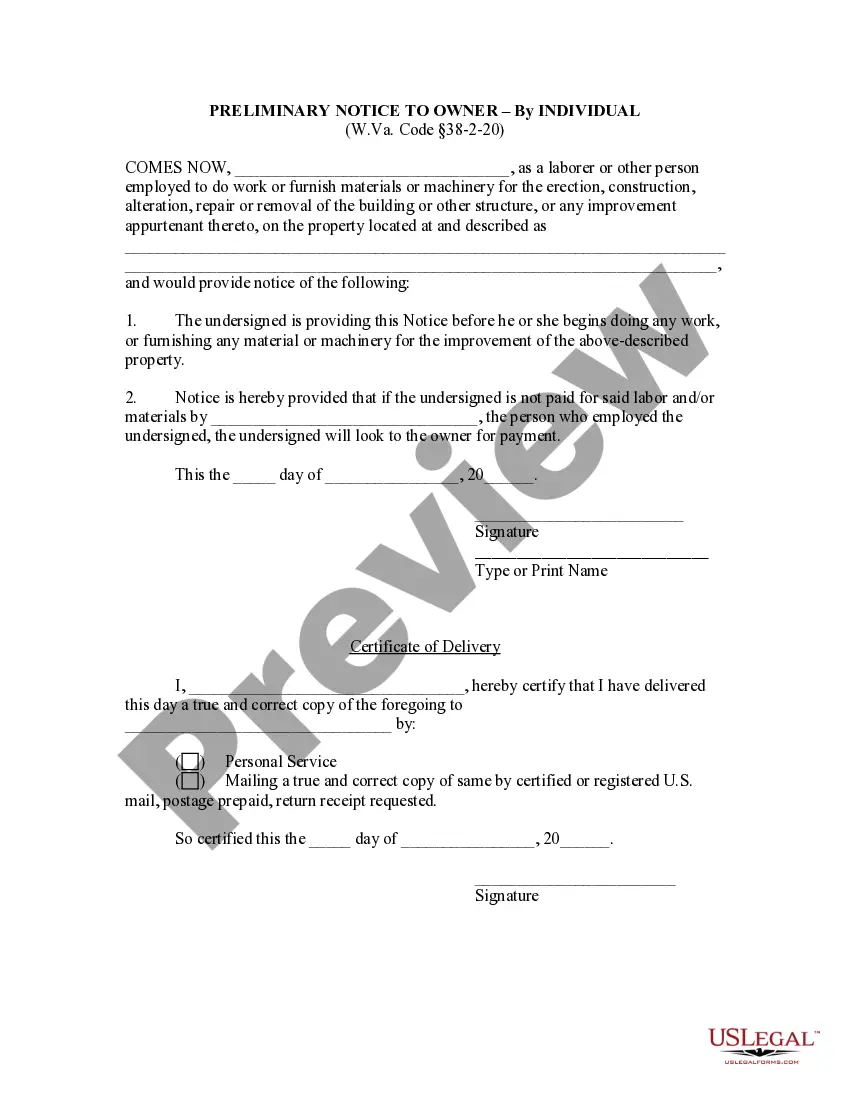
West Virginia Preliminary Notice - Individual
What this document covers
The Preliminary Notice - Individual is a legal document designed to inform property owners that an individual has performed work or provided materials for a construction project. This notice serves as a formal alert that compensation for the work is pending, and the individual may seek payment from the property owner if they are not paid by their employer. This form is crucial for laborers and suppliers to protect their rights regarding unpaid services, differentiating it from other forms like general liens or notice of intent to lien, which are used in different contexts.
Key parts of this document
- Identification of the laborer or person providing materials.
- Details regarding the property where the work is performed.
- Notification that the form is given before any work commences.
- Statement of the intended action if payment is not received.
- Signature and printed name of the individual serving the notice.
- Certificate of delivery indicating how the notice was delivered.
Situations where this form applies
You should use the Preliminary Notice when you are a laborer or supplier beginning work on a construction project and want to ensure you are paid for your services. This document is typically used before any work starts to formally notify the property owner that you may pursue payment if your employer fails to pay. It is a proactive step to protect your rights in the construction industry.
Who can use this document
This document is intended for:
- Laborers who provide construction work.
- Individuals supplying materials or machinery for construction projects.
- Contractors who need to alert property owners regarding pending payments.
How to prepare this document
- Identify yourself as the laborer or supplier and provide your name clearly.
- Describe the property where the work will be performed, including the address.
- Enter the date you are submitting the notice.
- Specify the individual or entity that employed you and the expected payment deadline.
- Sign and date the document to validate your notice.
- Complete the certificate of delivery to confirm how and to whom you delivered the notice.
Is notarization required?
Notarization is generally not required for this form. However, certain states or situations might demand it. You can complete notarization online through US Legal Forms, powered by Notarize, using a verified video call available anytime.
Get your form ready online
Our built-in tools help you complete, sign, share, and store your documents in one place.
Make edits, fill in missing information, and update formatting in US Legal Forms—just like you would in MS Word.
Download a copy, print it, send it by email, or mail it via USPS—whatever works best for your next step.
Sign and collect signatures with our SignNow integration. Send to multiple recipients, set reminders, and more. Go Premium to unlock E-Sign.
If this form requires notarization, complete it online through a secure video call—no need to meet a notary in person or wait for an appointment.
We protect your documents and personal data by following strict security and privacy standards.

Make edits, fill in missing information, and update formatting in US Legal Forms—just like you would in MS Word.

Download a copy, print it, send it by email, or mail it via USPS—whatever works best for your next step.

Sign and collect signatures with our SignNow integration. Send to multiple recipients, set reminders, and more. Go Premium to unlock E-Sign.

If this form requires notarization, complete it online through a secure video call—no need to meet a notary in person or wait for an appointment.

We protect your documents and personal data by following strict security and privacy standards.
Common mistakes
- Failing to provide a complete property description.
- Not signing or dating the notice.
- Entering incorrect information about the employer or the payment deadline.
- Neglecting to complete the certificate of delivery.
Benefits of using this form online
- Convenient access to legal forms anytime, eliminating the need for in-person visits.
- Editable templates allow for quick customization to fit specific needs.
- Reliable documents drafted by licensed attorneys to ensure legal compliance.
Looking for another form?






Form popularity
FAQ
If you need to change or amend an accepted West Virginia State Income Tax Return for the current or previous Tax Year, you need to complete Form IT-140. Form IT-140 is the Form used for the Tax Amendment.Check the "Amended return" box to report that it's an amended tax return.
Call the Business Division - call (304) 558-8000 to speak with a Business Specialist for a non-binding check. File the application - Submit the Name Reservation (form NR-1) application and filing fee to the Business Division. Once approved, the name is reserved exclusively for the applicant for 120 days.
Nonresidents must file a West Virginia tax return if their federal adjusted gross income includes income from West Virginia sources. Part-year residents of West Virginia must file a tax return, even if only to receive a refund.
According to West Virginia Instructions for Form IT 140, you must file a West Virginia tax return IF: You are a full year resident or part year resident of West Virginia.You had West Virginia income tax withheld from your wages and are due a refund.