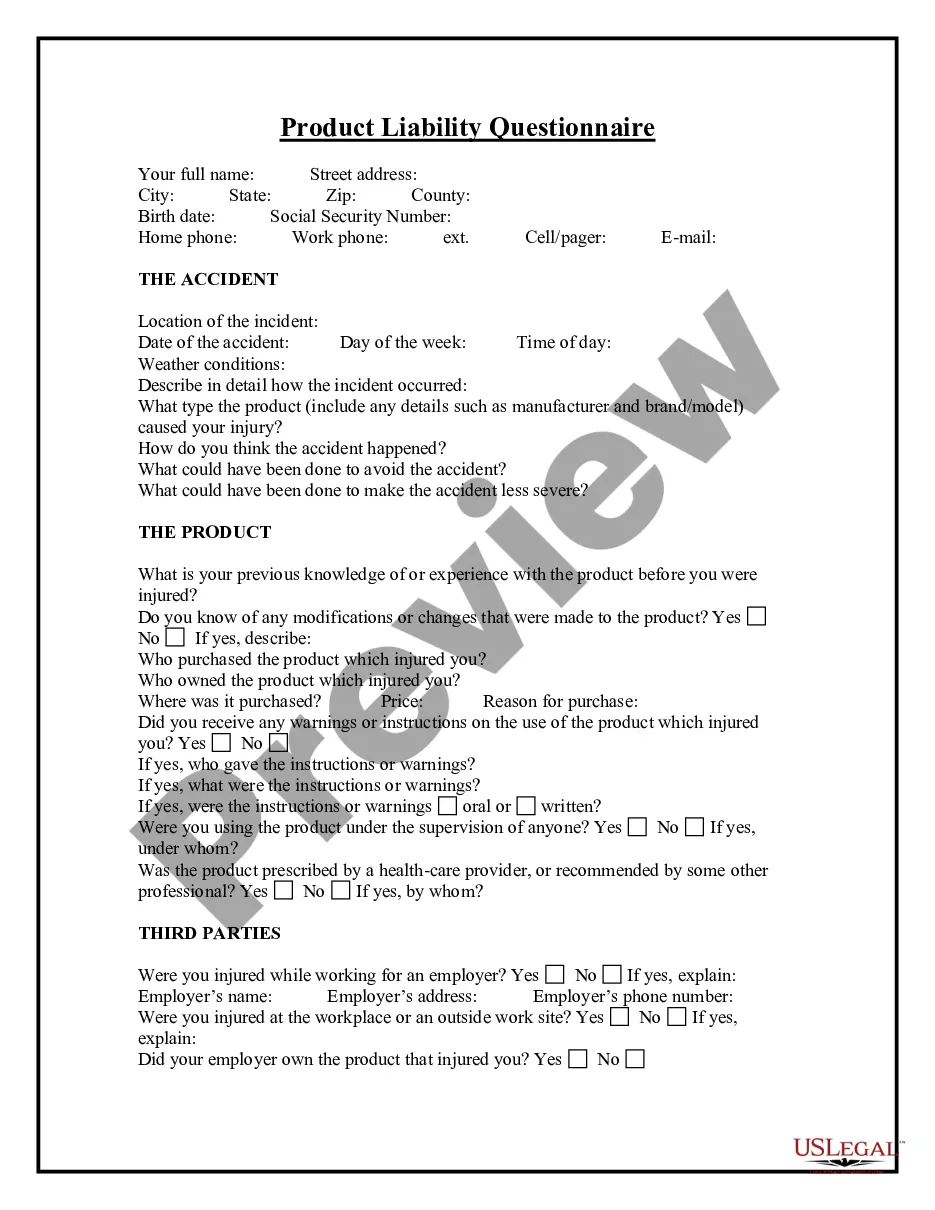
Products Liability Questionnaire
Overview of this form
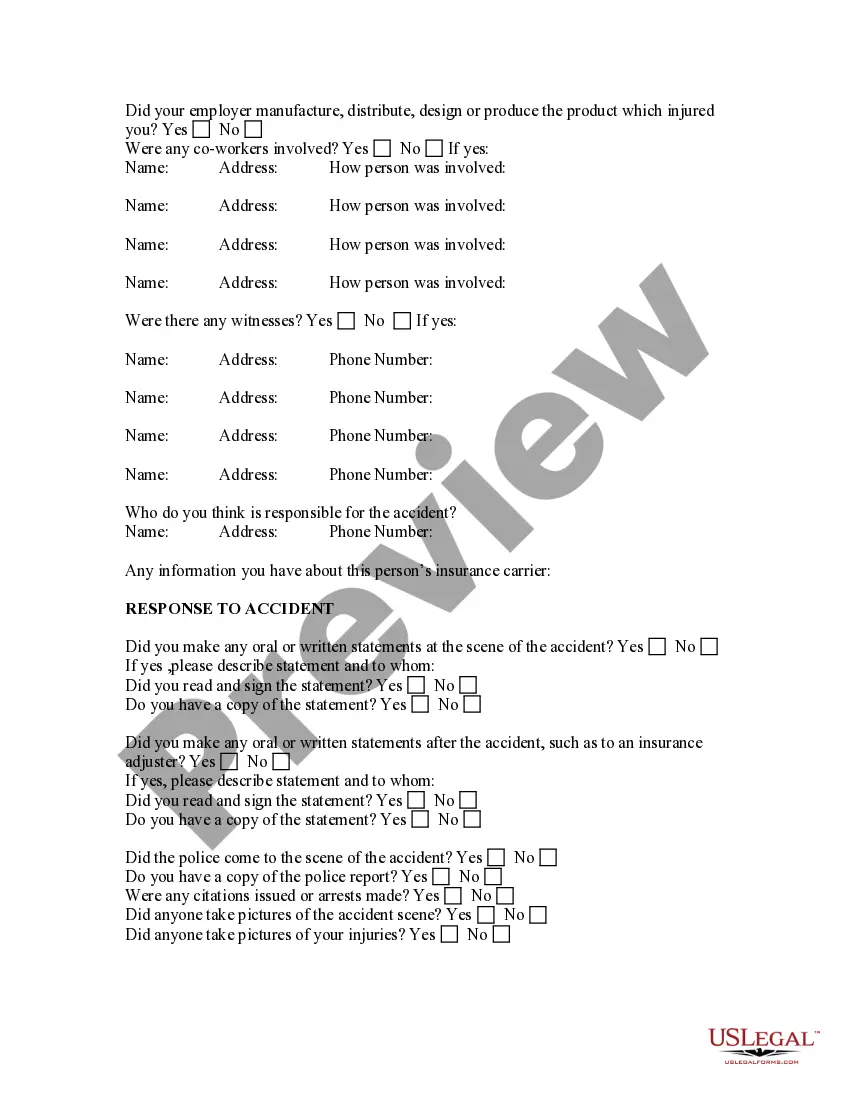
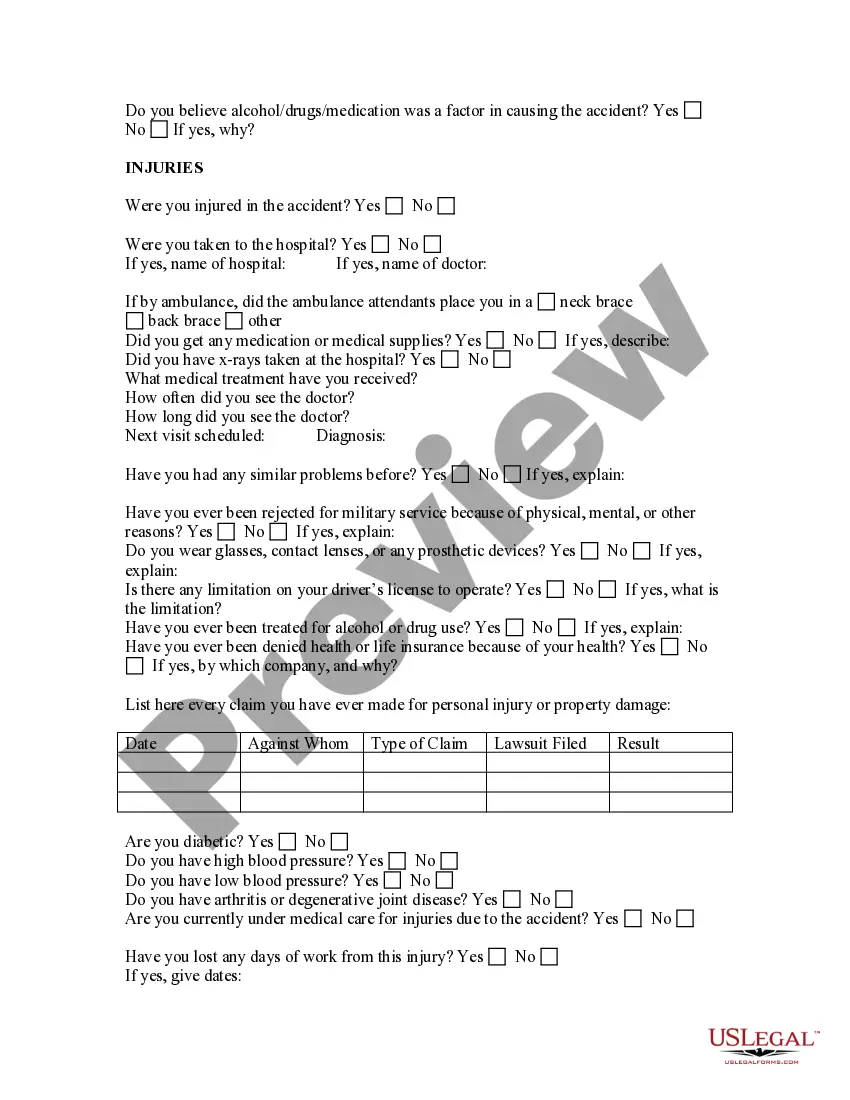
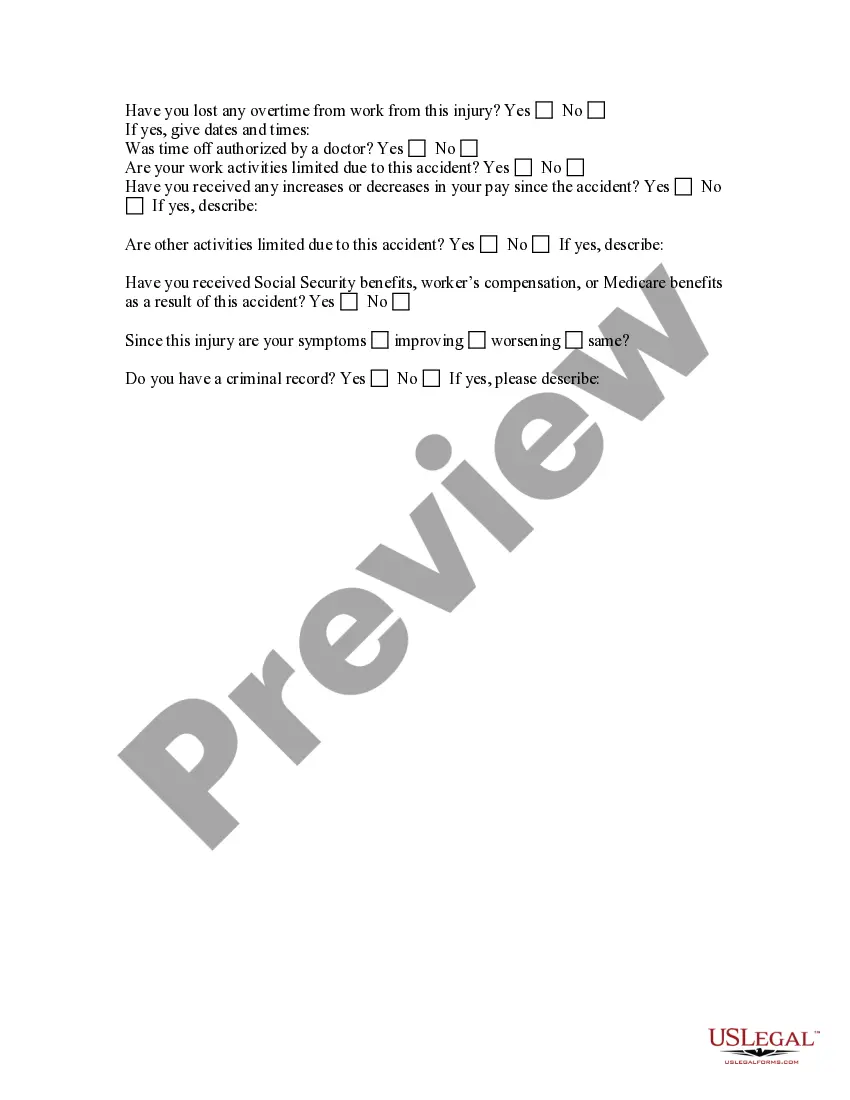
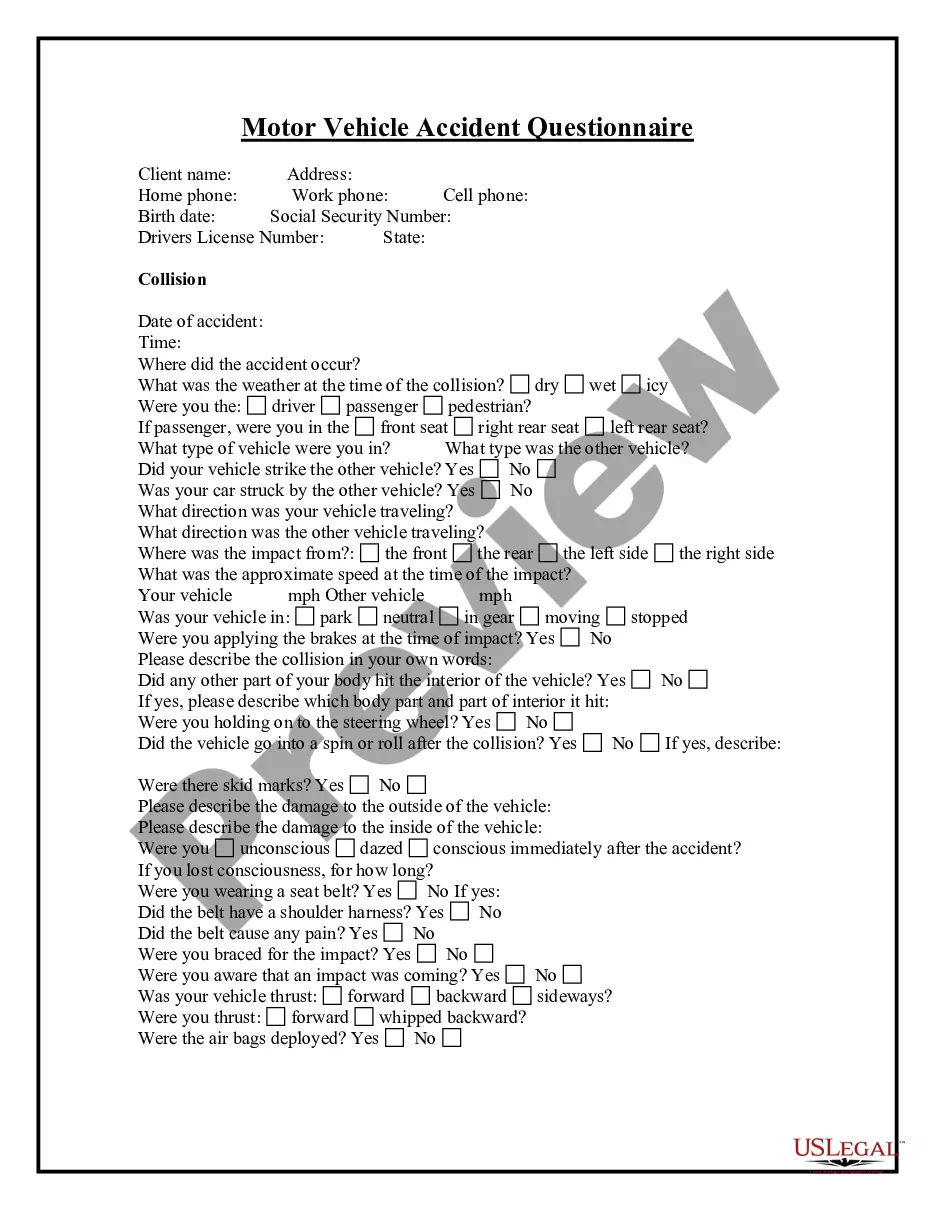
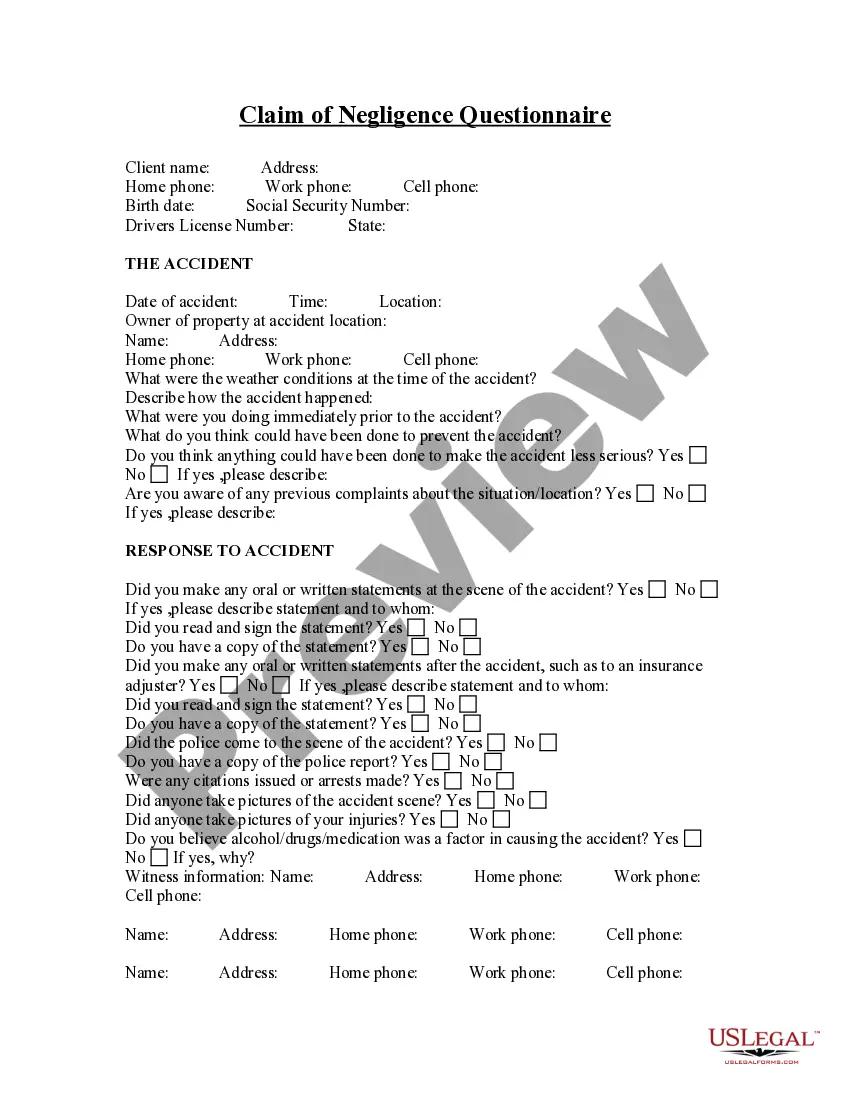
The Products Liability Questionnaire is a document designed to help individuals and attorneys gather crucial information about product liability cases. This questionnaire enables users to effectively identify and prepare their legal issues and problems, leading to better case evaluation and potentially lower costs of legal services. It serves as a valuable tool for both clients seeking legal assistance and attorneys working to understand new clientsâ needs.
Key parts of this document
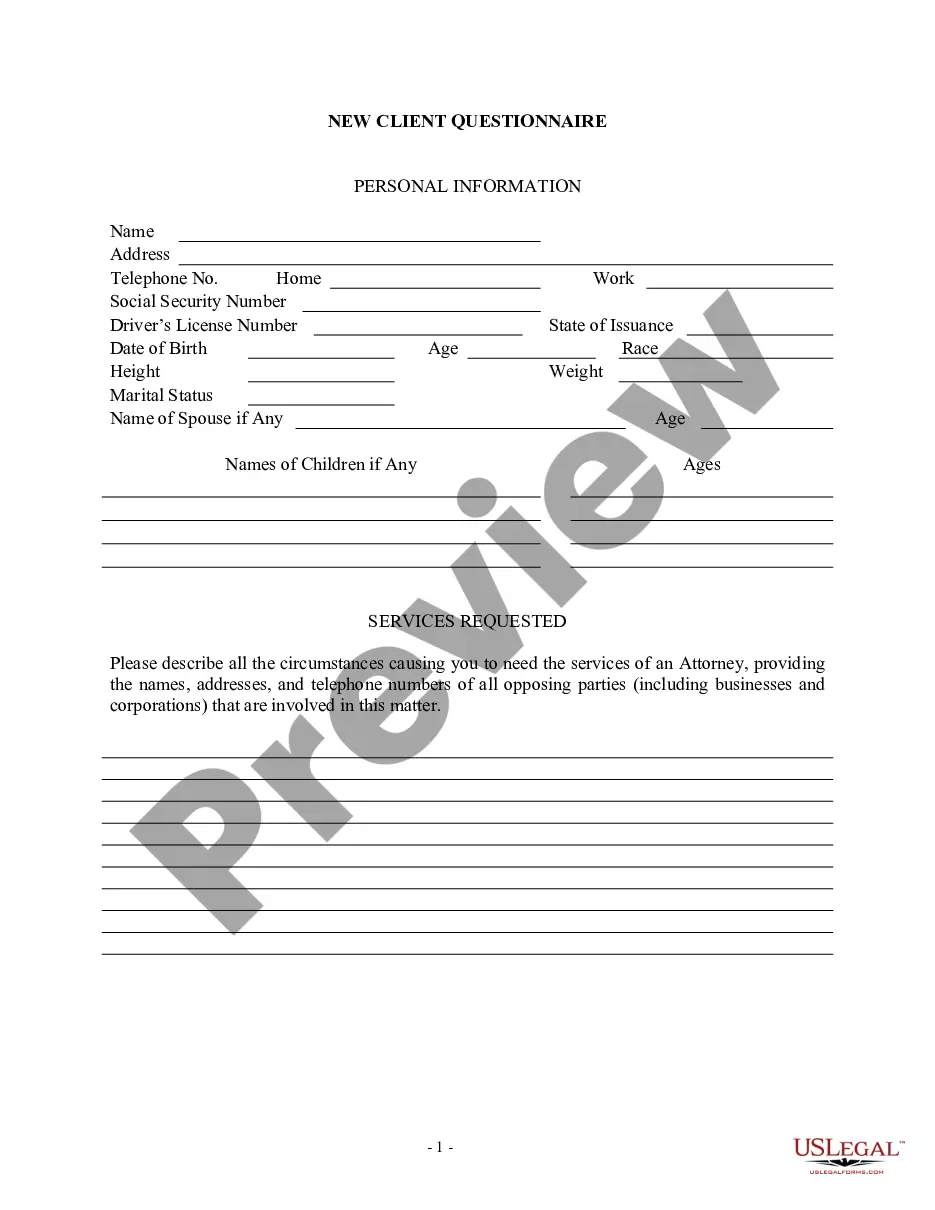
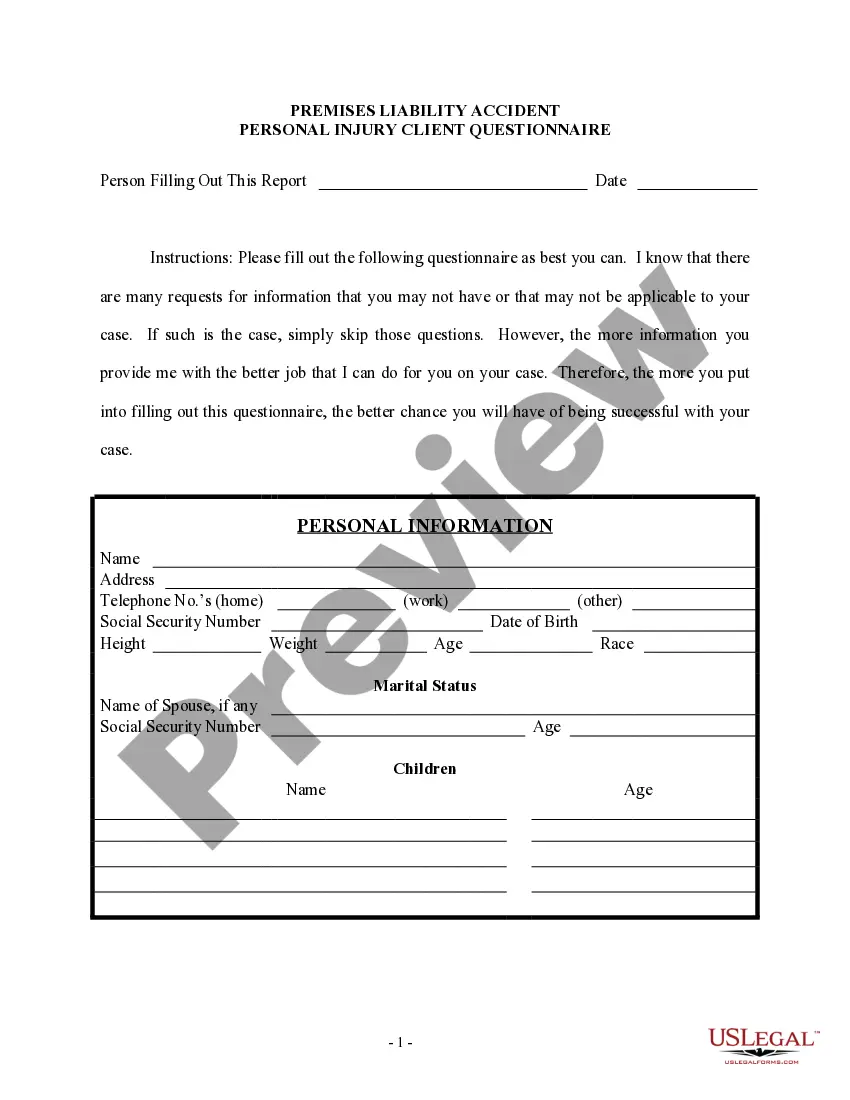
- Contact information for the parties involved.
- Details regarding the product that caused injury or damage.
- Questions about any statements made after the incident.
- Information about prior injuries or claims related to the product.
- Space for attorney notes and additional comments.
Situations where this form applies
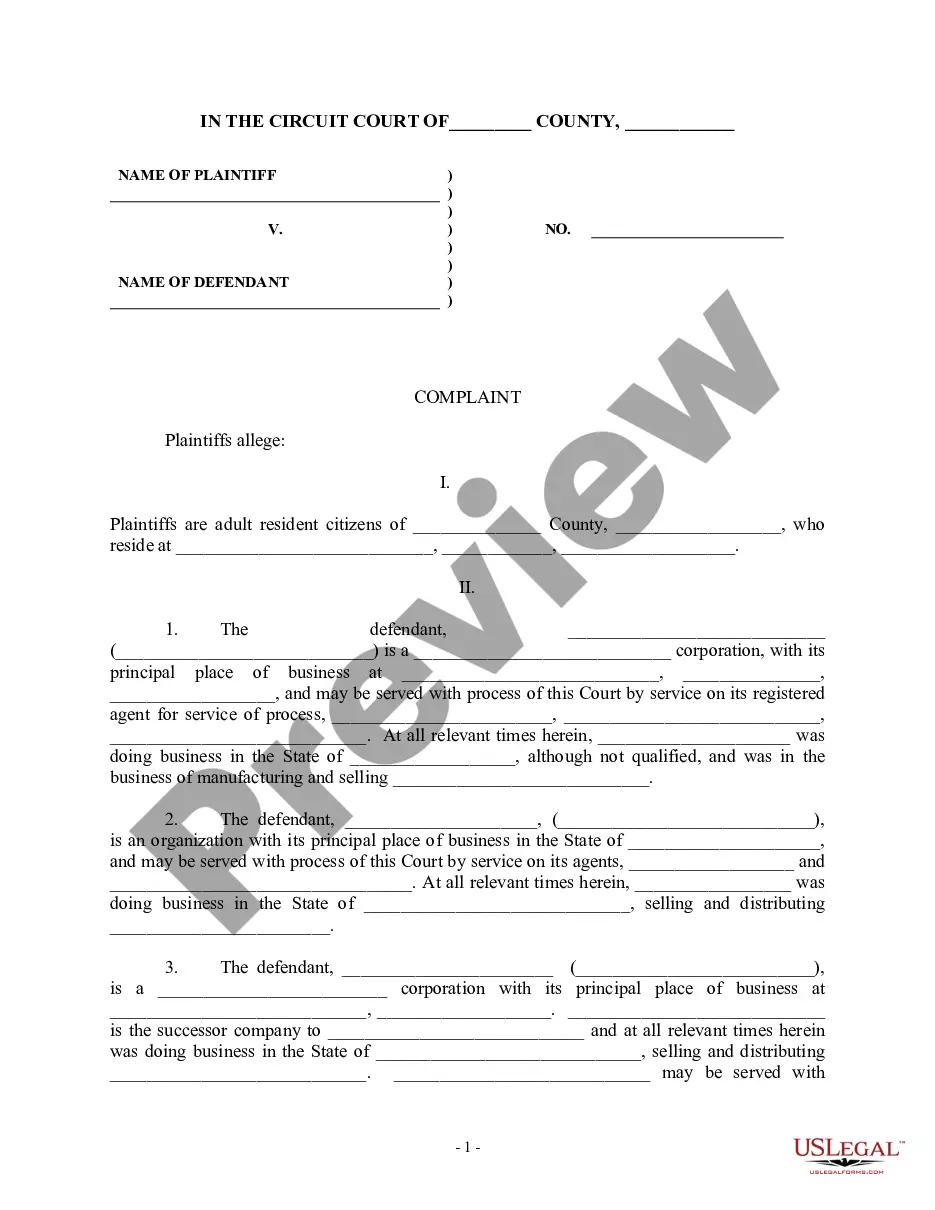
This form is useful in various scenarios, including when you have been injured by a defective product and need to discuss your case with a lawyer. It may also be necessary if you are preparing to file a claim against a manufacturer or supplier, or if you wish to provide your attorney with comprehensive details before litigation begins.
Who should use this form
- Individuals who have suffered harm or damage due to a defective product.
- Attorneys seeking to collect information from new clients in product liability cases.
- Consumers who are considering legal action against manufacturers or suppliers.
Steps to complete this form
- Gather contact details for all parties involved, including yourself and any defendants.
- Provide a detailed description of the product in question and the issues encountered.
- Answer the question related to any statements made post-incident clearly and accurately.
- Detail any previous claims or injuries related to the product if applicable.
- Review the completed questionnaire for accuracy before submitting it to your attorney.
Does this document require notarization?
This form does not typically require notarization unless specified by local law. However, always check with your attorney for any additional requirements related to your specific case.
Get your form ready online
Our built-in tools help you complete, sign, share, and store your documents in one place.
Make edits, fill in missing information, and update formatting in US Legal Forms—just like you would in MS Word.
Download a copy, print it, send it by email, or mail it via USPS—whatever works best for your next step.
Sign and collect signatures with our SignNow integration. Send to multiple recipients, set reminders, and more. Go Premium to unlock E-Sign.
If this form requires notarization, complete it online through a secure video call—no need to meet a notary in person or wait for an appointment.
We protect your documents and personal data by following strict security and privacy standards.

Make edits, fill in missing information, and update formatting in US Legal Forms—just like you would in MS Word.

Download a copy, print it, send it by email, or mail it via USPS—whatever works best for your next step.

Sign and collect signatures with our SignNow integration. Send to multiple recipients, set reminders, and more. Go Premium to unlock E-Sign.

If this form requires notarization, complete it online through a secure video call—no need to meet a notary in person or wait for an appointment.

We protect your documents and personal data by following strict security and privacy standards.
Common mistakes
- Failing to provide complete contact information for all parties.
- Not detailing the product defects clearly.
- Overlooking questions related to prior injuries or claims.
- Making unclear statements about post-incident communications.
Benefits of using this form online
- Convenient access from any device at any time.
- Easy to edit and update as needed.
- Reliability from using templates drafted by licensed attorneys.
Looking for another form?









Form popularity
FAQ
Some examples of a questionnaire are: Customer Satisfaction Questionnaire: This type of research can be used in any situation where there's an interaction between a customer and an organization. For example, you might send a customer satisfaction survey after someone eats at your restaurant.
Open-ended questions.Closed-ended questions.Rating questions.Likert scale questions.Multiple choice questions.Picture choice questions.Demographic questions.
1Decide the information required.2Define the target respondents.3Choose the method(s) of reaching your target respondents.4Decide on question content.5Develop the question wording.6Put questions into a meaningful order and format.Chapter 4: Questionnaire Design\nwww.fao.org >
#1: Identify your research aims and the goal of your questionnaire. #2: Define your target respondents. #3: Develop questions. #4: Choose your question type. #5: Design question sequence and overall layout. #6: Run a pilot.
Some examples of a questionnaire are: Customer Satisfaction Questionnaire: This type of research can be used in any situation where there's an interaction between a customer and an organization. For example, you might send a customer satisfaction survey after someone eats at your restaurant.
Provide instructions. Tell your respondents how the questionnaire should be answered. Use simple language. Limit the possible choices. Arrange it in a logical order. Keep it short. Do a trial run.
Computer questionnaire. Respondents are asked to answer the questionnaire which is sent by mail.Telephone questionnaire.In-house survey.Mail Questionnaire.Open question questionnaires.Multiple choice questions.Dichotomous Questions.Scaling Questions.
Open Microsoft Word. Start with either a blank document or search for form in the search box. If you choose to search, find a template that has the general format you're looking for to save time. Go to the Developer tab. Click where you want to add questions or other content.
Know your question types. Keep it brief, when possible. Choose a simple visual design. Use a clear research process. Create questions with straightforward, unbiased language. Ensure every question is important. Ask one question at a time. Order your questions logically.