Second Amendment to Trust Agreement between Polaris Industries, Inc. and Fidelity Management Trust Company
Overview of this form
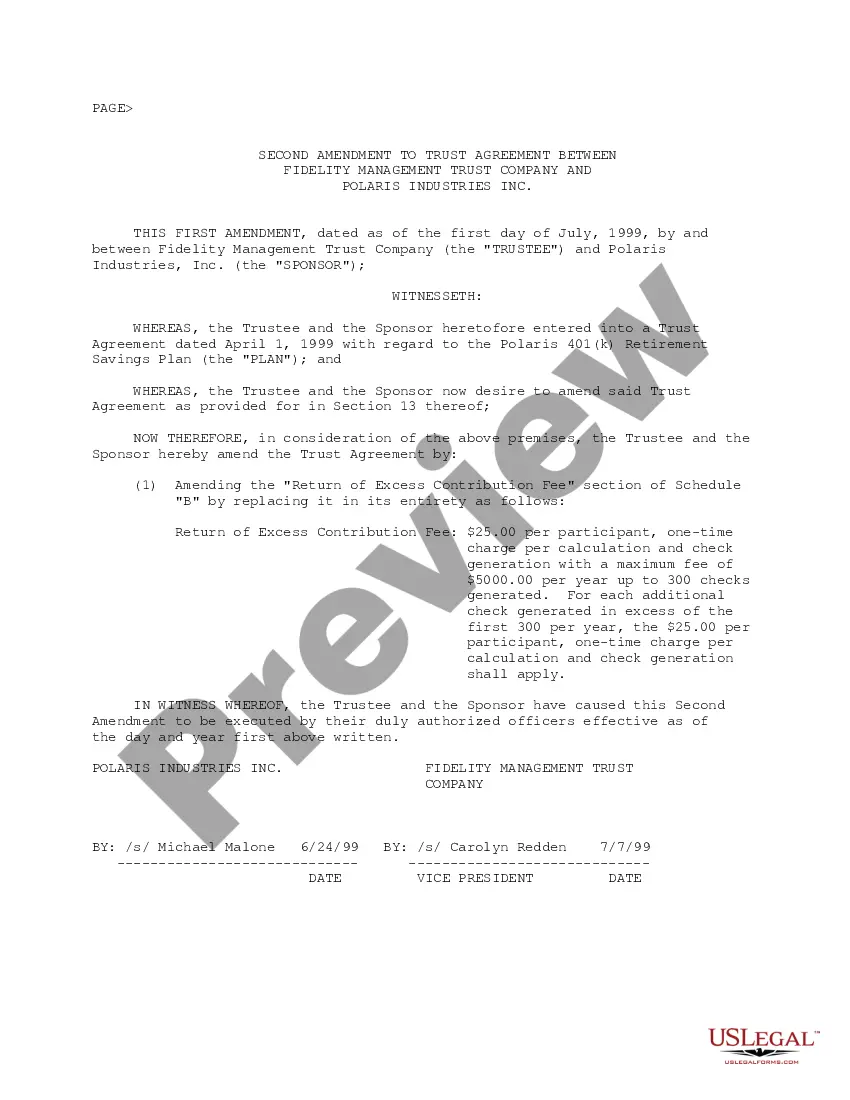
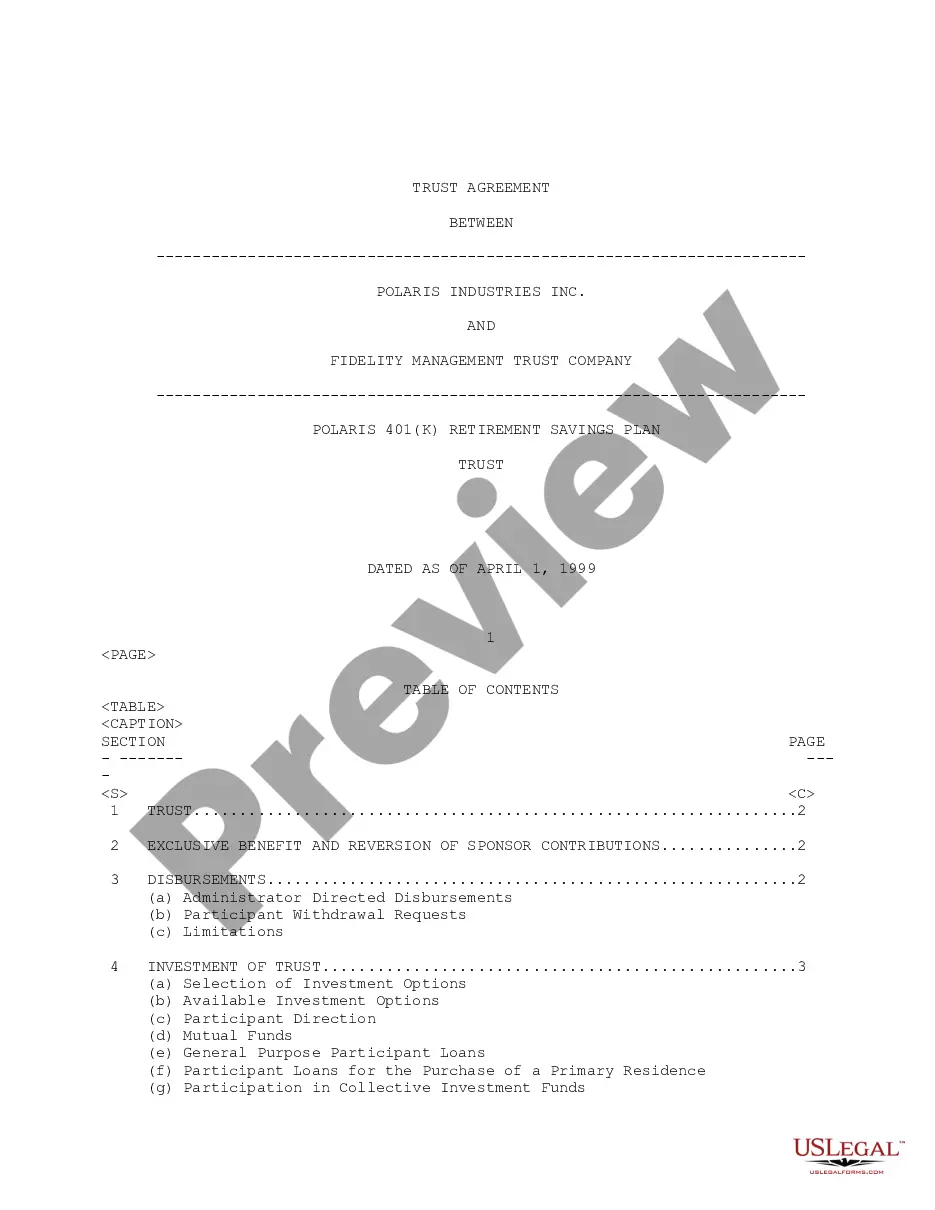
The Second Amendment to Trust Agreement between Polaris Industries, Inc. and Fidelity Management Trust Company is a legal document that modifies the original Trust Agreement related to the Polaris 401(k) Retirement Savings Plan. This amendment details specific changes, including revisions to fees associated with excess contributions. It is important for stakeholders involved in the plan to formally document these alterations to ensure compliance and clarity moving forward.
Main sections of this form
- Identification of the parties involved: Polaris Industries, Inc. and Fidelity Management Trust Company.
- Effective date of the amendment: July 1, 1999.
- Specific amendments to the Return of Excess Contribution Fee section, outlining fees charged per participant and yearly limits.
- Signatures of duly authorized officers from both parties confirming the amendment.
Common use cases
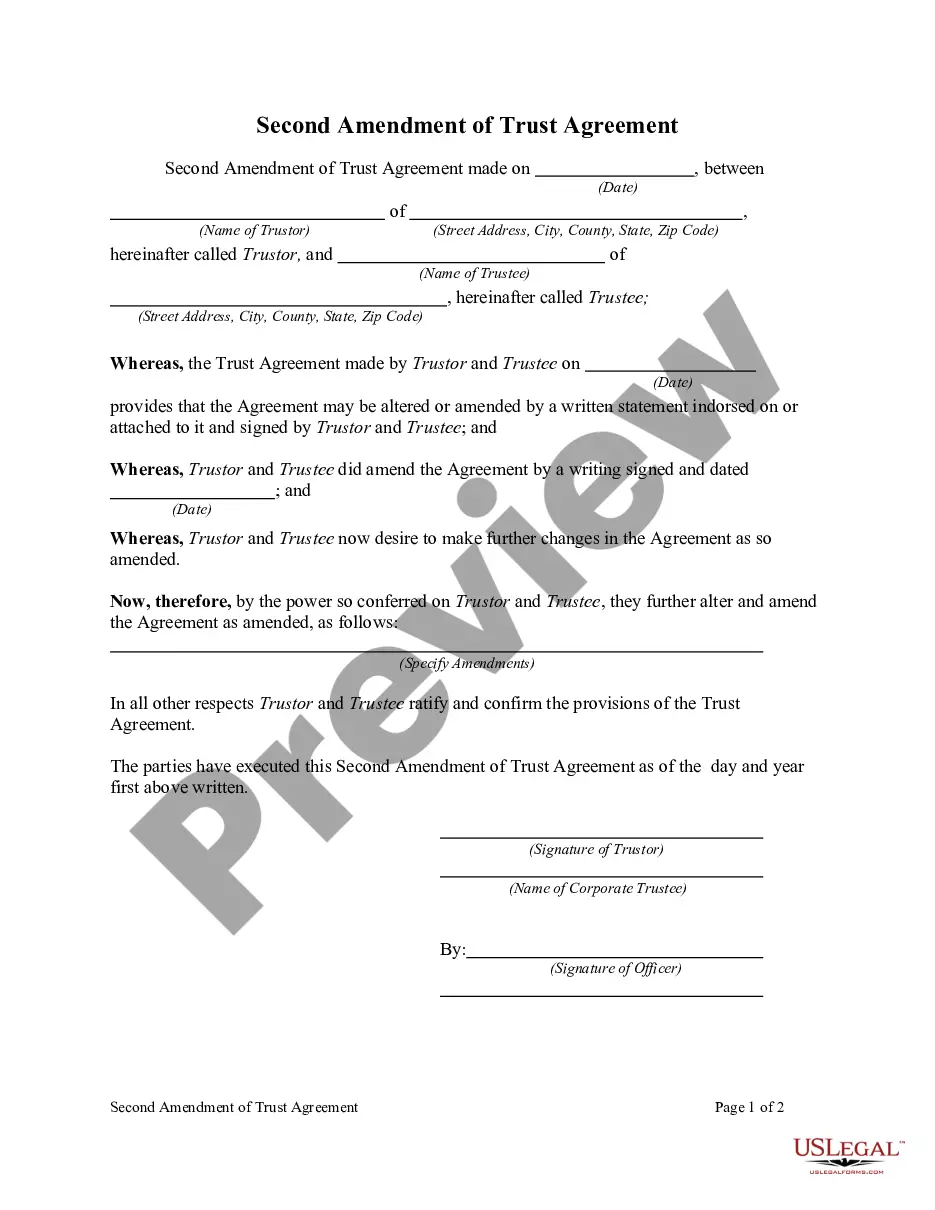
This form is used when changes to a Trust Agreement are necessary, particularly concerning fees associated with managing contributions to a retirement savings plan. Use this amendment when stakeholders agree on revisions to financial terms or other key elements within the original trust documentation. It ensures that all parties have a clear record of the agreed changes for future reference.
Who can use this document
- Plan sponsors, such as Polaris Industries, Inc., who need to amend a Trust Agreement.
- Trustees, including Fidelity Management Trust Company, who manage the trust and require updated fee structures.
- Legal representatives of both parties who prepare and review amendments to trust documents.
Instructions for completing this form
- Identify the parties involved, including full legal names and roles (Trustee and Sponsor).
- Specify the effective date of the amendment as clearly stated.
- Review and amend the Return of Excess Contribution Fee section as required.
- Ensure that the form is signed by authorized officers from both parties, including their titles and the dates of signing.
- Retain a copy of the finalized document for all parties' records.
Notarization requirements for this form
This form usually doesn’t need to be notarized. However, local laws or specific transactions may require it. Our online notarization service, powered by Notarize, lets you complete it remotely through a secure video session, available 24/7.
Get your form ready online
Our built-in tools help you complete, sign, share, and store your documents in one place.
Make edits, fill in missing information, and update formatting in US Legal Forms—just like you would in MS Word.
Download a copy, print it, send it by email, or mail it via USPS—whatever works best for your next step.
Sign and collect signatures with our SignNow integration. Send to multiple recipients, set reminders, and more. Go Premium to unlock E-Sign.
If this form requires notarization, complete it online through a secure video call—no need to meet a notary in person or wait for an appointment.
We protect your documents and personal data by following strict security and privacy standards.

Make edits, fill in missing information, and update formatting in US Legal Forms—just like you would in MS Word.

Download a copy, print it, send it by email, or mail it via USPS—whatever works best for your next step.

Sign and collect signatures with our SignNow integration. Send to multiple recipients, set reminders, and more. Go Premium to unlock E-Sign.

If this form requires notarization, complete it online through a secure video call—no need to meet a notary in person or wait for an appointment.

We protect your documents and personal data by following strict security and privacy standards.
Mistakes to watch out for
- Failing to include the effective date of the amendment.
- Not obtaining signatures from authorized representatives of both parties.
- Neglecting to review the amended terms for clarity and correctness.
Benefits of completing this form online
- Convenient access to the form from anywhere at any time.
- Editability allows for quick adjustments to fit specific needs.
- Reliable templates drafted by licensed attorneys ensure legal compliance and validity.
Quick recap
- The amendment clarifies changes to fee structures within the trust agreement.
- Both parties must formally acknowledge and sign the document for it to be valid.
- This form helps ensure transparency and compliance in managing a retirement savings plan.
Looking for another form?




Form popularity
FAQ
Create an amendment to your trust. Type the amendment so that it specifically states the trustee that you wish to add. Indicate whether you wish to remove an existing trustee, in addition to naming a new one. Specify that the trustee you are adding is a co-trustee, rather than a successor trustee.
Of course you can, however, "Codicil" is an amendment to a will. Amending a trust called "Amendment" to the trust, even if it is just amending a trustee's name. It needs to be notarized and some specific language to be sufficient.
An amendment to a trust is not required to be notarized or witnessed unless the terms of the original trust require it.
Yes,it us quite possible to change any trustee of a charitable trust. The procedure for bringing this change is to pass a resolution in the meeting of the board of trustees related to the issue. There should be a genuine reason for the change.
Generally speaking, a living trust's grantor (the person who created the revocable living document) may appoint or remove trustees during their lifetime without hiring an attorney. The grantor can accomplish this by either creating an amendment to it or by revoking the original document and creating a new trust.
Go to Fidelity.com/openaccount or call 800-343-3548. Use this application to open a Fidelity Account® for a trust. To open other account types, visit Fidelity.com/openaccount for the appropriate form.For domestic trusts, certification of trust can be accomplished by signing this form.
Locate the original trust. The grantor must locate the original trust documents and identify the specific provisions that require amendment. Prepare an amendment form. Get the amendment form notarized. Attach amendment form to original trust.
Find living trust forms online. Be as clear as possible. Include specific language. Have the amendment notarized. Keep your trust document and amendment together in a safe place. Alternatively, do what is called a restatement of the trust. Revoke your trust.
Just about any writing will suffice to make a valid Trust amendment. Having the writing typed is not legally required. That's really the point of Trust amendments, to allow a Settlor to express his or her intent as easily as possible. As long as the Trust terms are followed, any writing will do.