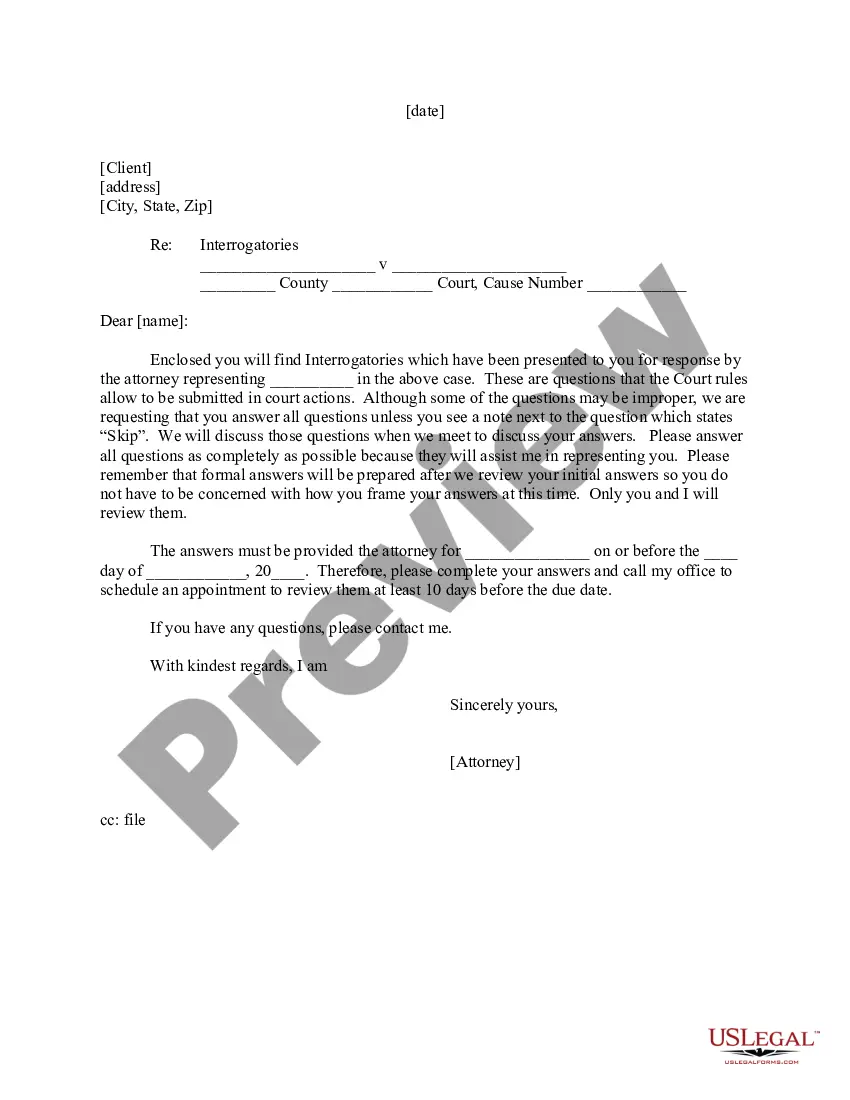
Letter to Client - Interrogatories to Answer
Overview of this form
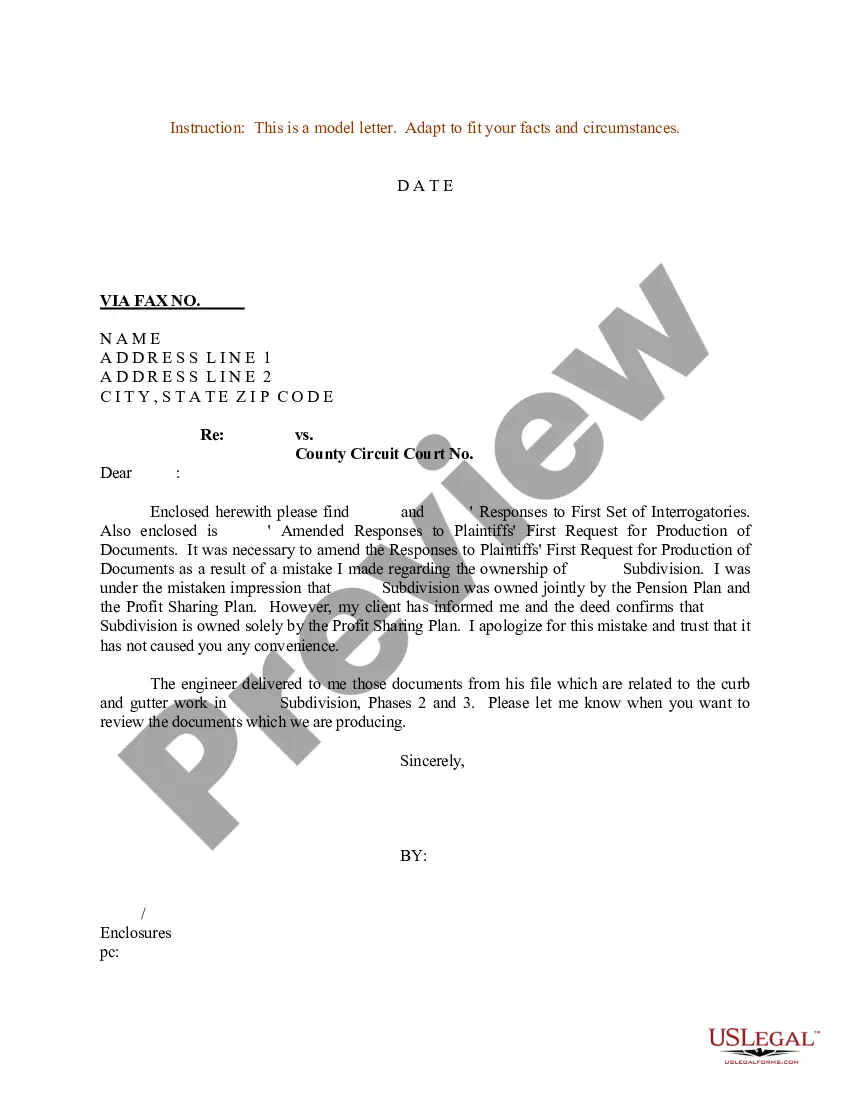
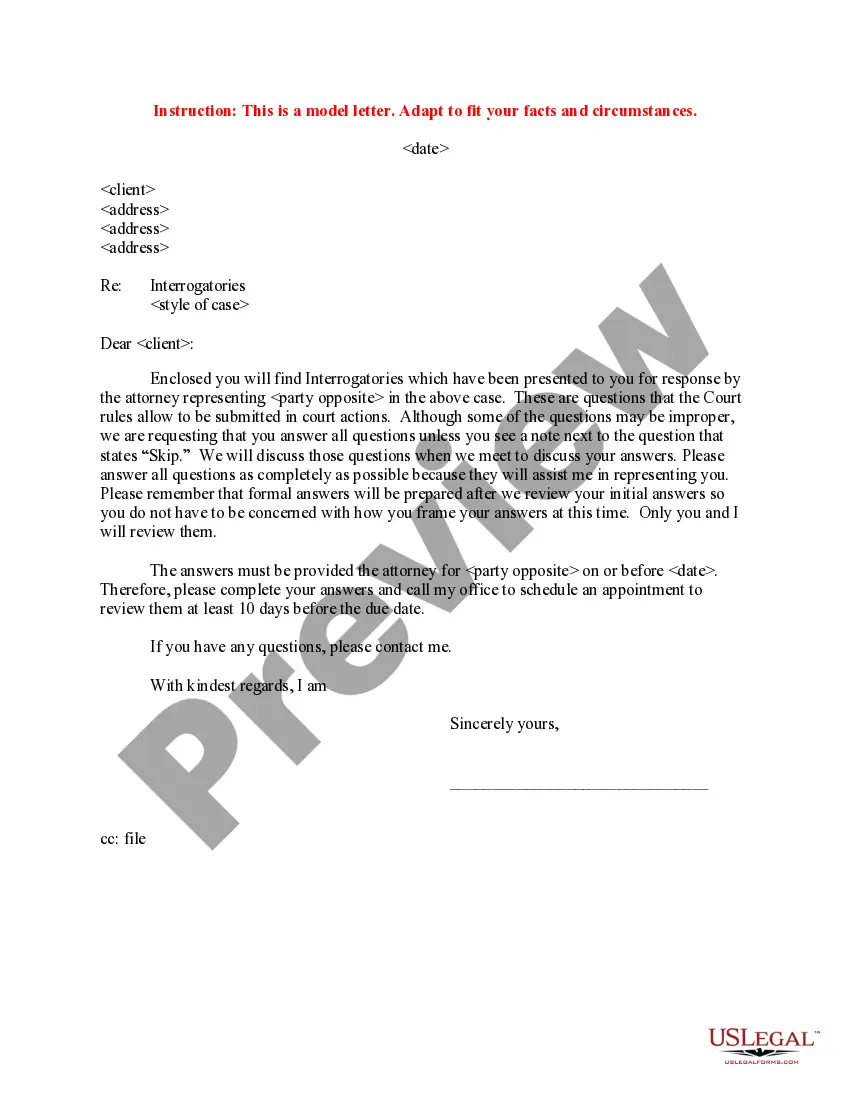
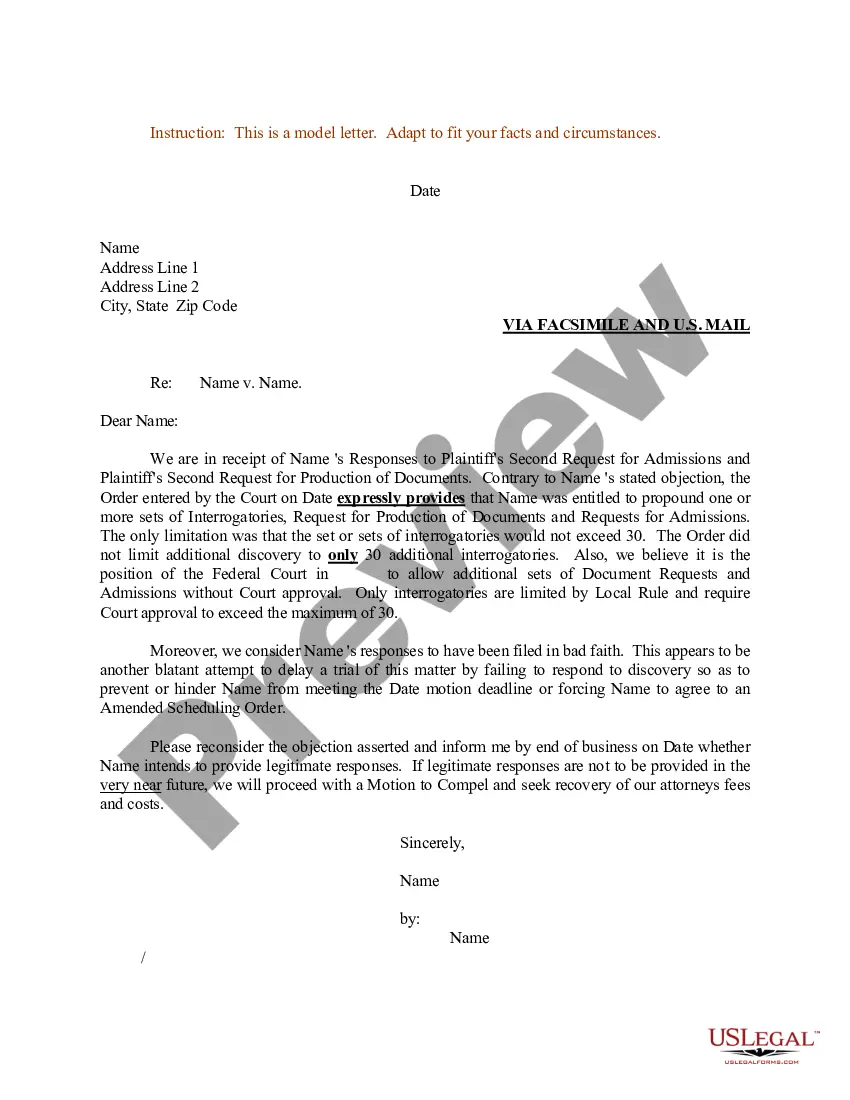
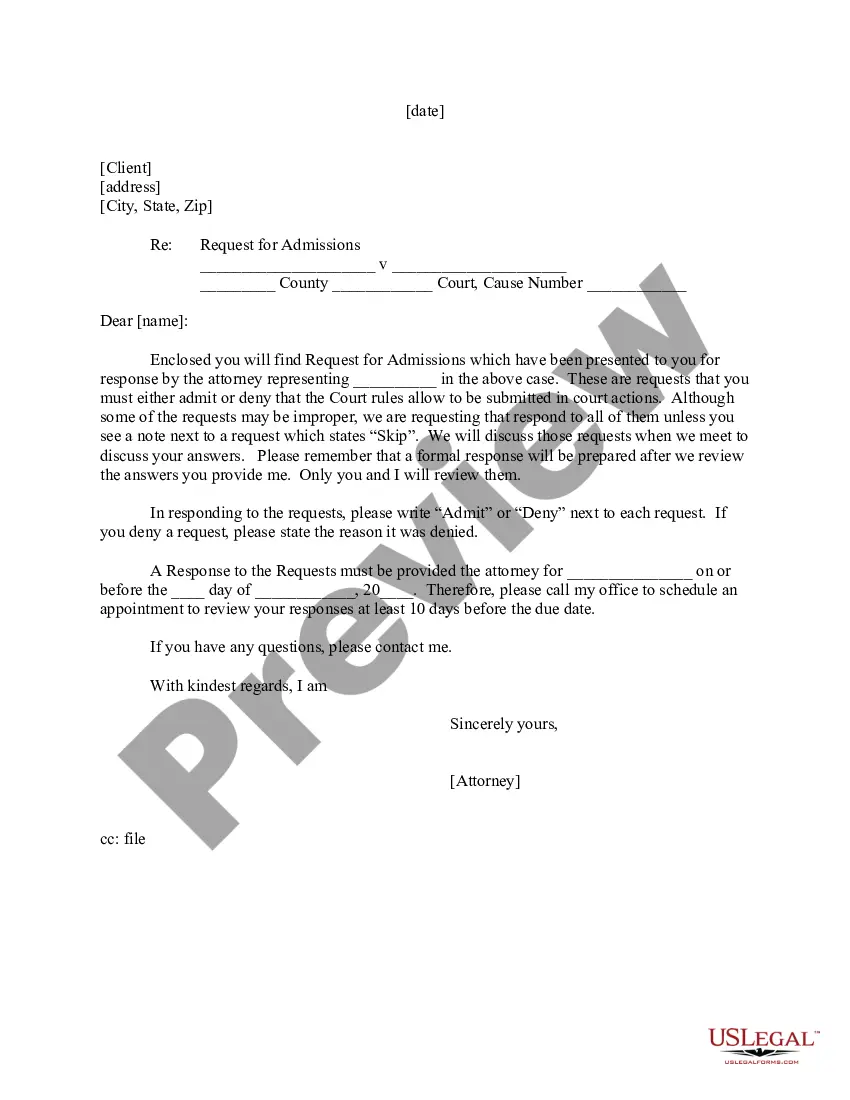
The Letter to Client - Interrogatories to Answer is a legal document used by attorneys to provide clients with a set of formal questions that must be answered as part of a court case. This form is essential for gathering insights and information necessary for legal representation. Unlike similar forms, this letter specifically addresses interrogatories, which are written questions that must be answered under oath before trial.
Key components of this form
- Client address: Includes necessary contact information for the client.
- Case details: Information about the case, including names of parties, court, and cause number.
- Interrogatories: List of questions directed to the client, some of which may be labeled as "Skip".
- Instructions for answers: Guidance on how to respond and the deadline for submission.
- Attorney signature: Confirms the document is issued by a qualified attorney.
Common use cases
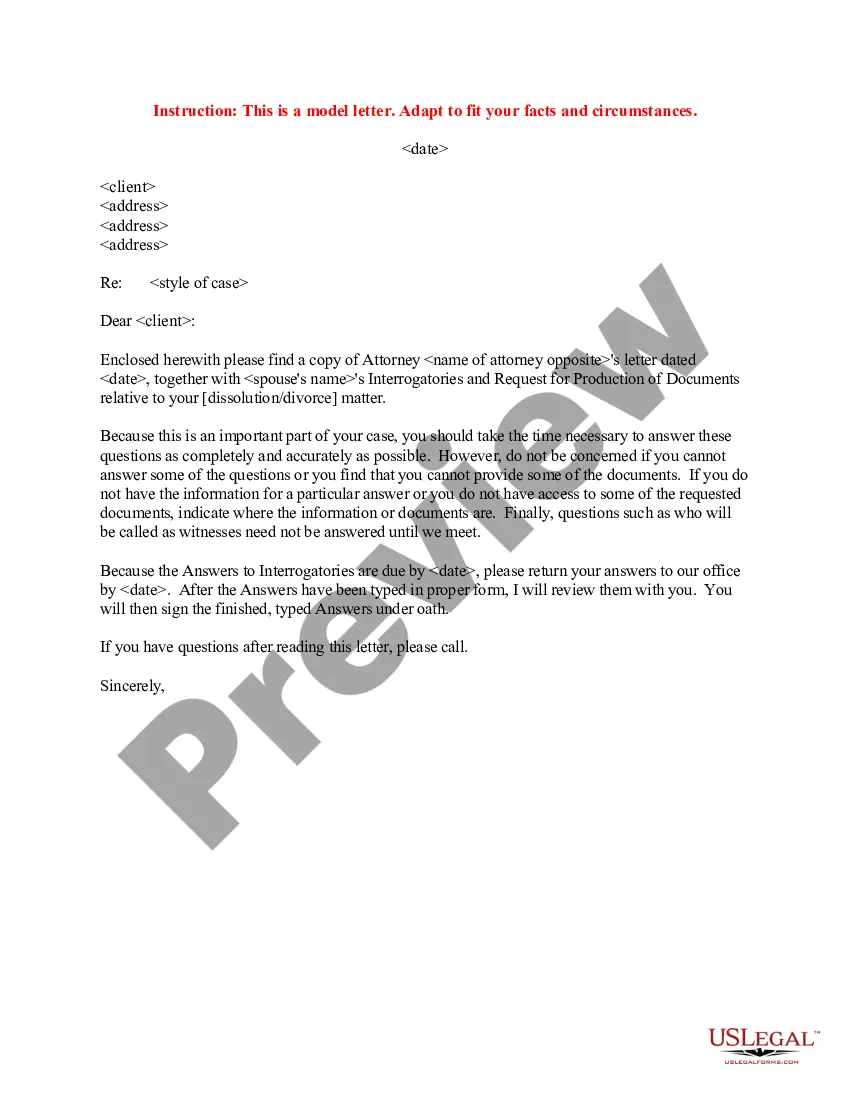
This form is necessary when a client is involved in a legal case where interrogatories are required by the court. Typically, it is used in civil litigation, including personal injury claims, contract disputes, or divorce proceedings. Itâs important for clients to respond fully, as these answers inform the attorney's legal strategy.
Who this form is for
- Clients engaged in a lawsuit where interrogatories have been issued.
- Attorneys who need to formalize the process of gathering information from clients.
- Individuals lacking legal experience who require guidance in responding to interrogatories.
Steps to complete this form
- Fill in the clientâs address accurately at the top of the letter.
- Clearly state the case details, including the names of the parties involved and the court information.
- Review the interrogatories carefully and provide responses to all questions unless indicated otherwise.
- Ensure that your answers are thorough and honest, as they will be reviewed by your attorney.
- Contact your attorney's office to schedule a follow-up appointment for reviewing your responses at least ten days before the submission deadline.
Notarization requirements for this form
In most cases, this form does not require notarization. However, some jurisdictions or signing circumstances might. US Legal Forms offers online notarization powered by Notarize, accessible 24/7 for a quick, remote process.
Get your form ready online
Our built-in tools help you complete, sign, share, and store your documents in one place.
Make edits, fill in missing information, and update formatting in US Legal Forms—just like you would in MS Word.
Download a copy, print it, send it by email, or mail it via USPS—whatever works best for your next step.
Sign and collect signatures with our SignNow integration. Send to multiple recipients, set reminders, and more. Go Premium to unlock E-Sign.
If this form requires notarization, complete it online through a secure video call—no need to meet a notary in person or wait for an appointment.
We protect your documents and personal data by following strict security and privacy standards.
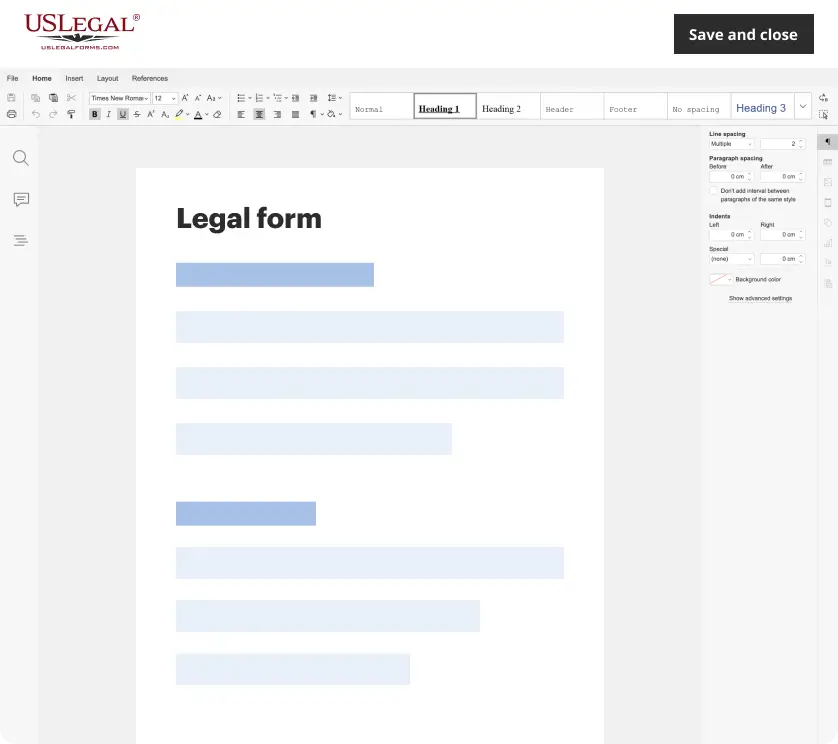
Make edits, fill in missing information, and update formatting in US Legal Forms—just like you would in MS Word.
Download a copy, print it, send it by email, or mail it via USPS—whatever works best for your next step.
Sign and collect signatures with our SignNow integration. Send to multiple recipients, set reminders, and more. Go Premium to unlock E-Sign.
If this form requires notarization, complete it online through a secure video call—no need to meet a notary in person or wait for an appointment.
We protect your documents and personal data by following strict security and privacy standards.
Common mistakes
- Filing late: Not adhering to the submission deadline can lead to complications.
- Inadequate answers: Providing incomplete or unclear responses can hinder legal representation.
- Ignoring instructions: Failing to follow guidance on which questions to skip can confuse the process.
Benefits of completing this form online
- Convenience: Form is accessible from anywhere, at any time.
- Editability: Easily modify responses as needed before finalizing.
- Reliability: Legal forms are drafted by licensed attorneys, ensuring accuracy and compliance.
Looking for another form?


Form popularity
FAQ
Spelling of Answer is spelled a-n-s-w-e-r. Definition of An answer is a response to a questioneither written or spoken. An answer is also something that is done in response or reaction, and, a solution to a problem.
Create an answer key Fill out your question and answers. In the bottom left of the question, click Answer key. Choose the answer or answers that are correct. In the top right of the question, choose how many points the question is worth.
1. Answer, rejoinder, reply, response, retort all mean words used to meet a question, remark, charge, etc. An answer is a return remark: an answer giving the desired information.
An answer key is a key to the answers (to a test or exercise). It's usually a copy of the test or exercise with the instructor's idea of the best possible answers written in. A key answer is an answer that is key. That is, it's the most important of several possible answers to a question.
If you have one key, then it should be answer key. However, when you have a set of keys, and you are referring to the set, rather than individual keys, you should refer to answer-keys.
Some common synonyms of answer are rejoinder, reply, response, and retort. While all these words mean "something spoken, written, or done in return," answer implies the satisfying of a question, demand, call, or need.
Answer KeysGoogle Forms can only autograde questions that are Multiple choice or Checkbox or Drop-down. After each question, click the Answer Key link below it. This will switch you to answer key mode where you can select the correct answer or answers.
The answer key indicates a correct answer provided by the question, but might not be the only acceptable answer. There are three times when the answer key might be displayed: In tutorial questions, if you skip a step, the answer key is displayed for that step before the due date.