Workers' Compensation Clearance Document
What is this form?
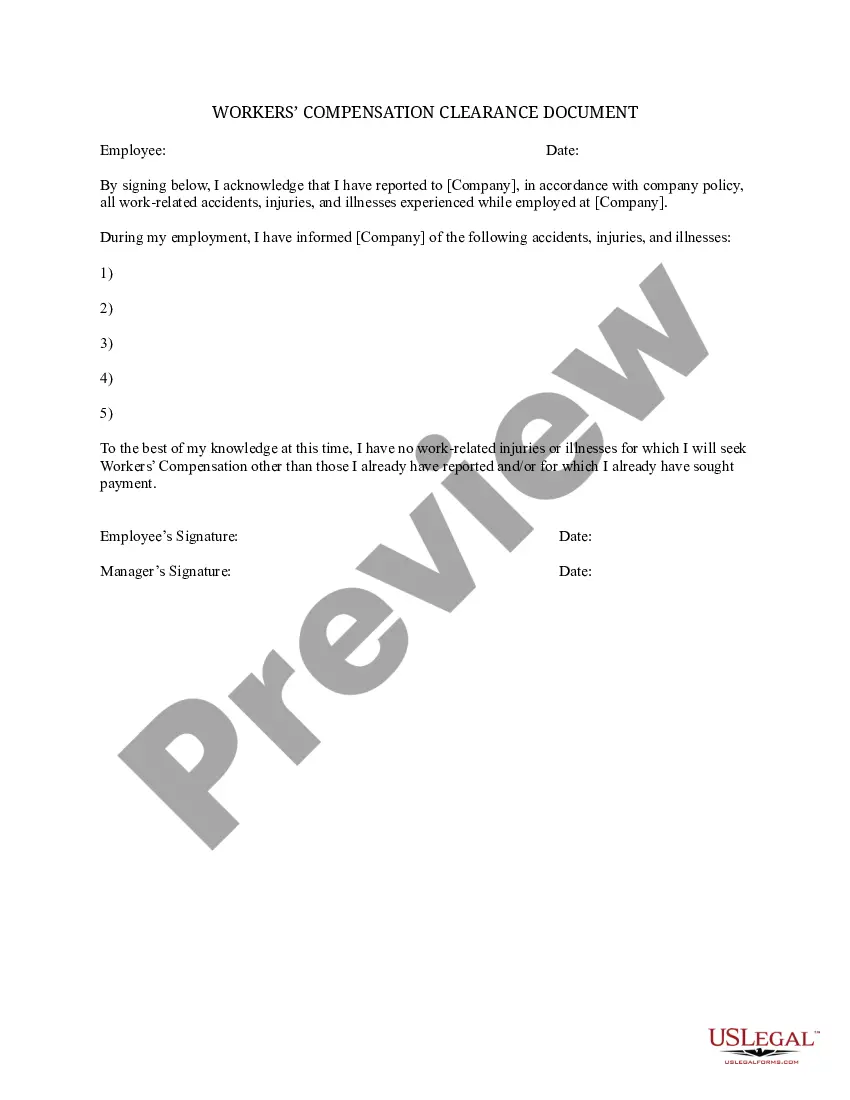
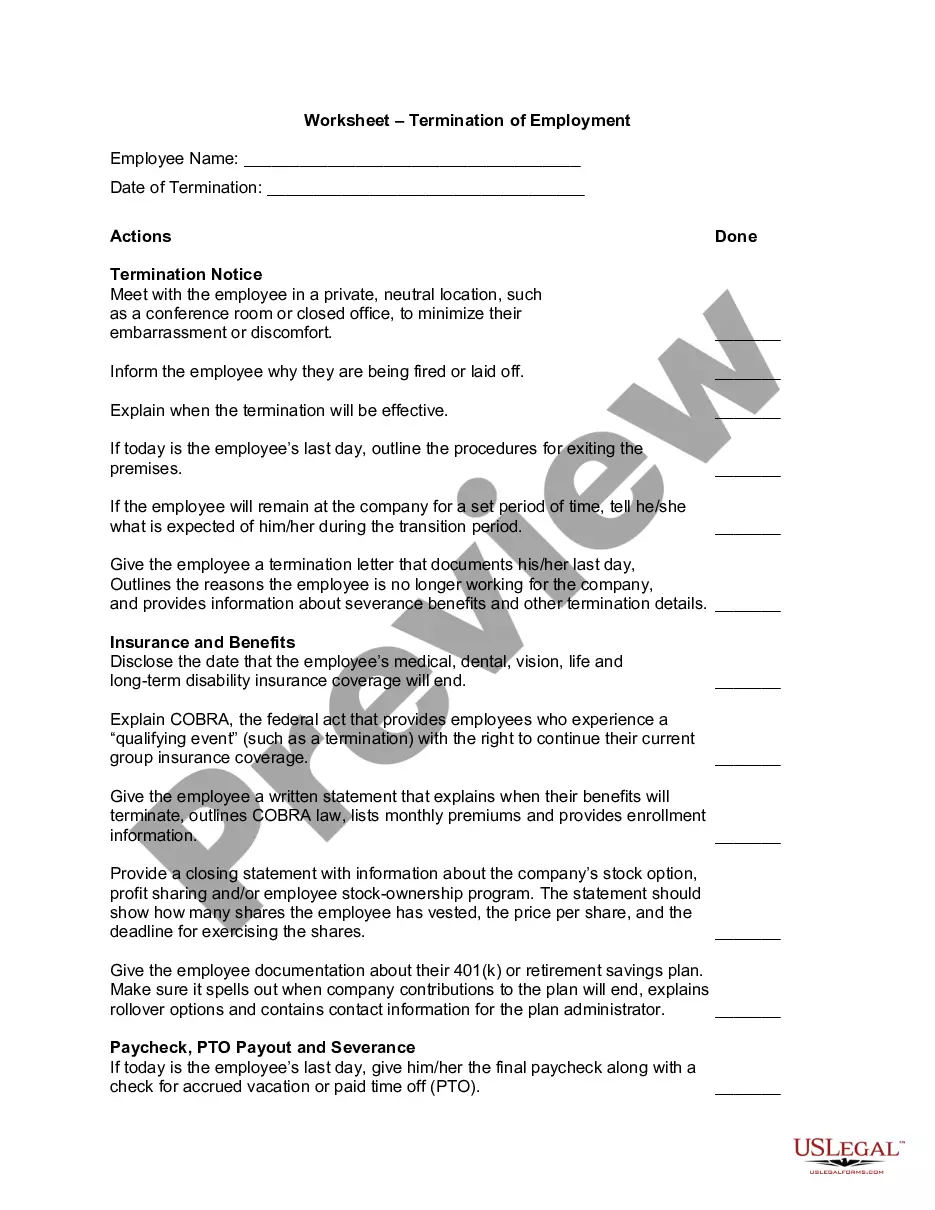
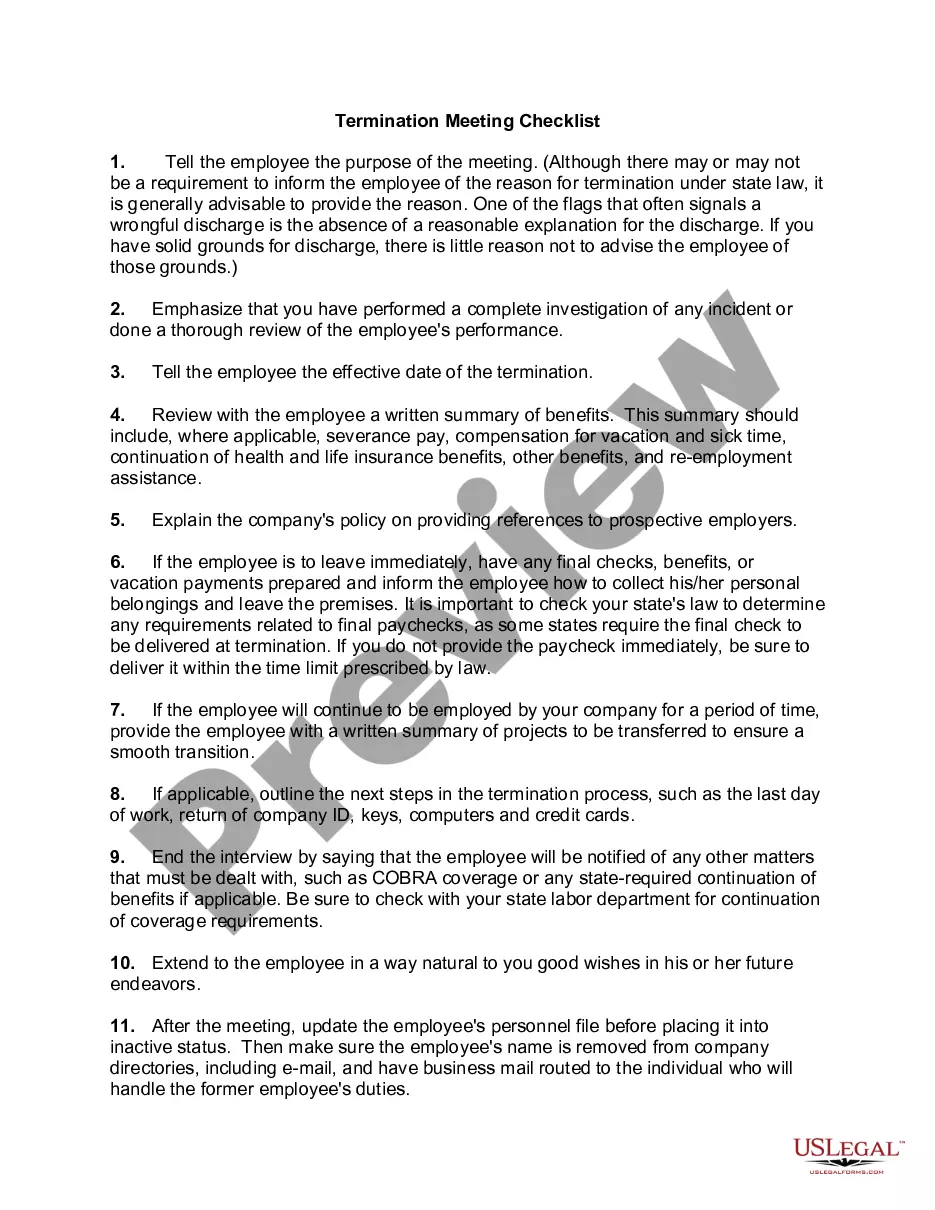
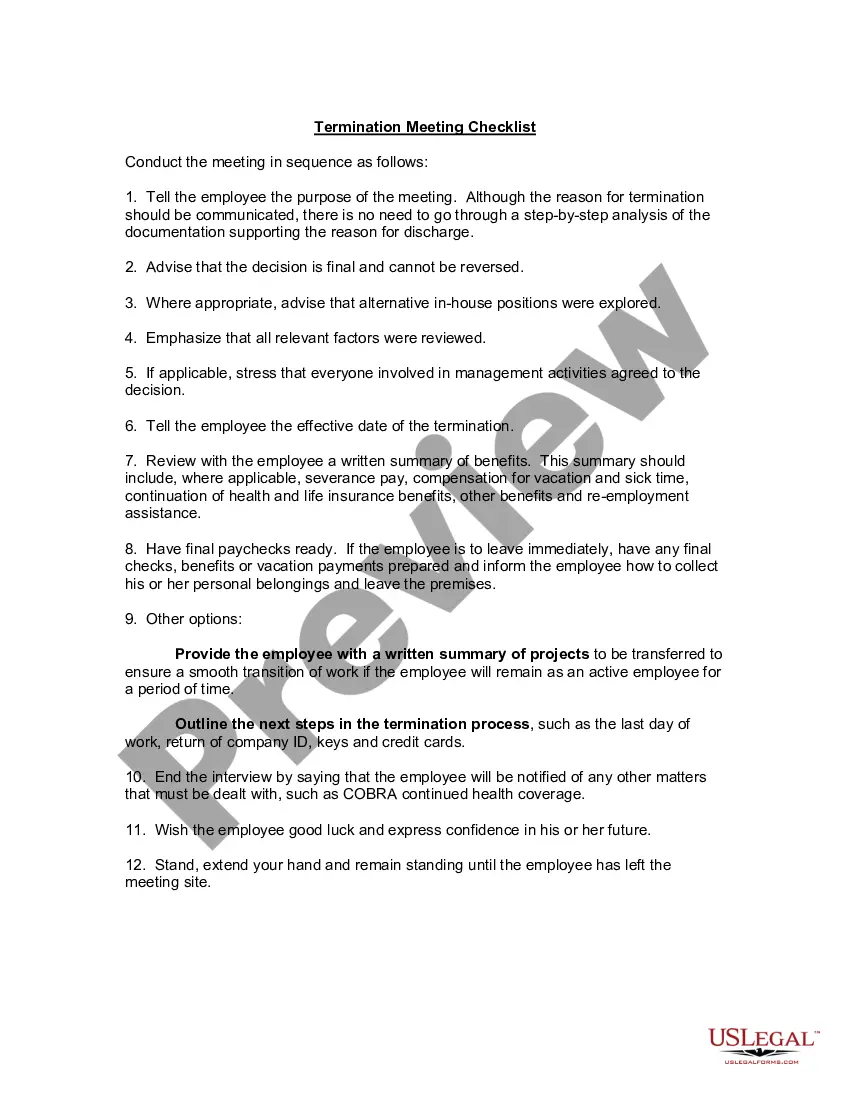
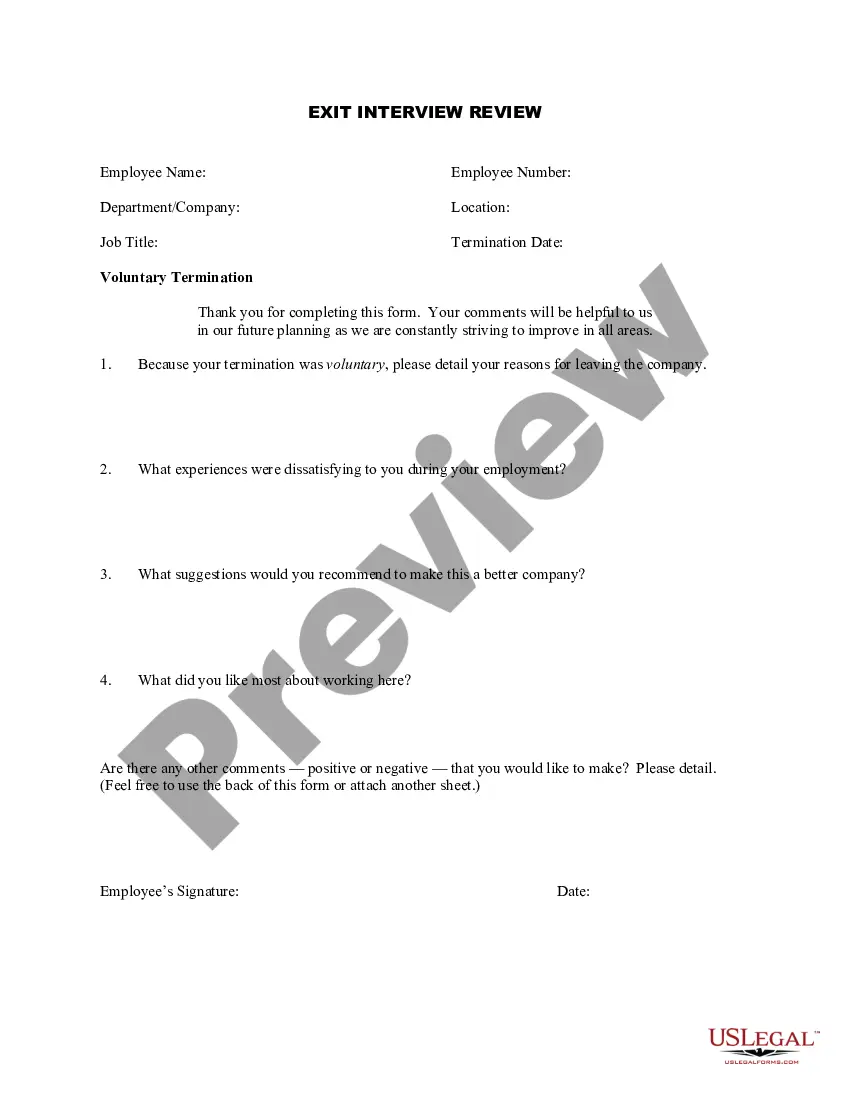
The Workers' Compensation Clearance Document is a legal form that employees use to formally acknowledge the reporting of any work-related illnesses, injuries, or accidents to their employer. This essential document ensures that companies maintain accurate records regarding employee health and safety, distinguishing it from other forms that might simply serve to report incidents without the acknowledgment of the employee. Proper completion of this form can significantly impact an employee's eligibility for workers' compensation benefits and employer accountability.
Key parts of this document
- Employee identification fields, including name and job title.
- A statement acknowledging that all work-related incidents are reported.
- Sections for detailing specific incidents, including dates and nature of injuries or illnesses.
- Signature fields for the employee and the management representative.
- Date fields for when the acknowledgment is signed.
When to use this form
This form is used when an employee has experienced a work-related injury or illness and needs to officially document that it has been reported to the employer. It should be completed whenever an employee notifies the company of any incidents that may affect their health and safety during employment. Additionally, it serves as a key reference for any future claims for workers' compensation benefits.
Who can use this document
- Employees who have reported a work-related injury, illness, or accident.
- Employers who require a formal acknowledgment from employees regarding workplace incidents.
- Human Resources personnel tasked with maintaining compliance with workplace safety regulations.
Steps to complete this form
- Identify all parties involved: enter the employee's name and position, and the company's name.
- List any work-related incidents that have occurred by providing specifics on each incident.
- Complete the signature fields for both the employee and the management representative, ensuring official acknowledgment of the reported incidents.
- Enter the date of signing to confirm when the document was completed.
- Submit the completed form to your HR department for processing.
Notarization guidance
This form does not typically require notarization unless specified by local law.
Get your form ready online
Our built-in tools help you complete, sign, share, and store your documents in one place.
Make edits, fill in missing information, and update formatting in US Legal Forms—just like you would in MS Word.
Download a copy, print it, send it by email, or mail it via USPS—whatever works best for your next step.
Sign and collect signatures with our SignNow integration. Send to multiple recipients, set reminders, and more. Go Premium to unlock E-Sign.
If this form requires notarization, complete it online through a secure video call—no need to meet a notary in person or wait for an appointment.
We protect your documents and personal data by following strict security and privacy standards.

Make edits, fill in missing information, and update formatting in US Legal Forms—just like you would in MS Word.

Download a copy, print it, send it by email, or mail it via USPS—whatever works best for your next step.

Sign and collect signatures with our SignNow integration. Send to multiple recipients, set reminders, and more. Go Premium to unlock E-Sign.

If this form requires notarization, complete it online through a secure video call—no need to meet a notary in person or wait for an appointment.

We protect your documents and personal data by following strict security and privacy standards.
Mistakes to watch out for
- Failing to include all necessary details about the reported incidents.
- Omitting signatures from both the employee and the company representative.
- Not providing dates clearly, which can lead to confusion over the timing of incidents.
- Submitting the form without a proper review for accuracy.
Benefits of using this form online
- Immediate access to a legally compliant version of the form.
- Convenient download options that allow for easy sharing and filling.
- Ensured formatting and structure that meets legal standards.
- Editable fields simplify the documentation process.
Legal use & context
- The document serves as a formal acknowledgment of injuries or incidents, potentially affecting future claims for workers' compensation.
- Maintaining accurate records as required by workplace safety regulations can protect both employees and employers legally.
- Failure to properly complete this document may lead to disputes regarding the acknowledgment of reported incidents.
Main things to remember
- The Workers' Compensation Clearance Document is crucial for formalizing the reporting of workplace incidents.
- Accurate completion of this form is vital for workers' compensation claims.
- Both employees and employers benefit from clear documentation that promotes accountability and safety.
Looking for another form?

Form popularity
FAQ
You will not receive a W2 for workers' comp because workers' compensation benefits are not taxable income for the vast majority of injured workers.
A workers' compensation insurance policy is based on payroll, regardless of whether the employee is full-time, part-time, temporary or seasonal. Begin with the gross payroll for each employee. Tips for Calculating Payroll: Gross payroll for each employee can be rounded to the nearest $1,000.
For the most part, the answer is no. Worker's compensation benefits in California are considered non-taxable income.Death benefits paid to survivors in the event of a work-related fatality are also tax-exempt. You will not have to pay taxes for income received in this manner and there will also be no withholding.
Regarding your question: do you claim workers comp on taxes, the answer is no. You are not subject to claiming workers comp on taxes because you need not pay tax on income from a workers compensation act or statute for an occupational injury or sickness.
A workers' compensation certificate of insurance is proof that a business carries workers' comp coverage. It can sometimes be referred to by other names, including COI, insurance certificate, certificate of insurance form, subcontractor certificate of insurance, or proof of insurance.
If you received your workers compensation "under a workers' compensation act or a statute in the nature of a workers' compensation act" it is not taxable and they should not have issued you a 1099-MISC.In the meantime, the IRS expects to see that income on your tax return.
A Workers Compensation or WC certificate is proof and limits of IT AMG's Workers Compensation coverage. The WC certificate provides coverage details, insurer information, covered entities and period of effect.
In most states, the employer or insurance company must decide whether you're eligible for workers' comp benefits promptly or within a reasonable time period. Some states also have strict deadlines for approving or denying a claimoften between 14 and 30 days.
Workers Compensation Calculator Most often, benefits are calculated and paid based on the average weekly wage. This is calculated by multiplying the employee's daily wage by the number of days worked in a full year. That number is then divided by 52 weeks to get the average weekly wage.