New Customer Welcome
What this document covers
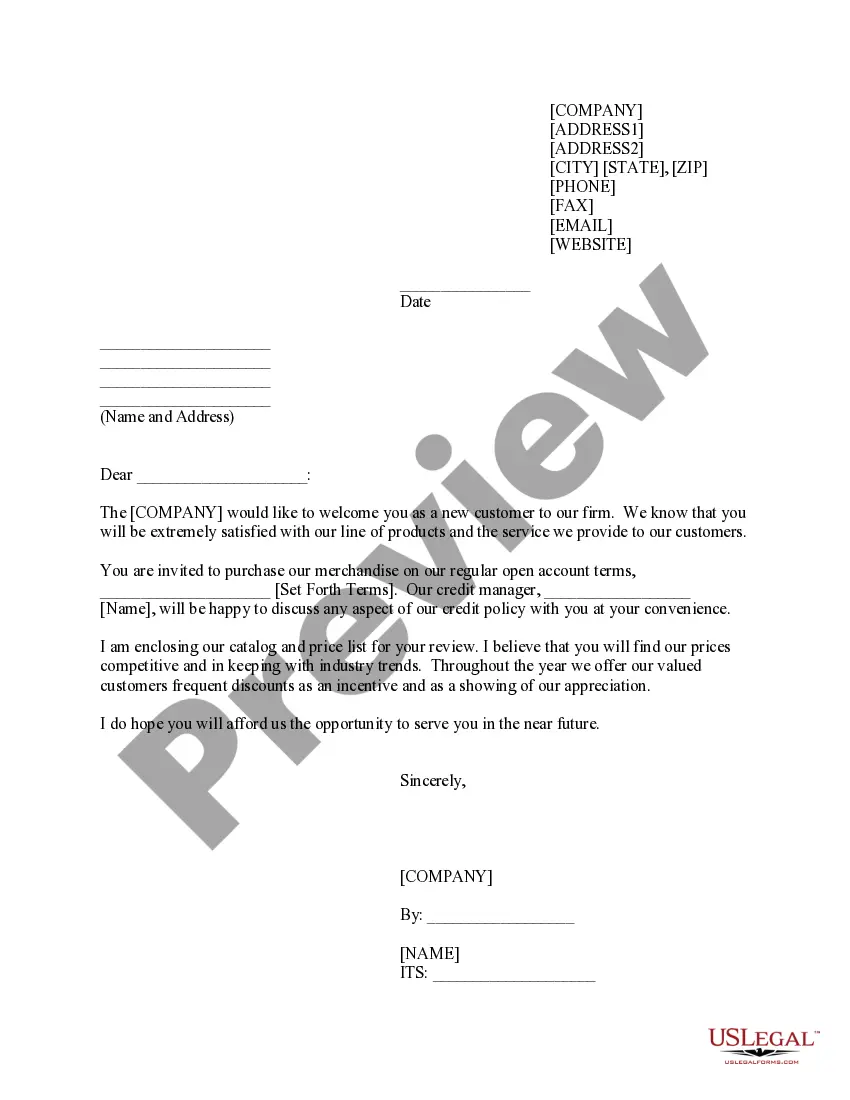
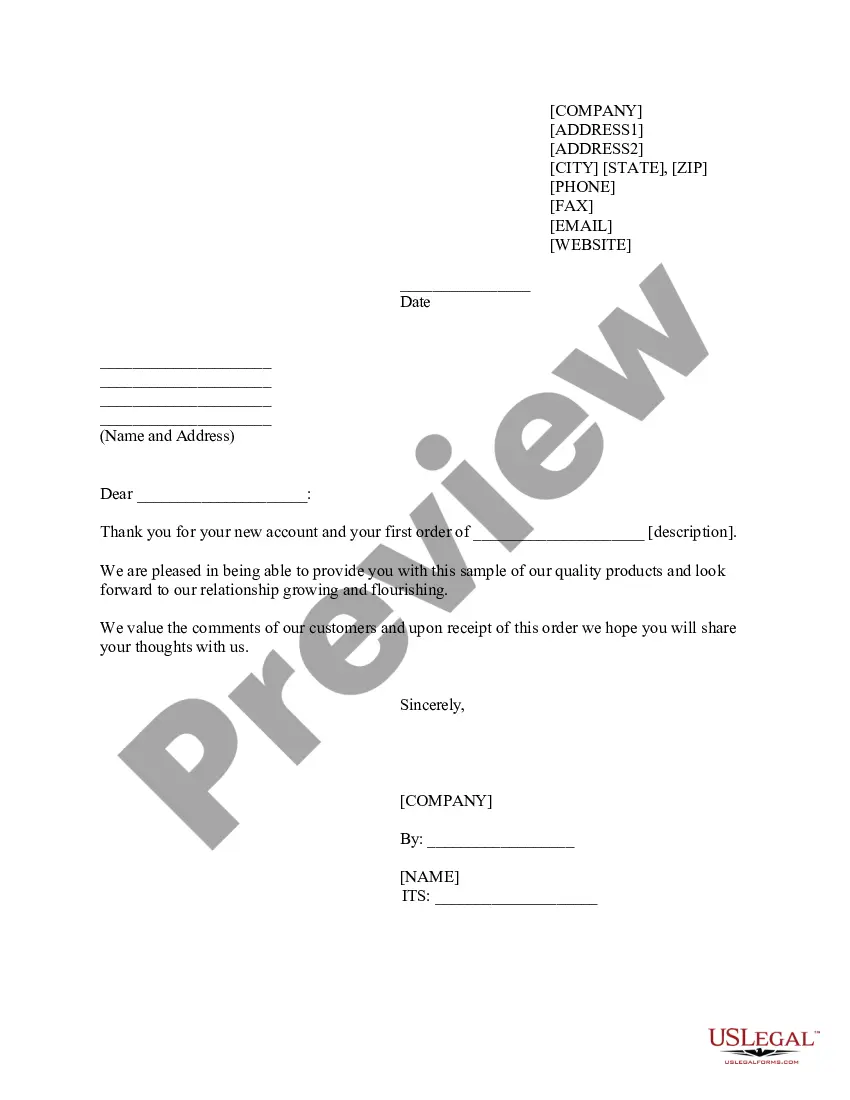
The New Customer Welcome form is a professionally drafted document used by companies to formally welcome new customers. This form allows businesses to communicate important account details, credit terms, and highlight the benefits of engaging their services. It stands out from general welcome letters by including a structured format for providing essential company information, making it user-friendly for both the business and the customer.
What’s included in this form
- Company address and contact information
- Date of the welcome letter
- Personalized greeting for the new customer
- Terms of purchase and credit policy explanation
- Enclosed catalog and price list details
- Signature and title of the company representative
Situations where this form applies
This form should be used when a business wants to welcome new customers formally. It is particularly useful after a purchase is made on credit, or when establishing an ongoing relationship with a client. It can serve as a prompt for new customers to engage with the business, review products, and understand the terms of their account.
Who this form is for
This form is intended for:
- Businesses that have recently acquired new customers
- Sales and account management teams within organizations
- Companies that offer products or services on credit
- Organizations looking to enhance customer relations and communication from the outset
How to prepare this document
- Enter the company's address, including any relevant contact numbers and email.
- Fill in the date when the form is being completed.
- Personalize the greeting by including the new customer's name.
- Specify the terms of purchase or credit being offered to the customer.
- Include the name of the credit manager for follow-up inquiries.
- Complete the signature section by having an authorized representative sign, and designate their title.
Notarization guidance
This form does not typically require notarization unless specified by local law. It is primarily a communication tool for welcoming new customers and outlining terms, which does not necessitate a notary's verification for validity.
Get your form ready online
Our built-in tools help you complete, sign, share, and store your documents in one place.
Make edits, fill in missing information, and update formatting in US Legal Forms—just like you would in MS Word.
Download a copy, print it, send it by email, or mail it via USPS—whatever works best for your next step.
Sign and collect signatures with our SignNow integration. Send to multiple recipients, set reminders, and more. Go Premium to unlock E-Sign.
If this form requires notarization, complete it online through a secure video call—no need to meet a notary in person or wait for an appointment.
We protect your documents and personal data by following strict security and privacy standards.

Make edits, fill in missing information, and update formatting in US Legal Forms—just like you would in MS Word.

Download a copy, print it, send it by email, or mail it via USPS—whatever works best for your next step.

Sign and collect signatures with our SignNow integration. Send to multiple recipients, set reminders, and more. Go Premium to unlock E-Sign.

If this form requires notarization, complete it online through a secure video call—no need to meet a notary in person or wait for an appointment.

We protect your documents and personal data by following strict security and privacy standards.
Common mistakes
- Failing to personalize the letter with the new customerâs name.
- Leaving out important contact information or terms of credit.
- Not updating the catalog and price list when sending the form.
- Omitting the signature and title of the signatory.
Benefits of using this form online
- Easy access to downloadable and customizable templates that can be filled out quickly.
- Ability to edit the document to reflect specific business needs and customer information.
- Online storage and retrieval of forms for future reference or updates.
- Streamlined process for establishing relationships with new customers.
Key takeaways
- The New Customer Welcome form establishes a professional relationship with new clients.
- Essential components include personalized contact information and account terms.
- This form can be adapted for use in various states.
Looking for another form?


Form popularity
FAQ
6 tips to craft an effective welcome letter for new customers: Decide on the format. Choose who will send the welcome message. Avoid over-the-top phrasing. Reiterate your value for your customers. Share contact details and invite customers to ask questions. Provide useful resources.
Dear client name, We'd like to welcome you to company name, and thank you for joining us. My name is your name, and I'm here to show you everything you need for success. Here at company name, we dedicate ourselves to your company's value proposition for the customer.
You can welcome a new client by introducing yourself and your company, introducing your product, and providing information about how to get started. You can also include any questions the client may have and provide contact information for customer support.
How to write a customer welcome letter Start with a business letterhead.Include the date and the customer's address.Greet the customer.Write an official welcome message.Share additional information to add value.Add contact details.Close the letter.
How to write a welcome letter Write the greeting. If you're writing a new customer or client welcome letter, start with your company's letterhead, followed by the date and the recipient's address.Start the body of the letter.Personalize the letter.Include important information.Conclude your letter.Sign off.
Welcome to Hotel Name! We are delighted to have you as our guest and are committed to providing you with a comfortable and memorable stay. As a first-time guest, we want to ensure that you have a seamless and enjoyable experience with us.