Change in Meeting Date
Overview of this form
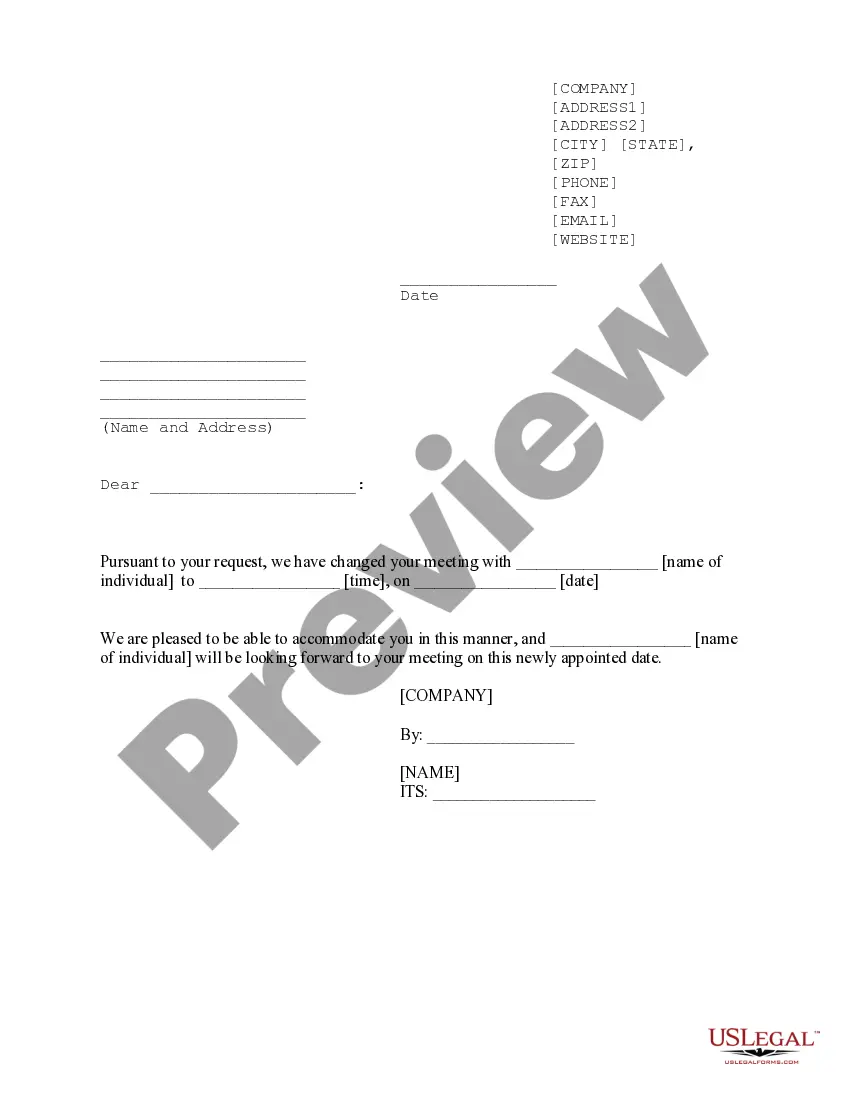
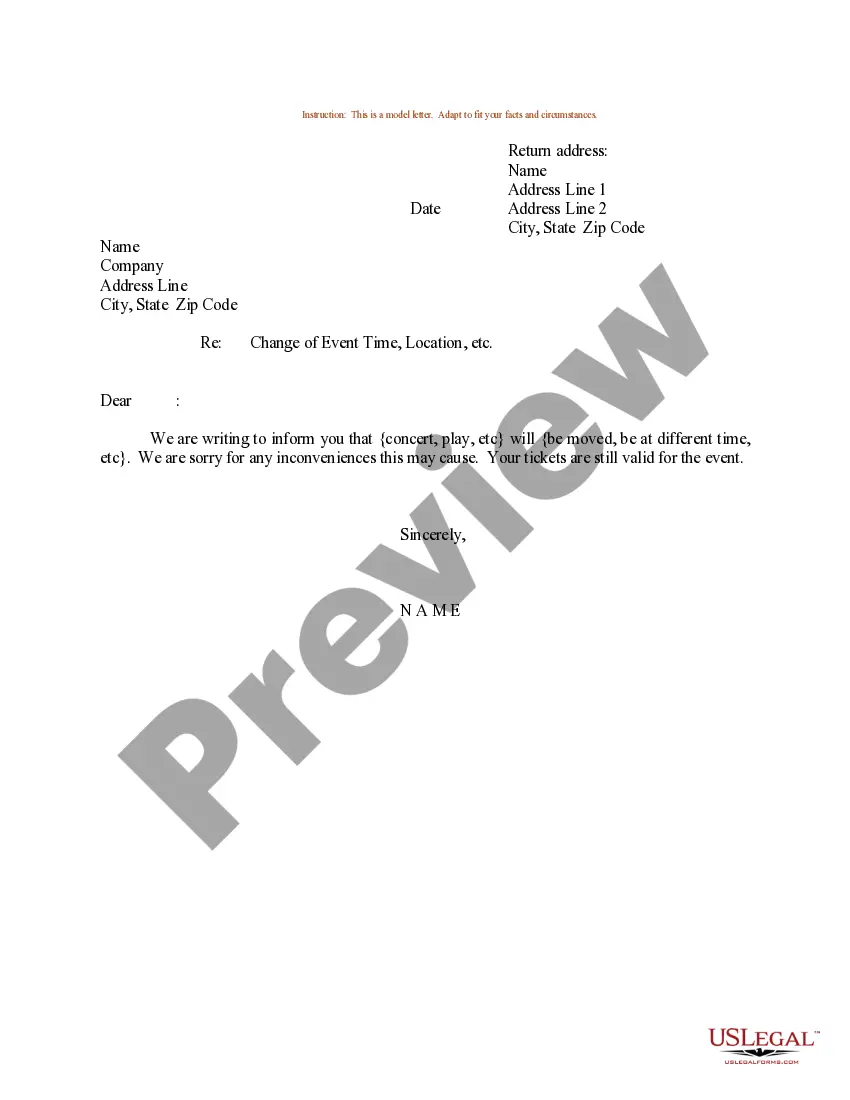
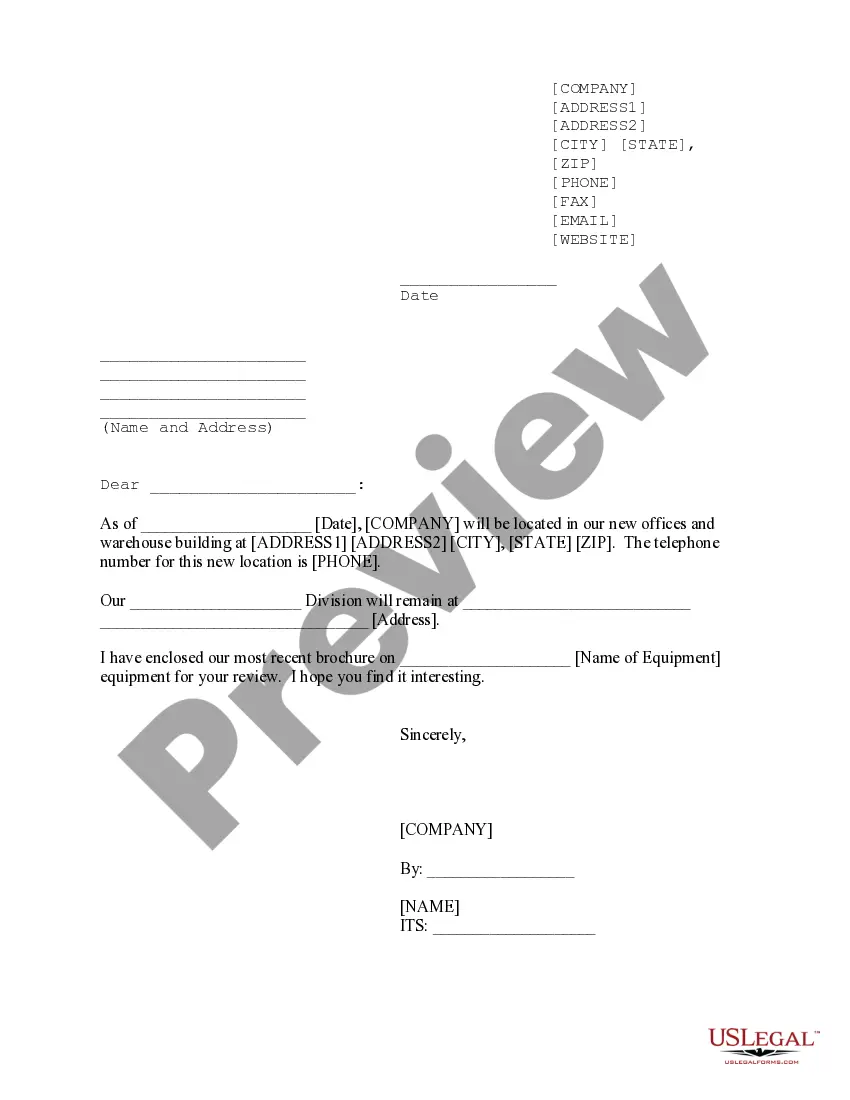
The Change in Meeting Date form is a legal template used to officially notify participants of a change in a previously scheduled meeting. This form serves as a clear communication tool, providing updated details about the meeting time and date while ensuring all parties are informed. Unlike informal communication methods, this form maintains professionalism and ensures that all involved parties have a written record of the new meeting arrangements.
Key components of this form
- Contact information for the sender including address, phone, email, and website.
- The date when the change notification is sent.
- The name and address of the recipient.
- The name of the individual associated with the meeting.
- The new date and time for the rescheduled meeting.
- Signature line for the sender, including printed name and title.
Situations where this form applies
You should use the Change in Meeting Date form when you need to formally inform participants about a modification to an existing meeting schedule. This situation may arise if there are scheduling conflicts, changes in availability, or need to accommodate specific attendees. Utilizing this form ensures that all parties receive consistent information and have a record of the new meeting details.
Who this form is for
- Businesses or organizations needing to inform employees or clients about schedule changes.
- Individuals scheduling personal meetings that require a formal notification of change.
- Anyone involved in planning meetings that are time-sensitive and require clarity in communication.
Steps to complete this form
- Enter your contact information at the top of the form.
- Add the date you are sending the notification.
- Fill in the recipient's name and address.
- Specify the name of the individual associated with the meeting.
- Indicate the new time and date of the meeting.
- Sign the form and include your printed name and title below your signature.
Notarization guidance
In most cases, this form does not require notarization. However, some jurisdictions or signing circumstances might. US Legal Forms offers online notarization powered by Notarize, accessible 24/7 for a quick, remote process.
Get your form ready online
Our built-in tools help you complete, sign, share, and store your documents in one place.
Make edits, fill in missing information, and update formatting in US Legal Forms—just like you would in MS Word.
Download a copy, print it, send it by email, or mail it via USPS—whatever works best for your next step.
Sign and collect signatures with our SignNow integration. Send to multiple recipients, set reminders, and more. Go Premium to unlock E-Sign.
If this form requires notarization, complete it online through a secure video call—no need to meet a notary in person or wait for an appointment.
We protect your documents and personal data by following strict security and privacy standards.

Make edits, fill in missing information, and update formatting in US Legal Forms—just like you would in MS Word.

Download a copy, print it, send it by email, or mail it via USPS—whatever works best for your next step.

Sign and collect signatures with our SignNow integration. Send to multiple recipients, set reminders, and more. Go Premium to unlock E-Sign.

If this form requires notarization, complete it online through a secure video call—no need to meet a notary in person or wait for an appointment.

We protect your documents and personal data by following strict security and privacy standards.
Common mistakes
- Failure to include all relevant contact information.
- Not clearly indicating the new meeting date and time.
- Neglecting to send the form to all meeting participants.
- Forgetting to sign the form before sending it.
Why complete this form online
- Convenience of instant download and editing from anywhere.
- Time-saving with pre-drafted sections, reducing the need for custom writing.
- Reliability by ensuring that all necessary legal language is included.
Looking for another form?



Form popularity
FAQ
Be polite but assertive (and start looking for a replacement). Say something like this: I've been looking forward to meeting so we can move forward with X, but it seems we're having trouble connecting. I really need to move this project forward, so I'm going to seek out some other options.
Begin with a simple greeting, apologize sincerely for the inconvenience, and explain why you request to reschedule the meeting. If there is a specific reason for the requested change (e.g., you have another meeting scheduled at that time), be sure to mention it to show credibility.
How to cancel a meeting professionally Step #1: Send a message as soon as you realize you can't make it. Step #2: Apologize and notify the attendees. Step #3: Explain why you can't make it. Step #4: Ask to reschedule. Step #5: If the meeting proceeds without you, request the meeting notes.
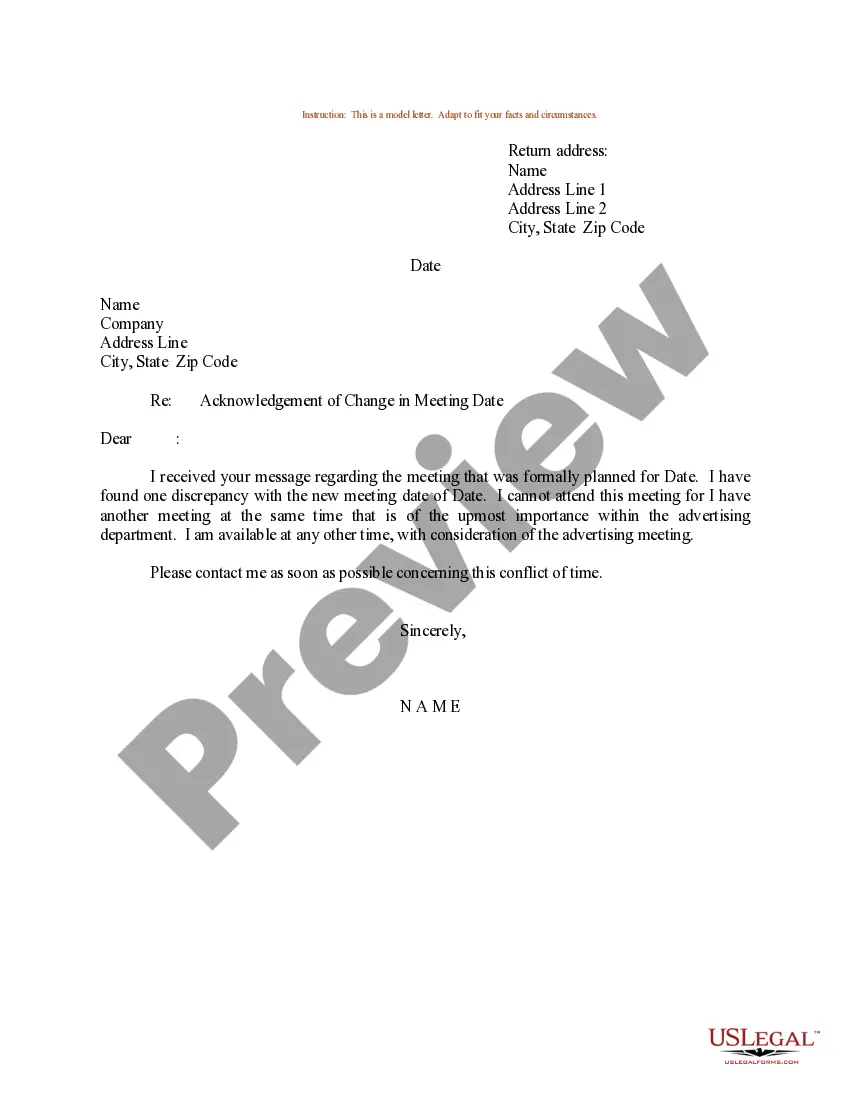
Dear , I am writing to inform you that I will no longer be able to attend our meeting on , due to an unanticipated conflict in scheduling. Please accept my apologies for the inconvenience caused. It would be much appreciated if it's possible to reschedule to AM, or any other day that week.
Thank you for rescheduling my interview. I look forward to meeting with you on Monday. Thank you for rescheduling the interview. I can't wait to hear more about the position.
Here are some tips to help you understand how to respond to a rescheduled meeting: Acknowledge the development.Let your availability be known.Be understanding.Offer your assistance.Confirm the details of the new meeting.
I apologize for any inconvenience and hope we can schedule for another date and time. I am available to meet again at time on date if this works for you. If not, please let me know your availability or a time and date that best fits your schedule.
Change a single appointment, meeting, or event you created Open the appointment, event, or meeting from your calendar. Edit the item details on the Appointment or Meeting tab. When you're done, click Save & Close for an appointment or event or Send Update for a meeting you created.