Project Estimate Sheet
What this document covers
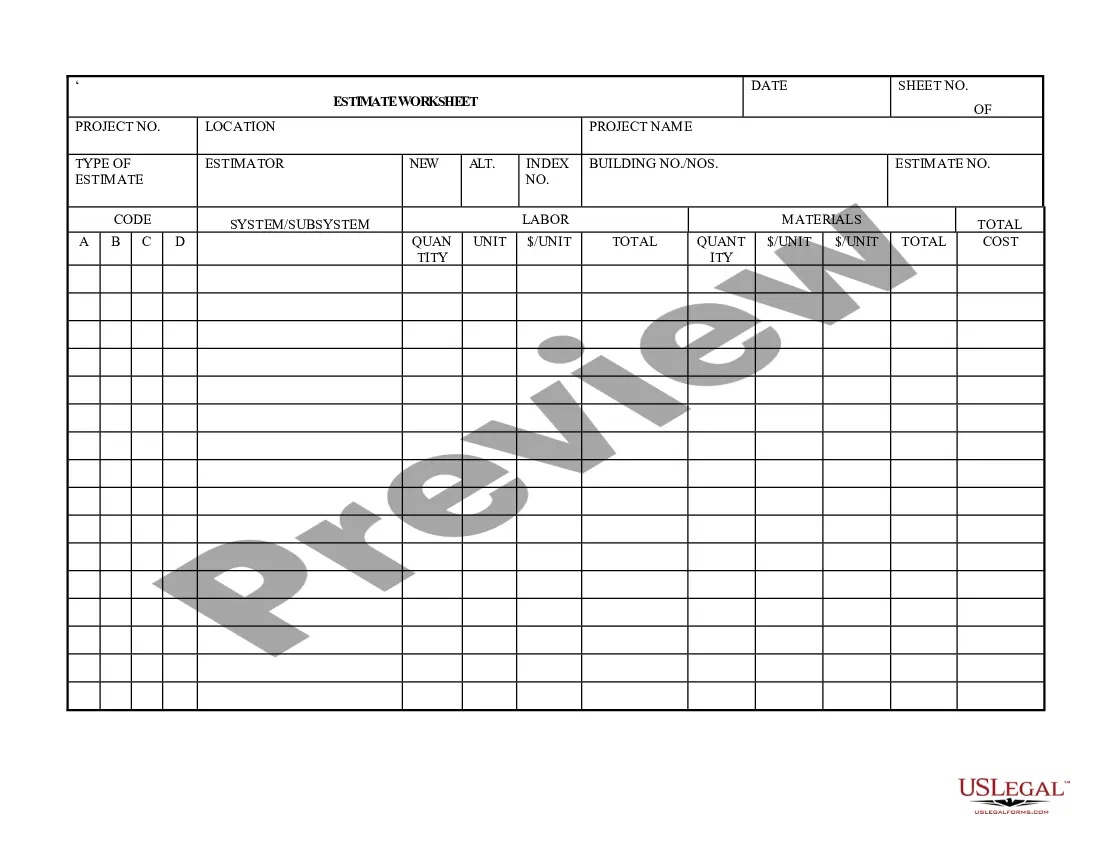
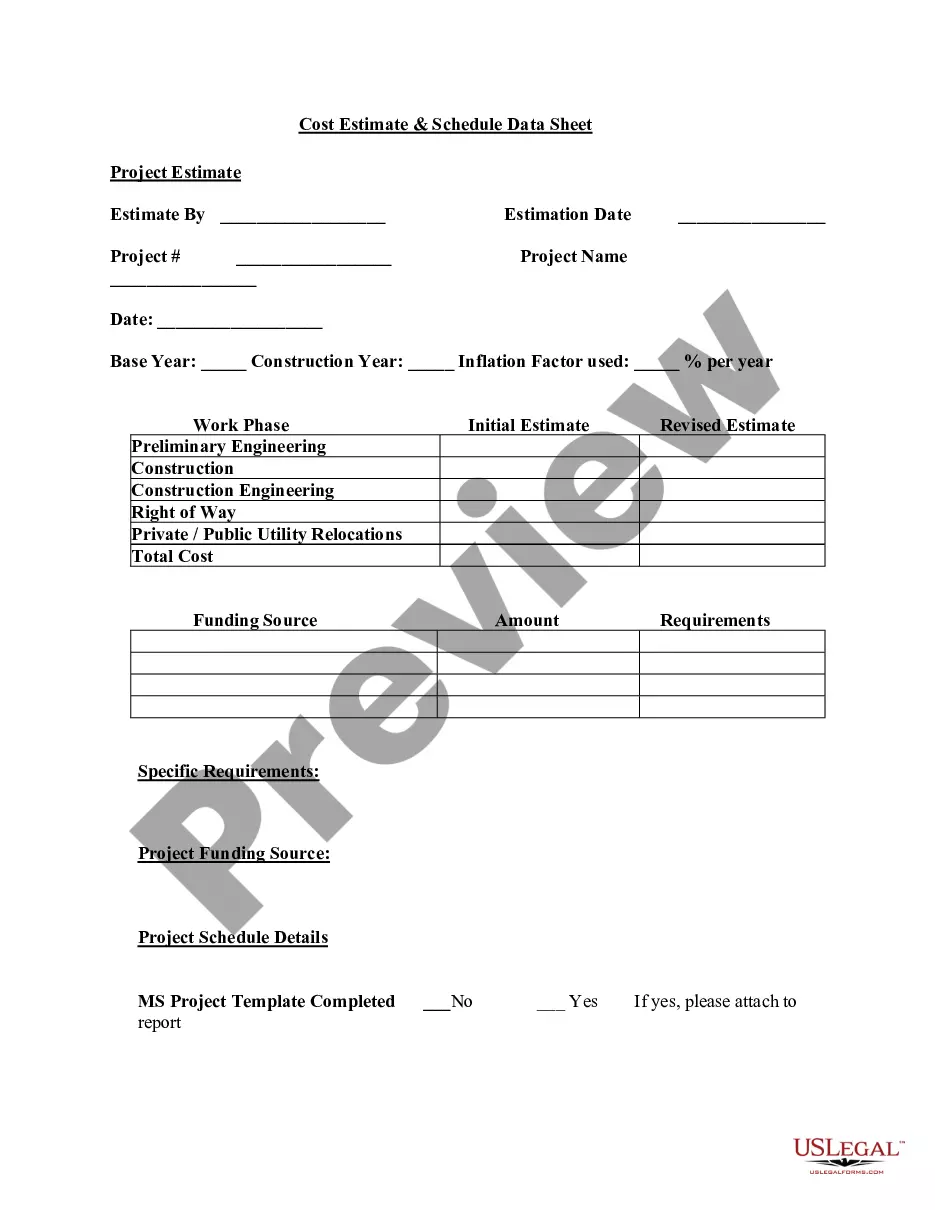
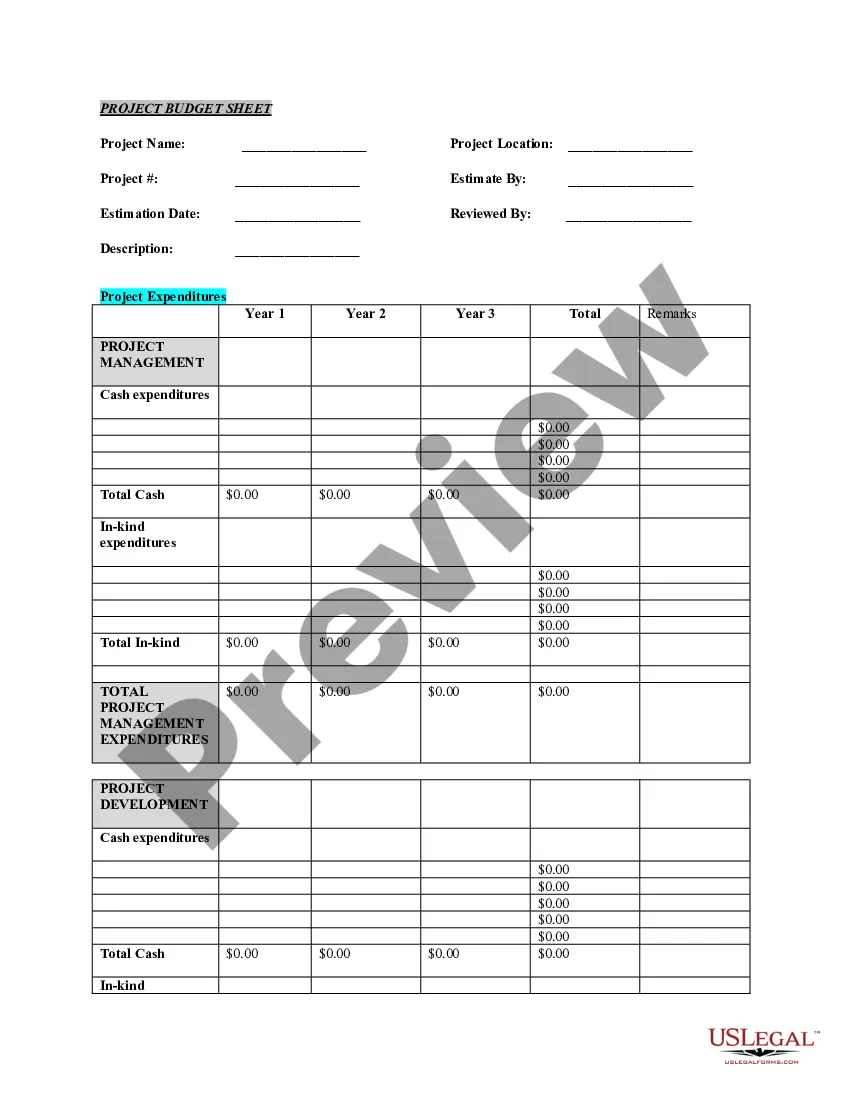
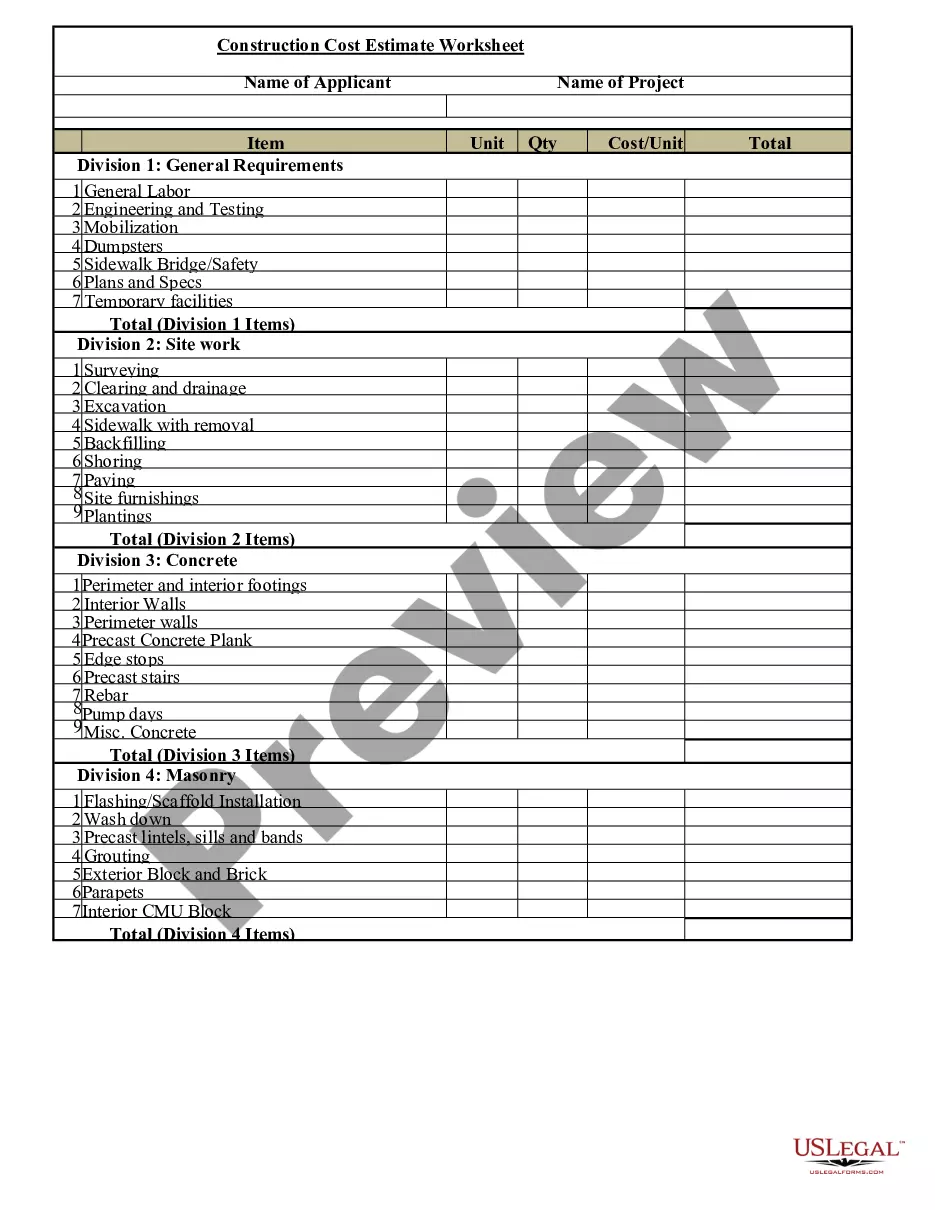
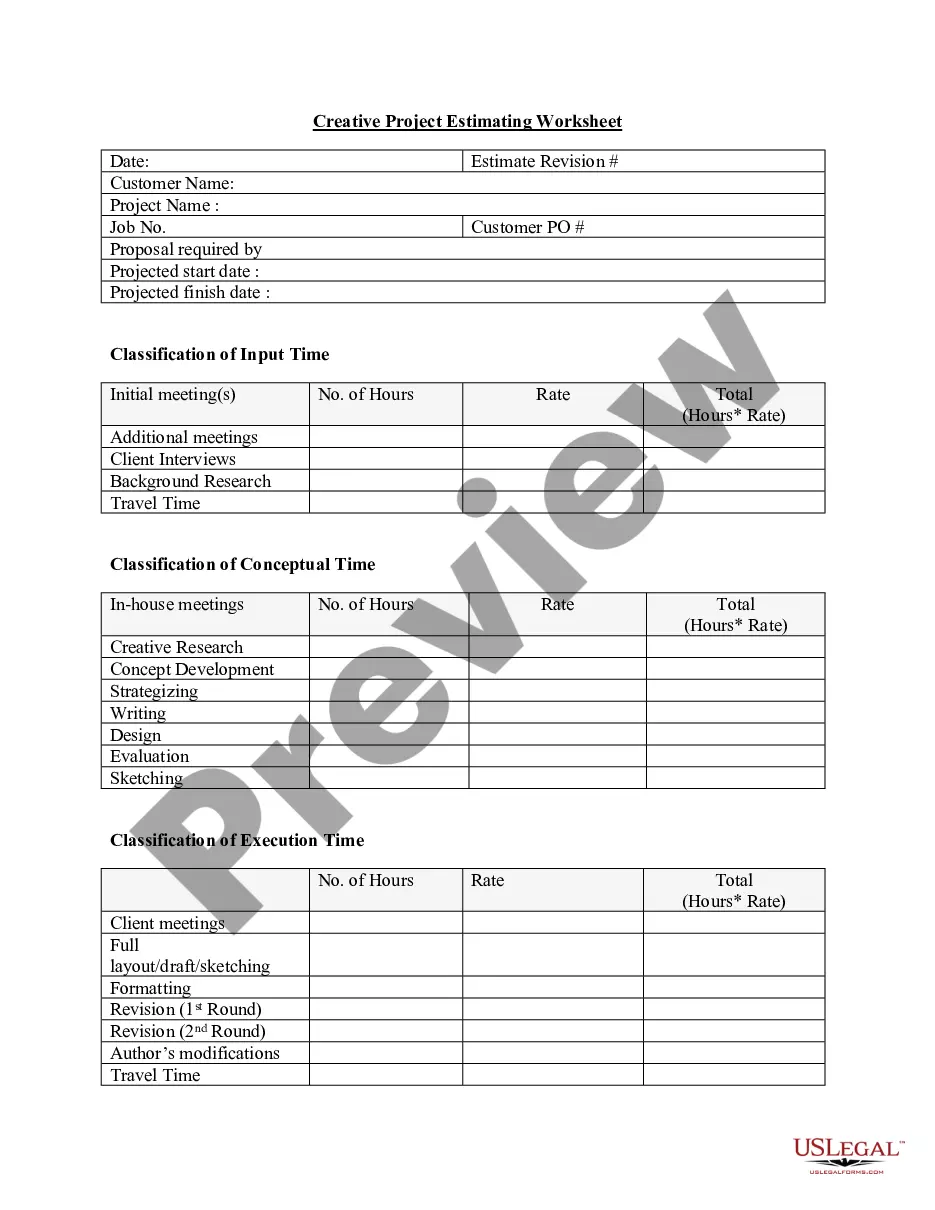
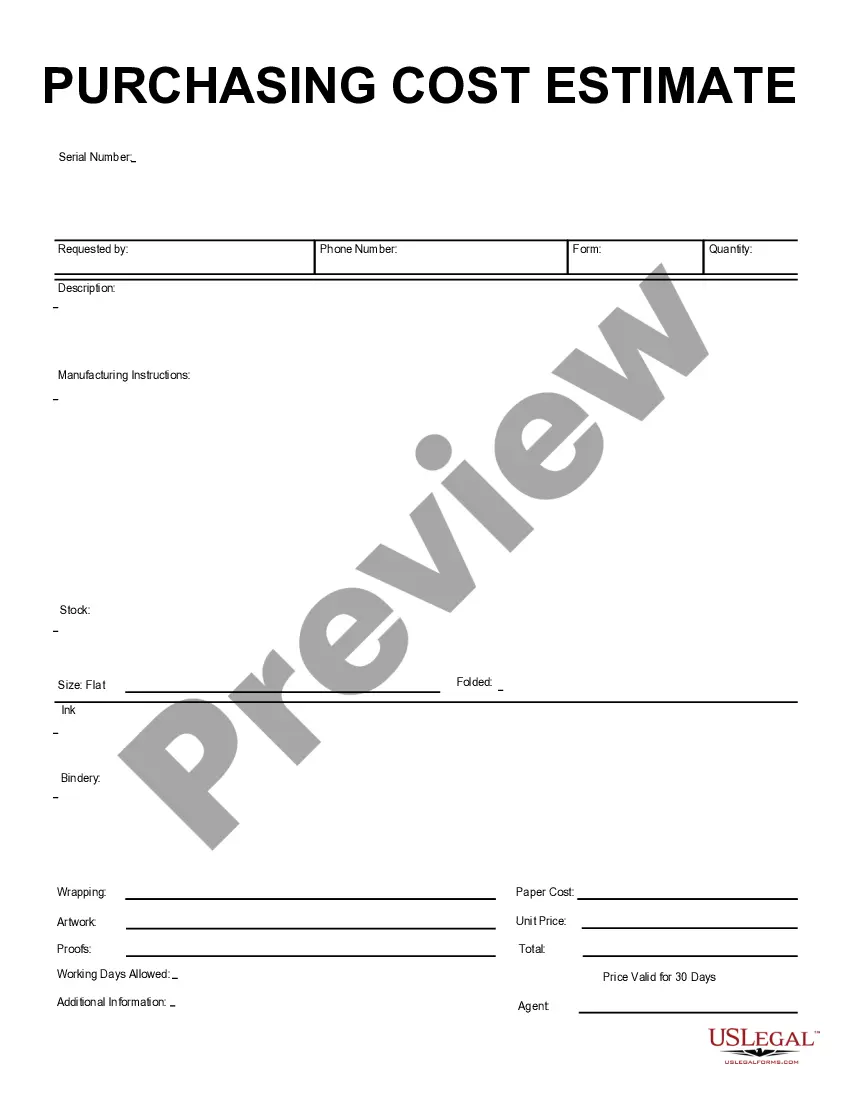
The Project Estimate Sheet is a legal document used to provide a detailed approximation of project costs. This form helps in planning by outlining labor and material expenses based on available data and professional experience. It is essential for projects where not all facts are known, allowing stakeholders to make informed decisions on budgeting and resource allocation.
Main sections of this form
- Project number and location fields for tracking and identification.
- Project name and type of estimate to specify the work at hand.
- Estimator's name and alternate index number for accountability.
- Sections for labor and material costs with quantity and unit details.
- Final total cost calculated for clear financial visibility.
Common use cases
This form is beneficial in various scenarios, including when initiating a construction project, preparing for renovations, or assessing costs for bids. Use the Project Estimate Sheet to communicate financial expectations to clients and stakeholders, ensuring everyone is on the same page regarding potential costs before work begins.
Who should use this form
The following individuals or entities should consider using the Project Estimate Sheet:
- Construction managers preparing project proposals.
- Contractors bidding on new projects.
- Freelancers or consultants estimating costs for services.
- Project owners needing a budget overview.
Steps to complete this form
- Begin by entering the project number and location.
- Specify the project name and the type of estimate.
- Fill in the estimator's name and alternate index number, if applicable.
- Outline labor and material costs, detailing quantity and unit for clarity.
- Calculate and enter the total estimated cost.
Notarization guidance
Notarization is generally not required for this form. However, certain states or situations might demand it. You can complete notarization online through US Legal Forms, powered by Notarize, using a verified video call available anytime.
Get your form ready online
Our built-in tools help you complete, sign, share, and store your documents in one place.
Make edits, fill in missing information, and update formatting in US Legal Forms—just like you would in MS Word.
Download a copy, print it, send it by email, or mail it via USPS—whatever works best for your next step.
Sign and collect signatures with our SignNow integration. Send to multiple recipients, set reminders, and more. Go Premium to unlock E-Sign.
If this form requires notarization, complete it online through a secure video call—no need to meet a notary in person or wait for an appointment.
We protect your documents and personal data by following strict security and privacy standards.
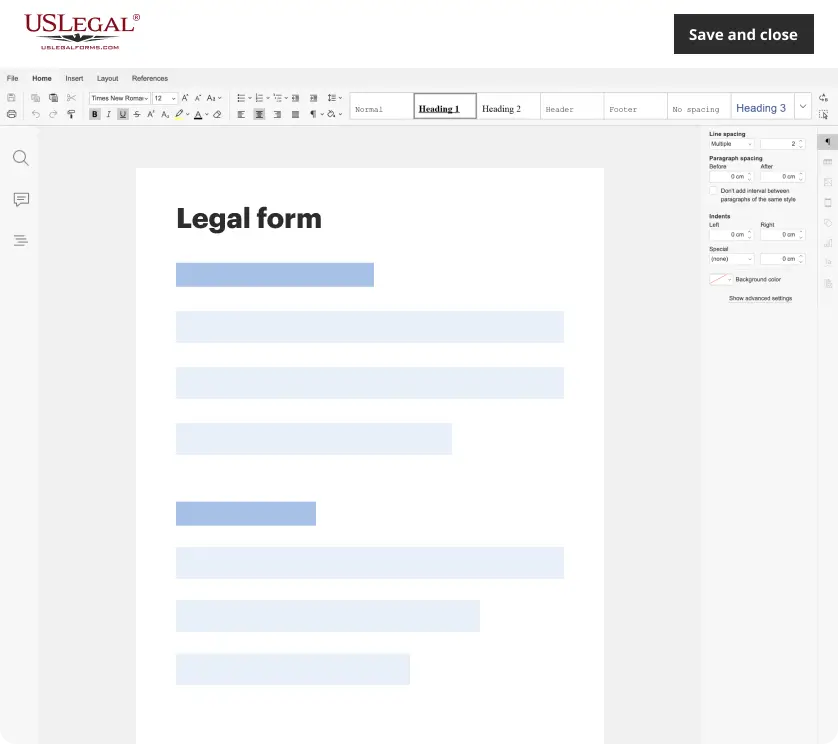
Make edits, fill in missing information, and update formatting in US Legal Forms—just like you would in MS Word.
Download a copy, print it, send it by email, or mail it via USPS—whatever works best for your next step.
Sign and collect signatures with our SignNow integration. Send to multiple recipients, set reminders, and more. Go Premium to unlock E-Sign.
If this form requires notarization, complete it online through a secure video call—no need to meet a notary in person or wait for an appointment.
We protect your documents and personal data by following strict security and privacy standards.
Common mistakes
- Failing to include all relevant costs, such as permits or inspections.
- Using vague descriptions for labor or materials.
- Not having the estimator sign the form for validation.
Benefits of completing this form online
- Convenience of downloading and printing the form anytime.
- Editable fields allow for quick adjustments and accuracy.
- Reliability ensured by attorney-drafted templates.
Legal use & context
- Estimates provided should be reasonable and based on professional experience.
- Considerations must be made for changes in project scope or unforeseen circumstances.
Summary of main points
- The Project Estimate Sheet helps create accurate cost projections.
- It is crucial for budgeting and planning in various projects.
- Ensuring completion accuracy prevents future disputes.
Glossary of terms
- Estimator: An individual who assesses and predicts costs based on project specifications.
- Labor costs: Expenses associated with the work performed.
- Material costs: Expenses related to the tangible items needed for project completion.
Looking for another form?
Form popularity
FAQ
How to estimate project cost and time in 7 easy steps: Know your team's expertise & job responsibilities. Understand how your company's PM process works. Study project estimation techniques and trends. Use historical data to create better project estimates. Ask detailed project questions to improve cost estimation.
How to use Free Project Estimator Excel Template Download the Excel Project Estimator Template. Open and clear the existing estimates. Add or delete addition rows and fields. Enter the main phases and sub phases. Enter estimates for each phase.
An estimate template helps create an accurate estimate -? one that is sure to make a good impression ? and ideally land that new business.
An estimation template is a tool used to determine whether to proceed with a project and typically includes a project timeframe, terms and conditions, projected cost, and a payment plan.
A project estimate gives you and your stakeholders a general idea of how much time, effort, and money it'll take to get the job done. That makes it easier to build a feasible project budget and plan so you can set your team and organization up for success.
The project manager is responsible for making the most accurate project budget possible by using a cost breakdown structure and project estimating techniques. The project budget collects indirect costs and direct costs as it estimates the overall cost of delivering the project on time and meeting quality expectations.
As mentioned above, the estimate template in Excel is used by the project manager. That is, the project manager is tasked with leading the charge to estimate all costs and time related to managing the project. But this does not work they do it in a vacuum.
How to make an estimate sheet? Click under total (1), and type =B5C5, then press enter. Click twice on the small square. To calculate the grand total for all items, use the SUM function to sum the values in the Total Estimation row.