Facsimile Cover Sheet
Understanding this form
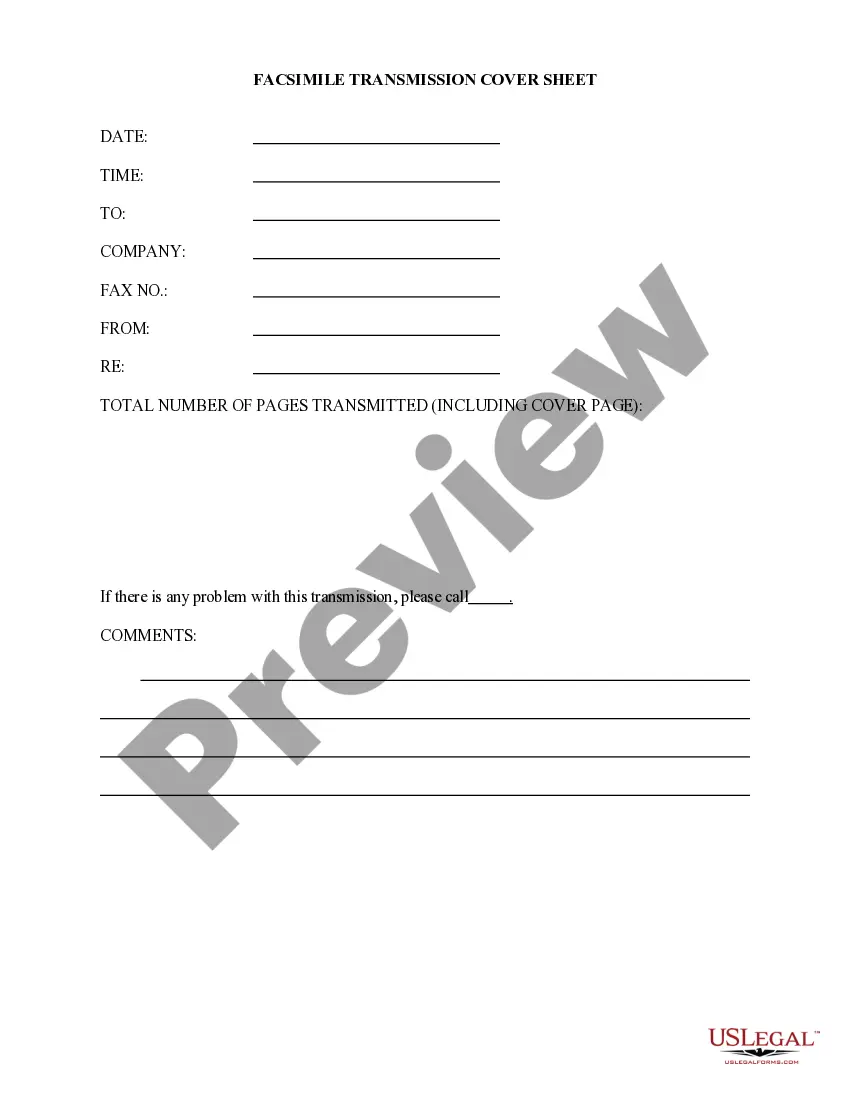
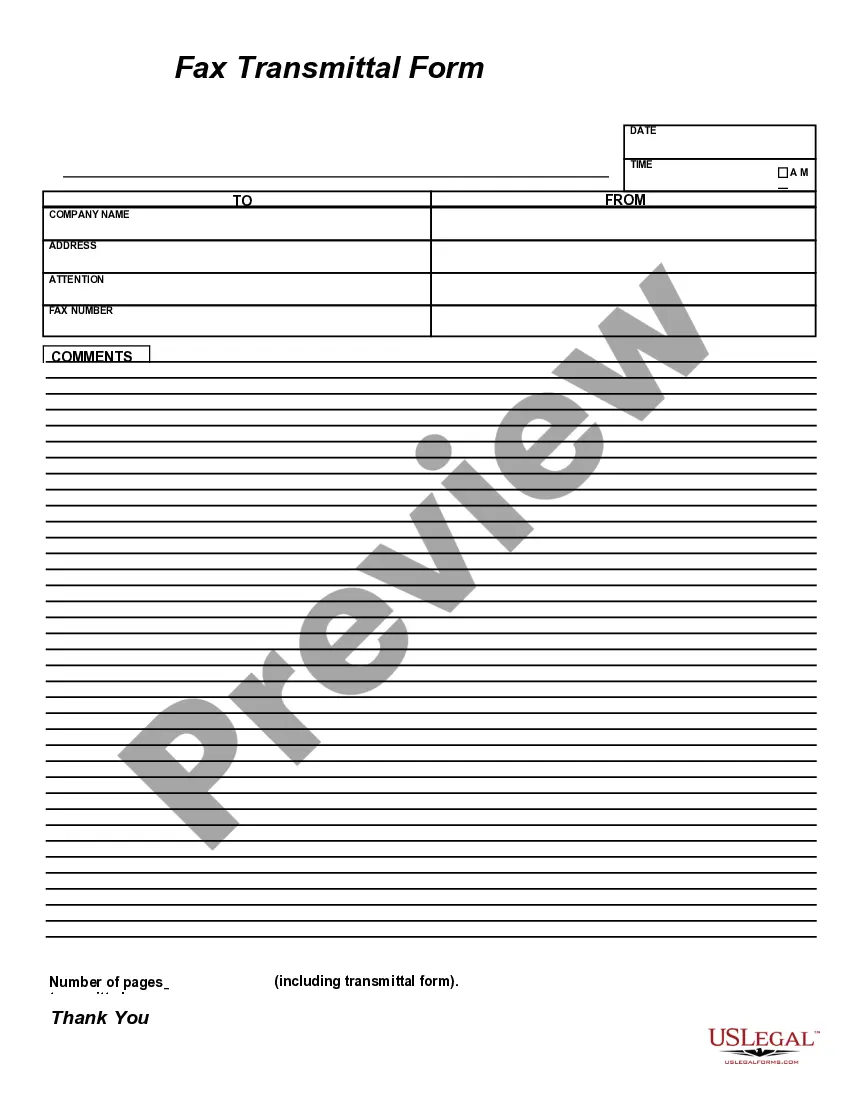
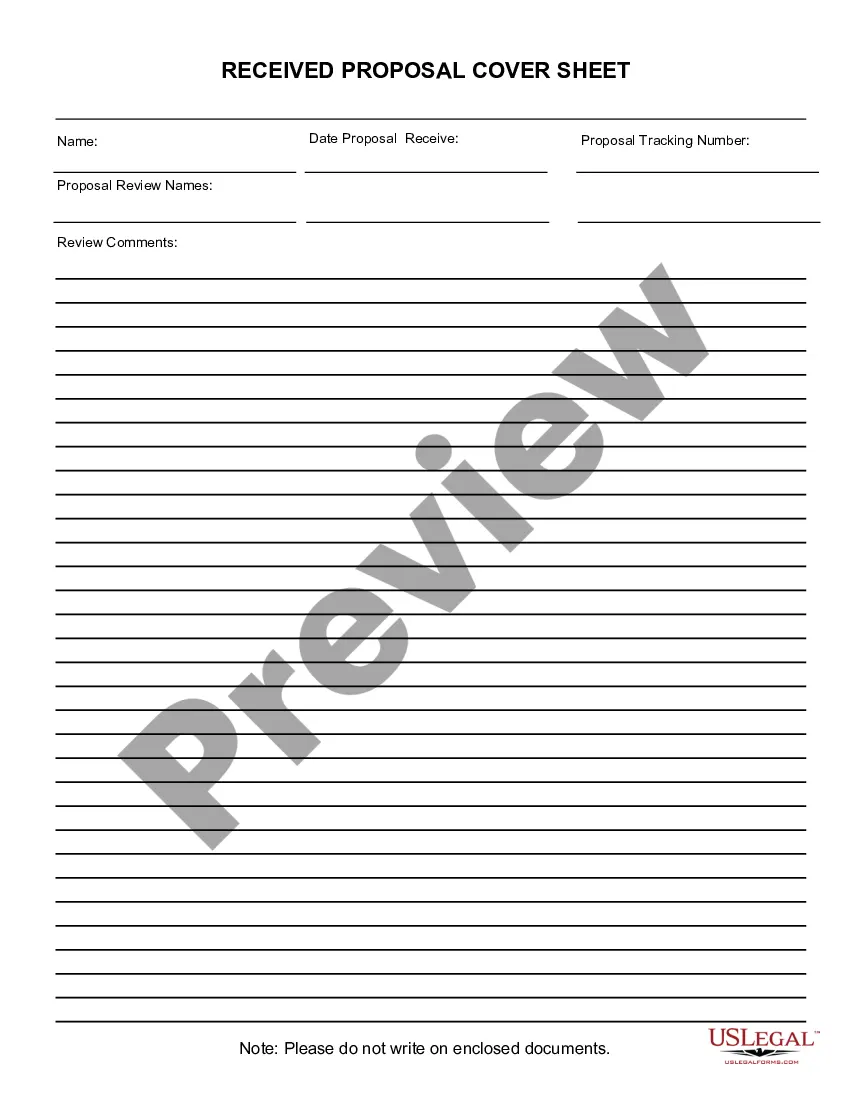
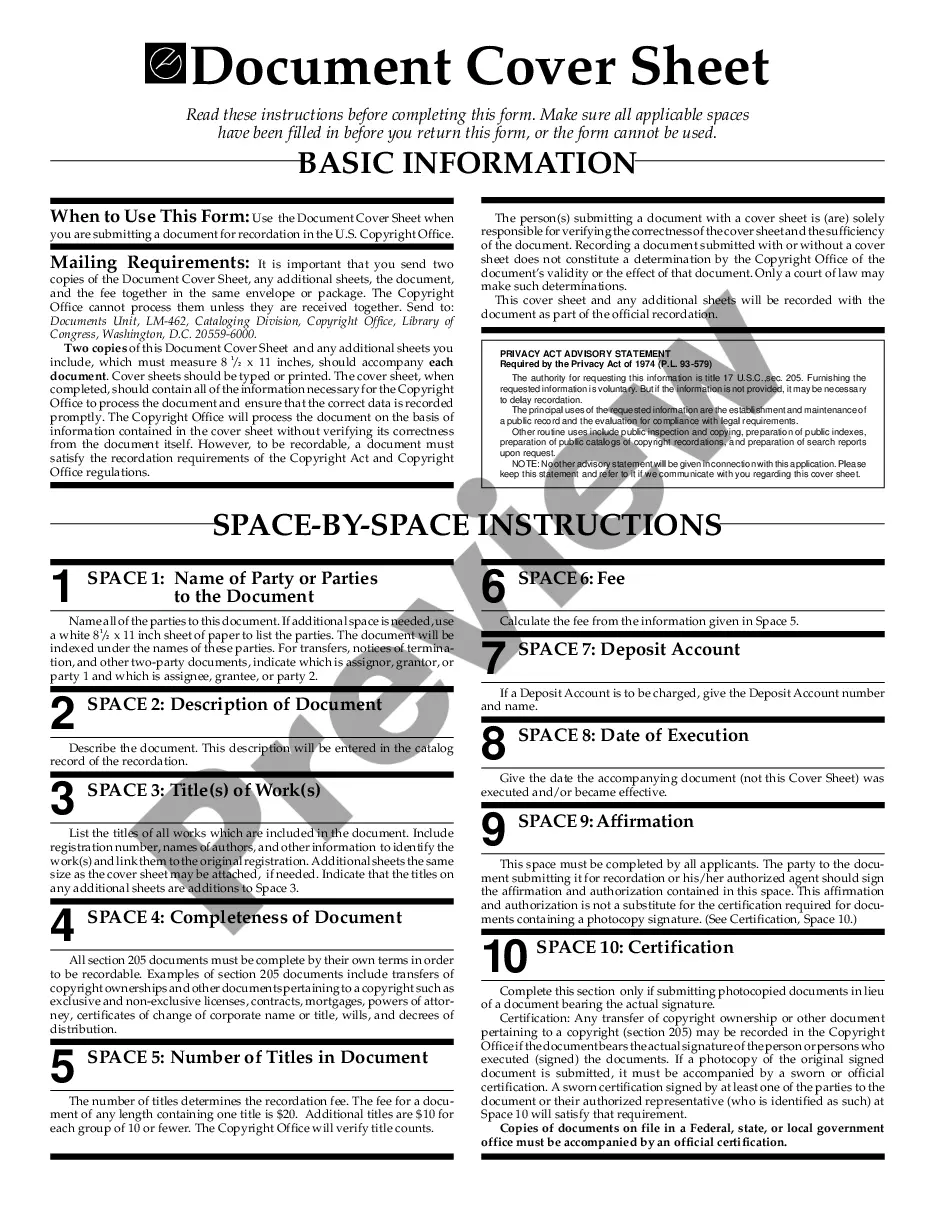
The facsimile cover sheet is a formal document used to accompany a facsimile (fax) transmission. Its primary purpose is to provide essential information about the sender, recipient, and the content of the fax. Unlike other cover letters, a facsimile cover sheet is specifically tailored for fax communication, ensuring that the recipient has all necessary context at a glance.
Main sections of this form
- Sender's name and contact information
- Recipient's name and fax number
- Date of transmission
- Subject line indicating the purpose of the fax
- Number of pages transmitted
- Confidentiality notice (if applicable)
Situations where this form applies
You should use a facsimile cover sheet when sending important documents via fax. This form is useful in business settings, especially for transmitting contracts, legal documents, or sensitive information. Including a cover sheet helps to clarify the content and purpose of your fax, ensuring it is received and processed correctly.
Who should use this form
This form is suitable for anyone who sends faxes as part of their professional or personal communication, including:
- Businesses transmitting documents to clients or partners
- Law firms sending legal documents
- Healthcare providers sharing sensitive patient information
- Individuals sending personal correspondence via fax
Instructions for completing this form
To complete the facsimile cover sheet, follow these steps:
- Fill in your name and contact details as the sender.
- Enter the recipient's name and fax number accurately.
- Input the date of transmission.
- Clearly state the subject of the fax in the designated field.
- Indicate the total number of pages being sent.
- Include any confidentiality notices if necessary.
Does this document require notarization?
This form does not typically require notarization unless specified by local law.
Get your form ready online
Our built-in tools help you complete, sign, share, and store your documents in one place.
Make edits, fill in missing information, and update formatting in US Legal Forms—just like you would in MS Word.
Download a copy, print it, send it by email, or mail it via USPS—whatever works best for your next step.
Sign and collect signatures with our SignNow integration. Send to multiple recipients, set reminders, and more. Go Premium to unlock E-Sign.
If this form requires notarization, complete it online through a secure video call—no need to meet a notary in person or wait for an appointment.
We protect your documents and personal data by following strict security and privacy standards.

Make edits, fill in missing information, and update formatting in US Legal Forms—just like you would in MS Word.

Download a copy, print it, send it by email, or mail it via USPS—whatever works best for your next step.

Sign and collect signatures with our SignNow integration. Send to multiple recipients, set reminders, and more. Go Premium to unlock E-Sign.

If this form requires notarization, complete it online through a secure video call—no need to meet a notary in person or wait for an appointment.

We protect your documents and personal data by following strict security and privacy standards.
Typical mistakes to avoid
- Forgetting to include a recipient fax number.
- Not specifying the subject clearly, leading to confusion.
- Failing to indicate the number of pages sent.
- Omitting sender contact information, which can hinder communication.
Why use this form online
- Convenience of downloadable templates for quick use.
- Editability of the form to customize details easily.
- Reliable format that ensures all necessary elements are included.
- Professional appearance that enhances your communication.
Key takeaways
- A facsimile cover sheet is essential for sending faxes professionally.
- It helps ensure communication is clear and organized.
- Complete all sections with accurate information for best results.
Looking for another form?










Form popularity
FAQ
A professional cover sheet should include the sender details, including name, address, phone number, and fax number. It should also include the same necessary information about the recipient. The date and time will also be listed. A business fax cover sheet will also typically include a company name and company logo.
"CC" is an abbreviation for the outdated carbon copy. Carbon copies were those pink and yellow sheets that are intended to make multiples of paperwork quickly. In the case of a fax, it is meant as another recipient.
Enter the date. Date the top of your fax cover letter so the recipient knows when it was sent. Enter the recipient's contact information. Create a new paragraph underneath the date to address your fax cover letter. Enter the sender's contact information. Enter a subject line. Enter the body of the letter. Close the letter.
Fax cover sheets must at least include the fax number of the sender and the recipient and the number of pages.
When filling out a fax cover letter, it is very important to list the number of pages you are sending.Count the cover sheet as a page when listing the number of pages, so if you are sending a five-page fax you should list six total pages.
"CC" is an abbreviation for the outdated carbon copy. Carbon copies were those pink and yellow sheets that are intended to make multiples of paperwork quickly. In the case of a fax, it is meant as another recipient.
Keep it simple. Keep it neat and clean. Give as much information as necessary to keep the recipient wanting to read through the rest of the fax. Pay attention to the recipient's business hours. Long letters are less likely to be read, so keep your fax cover to one page.
The cover letter doesn't have to contain a great deal of detail, but you do need to add the fax recipient's name and number, your contact information, a date, the number of pages within the fax and a short description of the document you are faxing.