Uniform Commercial Code File With Latitude And Longitude
Description

Get your form ready online
Our built-in tools help you complete, sign, share, and store your documents in one place.
Make edits, fill in missing information, and update formatting in US Legal Forms—just like you would in MS Word.
Download a copy, print it, send it by email, or mail it via USPS—whatever works best for your next step.
Sign and collect signatures with our SignNow integration. Send to multiple recipients, set reminders, and more. Go Premium to unlock E-Sign.
If this form requires notarization, complete it online through a secure video call—no need to meet a notary in person or wait for an appointment.
We protect your documents and personal data by following strict security and privacy standards.

Make edits, fill in missing information, and update formatting in US Legal Forms—just like you would in MS Word.

Download a copy, print it, send it by email, or mail it via USPS—whatever works best for your next step.

Sign and collect signatures with our SignNow integration. Send to multiple recipients, set reminders, and more. Go Premium to unlock E-Sign.

If this form requires notarization, complete it online through a secure video call—no need to meet a notary in person or wait for an appointment.

We protect your documents and personal data by following strict security and privacy standards.
Looking for another form?
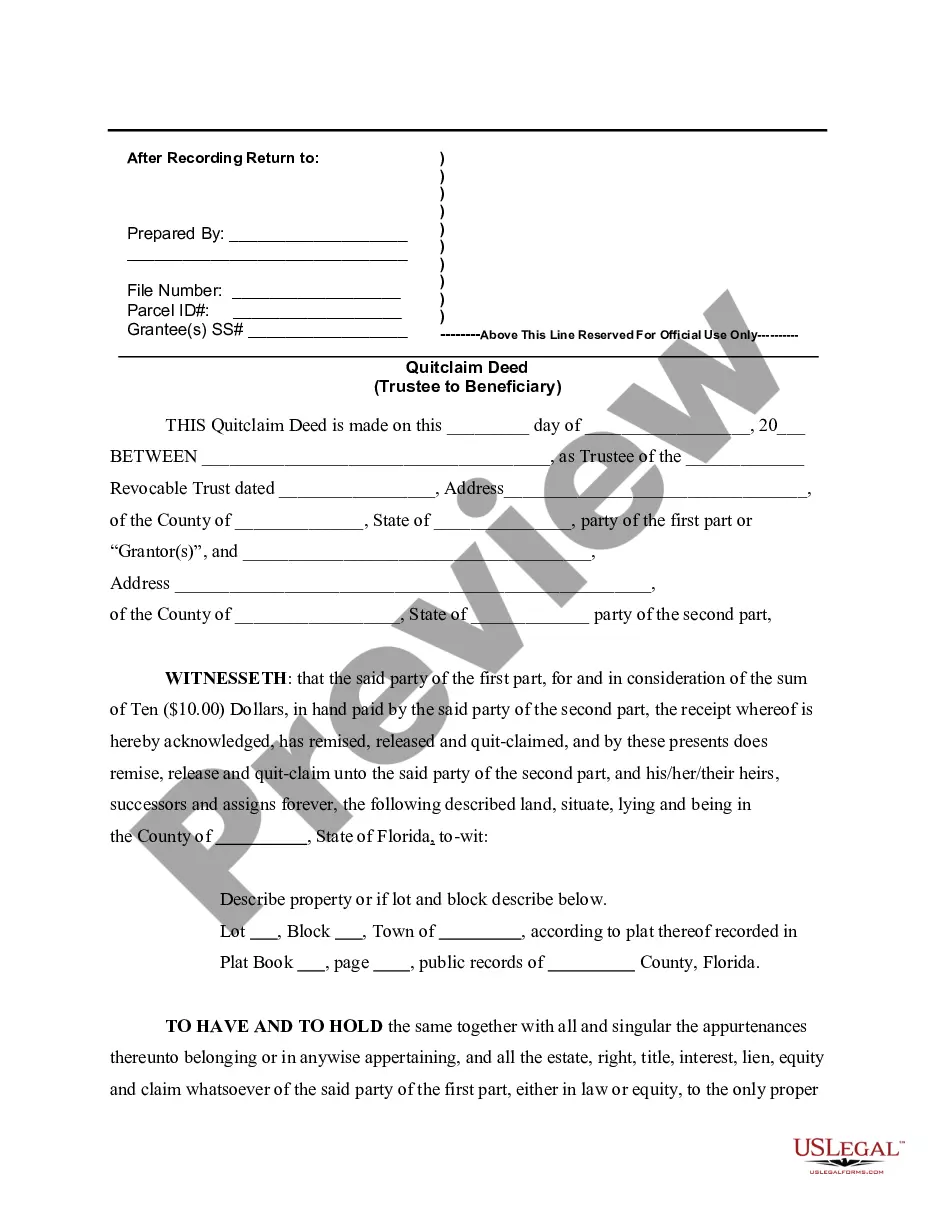



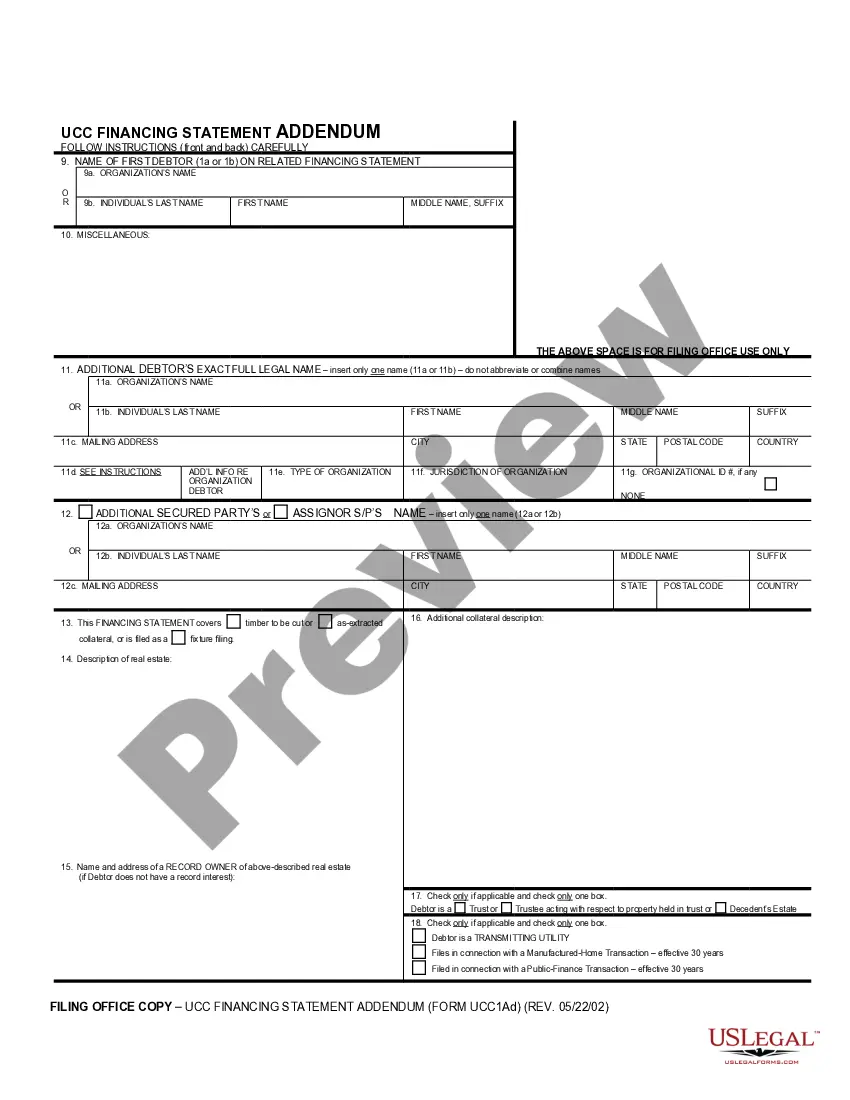
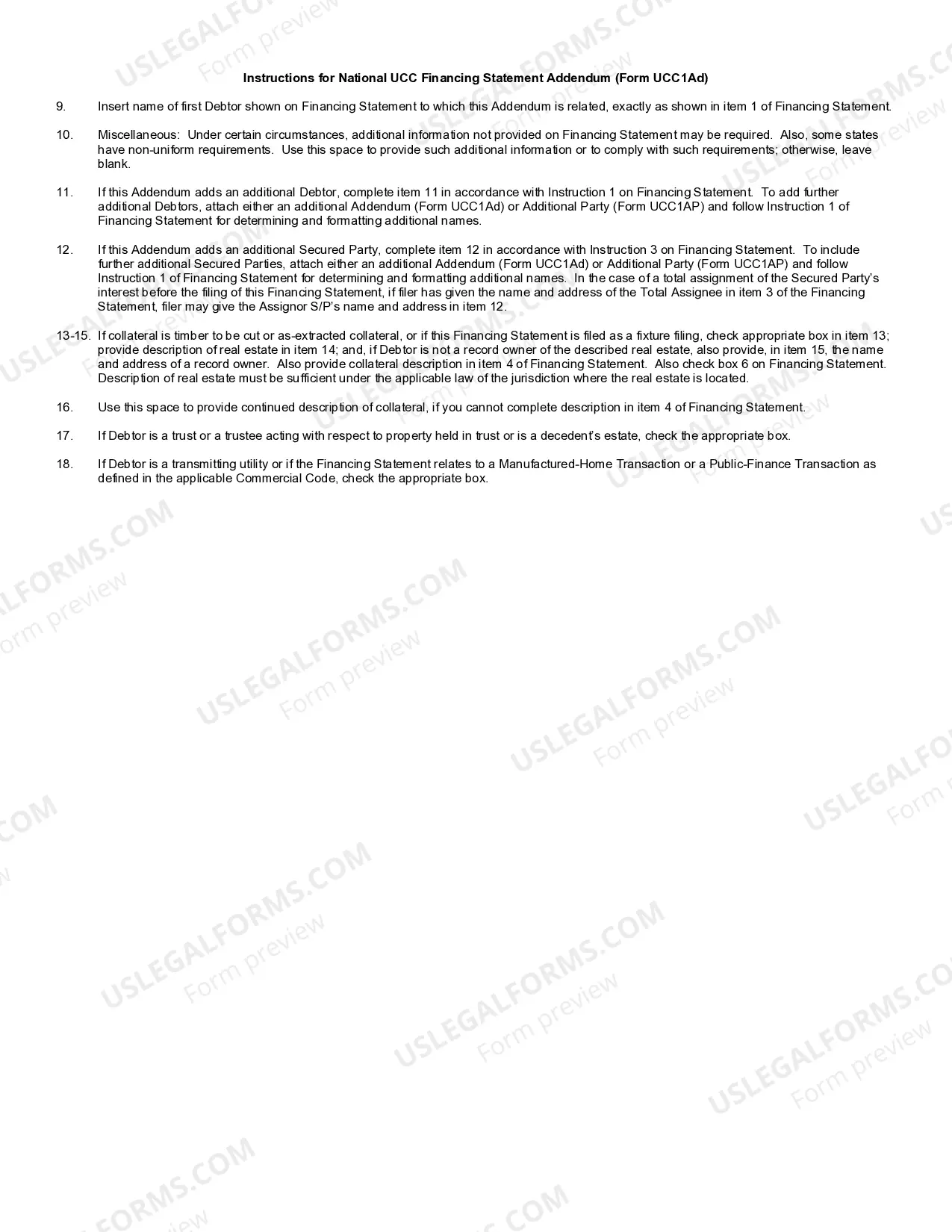
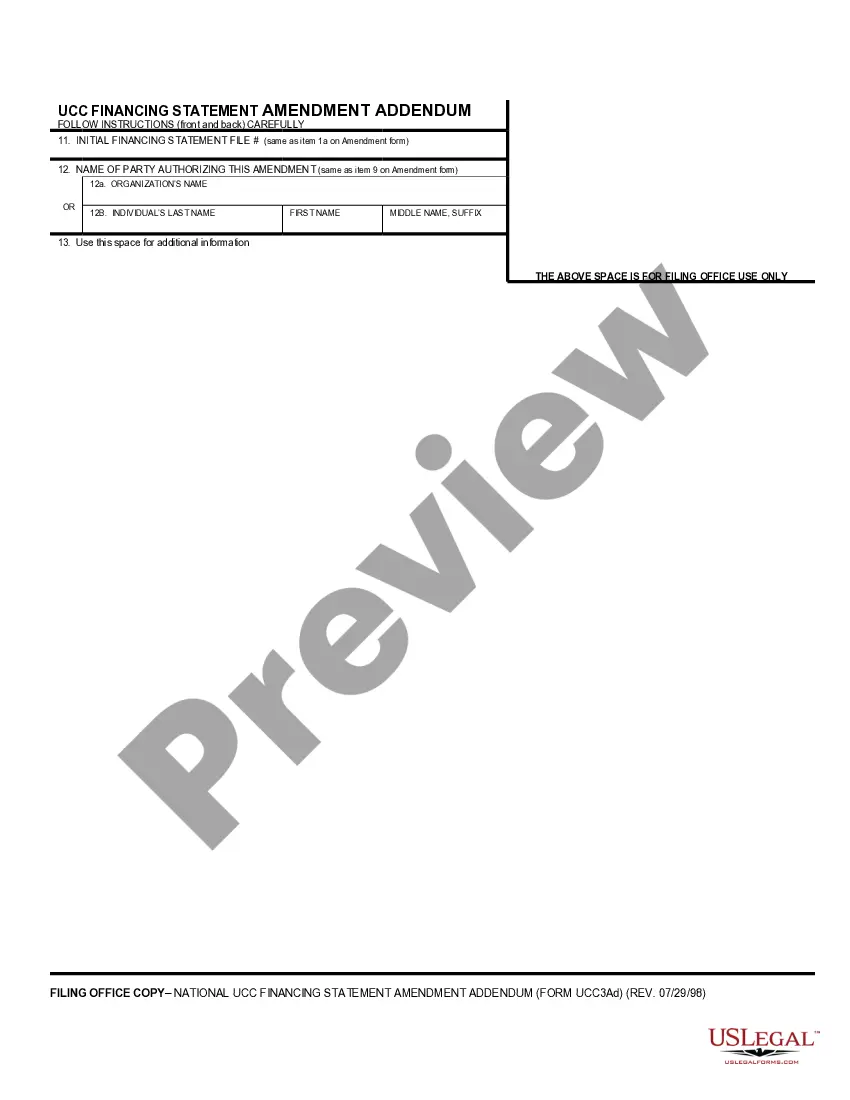
How to fill out UCC1-AD Financing Statement Addendum?
Legal administration can be perplexing, even for experienced professionals.
When you're in search of a Uniform Commercial Code Document With Latitude And Longitude and lack the time to invest in finding the accurate and current version, the process can be stressful.
US Legal Forms caters to any requirements you may have, from personal to business documents, all centralized in one location.
Utilize innovative tools to complete and manage your Uniform Commercial Code Document With Latitude And Longitude.
Here are the steps to follow after obtaining the form you desire: Verify that this is the correct form by previewing it and reviewing its details. Ensure that the template is valid in your state or county. Click Buy Now when you are ready. Choose a monthly subscription option. Select your preferred format, then Download, fill out, sign, print, and send your document. Take advantage of the US Legal Forms online library, backed by 25 years of expertise and reliability. Simplify your document management today.
- Access a repository of articles, guides, and materials pertinent to your situation and requirements.
- Save time and effort in locating the documents you need, and leverage US Legal Forms’ advanced search and Preview tool to find the Uniform Commercial Code Document With Latitude And Longitude and obtain it.
- If you have a subscription, Log In to your US Legal Forms account, search for the form, and download it.
- Check the My documents tab to view the documents you have previously downloaded and manage your folders as needed.
- If this is your first experience with US Legal Forms, create an account and gain unlimited access to all the benefits of the library.
- A comprehensive online form library could be a game changer for anyone aiming to navigate these challenges effectively.
- US Legal Forms is a leader in online legal documents, offering over 85,000 state-specific legal forms accessible at any moment.
- With US Legal Forms, you can access legal and business forms tailored to your state or county.
Form popularity
FAQ
Get the coordinates of a place On your computer, open Google Maps. Right-click the place or area on the map. This will open a pop-up window. You can find your latitude and longitude in decimal format at the top.
The first number is always the latitude and the second is the longitude. It easy to remember which is which if you think of the two coordinates in alphabetical terms: latitude comes before longitude in the dictionary. For example, the Empire State Building lies at 40.748440°, -73.984559°.
The latitude and longitude given for each ZIP code is typically (though not always) the geographic centroid of the ZIP code; in any event, the location given can generally be expected to lie somewhere within the ZIP code's "boundaries".
Geocoding ZIP Codes is a relatively easy process because it's a relatively simple match against a database of ZIP Codes with coordinates. If a match can't be made, either the input ZIP Code is invalid or the database doesn't contain it.