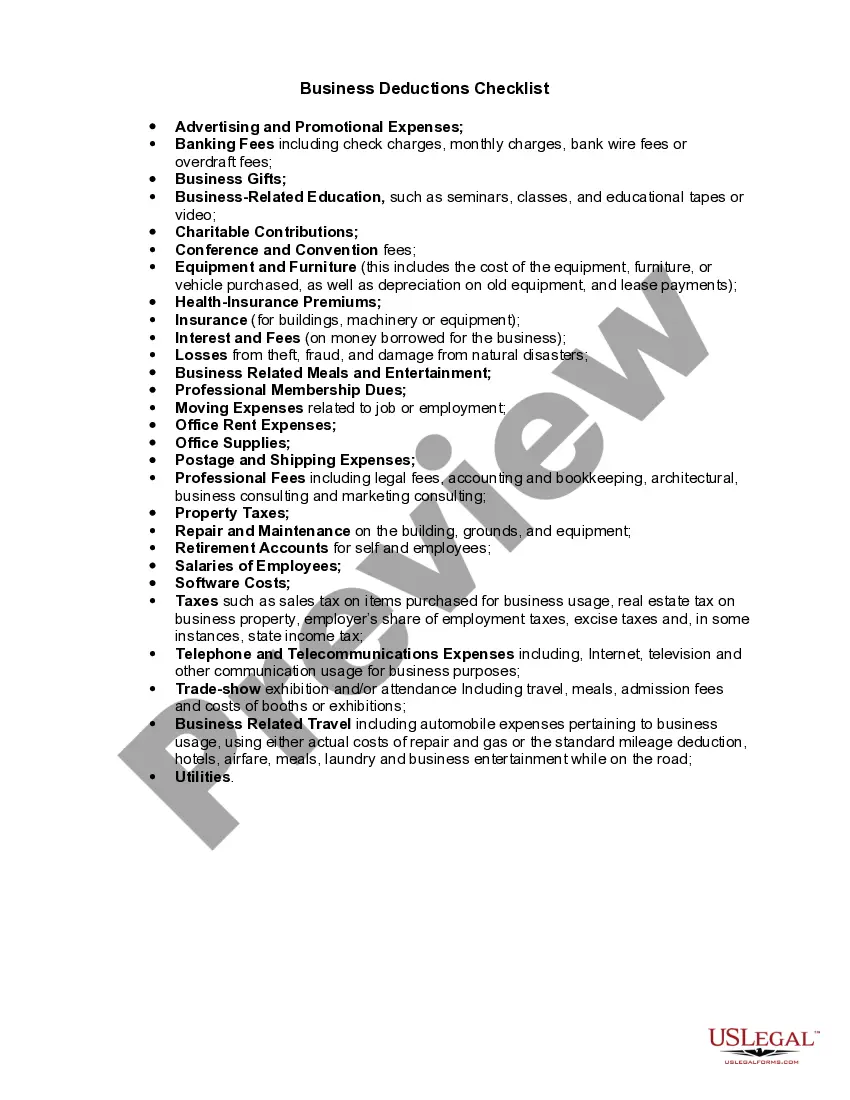
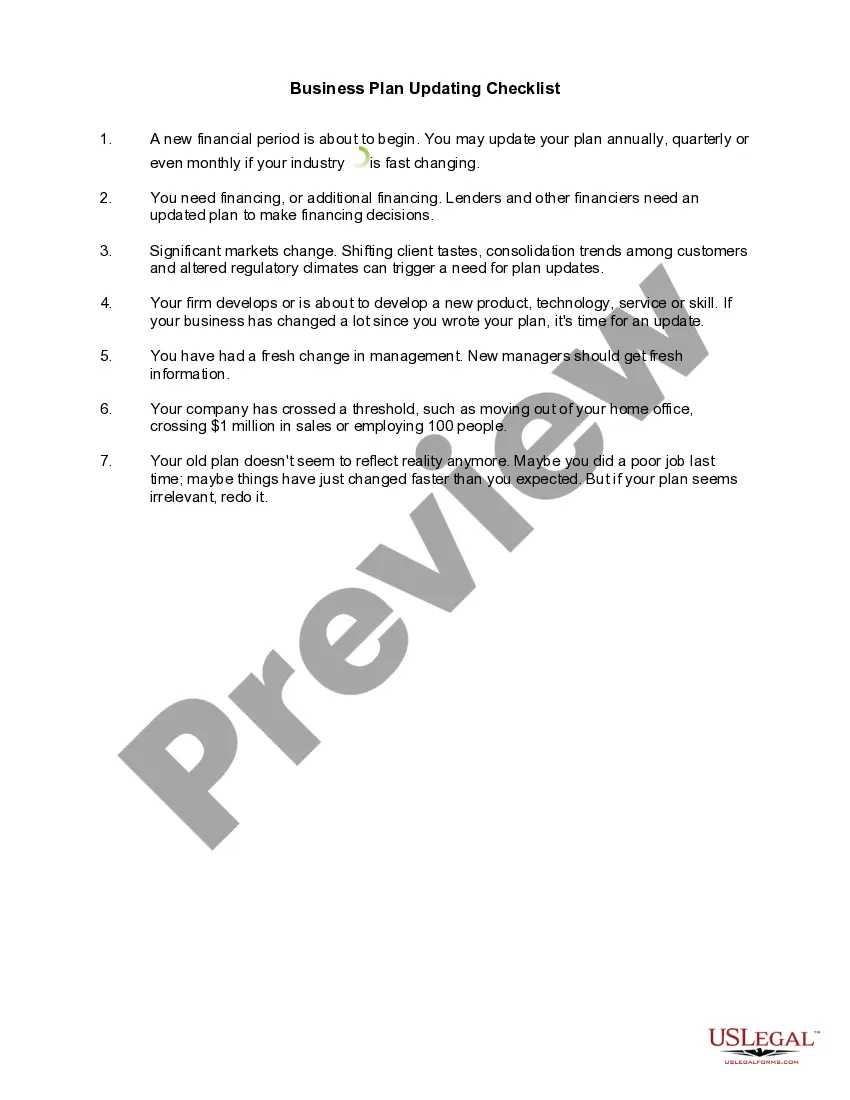
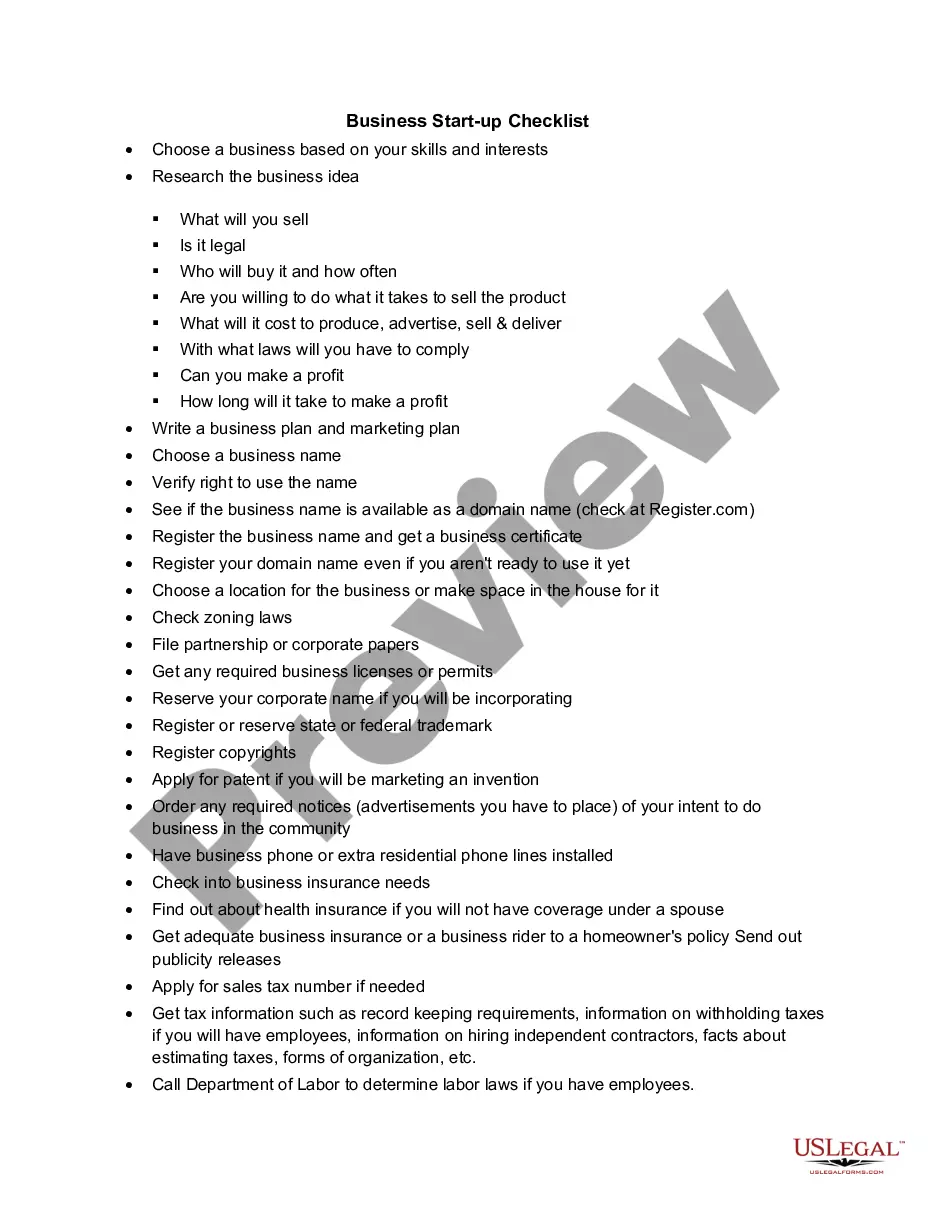
Checklist New Business Online With Google
Description
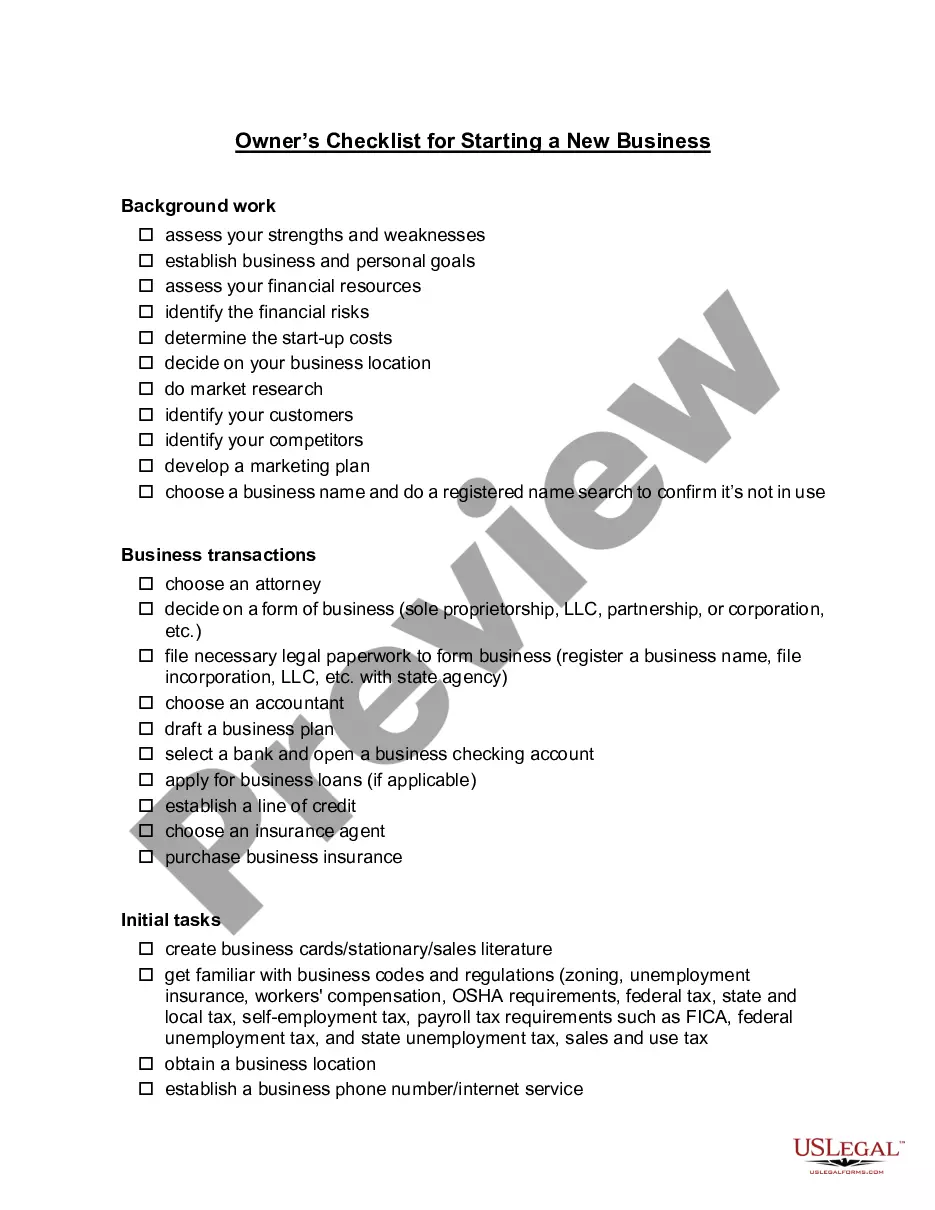
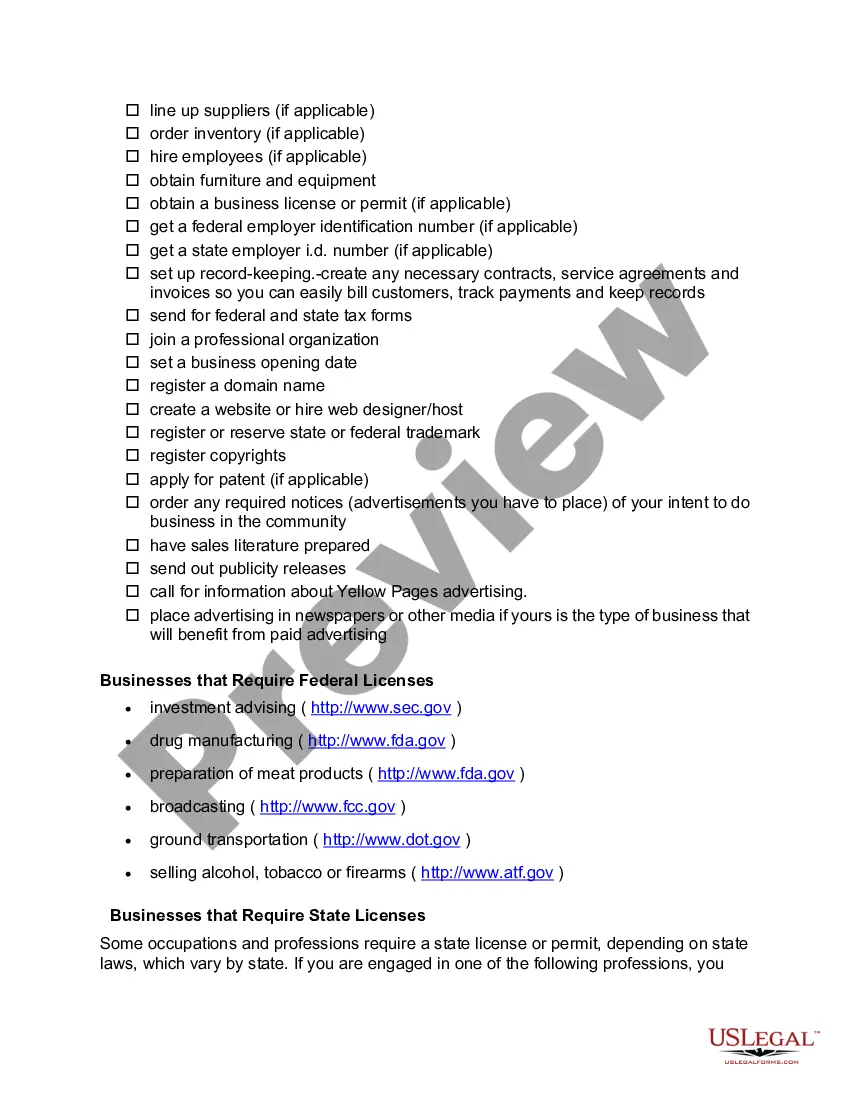
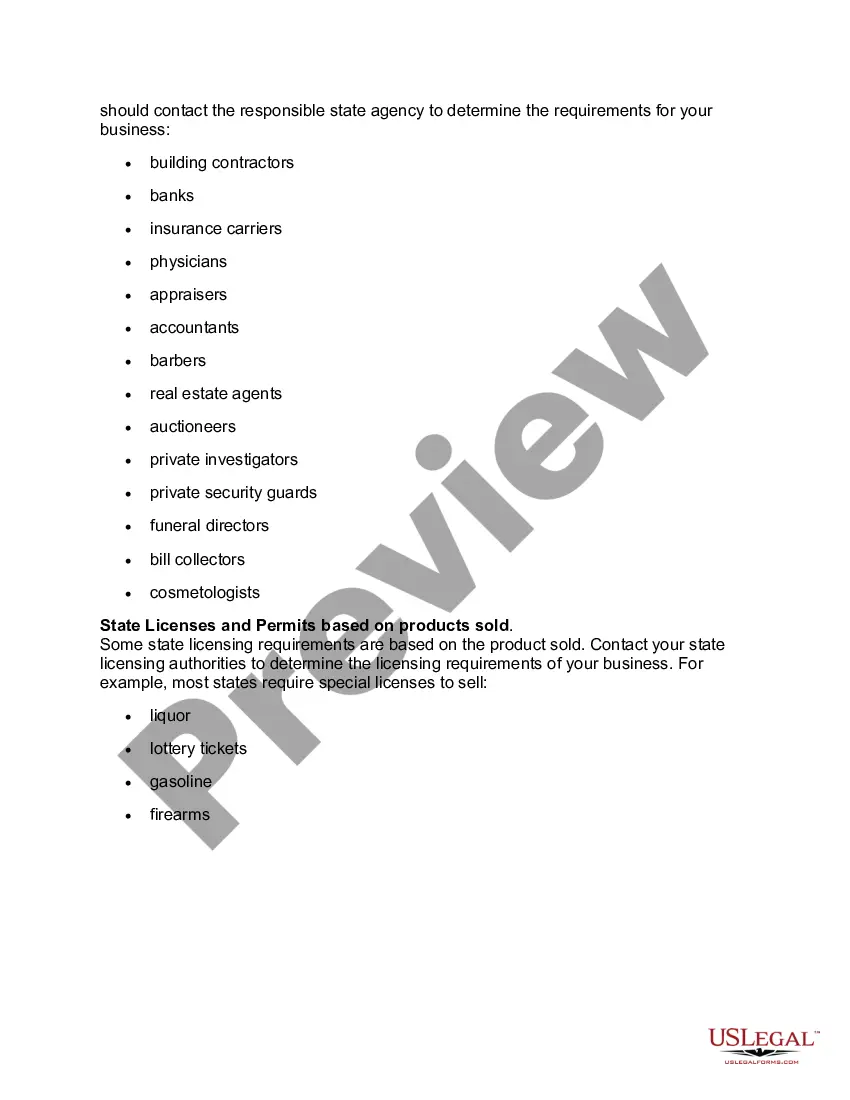
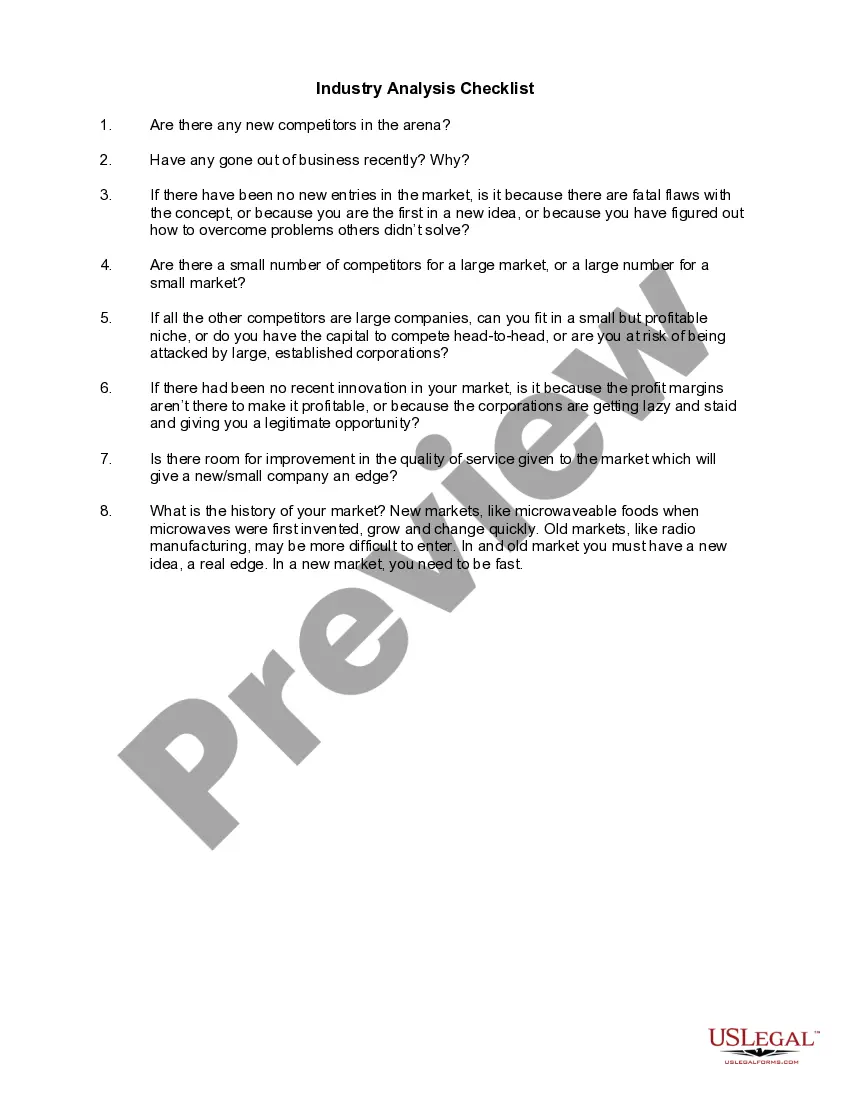
Get your form ready online
Our built-in tools help you complete, sign, share, and store your documents in one place.
Make edits, fill in missing information, and update formatting in US Legal Forms—just like you would in MS Word.
Download a copy, print it, send it by email, or mail it via USPS—whatever works best for your next step.
Sign and collect signatures with our SignNow integration. Send to multiple recipients, set reminders, and more. Go Premium to unlock E-Sign.
If this form requires notarization, complete it online through a secure video call—no need to meet a notary in person or wait for an appointment.
We protect your documents and personal data by following strict security and privacy standards.

Make edits, fill in missing information, and update formatting in US Legal Forms—just like you would in MS Word.

Download a copy, print it, send it by email, or mail it via USPS—whatever works best for your next step.

Sign and collect signatures with our SignNow integration. Send to multiple recipients, set reminders, and more. Go Premium to unlock E-Sign.

If this form requires notarization, complete it online through a secure video call—no need to meet a notary in person or wait for an appointment.

We protect your documents and personal data by following strict security and privacy standards.
Looking for another form?


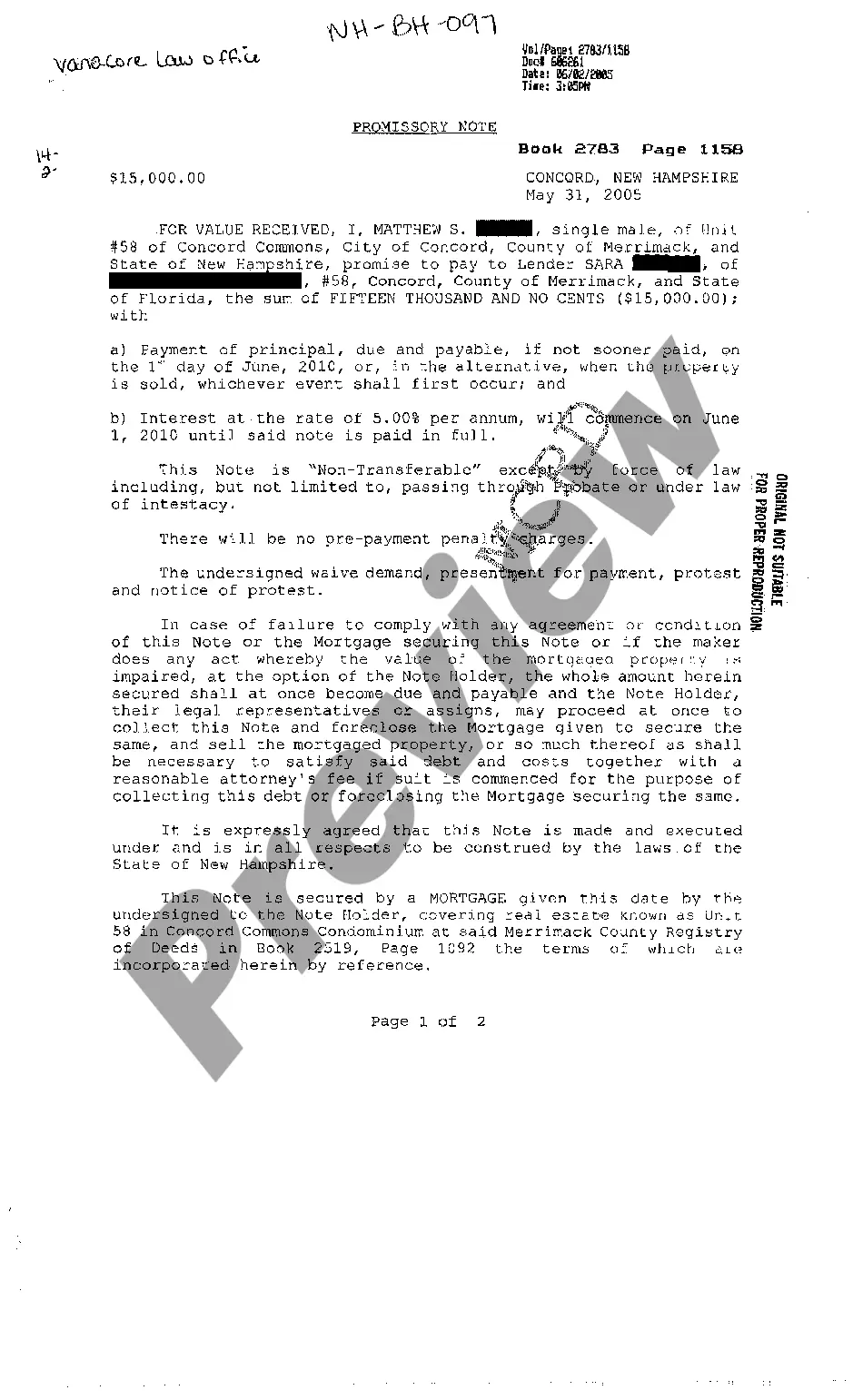







How to fill out Checklist For Starting Up A New Business?
Managing legal documents can be daunting, even for experienced professionals.
When you seek a Checklist New Business Online With Google and lack the time to find the accurate and updated edition, the tasks may become challenging.
US Legal Forms meets all your requirements, ranging from personal to business documents, all in one location.
Utilize cutting-edge tools to fill out and manage your Checklist New Business Online With Google.
Here are the actions to take after acquiring the form you need: Confirm it is the correct form by reviewing it and checking its details. Ensure that the template is valid in your state or county. Click Buy Now when you're ready. Choose a monthly subscription plan. Select your desired format, and Download, complete, eSign, print, and submit your documents. Benefit from the US Legal Forms online directory, backed by 25 years of experience and reliability. Streamline your daily document management into a seamless and user-friendly experience today.
- Access a collection of articles, guides, and resources related to your situation and needs.
- Save time and energy searching for the documents you require and use US Legal Forms' advanced search and Review feature to find Checklist New Business Online With Google and obtain it.
- If you have a monthly subscription, Log In to your US Legal Forms account, search for the form, and download it.
- Check your My documents tab to view the documents you have previously saved and manage your folders as desired.
- If this is your first experience with US Legal Forms, create a free account and gain unlimited access to all the platform benefits.
- A comprehensive web form directory can significantly improve the management of these scenarios.
- US Legal Forms is a frontrunner in online legal documents, offering over 85,000 state-specific legal forms available to you at any time.
- With US Legal Forms, you can access legal and business forms that are specific to your state or county.
Form popularity
FAQ
Add your business through Google Maps Enter your address in the search bar. On the left, in the Business Profile, click Add your business. Right-click anywhere on the map. Then, click Add your business. In the top left, click Menu. Add your business.
How do I Set Up a Google My Business profile? Create a Google Account for Your Business. ... Find or Add Your Business Name. ... Add Your Business Address. ... Add Your Service Area (Service-Based Businesses Only) ... Choose Your Business Category. ... Add Your Business Contact Details. ... Verify Your Google My Business Account.
Google's guidelines state: ?Listings on Google My Business can only be created for businesses that either have a physical location that customers can visit, or that travel to visit customers where they are.? That means if you run an eCommerce business that doesn't have a storefront or if you provide services to clients ...
How to create a Google Business Profile Step 1: Start by going to google.com/business. ... Step 2: Log in with your Google account. ... Step 3: Enter your business name. ... Step 4: Enter your business address. ... Step 5: Choose whether you're a storefront or a service provider. ... Step 6: Choose your Primary business category.
Build your online presence Select and buy a website name from Google Domains. Choose a website builder that matches your skill level. Learn how to create a search-friendly website. Add your website to your Business Profile.