Internet Form Online Without Login
Description
Get your form ready online
Our built-in tools help you complete, sign, share, and store your documents in one place.
Make edits, fill in missing information, and update formatting in US Legal Forms—just like you would in MS Word.
Download a copy, print it, send it by email, or mail it via USPS—whatever works best for your next step.
Sign and collect signatures with our SignNow integration. Send to multiple recipients, set reminders, and more. Go Premium to unlock E-Sign.
If this form requires notarization, complete it online through a secure video call—no need to meet a notary in person or wait for an appointment.
We protect your documents and personal data by following strict security and privacy standards.

Make edits, fill in missing information, and update formatting in US Legal Forms—just like you would in MS Word.

Download a copy, print it, send it by email, or mail it via USPS—whatever works best for your next step.

Sign and collect signatures with our SignNow integration. Send to multiple recipients, set reminders, and more. Go Premium to unlock E-Sign.

If this form requires notarization, complete it online through a secure video call—no need to meet a notary in person or wait for an appointment.

We protect your documents and personal data by following strict security and privacy standards.
Looking for another form?

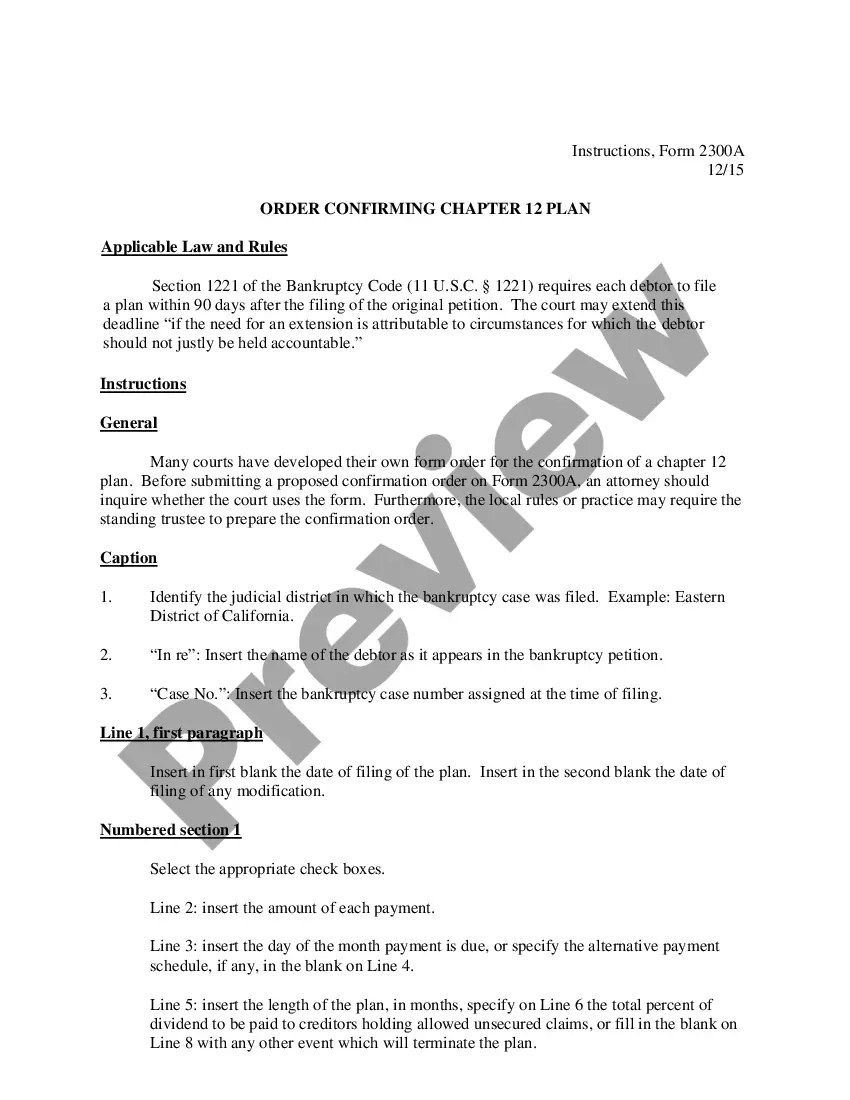
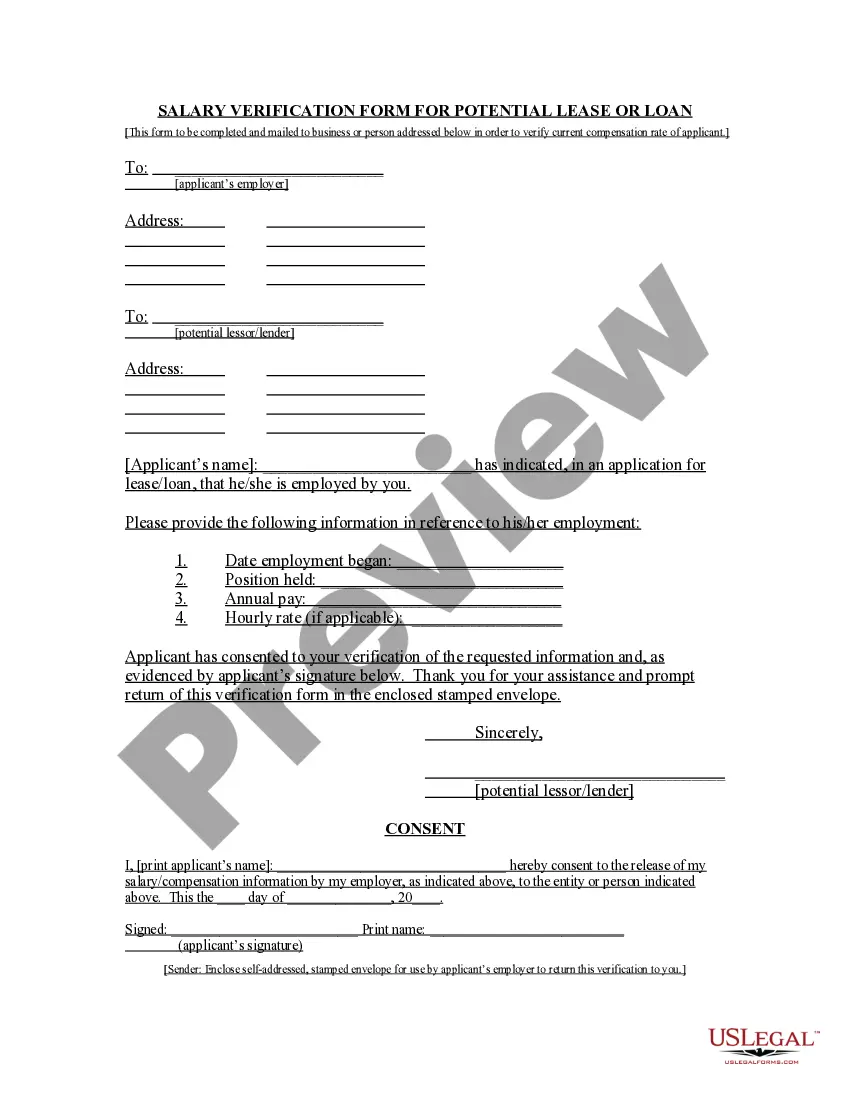
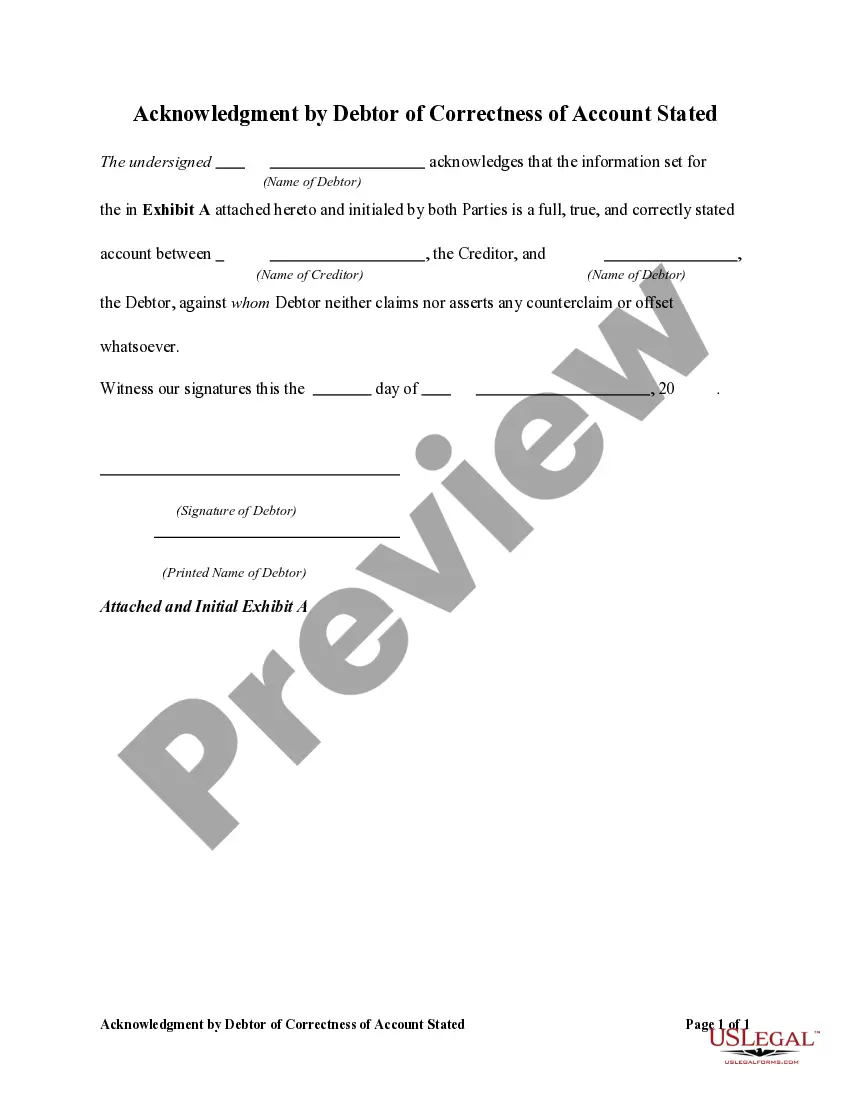
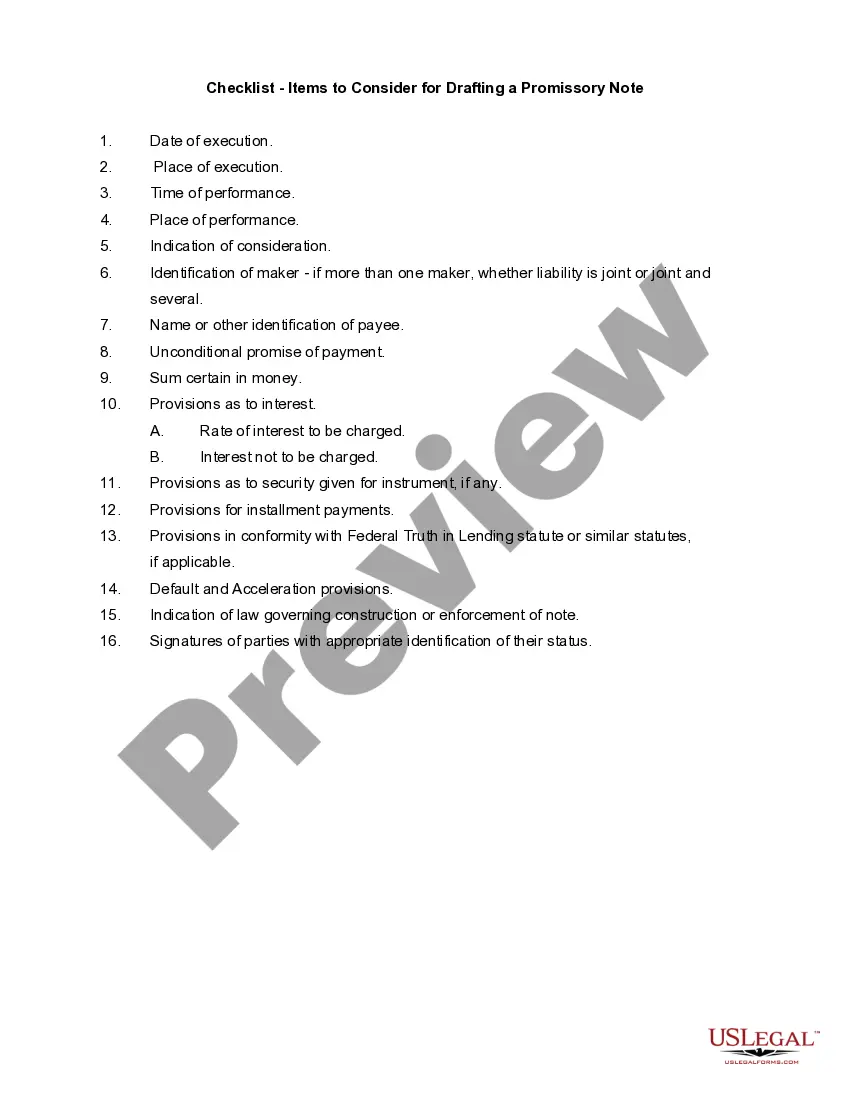
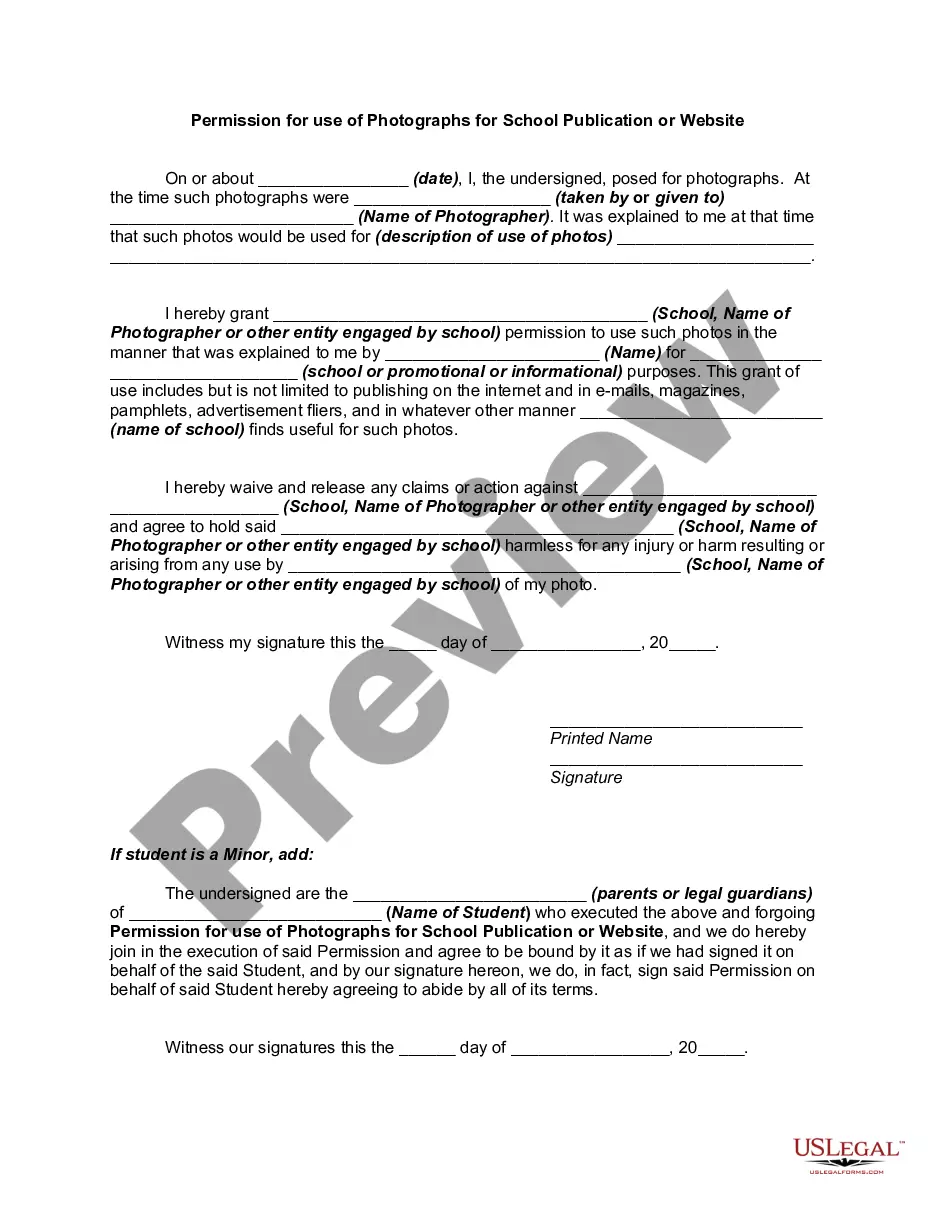
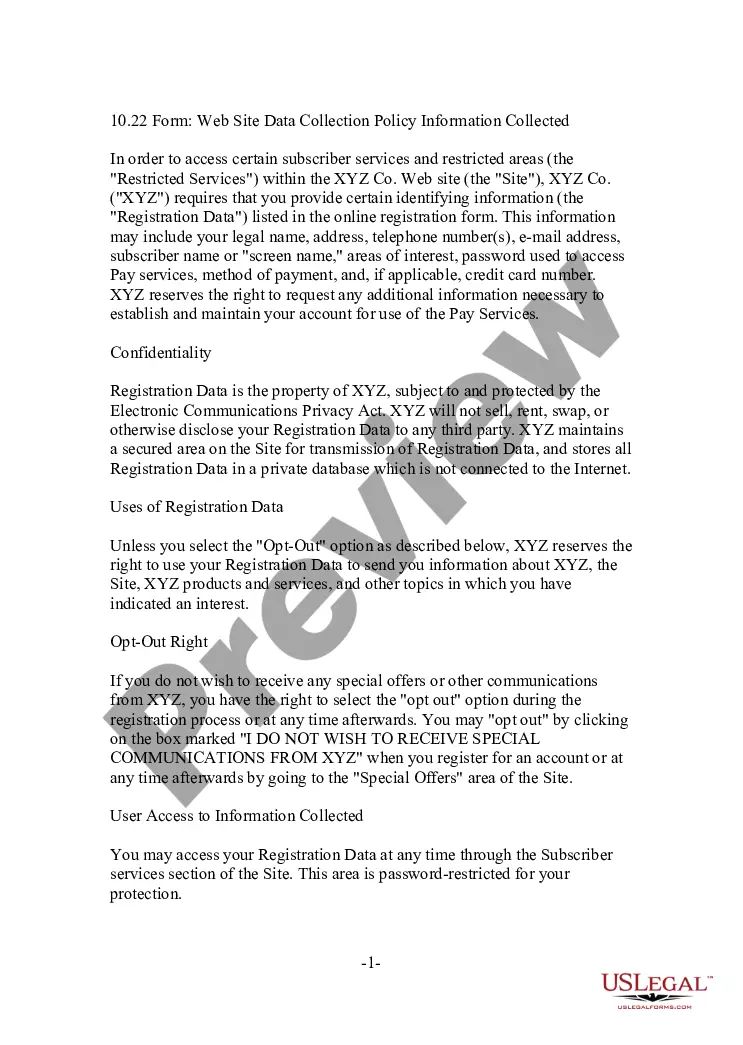
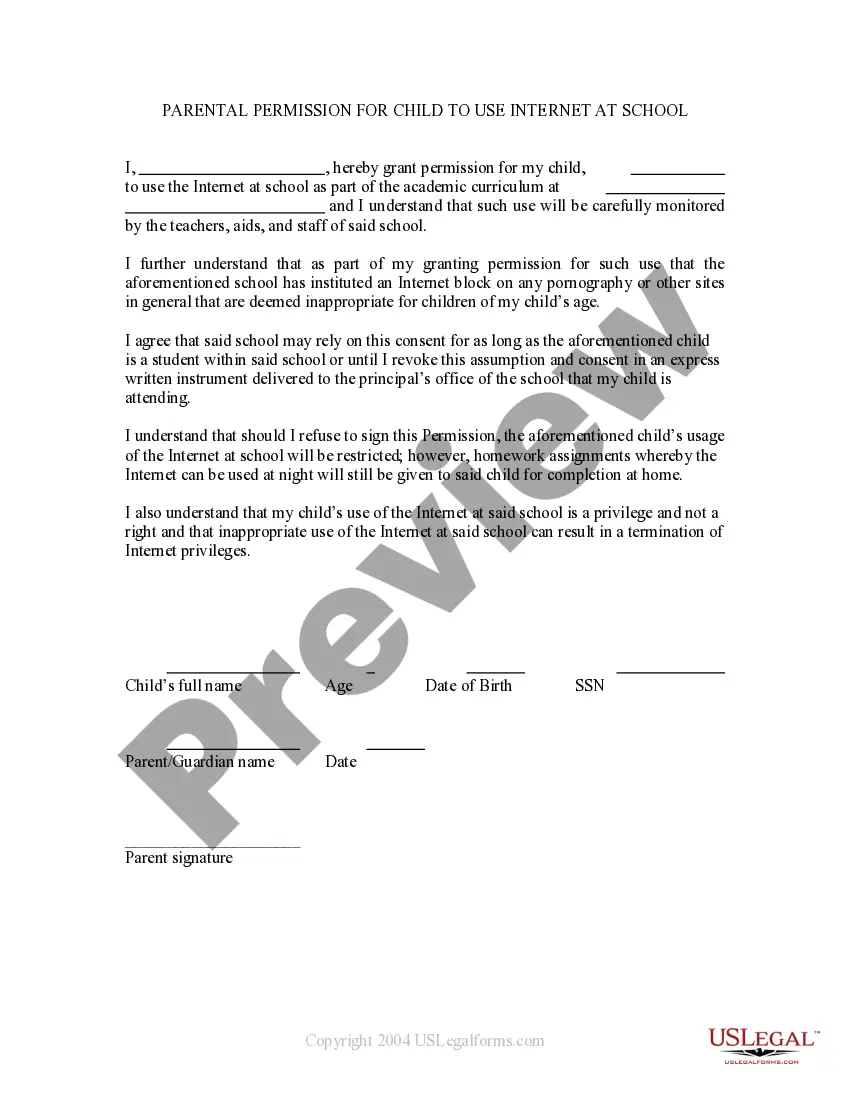
How to fill out Media - Internet Web Page Permission Form?
It is clear that you cannot immediately become a legal specialist, nor can you quickly understand how to prepare an Internet Form Online Without Log In without having a specialized expertise.
Drafting legal forms is a labor-intensive endeavor that requires specific training and skills. So why not entrust the creation of the Internet Form Online Without Log In to the experts.
With US Legal Forms, one of the most extensive legal document repositories, you can access everything from court documents to templates for in-office correspondence.
Select Buy now. Once the payment is processed, you can receive the Internet Form Online Without Log In, fill it out, print it, and send or mail it to the designated parties or organizations.
You can access your documents again from the My documents tab at any time. If you’re an existing customer, you can simply Log In, and find and download the template from the same tab.
- Start your journey with our website and obtain the form you need in just a few minutes.
- Find the document you require by utilizing the search bar located at the top of the page.
- Preview it (if this option is available) and review the accompanying description to see if Internet Form Online Without Log In is what you need.
- Begin your search again if you are looking for another template.
- Create a free account and choose a subscription plan to acquire the template.
Form popularity
FAQ
Generally, Hawaii is an ?at will? State. This means an employer does not need to give you a reason to let you go, lay you off, or fire you unless: You have a contract with the employer that requires you be notified of the reason.
So-called "right-to-work" laws prohibit unions and employers from requiring employees to be union members or pay union membership dues in order for to get or keep a job. About half of all states have some form of right-to-work law, but Hawaii isn't one of them.
Hawaii does not have a right-to-work statute. Instead, Hawaii's statutes protect the right of employees to self-organize and form, join, or assist a labor union organization.
Employers must complete Form UC-B6, ?Employer's Quarterly Wage, Contribution and Employment and Training Assessment Report? and pay all contributions and assessments by end of the month after the end of the calendar quarter.
Closing HI Unemployment and Withholding Accounts: Login to your Unemployment Insurance account here. Complete the top of the form with your business information, including your unemployment account number. Complete Part 1 with: Effective Date of Termination (Month/Day/Year): (Day before your start date with Justworks)
A "right-to-work" state is a state that has enacted legislation that guarantees that no individual can be forced as a condition of employment to join or pay dues or fees to a labor union.
Right to Work Law by State StateRight to Work StatusAt-Will Employment StatusCaliforniaNoYesColoradoNoYesConnecticutNoYesDelawareNoYes46 more rows
Who pays for unemployment insurance? In Hawaii, employers pay all the costs of unemployment insurance through a payroll tax or reimbursable basis. Employees do not pay any part of their wages to finance the program.