Vehicle Accident Form Document With Insurance
Description
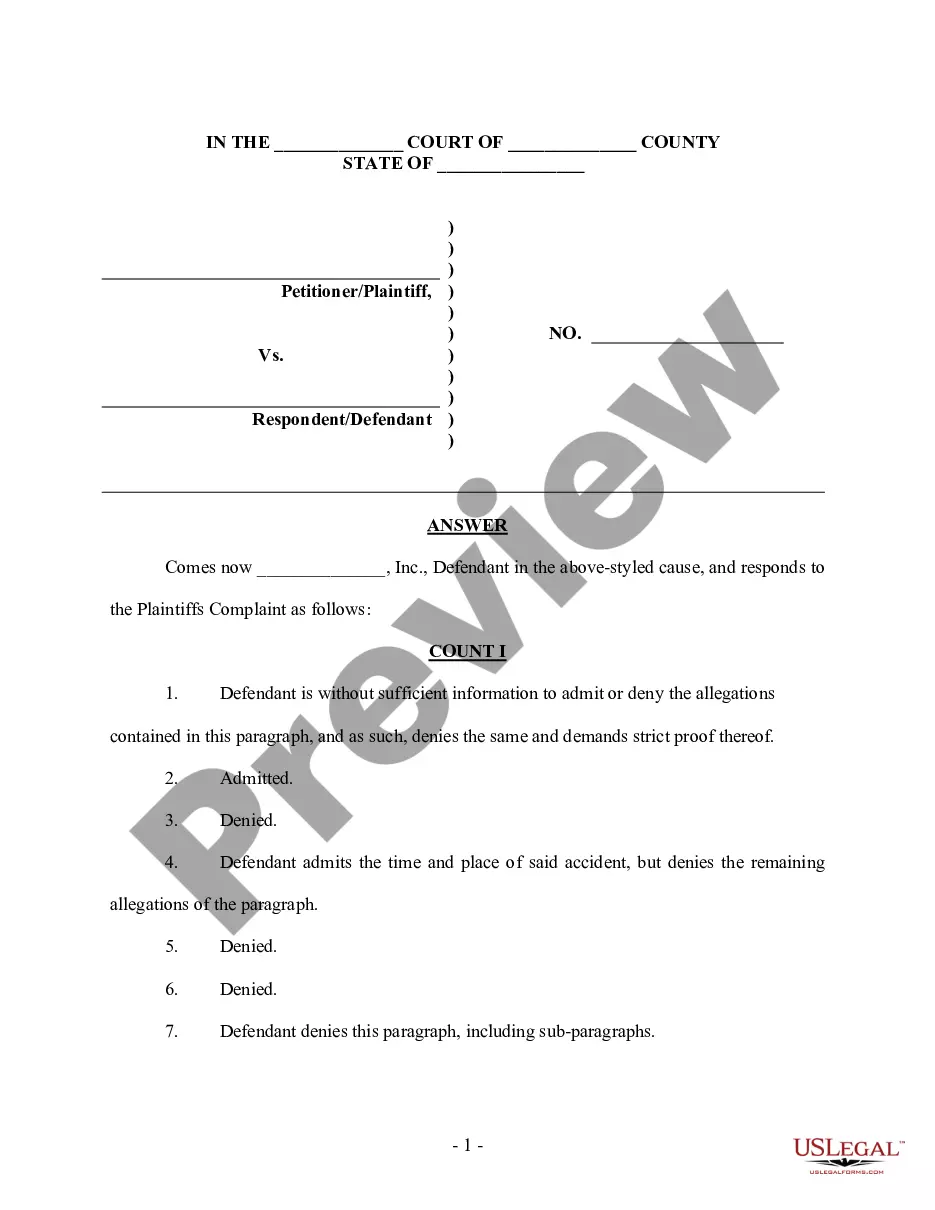
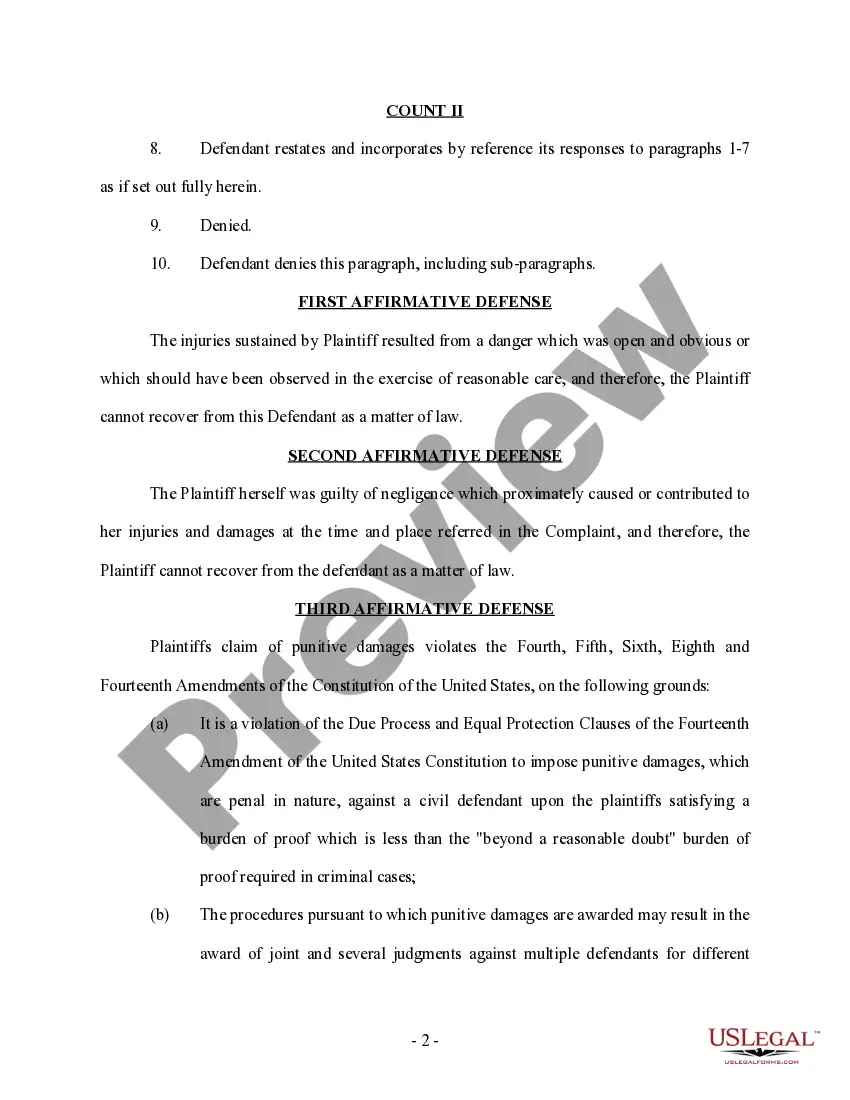
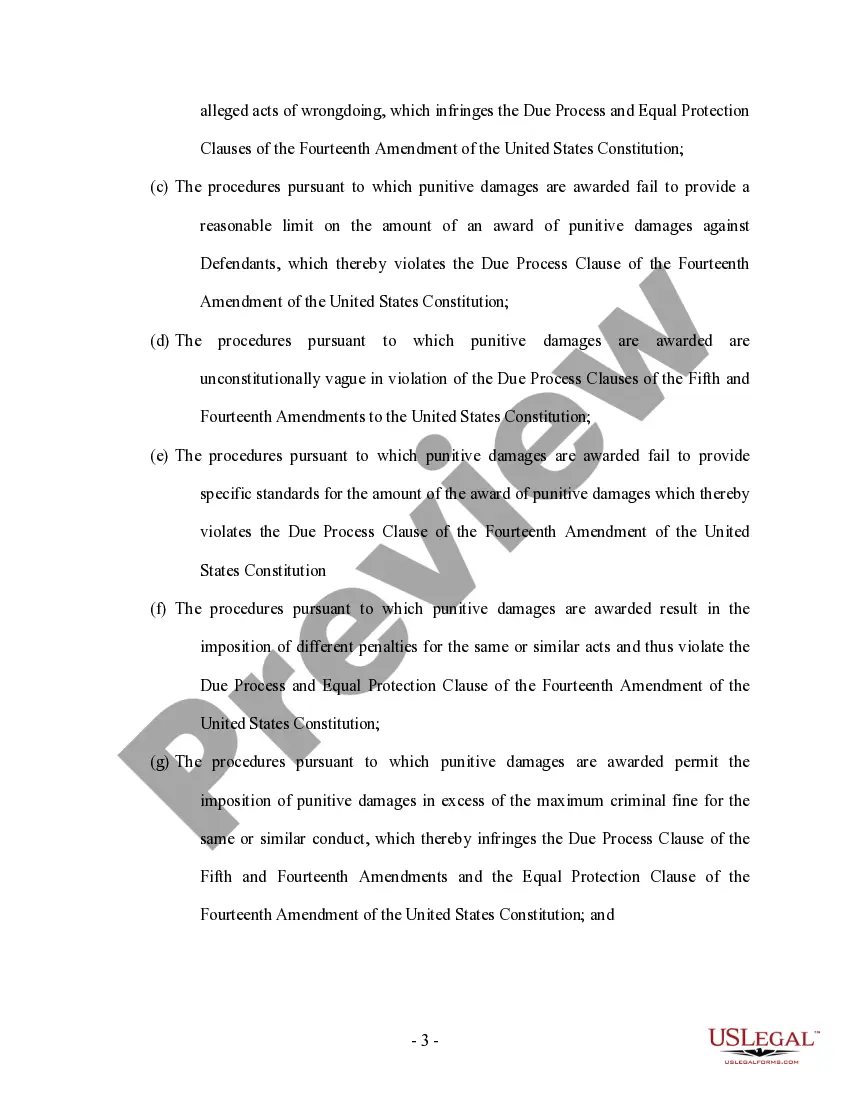
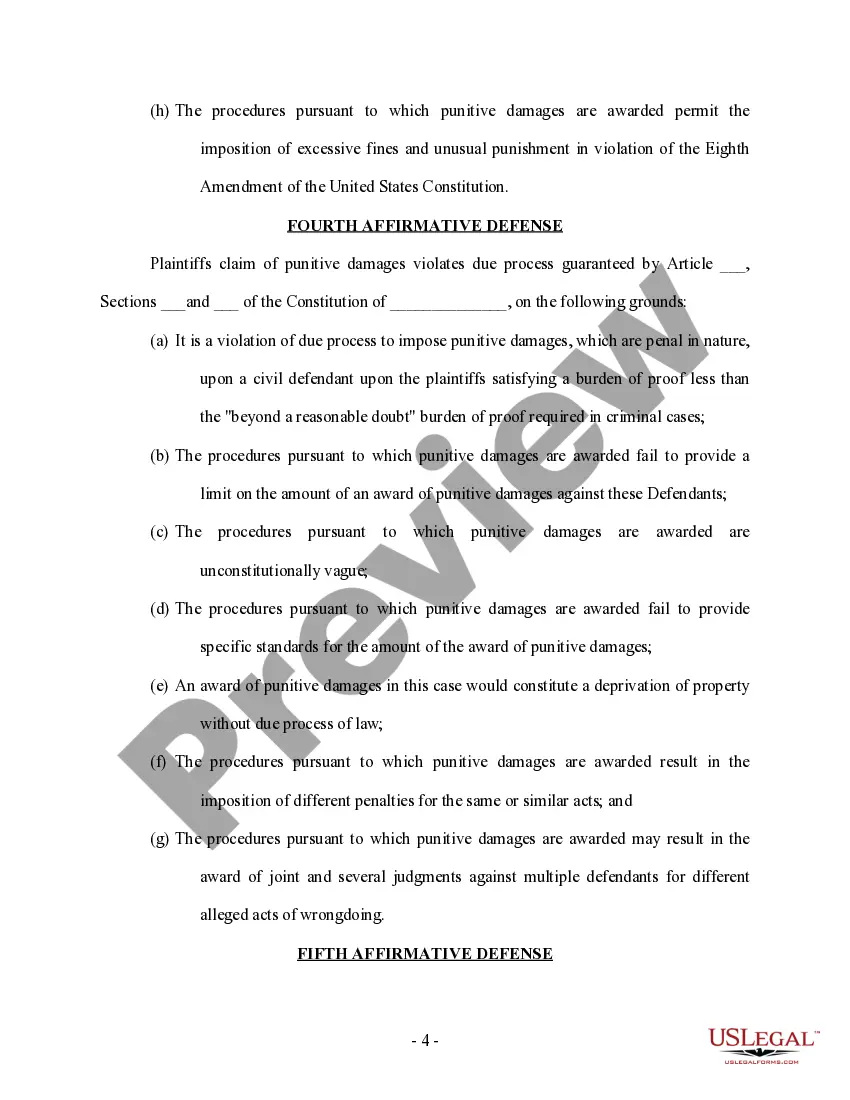
Get your form ready online
Our built-in tools help you complete, sign, share, and store your documents in one place.
Make edits, fill in missing information, and update formatting in US Legal Forms—just like you would in MS Word.
Download a copy, print it, send it by email, or mail it via USPS—whatever works best for your next step.
Sign and collect signatures with our SignNow integration. Send to multiple recipients, set reminders, and more. Go Premium to unlock E-Sign.
If this form requires notarization, complete it online through a secure video call—no need to meet a notary in person or wait for an appointment.
We protect your documents and personal data by following strict security and privacy standards.

Make edits, fill in missing information, and update formatting in US Legal Forms—just like you would in MS Word.

Download a copy, print it, send it by email, or mail it via USPS—whatever works best for your next step.

Sign and collect signatures with our SignNow integration. Send to multiple recipients, set reminders, and more. Go Premium to unlock E-Sign.

If this form requires notarization, complete it online through a secure video call—no need to meet a notary in person or wait for an appointment.

We protect your documents and personal data by following strict security and privacy standards.
Looking for another form?
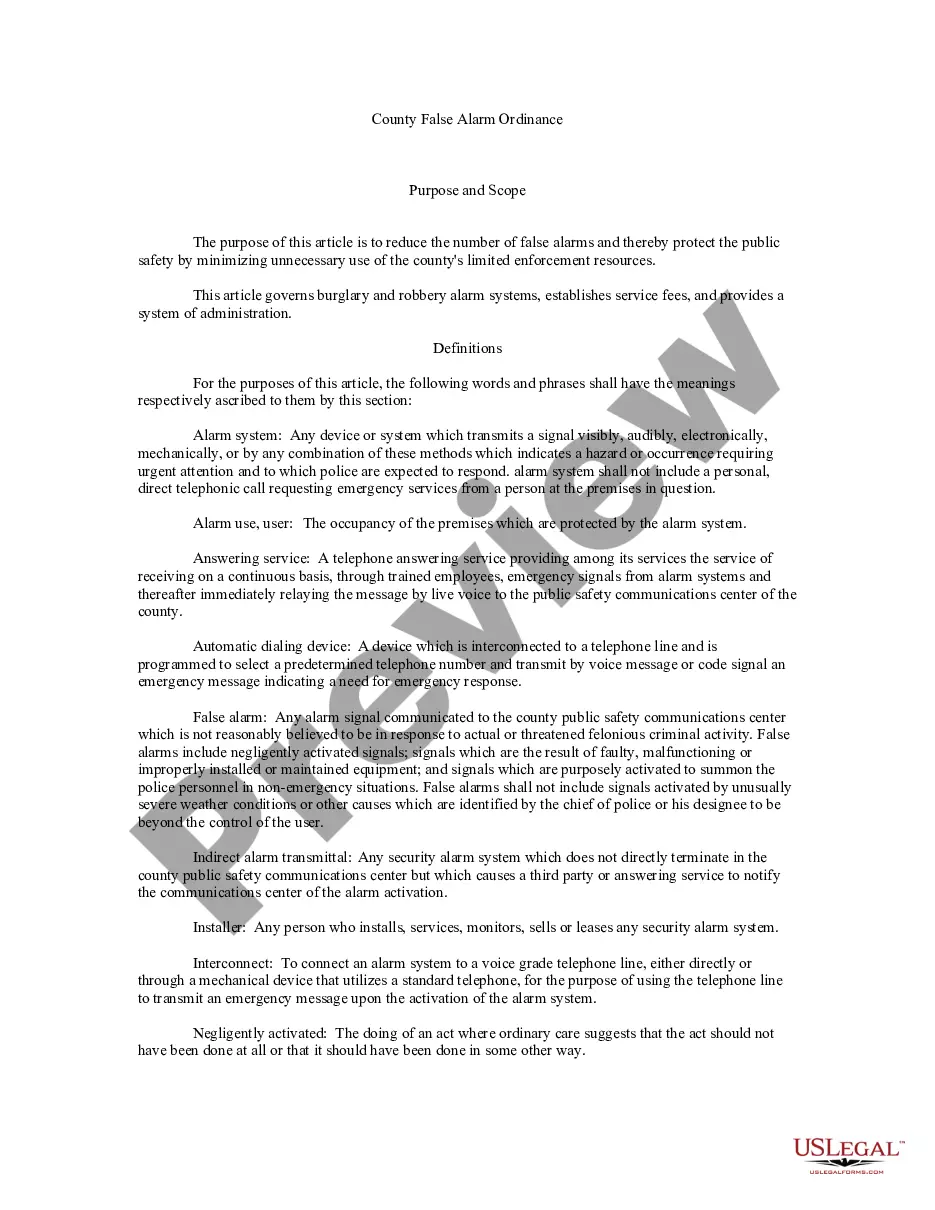
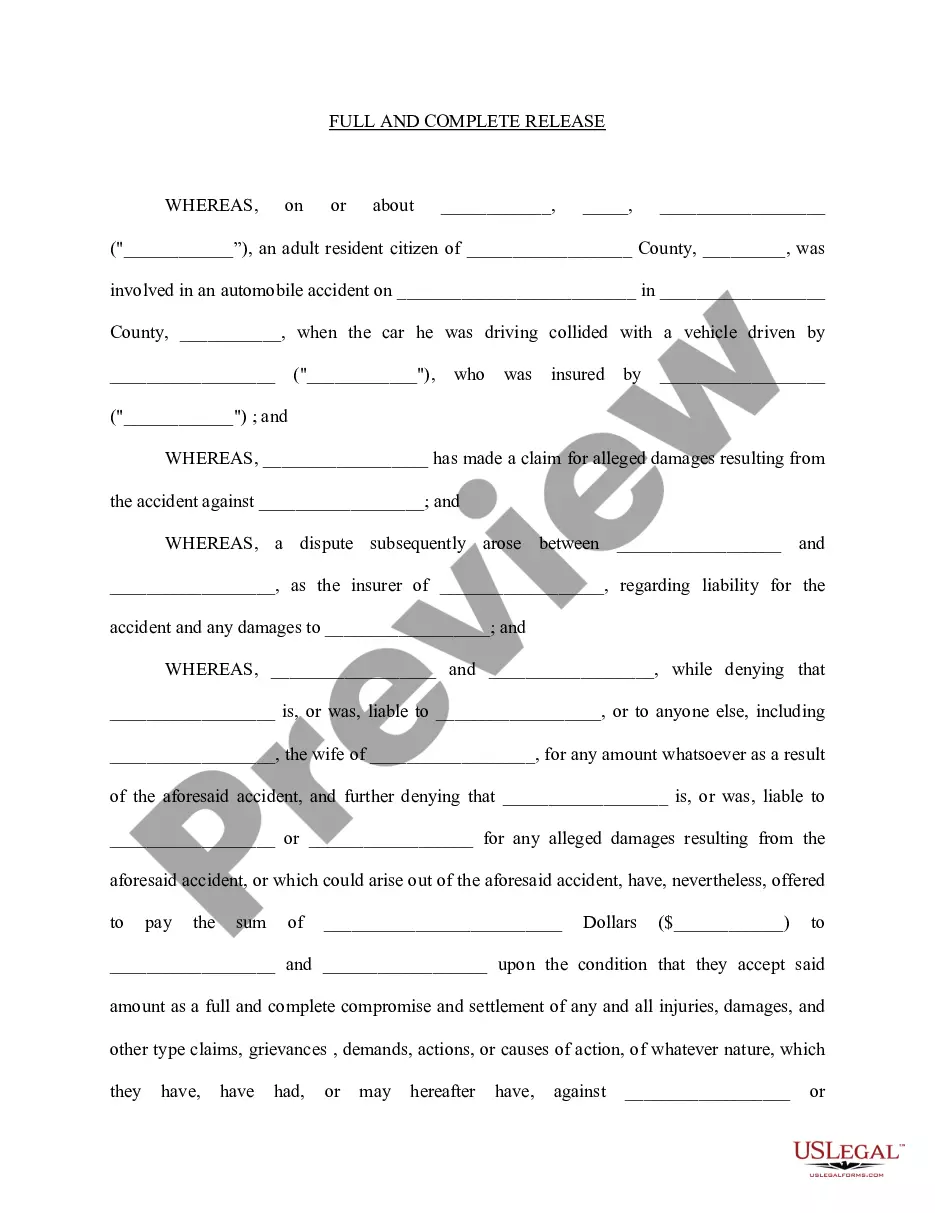

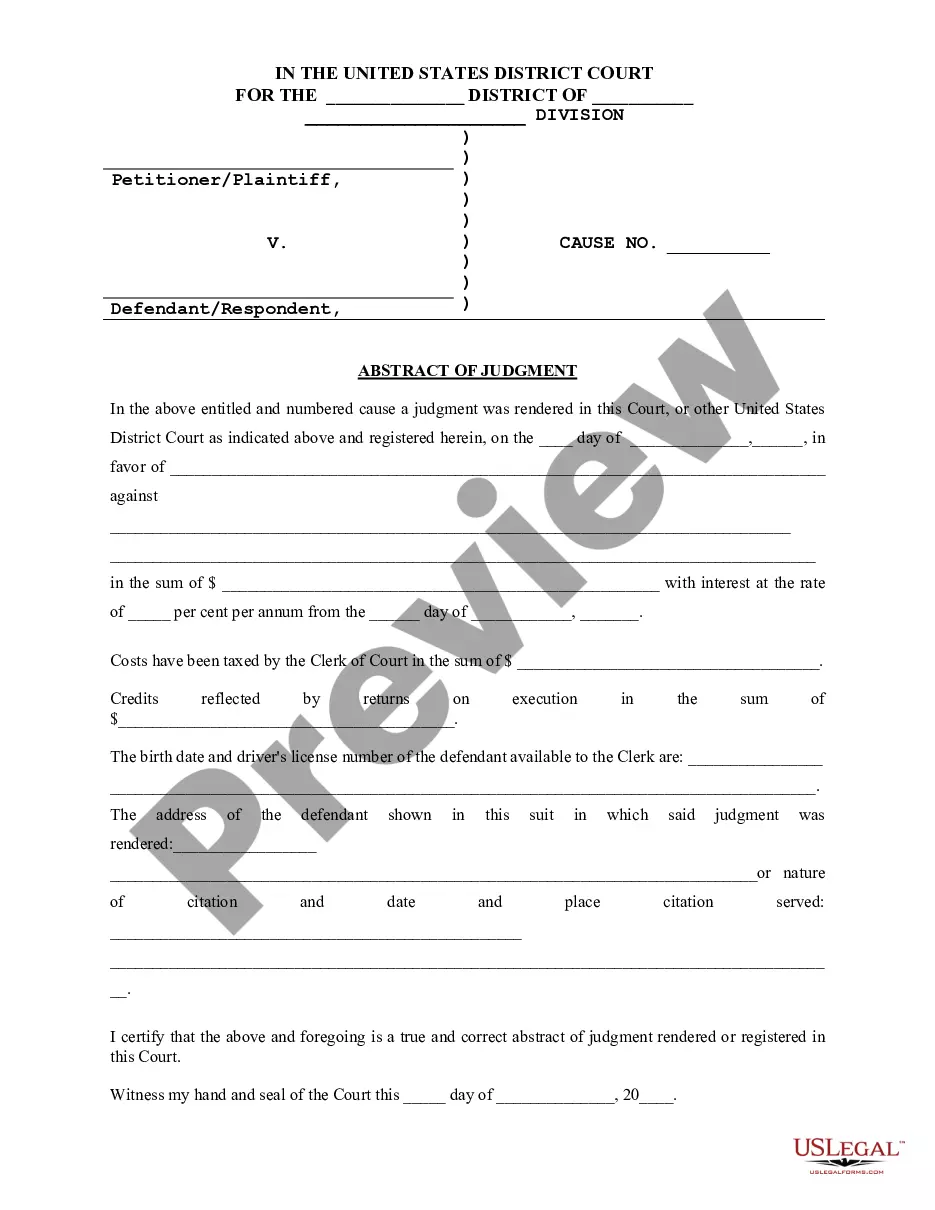
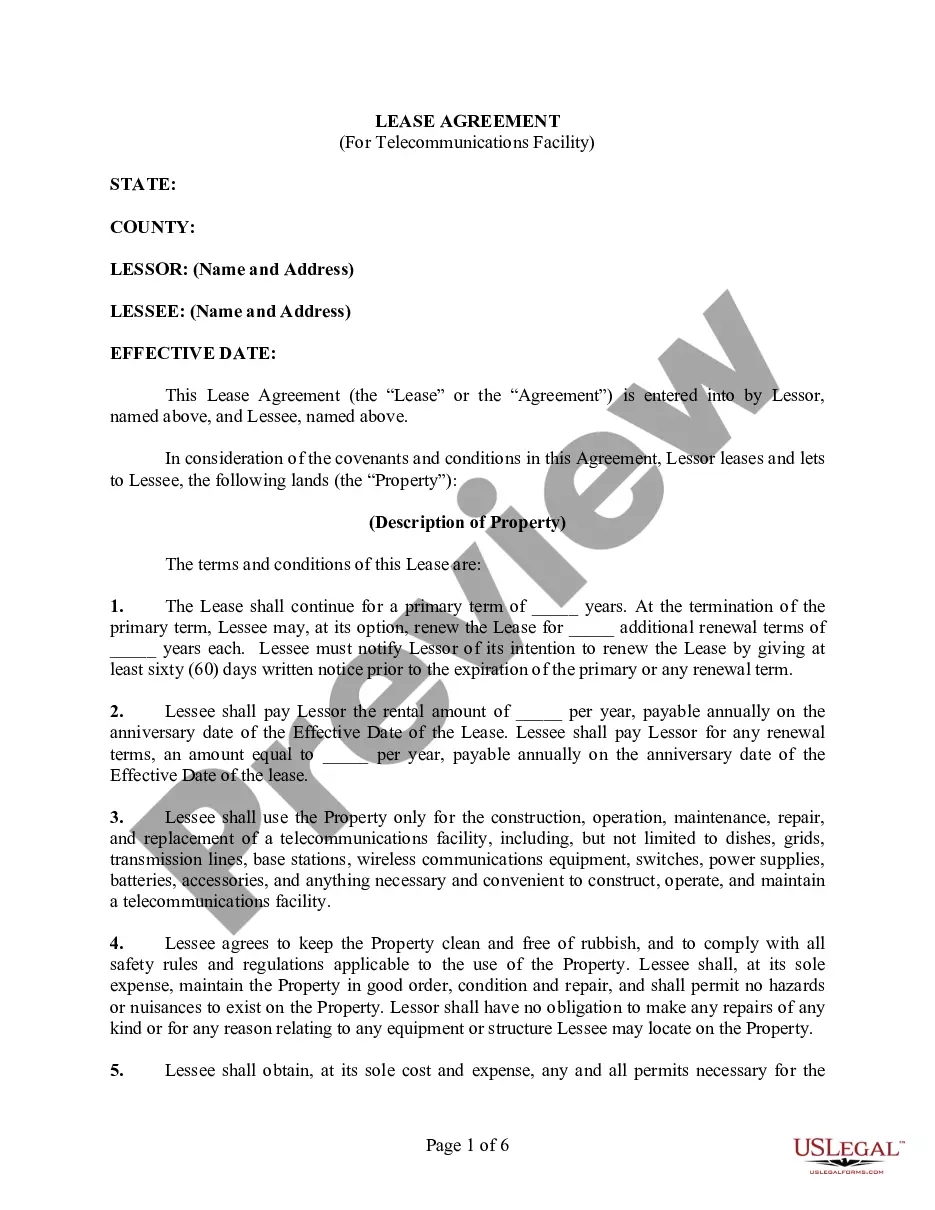
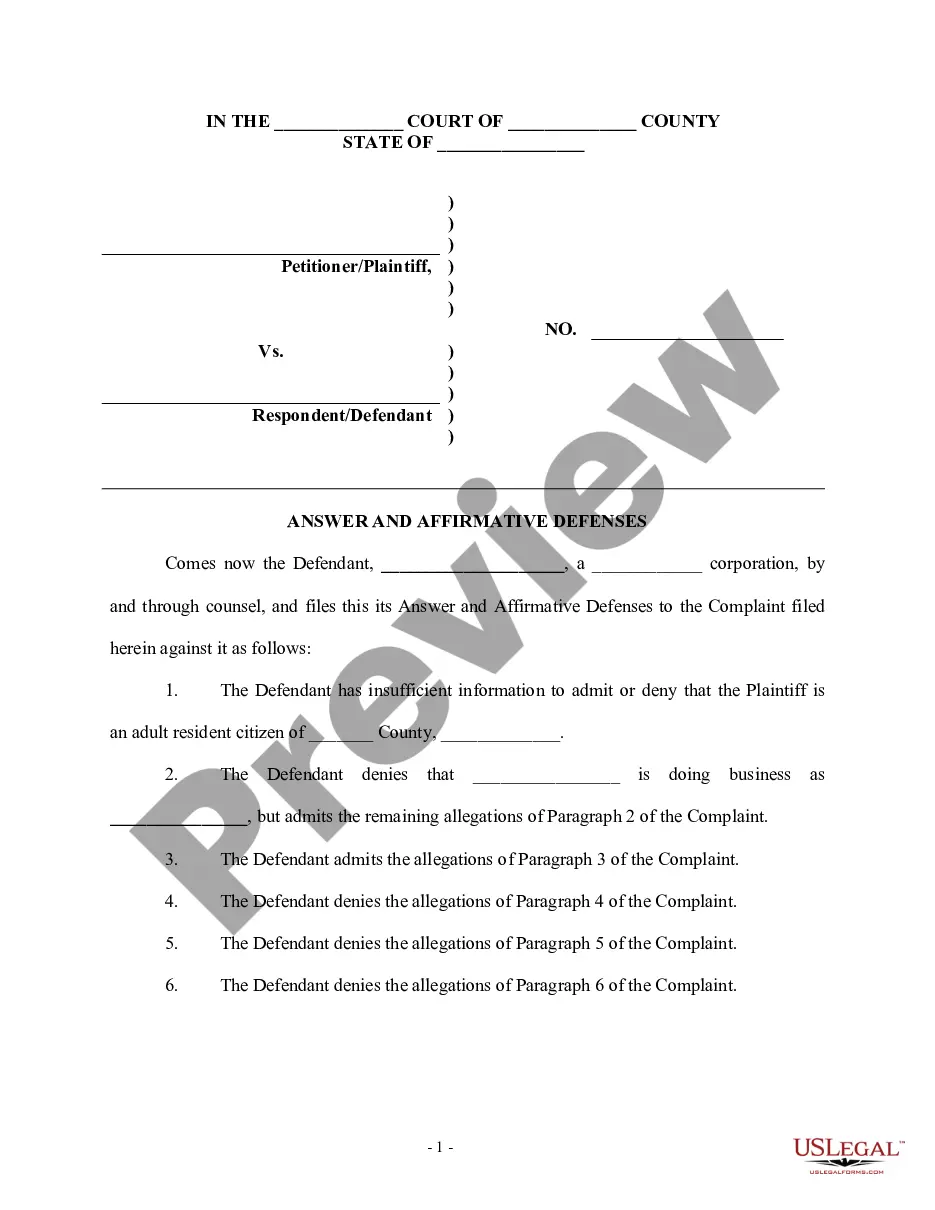
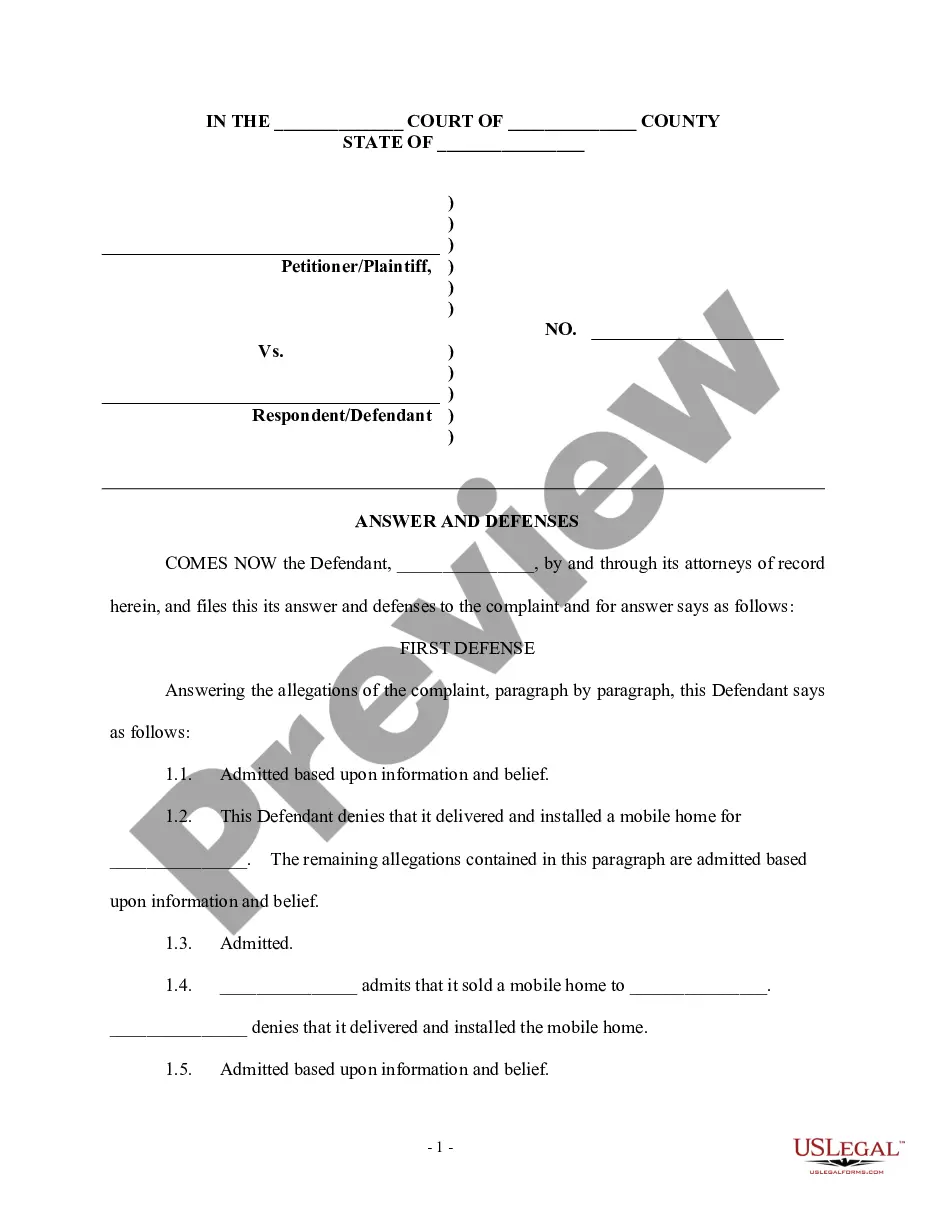
How to fill out Answer And Defenses - Motor Vehicle Accident - Long?
Whether for business purposes or for personal matters, everybody has to deal with legal situations at some point in their life. Filling out legal paperwork requires careful attention, beginning from picking the appropriate form template. For example, when you choose a wrong version of the Vehicle Accident Form Document With Insurance, it will be rejected when you submit it. It is therefore essential to have a reliable source of legal documents like US Legal Forms.
If you have to obtain a Vehicle Accident Form Document With Insurance template, stick to these simple steps:
- Find the template you need using the search field or catalog navigation.
- Look through the form’s description to make sure it matches your situation, state, and region.
- Click on the form’s preview to see it.
- If it is the wrong form, go back to the search function to find the Vehicle Accident Form Document With Insurance sample you need.
- Get the file if it meets your requirements.
- If you already have a US Legal Forms profile, just click Log in to access previously saved templates in My Forms.
- In the event you do not have an account yet, you can obtain the form by clicking Buy now.
- Select the correct pricing option.
- Complete the profile registration form.
- Pick your transaction method: use a bank card or PayPal account.
- Select the document format you want and download the Vehicle Accident Form Document With Insurance.
- When it is saved, you are able to fill out the form with the help of editing software or print it and finish it manually.
With a large US Legal Forms catalog at hand, you do not have to spend time searching for the right template across the internet. Utilize the library’s easy navigation to find the appropriate form for any situation.
Form popularity
FAQ
Writing any incident report involves four basic steps. Respond Immediately. Employees should notify their supervisor as soon as an accident or injury occurs. ... Find the Facts. ... Analyze. ... Complete Corrective Action Plan.
You could give the closest intersections or nearby businesses if the accident happened on an urban street. Mile markers or exit numbers are sufficient if the crash happened on a rural road or interstate. Other details of the scene include the time, weather and road conditions.
Within your accident book, you should record details like: The name, gender, date of birth and job title of the injured party; The date the accident happened; The date the accident was reported; The name and job title of the person logging the accident; Whether or the not the injured party is an expectant mother; and.
These documents are essential for your personal injury evidence. Official Reports. ... Photo Documentation. ... Statements. ... Medical Reports and Treatment Journal. ... Reports of Other Complaints or Accidents. ... Physical Evidence. ... Insurance Information. ... Work Information and Wages.
Accident report forms should include fields for names and contact information of the individuals and witnesses involved, the type of accident, the date and time the accident occurred, the location of the accident, a detailed description of the accident, and room for any additional comments.