Supplemental Response To Office Action
Description
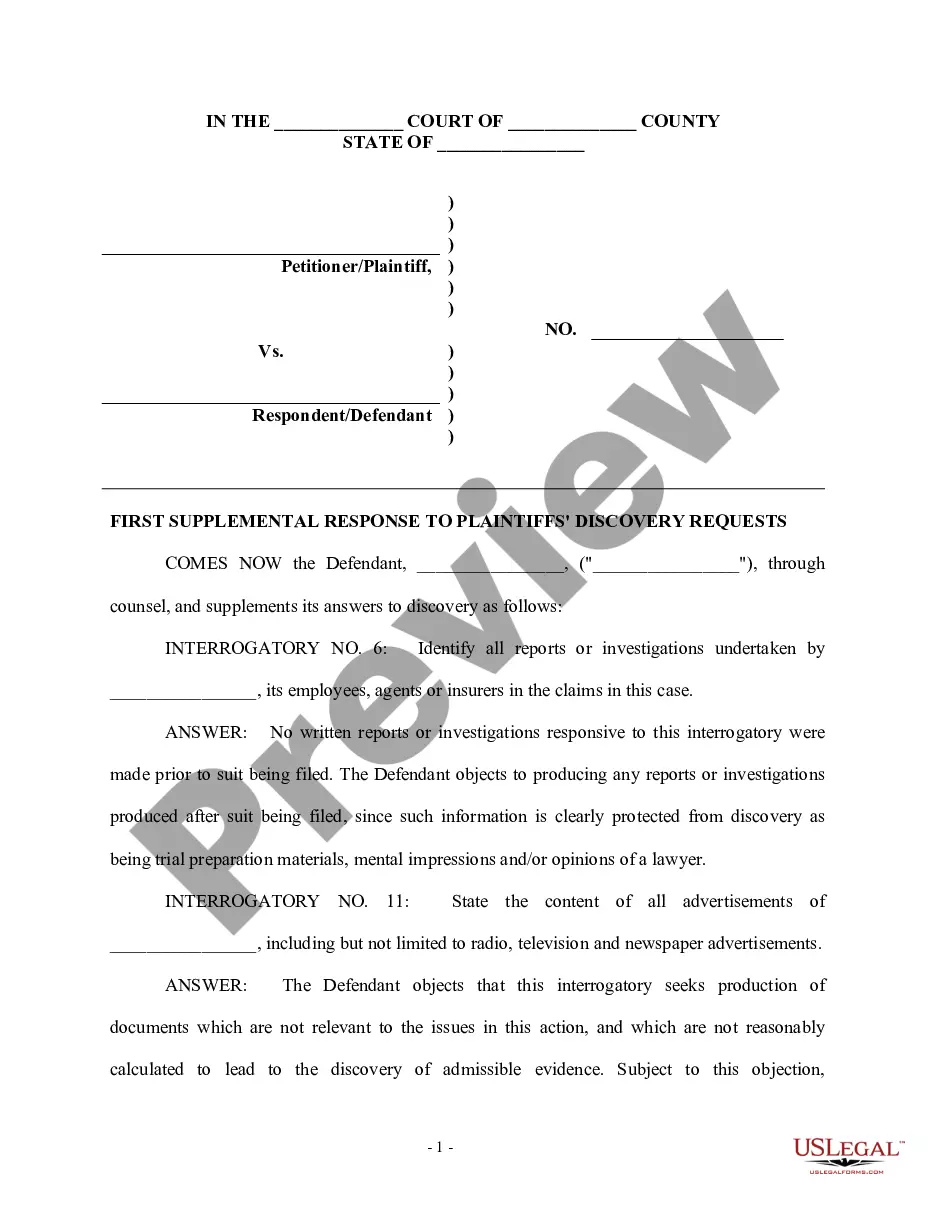
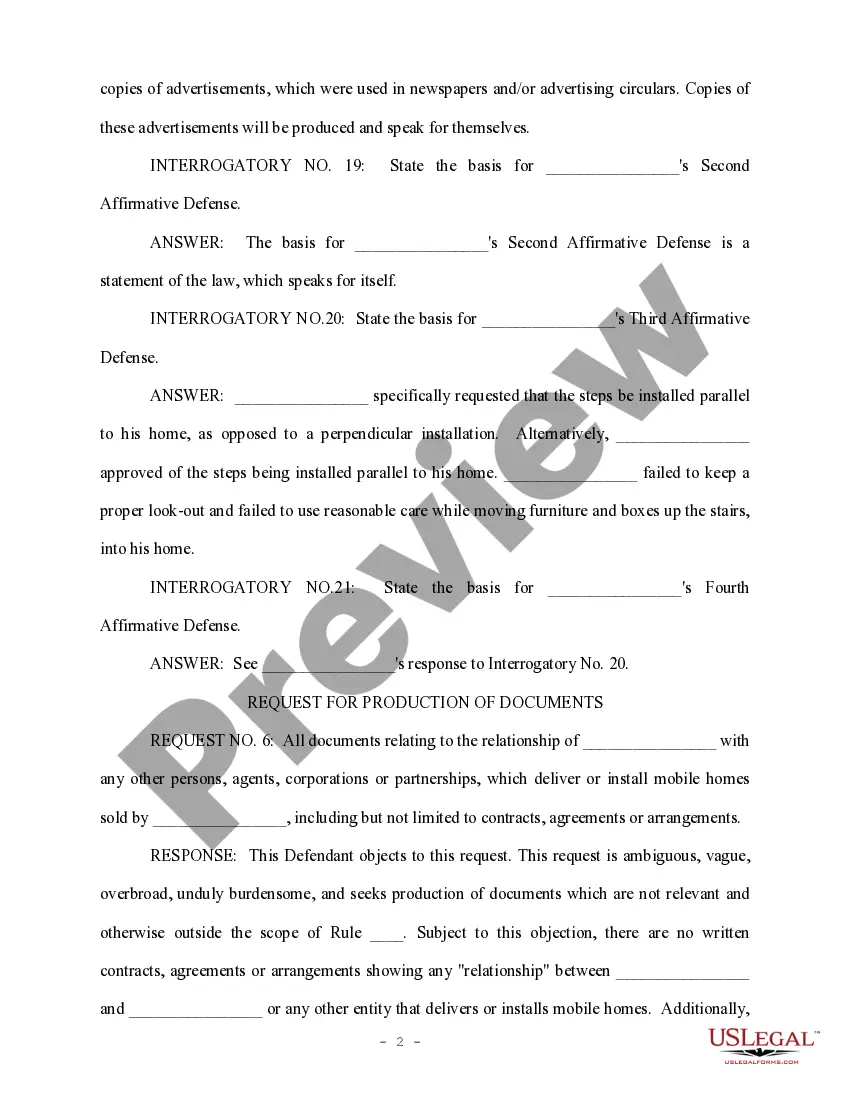
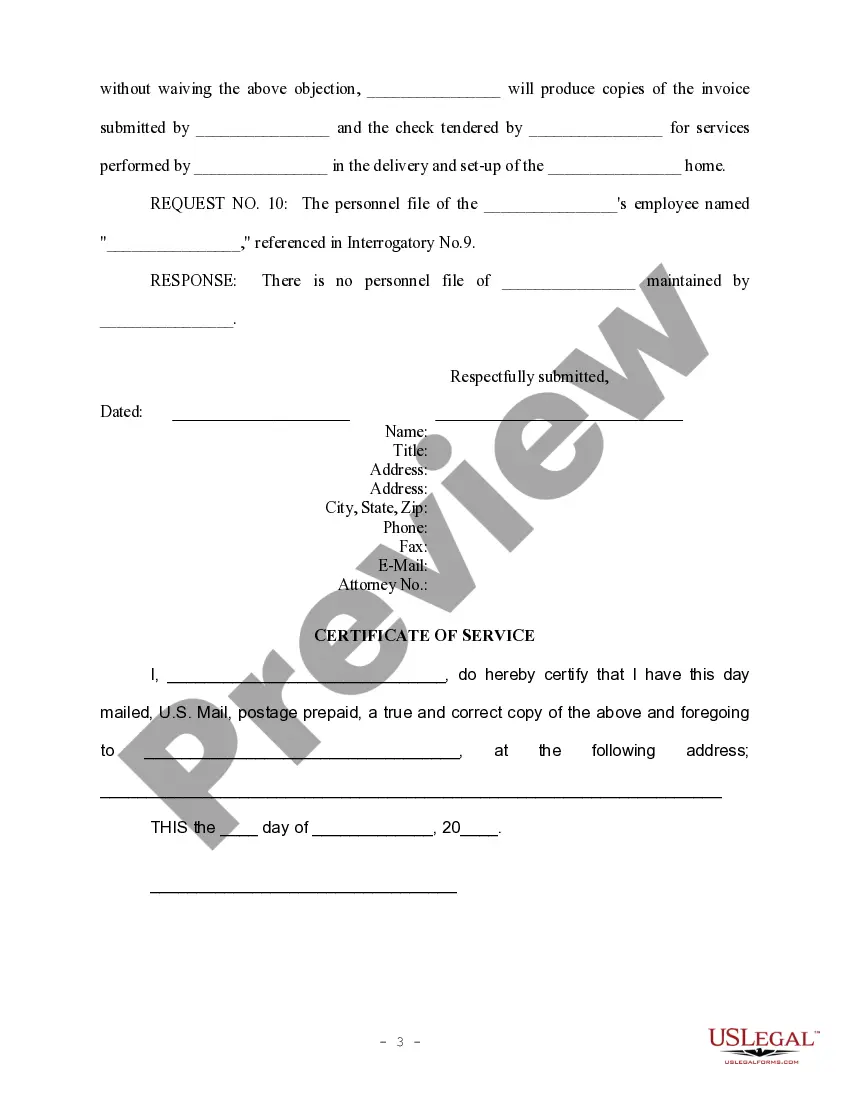
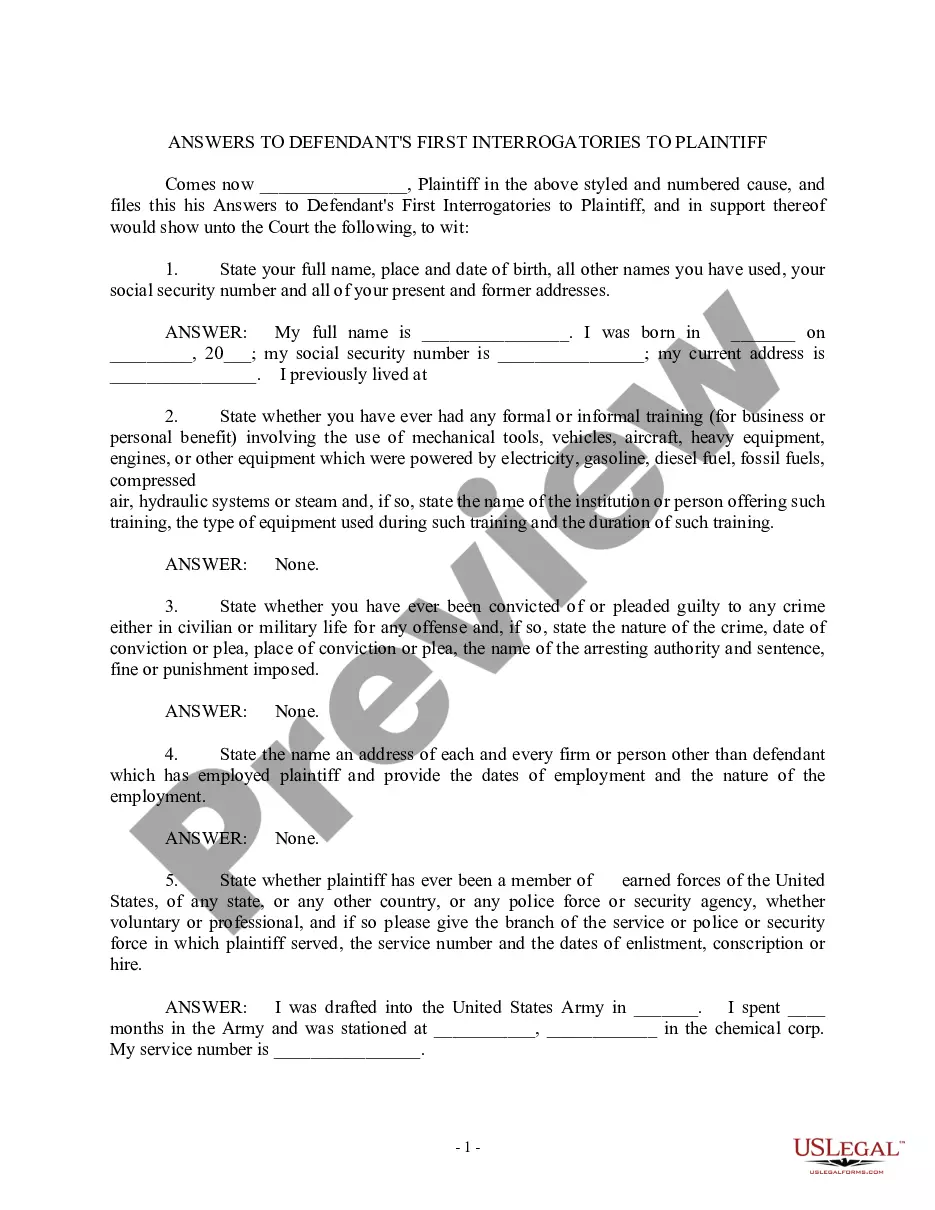

Get your form ready online
Our built-in tools help you complete, sign, share, and store your documents in one place.
Make edits, fill in missing information, and update formatting in US Legal Forms—just like you would in MS Word.
Download a copy, print it, send it by email, or mail it via USPS—whatever works best for your next step.
Sign and collect signatures with our SignNow integration. Send to multiple recipients, set reminders, and more. Go Premium to unlock E-Sign.
If this form requires notarization, complete it online through a secure video call—no need to meet a notary in person or wait for an appointment.
We protect your documents and personal data by following strict security and privacy standards.
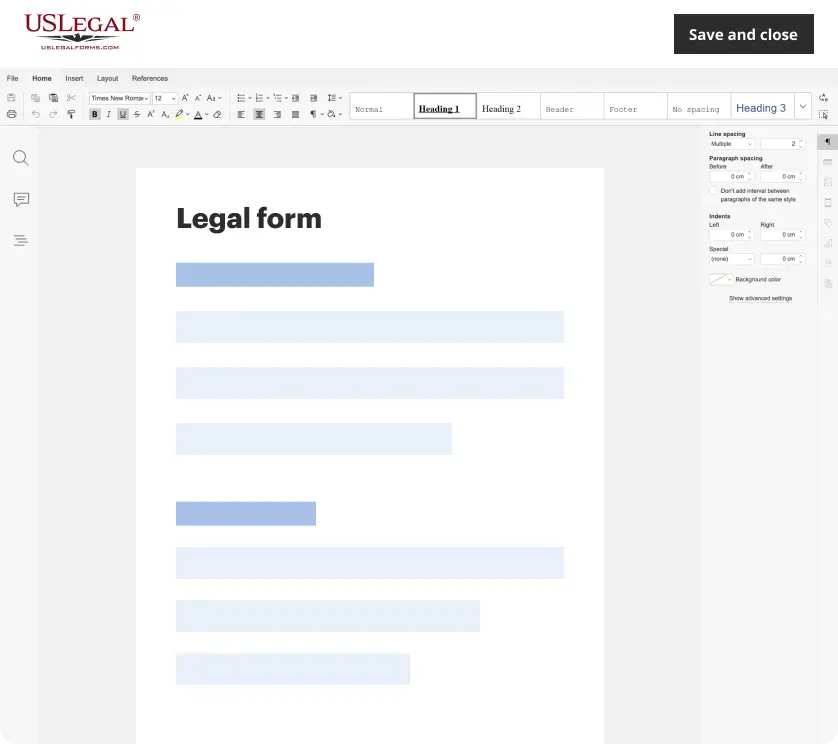
Make edits, fill in missing information, and update formatting in US Legal Forms—just like you would in MS Word.
Download a copy, print it, send it by email, or mail it via USPS—whatever works best for your next step.
Sign and collect signatures with our SignNow integration. Send to multiple recipients, set reminders, and more. Go Premium to unlock E-Sign.

If this form requires notarization, complete it online through a secure video call—no need to meet a notary in person or wait for an appointment.
We protect your documents and personal data by following strict security and privacy standards.
Looking for another form?
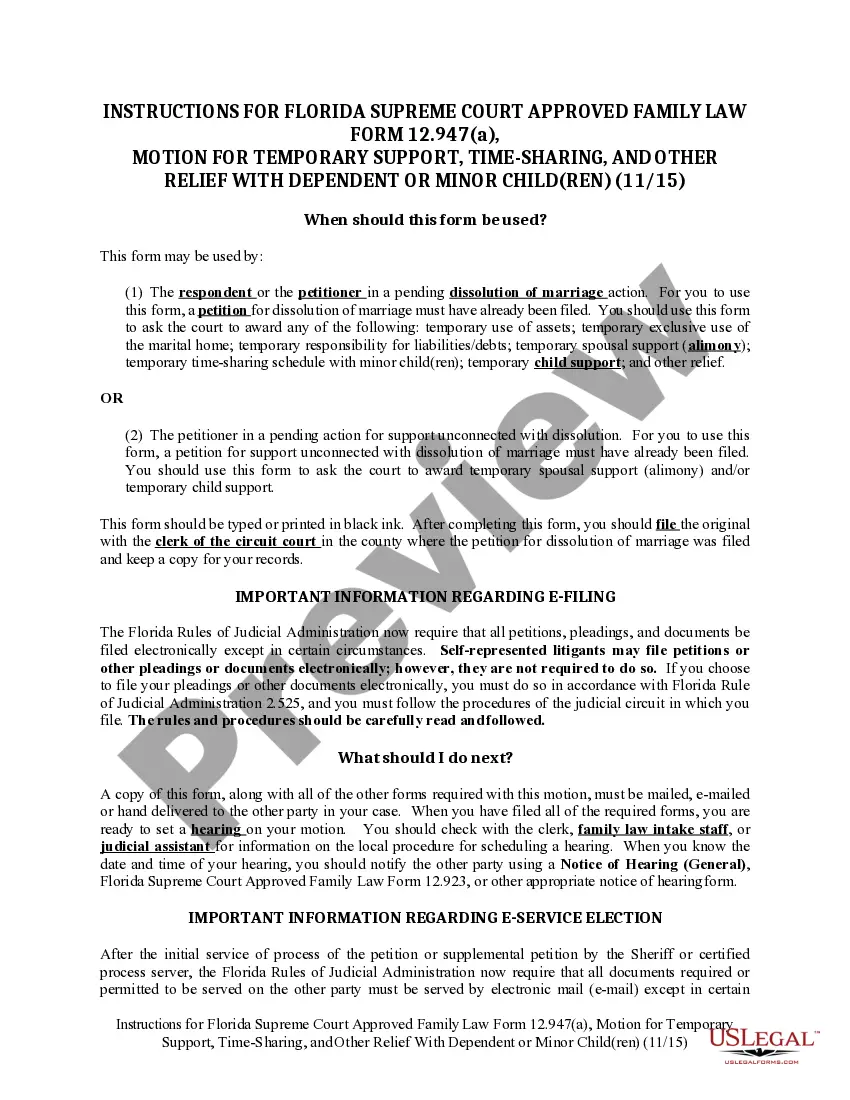
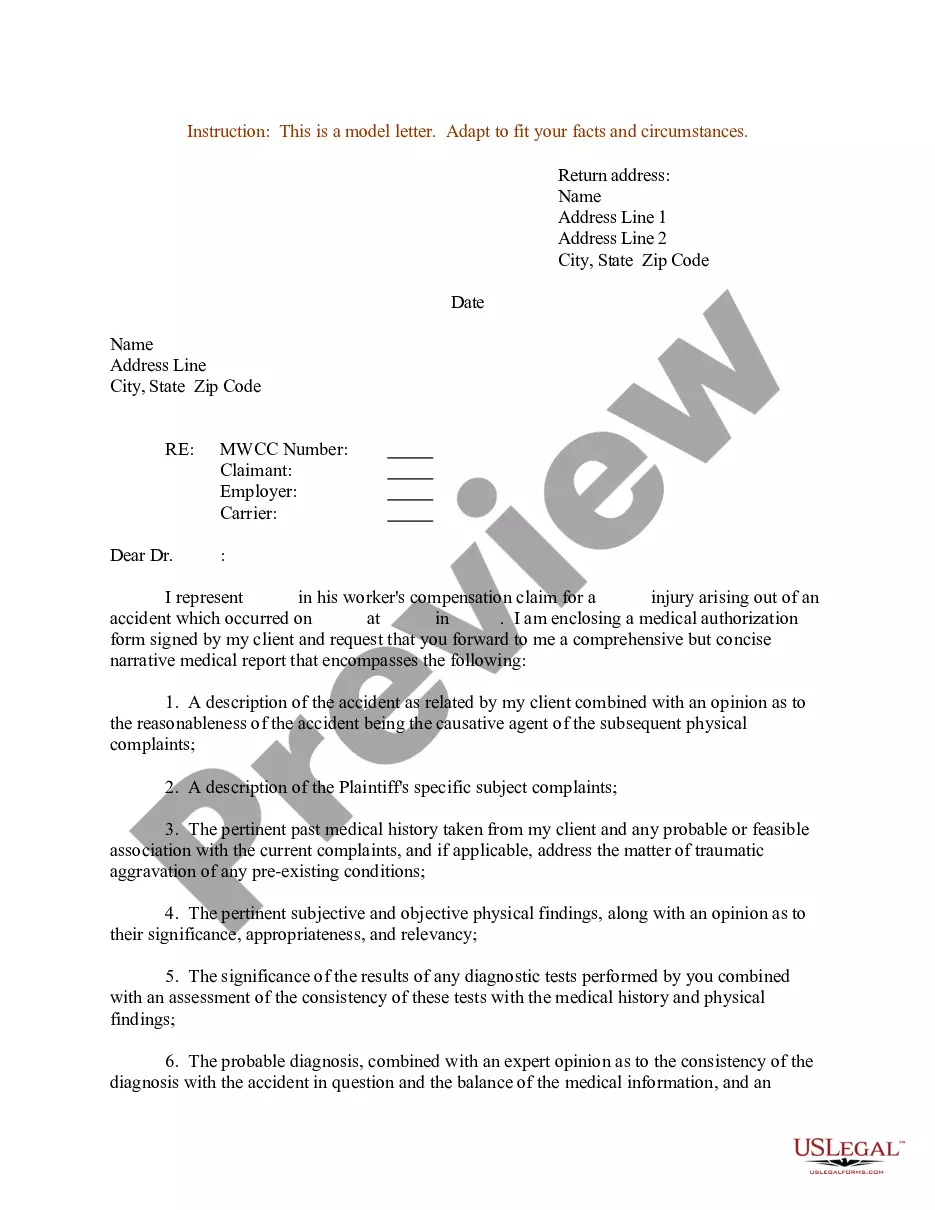

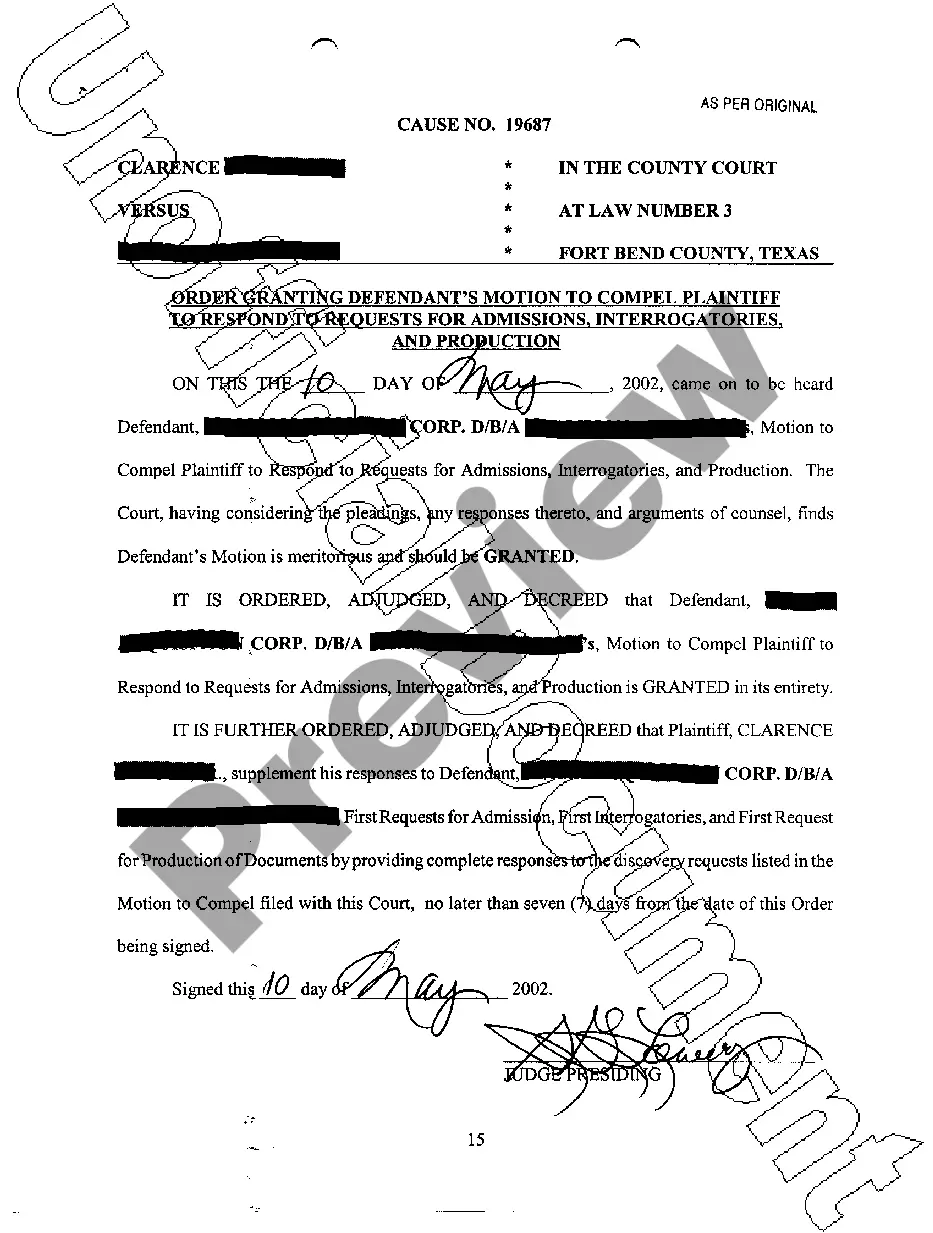
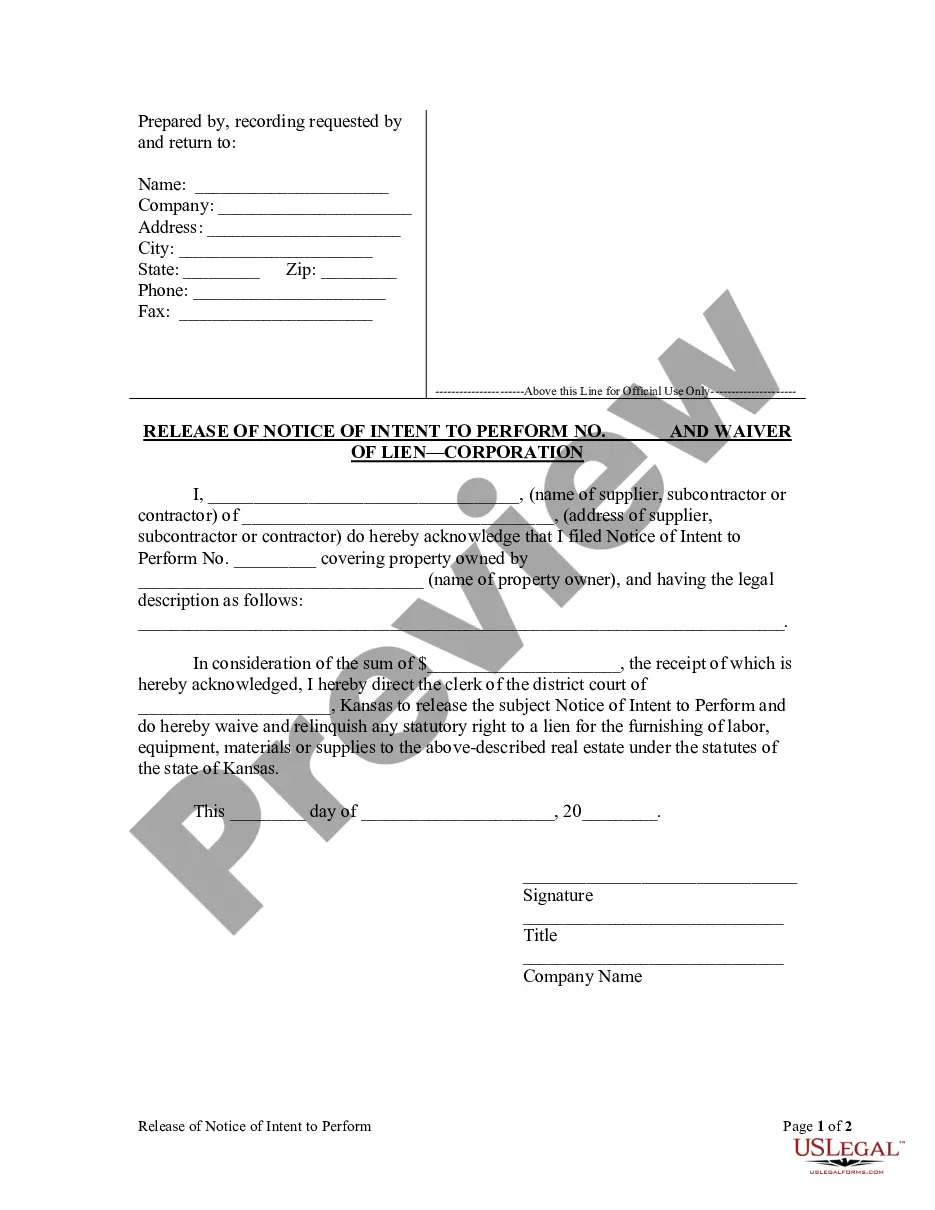
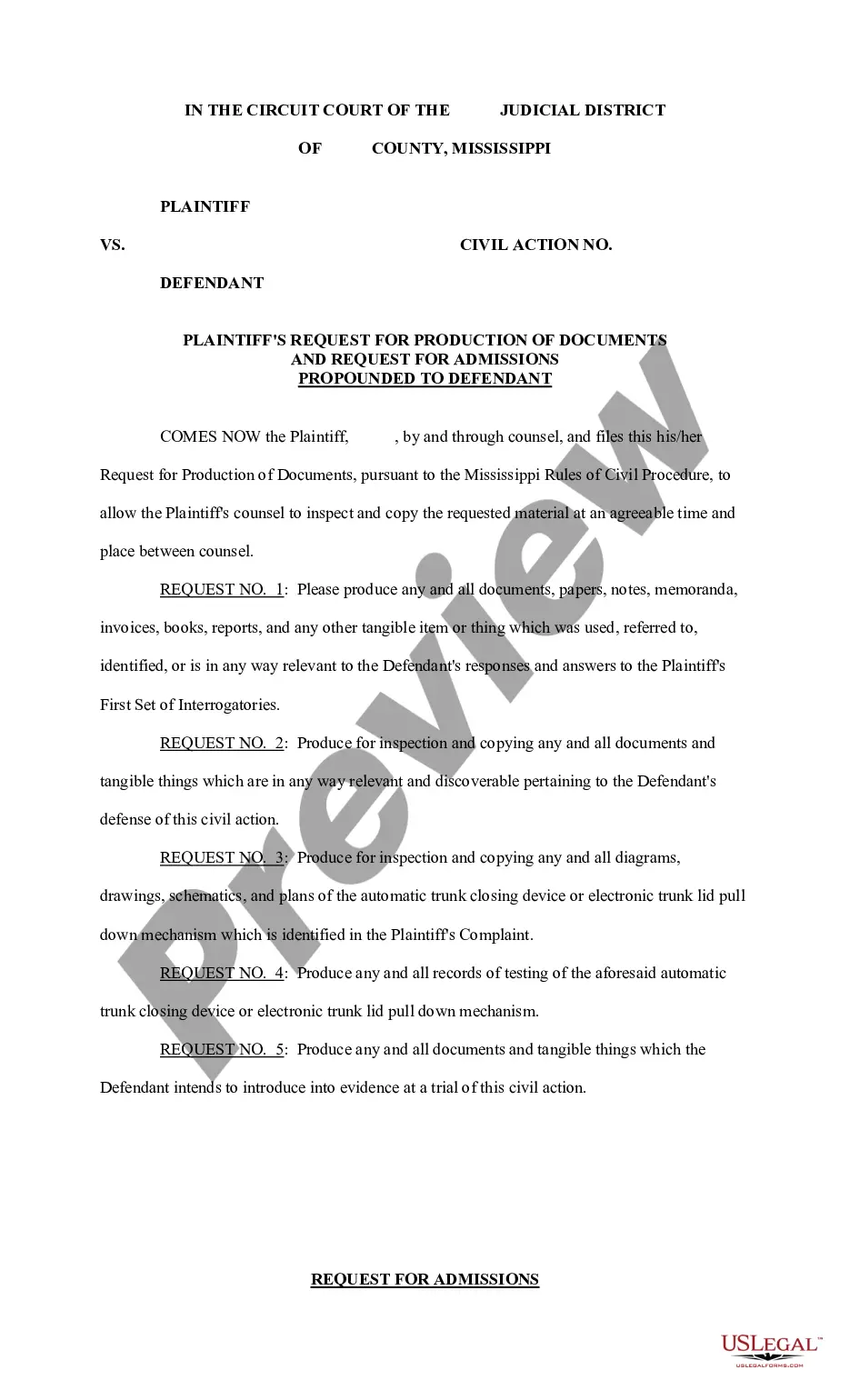
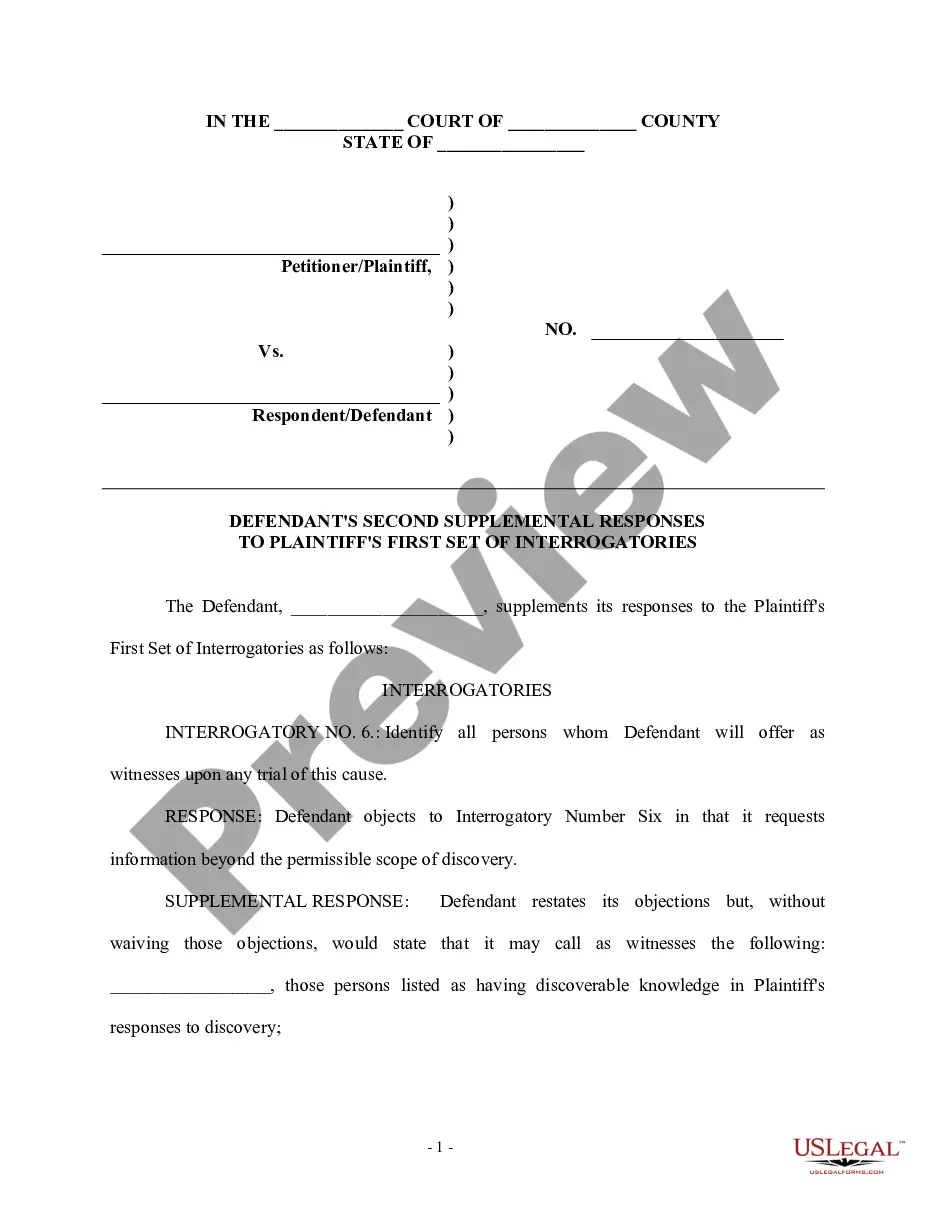
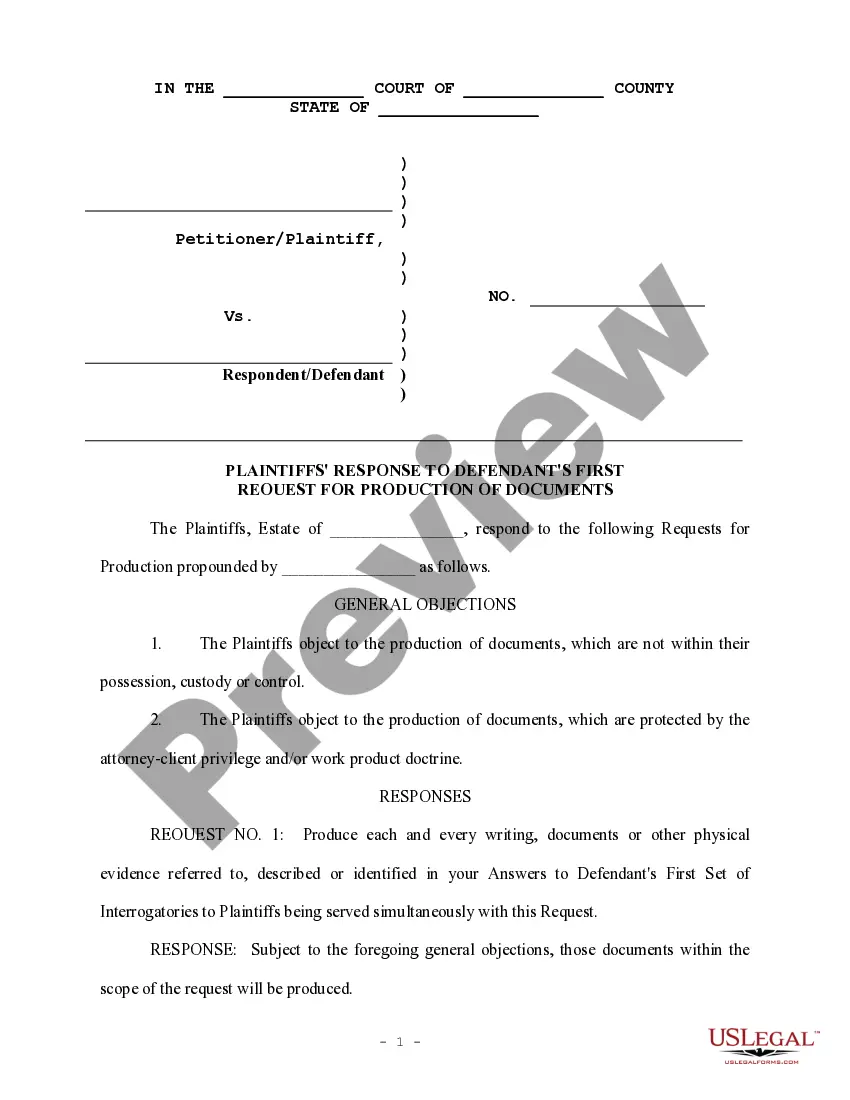
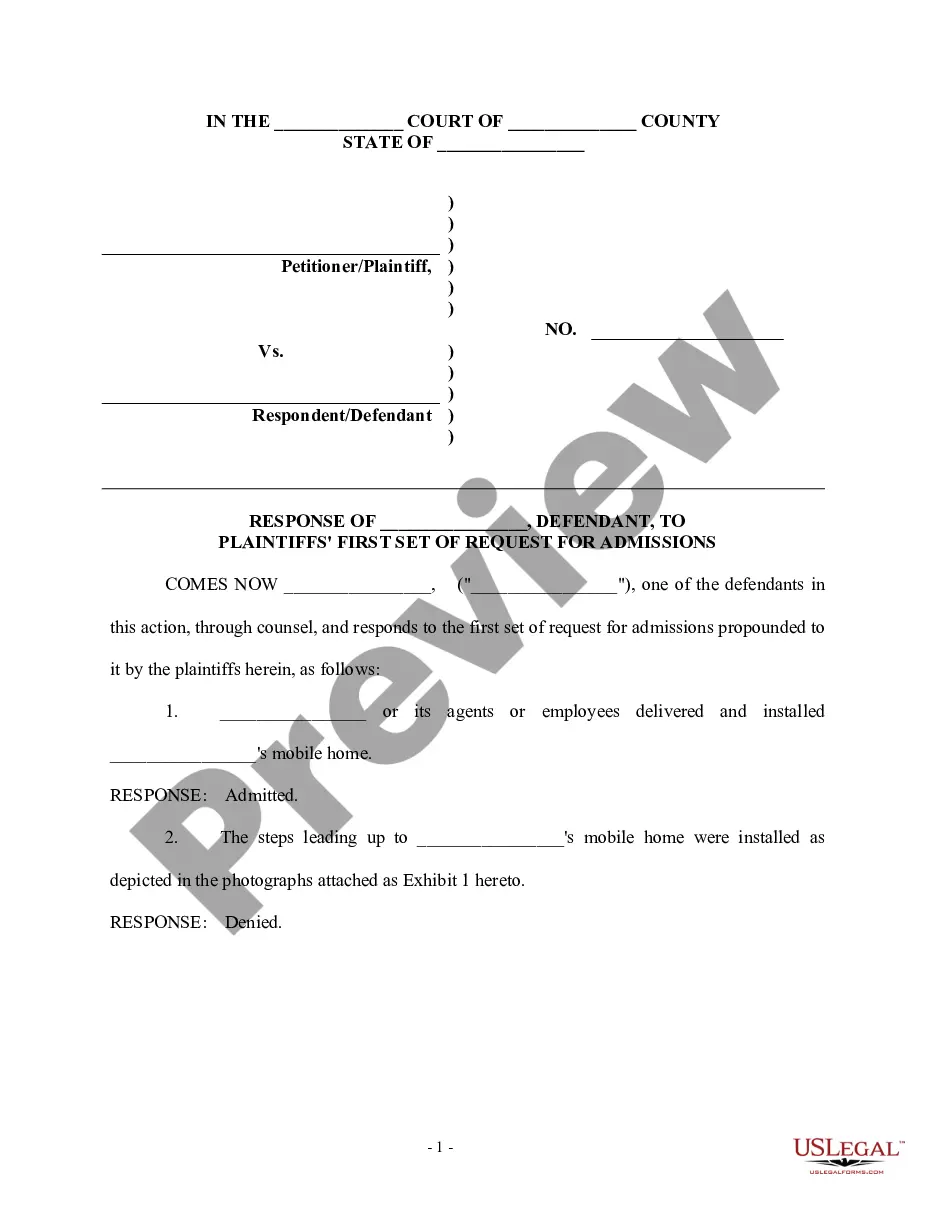
How to fill out Defendant's First Supplemental Response To Plaintiff's Discovery Request?
Creating legal documents from scratch can occasionally feel overwhelming. Certain situations may require extensive research and significant financial investment.
If you’re looking for a simpler and more affordable method of preparing a Supplemental Response To Office Action or any other documentation without the hassle of complicated procedures, US Legal Forms is readily available for you.
Our online repository of over 85,000 current legal documents encompasses nearly every aspect of your financial, legal, and personal matters. With just a few clicks, you can swiftly obtain state- and county-compliant templates meticulously crafted by our legal experts.
Utilize our platform whenever you need dependable services through which you can conveniently find and download the Supplemental Response To Office Action. If you’re familiar with our services and have previously registered with us, simply Log In to your account, find the form, and download it or retrieve it later in the My documents section.
US Legal Forms proudly holds a flawless reputation and boasts over 25 years of experience. Join us now and turn form execution into a seamless and simple process!
- Check the document preview and descriptions to confirm you have the correct document.
- Ensure the template you choose adheres to the regulations and laws of your state and county.
- Select the appropriate subscription option to acquire the Supplemental Response To Office Action.
- Download the form. Afterwards, complete, sign, and print it out.
Form popularity
FAQ
There are three types of patents: utility patents, design patents, and plant patents. Have you created a new invention? You may be able to protect your rights over that invention with a patent. Patents give inventors the exclusive right to create or use their creation for a certain period of time.
A total of 382,559 patents were granted in fiscal 2022, including 325,445 utility patents, 34,370 design patents, and 1138 plant patents.
There are three types of patents: utility, design and plant. Utility and plant patent applications can be provisional and nonprovisional. Provisional applications may not be filed for design inventions.
The three types of patents are utility patents, design patents, and plant patents. A utility patents protect the function of a composition, machine, or process. A design patent protects the decorative appearance of an item. A plant patent protects a new or distinct variety of a plant.
Step 1: Get ready to apply. Contact Patents. ... Step 2: File your application. Filing a patent application on your own. ... Step 3: Application prosecution. Filing a patent application on your own. ... Step 4: Receive your patent. Inventors Assistance Center. ... Step 5: Maintain legal protection of your patent. Pay your maintenance fees.
Free Patent Search Online The U.S. Patent & Trademark Office provides free patent searching of its public databases. Google Patents. A relatively easy database to search which PDF images available. Limited to U.S. patents and U.S. published applications.
The cheapest way to get "Patent Pending" status is to file a provisional patent application. All that is required is a detailed description of the invention, an informal drawing, and a synopsis of how you came up with the idea. For small entities, the application fee is $130 and for large companies it is $260.
Utility patents are by far the most common type of patent. To date, over 11 million have been issued by the U.S. Patent and Trademark Office (USPTO). Utility patents are for utilitarian inventions such as machines, processes, compositions of matter, and articles of manufacture.