Supplemental Discovery Example For Sap
Description


Get your form ready online
Our built-in tools help you complete, sign, share, and store your documents in one place.
Make edits, fill in missing information, and update formatting in US Legal Forms—just like you would in MS Word.
Download a copy, print it, send it by email, or mail it via USPS—whatever works best for your next step.
Sign and collect signatures with our SignNow integration. Send to multiple recipients, set reminders, and more. Go Premium to unlock E-Sign.
If this form requires notarization, complete it online through a secure video call—no need to meet a notary in person or wait for an appointment.
We protect your documents and personal data by following strict security and privacy standards.

Make edits, fill in missing information, and update formatting in US Legal Forms—just like you would in MS Word.

Download a copy, print it, send it by email, or mail it via USPS—whatever works best for your next step.

Sign and collect signatures with our SignNow integration. Send to multiple recipients, set reminders, and more. Go Premium to unlock E-Sign.

If this form requires notarization, complete it online through a secure video call—no need to meet a notary in person or wait for an appointment.

We protect your documents and personal data by following strict security and privacy standards.
Looking for another form?

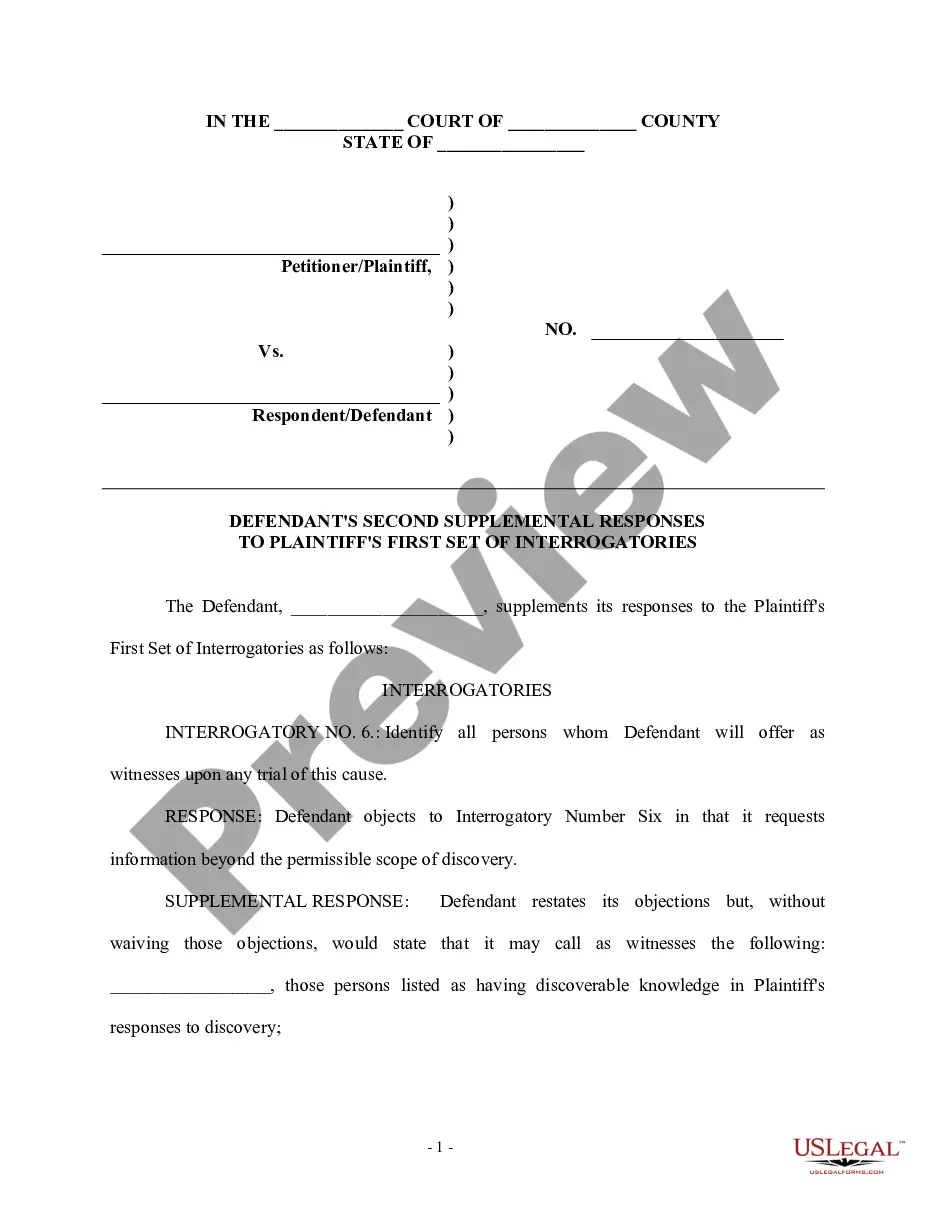
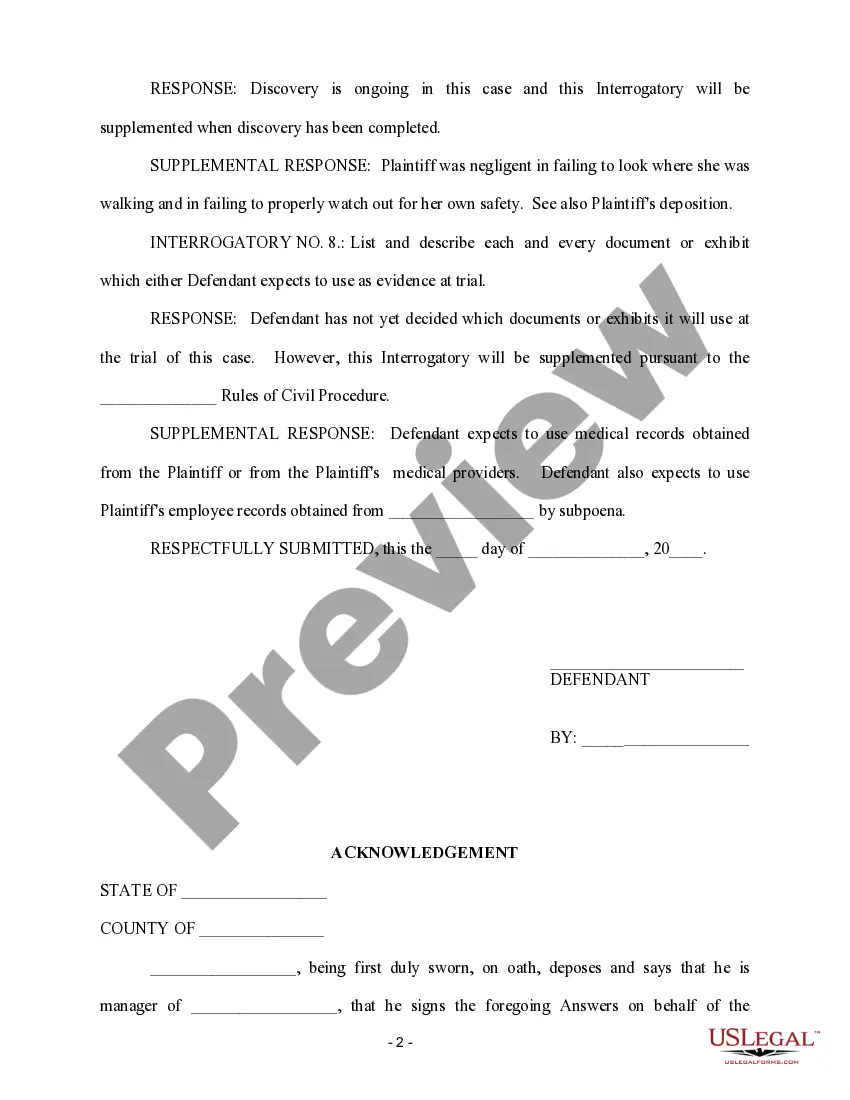
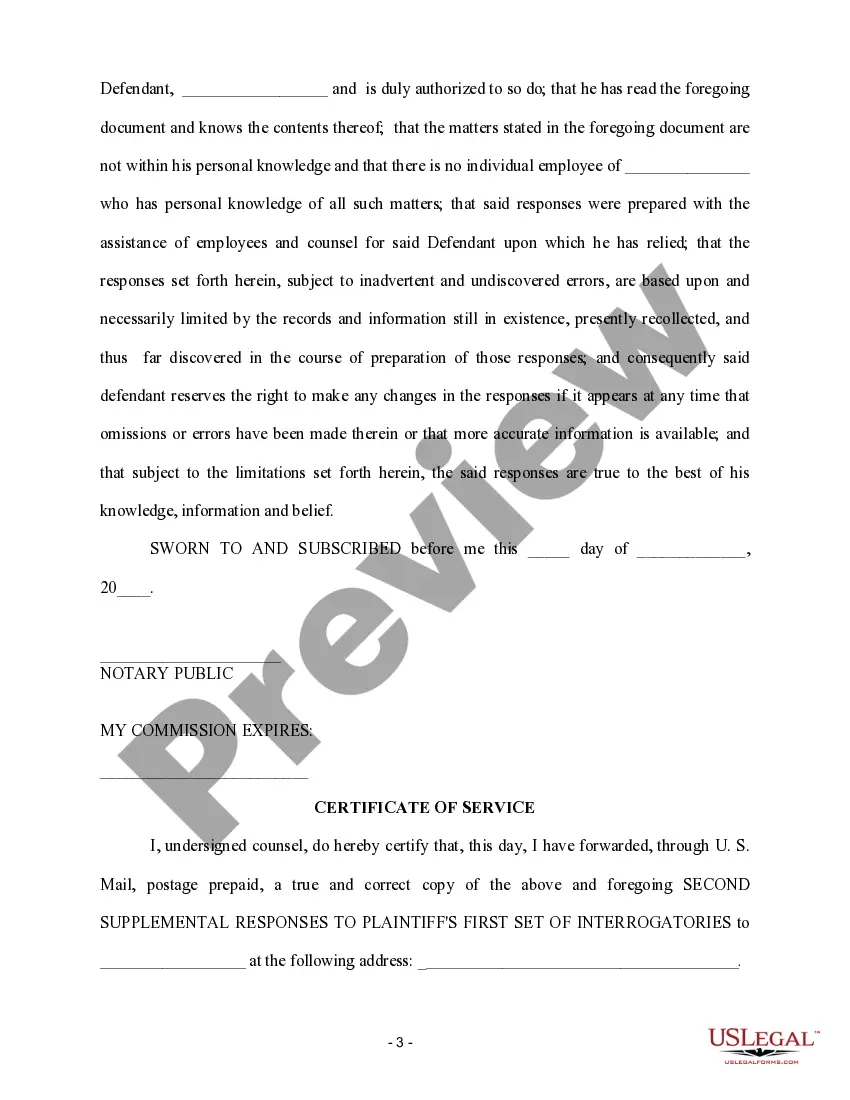
How to fill out Second Supplemental Responses To Plaintiff's First Set Of Interrogatories?
Acquiring legal document samples that adhere to federal and local regulations is vital, and the internet provides numerous choices to select from.
However, what is the purpose of spending time searching for the appropriately crafted Supplemental Discovery Sample For Sap online when the US Legal Forms digital library already compiles such templates in one location.
US Legal Forms is the largest online legal repository with more than 85,000 fillable templates prepared by attorneys for any business and personal situation.
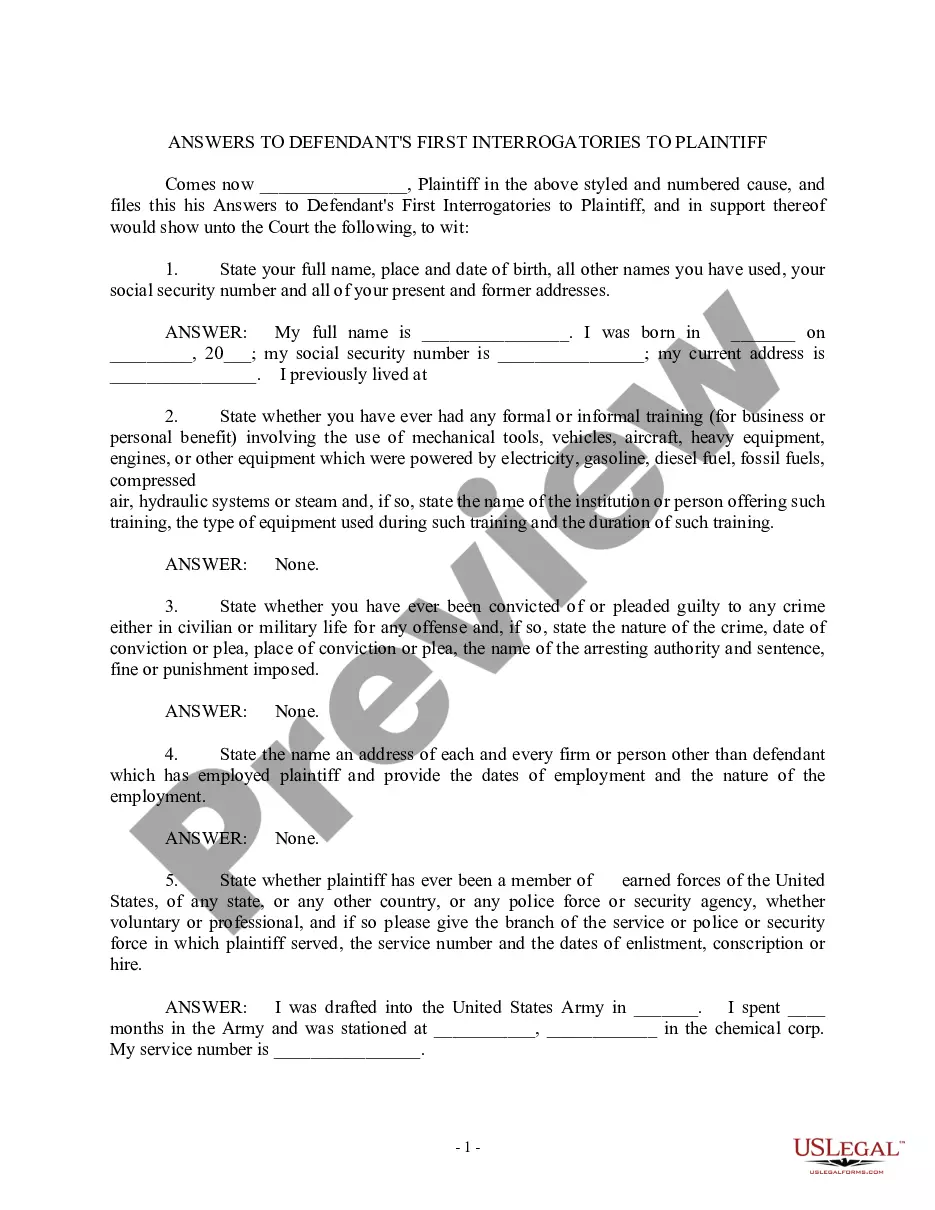
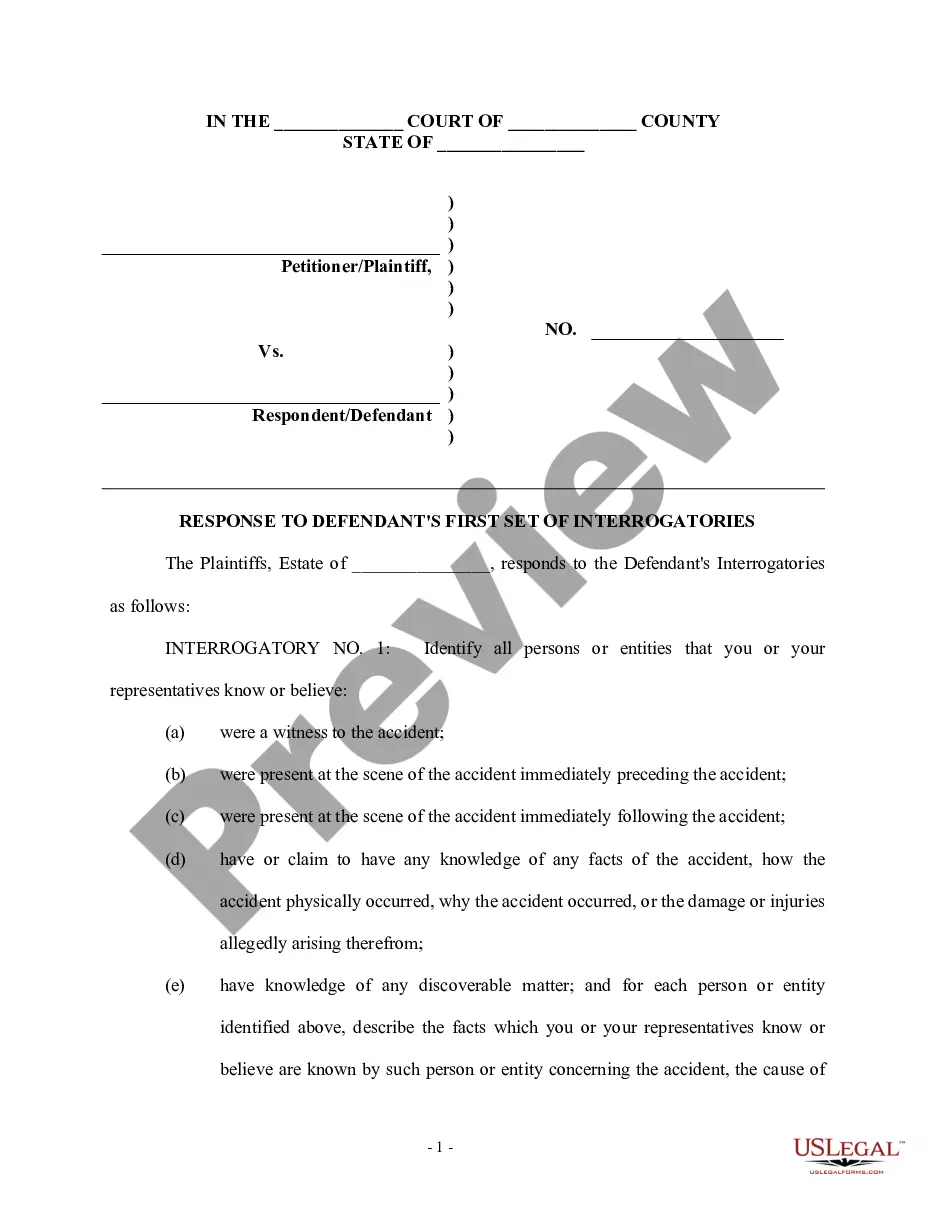
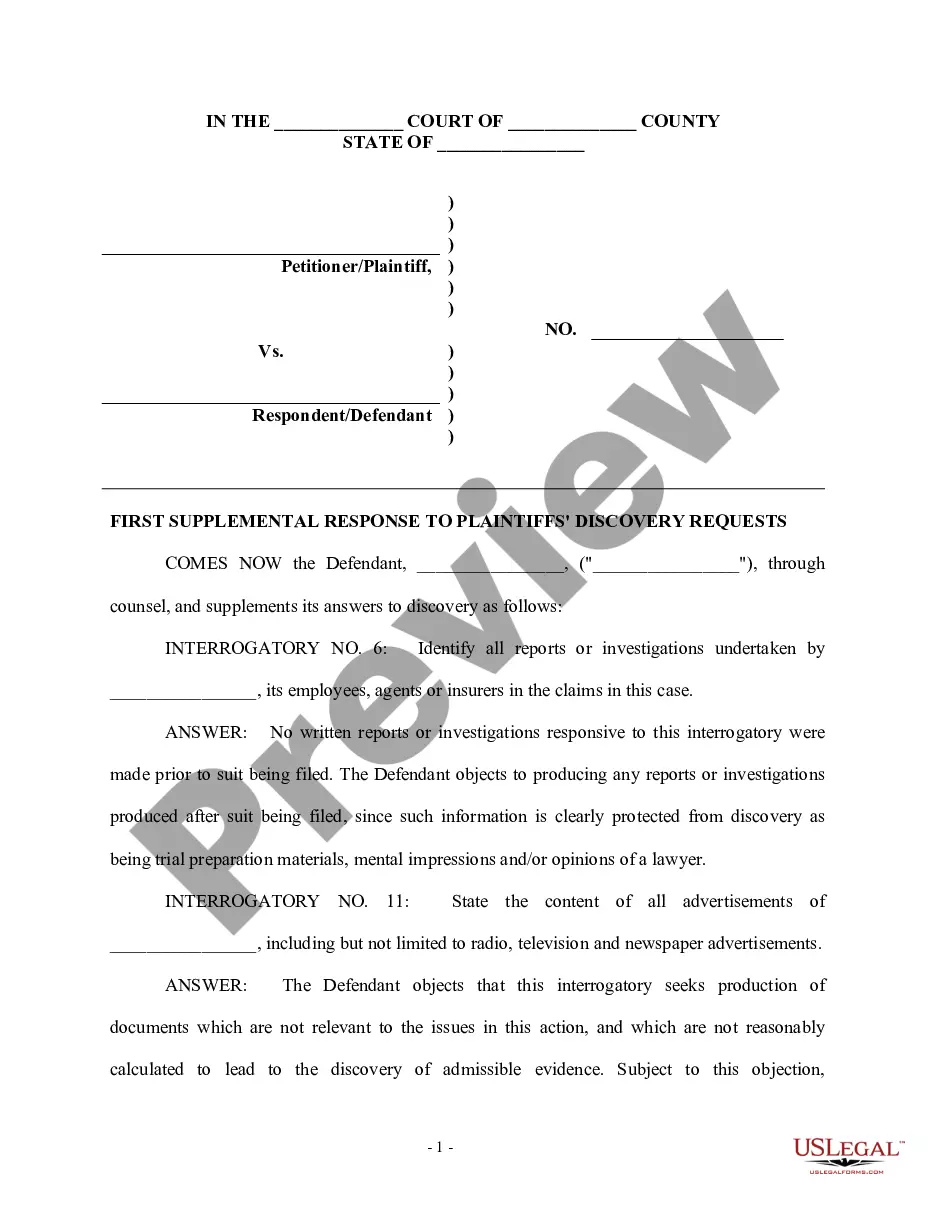
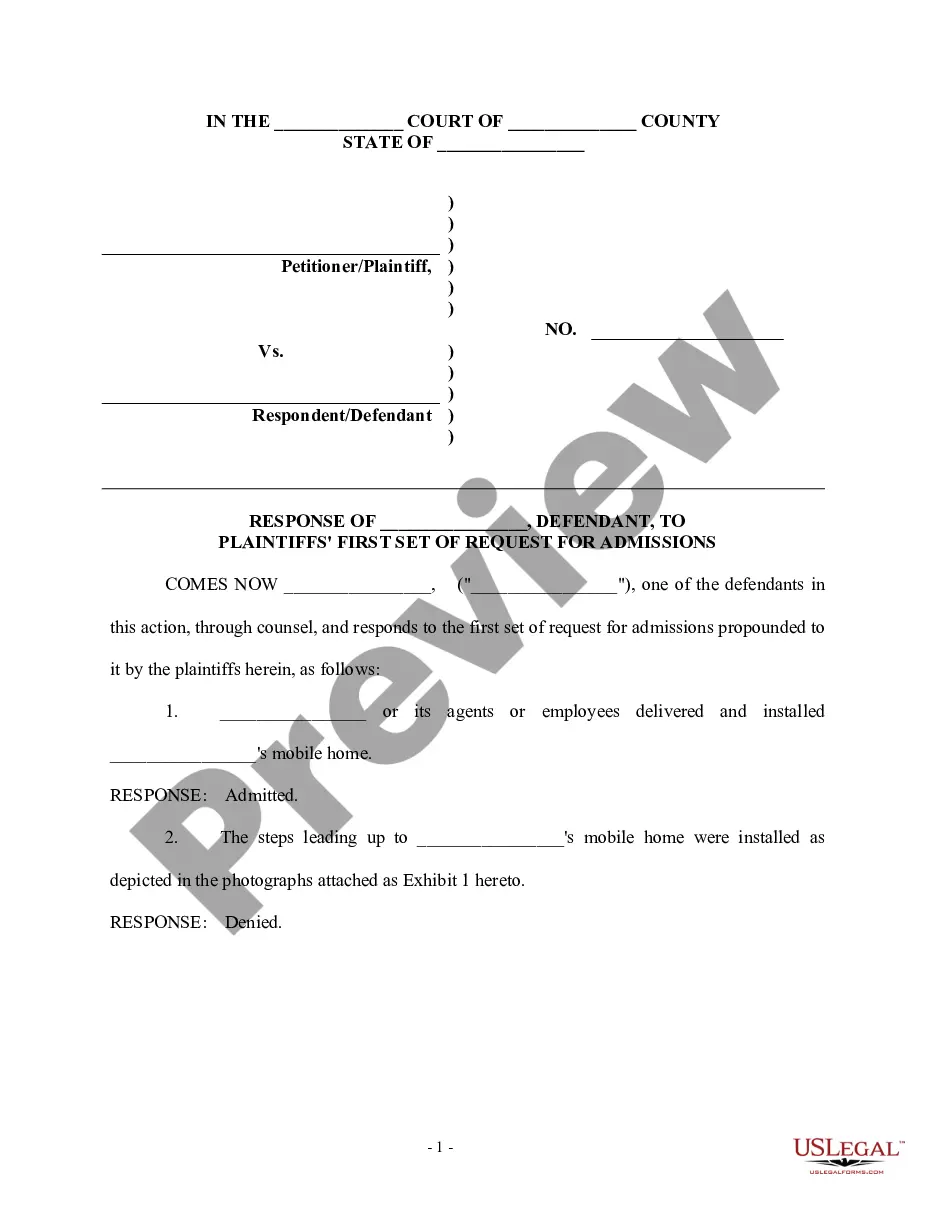
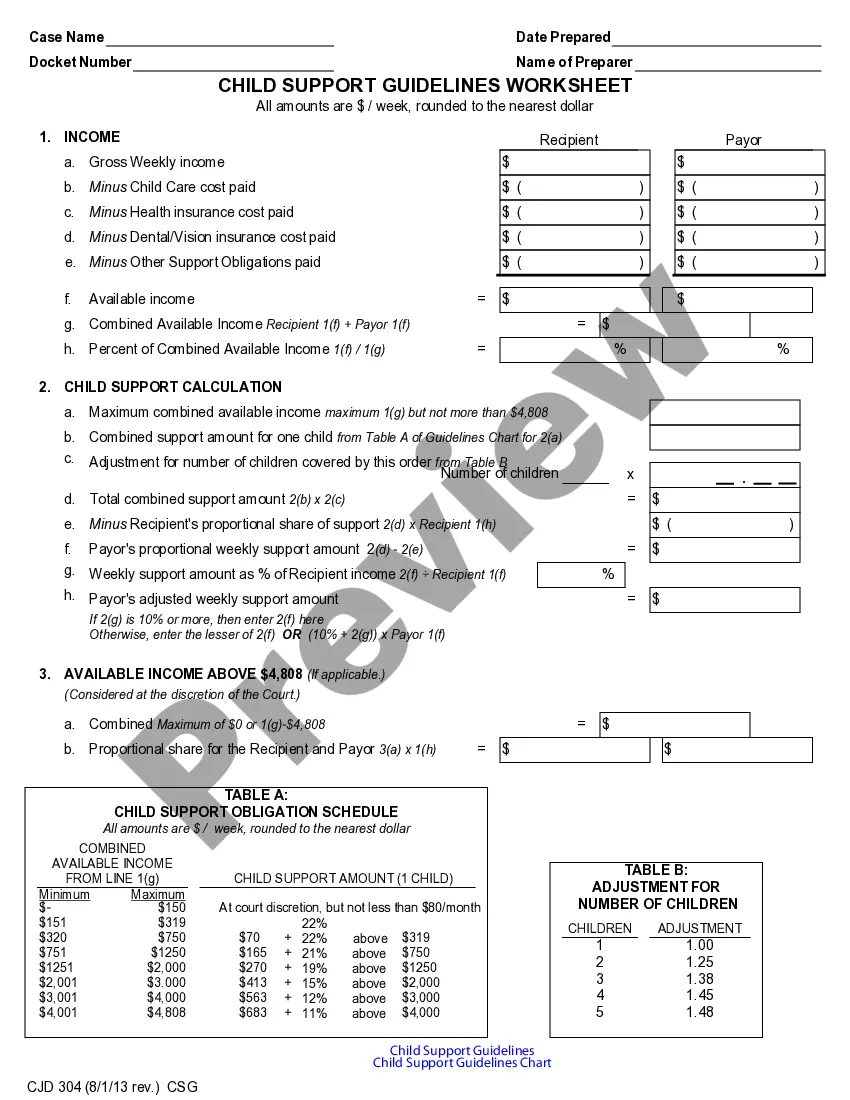
Evaluate the template using the Preview option or through the text description to confirm it fulfills your requirements.
- They are easy to navigate with all documents categorized by state and intended use.
- Our experts keep abreast of legislative updates, ensuring your documents remain current and compliant when acquiring a Supplemental Discovery Sample For Sap from our site.
- Getting a Supplemental Discovery Sample For Sap is quick and straightforward for both existing and new users.
- If you already possess an account with an active subscription, Log In and save the document sample you require in your desired format.
- If you are unfamiliar with our website, follow the steps below.
Form popularity
FAQ
RSSCD100 is a transaction code in SAP that facilitates the management of custom data migrations. It allows users to transfer data efficiently while ensuring that existing data structures remain intact. Familiarizing yourself with RSSCD100 can enhance your data handling capabilities. This code serves as a supplemental discovery example for SAP users aiming for effective data management.
To access the SAP digital discovery assessment, log into your SAP account and navigate to the SAP Digital Business Services section. The assessment provides insights into your digital transformation journey. Completing this assessment can reveal areas for improvement and opportunities for automation. This process exemplifies a supplemental discovery example for SAP users seeking to enhance their digital strategy.
The transaction code RSSCD100 in SAP is used for data migration and is part of the data transfer process. This code helps users manage and track changes in master data. Understanding how to utilize RSSCD100 effectively is crucial for maintaining data integrity. It stands as a supplemental discovery example for SAP users focused on streamlined data management.
The transaction code to check the content repository in SAP is OAC0. This code allows you to access the content repository settings and verify the configuration. Understanding the content repository is essential for managing documents effectively in SAP. It serves as a supplemental discovery example for SAP users who need to optimize document access.
To check document splitting in SAP, go to the Financial Accounting module and enable the document splitting feature. This feature allows you to analyze how transactions impact financial statements and balances. You can also run reports that show how documents are split for various accounting entries. This functionality is a crucial supplemental discovery example for SAP users seeking clarity in financial reporting.
To view sample documents in SAP, navigate to the relevant module where the documents are stored. Use the document management system to search for sample files. Additionally, you can utilize transaction codes specific to your module to access these documents. This process serves as a supplemental discovery example for SAP, helping you understand how documents are structured.
To answer discovery questions effectively, start by carefully reading each question and considering the information you possess. Provide clear and concise responses, ensuring you address each part of the question thoroughly. It’s essential to remain truthful and accurate, as these answers form a crucial part of the legal process. If you seek further guidance, explore supplemental discovery examples for sap on the uslegalforms platform for valuable insights.
A supplemental answer to discovery refers to additional information or clarification provided after the initial response to discovery requests. This occurs when new evidence or insights emerge, ensuring that all parties have access to the most accurate and complete information. Utilizing supplemental discovery examples for sap can enhance your understanding of this process and its significance in legal matters.
In legal proceedings, the four primary types of discovery include interrogatories, requests for production, requests for admission, and depositions. Each type serves a unique purpose in gathering information relevant to a case. For example, interrogatories involve written questions that require a response under oath. Understanding these types can help you navigate the supplemental discovery example for sap effectively.
An example of discovery includes the exchange of documents, such as contracts, emails, or financial records, between parties involved in litigation. This process allows both sides to gather evidence and prepare their cases effectively. The goal of discovery is to avoid surprises during trial and to promote transparency. If you seek more specific examples, uslegalforms can provide helpful templates and resources.