Fire Contract Agreement With Client
Description
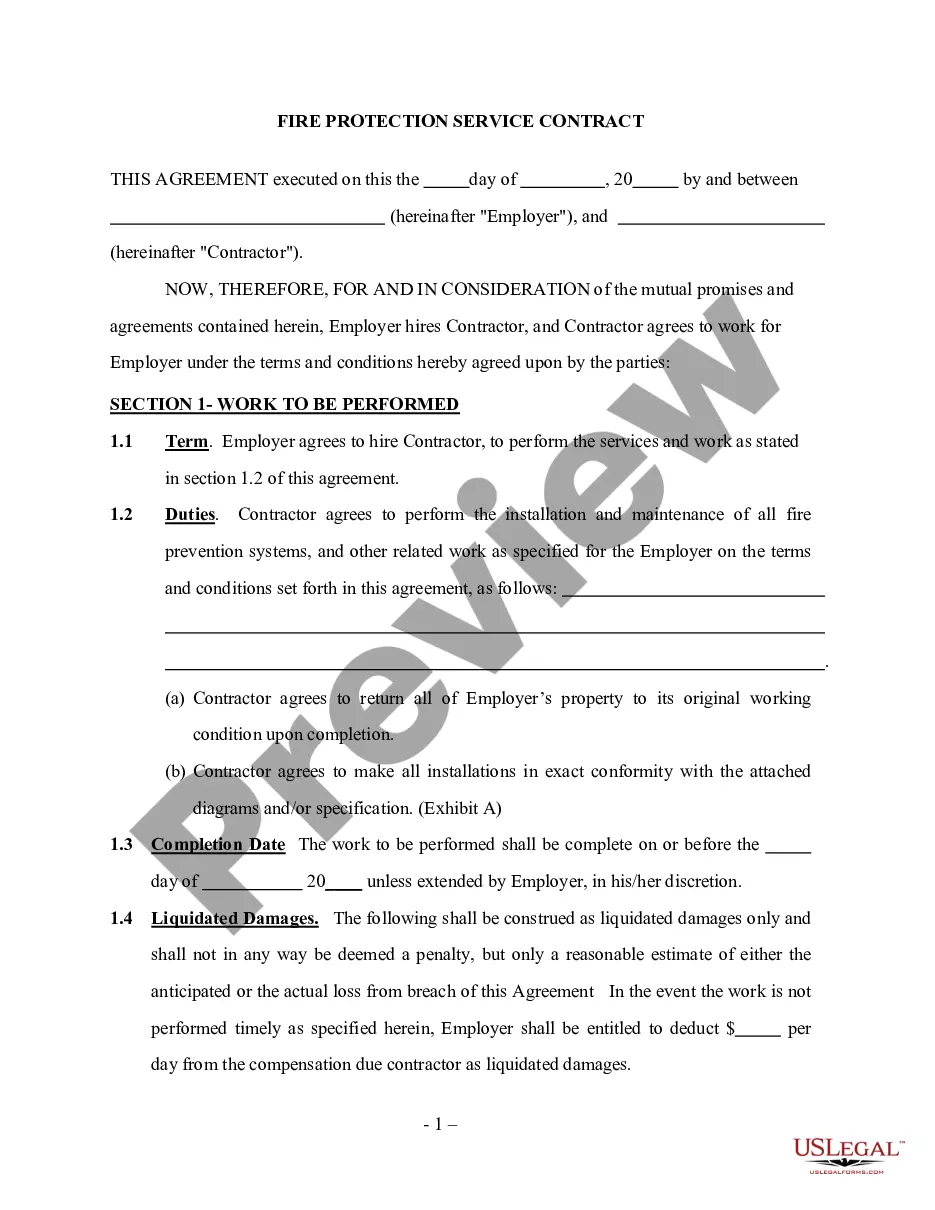
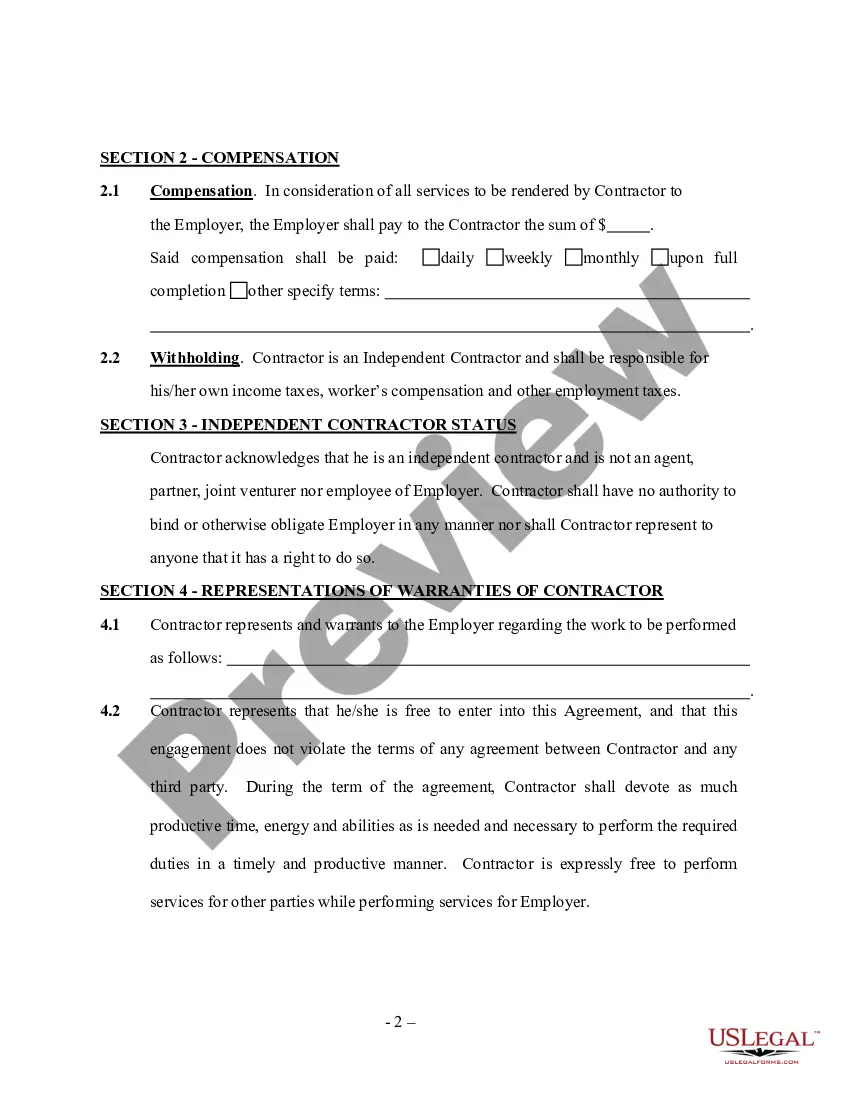
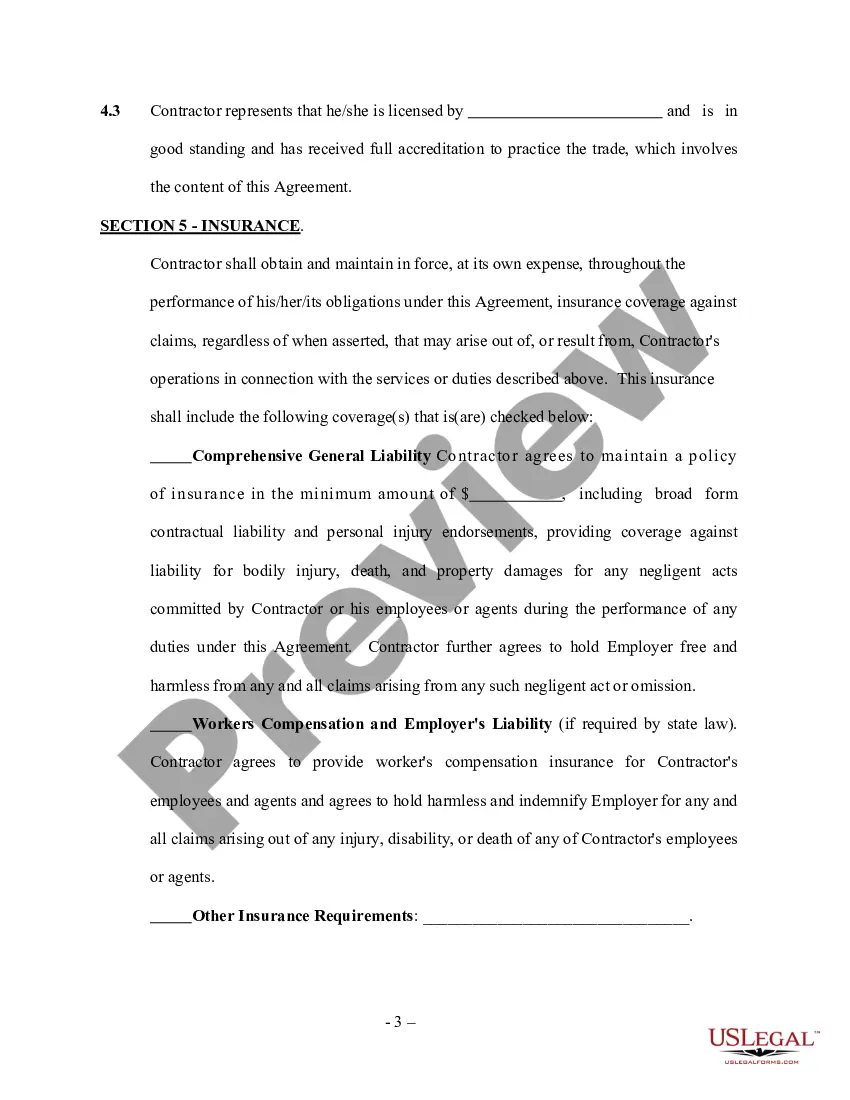
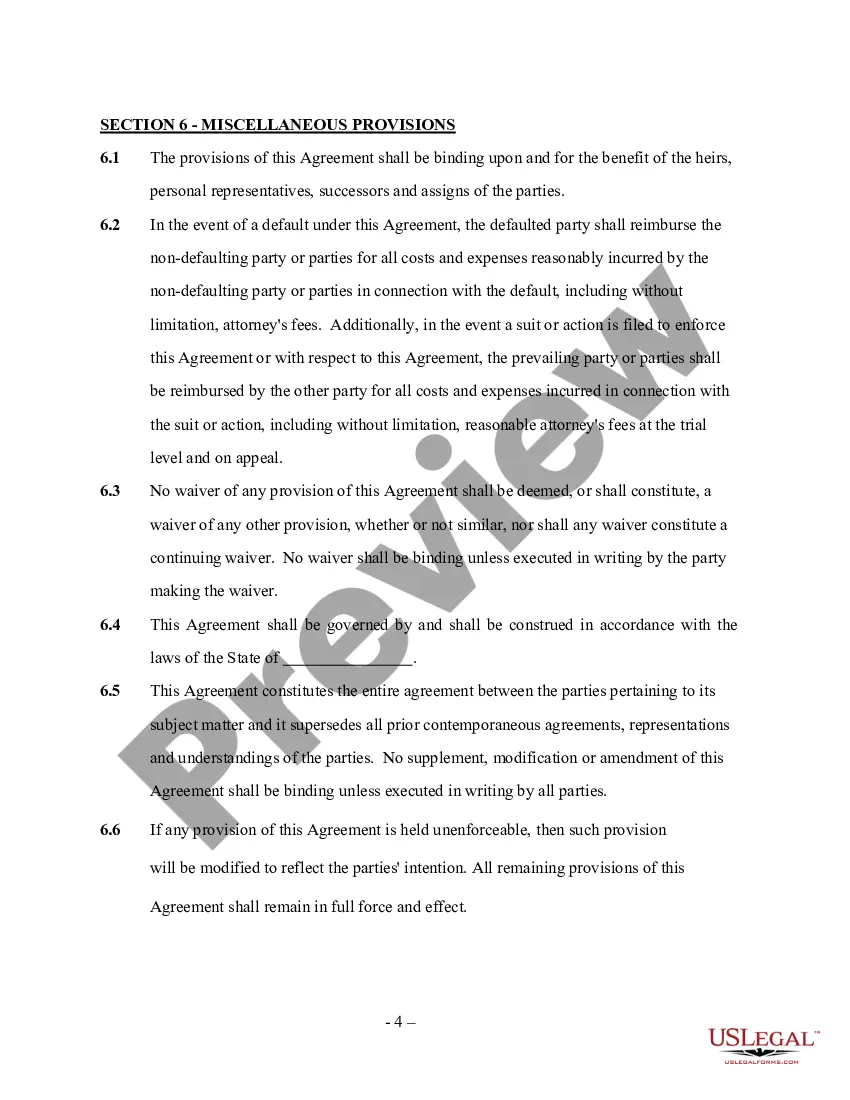

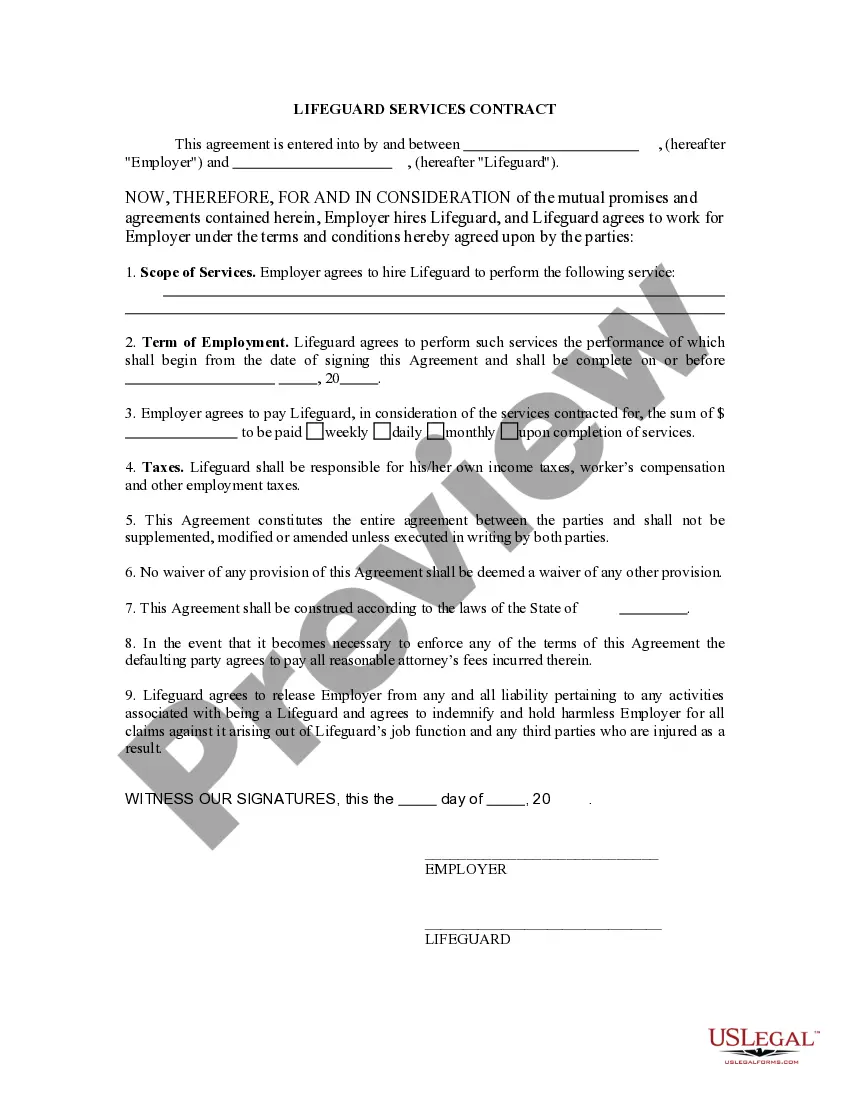
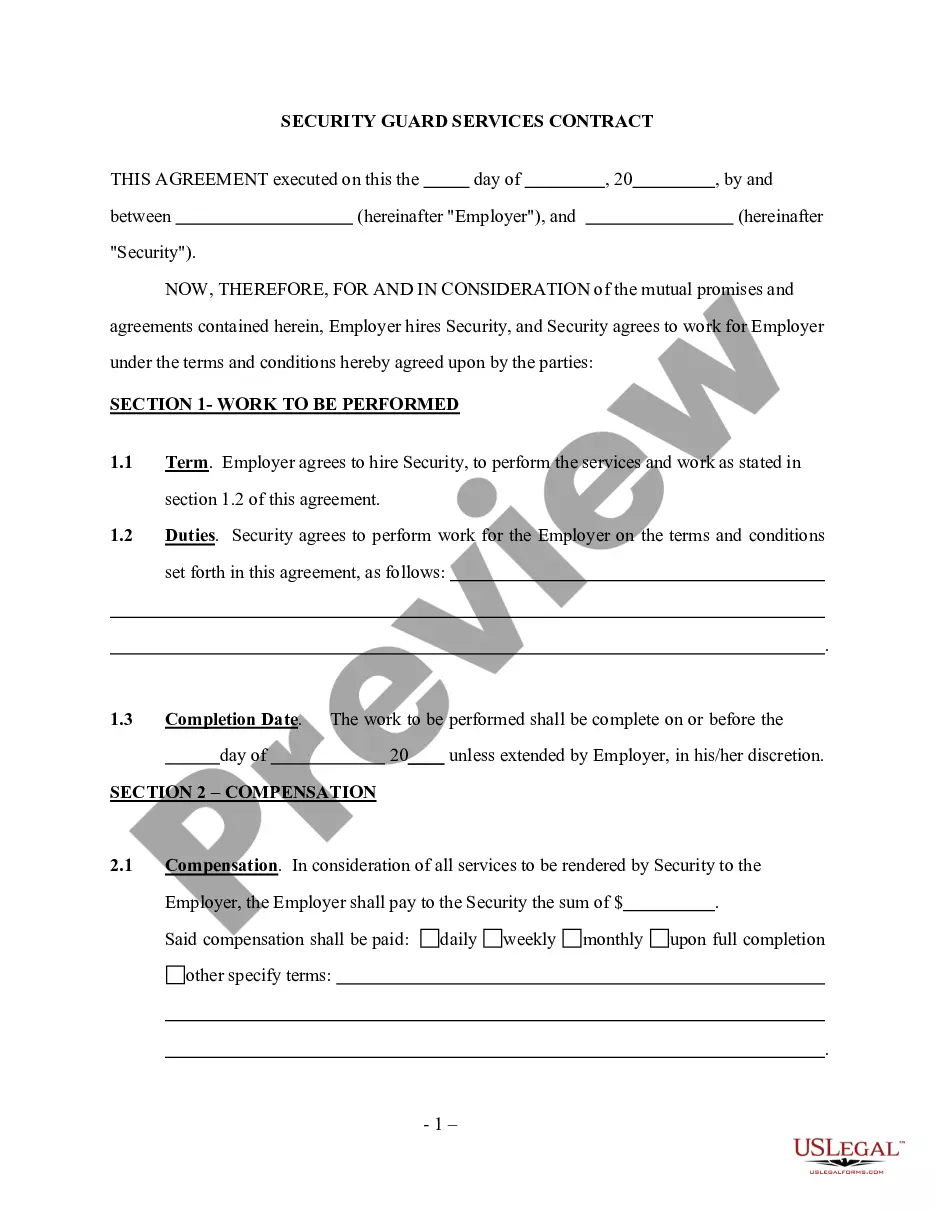
Get your form ready online
Our built-in tools help you complete, sign, share, and store your documents in one place.
Make edits, fill in missing information, and update formatting in US Legal Forms—just like you would in MS Word.
Download a copy, print it, send it by email, or mail it via USPS—whatever works best for your next step.
Sign and collect signatures with our SignNow integration. Send to multiple recipients, set reminders, and more. Go Premium to unlock E-Sign.
If this form requires notarization, complete it online through a secure video call—no need to meet a notary in person or wait for an appointment.
We protect your documents and personal data by following strict security and privacy standards.

Make edits, fill in missing information, and update formatting in US Legal Forms—just like you would in MS Word.

Download a copy, print it, send it by email, or mail it via USPS—whatever works best for your next step.

Sign and collect signatures with our SignNow integration. Send to multiple recipients, set reminders, and more. Go Premium to unlock E-Sign.

If this form requires notarization, complete it online through a secure video call—no need to meet a notary in person or wait for an appointment.

We protect your documents and personal data by following strict security and privacy standards.
Looking for another form?




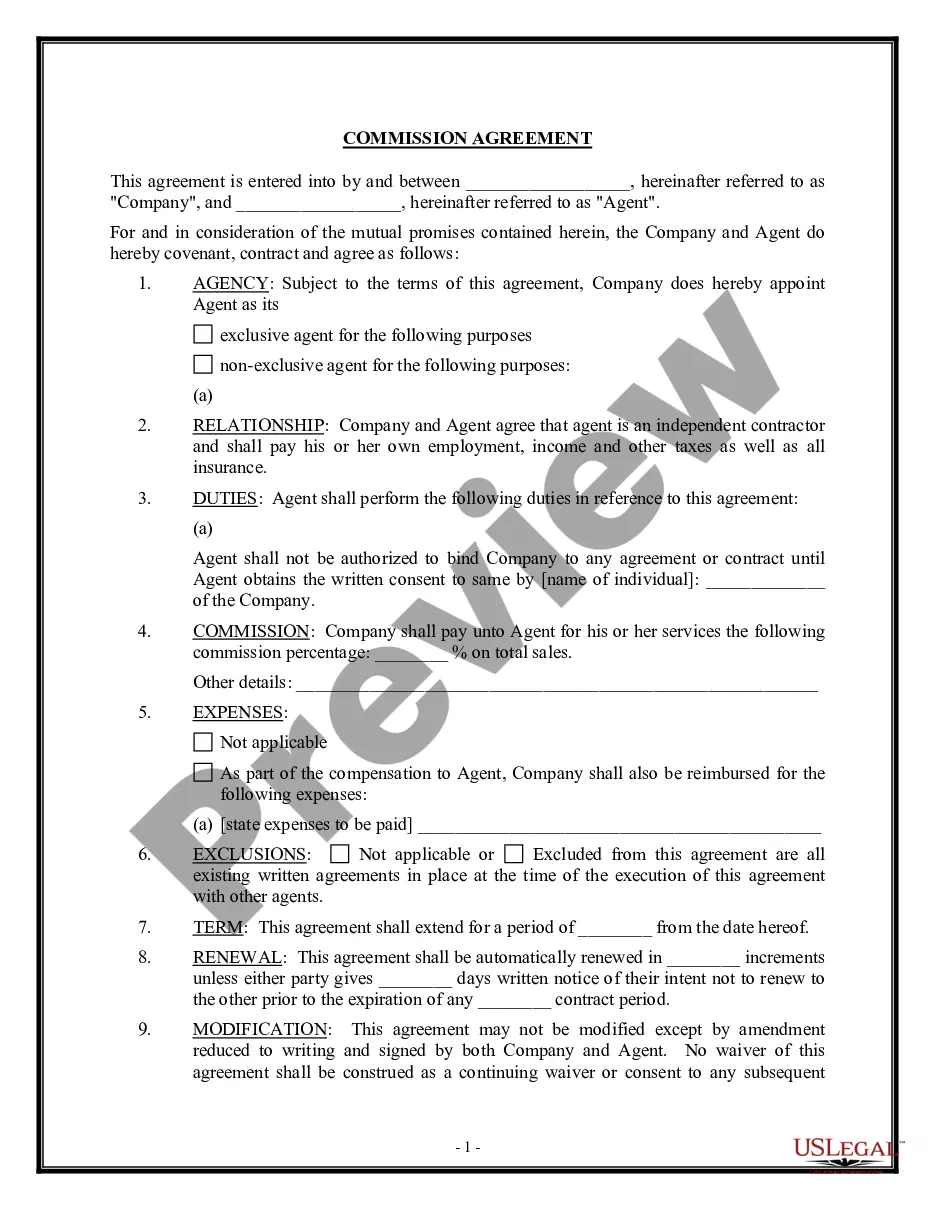
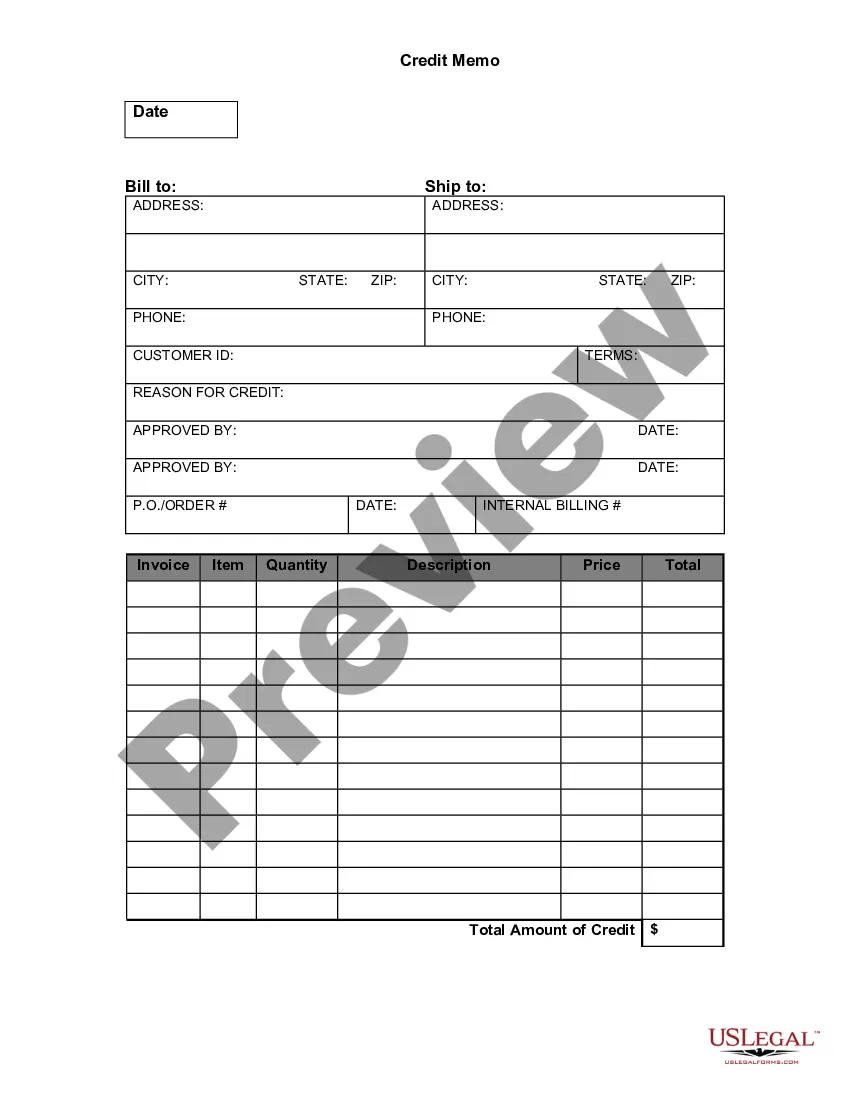


How to fill out Fire Protection Service Contract - Self-Employed?
Identifying a reliable source for obtaining the latest and pertinent legal templates is half the battle of managing bureaucracy. Selecting the appropriate legal documents requires accuracy and meticulousness, which highlights the importance of sourcing Fire Contract Agreement With Client exclusively from trustworthy providers, such as US Legal Forms. An incorrect template will squander your time and impede your situation. With US Legal Forms, you have minimal concerns. You can access and review all the specifics regarding the document’s application and significance for your situation and within your state or locality.
Follow these steps to complete your Fire Contract Agreement With Client.
Once you have the form on your device, you can modify it using the editor or print it to complete it manually. Eliminate the stress associated with your legal paperwork. Browse the extensive US Legal Forms catalog to discover legal templates, assess their applicability to your situation, and download them instantly.
- Use the catalog navigation or search feature to find your template.
- Examine the form’s description to verify if it aligns with the criteria of your state and locality.
- Check the form preview, if available, to confirm it is indeed the form you need.
- Return to the search and locate the appropriate document if the Fire Contract Agreement With Client does not suit your requirements.
- Once you are certain about the form’s applicability, download it.
- If you are a registered user, click Log in to verify and access your selected forms in My documents.
- If you do not have an account yet, click Buy now to acquire the form.
- Choose the pricing plan that meets your needs.
- Proceed to the registration to finalize your purchase.
- Complete your transaction by selecting a payment option (credit card or PayPal).
- Choose the document format for downloading Fire Contract Agreement With Client.
Form popularity
FAQ
How to fire a client: The approach Check your contract or engagement letter. What terms do you have in place to fire a client? ... Maintain your integrity. Stay calm, rational and polite. ... Follow-up with a phone call. ... Resist the urge to engage. ... Give them a referral. ... Finish the project, if at all possible.
State the big idea: You will no longer require the other party's services as of a certain termination date. Or, alternatively, if you're the one cancelling a contract, that you'll no longer provide services as of a certain date. Spell out the reasons you're terminating the contract?keep this brief and to the point.
Write explicitly what one party is promising to deliver and what the other agrees to pay or do in exchange. If services are part of the deal, state what services will be performed. Specify who will perform the services, for whom, where, when, for how long and for what consideration.
How To Write a Business Contract Get It in Writing. ... Use Language You Can Understand. ... Be Detailed. ... Include Payment Details. ... Consider Confidentiality. ... Include Language on How to End the Contract. ... Consider State Laws Governing the Contract. ... Include Indemnification, Remedies, and Attorneys' Fees.
How to write a client contract Include contact information of both parties. ... Outline project terms and scope. ... Create payment terms. ... Set a schedule. ... Decide what to do if a contract is terminated. ... Determine who owns final copyrights. ... Clarify the working relationship. ... Choose your law and venue.