Service Level Between Formula In Excel
Description
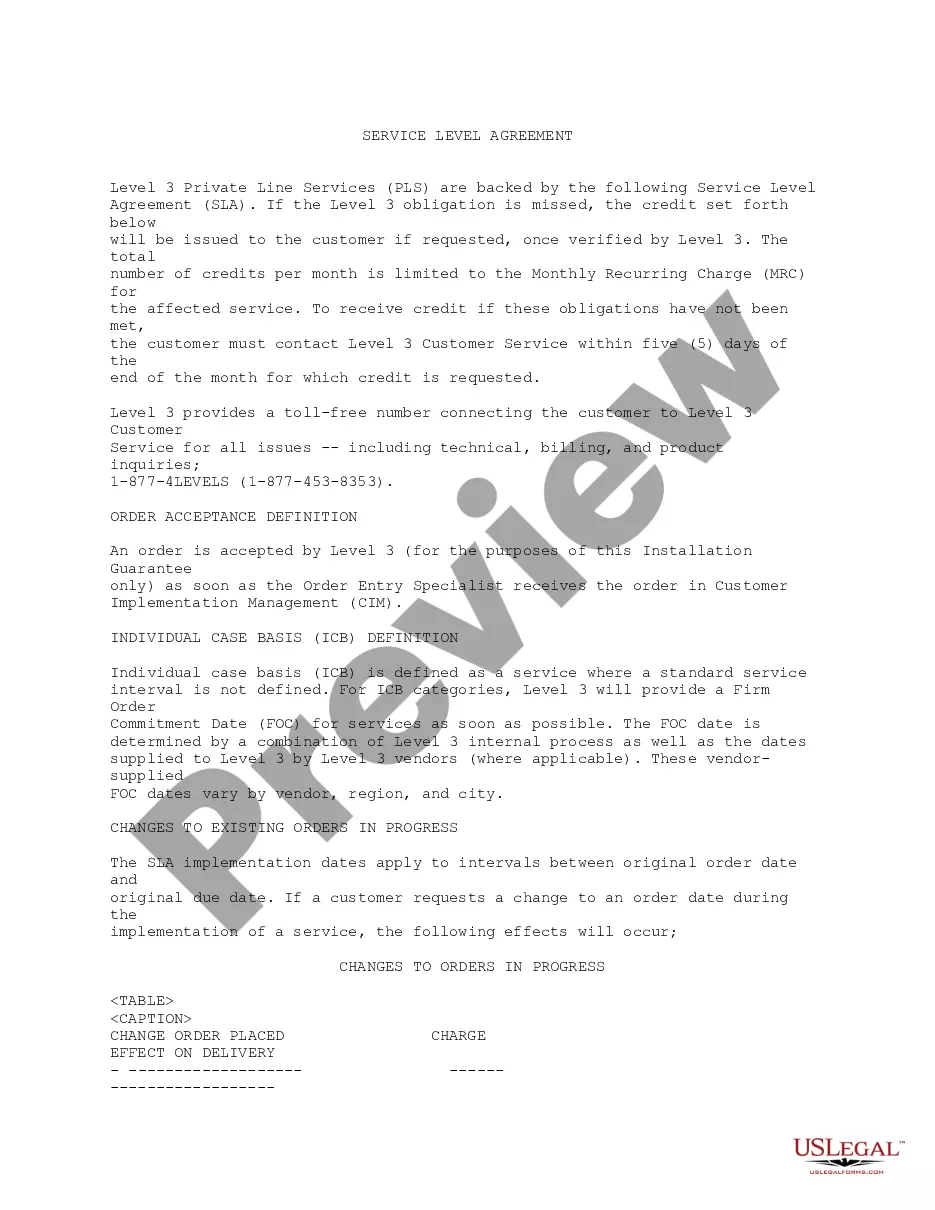
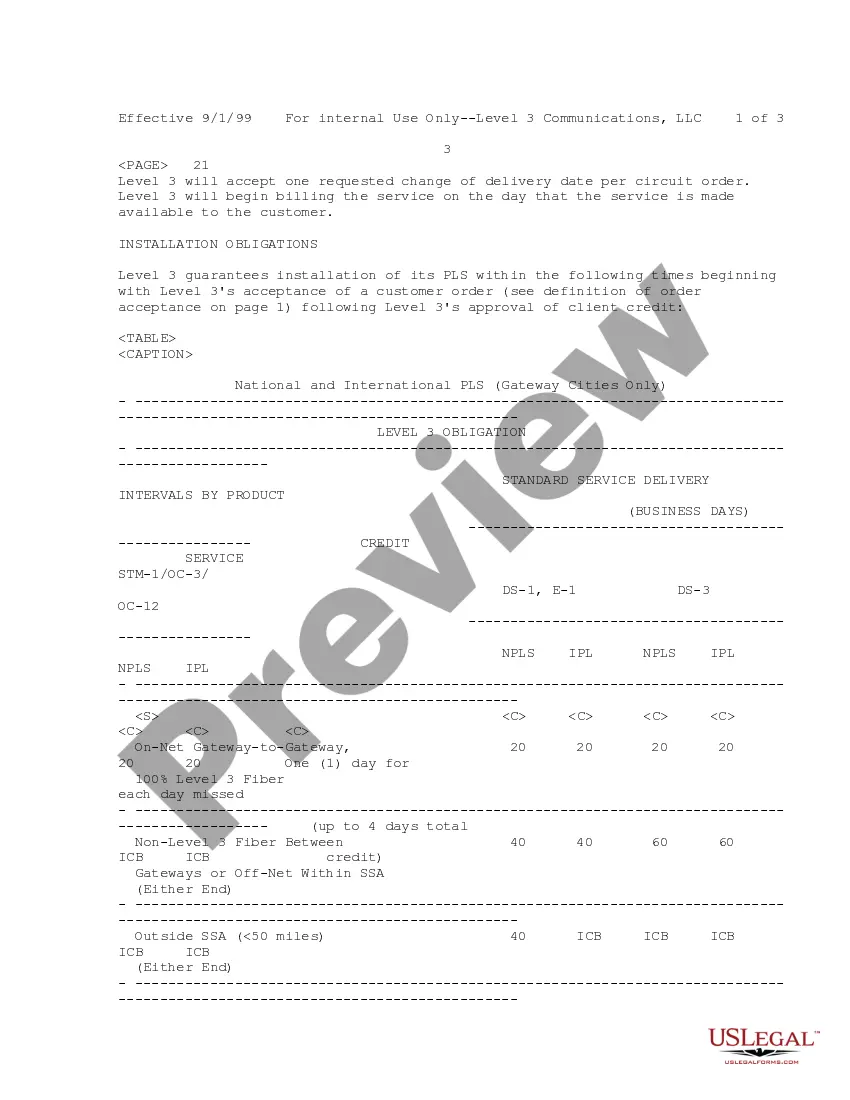

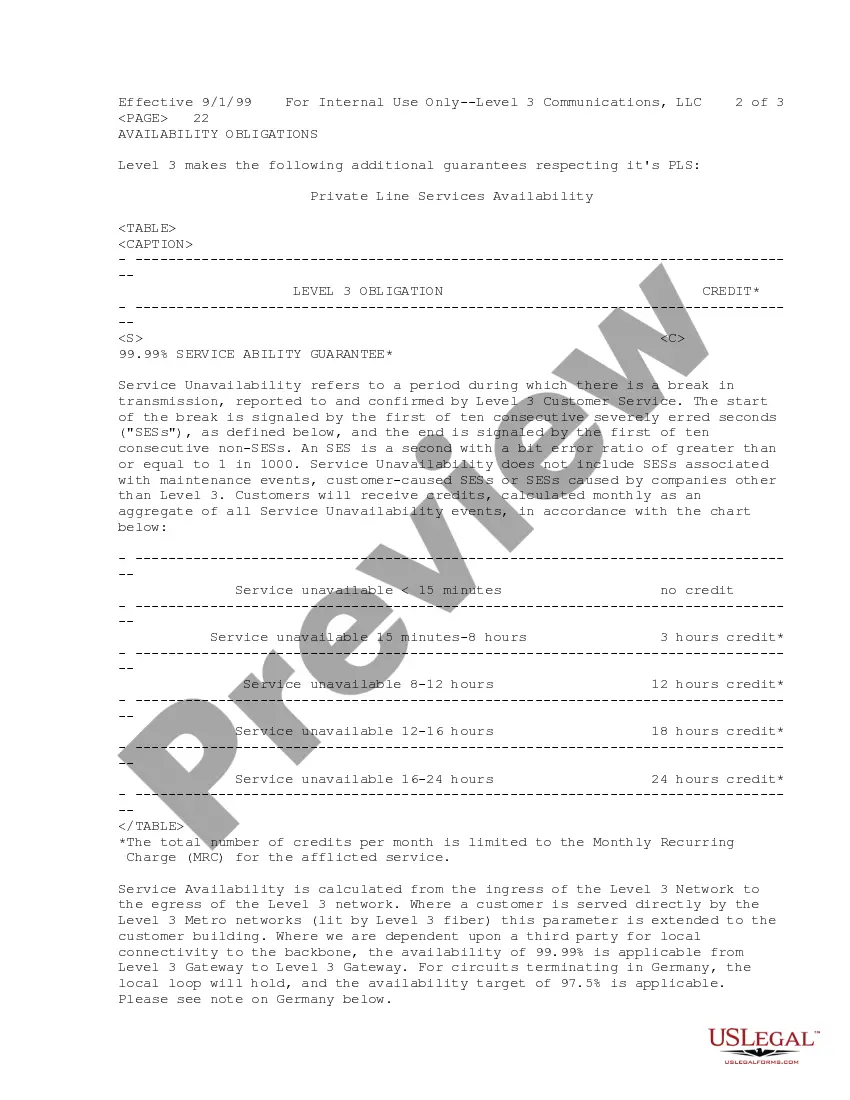
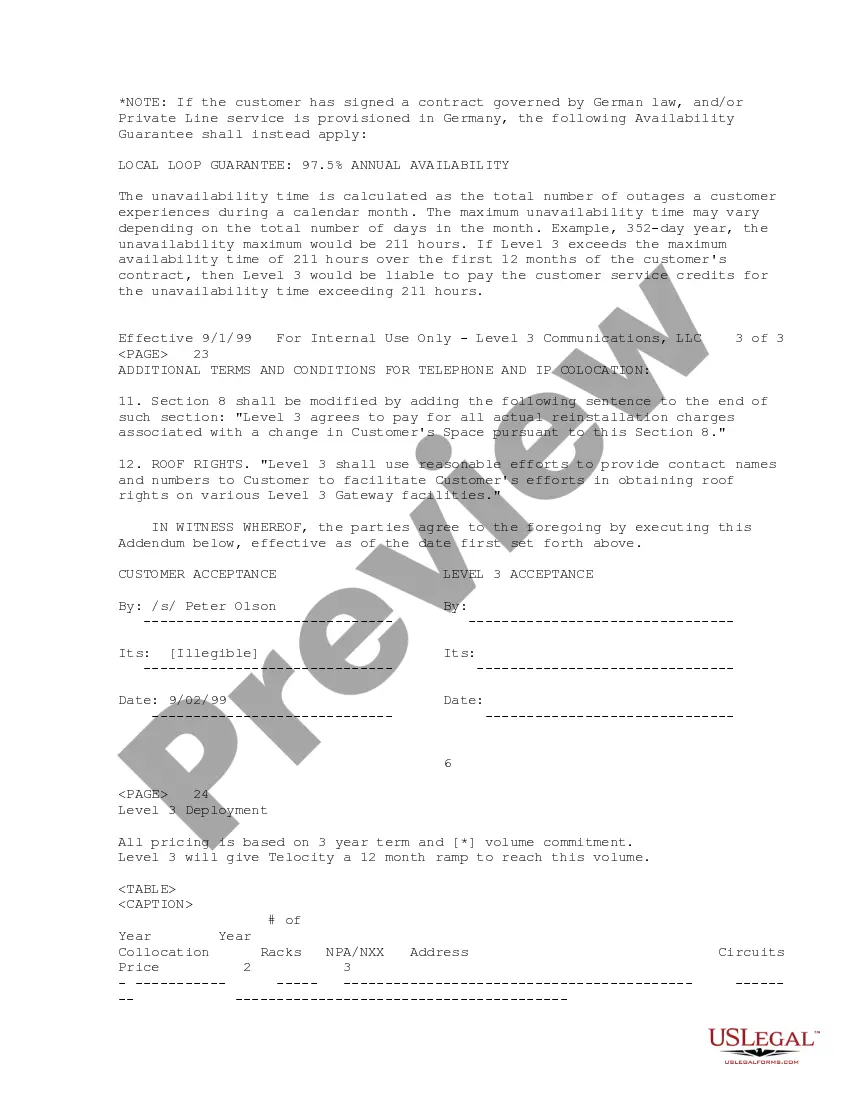
Get your form ready online
Our built-in tools help you complete, sign, share, and store your documents in one place.
Make edits, fill in missing information, and update formatting in US Legal Forms—just like you would in MS Word.
Download a copy, print it, send it by email, or mail it via USPS—whatever works best for your next step.
Sign and collect signatures with our SignNow integration. Send to multiple recipients, set reminders, and more. Go Premium to unlock E-Sign.
If this form requires notarization, complete it online through a secure video call—no need to meet a notary in person or wait for an appointment.
We protect your documents and personal data by following strict security and privacy standards.

Make edits, fill in missing information, and update formatting in US Legal Forms—just like you would in MS Word.

Download a copy, print it, send it by email, or mail it via USPS—whatever works best for your next step.

Sign and collect signatures with our SignNow integration. Send to multiple recipients, set reminders, and more. Go Premium to unlock E-Sign.

If this form requires notarization, complete it online through a secure video call—no need to meet a notary in person or wait for an appointment.

We protect your documents and personal data by following strict security and privacy standards.
Looking for another form?
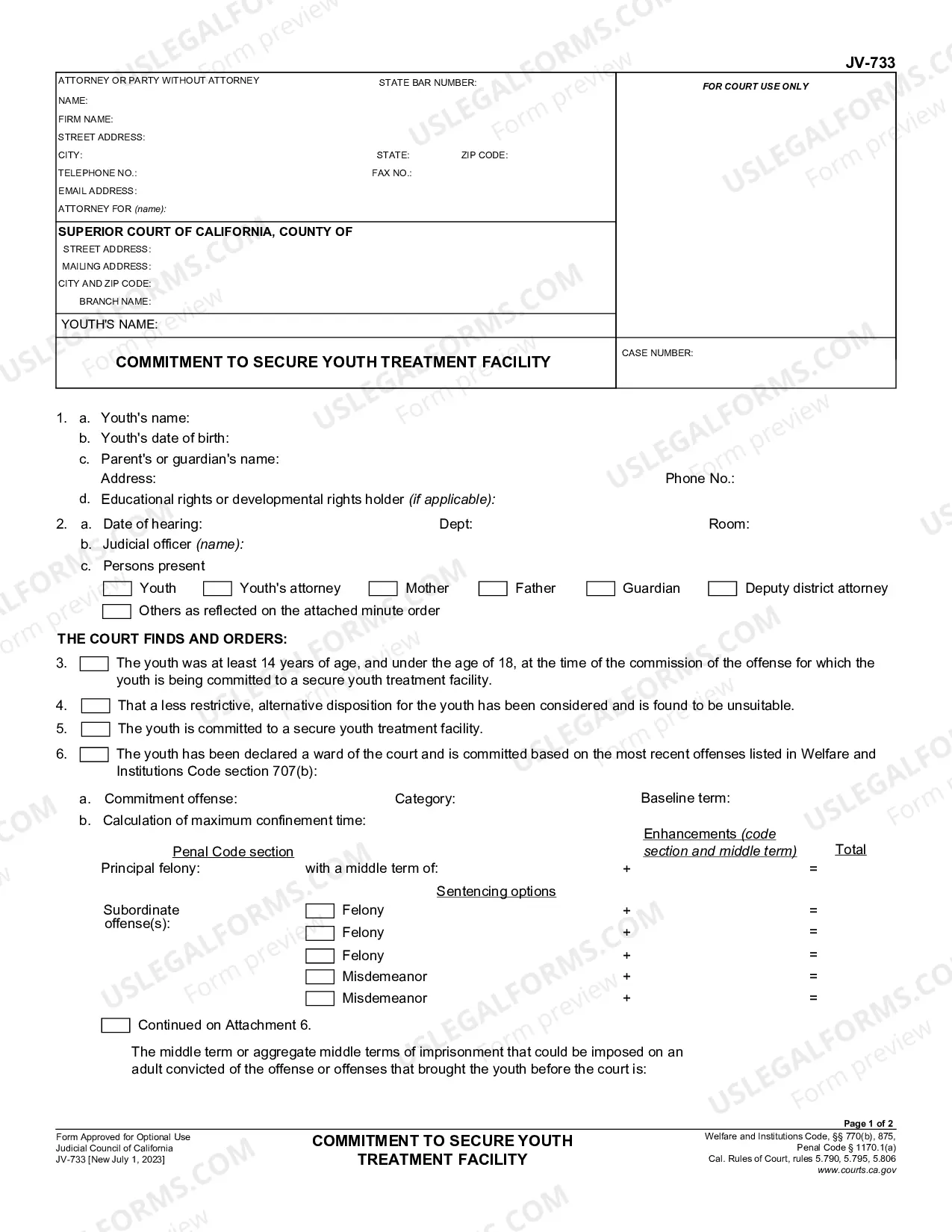
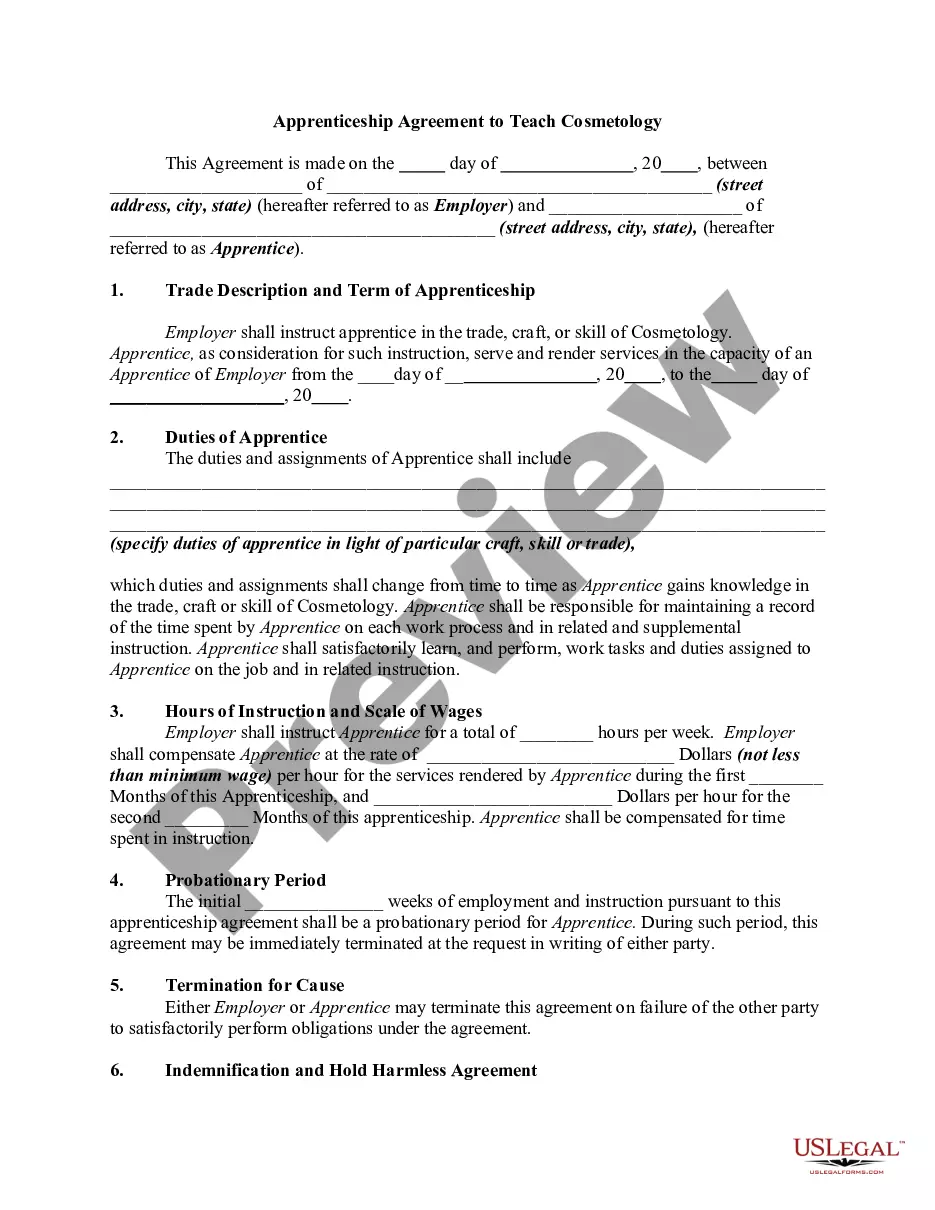
How to fill out Service Level Agreement Between Level 3 Private Line Services And Customer?
Legal document organization can be daunting, even for seasoned experts. When searching for a Service Level Between Formula In Excel and lacking the time to seek the right and updated version, the processes may become overwhelming. A comprehensive online form repository could be transformative for anyone aiming to manage these scenarios effectively. US Legal Forms stands as a frontrunner in online legal documents, offering over 85,000 state-specific legal forms available to you at any time.
With US Legal Forms, you can.
Access a resource library of articles, guides, handbooks, and materials pertinent to your circumstances and needs.
Save time and effort searching for the documents you require, and use US Legal Forms’ sophisticated search and Preview feature to locate Service Level Between Formula In Excel and download it. If you hold a monthly subscription, Log In to your US Legal Forms account, search for the document, and download it. Check the My documents tab to review the documents you have previously downloaded as well as to manage your folders as desired.
Take advantage of the US Legal Forms online library, supported by 25 years of expertise and trustworthiness. Transform your routine document management into a seamless and intuitive experience today.
- Confirm this is the correct document by previewing it and reviewing its details.
- Ensure that the example is recognized in your state or county.
- Select Buy Now when you are prepared.
- Choose a monthly subscription plan.
- Locate the file format you need, and Download, complete, eSign, print, and submit your documents.
- Access state- or county-specific legal and business documents.
- US Legal Forms addresses any requirements you might have, from personal to corporate paperwork, all in a single location.
- Utilize cutting-edge tools to fill out and manage your Service Level Between Formula In Excel.
Form popularity
FAQ
To calculate the length of time in Excel, especially for service periods, leverage the DATEDIF function. For example, use =DATEDIF(A1, TODAY(), "Y") where A1 contains the start date. This service level between formula in Excel provides a clear and concise way to determine time spans for various applications.
Computing the length of service in Excel can be accomplished easily with the DATEDIF function. If the start date is recorded in cell A1, the formula =DATEDIF(A1, TODAY(), "Y") will yield the number of years of service. This method serves as a practical service level between formula in Excel for human resource management.
To formulate the length of service in Excel, use the DATEDIF function. If your employee's start date is in cell A1, you can calculate the length of service with =DATEDIF(A1, TODAY(), "Y") for years or =DATEDIF(A1, TODAY(), "M") for months. This service level between formula in Excel helps you track employee tenure effectively.
Calculating the sum of squares (ss) in Excel can be done using the SUMSQ function. If you have a range of values, for instance, A1:A10, you can use the formula =SUMSQ(A1:A10) to find the sum of the squares of those values. This approach can serve as a helpful service level between formula in Excel when analyzing data sets.
To calculate the total years of service in Excel using today's date, you can use the DATEDIF function. For example, if you have the start date in cell A1, the formula would be =DATEDIF(A1, TODAY(), "Y"). This formula effectively gives you the number of complete years between the start date and today, making it a useful service level between formula in Excel.