Salary Review Form For Pip
Description
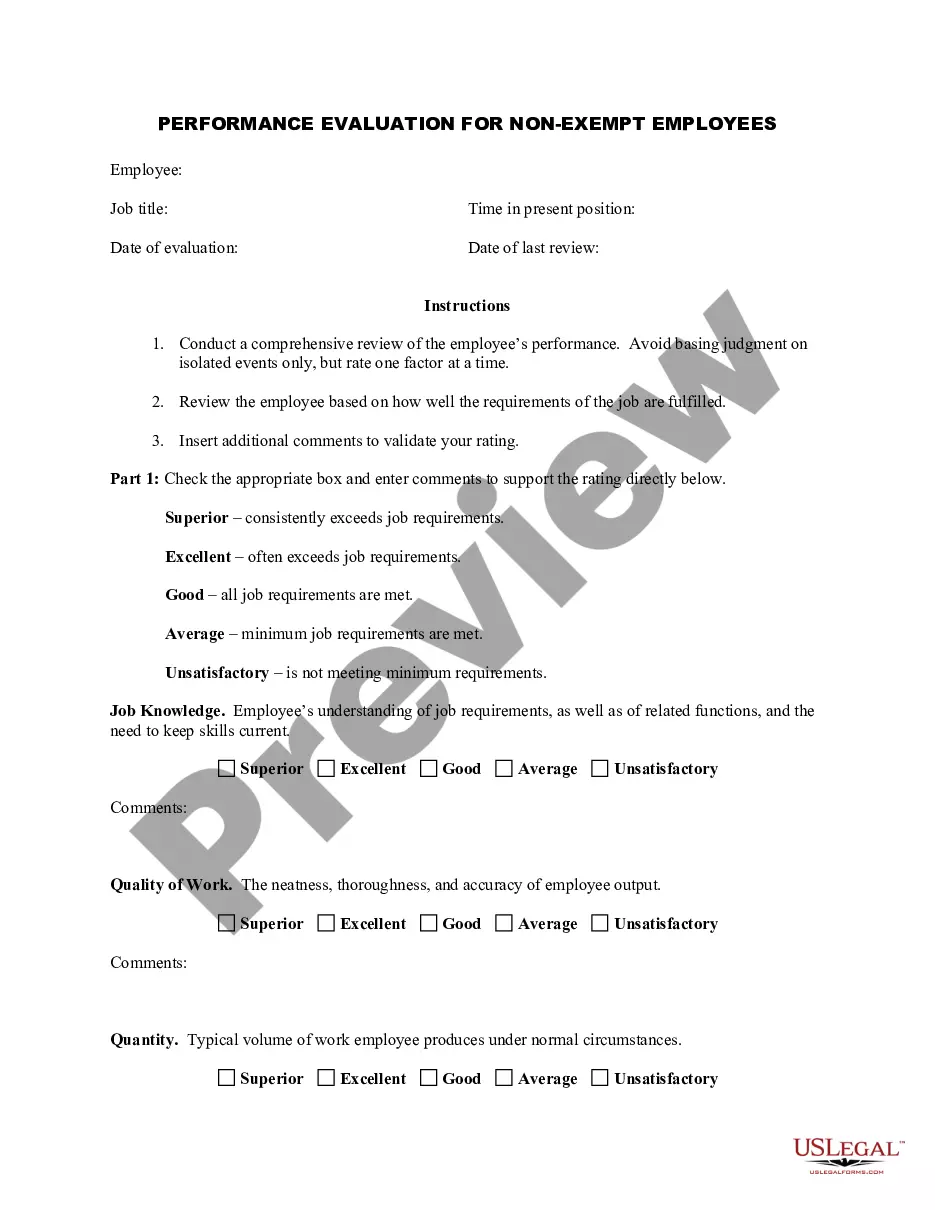
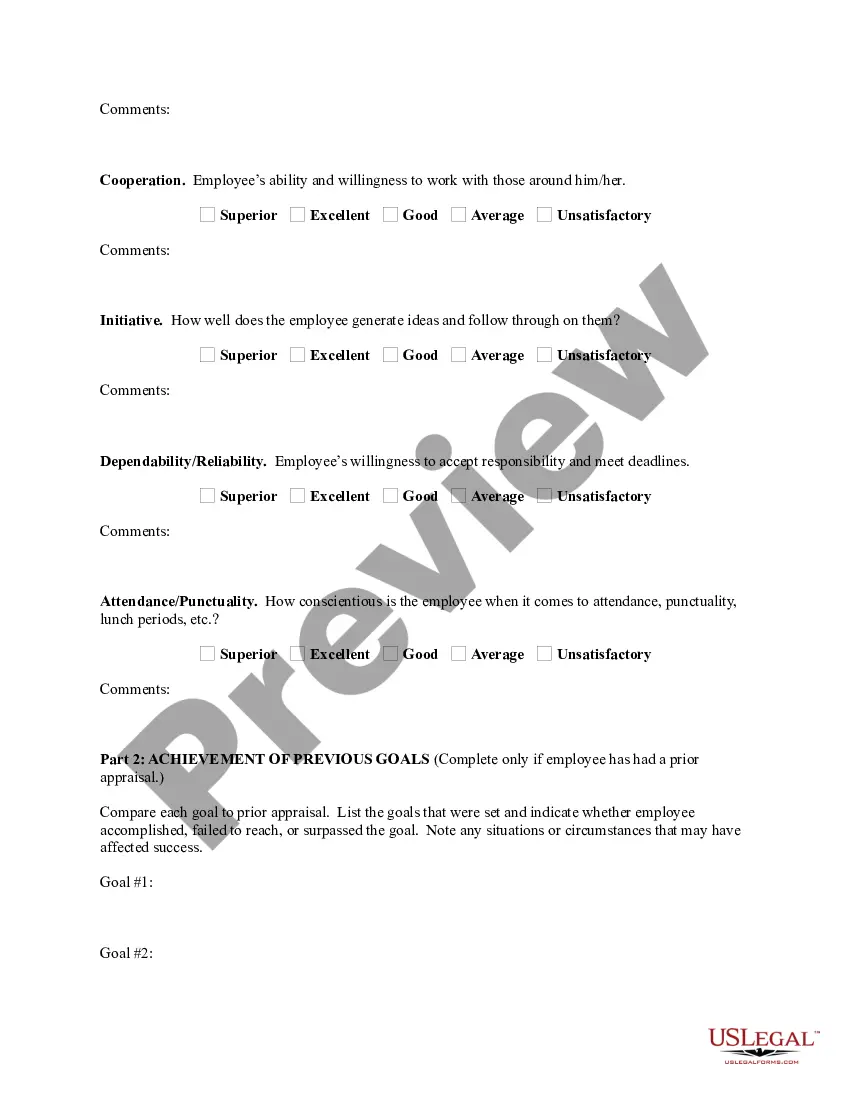
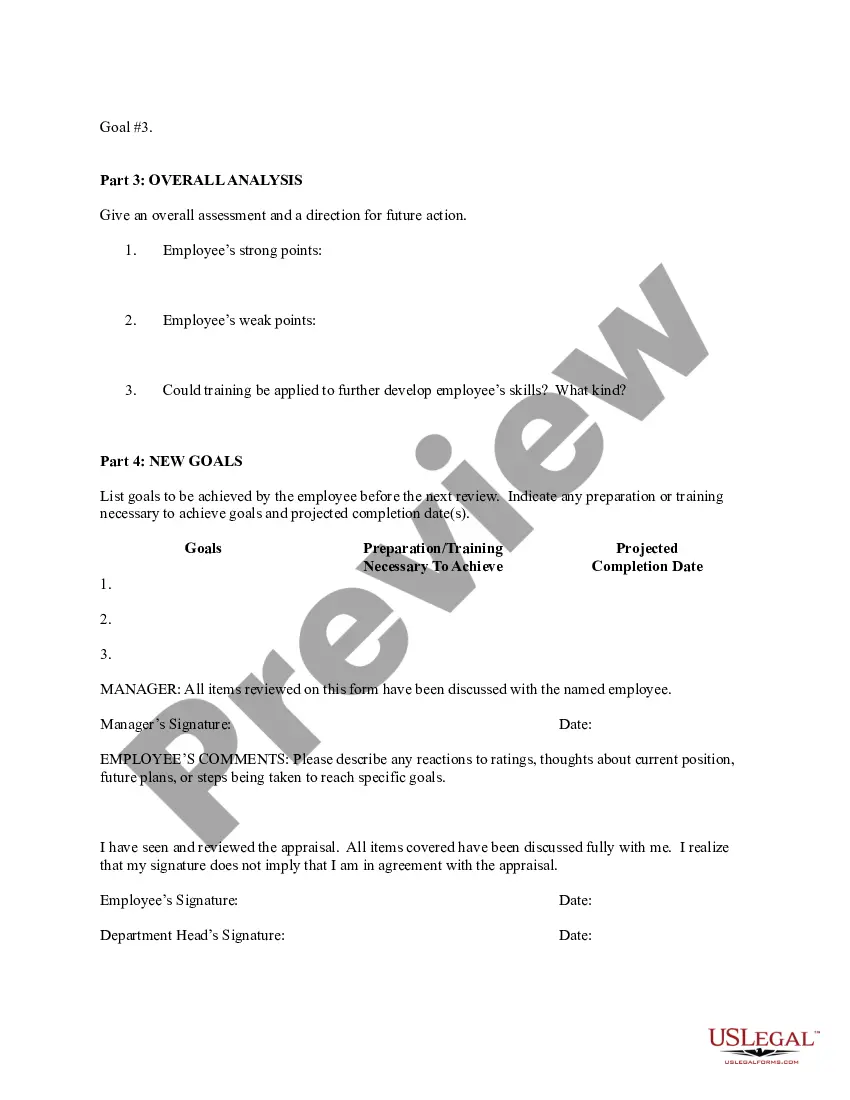

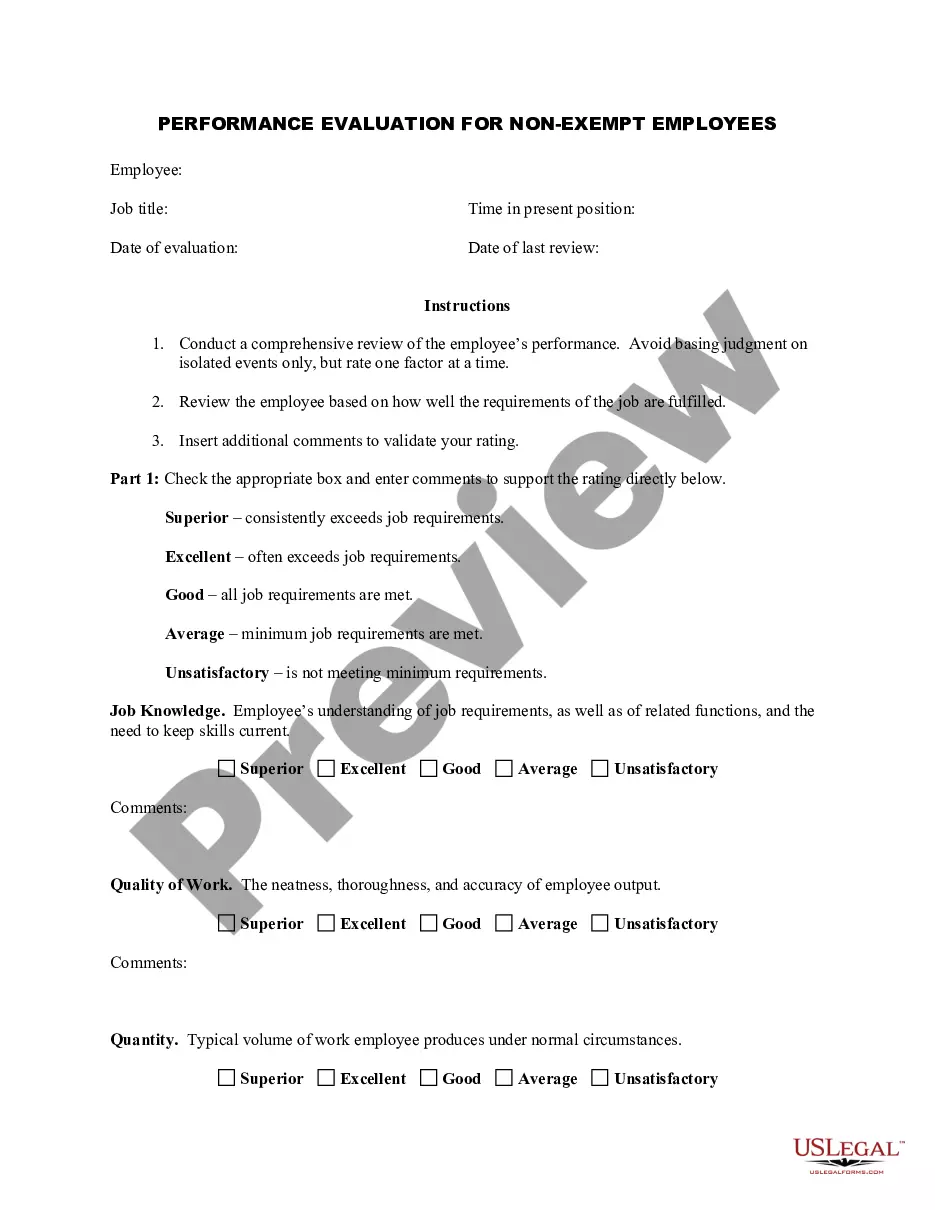
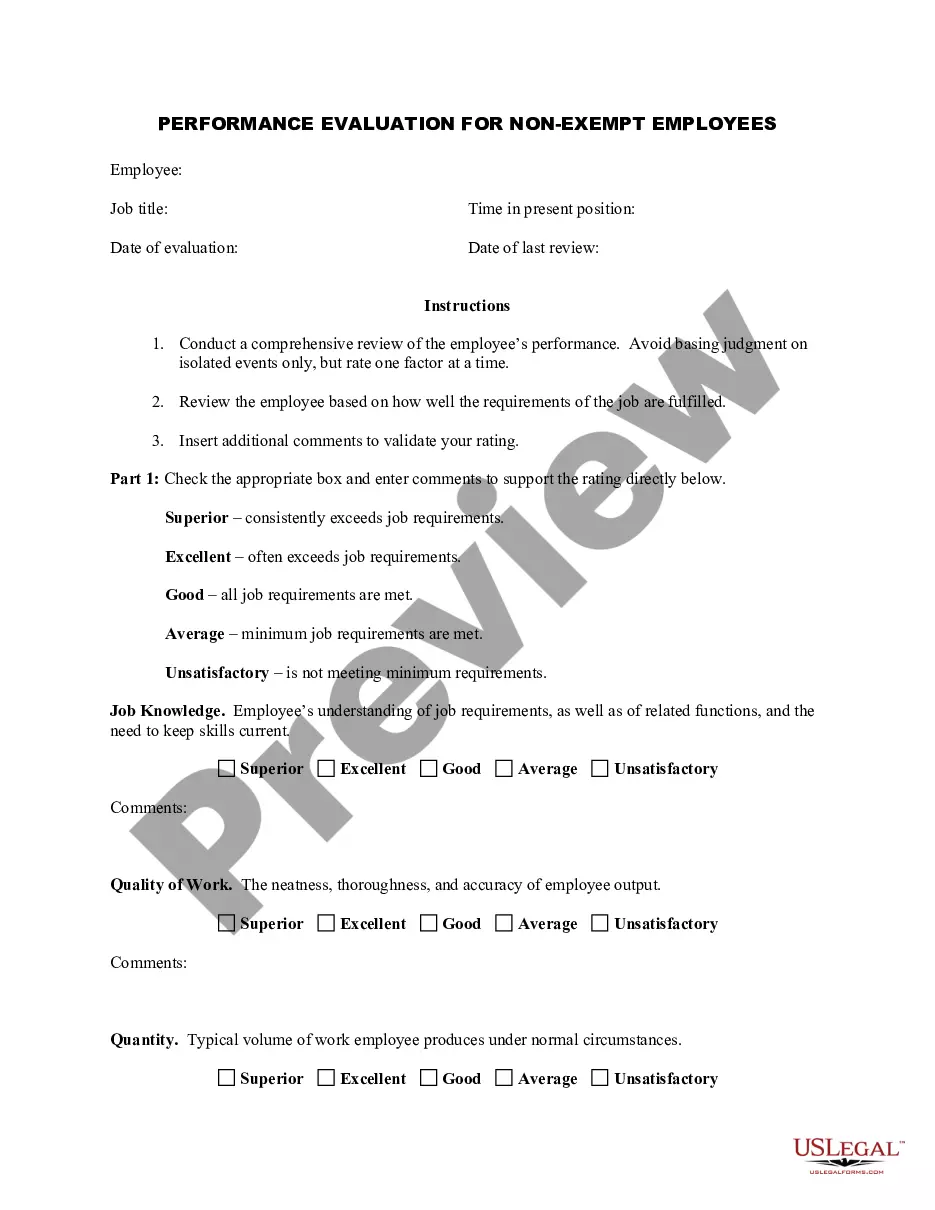
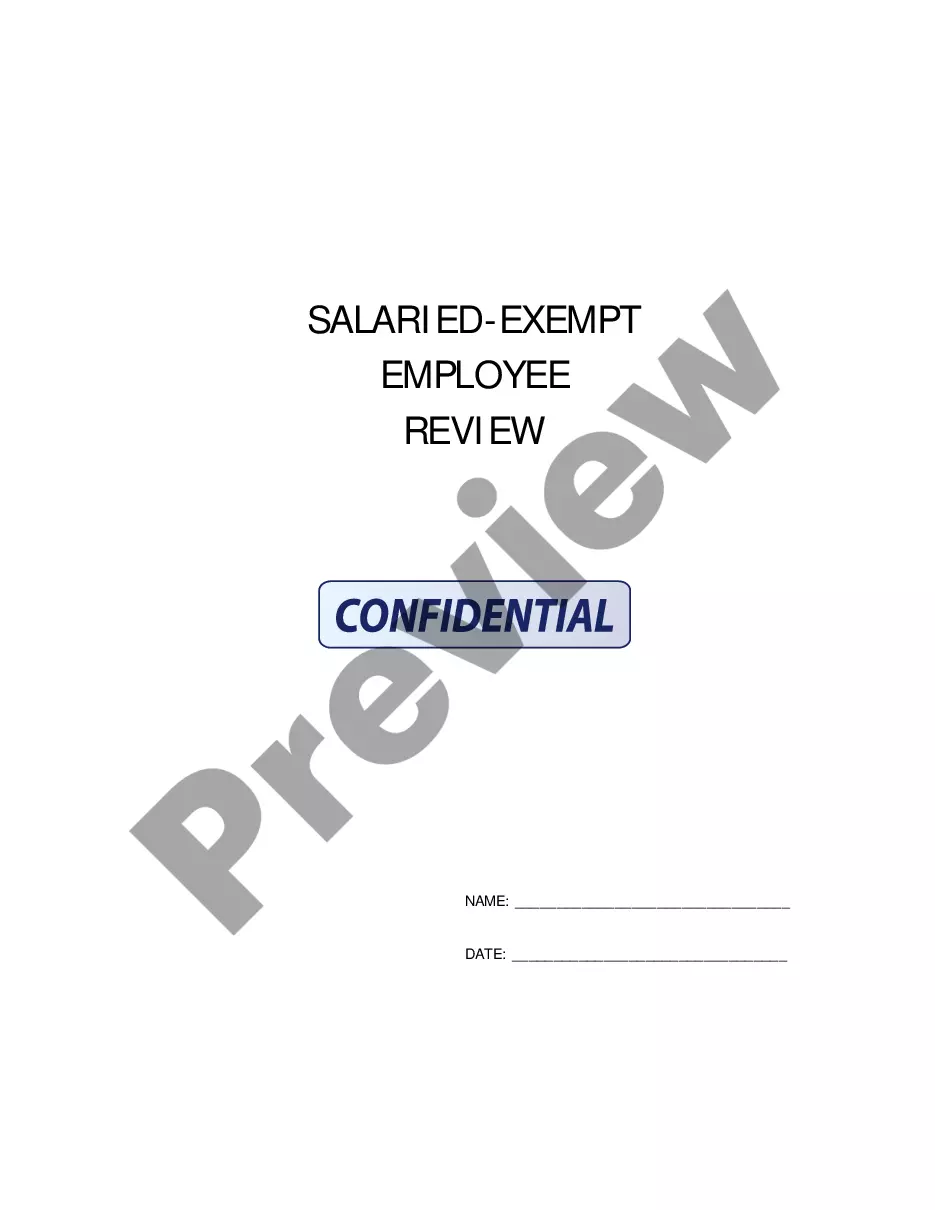
Get your form ready online
Our built-in tools help you complete, sign, share, and store your documents in one place.
Make edits, fill in missing information, and update formatting in US Legal Forms—just like you would in MS Word.
Download a copy, print it, send it by email, or mail it via USPS—whatever works best for your next step.
Sign and collect signatures with our SignNow integration. Send to multiple recipients, set reminders, and more. Go Premium to unlock E-Sign.
If this form requires notarization, complete it online through a secure video call—no need to meet a notary in person or wait for an appointment.
We protect your documents and personal data by following strict security and privacy standards.

Make edits, fill in missing information, and update formatting in US Legal Forms—just like you would in MS Word.

Download a copy, print it, send it by email, or mail it via USPS—whatever works best for your next step.

Sign and collect signatures with our SignNow integration. Send to multiple recipients, set reminders, and more. Go Premium to unlock E-Sign.

If this form requires notarization, complete it online through a secure video call—no need to meet a notary in person or wait for an appointment.

We protect your documents and personal data by following strict security and privacy standards.
Looking for another form?






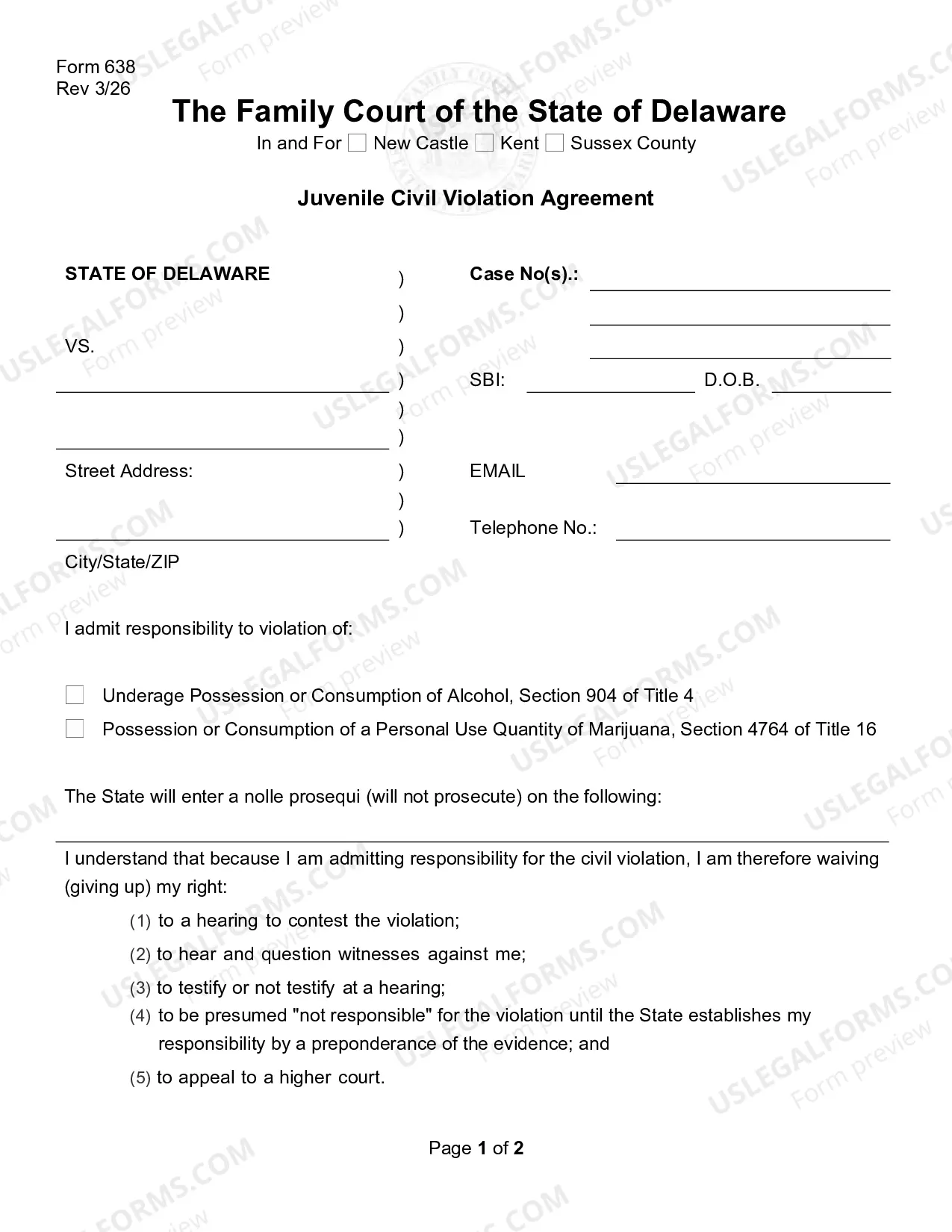

How to fill out Employee Evaluation Form For Salary Increase?
The Compensation Assessment Template For Pip you see on this page is a reusable legal document crafted by expert attorneys in accordance with federal and local laws. For over 25 years, US Legal Forms has supplied individuals, businesses, and lawyers with more than 85,000 validated, state-specific forms for any commercial and personal event. It’s the fastest, simplest, and most reliable method to acquire the paperwork you require, as the service ensures bank-level data protection and anti-virus safeguards.
Obtaining this Compensation Assessment Template For Pip will require you just a few straightforward steps.
Select the format you prefer for your Compensation Assessment Template For Pip (PDF, DOCX, RTF) and save the document on your device. Fill out and sign the form. Print the template to complete it by hand. Alternatively, use an online multi-functional PDF editor to quickly and accurately fill out and sign your document with a legally-binding electronic signature. Re-download your documents whenever necessary. Use the same document again at any time. Open the My documents tab in your profile to redownload any previously downloaded forms. Register for US Legal Forms to have validated legal templates for all of life’s circumstances at your fingertips.
- Search for the document you require and examine it.
- Browse through the file you looked for and preview it or check the document description to ensure it meets your requirements. If it does not, utilize the search bar to find the correct one. Click Buy Now when you have located the template you need.
- Select and Log In.
- Choose the pricing option that fits you and create an account. Use PayPal or a credit card to make a swift payment. If you already possess an account, Log In and review your subscription to proceed.
- Obtain the editable template.
Form popularity
FAQ
The AR2 form replaces the old 16 page long AR1 PIP award review form. Most cases should not require face to face assessment with a healthcare provider, although this depends on individual circumstances. PIP claimants due for review will receive a letter from the DWP instructing them what forms to fill in.
The DWP will usually start to review your claim one year before your award ends. When the DWP reviews your claim, they send you a letter with a PIP review form. The DWP gives you 4 weeks to fill in the form and send it back. Ask the DWP for more time if you need it.
Personal Independence Payment (PIP) is now worth £440.92 per month at the higher daily living rate and £295.10 per month at the lower rate. You could also get £307.67 per month at the higher mobility rate and £116.57 at the lower rate. If eligible for both of these components, you could get up to £748.59 per month.
The PIP review form is assessed on the same tasks detailed in the PIP claim form you initially filled in when applying for PIP. You will need to describe how easy or difficult each task or activity is to complete, and is your chance to explain to the DWP what, if anything, has changed since your last assessment.
You'll have to describe how you're now finding each task or activity. Think about if anything has changed since your last assessment and if it's harder or easier. What you say on the form will help the Department for Work and Pensions (DWP) understand how things have changed since your last assessment.