Pay Review Template With Direct Deposit
Description
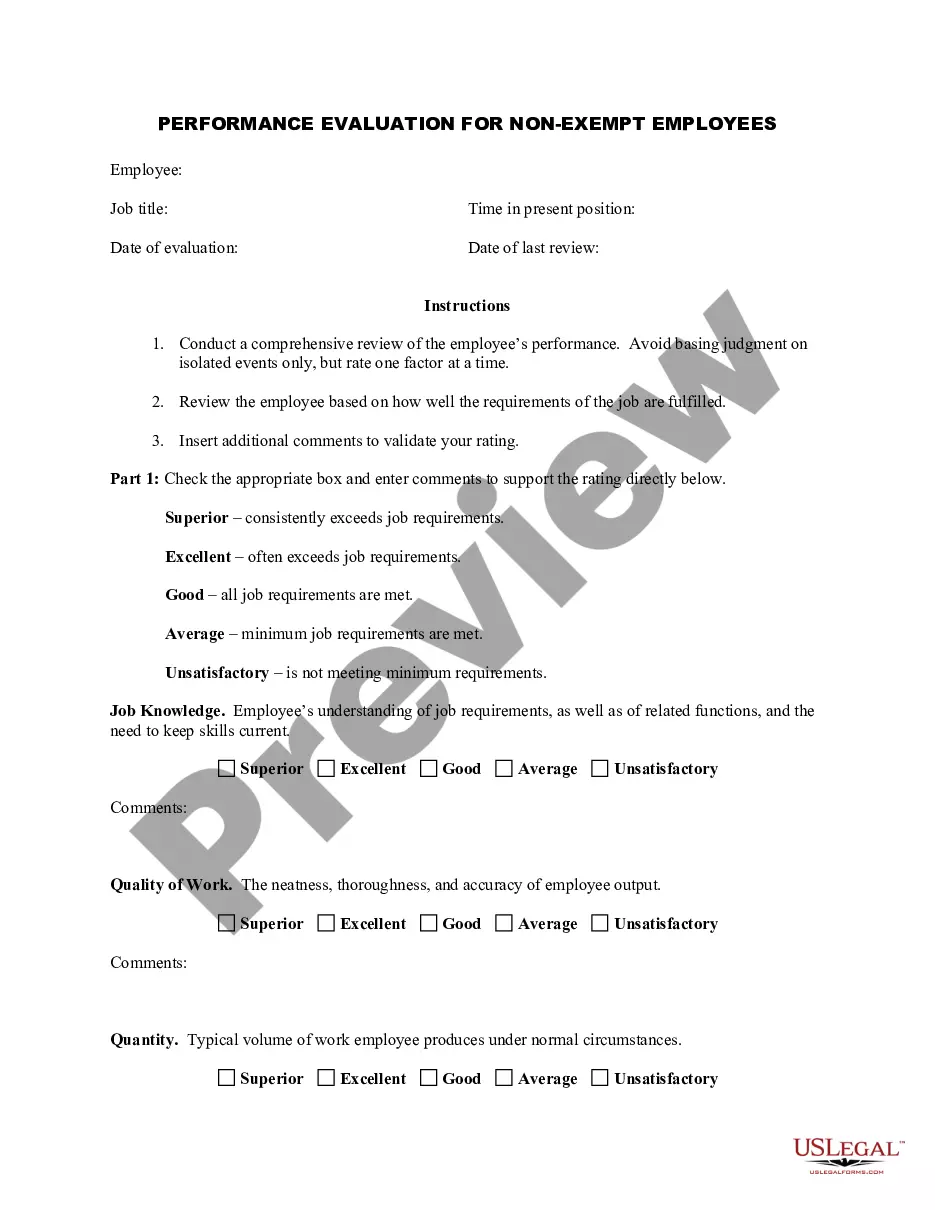
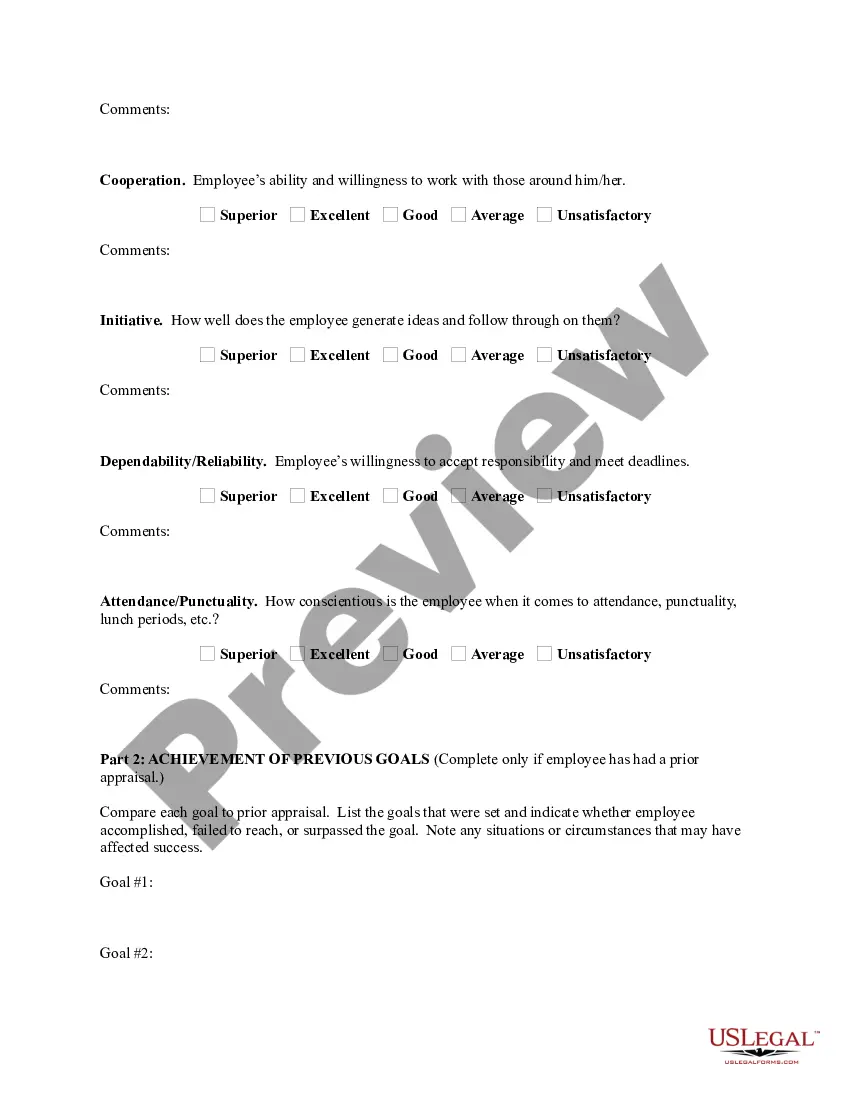
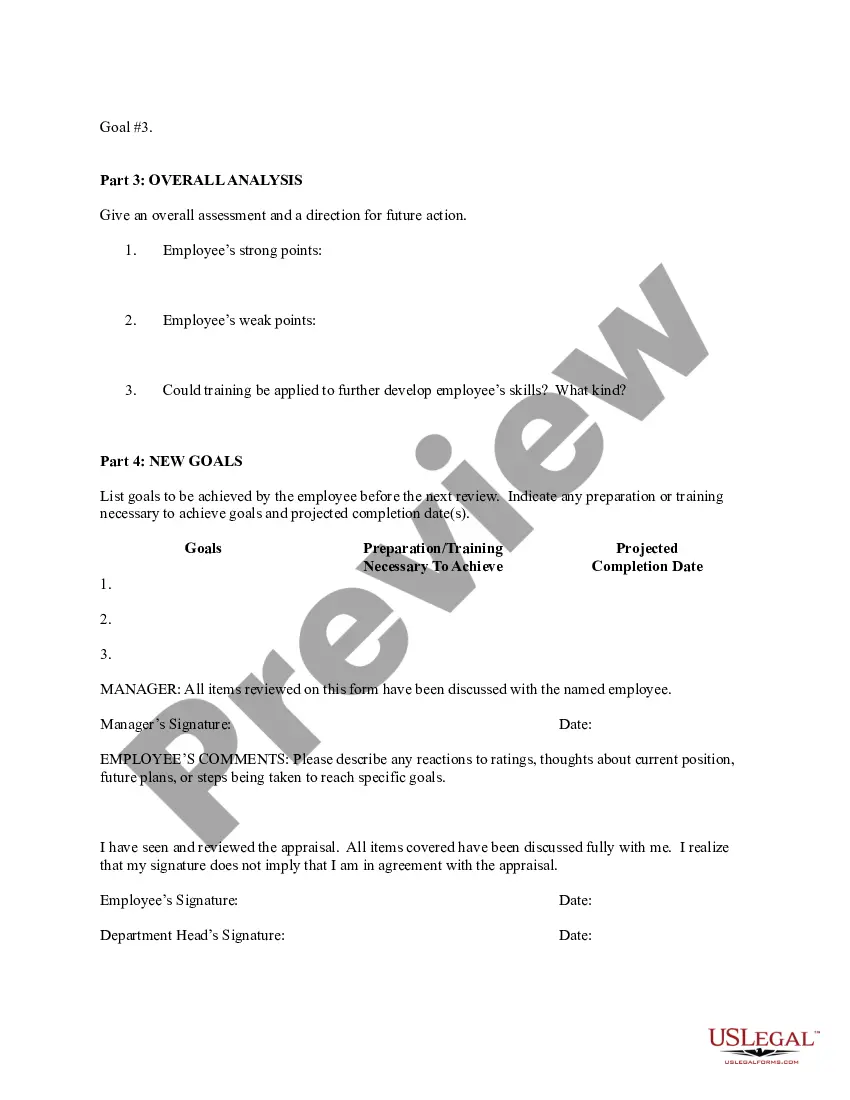

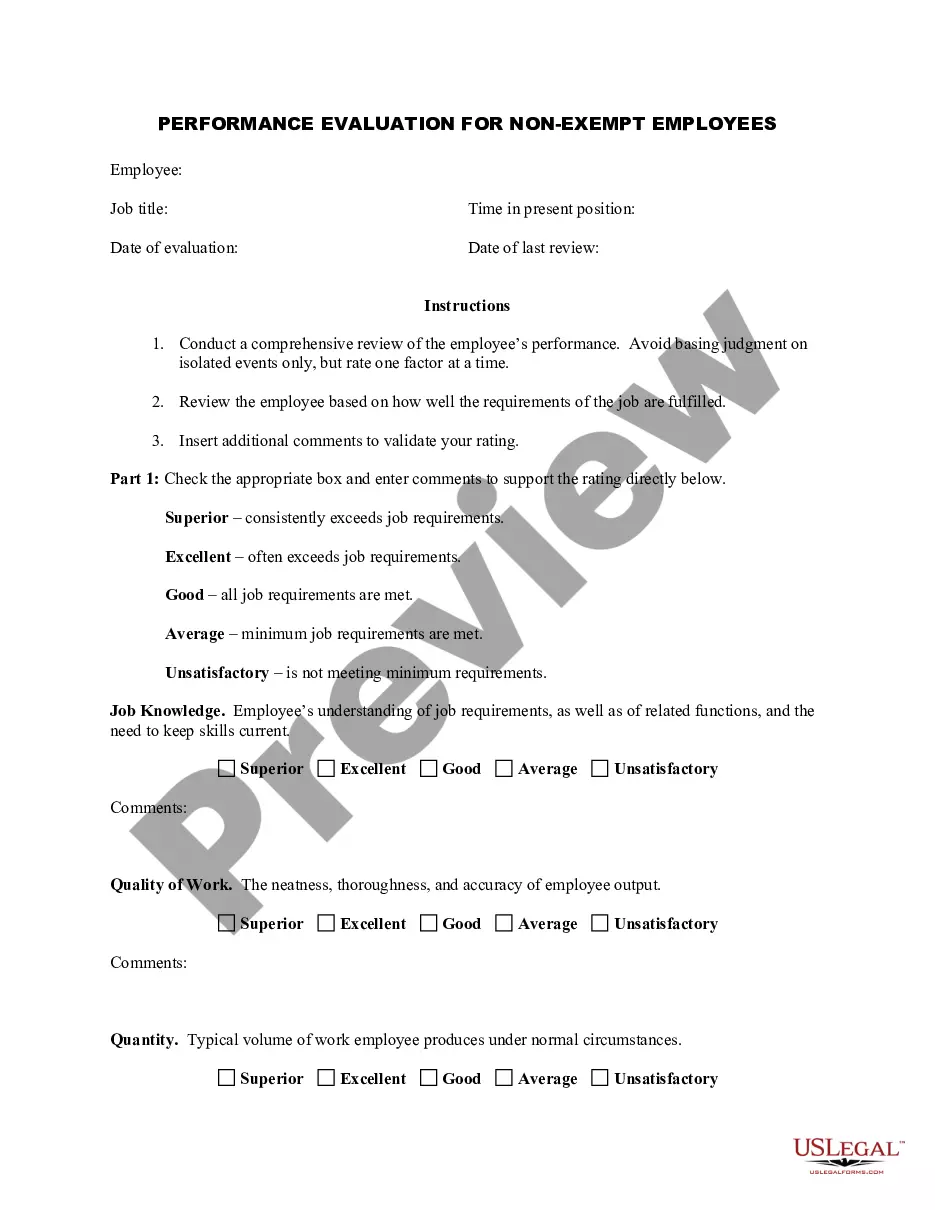
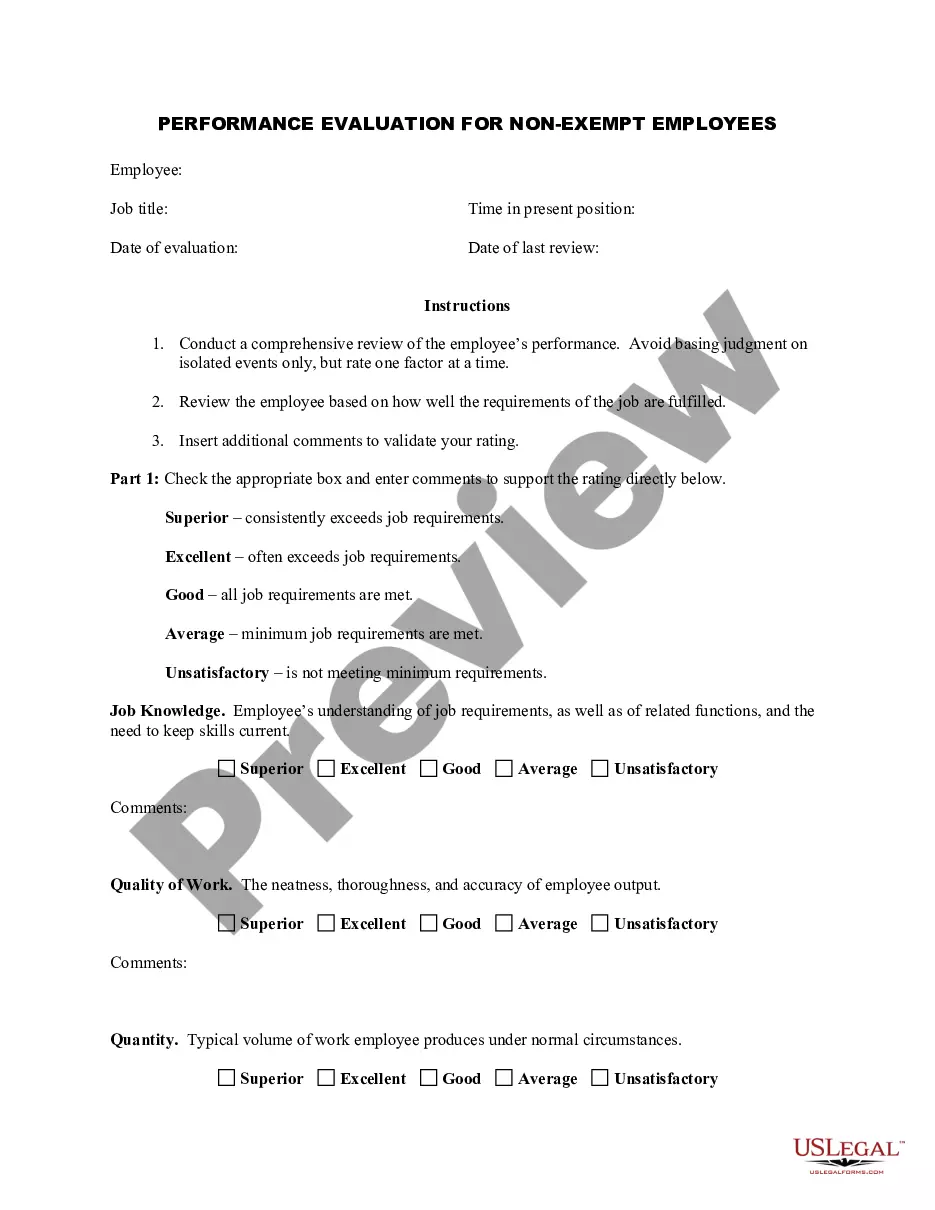
Get your form ready online
Our built-in tools help you complete, sign, share, and store your documents in one place.
Make edits, fill in missing information, and update formatting in US Legal Forms—just like you would in MS Word.
Download a copy, print it, send it by email, or mail it via USPS—whatever works best for your next step.
Sign and collect signatures with our SignNow integration. Send to multiple recipients, set reminders, and more. Go Premium to unlock E-Sign.
If this form requires notarization, complete it online through a secure video call—no need to meet a notary in person or wait for an appointment.
We protect your documents and personal data by following strict security and privacy standards.

Make edits, fill in missing information, and update formatting in US Legal Forms—just like you would in MS Word.

Download a copy, print it, send it by email, or mail it via USPS—whatever works best for your next step.

Sign and collect signatures with our SignNow integration. Send to multiple recipients, set reminders, and more. Go Premium to unlock E-Sign.

If this form requires notarization, complete it online through a secure video call—no need to meet a notary in person or wait for an appointment.

We protect your documents and personal data by following strict security and privacy standards.
Looking for another form?



How to fill out Employee Evaluation Form For Salary Increase?
Engaging with legal documents and processes may be a lengthy addition to your entire day.
Pay Review Template With Direct Deposit and similar forms generally require you to search for them and comprehend how to fill them out correctly.
Therefore, whether you are managing financial, legal, or personal affairs, utilizing a comprehensive and user-friendly online collection of forms at your disposal will greatly assist.
US Legal Forms is the premier online source of legal templates, providing over 85,000 state-specific forms and various tools to expedite your paperwork.
Is this your first time using US Legal Forms? Register and set up an account in a few minutes, granting you access to the form library and Pay Review Template With Direct Deposit. Then, follow the steps outlined below to complete your form.
- Browse the collection of relevant documents available to you with just one click.
- US Legal Forms provides state- and county-specific forms accessible at any time for downloading.
- Protect your document management processes using a high-quality service that enables you to prepare any form in minutes without additional or hidden fees.
- Simply Log In to your account, locate Pay Review Template With Direct Deposit, and instantly download it from the My documents section.
- You can also retrieve previously downloaded forms.
Form popularity
FAQ
Filling out a payroll direct deposit form is a straightforward process. First, gather your banking information, including your bank's name, your account number, and the routing number. Next, input these details into the designated sections of the form. Finally, review your entries for accuracy before submitting it, ensuring that you set your pay review template with direct deposit to streamline your payroll process.
If you receive direct deposit, your pay stub can still be obtained easily. Many employers offer digital access to pay stubs through online portals or payroll apps, allowing you to view and download them at your convenience. Utilizing a pay review template with direct deposit ensures that you have clear access to pay information anytime. If you face any issues, contacting your HR or payroll department may provide you with additional assistance.
To encourage your employees to adopt direct deposit, clearly communicate the benefits it offers, such as faster access to funds and reduced risk of lost checks. You can offer simple sign-up processes and highlight that a pay review template with direct deposit makes it easier to manage their finances. Additionally, hosting informational sessions or sending out reminder communications can foster a supportive environment. Creating incentives for employees may also boost participation and acceptance.
Pay stubs are typically generated by payroll systems that track employee earnings and deductions. To ensure accuracy, these systems use data from timekeeping software and tax calculations. A pay review template with direct deposit provides a clear format that allows you to easily identify important information like gross pay, net pay, and deductions. Leveraging tools that integrate seamlessly helps streamline this process for both employers and employees.
To show pay stubs with direct deposit, start by accessing your payroll information through your employer’s payroll system. You can usually find pay stubs within the online portal, allowing you to view and download them easily. Also, consider using a pay review template with direct deposit to help organize and present your pay information clearly. This tool can simplify tracking your earnings and deductions, ensuring you have everything documented accurately.
Yes, you can often obtain pay stubs from your bank app if you have direct deposit set up. Check your transaction history for deposits labeled with your employer's name, which could serve as a form of proof of income. However, for detailed pay information, including deductions and hours worked, it's best to refer to the pay review template with direct deposit provided by your employer.
If you receive your payments through direct deposit, your pay stubs can usually be found on your employer's payroll system. Many companies provide a pay review template with direct deposit that allows you to access these stubs online or print them. Check your email or the payroll portal for any notifications regarding pay stub generation, as these can be conveniently retrieved at your convenience.
To provide proof of income when you receive direct deposit, you can use your pay stubs or bank statements that show incoming deposits. Each pay stub generated, particularly those using a pay review template with direct deposit, includes clear details about your earnings. These documents are typically accepted by lenders, landlords, or any institution needing income verification.
You can access your paystub without directly contacting your employer by checking your company's online payroll portal. Many employers provide digital access to paystubs, allowing you to download them easily. If your employer uses a pay review template with direct deposit, your pay information may also be sent to you via email, ensuring you always have proof of income at hand.