Pay Review Template With Calculator Canada
Description
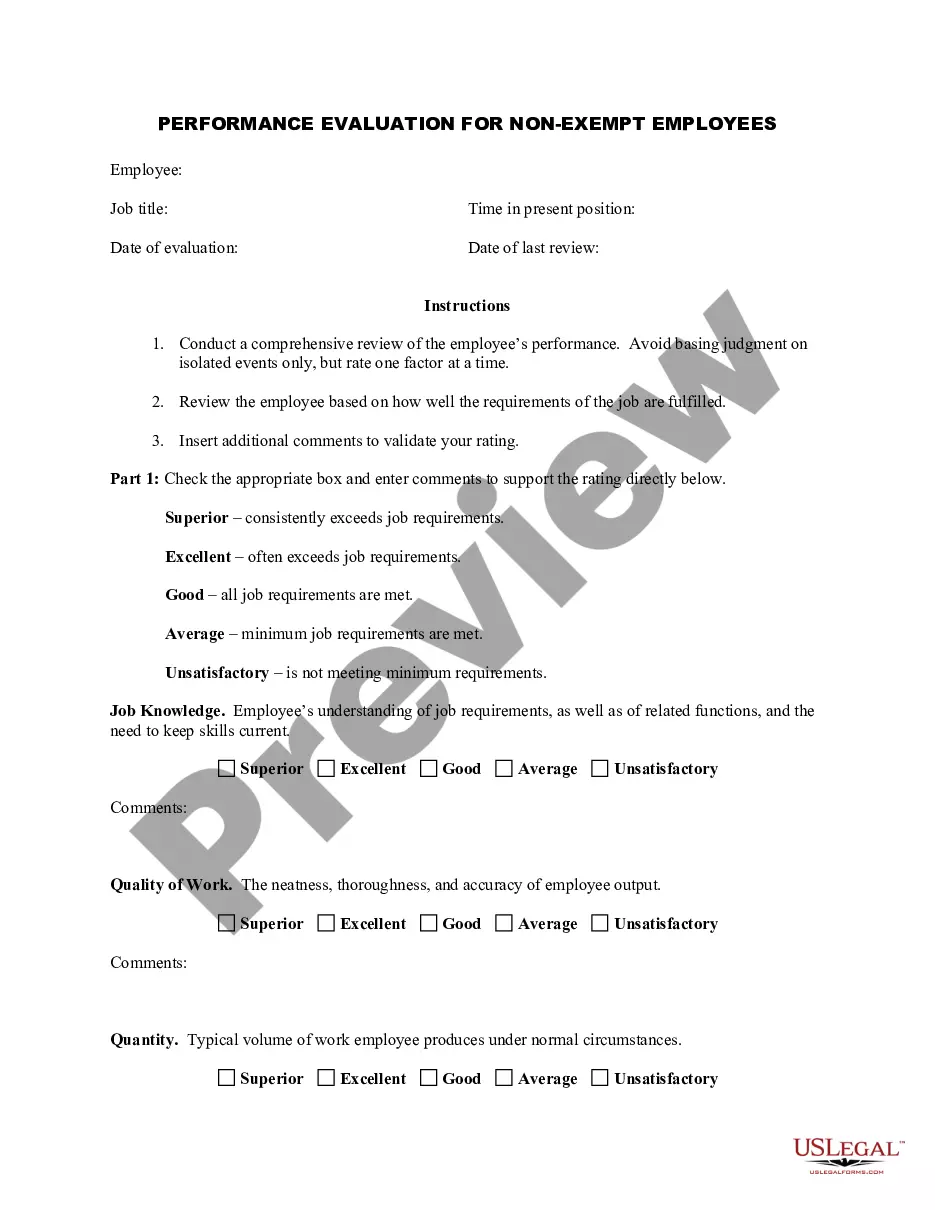
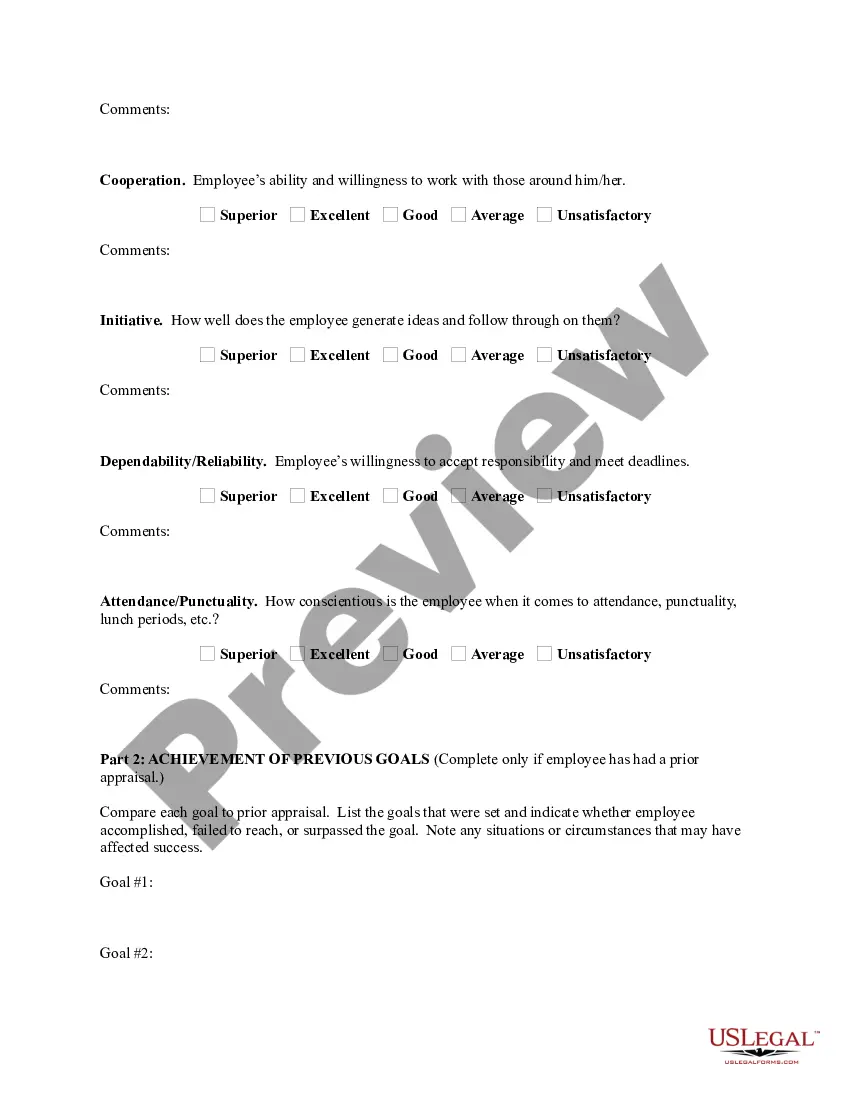
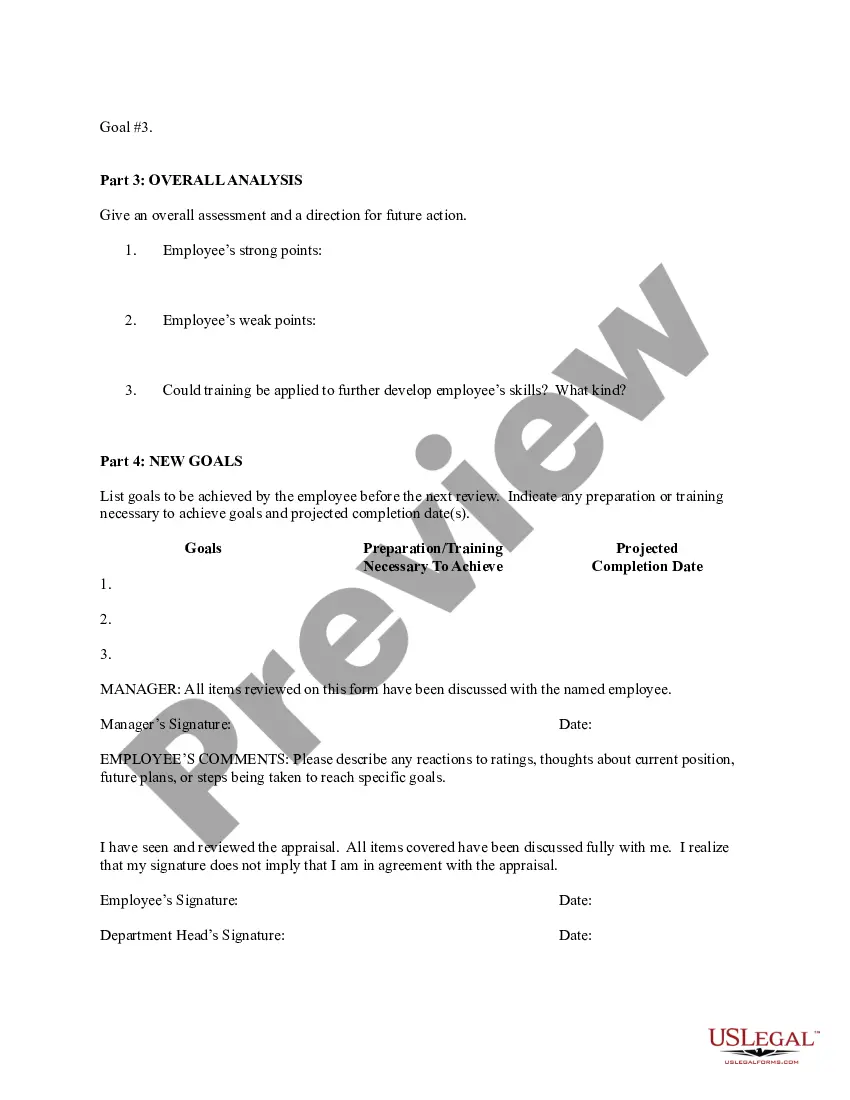

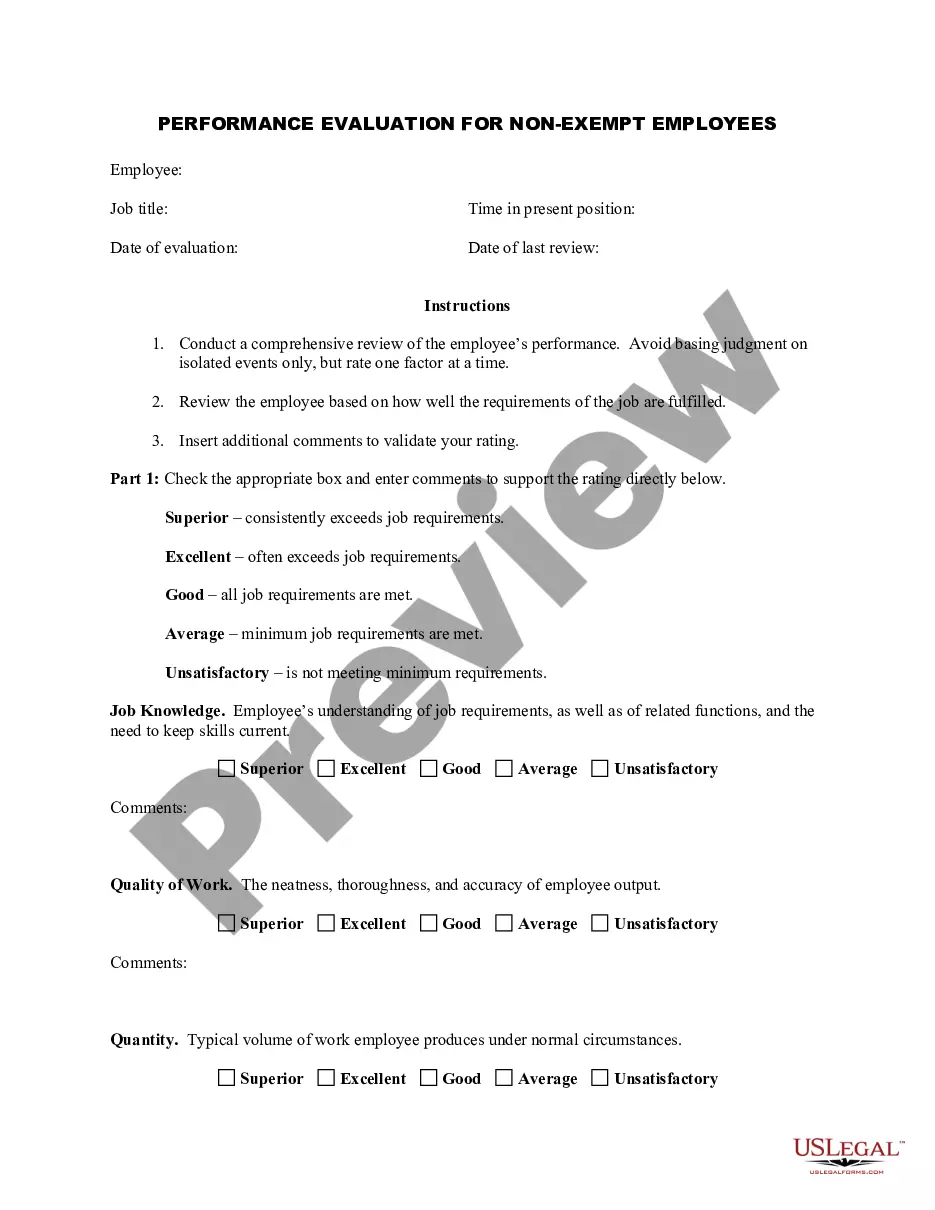
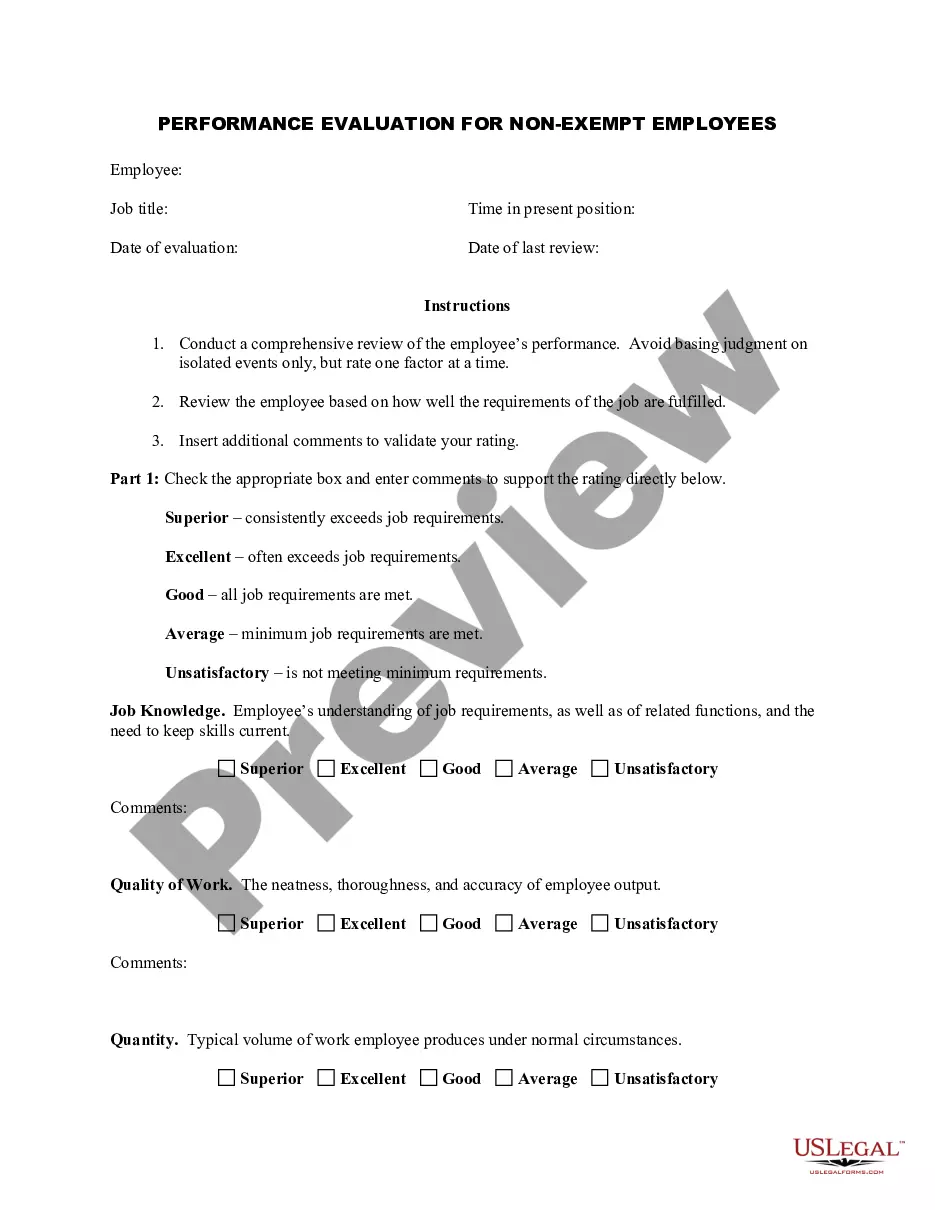
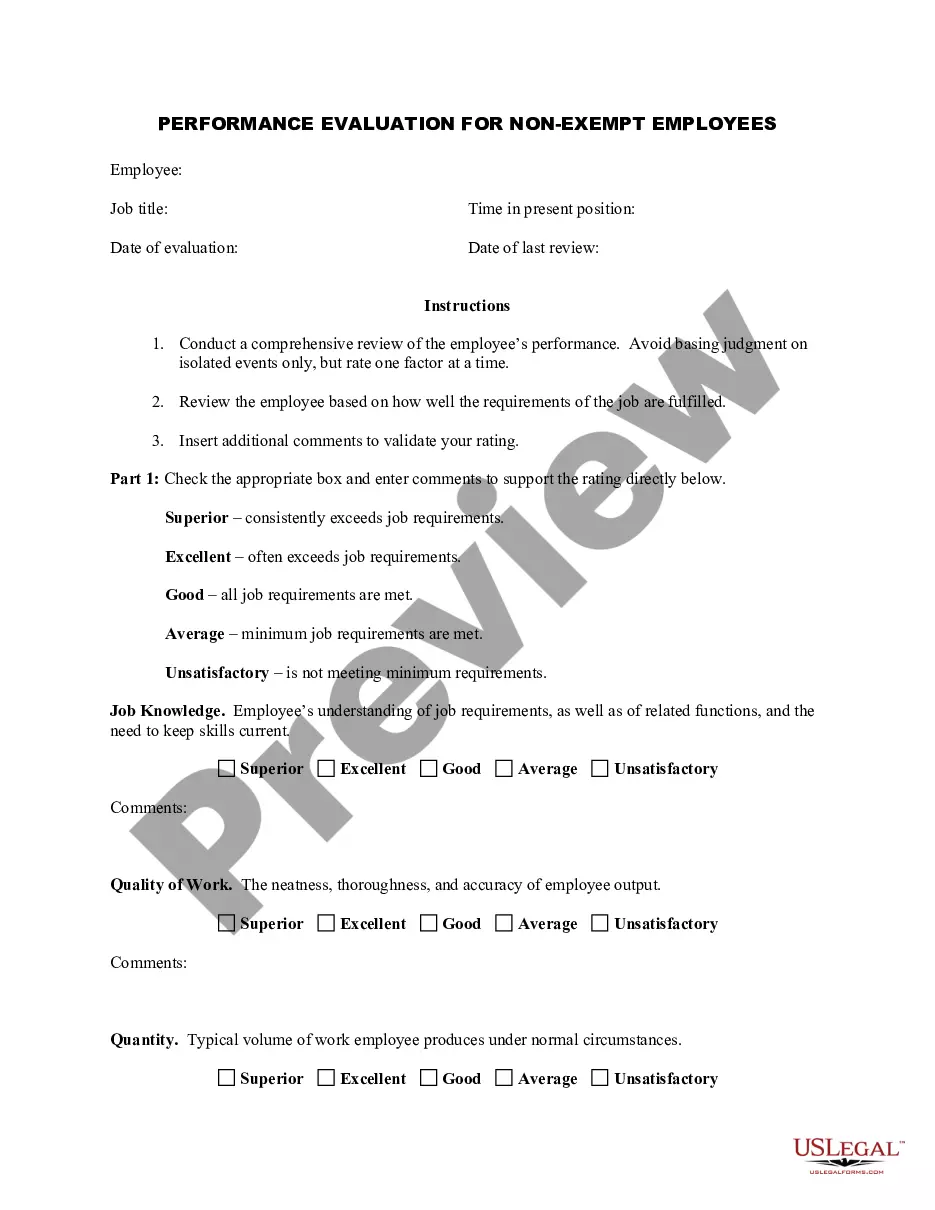
Get your form ready online
Our built-in tools help you complete, sign, share, and store your documents in one place.
Make edits, fill in missing information, and update formatting in US Legal Forms—just like you would in MS Word.
Download a copy, print it, send it by email, or mail it via USPS—whatever works best for your next step.
Sign and collect signatures with our SignNow integration. Send to multiple recipients, set reminders, and more. Go Premium to unlock E-Sign.
If this form requires notarization, complete it online through a secure video call—no need to meet a notary in person or wait for an appointment.
We protect your documents and personal data by following strict security and privacy standards.

Make edits, fill in missing information, and update formatting in US Legal Forms—just like you would in MS Word.

Download a copy, print it, send it by email, or mail it via USPS—whatever works best for your next step.

Sign and collect signatures with our SignNow integration. Send to multiple recipients, set reminders, and more. Go Premium to unlock E-Sign.

If this form requires notarization, complete it online through a secure video call—no need to meet a notary in person or wait for an appointment.

We protect your documents and personal data by following strict security and privacy standards.
Looking for another form?





How to fill out Employee Evaluation Form For Salary Increase?
Discovering a reliable source to obtain the latest and suitable legal documents is half the challenge of navigating bureaucracy.
Acquiring the correct legal paperwork requires precision and careful attention, which is why it is crucial to obtain samples of the Pay Review Template With Calculator Canada exclusively from trustworthy providers, such as US Legal Forms. An incorrect template can squander your time and prolong the issue at hand. With US Legal Forms, you have minimal concerns. You can access and review all the details regarding the document's applicability and significance for your situation and in your jurisdiction.
Eliminate the complications associated with your legal paperwork. Explore the comprehensive US Legal Forms library to find legal documents, verify their suitability for your situation, and download them immediately.
- Utilize the catalog browsing or search option to find your template.
- Open the document's details to check if it meets your state's and area's specifications.
- Access the form preview, if accessible, to confirm the template meets your requirements.
- Return to the search and locate the right template if the Pay Review Template With Calculator Canada does not align with your needs.
- If you are confident regarding the document's pertinence, download it.
- When you are a verified user, click Log in to validate and access your selected forms in My documents.
- If you have not created an account yet, click Buy now to purchase the template.
- Select the payment plan that meets your needs.
- Proceed to the registration to finalize your order.
- Conclude your purchase by selecting a payment method (credit card or PayPal).
- Pick the file format for downloading the Pay Review Template With Calculator Canada.
- Once the document is on your device, you can modify it using the editor or print it and complete it manually.
Form popularity
FAQ
Pay stubs are typically detected through verification processes that employers implement to ensure their accuracy. Common methods involve cross-checking pay stub details with payroll records, tax documents, and employment contracts. If you're using a pay review template with calculator Canada, you can create consistent and accurate pay stubs that reduce discrepancies. This proactive approach aids employers and employees in maintaining trust and transparency in financial transactions.
Yes, Google Sheets offers various pay stub templates that users can customize for their specific needs. These templates allow you to input employee data, earnings, deductions, and contributions efficiently. Utilizing a pay review template with calculator Canada enhances the process by automatically calculating required figures, ensuring you provide precise pay stubs for your employees. This convenience helps small businesses manage payroll easily without extensive software.
In Canada, payroll is calculated using employees' gross earnings, tax deductions, and other withholdings such as benefits or retirement contributions. Employers must adhere to federal, provincial, and territorial regulations, which can vary based on location. To streamline this process, the pay review template with calculator Canada can help you accurately compute payroll figures and ensure compliance with tax obligations. Using a well-structured template saves time and reduces the chance of errors.
To manually calculate payroll taxes, start by determining your gross pay for the period. Deduct the relevant tax rates, which may include federal, state, and local taxes, based on your income level. Using a pay review template with calculator Canada ensures you apply the correct rates and keep track of calculations accurately, making the process easier.
Salary is not calculated based on a specific number of days, such as 26 or 30; rather, it is typically calculated on a yearly basis. For monthly salaries, the annual salary is often divided by 12 to find the monthly amount. A pay review template with calculator Canada can help clarify this calculation by allowing you to input your annual salary and see the breakdown for various pay cycles.
Calculating a biweekly paycheck involves multiplying your weekly hours worked by your hourly wage, then multiplying that by two. If you have a salary, divide your annual salary by 26, which is the number of biweekly pay periods in a year. Utilizing a pay review template with calculator Canada can simplify tracking and adjusting this information based on hours and deductions.
To calculate your paycheck effectively, start with your hourly wage or salary. If you earn a salary, divide your annual salary by the number of pay periods in a year. For those using a pay review template with calculator Canada, include any deductions such as taxes or benefits to arrive at your net pay for the period.
To create your own payslip, start with identifying key details like your company name, employee information, and payment amounts. You can use online tools or templates that allow customization for your needs. Integrating a pay review template with calculator Canada can enhance accuracy and provide a seamless solution for crafting professional payslips.
Creating your own pay stubs is legal as long as the information is accurate and corresponds to actual earnings. It is vital to ensure compliance with your province's rules regarding pay documentation. To simplify this task, consider using a pay review template with calculator Canada, which will guide you through the necessary components.
Pay stub generators typically offer various file formats, including PDF, Excel, and sometimes Word. PDF is highly preferred because it preserves formatting and is widely accepted for professional documents. When using a pay review template with calculator Canada, check for export options to ensure you can save your stubs in the format you need.