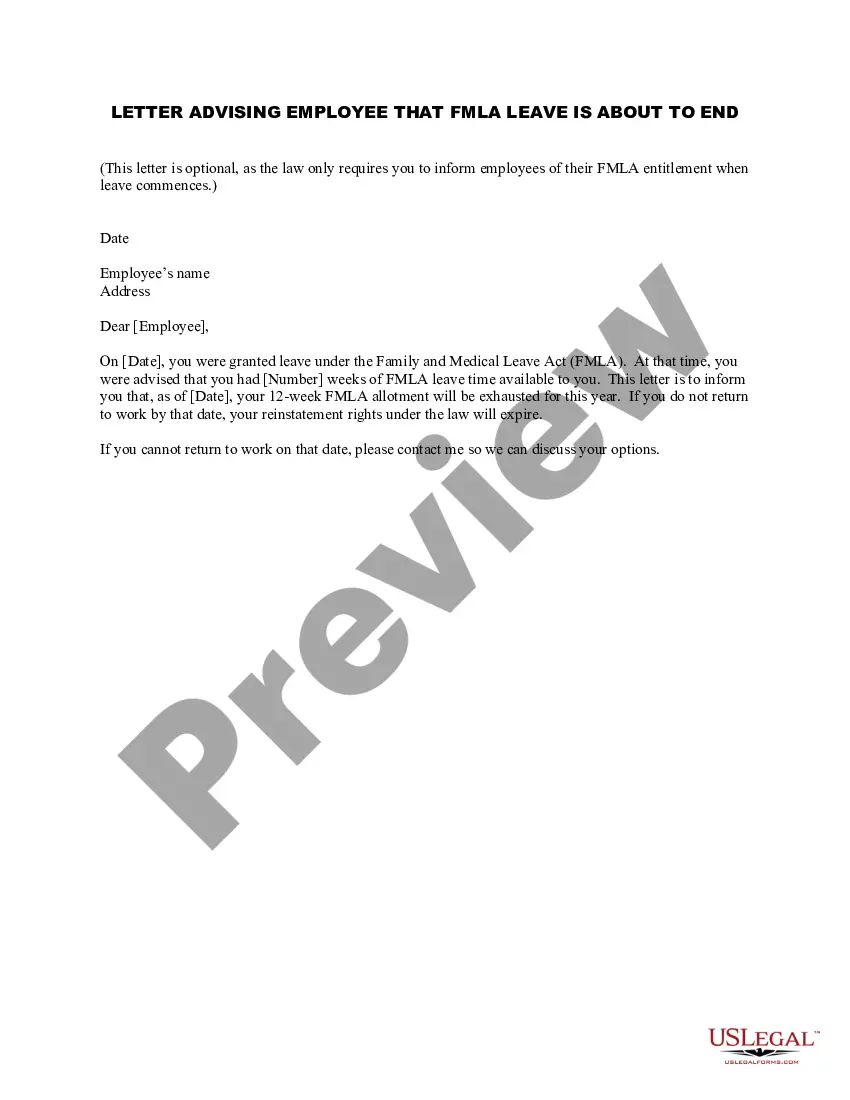
Fmla Leave Template Without Pay
Description
Get your form ready online
Our built-in tools help you complete, sign, share, and store your documents in one place.
Make edits, fill in missing information, and update formatting in US Legal Forms—just like you would in MS Word.
Download a copy, print it, send it by email, or mail it via USPS—whatever works best for your next step.
Sign and collect signatures with our SignNow integration. Send to multiple recipients, set reminders, and more. Go Premium to unlock E-Sign.
If this form requires notarization, complete it online through a secure video call—no need to meet a notary in person or wait for an appointment.
We protect your documents and personal data by following strict security and privacy standards.

Make edits, fill in missing information, and update formatting in US Legal Forms—just like you would in MS Word.

Download a copy, print it, send it by email, or mail it via USPS—whatever works best for your next step.

Sign and collect signatures with our SignNow integration. Send to multiple recipients, set reminders, and more. Go Premium to unlock E-Sign.

If this form requires notarization, complete it online through a secure video call—no need to meet a notary in person or wait for an appointment.

We protect your documents and personal data by following strict security and privacy standards.
Looking for another form?

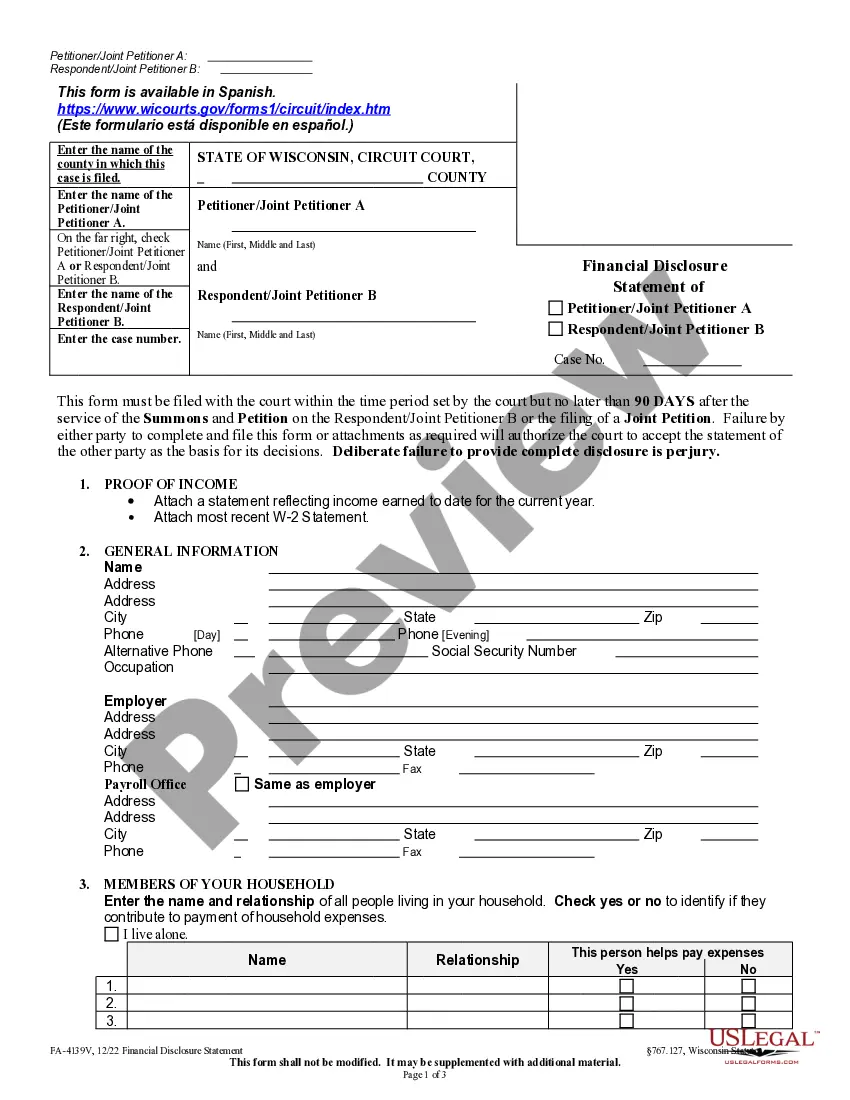
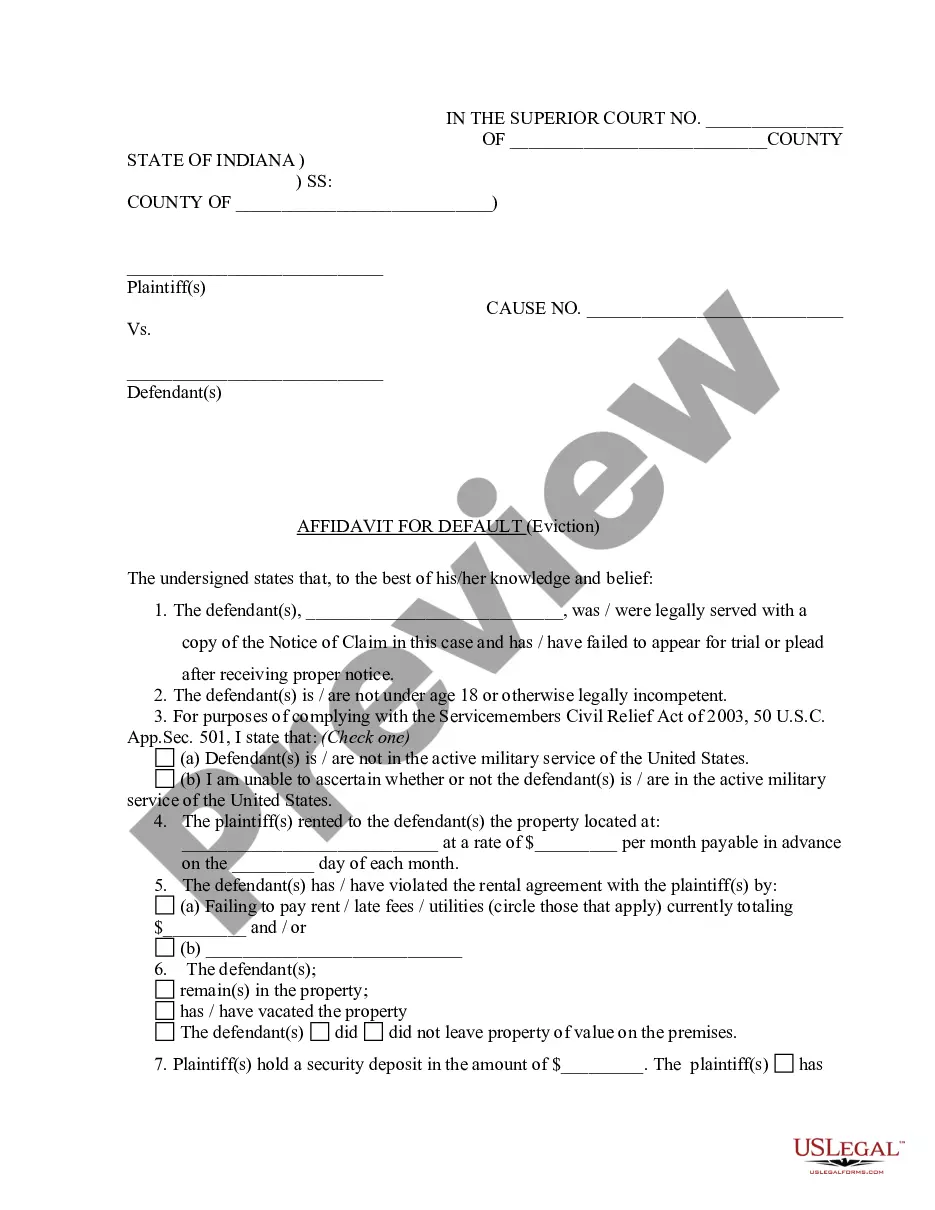
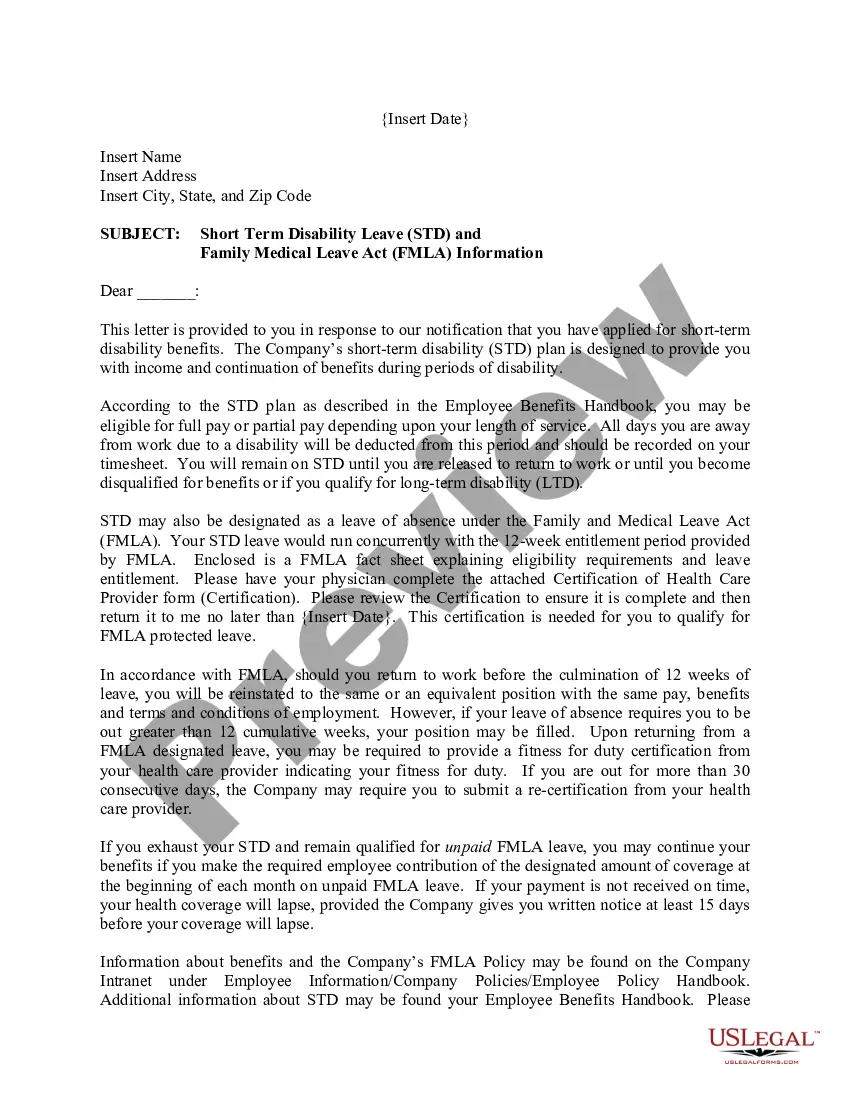
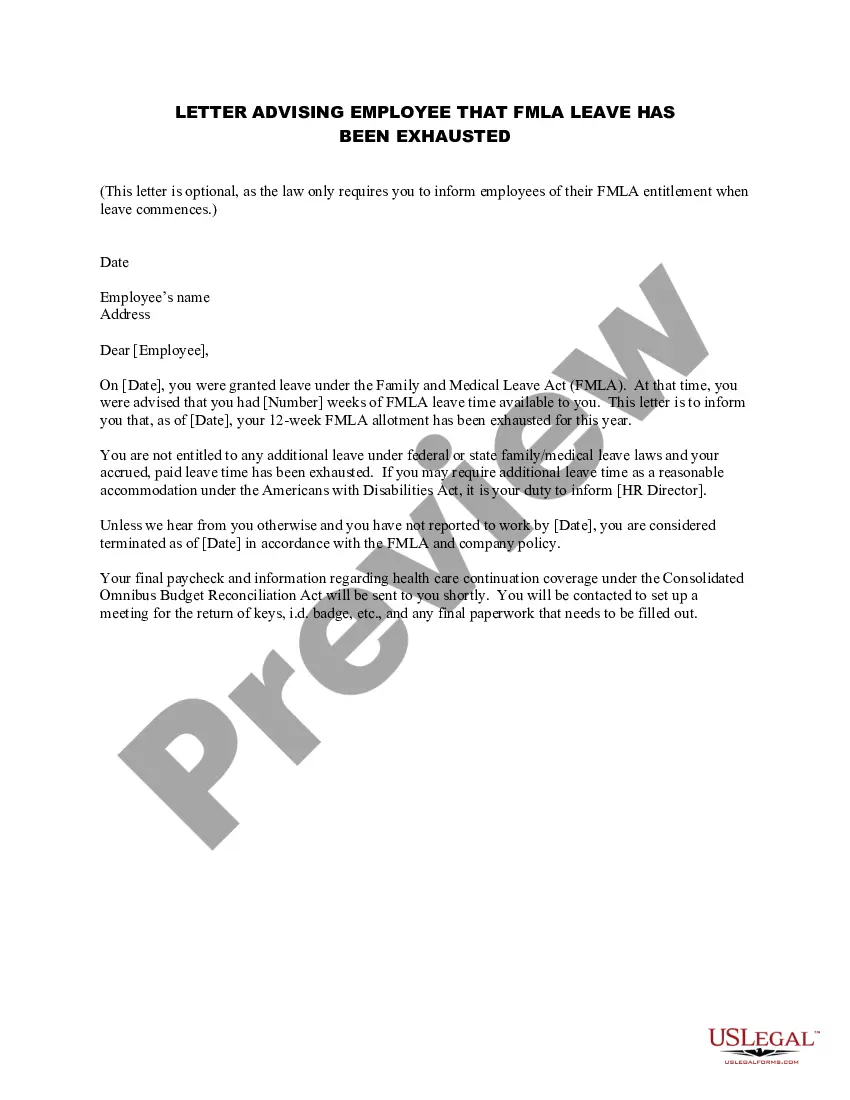
How to fill out Letter Advising Employee That FMLA Leave Is About To End?
Drafting legal documents from scratch can often be intimidating. Certain scenarios might involve hours of research and hundreds of dollars spent. If you’re searching for a more straightforward and more affordable way of creating Fmla Leave Template Without Pay or any other documents without jumping through hoops, US Legal Forms is always at your fingertips.
Our virtual catalog of over 85,000 up-to-date legal forms covers virtually every aspect of your financial, legal, and personal matters. With just a few clicks, you can quickly access state- and county-specific templates diligently prepared for you by our legal specialists.
Use our website whenever you need a trusted and reliable services through which you can quickly locate and download the Fmla Leave Template Without Pay. If you’re not new to our website and have previously set up an account with us, simply log in to your account, locate the form and download it away or re-download it anytime later in the My Forms tab.
Don’t have an account? No problem. It takes little to no time to register it and explore the library. But before jumping directly to downloading Fmla Leave Template Without Pay, follow these recommendations:
- Check the document preview and descriptions to make sure you are on the the document you are searching for.
- Make sure the template you choose conforms with the requirements of your state and county.
- Pick the best-suited subscription option to buy the Fmla Leave Template Without Pay.
- Download the form. Then fill out, sign, and print it out.
US Legal Forms has a spotless reputation and over 25 years of experience. Join us now and transform form execution into something easy and streamlined!
Form popularity
FAQ
A casual leave is an unpaid leave of absence, while a paid leave is a time when an employee is absent from work and receives pay. The main difference between the two types of leaves is that one is unpaid, while the other provides employees with some income during their time away from work.
Loss of Pay (LOP) / Leave Without Pay (LWP)
I need your permission to take an unpaid leave of absence from [start date] to [end date] for [reason or private problem]. I'm sorry for the short notice, but this is an emergency and was not anticipated at all. ABC is willing to fill in for me during that time, so the workflow won't be affected.
How to write a leave request email Choose a formal greeting. Start your email by choosing an appropriate greeting. ... Explain why you're writing. ... State the dates of your absence. ... Provide a reason, if necessary. ... Share additional details. ... Thank your supervisor for their consideration. ... Include a formal sign-off and a signature.
Absent - When an employee takes leave without prior permission / information. It is an unpaid leave, even if the employee has balance of paid leaves. It comes under the category of LWP. LWP - It is an unpaid leave, when an employee has no balance left for paid leaves in his account.