Advance For Employee Template With Total Hours Excel
Description
Get your form ready online
Our built-in tools help you complete, sign, share, and store your documents in one place.
Make edits, fill in missing information, and update formatting in US Legal Forms—just like you would in MS Word.
Download a copy, print it, send it by email, or mail it via USPS—whatever works best for your next step.
Sign and collect signatures with our SignNow integration. Send to multiple recipients, set reminders, and more. Go Premium to unlock E-Sign.
If this form requires notarization, complete it online through a secure video call—no need to meet a notary in person or wait for an appointment.
We protect your documents and personal data by following strict security and privacy standards.

Make edits, fill in missing information, and update formatting in US Legal Forms—just like you would in MS Word.

Download a copy, print it, send it by email, or mail it via USPS—whatever works best for your next step.

Sign and collect signatures with our SignNow integration. Send to multiple recipients, set reminders, and more. Go Premium to unlock E-Sign.

If this form requires notarization, complete it online through a secure video call—no need to meet a notary in person or wait for an appointment.

We protect your documents and personal data by following strict security and privacy standards.
Looking for another form?
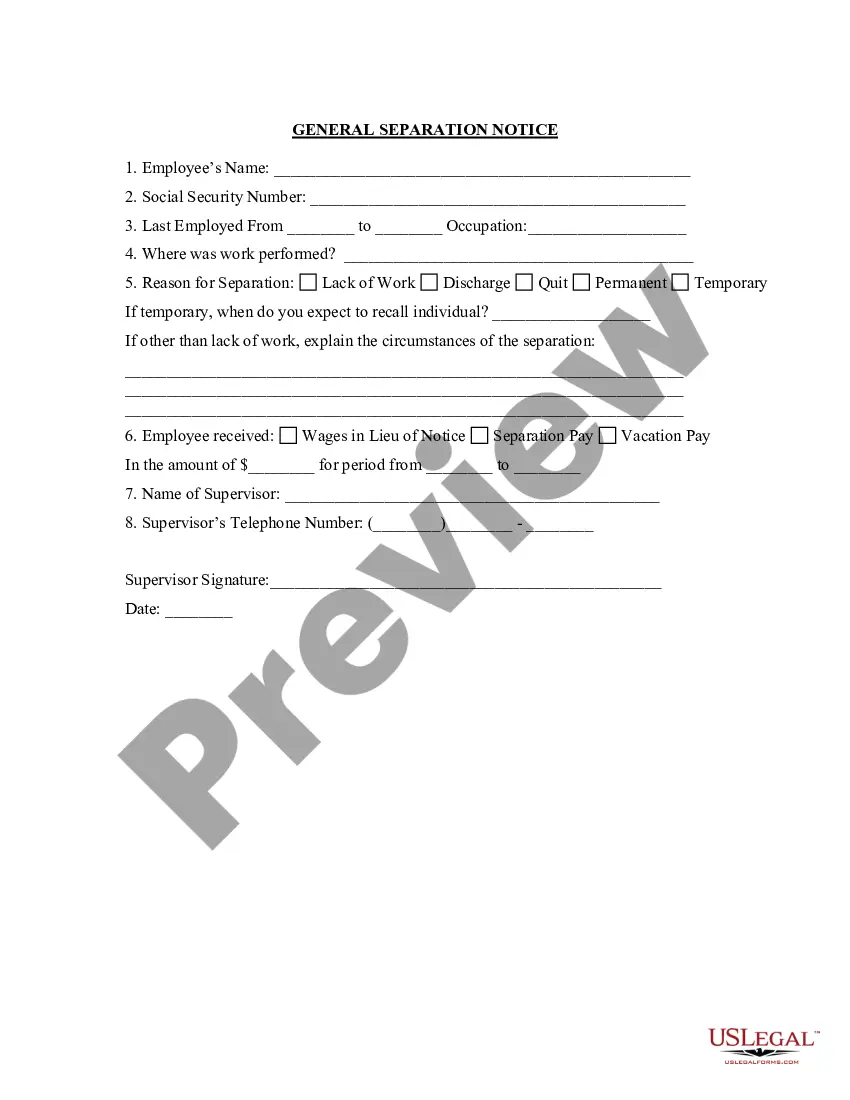
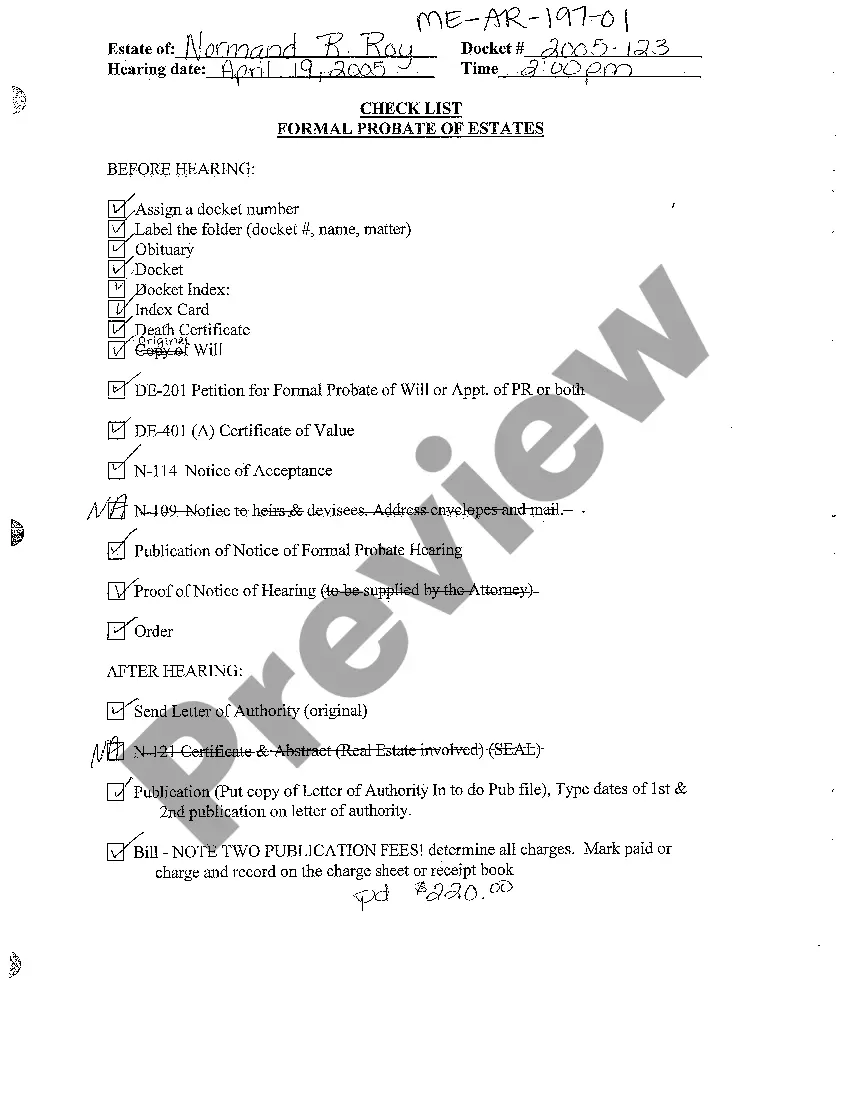
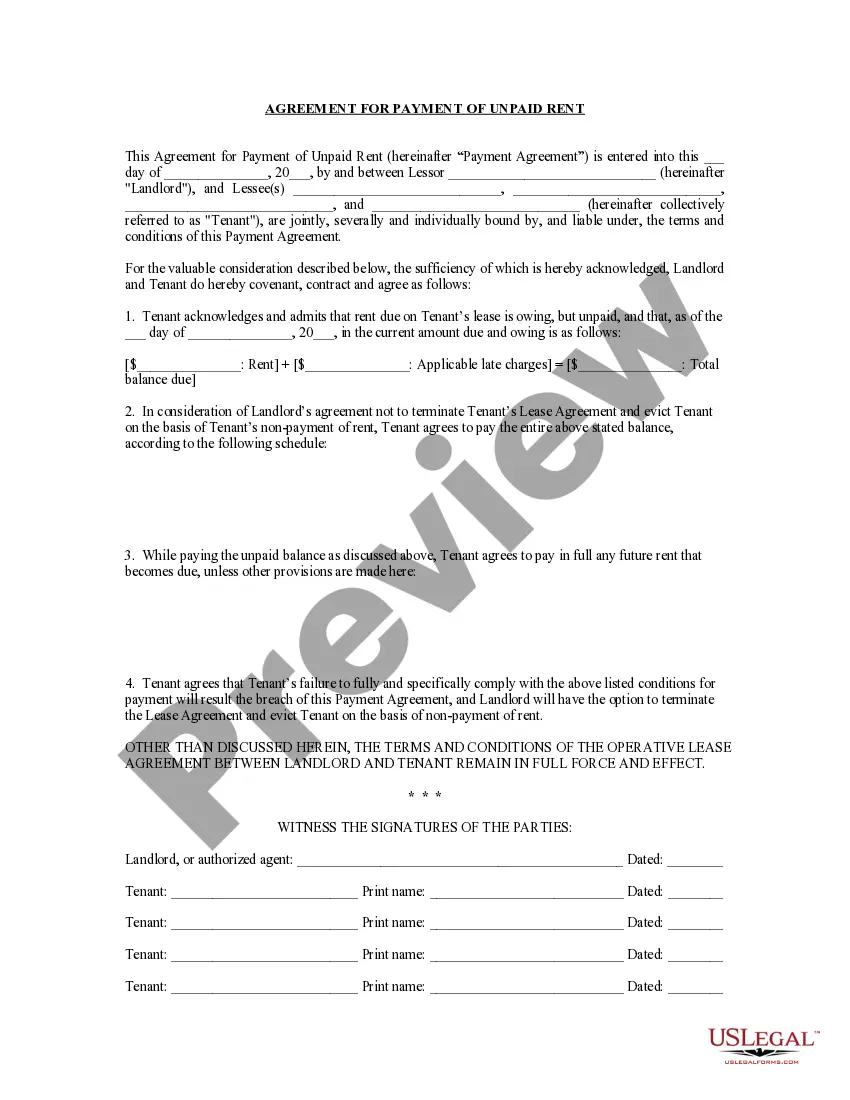
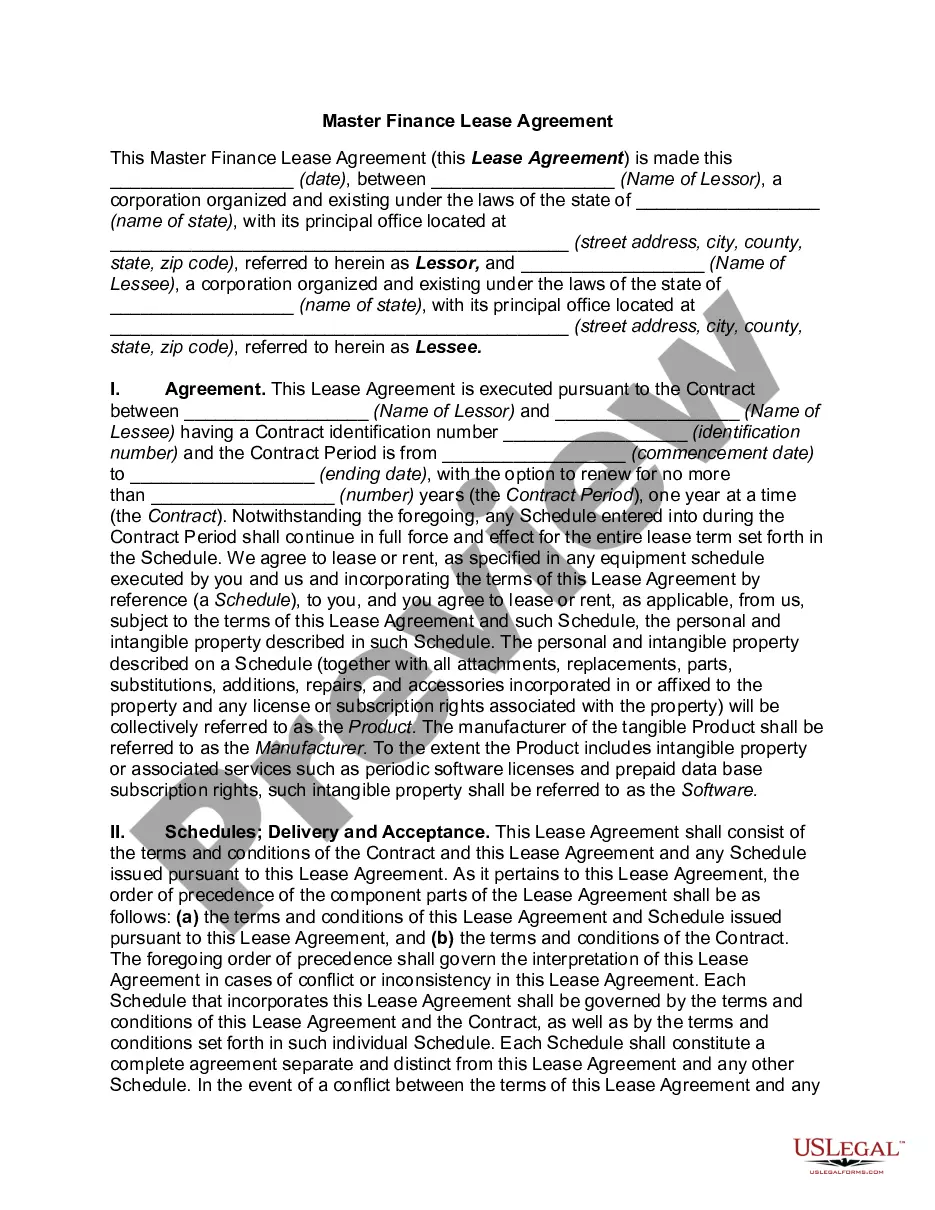
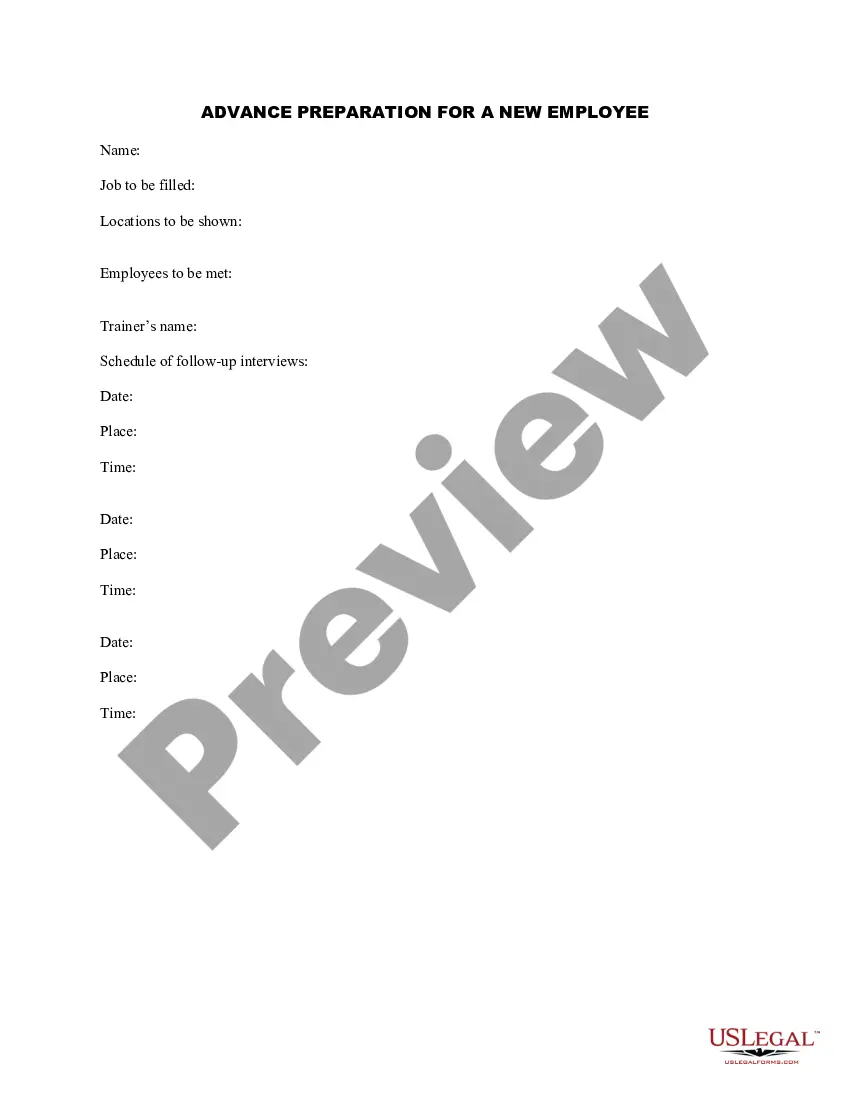
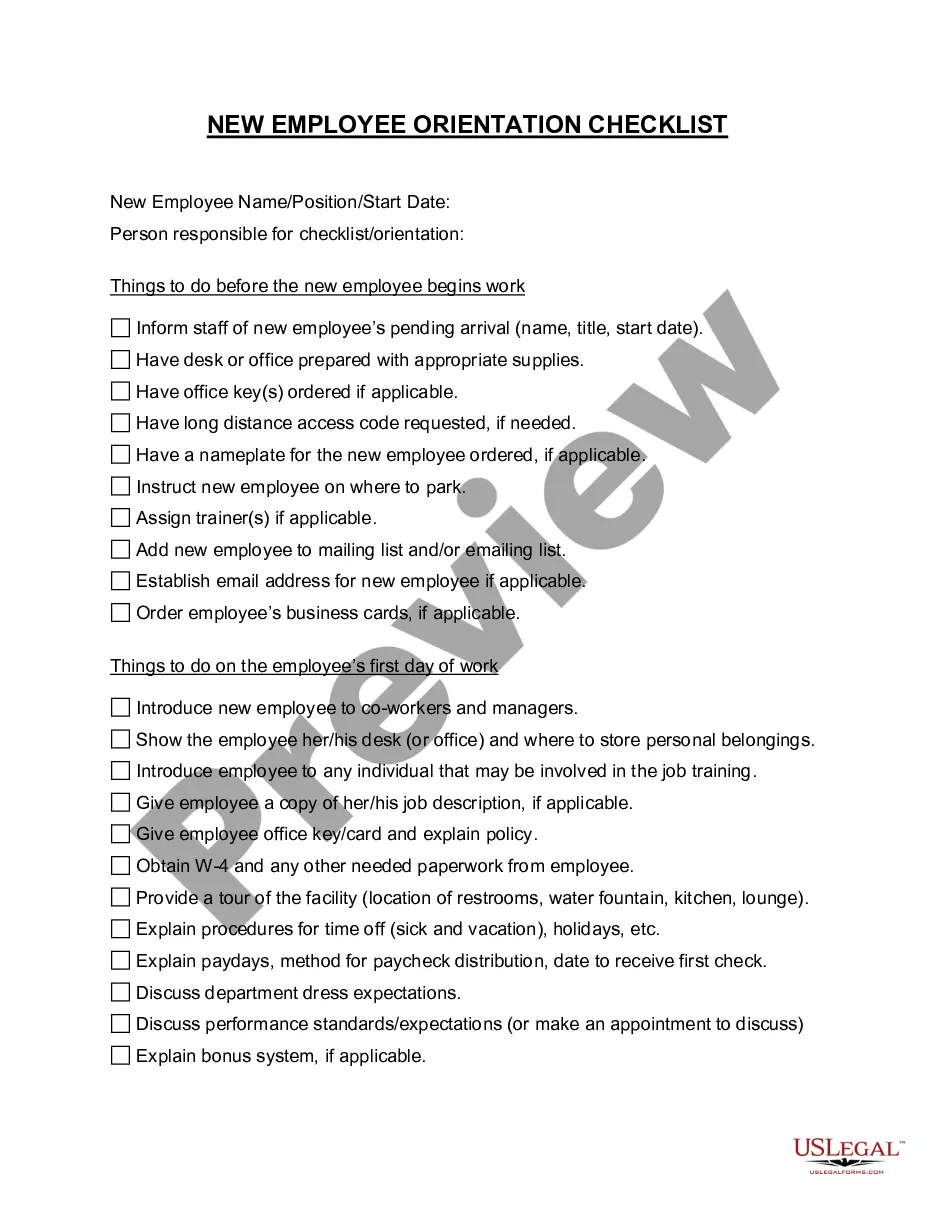
How to fill out Advance Preparation For A New Employee?
Drafting legal paperwork from scratch can often be intimidating. Certain scenarios might involve hours of research and hundreds of dollars spent. If you’re looking for a an easier and more cost-effective way of creating Advance For Employee Template With Total Hours Excel or any other paperwork without jumping through hoops, US Legal Forms is always at your disposal.
Our virtual catalog of over 85,000 up-to-date legal documents covers almost every element of your financial, legal, and personal affairs. With just a few clicks, you can instantly get state- and county-compliant templates carefully put together for you by our legal specialists.
Use our platform whenever you need a trustworthy and reliable services through which you can quickly find and download the Advance For Employee Template With Total Hours Excel. If you’re not new to our services and have previously set up an account with us, simply log in to your account, select the template and download it away or re-download it at any time in the My Forms tab.
Not registered yet? No worries. It takes minutes to set it up and explore the catalog. But before jumping directly to downloading Advance For Employee Template With Total Hours Excel, follow these recommendations:
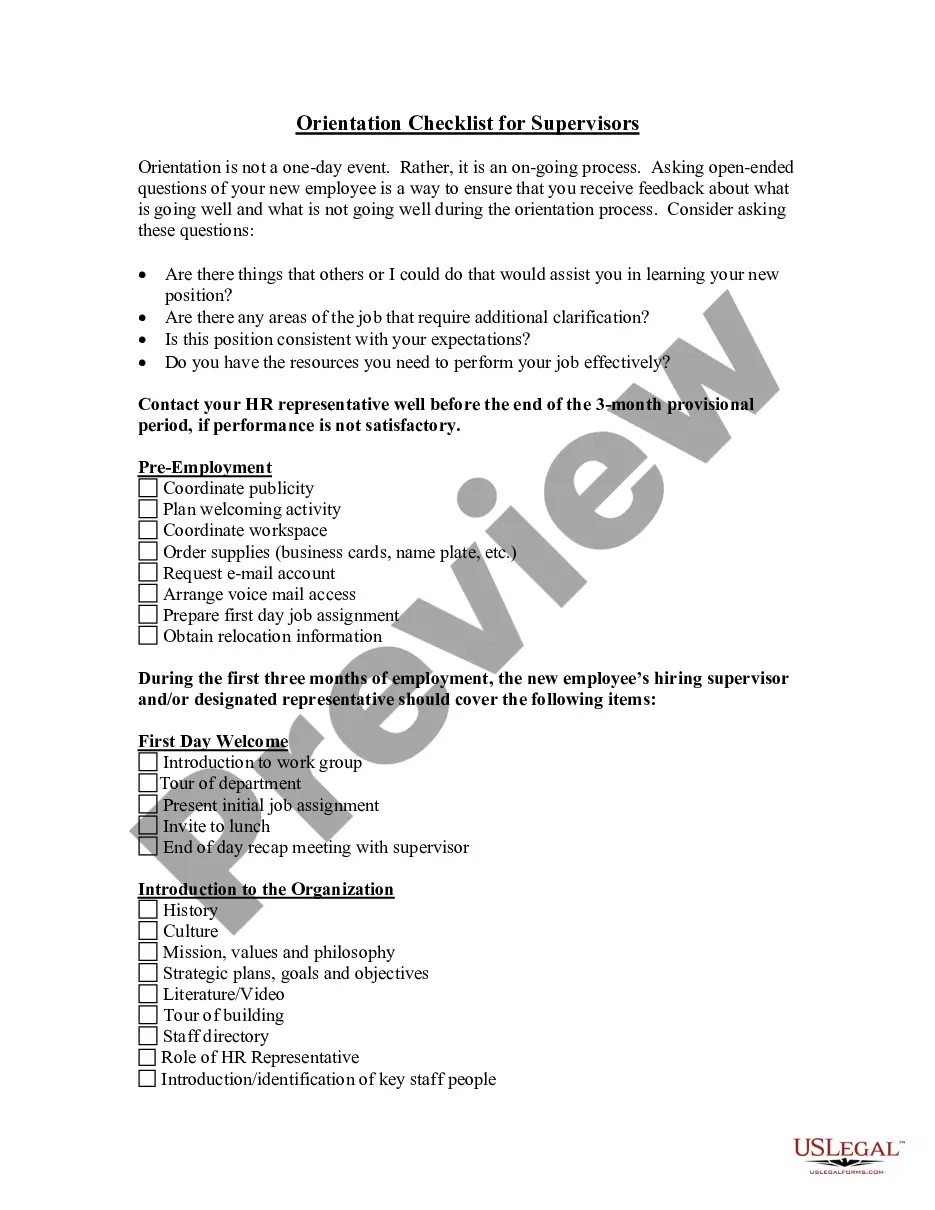
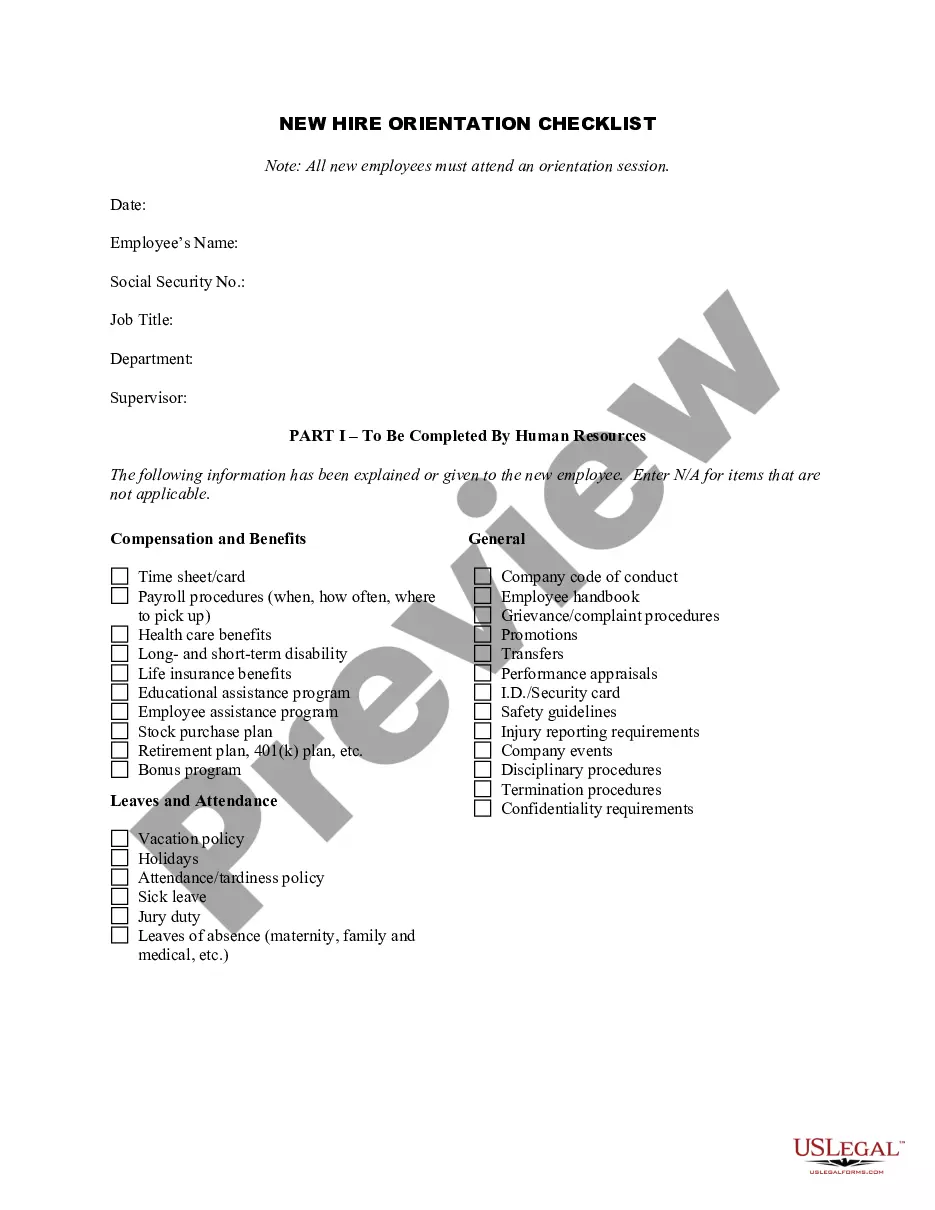
- Check the document preview and descriptions to make sure you have found the form you are searching for.
- Make sure the form you select complies with the regulations and laws of your state and county.
- Pick the best-suited subscription option to get the Advance For Employee Template With Total Hours Excel.
- Download the file. Then fill out, sign, and print it out.
US Legal Forms has a good reputation and over 25 years of expertise. Join us today and turn form completion into something easy and streamlined!
Form popularity
FAQ
Add time Enter in cell B2, and enter in cell B3. In cell B4, enter =B2+B3 and then press Enter. The result is ?16 hours and 15 minutes?for the completion the two tasks. Tip: You can also add up times by using the AutoSum function to sum numbers. Select cell B4, and then on the Home tab, choose AutoSum.
Overview of all necessary formulas PurposeFormula (in relation to our example)Daily actual working hours=IF(OR(F5="Vacation";F5="Illness");$D$1;E5-(D5-C5)-B5)Total target working hours=SUM(G5:G9)Daily plus/minus hours=G5-$D$1Total plus/minus hours=SUM(H5:H9)2 more rows ?
In the cell where you want the total hours worked, enter the following formula: =end time - start time. So, in our example, we would enter = PM - AM. When you hit enter, you should see the total hours worked for that day. You can then repeat this process for each day you want to track.
Write each day of the week in its own row, then create a new cell label titled "TOTAL." The cells next to this one display the total number of hours worked and pay received for the week. You can apply this by using the function "=SUM(E2:E8)" to calculate total hours.
Here's how you calculate time in a weekly Excel timesheet template: Use the =sum() formula again in the "Weekly total" cell with the data in the "Daily total" column, by selecting the G8 cell, and then expanding the selection to G14 ("=sum(G8:G12)").