Advance For Employee For College
Description
Get your form ready online
Our built-in tools help you complete, sign, share, and store your documents in one place.
Make edits, fill in missing information, and update formatting in US Legal Forms—just like you would in MS Word.
Download a copy, print it, send it by email, or mail it via USPS—whatever works best for your next step.
Sign and collect signatures with our SignNow integration. Send to multiple recipients, set reminders, and more. Go Premium to unlock E-Sign.
If this form requires notarization, complete it online through a secure video call—no need to meet a notary in person or wait for an appointment.
We protect your documents and personal data by following strict security and privacy standards.

Make edits, fill in missing information, and update formatting in US Legal Forms—just like you would in MS Word.

Download a copy, print it, send it by email, or mail it via USPS—whatever works best for your next step.

Sign and collect signatures with our SignNow integration. Send to multiple recipients, set reminders, and more. Go Premium to unlock E-Sign.

If this form requires notarization, complete it online through a secure video call—no need to meet a notary in person or wait for an appointment.

We protect your documents and personal data by following strict security and privacy standards.
Looking for another form?

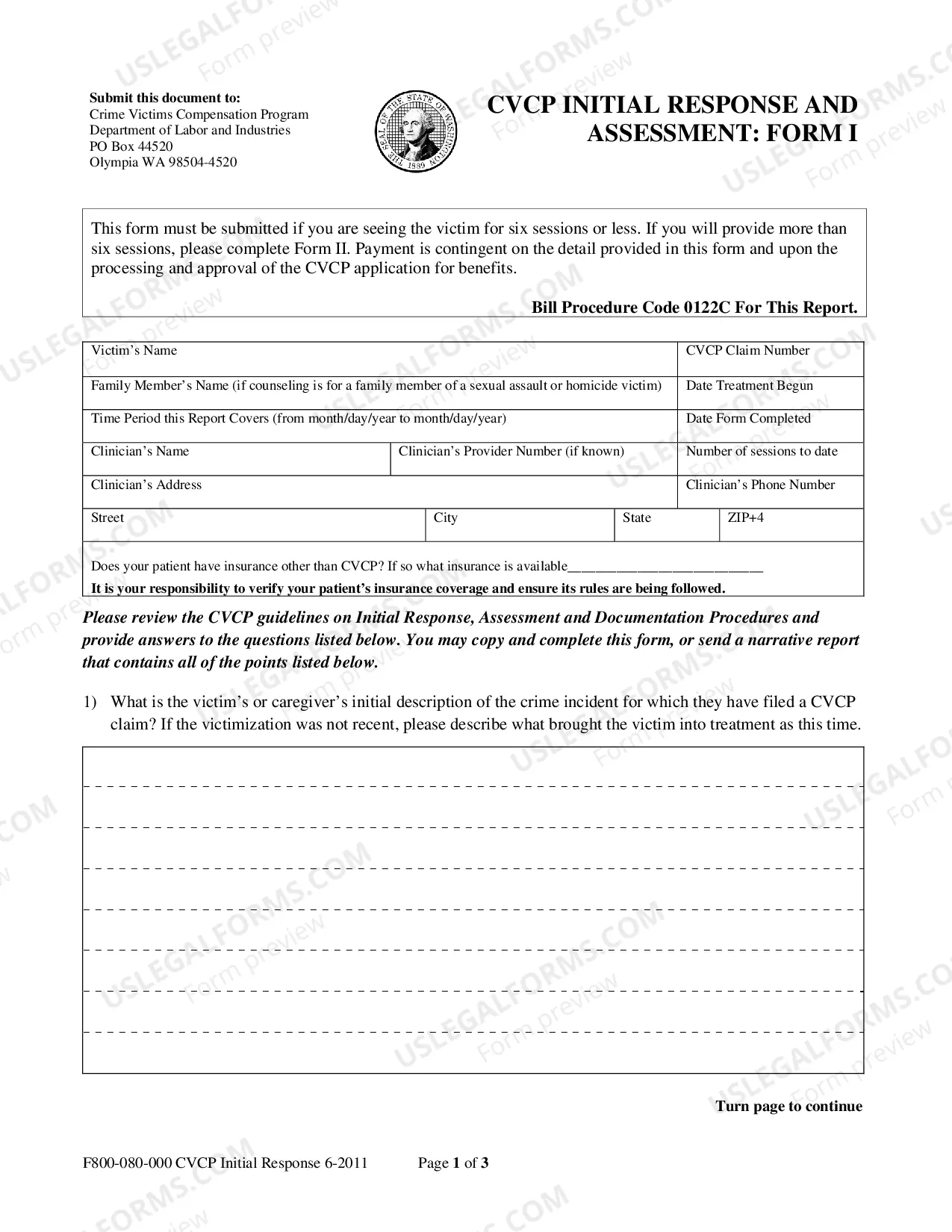
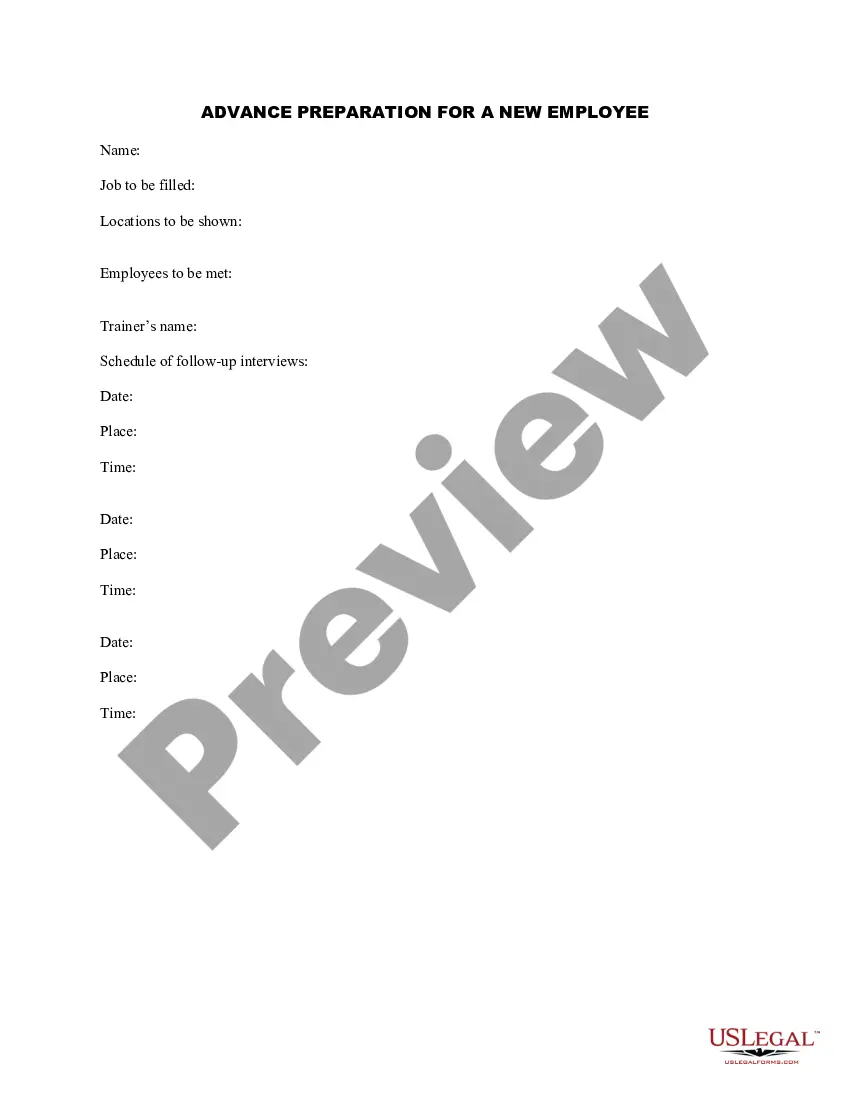
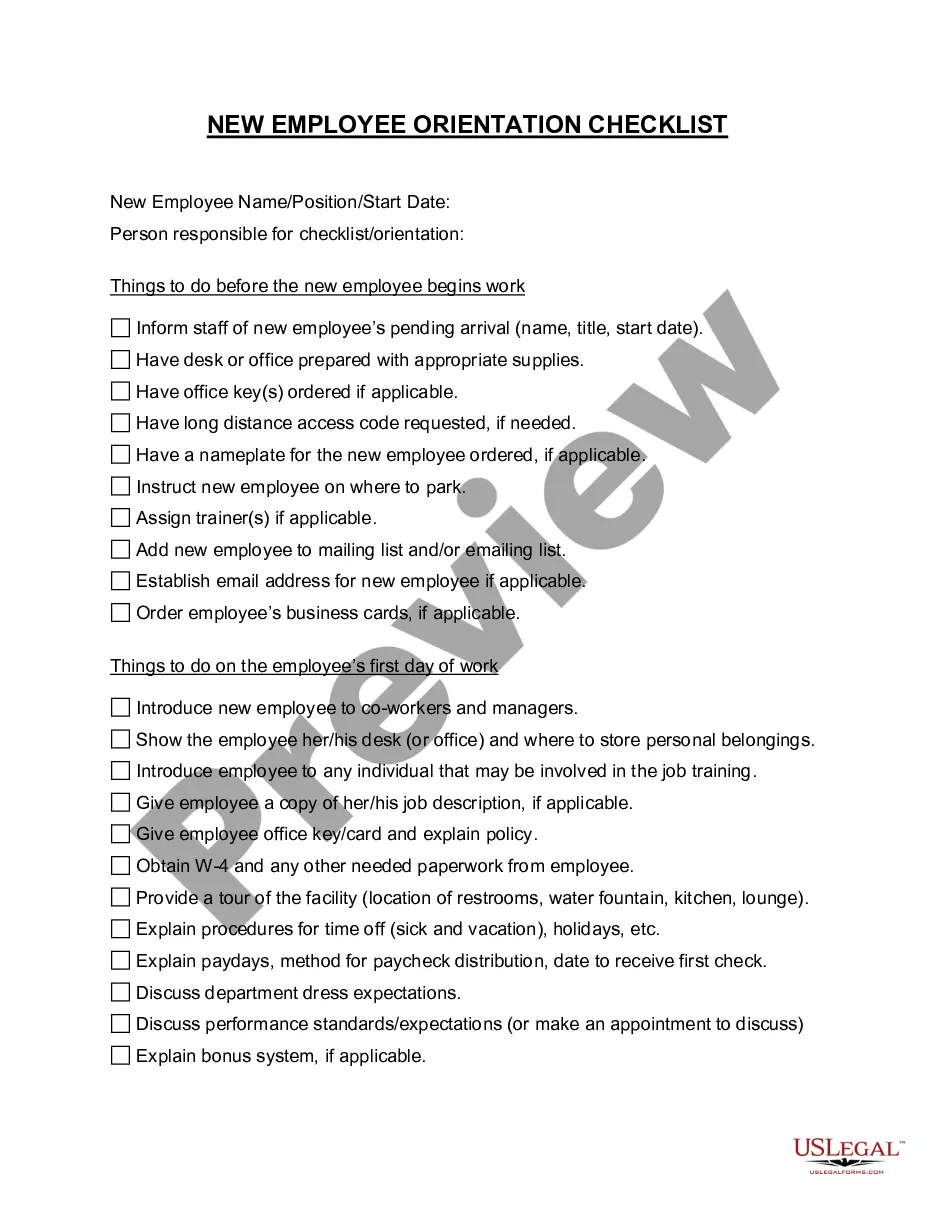
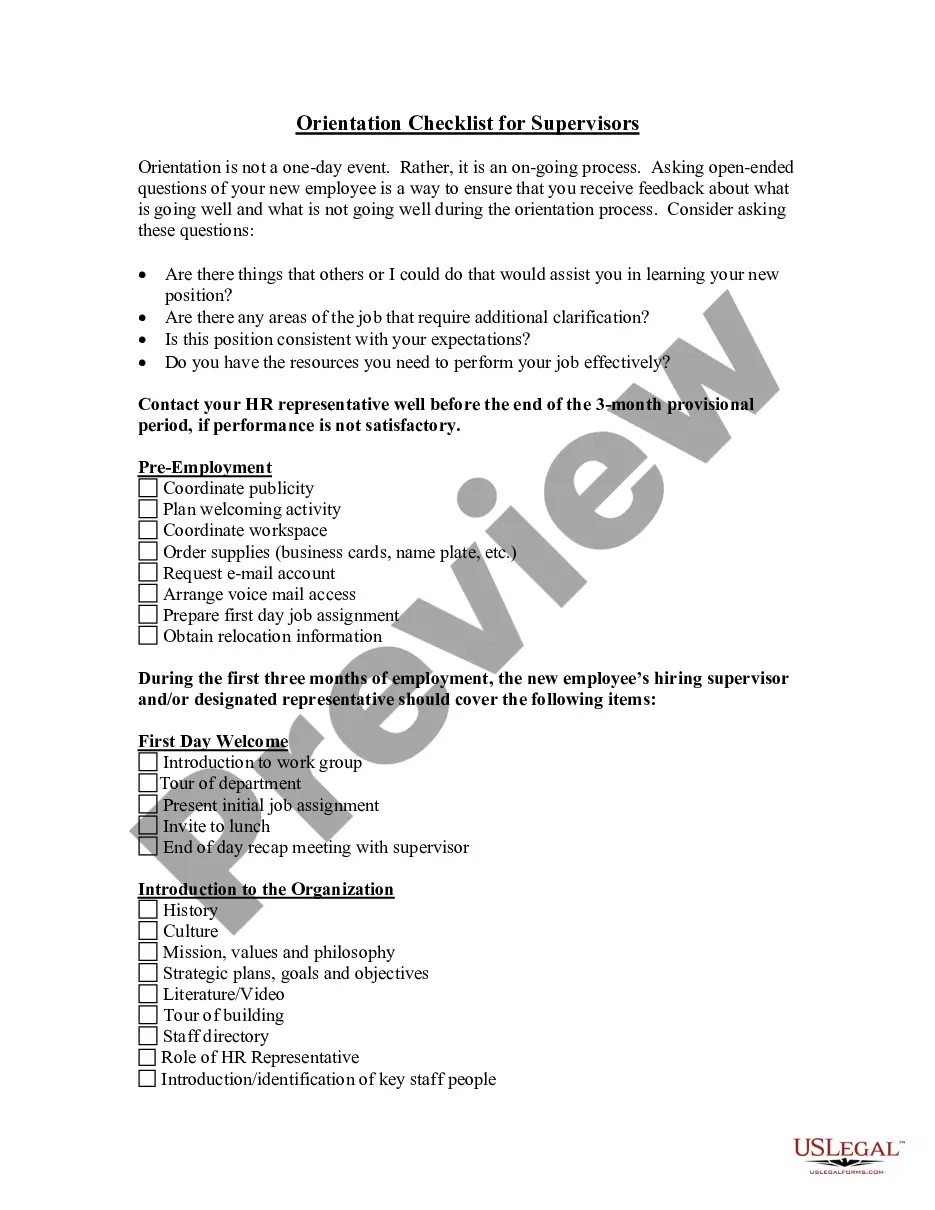
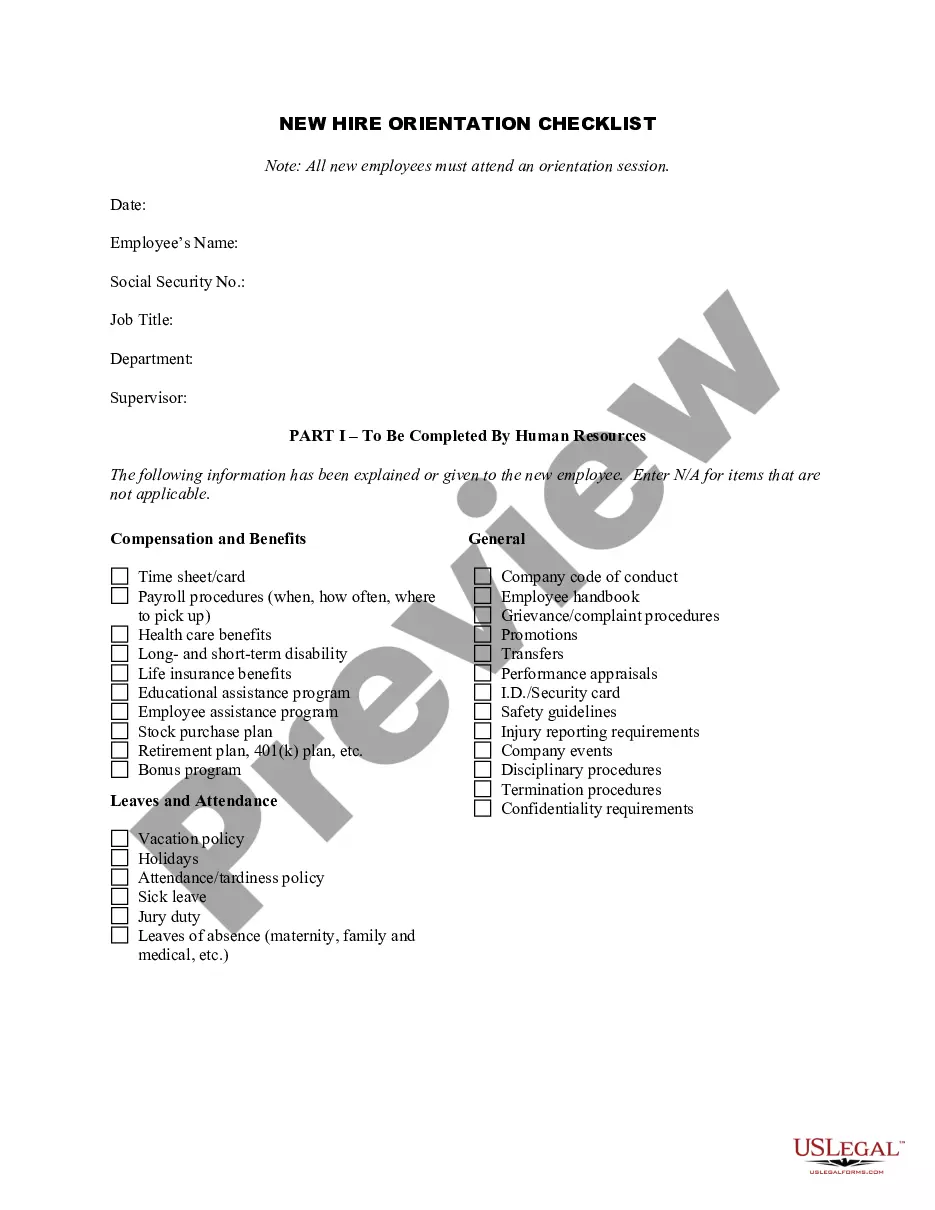
How to fill out Advance Preparation For A New Employee?
Securing a primary location to obtain the latest and suitable legal templates is a significant portion of navigating bureaucracy.
Identifying the correct legal documentation demands precision and careful consideration, which is why it is essential to obtain templates for Advance For Employee For College solely from trustworthy sources, such as US Legal Forms. An incorrect template may waste your time and prolong your current situation. With US Legal Forms, you have minimal concerns. You can access and review all relevant details concerning the document’s applicability and significance for your situation and in your local jurisdiction.
Once you have the form on your device, you can modify it with the editor or print it to fill it out manually. Remove the complications associated with your legal paperwork. Explore the vast US Legal Forms catalog to discover legal templates, verify their relevance to your situation, and download them immediately.
- Employ the catalog navigation or search bar to locate your template.
- Examine the form’s details to verify if it meets the requirements of your state and region.
- Review the form preview, if available, to ensure that the template aligns with your interests.
- Return to the search to find the appropriate document if the Advance For Employee For College does not fulfill your needs.
- Once you are certain about the form’s suitability, download it.
- If you are a registered user, click Log in to verify your identity and access your selected forms in My documents.
- If you haven't created an account yet, click Buy now to obtain the template.
- Select the pricing option that best fits your preferences.
- Proceed to the registration process to conclude your purchase.
- Finalize your transaction by choosing a payment method (credit card or PayPal).
- Choose the document format for downloading Advance For Employee For College.
Form popularity
FAQ
The journal entry for a salary advance would be a debit to the salary expense account and a credit to the cash account. This would indicate that cash has been paid out and the salary expense account has been increased. Dr Personal account of recipient Cr Bank (with payment of remainder of salary).
For example, if an employee is given money by a company and the money is expected to be repaid or spent for company purposes, the amount will be recorded in this current asset account until it is repaid or until the expense documentation is provided.
Application For Advance Salary Template Dear [Employer], I am writing to request an advance salary of [amount] for the month of [month/year]. Due to unforeseen circumstances, I am in need of financial assistance to cover my expenses until the next payday.
Here's how to record an advance to an employee: Record the Advance: When the advance is made, you would decrease (credit) your Bank Account and increase (debit) an Employee Advance account (a type of receivable account). This records the fact that the company has paid out money and is owed money by the employee.
How to pay an employee an Advance | ADP Small Business - YouTube YouTube Start of suggested clip End of suggested clip This amount can either be a portion of the advance. Or the entire. Amount. If you want to deduct aMoreThis amount can either be a portion of the advance. Or the entire. Amount. If you want to deduct a portion of the advance.