Employment Employees Form With 2 Points
Description

Get your form ready online
Our built-in tools help you complete, sign, share, and store your documents in one place.
Make edits, fill in missing information, and update formatting in US Legal Forms—just like you would in MS Word.
Download a copy, print it, send it by email, or mail it via USPS—whatever works best for your next step.
Sign and collect signatures with our SignNow integration. Send to multiple recipients, set reminders, and more. Go Premium to unlock E-Sign.
If this form requires notarization, complete it online through a secure video call—no need to meet a notary in person or wait for an appointment.
We protect your documents and personal data by following strict security and privacy standards.

Make edits, fill in missing information, and update formatting in US Legal Forms—just like you would in MS Word.

Download a copy, print it, send it by email, or mail it via USPS—whatever works best for your next step.

Sign and collect signatures with our SignNow integration. Send to multiple recipients, set reminders, and more. Go Premium to unlock E-Sign.

If this form requires notarization, complete it online through a secure video call—no need to meet a notary in person or wait for an appointment.

We protect your documents and personal data by following strict security and privacy standards.
Looking for another form?
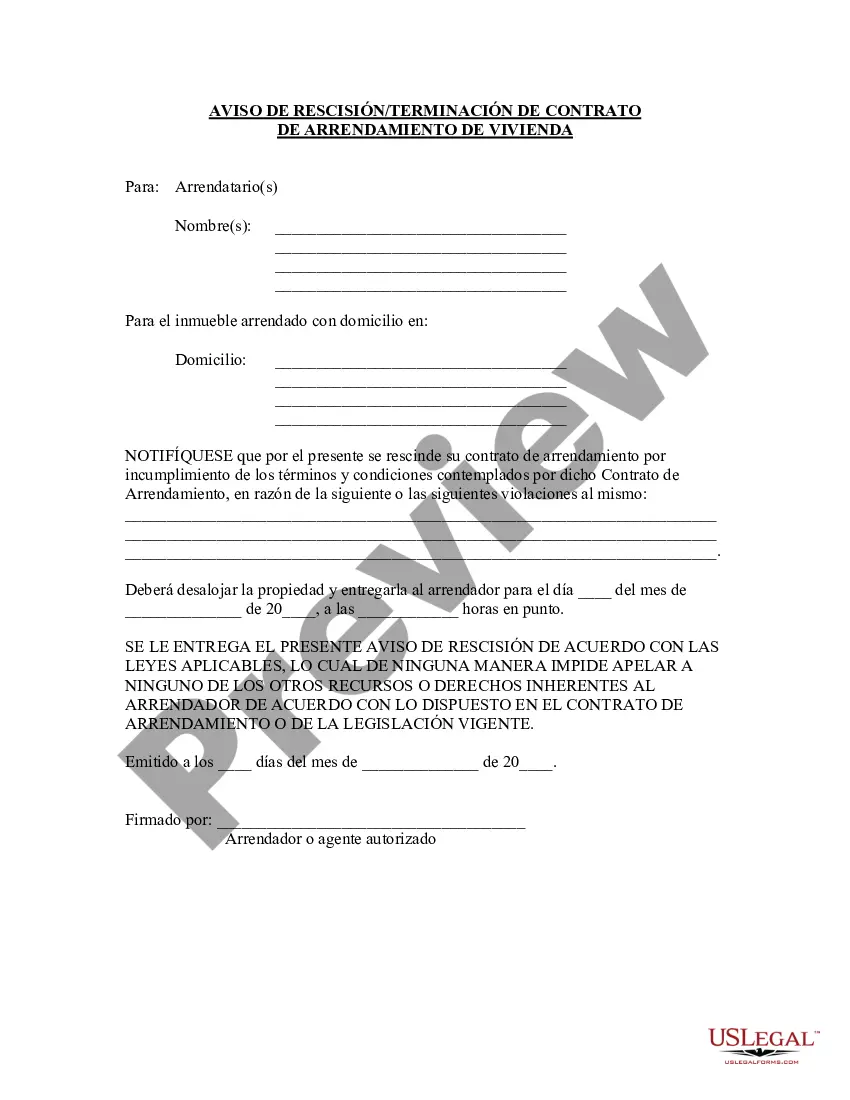
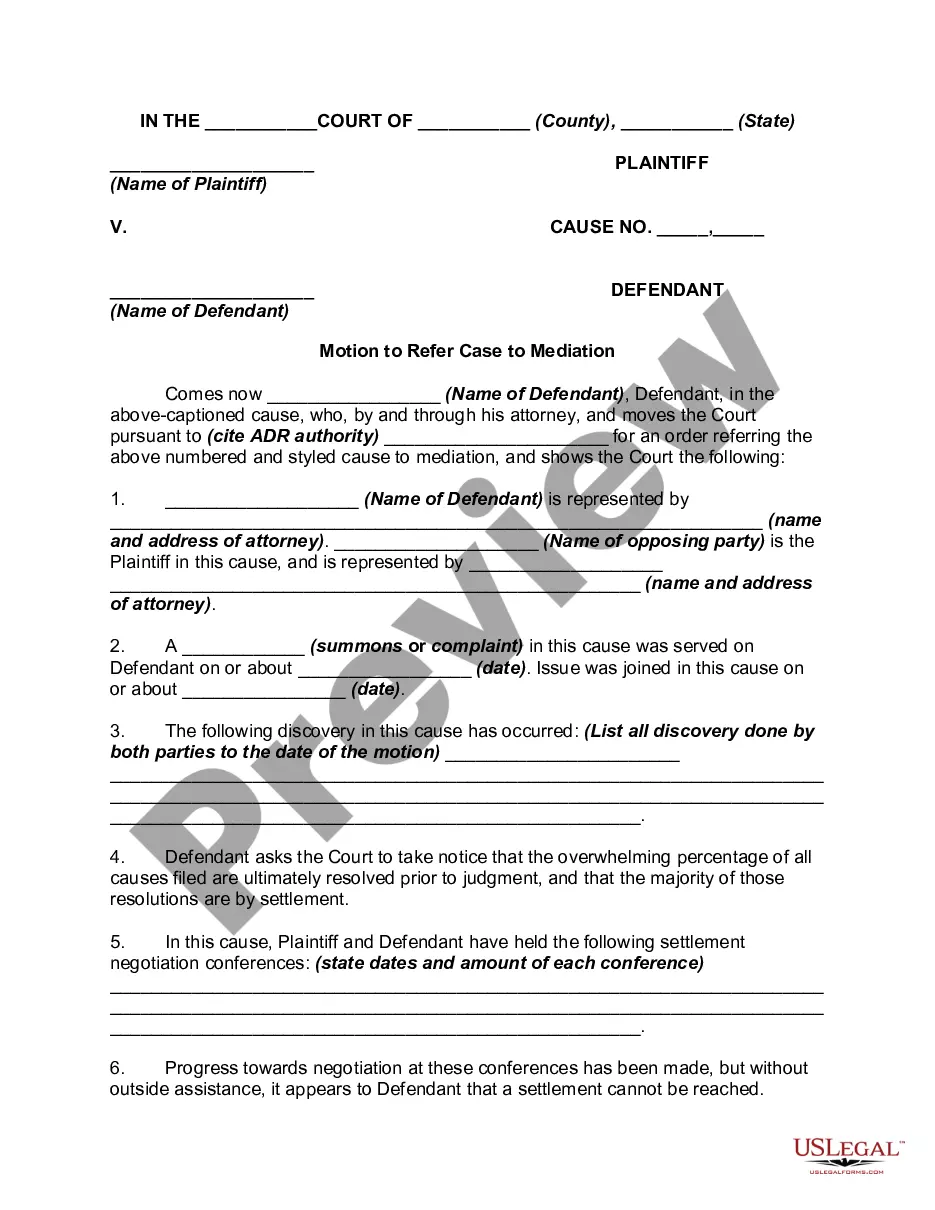
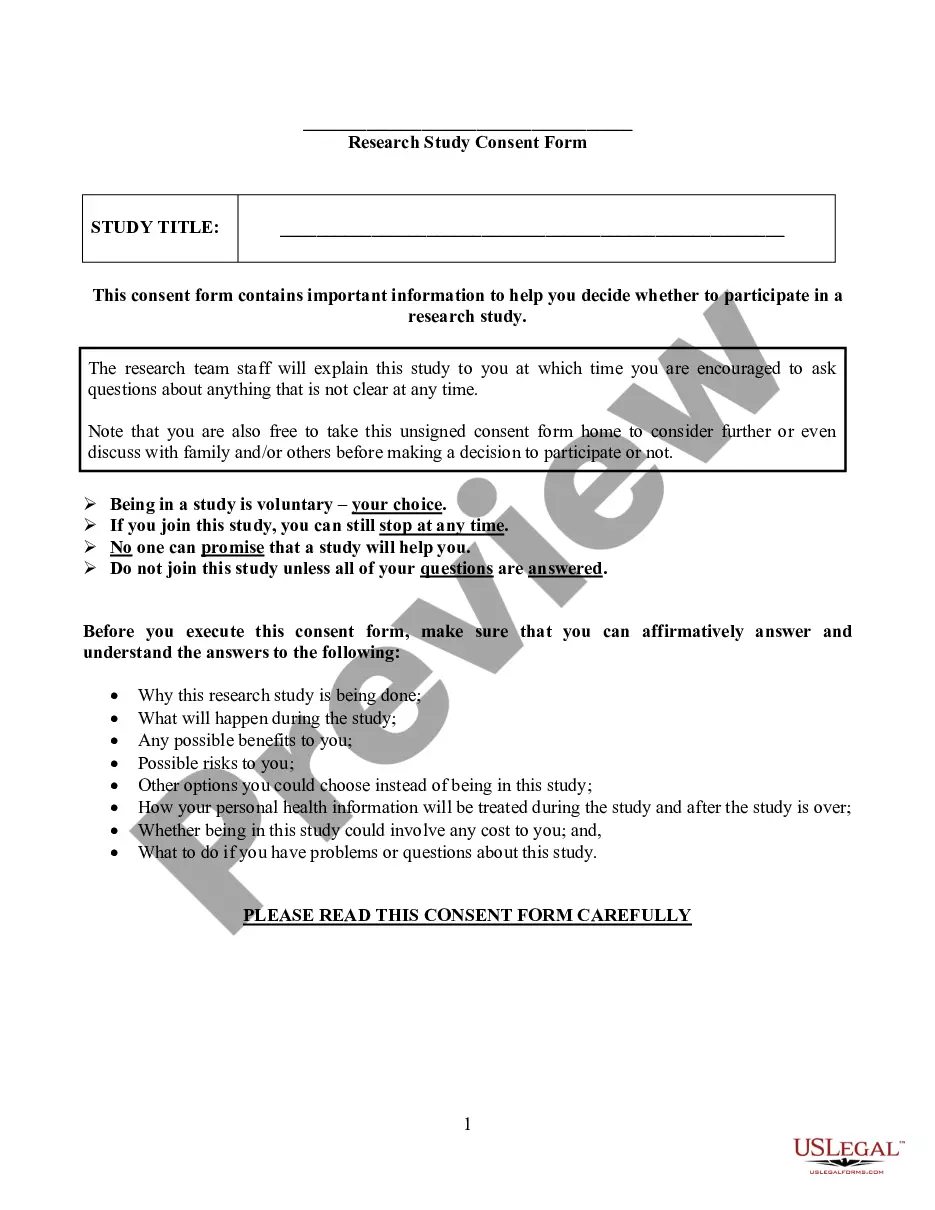

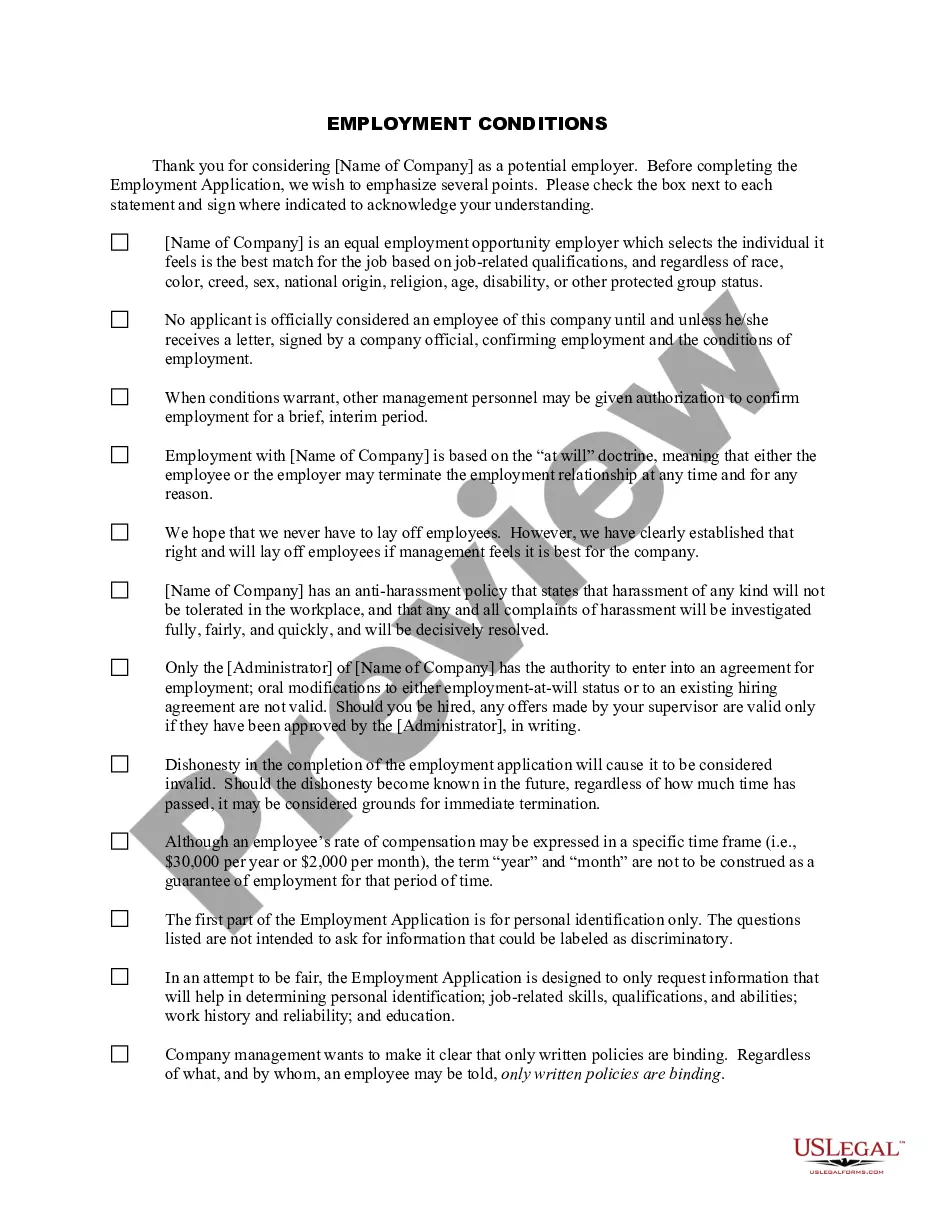
How to fill out Employment Conditions For Potential Employees?
It’s clear that you cannot transform into a legal expert in a day, nor can you learn how to swiftly create Employment Employees Form With 2 Points without possessing a specific background.
Assembling legal documents is a lengthy task that demands particular education and abilities. Therefore, why not entrust the preparation of the Employment Employees Form With 2 Points to the experts.
With US Legal Forms, one of the most extensive legal document collections, you can access everything from court filings to templates for internal business communication.
You can regain access to your documents from the My documents section at any time. If you’re a current client, you can simply Log In, and locate and download the template from the same section.
Regardless of the intent behind your forms—whether financial, legal, or personal—our platform is here to assist you. Experience US Legal Forms today!
- Recognize the form you require by utilizing the search bar at the top of the webpage.
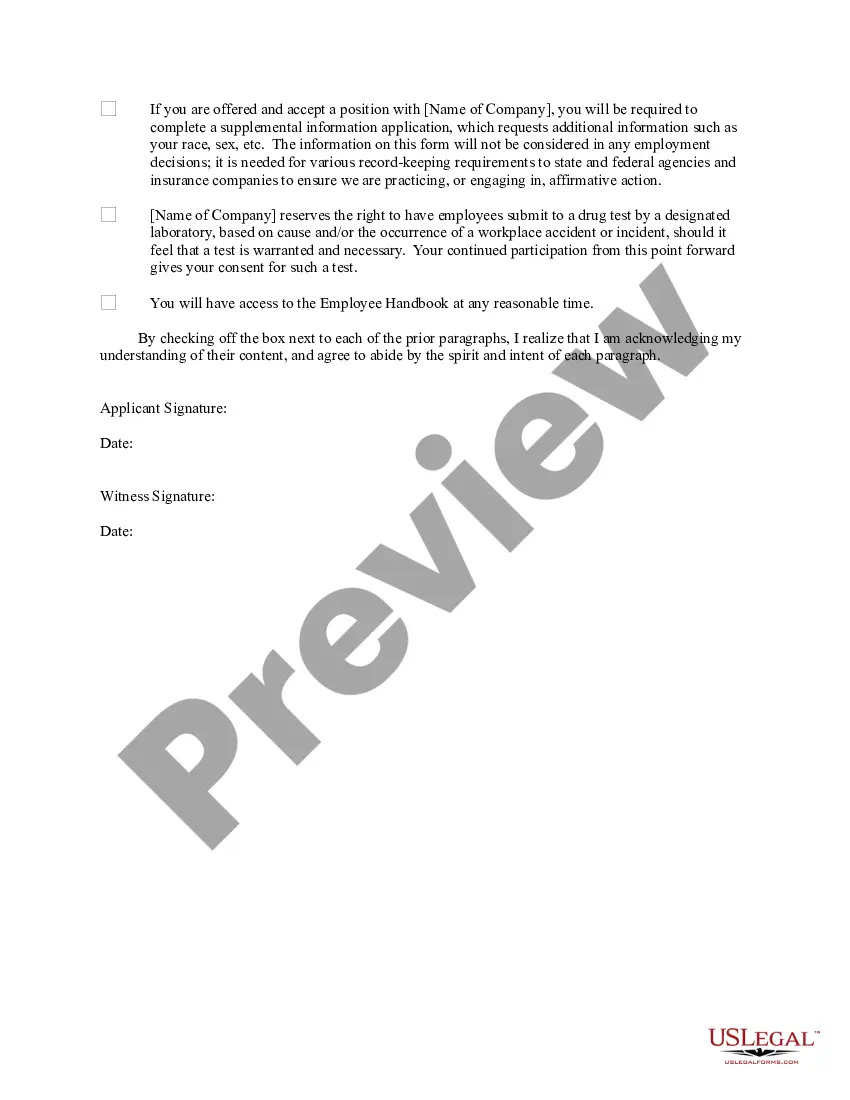
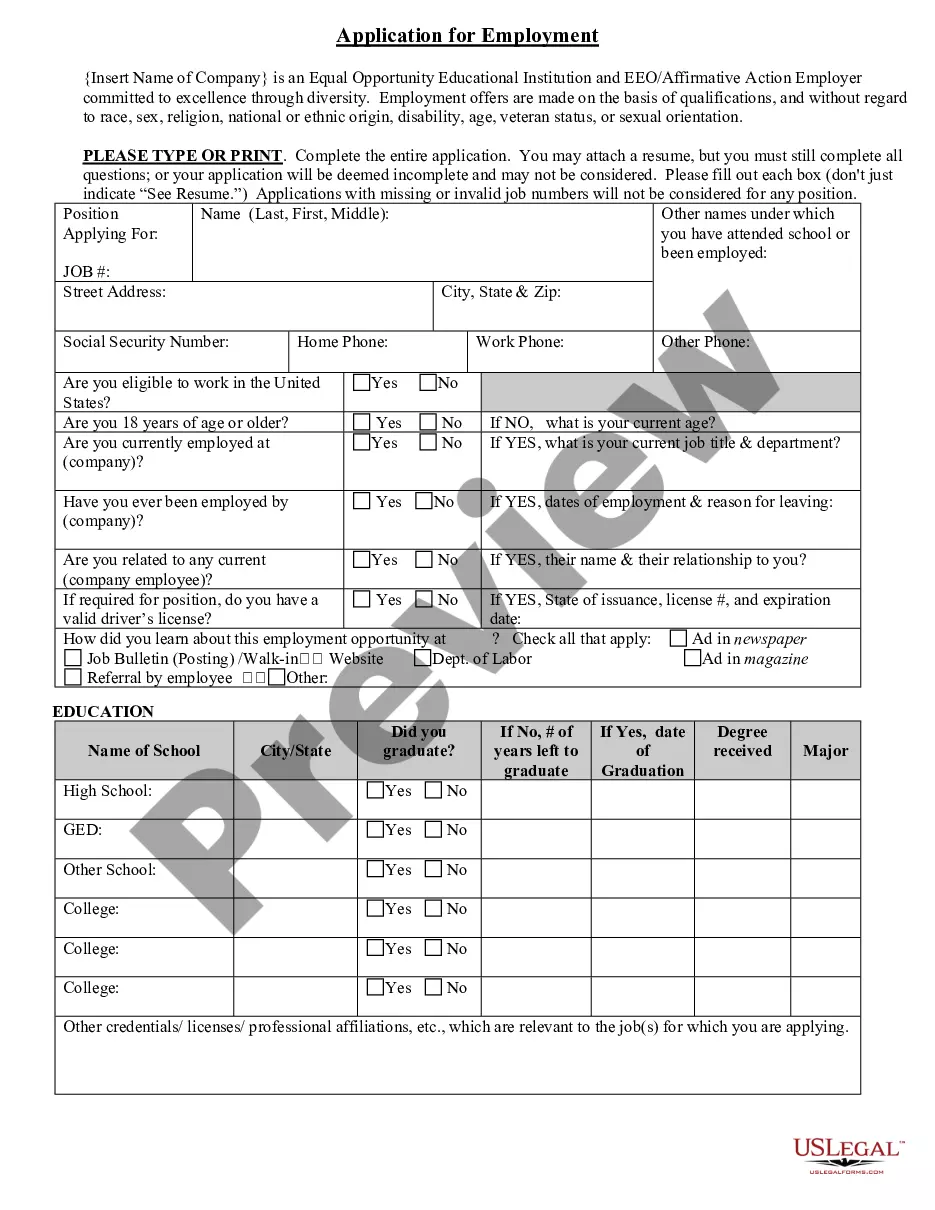
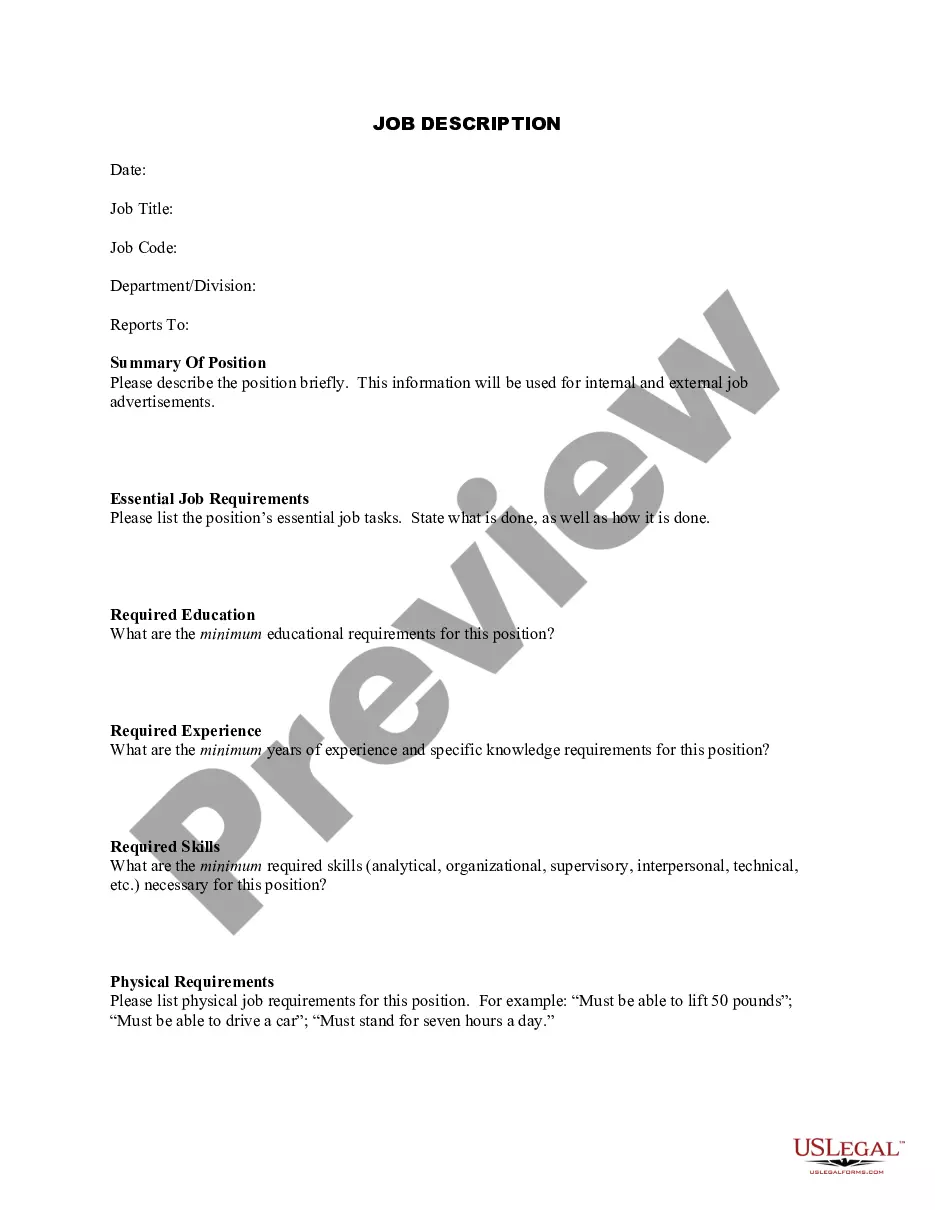
- Preview it (if this option is available) and examine the accompanying description to determine if Employment Employees Form With 2 Points is what you’re searching for.
- Commence your query again if you need another form.
- Create a complimentary account and choose a subscription plan to acquire the template.
- Click Buy now. Once the payment is completed, you can download the Employment Employees Form With 2 Points, complete it, print it, and submit or mail it to the intended recipients or organizations.
Form popularity
FAQ
Step-by-Step: Filling Out Form W-2 Box A? Social Security Number. ... Box B? Employer Identification Number (EIN) ... Box D? Control Number. ... Boxes E and F? Employee Name and Address. ... Box 1? Wages, Tips, Other Compensation. ... Box 3? Social Security Wages. ... Box 4? Social Security Tax Withheld. ... Box 5?Medicare Wages and Tips.
Box a?Employer's name, address, and ZIP code. Box b?Employer's Federal EIN. Box c?Tax year/Form corrected. Box d?Employee's correct SSN. Box e?Corrected SSN and/or name. Box f?Employee's previously reported SSN. Box g?Employee's previously reported name. Box h?Employee's first name and initial, Last name, Suff.
In the United States, there are two documents that nearly every new employee will need to complete before they begin working. These documents are the Form I-9 and the Form W-4. In addition to these documents, most new employees will also complete a direct deposit form so that their paychecks can be properly routed.
How to fill out Form W-2 Box A: Employee's Social Security number. ... Box B: Employer Identification Number (EIN) ... Box C: Employer's name, address, and ZIP code. ... Box D: ... Boxes E and F: Employee's name, address, and ZIP code. ... Box 1: Wages, tips, other compensation. ... Box 2: Federal income tax withheld. ... Box 3: Social Security wages.
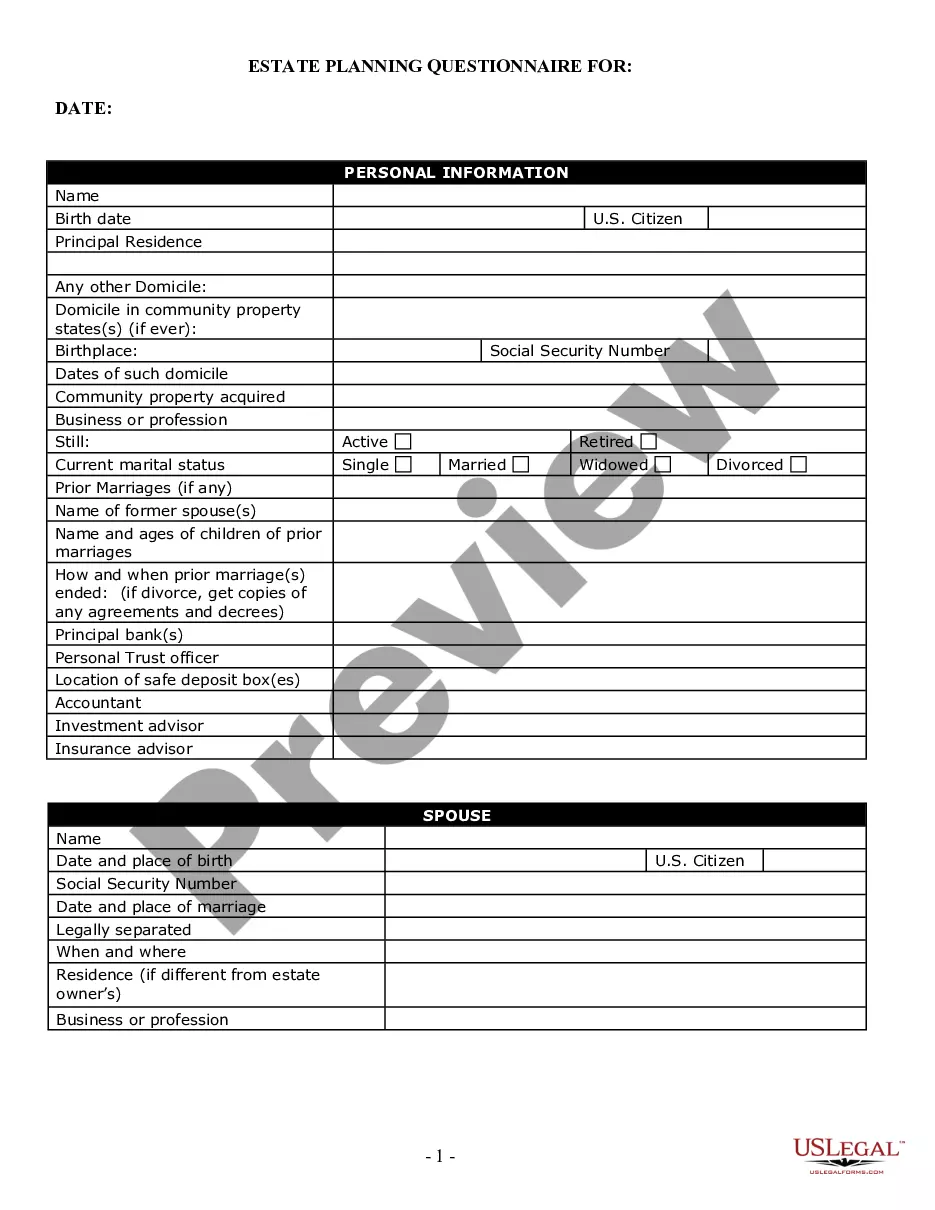
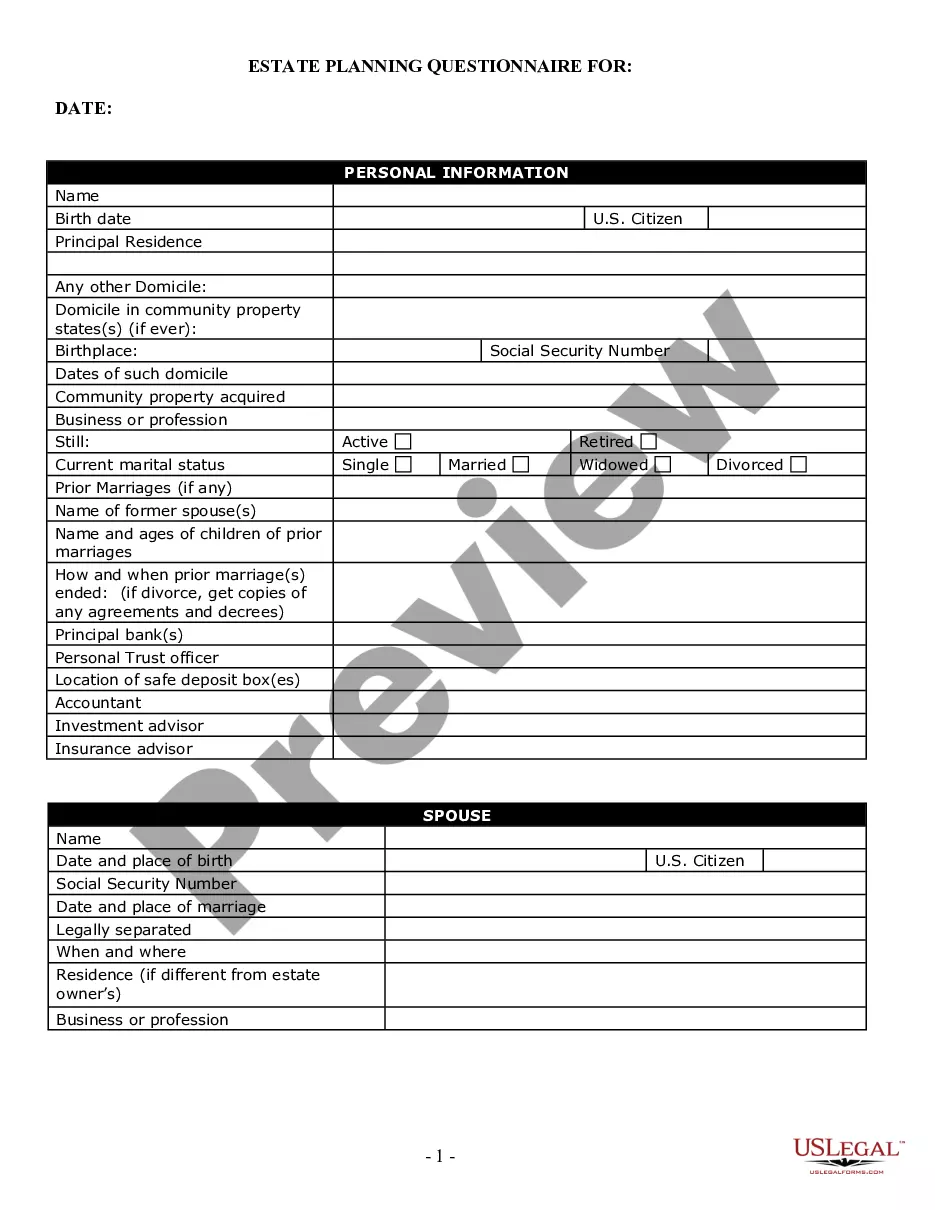
A good employee information form should be comprehensive yet straightforward. It should include: Personal Information: Full name, address, contact details, marital status, and spouse's details. Job Information: Title, department, supervisor, work location, start date, and salary.