Employee Memo Template With Enclosures
Description
Get your form ready online
Our built-in tools help you complete, sign, share, and store your documents in one place.
Make edits, fill in missing information, and update formatting in US Legal Forms—just like you would in MS Word.
Download a copy, print it, send it by email, or mail it via USPS—whatever works best for your next step.
Sign and collect signatures with our SignNow integration. Send to multiple recipients, set reminders, and more. Go Premium to unlock E-Sign.
If this form requires notarization, complete it online through a secure video call—no need to meet a notary in person or wait for an appointment.
We protect your documents and personal data by following strict security and privacy standards.

Make edits, fill in missing information, and update formatting in US Legal Forms—just like you would in MS Word.

Download a copy, print it, send it by email, or mail it via USPS—whatever works best for your next step.

Sign and collect signatures with our SignNow integration. Send to multiple recipients, set reminders, and more. Go Premium to unlock E-Sign.

If this form requires notarization, complete it online through a secure video call—no need to meet a notary in person or wait for an appointment.

We protect your documents and personal data by following strict security and privacy standards.
Looking for another form?




How to fill out Employee Memo On EEO?
Managing legal documents and tasks can be a lengthy addition to your entire day.
Employee Memo Template With Enclosures and similar forms often necessitate you to locate them and figure out the most efficient way to complete them accurately.
For this reason, whether you are addressing financial, legal, or personal issues, utilizing an extensive and user-friendly web directory of forms readily available will be very beneficial.
US Legal Forms is the premier online platform for legal templates, providing over 85,000 state-specific forms along with various resources to assist you in completing your documents seamlessly.
Is this your first time utilizing US Legal Forms? Register and create a free account in just a few minutes to gain access to the form collection and Employee Memo Template With Enclosures. Next, follow the steps outlined below to fill out your form.
- Explore the collection of relevant documents accessible with a single click.
- US Legal Forms provides state- and county-specific forms available at all times for download.
- Safeguard your document management processes with a high-quality service that enables you to create any form within a few minutes without extra or concealed charges.
- Simply Log In to your account, find Employee Memo Template With Enclosures and download it right away from the My documents section.
- You can also access forms you have previously downloaded.
Form popularity
FAQ
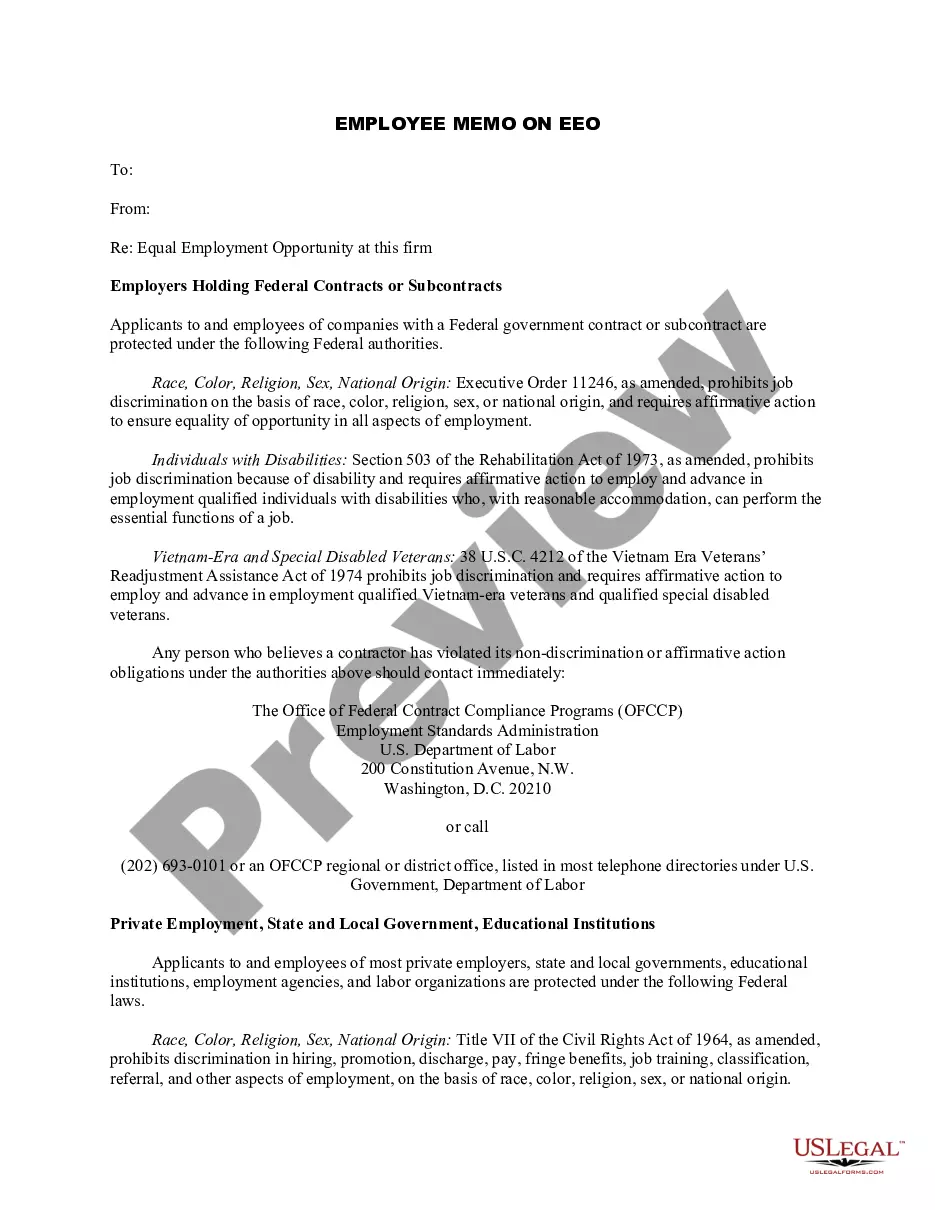
In a memo, you indicate enclosures by including a short note at the bottom, specified as 'Enclosures' followed by a brief description of each item. This ensures that the recipient understands what to look for. Utilizing an employee memo template with enclosures allows you to format this section consistently, keeping your communications professional and comprehensive.
When you reference an enclosure in your correspondence, make a note within the body of the letter or memo. For instance, you might say, 'Please see the attached report for further details,' making it clear that additional information is available. Using an employee memo template with enclosures simplifies this process, as templates usually have designated sections for these notations.
To signal enclosures in a letter, you can add an 'Enclosure' notation at the bottom of the letter, mentioning the number of enclosed items. This clear indication prompts the reader to check for additional documents. If you're using an employee memo template with enclosures, ensure this notation is easily visible to reinforce the inclusion of important materials.
Formatting a work memo involves using a clear structure: start with 'To', 'From', 'Date', and 'Subject' lines. Keep your message concise and direct, using paragraphs to separate ideas. An employee memo template with enclosures can help ensure that you follow these formatting guidelines effectively, while also providing space for any additional attachments.
To add an enclosure in a letter, place 'Enclosure' or 'Enclosures' below your signature line. Optionally, list the names of the attached documents to clarify what is included. Utilizing an employee memo template with enclosures can streamline this process for you, ensuring everything is well-organized.
Indeed, memos can include attachments or enclosures. Enclosures serve to provide additional information or documents relevant to the memo subject. When you use an employee memo template with enclosures, this feature is typically built-in, making it easy for you to add these necessary documents.
In a memo, you can indicate enclosures by mentioning them at the end of the memo, just below your signature. Write 'Enclosure' followed by any specific items enclosed. Using an employee memo template with enclosures simplifies this process, as it often includes a designated space for listing these items.
To indicate enclosures in your document, simply include the word 'Enclosure' or 'Enclosures' beneath your signature block. This is a clear way to notify the reader about additional materials included with the employee memo template with enclosures. You may also list the enclosed items, ensuring the recipient knows what to expect.