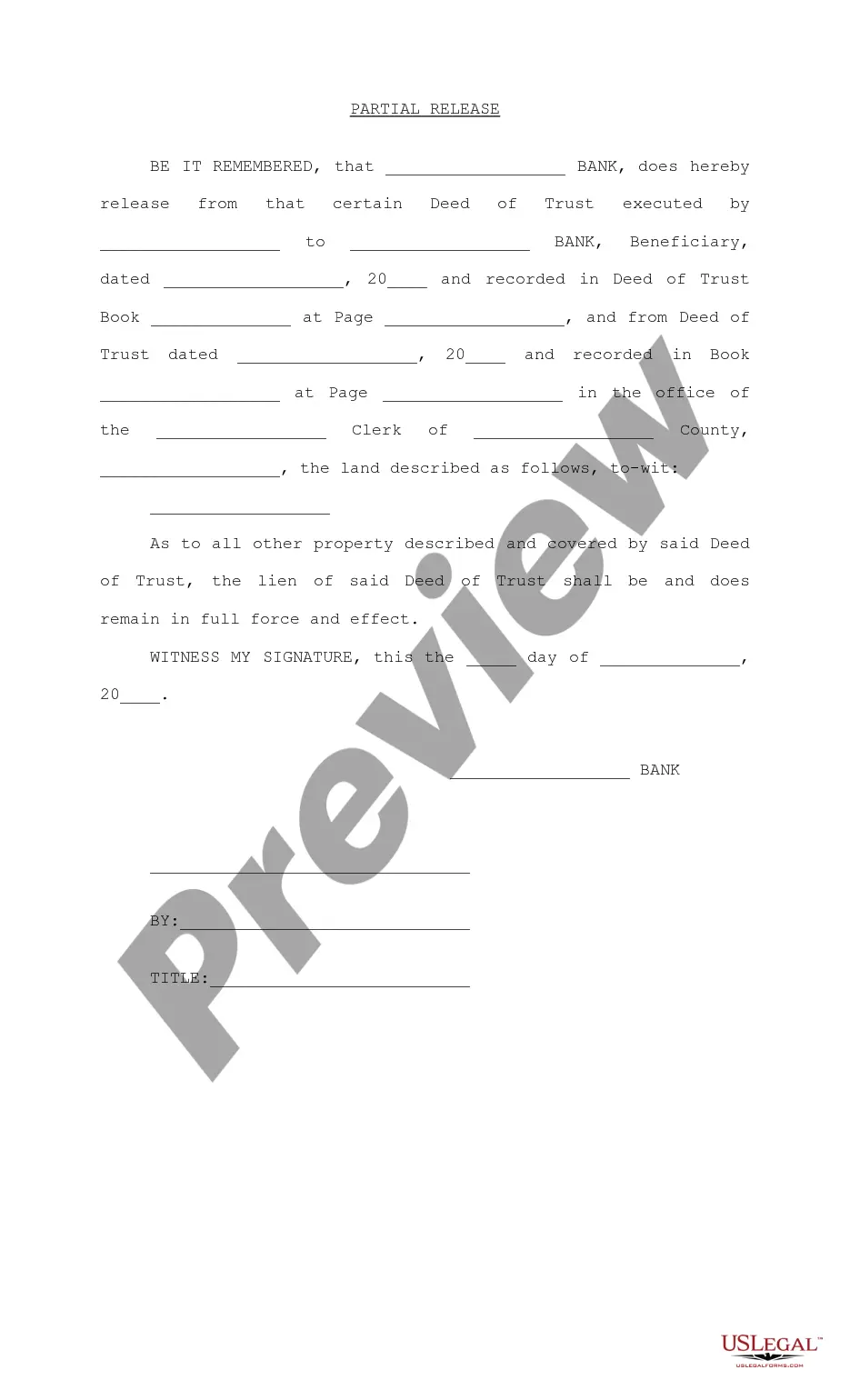
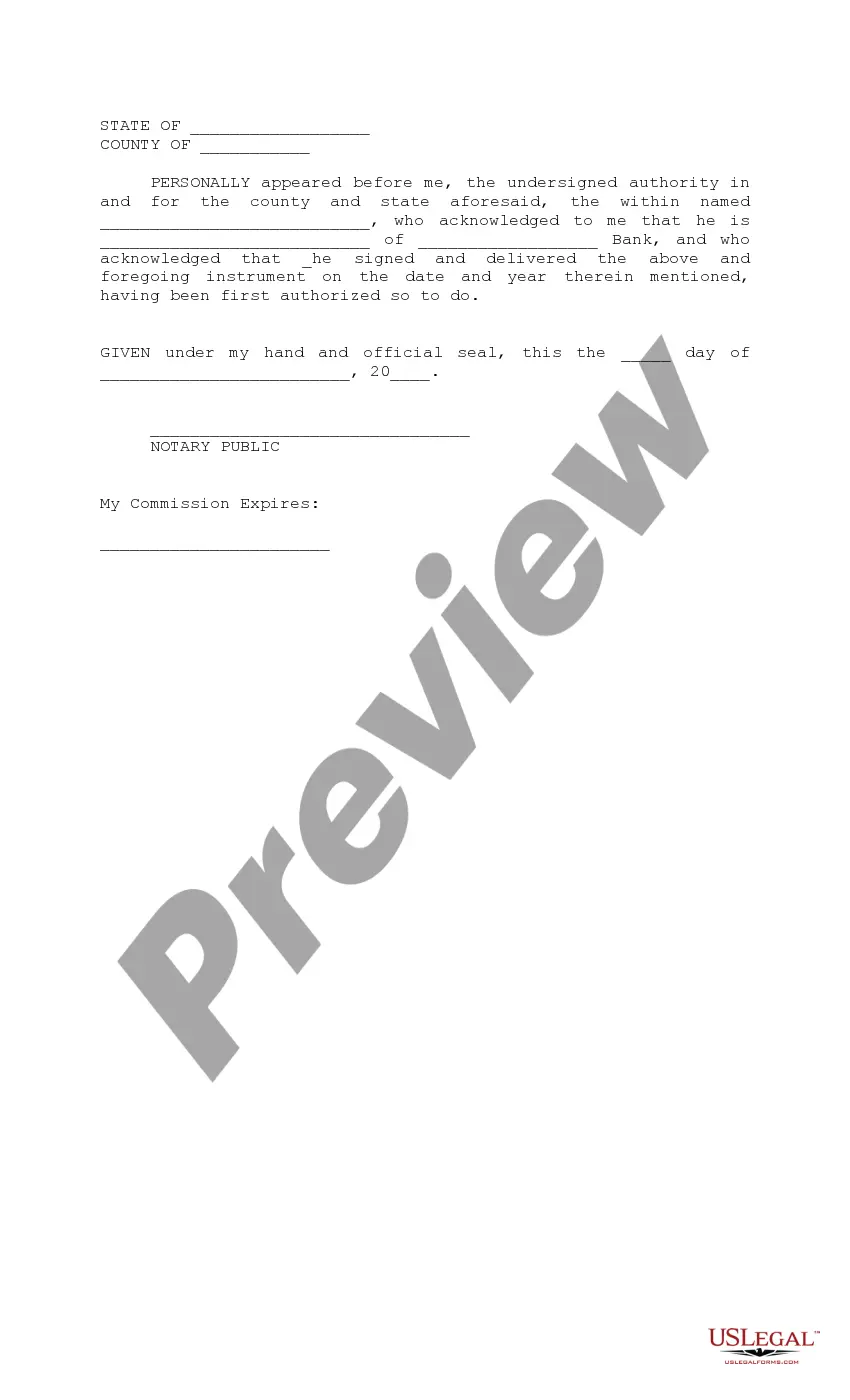
Release Deed Trust Form Format
Description
Get your form ready online
Our built-in tools help you complete, sign, share, and store your documents in one place.
Make edits, fill in missing information, and update formatting in US Legal Forms—just like you would in MS Word.
Download a copy, print it, send it by email, or mail it via USPS—whatever works best for your next step.
Sign and collect signatures with our SignNow integration. Send to multiple recipients, set reminders, and more. Go Premium to unlock E-Sign.
If this form requires notarization, complete it online through a secure video call—no need to meet a notary in person or wait for an appointment.
We protect your documents and personal data by following strict security and privacy standards.

Make edits, fill in missing information, and update formatting in US Legal Forms—just like you would in MS Word.

Download a copy, print it, send it by email, or mail it via USPS—whatever works best for your next step.

Sign and collect signatures with our SignNow integration. Send to multiple recipients, set reminders, and more. Go Premium to unlock E-Sign.

If this form requires notarization, complete it online through a secure video call—no need to meet a notary in person or wait for an appointment.

We protect your documents and personal data by following strict security and privacy standards.
Looking for another form?
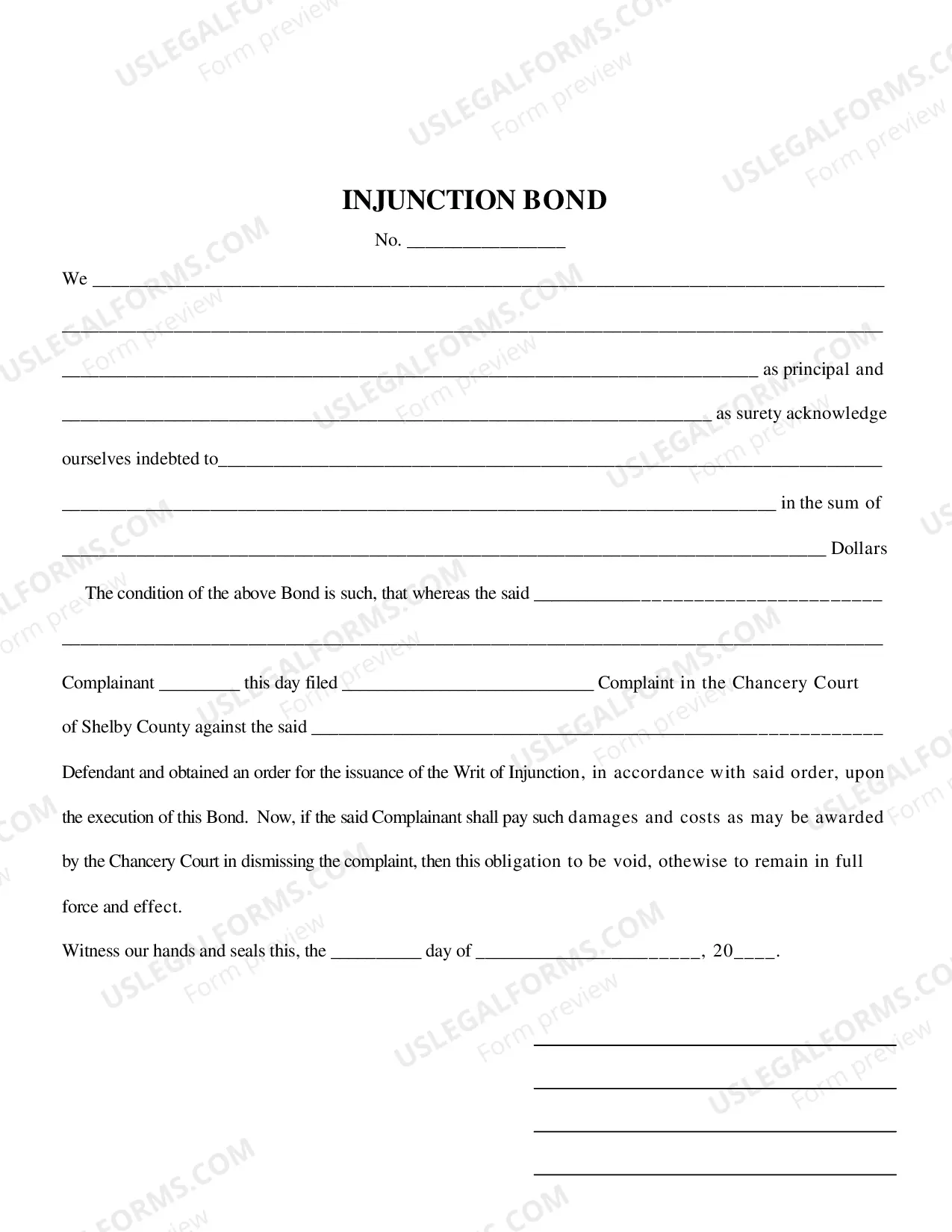
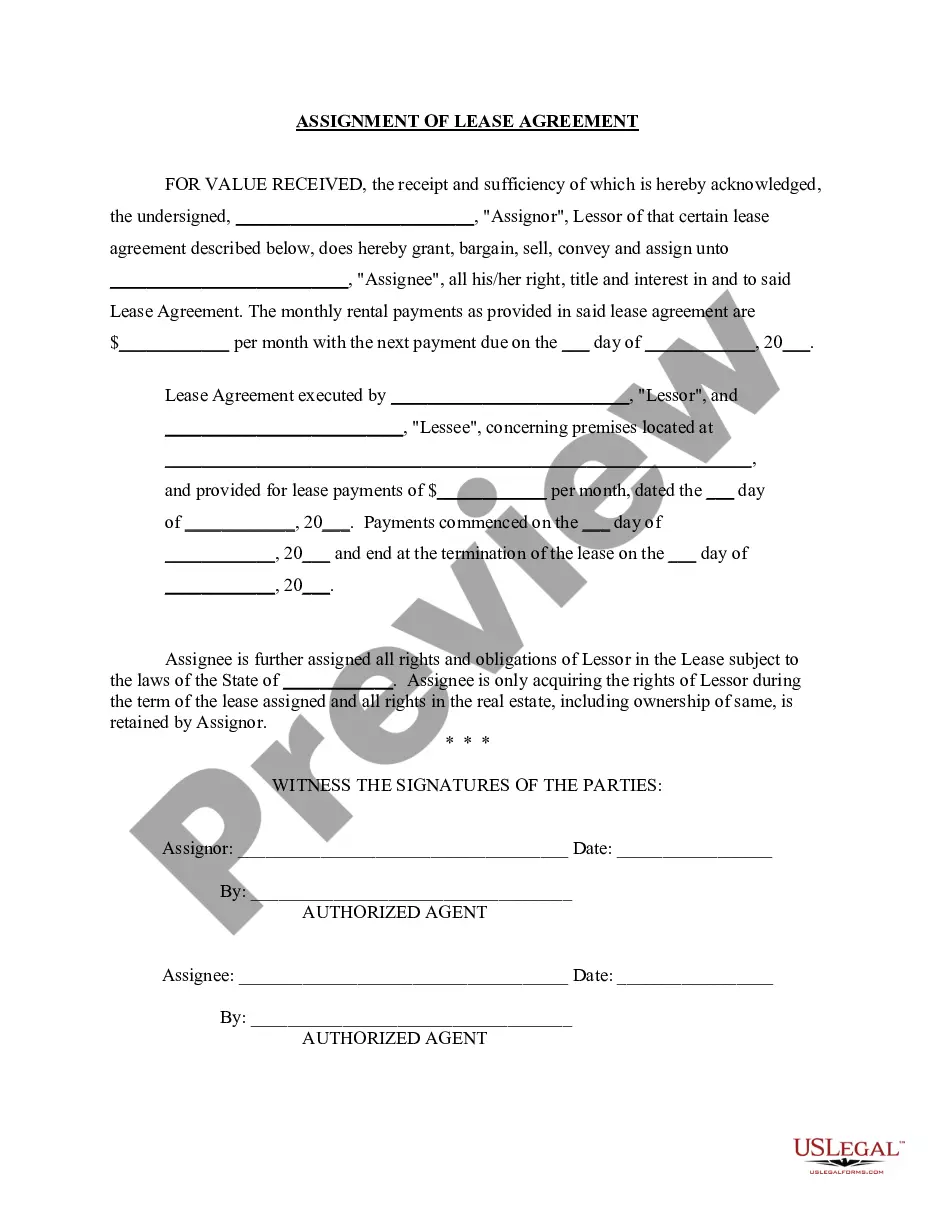
How to fill out Partial Release Of Deed Of Trust?
Whether for corporate aims or personal matters, individuals eventually encounter legal circumstances in their lives.
Filling out legal paperwork demands meticulous attention, starting with choosing the correct template.
With an extensive US Legal Forms catalog available, you won’t need to waste time searching for the right sample online. Utilize the library’s user-friendly navigation to find the right form for any occasion.
- Locate the template you require using the search bar or catalog navigation.
- Review the form's details to ensure it aligns with your situation, state, and locality.
- Select the form's preview to examine it.
- If it's the incorrect document, return to the search feature to find the Release Deed Trust Form Format you need.
- Obtain the template if it fulfills your criteria.
- If you already possess a US Legal Forms profile, just click Log in to access previously stored templates in My documents.
- If you do not yet have an account, you can download the form by clicking Buy now.
- Select the suitable pricing option.
- Fill out the profile registration form.
- Select your payment method: either a credit card or PayPal account.
- Choose the document format you desire and download the Release Deed Trust Form Format.
- Once downloaded, you may either complete the form using editing software or print it out and fill it in by hand.
Form popularity
FAQ
A change order form is used in construction projects to track any modifications to the original contract. Our construction change order form example is available in a variety of formats, including PDF and Word, and can be downloaded for free.
A written document that modifies by adding to, clarifying, or modifying the bidding documents. An addendum is generally issued by the owner to the contractor during the bidding process and is intended to become part of the contract documents when the construction contract is executed.
Follow these steps to craft an effective bid proposal: Get an in-depth understanding of the project. ... Research the client. ... Evaluate the competition. ... Consider offering an additional good or service. ... Include relevant information. ... Proofread your proposal.
The addenda modify or interpret the bid documents. The addenda may include both text and drawings, or text only. Each addendum should be numbered and dated and becomes part of the contract documents when the construction contract is executed.
Bid documents include the plans, specifications and estimates (PS&E) developed to describe all of the elements of a construction project and become the contract between the local government and the selected contractor.
A Change Order is used to exchange or modify materials and/or work listed on the Scope for other materials or work. An Addendum is used to add additional work (labor and/or materials) to the Scope.
The main difference lies in who isemploying the person. If a worker is employed by a company directly, they are an independent contractor. If the worker is hired to perform a specific task for a general contractor, they are a subcontractor.
Addenda are written text or drawings that modify or interpret the bidding documents including the Drawings and Specifications issued after the bidding documents have been issued to bidders, but before the opening of bids (see RD3. 2). (See FM.3 for addenda issuing procedures.)