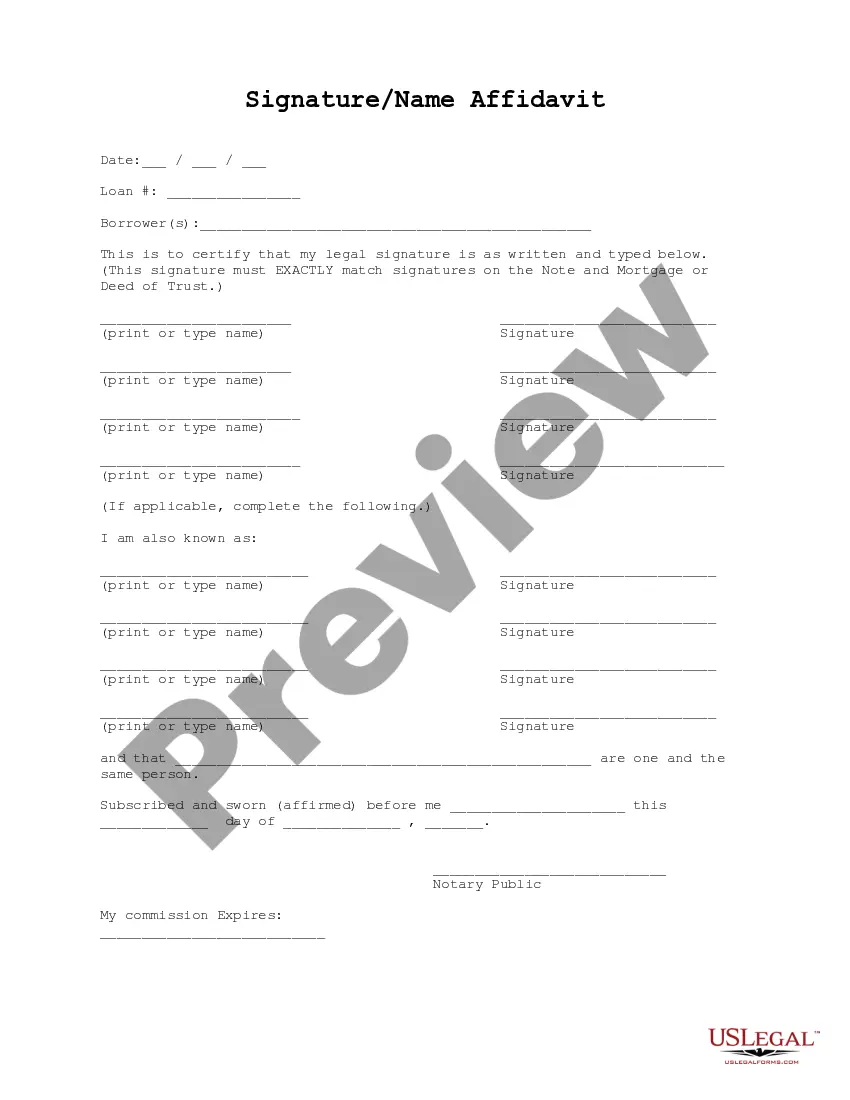
Signature Name Form For Social Security
Description
Get your form ready online
Our built-in tools help you complete, sign, share, and store your documents in one place.
Make edits, fill in missing information, and update formatting in US Legal Forms—just like you would in MS Word.
Download a copy, print it, send it by email, or mail it via USPS—whatever works best for your next step.
Sign and collect signatures with our SignNow integration. Send to multiple recipients, set reminders, and more. Go Premium to unlock E-Sign.
If this form requires notarization, complete it online through a secure video call—no need to meet a notary in person or wait for an appointment.
We protect your documents and personal data by following strict security and privacy standards.

Make edits, fill in missing information, and update formatting in US Legal Forms—just like you would in MS Word.

Download a copy, print it, send it by email, or mail it via USPS—whatever works best for your next step.

Sign and collect signatures with our SignNow integration. Send to multiple recipients, set reminders, and more. Go Premium to unlock E-Sign.

If this form requires notarization, complete it online through a secure video call—no need to meet a notary in person or wait for an appointment.

We protect your documents and personal data by following strict security and privacy standards.
Looking for another form?



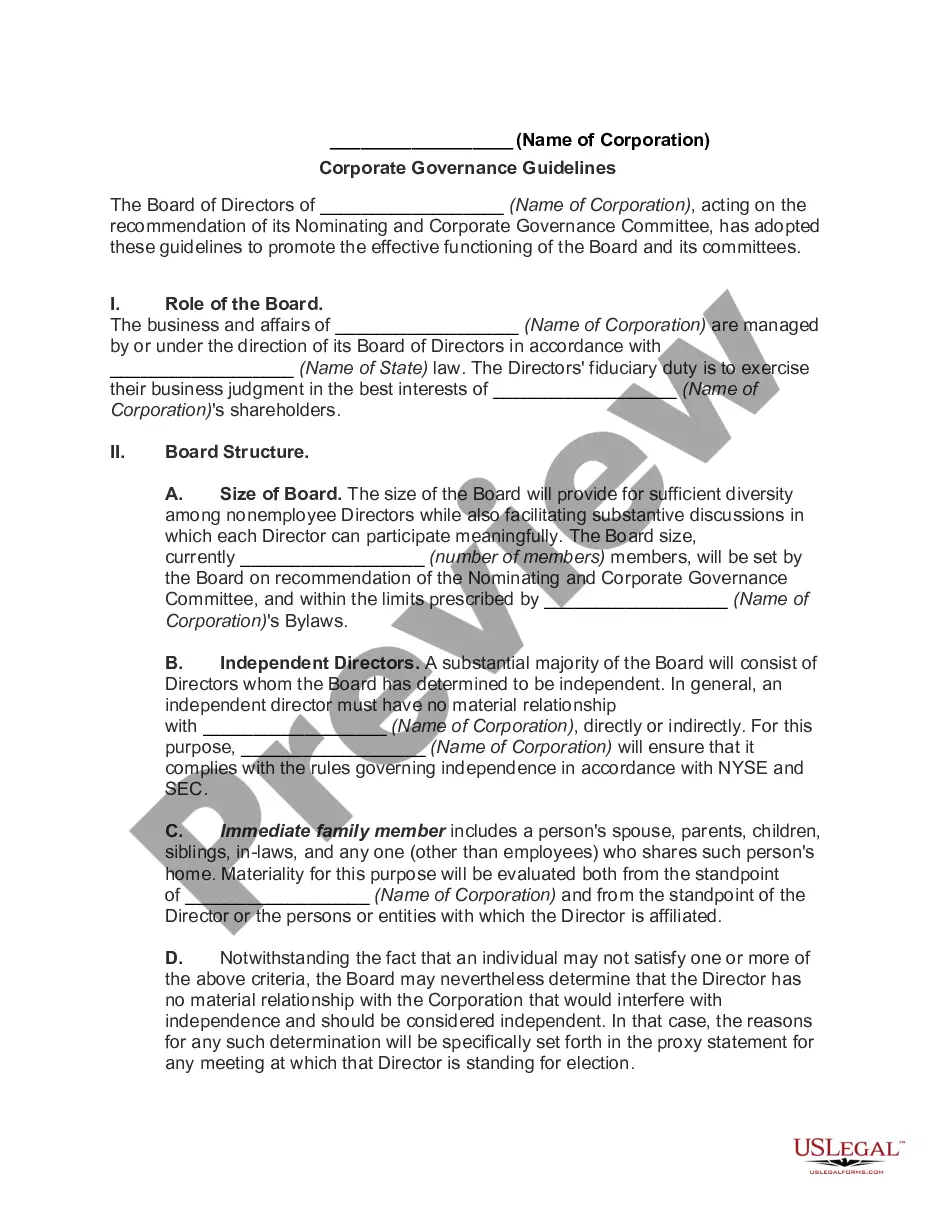


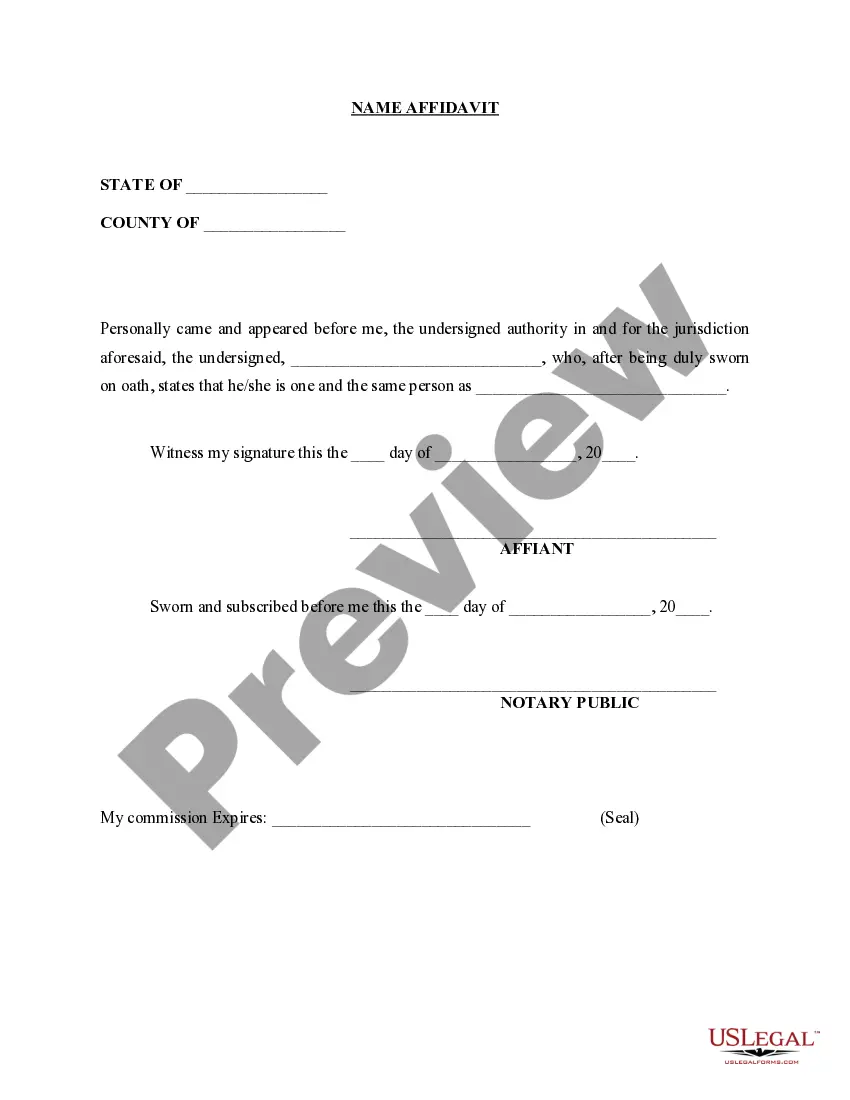
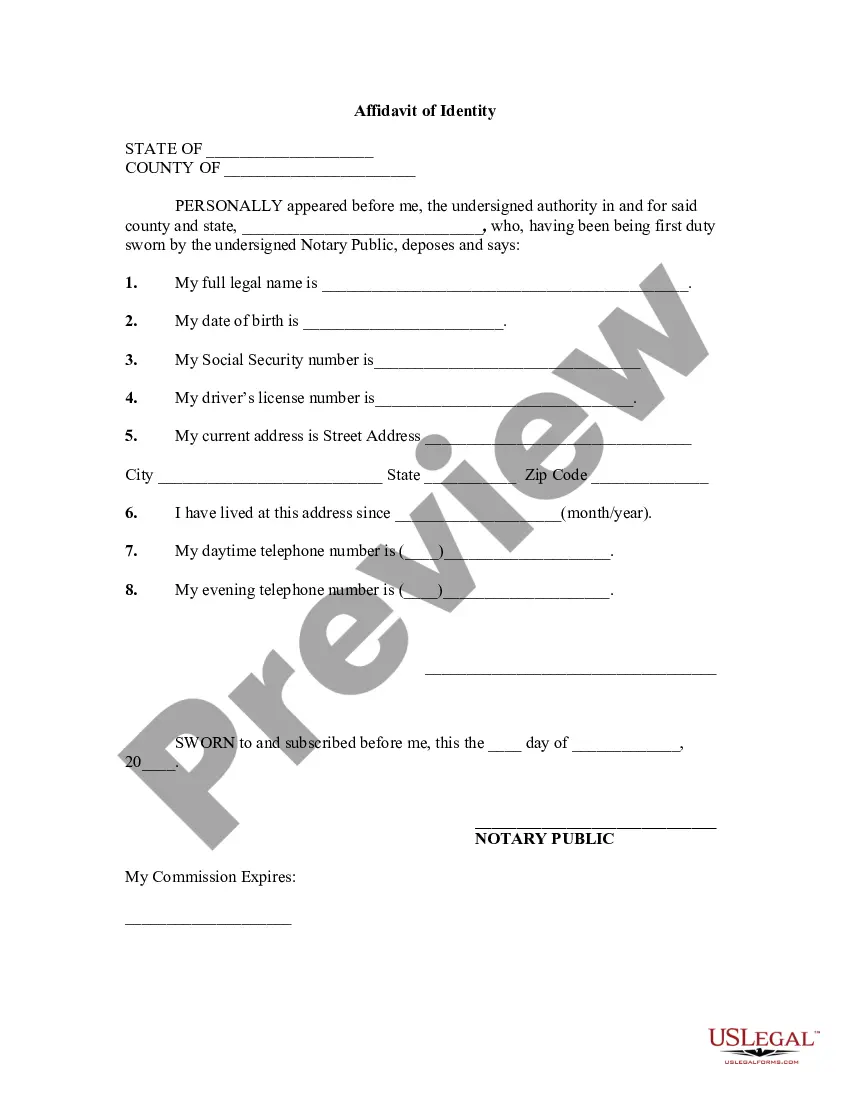
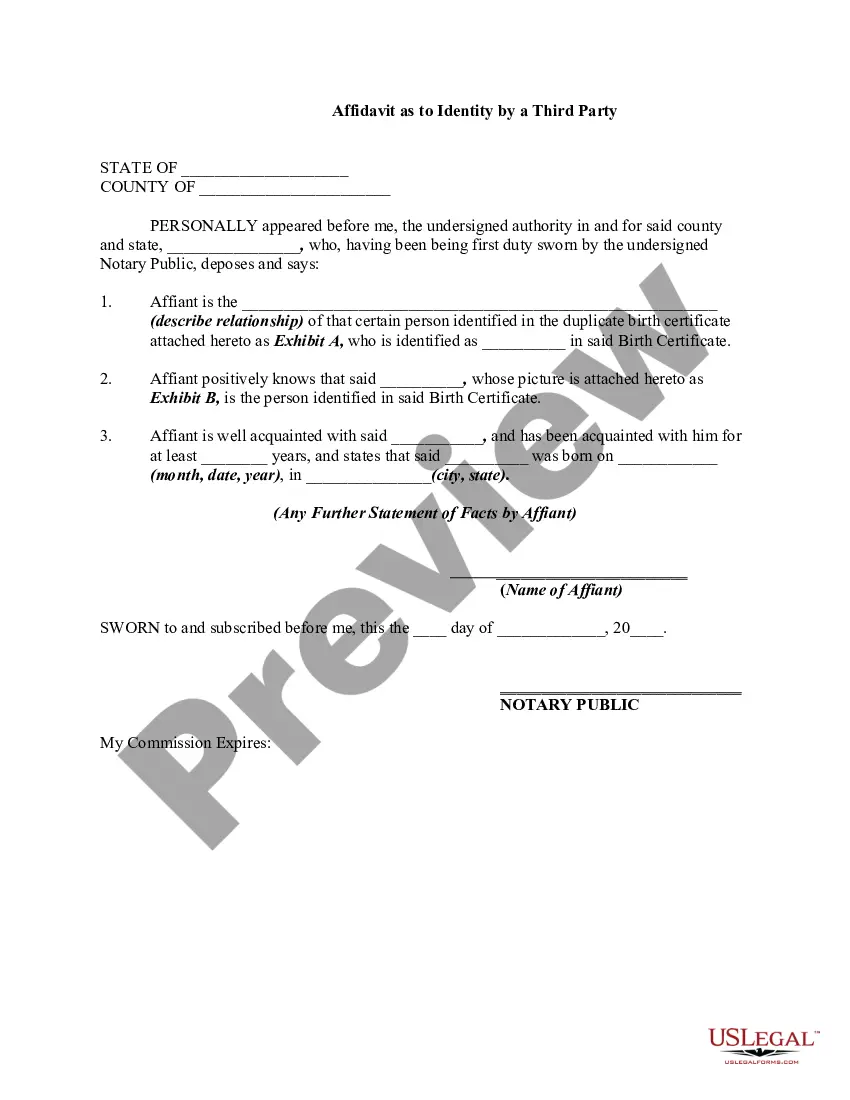
How to fill out Signature And Name Affidavit?
Locating a reliable source to obtain the latest and pertinent legal templates is a significant part of dealing with bureaucracy.
Identifying the appropriate legal documents requires accuracy and carefulness, which is why it is crucial to source samples of Signature Name Form For Social Security exclusively from reputable providers, such as US Legal Forms. An incorrect template can squander your time and hinder your current situation.
Eliminate the stress associated with your legal documentation. Explore the extensive US Legal Forms collection where you can access legal templates, evaluate their suitability for your situation, and download them instantly.
- Use the catalog navigation or search bar to find your template.
- Check the form’s details to ensure it meets the criteria of your state and locality.
- Examine the form preview, if available, to confirm the template is indeed what you need.
- Continue your search and find the correct template if the Signature Name Form For Social Security does not satisfy your requirements.
- Once you are confident about the form’s applicability, download it.
- If you have an account, click Log in to verify and access your selected templates in My documents.
- If you have yet to create an account, click Buy now to acquire the form.
- Select the pricing option that aligns with your preferences.
- Complete the registration process to finalize your purchase.
- Conclude your transaction by choosing a payment method (credit card or PayPal).
- Select the file format for downloading Signature Name Form For Social Security.
- After obtaining the form on your device, you can edit it using the editor or print it out and fill it in by hand.
Form popularity
FAQ
You can apply: Online; or. By calling our national toll-free service at 1-800-772-1213 (TTY 1-800-325-0778) or visiting your local Social Security office. Call ahead to make an appointment.
Questions and Answers Form I-9 Q&A: Is an unsigned Social Security card valid? Yes. A signature on the card is not required for the card to be valid. You may accept an unsigned Social Security card as long as the card reasonably appears to be genuine and to relate to the person presenting it.
How to Fill Out a Social Security SS-5 Form - YouTube YouTube Start of suggested clip End of suggested clip Provide your previous social security number if you had one check the appropriate boxes to chooseMoreProvide your previous social security number if you had one check the appropriate boxes to choose your ethnicity and race. If you are applying on behalf of a dependent. Child fill out the parental.
The SSN card has two lines for the NH's name with 26 spaces on the first line for the NH's first and middle names and 26 spaces on the second line for the last name and suffix, if any. Neither the first or last names shown on the SSN card should be reduced in length, unless it exceeds the 26-character limit.
A signature line and the word "Signature" are preprinted across the bottom of the card, and there is blank space above the signature line for the number holder's signature.