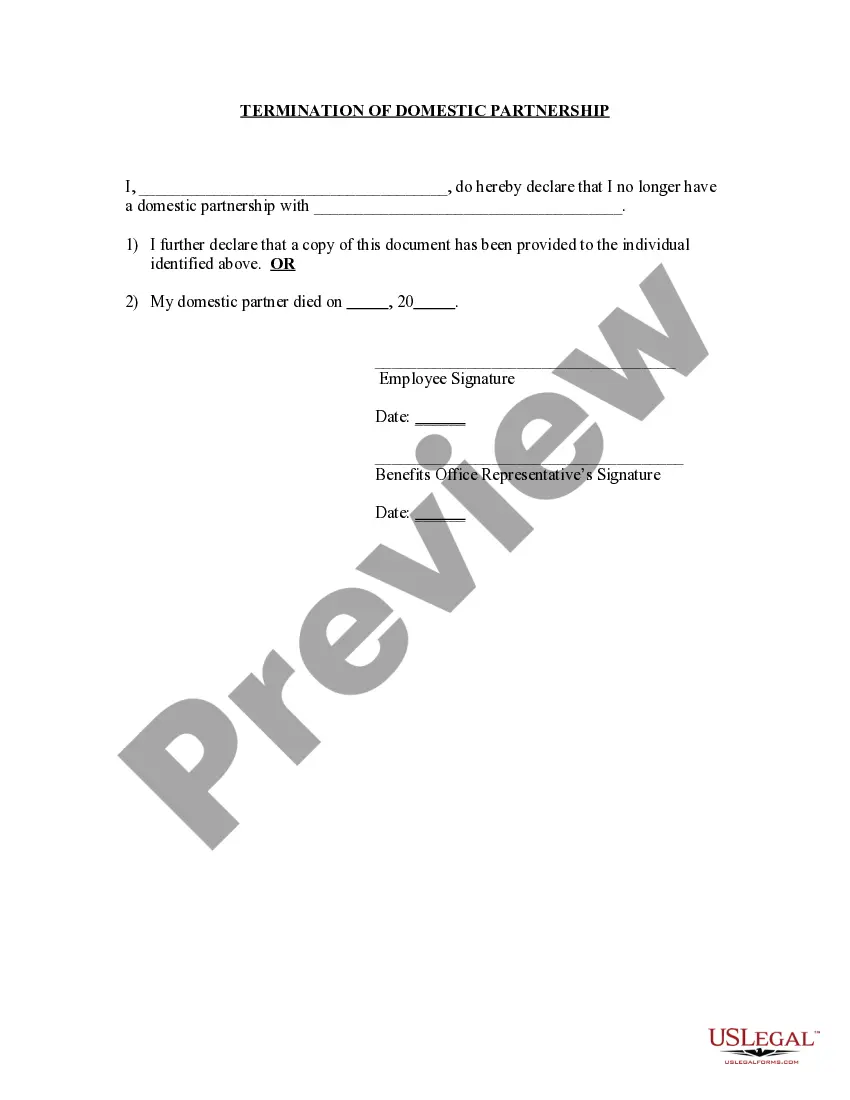
Termination Partnership Employment Force
Description
Get your form ready online
Our built-in tools help you complete, sign, share, and store your documents in one place.
Make edits, fill in missing information, and update formatting in US Legal Forms—just like you would in MS Word.
Download a copy, print it, send it by email, or mail it via USPS—whatever works best for your next step.
Sign and collect signatures with our SignNow integration. Send to multiple recipients, set reminders, and more. Go Premium to unlock E-Sign.
If this form requires notarization, complete it online through a secure video call—no need to meet a notary in person or wait for an appointment.
We protect your documents and personal data by following strict security and privacy standards.

Make edits, fill in missing information, and update formatting in US Legal Forms—just like you would in MS Word.

Download a copy, print it, send it by email, or mail it via USPS—whatever works best for your next step.

Sign and collect signatures with our SignNow integration. Send to multiple recipients, set reminders, and more. Go Premium to unlock E-Sign.

If this form requires notarization, complete it online through a secure video call—no need to meet a notary in person or wait for an appointment.

We protect your documents and personal data by following strict security and privacy standards.
Looking for another form?




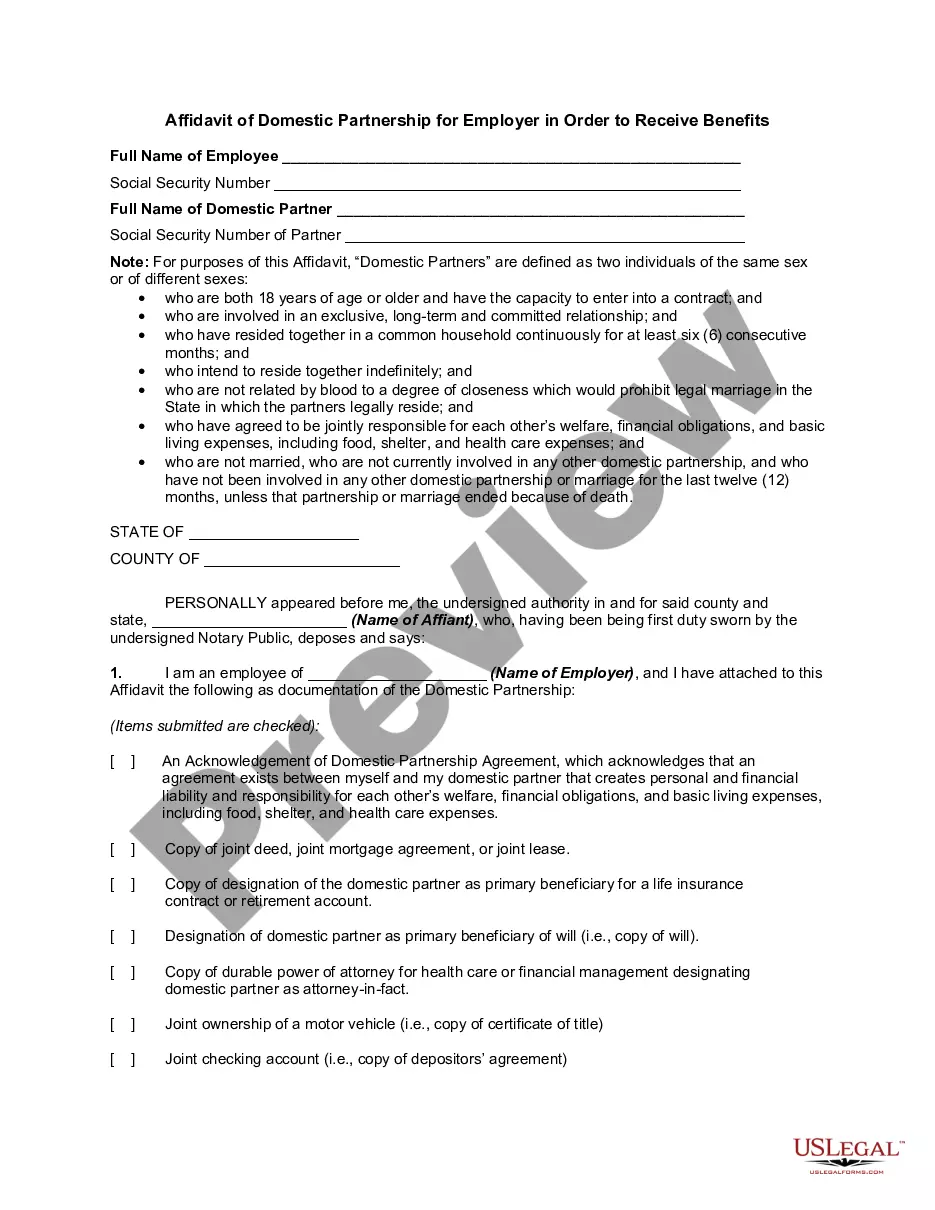
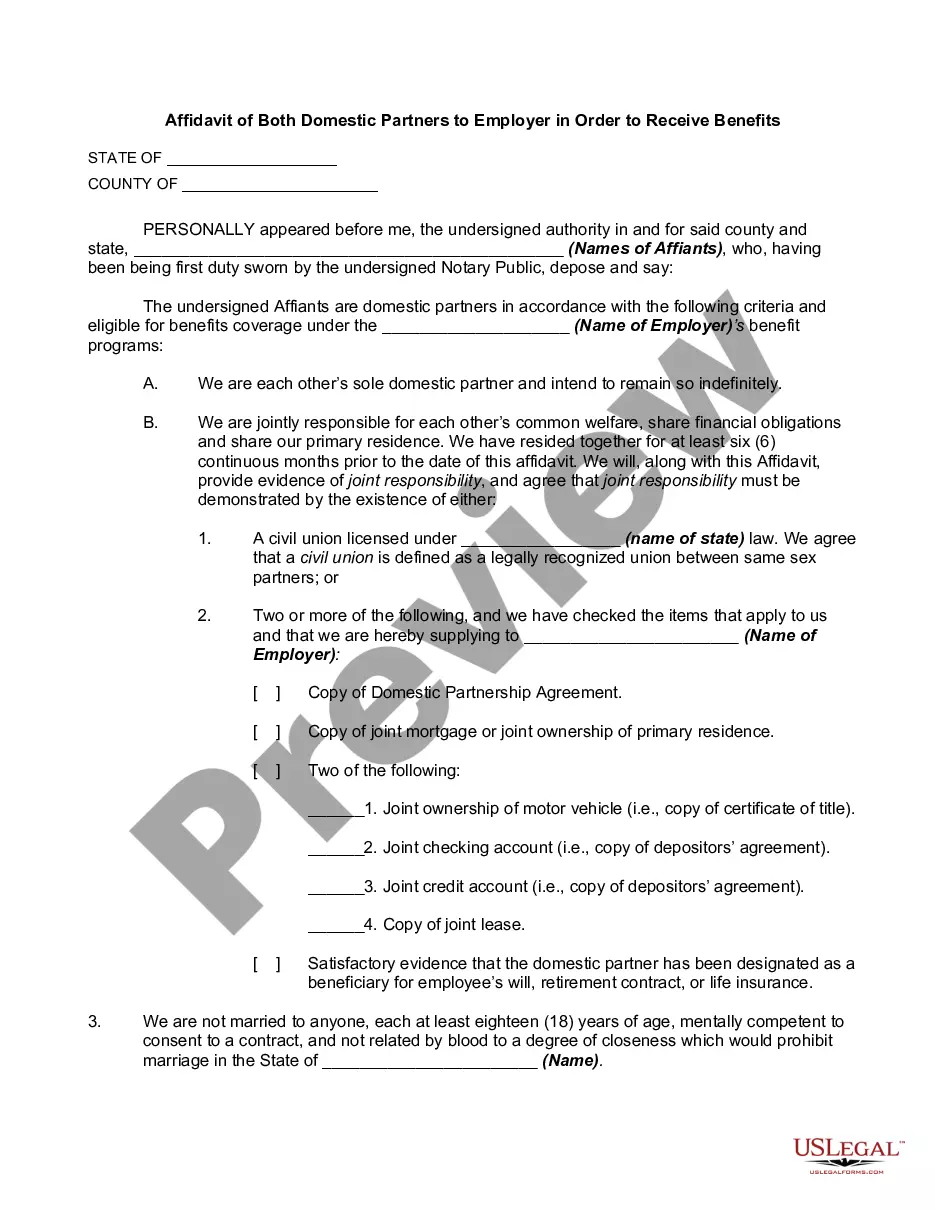
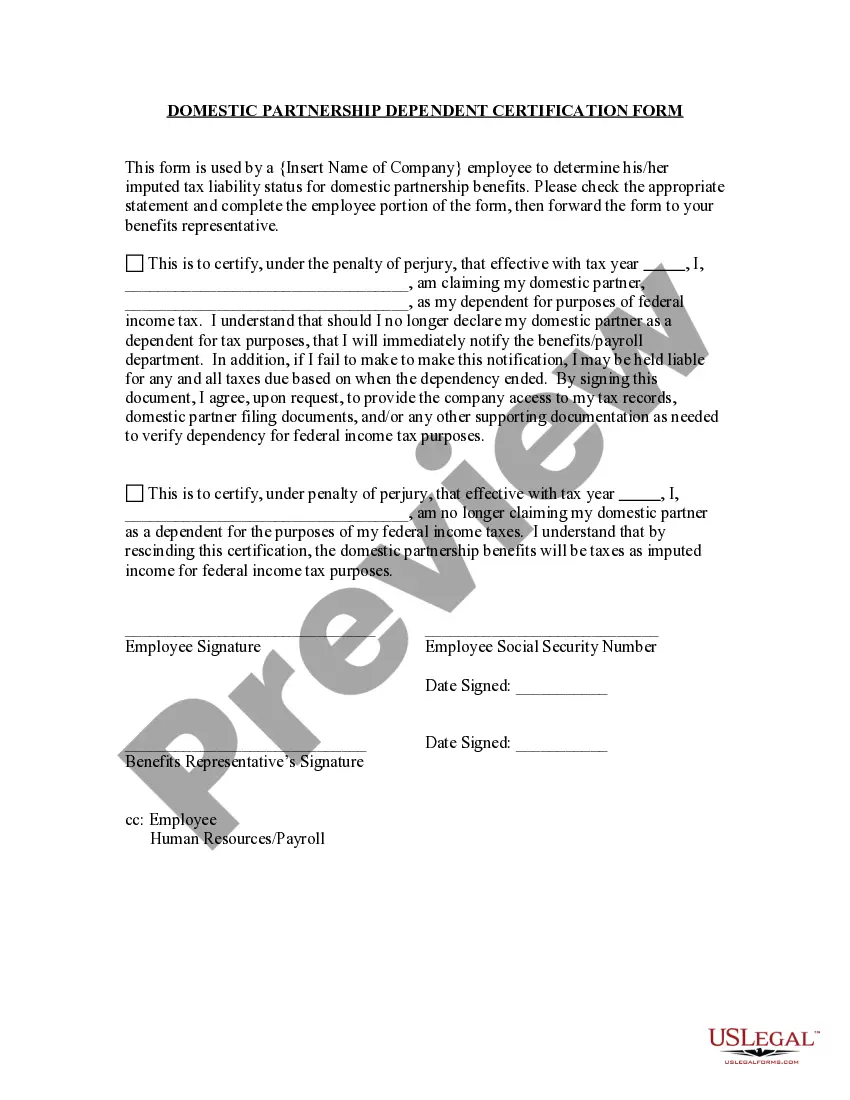
How to fill out Termination Of Domestic Partnership?
Managing legal matters can be daunting, even for the most proficient professionals.
If you are interested in a Termination Partnership Employment Force and lack the time to search for the accurate and current version, the process can be filled with anxiety.
US Legal Forms meets all your needs, ranging from personal to business documents, all in one location.
Utilize advanced tools to complete and manage your Termination Partnership Employment Force.
Here are the steps to take after downloading the desired form: Verify it is the correct form by previewing it and reviewing its description. Ensure that the template is approved in your state or county. Click Buy Now when you are prepared. Choose a monthly subscription plan. Select the format you desire, and Download, complete, eSign, print, and deliver your document. Take advantage of the US Legal Forms online library, supported by 25 years of experience and reliability. Transform your daily document management into a seamless and user-friendly process today.
- Access a valuable resource base of articles, guides, handbooks, and materials related to your situation and requirements.
- Save time and effort searching for the necessary documents, and use US Legal Forms’ advanced search and Preview feature to locate and obtain the Termination Partnership Employment Force.
- If you have a membership, Log In to your US Legal Forms account, search for the document, and acquire it.
- Check the My documents tab to review the documents you have previously downloaded and organize your folders as desired.
- If it is your first experience with US Legal Forms, create a free account to gain unlimited access to all platform benefits.
- A comprehensive web form library could revolutionize the way individuals tackle these scenarios successfully.
- US Legal Forms is a leading provider in online legal forms, offering over 85,000 state-specific legal documents available to you at any time.
- With US Legal Forms, you can access state- or county-specific legal and business forms.
Form popularity
FAQ
What to include in your employee termination letter Employee name. ... The date of termination. ... Reason(s) for the employee's termination. ... Documented disciplinary action prior to termination. ... Employee benefits. ... Employee acknowledgment of termination. ... Terminated employee's forwarding address. ... Instructions for their last paycheck.
In most circumstances, an employer must provide written notice of the intent to terminate employment and the termination date. If an employer wants the termination to take effect immediately, most employment/labour standards allow employers the option of payment in lieu of a working notice period.
What should be included in a termination letter? The date the termination is effective. The reason(s) for termination. An explanation of their compensation (if any) and what will happen to their benefits. A list of company property to be returned (if any).
Sample Termination Letter for Employee Separation I feel sorry to inform you that your employment with [Company Name] will be terminated, effective [Termination Date]. The reason for your termination is [Reason for Termination], which was discussed with you on [Date of Discussion] during our meeting.
Select the employee you want to terminate. Expand the Employee Positions section, then click the General menu item on the left side of the page. Under the Status section, select the Employee Scheduled for Termination option. button next to the Termination Code field.