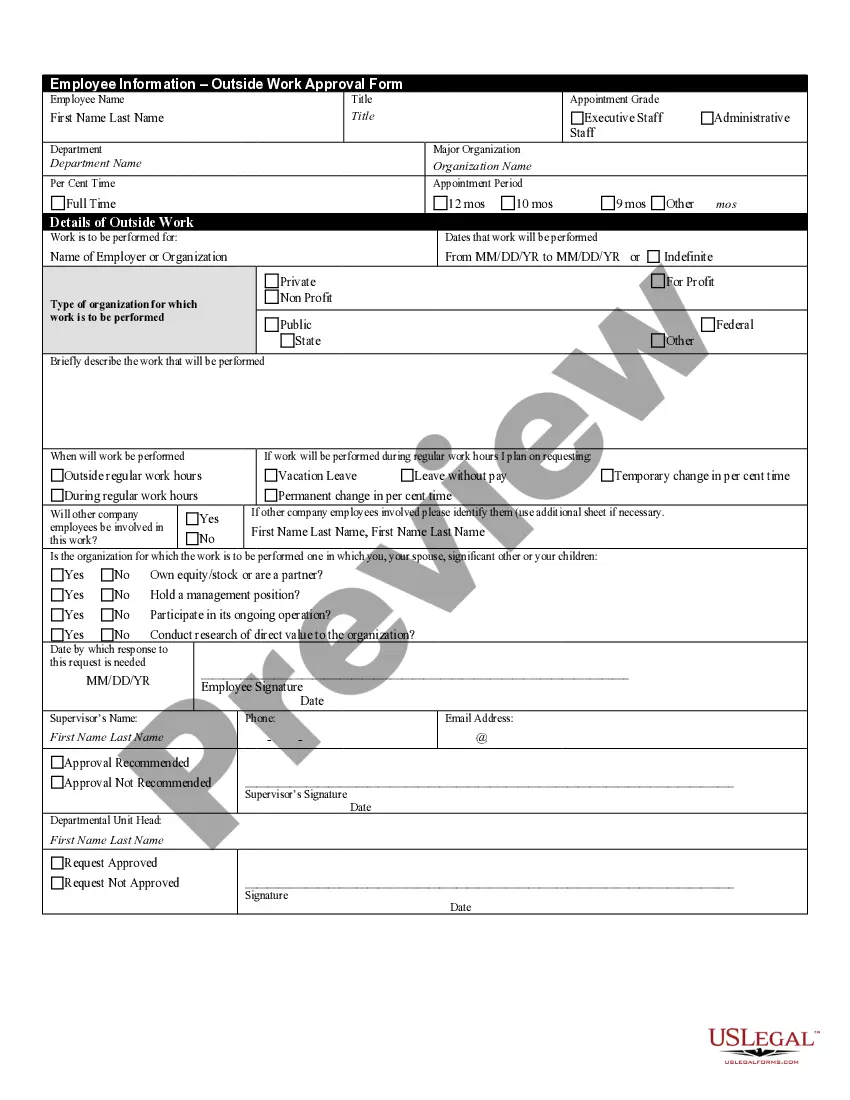
Work Employee Policies For Remote Employees
Description

Get your form ready online
Our built-in tools help you complete, sign, share, and store your documents in one place.
Make edits, fill in missing information, and update formatting in US Legal Forms—just like you would in MS Word.
Download a copy, print it, send it by email, or mail it via USPS—whatever works best for your next step.
Sign and collect signatures with our SignNow integration. Send to multiple recipients, set reminders, and more. Go Premium to unlock E-Sign.
If this form requires notarization, complete it online through a secure video call—no need to meet a notary in person or wait for an appointment.
We protect your documents and personal data by following strict security and privacy standards.

Make edits, fill in missing information, and update formatting in US Legal Forms—just like you would in MS Word.

Download a copy, print it, send it by email, or mail it via USPS—whatever works best for your next step.

Sign and collect signatures with our SignNow integration. Send to multiple recipients, set reminders, and more. Go Premium to unlock E-Sign.

If this form requires notarization, complete it online through a secure video call—no need to meet a notary in person or wait for an appointment.

We protect your documents and personal data by following strict security and privacy standards.
Looking for another form?

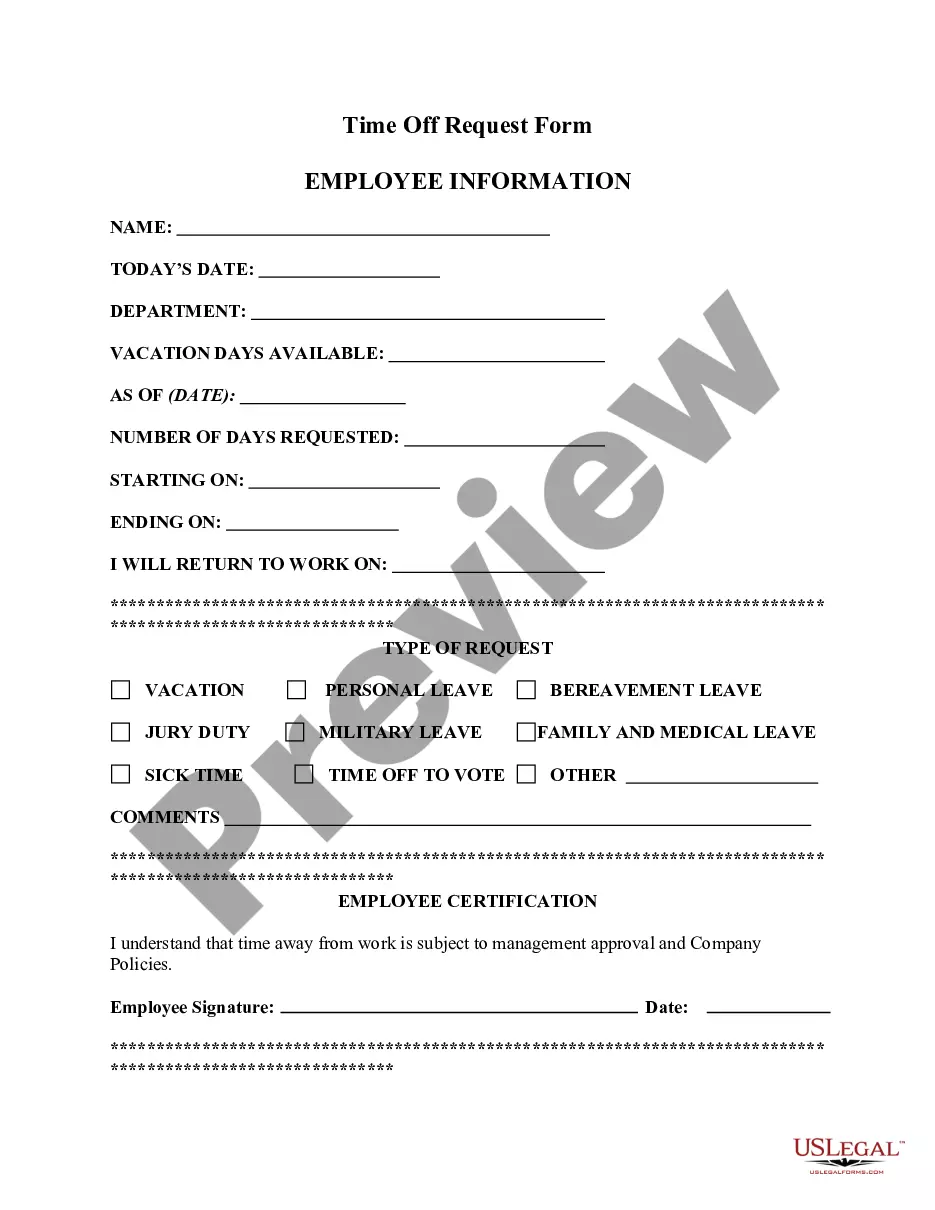
How to fill out Outside Work Approval Form?
Locating a primary source for the latest and pertinent legal templates is a significant part of navigating bureaucracy.
Identifying the appropriate legal documents requires accuracy and meticulousness, which is why it is critical to source Work Employee Policies For Remote Employees exclusively from trustworthy providers, such as US Legal Forms. An incorrect template can squander your time and prolong your predicament. With US Legal Forms, you have minimal concerns.
Once you have the form on your device, you can either edit it with the editor or print it out and fill it in manually. Eliminate the hassle associated with your legal documentation. Explore the extensive US Legal Forms library where you can discover legal samples, evaluate their applicability to your circumstances, and download them instantly.
- Utilize the directory navigation or search bar to locate your template.
- Review the form’s details to determine if it meets the requirements of your state and county.
- View the form preview, if available, to confirm that the form is indeed what you need.
- Return to the search to find the suitable template if the Work Employee Policies For Remote Employees does not meet your specifications.
- Once you are confident about the form’s relevance, download it.
- If you are a registered user, click Log in to verify and access your selected forms in My documents.
- If you haven't created an account yet, click Buy now to purchase the form.
- Select the pricing option that suits your needs.
- Proceed with the registration to complete your purchase.
- Finalize your transaction by choosing a payment method (credit card or PayPal).
- Select the document format for downloading Work Employee Policies For Remote Employees.
Form popularity
FAQ
Set clear expectations One of the most important parts of an effective remote work management strategy is setting clear expectations for everyone involved. Communicate any expectations relevant to each employee's role, such as how often and when to check in, virtual work hours and project updates.
How do you create your remote work policy? Outline eligibility criteria. Consider whether employees must reside in the same location as your business or if they can work from anywhere. ... Develop a work plan. ... Emphasize the company rules. ... Determine communication practices.
Several federal laws protect remote employees' rights, guaranteeing everyone who works outside the traditional workplace fair wages and benefits. Employers must treat remote workers like any in-office employee.
Employers need to provide their employees with a reliable system to accurately track and submit their actual hours worked. Your remote non-exempt employees must be ?clocking in? and ?clocking out? during the work day. Keep in mind that federal and state laws requiring meal and rest breaks still apply to employees WFH.
How Do I Set Remote Work Expectations? Setting remote work expectations keeps your team in sync, even when they're apart. ... 1) Be intentional about communication. ... 2) Agree on work hours. ... 3) Be clear about product outcomes and expectations. ... 4) Create targets for each employee. ... 5) Decide your remote team inclusiveness.