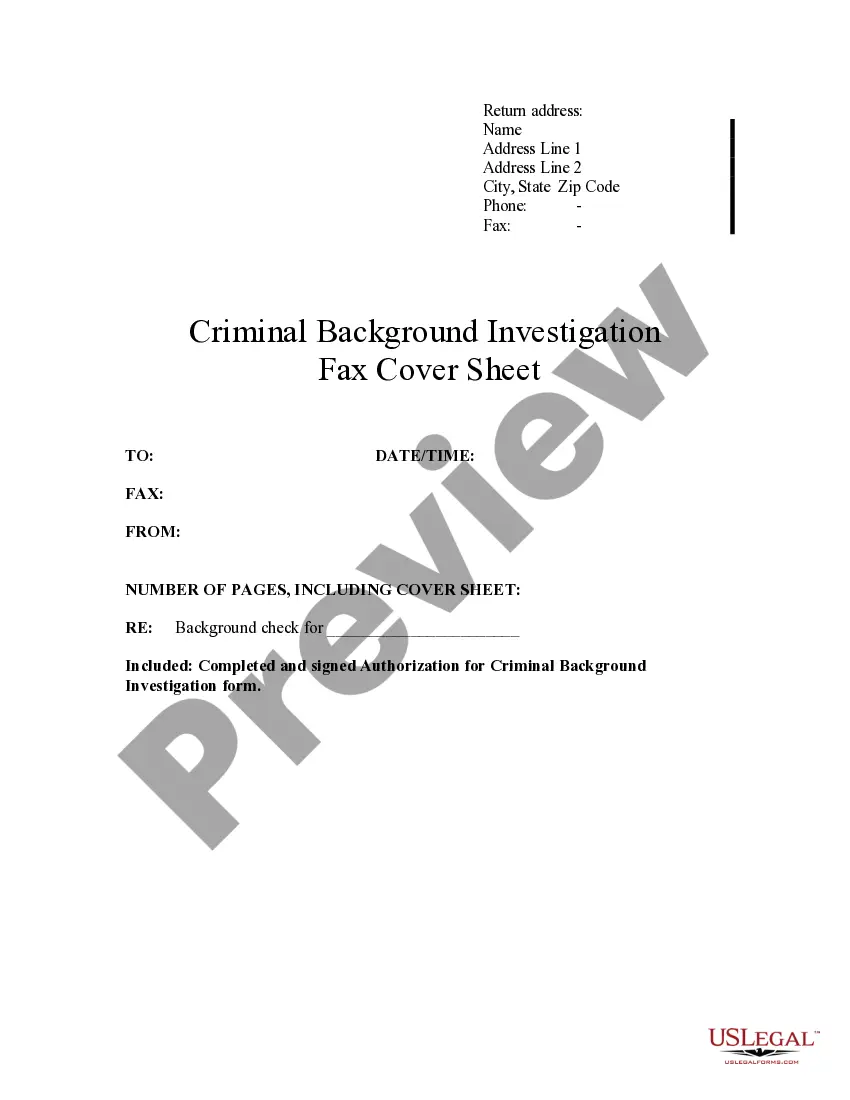
Fax Cover Sheet Template For Doctor Office
Description
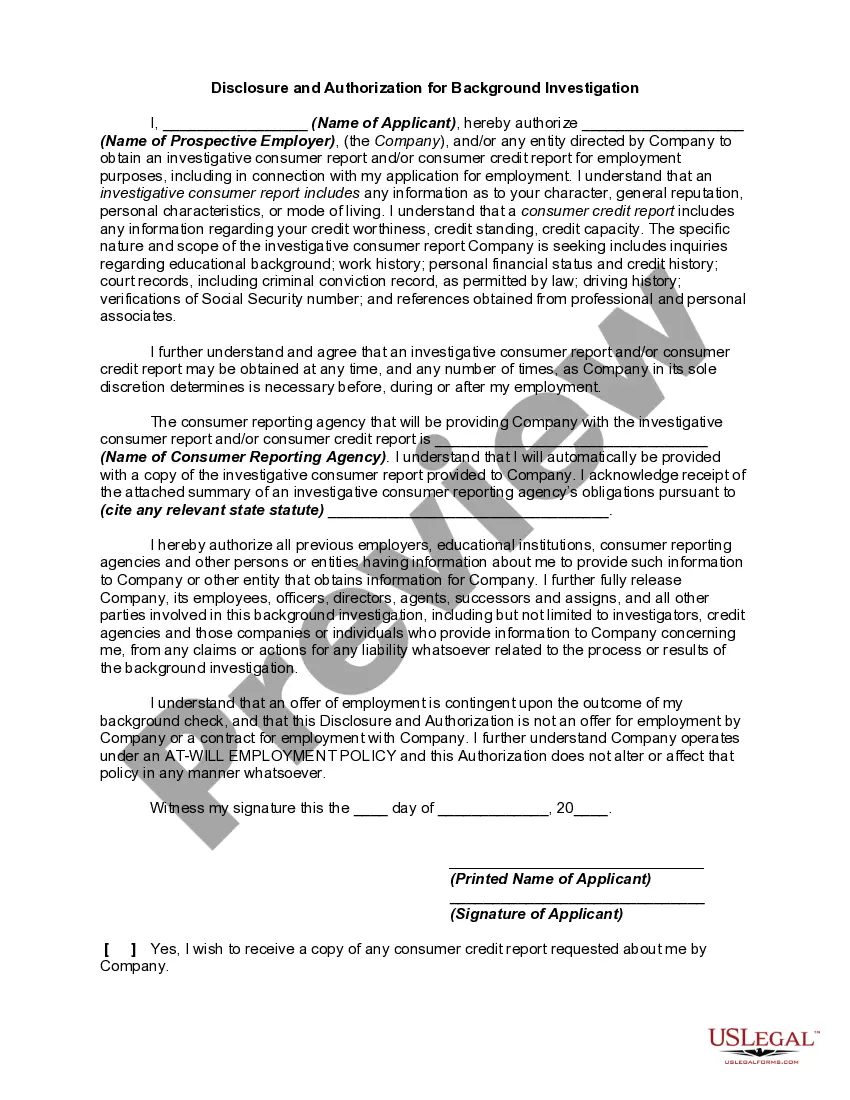
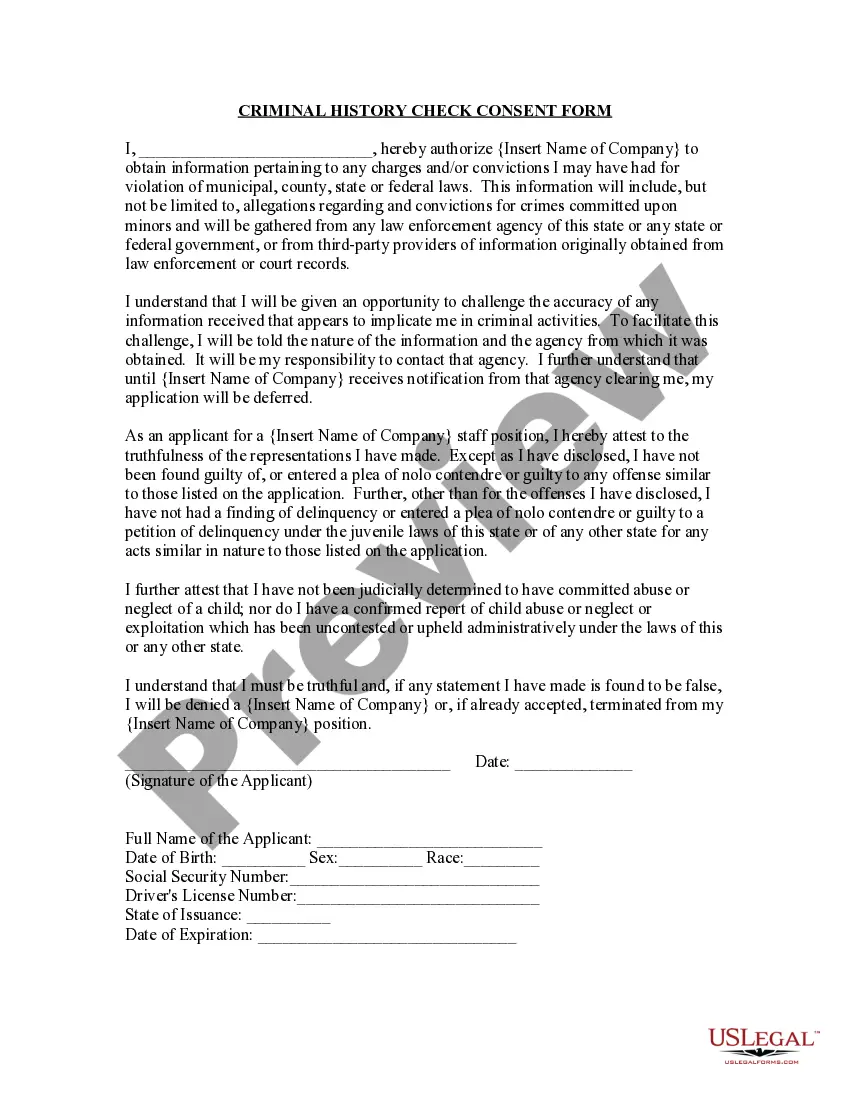
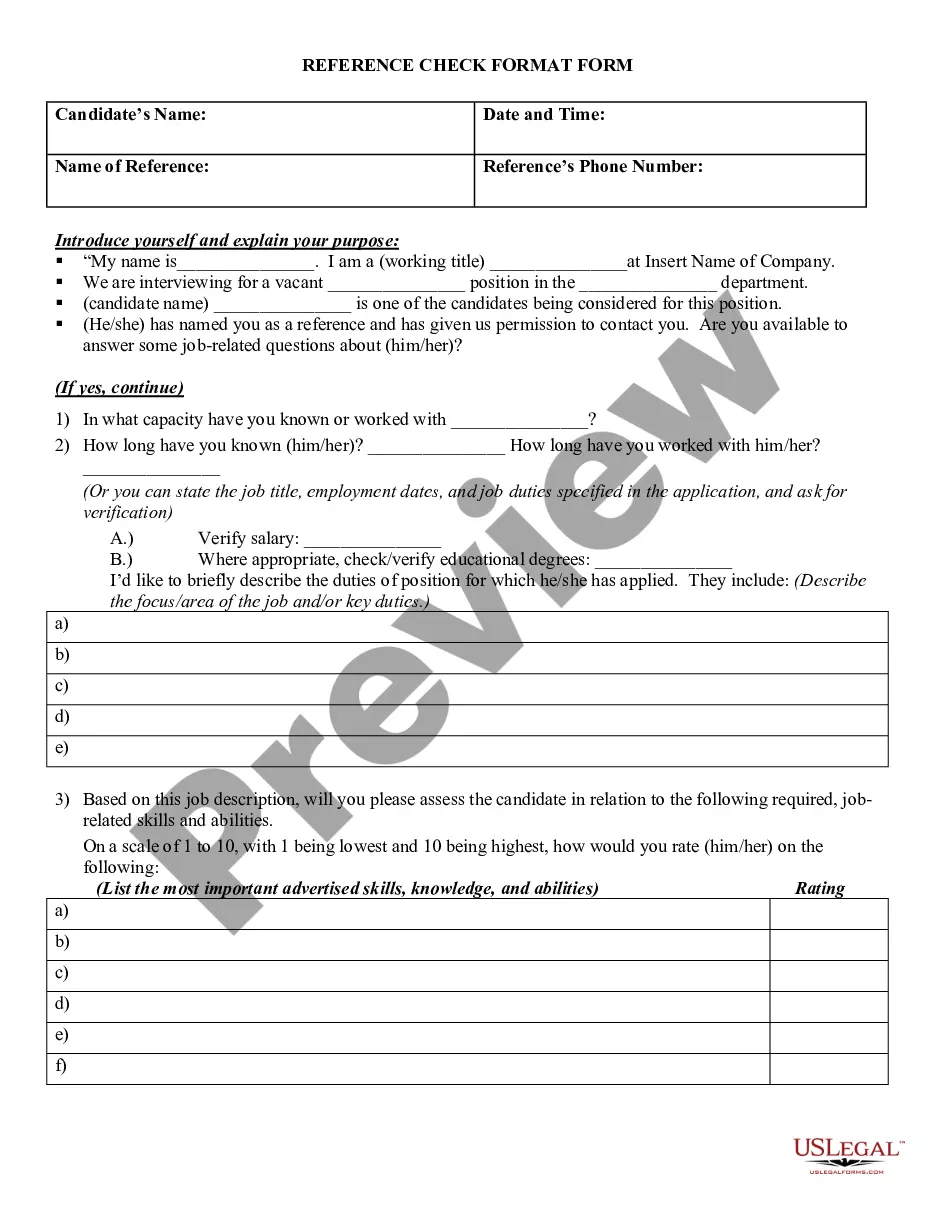
Get your form ready online
Our built-in tools help you complete, sign, share, and store your documents in one place.
Make edits, fill in missing information, and update formatting in US Legal Forms—just like you would in MS Word.
Download a copy, print it, send it by email, or mail it via USPS—whatever works best for your next step.
Sign and collect signatures with our SignNow integration. Send to multiple recipients, set reminders, and more. Go Premium to unlock E-Sign.
If this form requires notarization, complete it online through a secure video call—no need to meet a notary in person or wait for an appointment.
We protect your documents and personal data by following strict security and privacy standards.

Make edits, fill in missing information, and update formatting in US Legal Forms—just like you would in MS Word.

Download a copy, print it, send it by email, or mail it via USPS—whatever works best for your next step.

Sign and collect signatures with our SignNow integration. Send to multiple recipients, set reminders, and more. Go Premium to unlock E-Sign.

If this form requires notarization, complete it online through a secure video call—no need to meet a notary in person or wait for an appointment.

We protect your documents and personal data by following strict security and privacy standards.
Looking for another form?








How to fill out Criminal Background Investigation Fax Cover Sheet?
Whether for professional reasons or personal affairs, everyone must confront legal situations at some point in their life.
Filling out legal documents requires meticulous care, starting with selecting the appropriate form template.
With an extensive catalog from US Legal Forms available, you will never have to waste time searching for the right template online. Utilize the library’s straightforward navigation to find the suitable template for any circumstance.
- Locate the template you need using the search bar or catalog navigation.
- Review the document’s details to confirm it aligns with your situation, state, and region.
- Click on the preview of the form to inspect it.
- If it's the wrong document, return to the search tool to find the Fax Cover Sheet Template for Doctor Office you require.
- Download the template when it satisfies your needs.
- If you possess a US Legal Forms account, simply click Log in to access previously saved documents in My documents.
- If you don't have an account yet, you can obtain the form by clicking Buy now.
- Select the appropriate pricing option.
- Complete the profile registration form.
- Choose your payment method: use a credit card or PayPal account.
- Select the file format you prefer and download the Fax Cover Sheet Template for Doctor Office.
- Once downloaded, you can complete the form using editing software or print it and fill it out by hand.
Form popularity
FAQ
Creating a fax cover sheet involves gathering essential information, such as sender and recipient contact details and any necessary notes. You can design it using a word processing tool or use pre-made templates for convenience. A Fax cover sheet template for doctor office can save time and ensure that you include all pertinent information effortlessly.
Begin by creating a header that includes your name, company name, address, and fax number. Add the recipient's details. Include a short greeting, such as "Dear [Recipient's Name]," as well as the date. Provide a clear and concise subject line that explains the purpose of the fax that you are sending.
Essential Fax Cover Letter Elements are: Include your name and contact information. Include your fax number. State the purpose of the fax. Include the intended recipient's contact info. Date and time sent. Number of pages in the document.
What Needs to be Included on a HIPAA Fax Cover Sheet? Date and Time Fax sent. Receiver name and fax # Sender name, organization, and phone # Patients Name and reference # (if applicable) HIPAA Fax Disclaimer.
A fax cover sheet typically has basic contact information: who the fax is going to, who the fax is from, the subject matter, how many pages are included, company name (address is optional), a phone number, and a check box to mark whether it's urgent or needs a reply.
?1) On the cover page, include: your name, last name, phone number, as well as the subject or title of your fax to make sure you stand out. Remember to also specify your recipient's details on the same cover sheet. Avoid expectations that your recipient might know you and is waiting for your fax.