Expense Form Document Format
Description





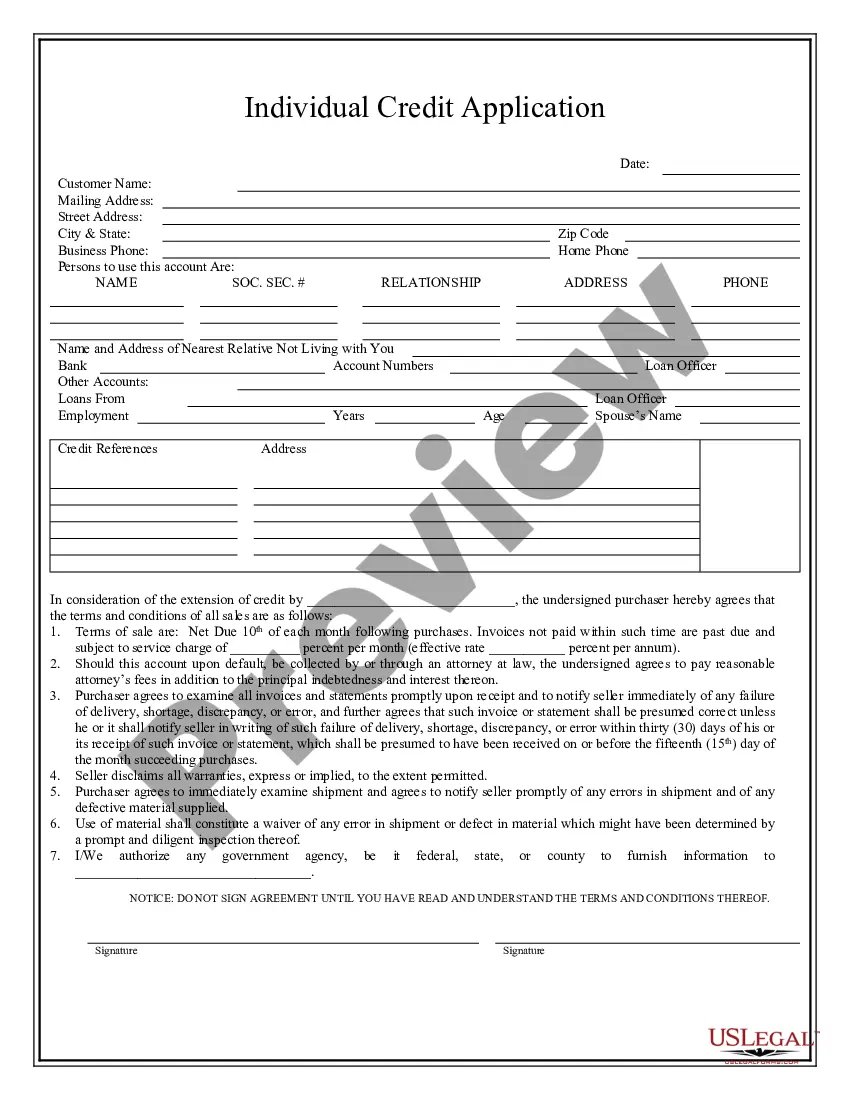
How to fill out Expense Account Form?
The Expense Form Document Format displayed on this page is a reusable official template created by skilled attorneys in accordance with federal and state regulations.
For over 25 years, US Legal Forms has offered individuals, organizations, and lawyers more than 85,000 authenticated, state-specific documents for any business and personal situation. It’s the quickest, most uncomplicated, and most trustworthy method to obtain the paperwork you require, as the service ensures bank-level data security and anti-malware safeguards.
Subscribe to US Legal Forms to have authenticated legal templates for all of life’s situations at your fingertips.
- Search for the document you require and examine it. Browse the file you sought and either preview it or review the form description to confirm it meets your requirements. If it doesn’t, utilize the search feature to find the correct one. Click Buy Now once you have located the template you need.
- Register and Log In. Select the pricing plan that best fits you and create an account. Use PayPal or a credit card for a swift payment. If you already possess an account, Log In and check your subscription to continue.
- Obtain the editable template. Choose the format you desire for your Expense Form Document Format (PDF, DOCX, RTF) and download the example onto your device.
- Fill out and sign the document. Print the template to complete it manually. Alternatively, use an online multifunctional PDF editor to quickly and accurately fill out and sign your form with a valid signature.
- Redownload your documents as needed. Access the same document again whenever required. Open the My documents tab in your profile to redownload any previously purchased forms.
Form popularity
FAQ
An expense report typically has the following information that you'll need to provide: Name, department, and contact information. ... List of itemized expense names. ... Date of purchase for each item. ... Receipts. ... Total amount spent. ... Purpose of the expense. ... Actual cost of item (subtraction of discounts) ... Repayment amount sought.
An expense report template is a tool that allows businesses or individuals to track and manage their expenses. An expense report template helps you record and organize your expenses, making it easier to get reimbursed and keep accurate financial records.
Using the Expense Report Template in Excel: For each expense, enter the date and description. Use the dropdown menus to select payment type and category for each expense. For each expense, enter the total cost. Attach all necessary receipts to the document. Submit for review and approval!
The documents can include: Receipts. Cancelled checks. An account book. Customer account book. Expense report. Accounting log. A diary. Calendar.
How to Fill Out an Expense Report Enter your name, department, and employee ID number. Date the employee expense report. Provide a brief description of the business purpose of the expenses submitted for reimbursement. Enter the date, type, and amount of each expense in the related column.