Company Internet Email Policy For Employees
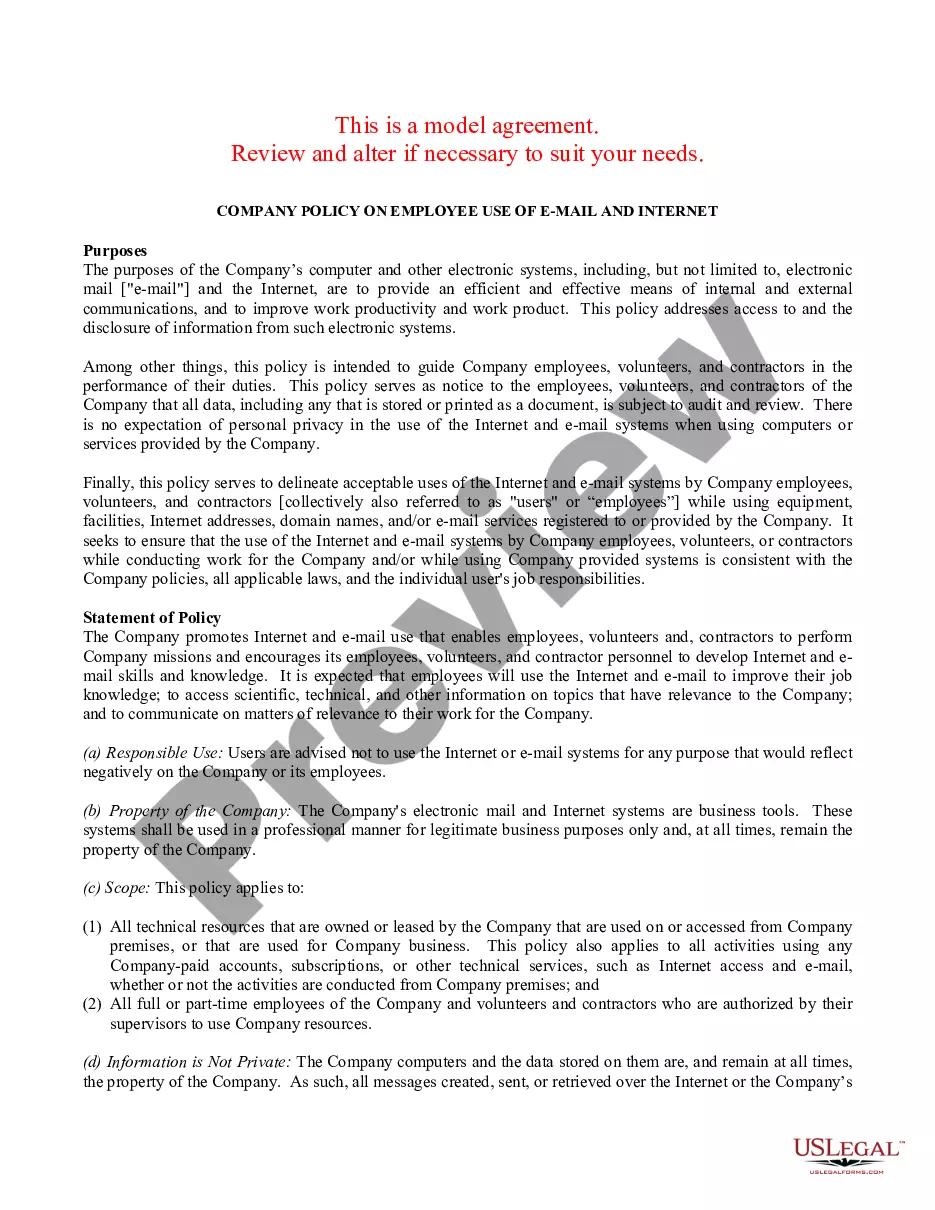
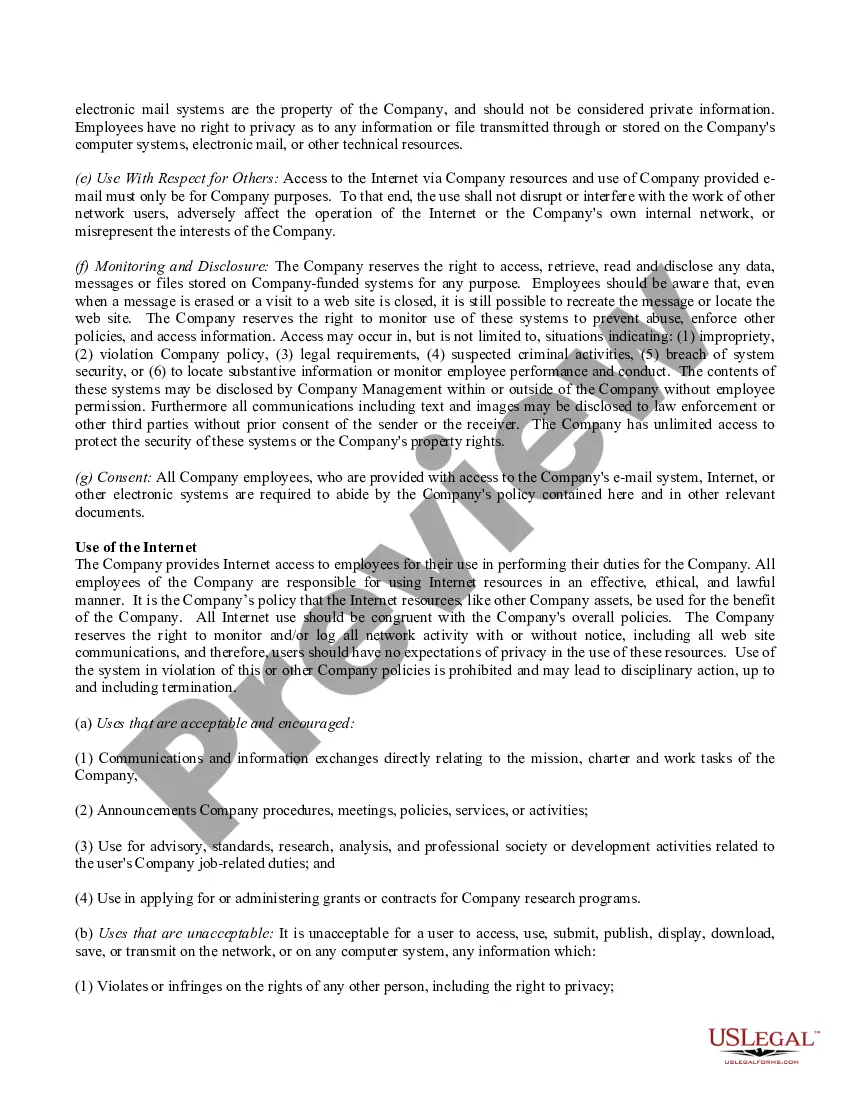
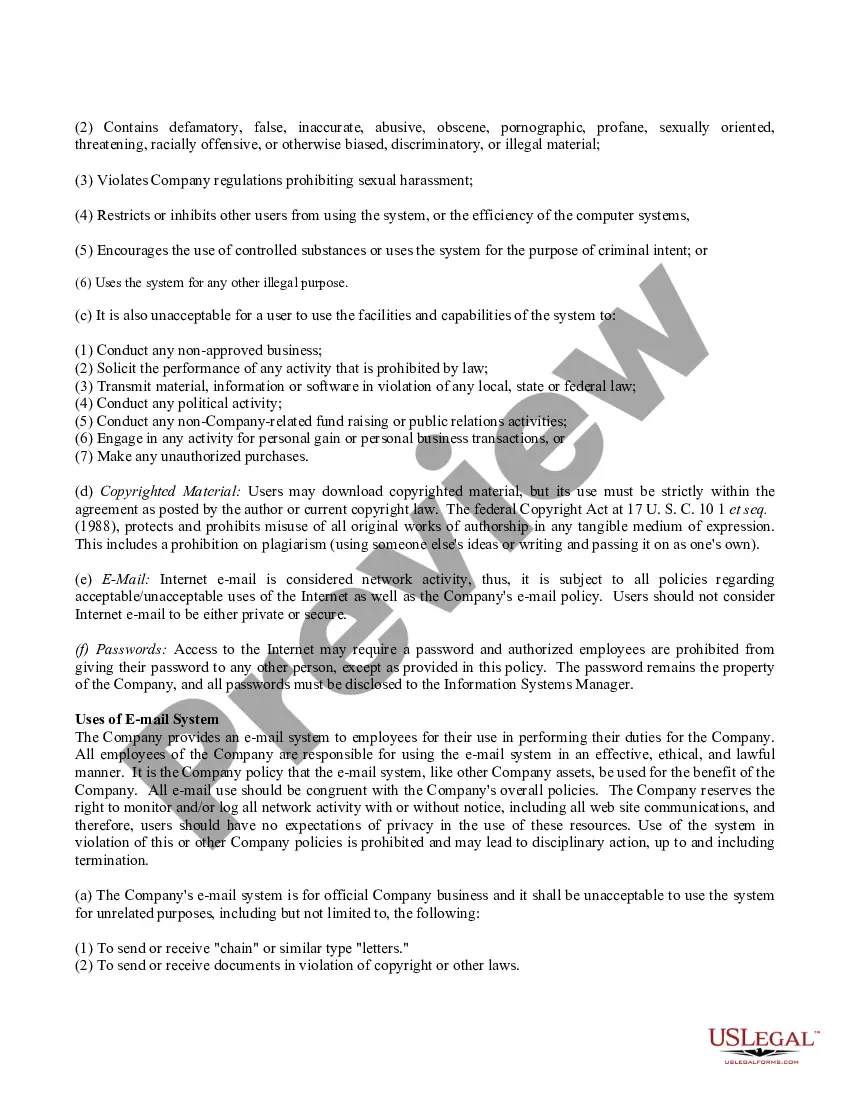
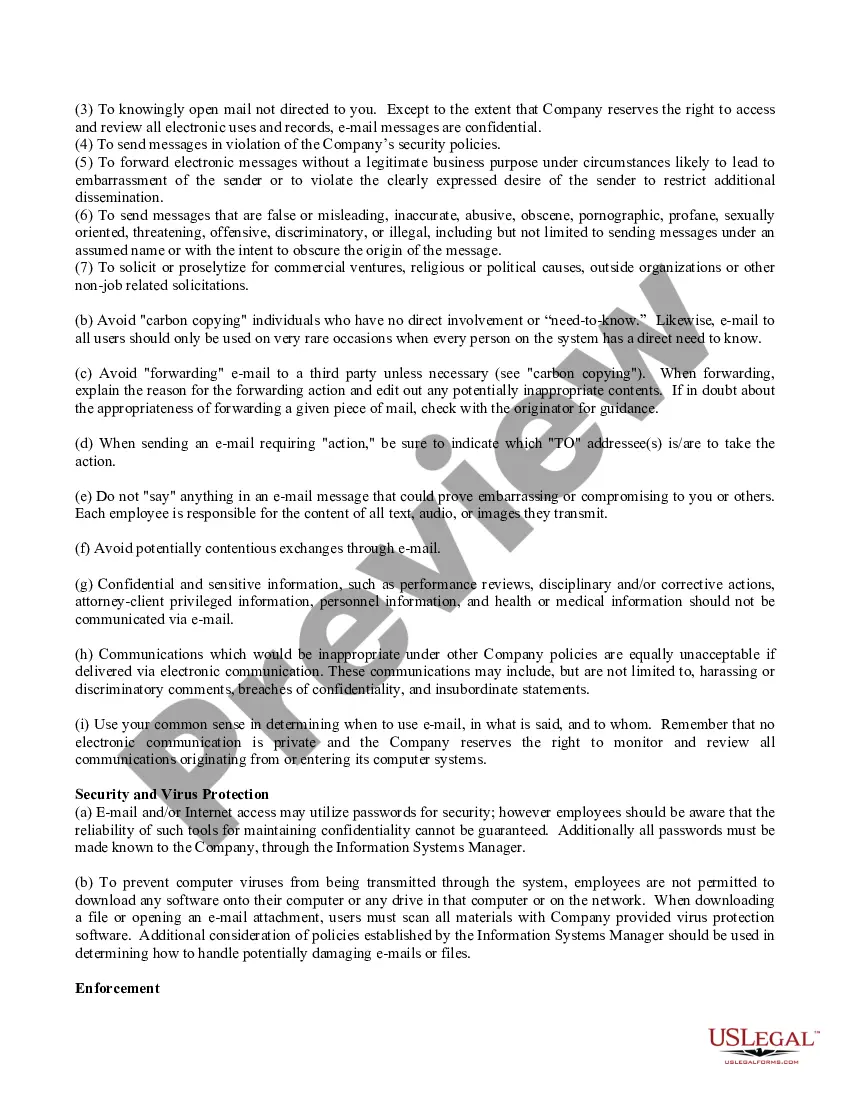
Description

Get your form ready online
Our built-in tools help you complete, sign, share, and store your documents in one place.
Make edits, fill in missing information, and update formatting in US Legal Forms—just like you would in MS Word.
Download a copy, print it, send it by email, or mail it via USPS—whatever works best for your next step.
Sign and collect signatures with our SignNow integration. Send to multiple recipients, set reminders, and more. Go Premium to unlock E-Sign.
If this form requires notarization, complete it online through a secure video call—no need to meet a notary in person or wait for an appointment.
We protect your documents and personal data by following strict security and privacy standards.

Make edits, fill in missing information, and update formatting in US Legal Forms—just like you would in MS Word.

Download a copy, print it, send it by email, or mail it via USPS—whatever works best for your next step.

Sign and collect signatures with our SignNow integration. Send to multiple recipients, set reminders, and more. Go Premium to unlock E-Sign.

If this form requires notarization, complete it online through a secure video call—no need to meet a notary in person or wait for an appointment.

We protect your documents and personal data by following strict security and privacy standards.
Looking for another form?
How to fill out Company Internet And Email Policy - Strict?
Creating legal documents from the ground up can occasionally be somewhat daunting. Certain situations may require extensive research and significant financial investment.
If you are searching for a more straightforward and budget-friendly method of drafting the Company Internet Email Policy For Employees or any other papers without unnecessary complications, US Legal Forms is always available to assist you.
Our online collection of over 85,000 current legal forms covers nearly every facet of your financial, legal, and personal matters. With just a few clicks, you can quickly access state- and county-specific templates meticulously prepared for you by our legal experts.
Utilize our service whenever you require trustworthy and dependable assistance to effortlessly find and obtain the Company Internet Email Policy For Employees. If you are familiar with our services and have previously registered with us, simply Log In to your account, find the template, and download it or re-download it anytime in the My documents section.
Verify if the template you select adheres to the regulations and statutes of your state and county. Choose the appropriate subscription plan to purchase the Company Internet Email Policy For Employees. Download the document. Then complete, sign, and print it out. US Legal Forms has a strong reputation and over 25 years of experience. Join us today and make document management simple and efficient!
- Not signed up yet? No problem.
- It takes only a few minutes to create an account and explore the library.
- However, before proceeding to download the Company Internet Email Policy For Employees, consider these recommendations.
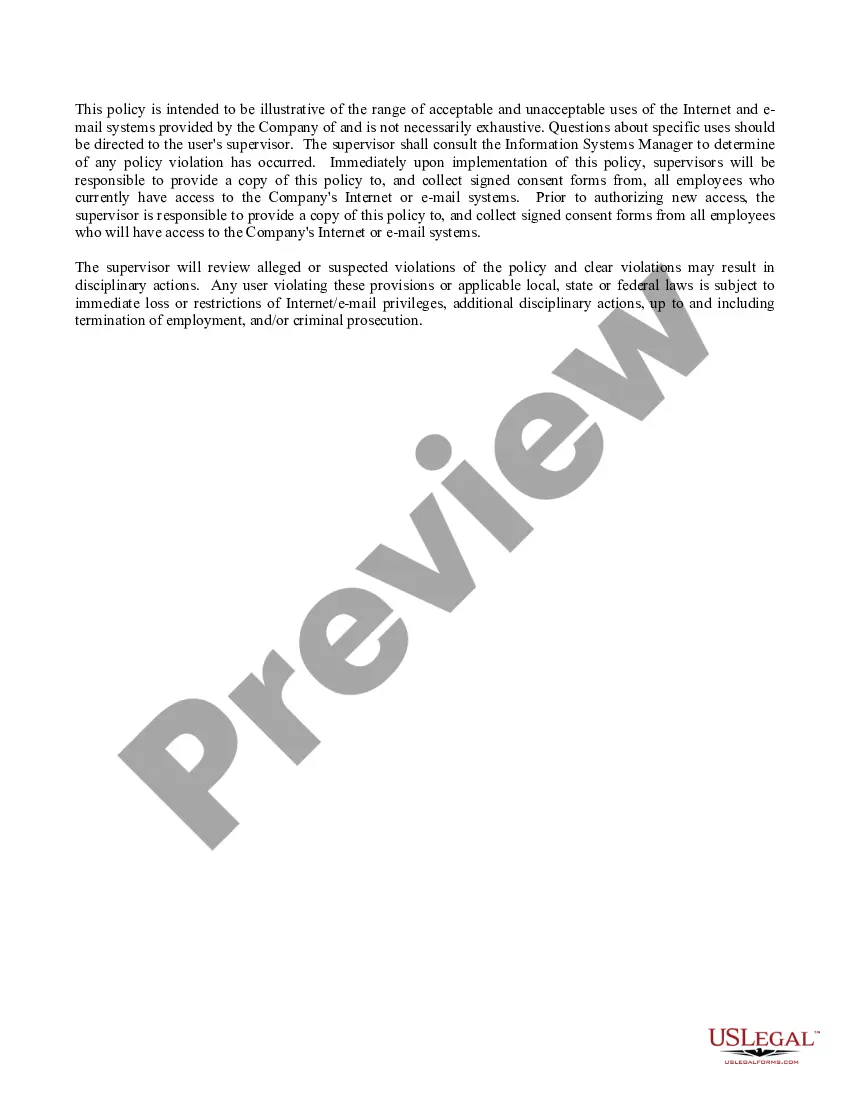
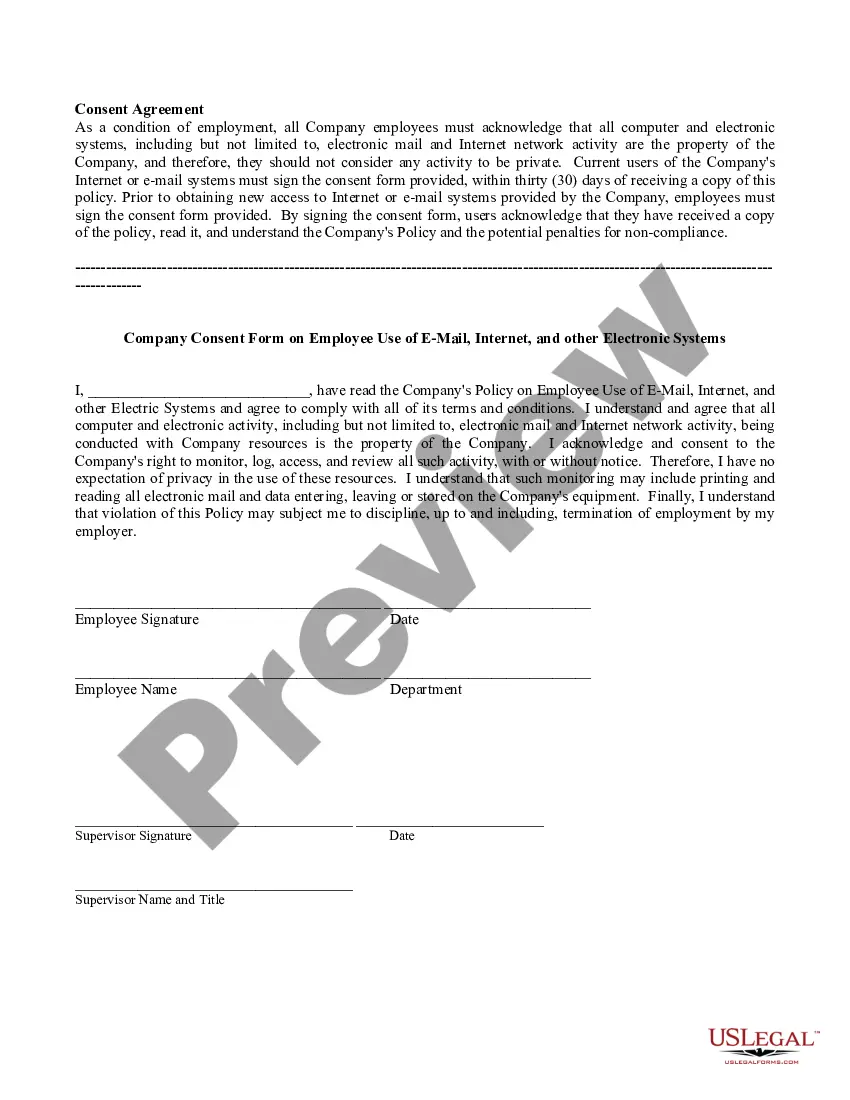
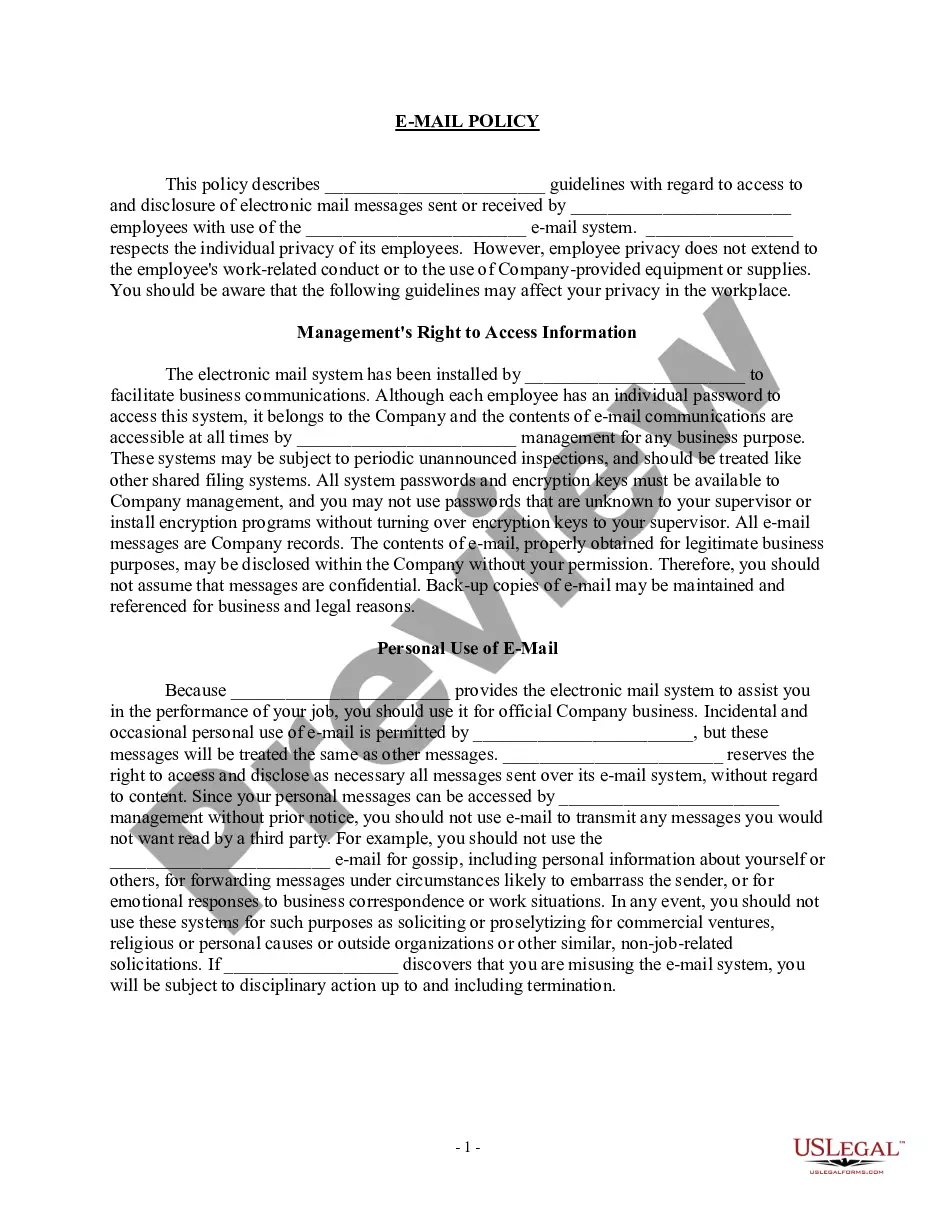
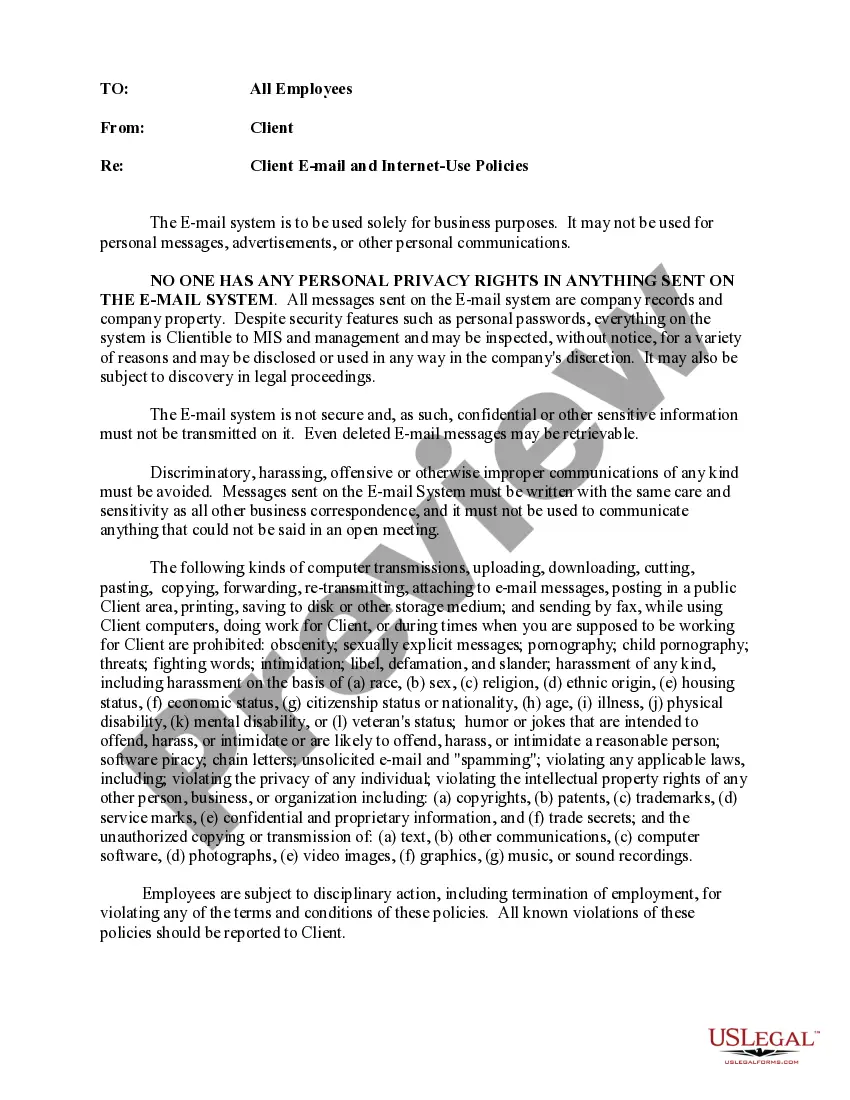
- Examine the document preview and descriptions to ensure you have located the document you need.
Form popularity
FAQ
The 10 golden rules of email etiquette include using a clear subject line, addressing the recipient properly, keeping messages concise, and checking for spelling and grammar errors. Additionally, respond promptly to emails, avoid using all caps, and be cautious with humor and sarcasm. Always use a professional tone, respect the recipient's time, and include a proper closing. Implementing these rules within your Company internet email policy for employees can foster effective communication and a positive work environment.
An example of a Company internet email policy for employees might include rules about using company email for personal matters, restrictions on forwarding sensitive information, and guidelines for professional communication. The policy could specify that employees must use a professional tone, avoid offensive language, and include appropriate signatures in their emails. By providing clear examples and expectations, you help employees understand their responsibilities and enhance workplace communication.
To create an effective Company internet email policy for employees, start by defining the purpose and scope of the policy. Next, outline acceptable and unacceptable use of company email, including guidelines on confidentiality, security, and compliance with laws. It's also important to involve key stakeholders in the process to ensure the policy meets the needs of your organization. Finally, communicate the policy clearly to all employees and provide training to ensure understanding.
Yes, generally your employer owns the rights to your work email. This means that any communication conducted through your work email is considered company property. It is important to understand your company's internet email policy for employees, as it outlines your responsibilities and the extent of your privacy regarding work emails.
To locate company employee emails, start by checking your organization's internal directory or employee portal. Most companies maintain a centralized database that includes contact information for all employees. If you cannot find the information you need, reach out to your HR department, as they can provide guidance while adhering to the company internet email policy for employees.
An example of an internet policy for employees can include rules regarding appropriate internet usage during work hours. This policy may specify that employees should focus on work-related tasks and avoid excessive personal browsing. By following the Company internet email policy for employees, individuals contribute to a productive work environment and maintain the integrity of company resources. Platforms like uslegalforms can provide templates to help organizations create comprehensive internet policies.
The Internet and email use policy outlines the acceptable use of company-provided internet and email resources. This policy aims to protect both the organization and its employees by establishing guidelines for communication. By adhering to the Company internet email policy for employees, individuals ensure they use these resources responsibly, avoiding misuse that could lead to security risks or other issues.
The protocol for sending emails over the internet involves several steps to ensure successful delivery. First, employees should verify the recipient's email address and include a clear subject line. Next, the message must adhere to the Company internet email policy for employees, which includes maintaining professionalism and avoiding sensitive information unless necessary. Finally, employees should use appropriate language and tone to convey their message effectively.
The 5 email rule refers to a guideline that encourages employees to limit their email correspondence to five key points. This approach helps streamline communication and ensures clarity in the messages sent. By following this rule, employees can adhere to the Company internet email policy for employees, promoting efficient use of email resources and reducing information overload.