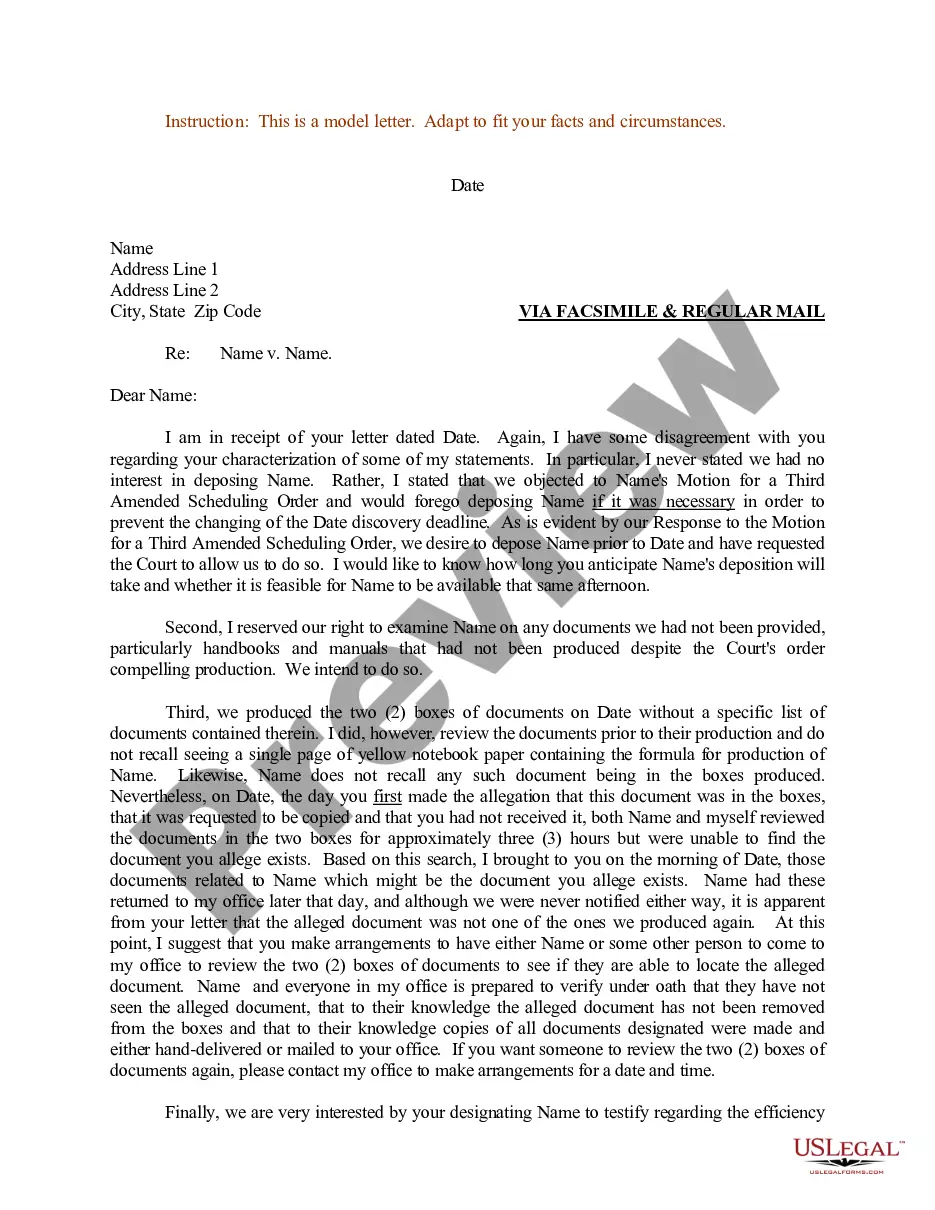
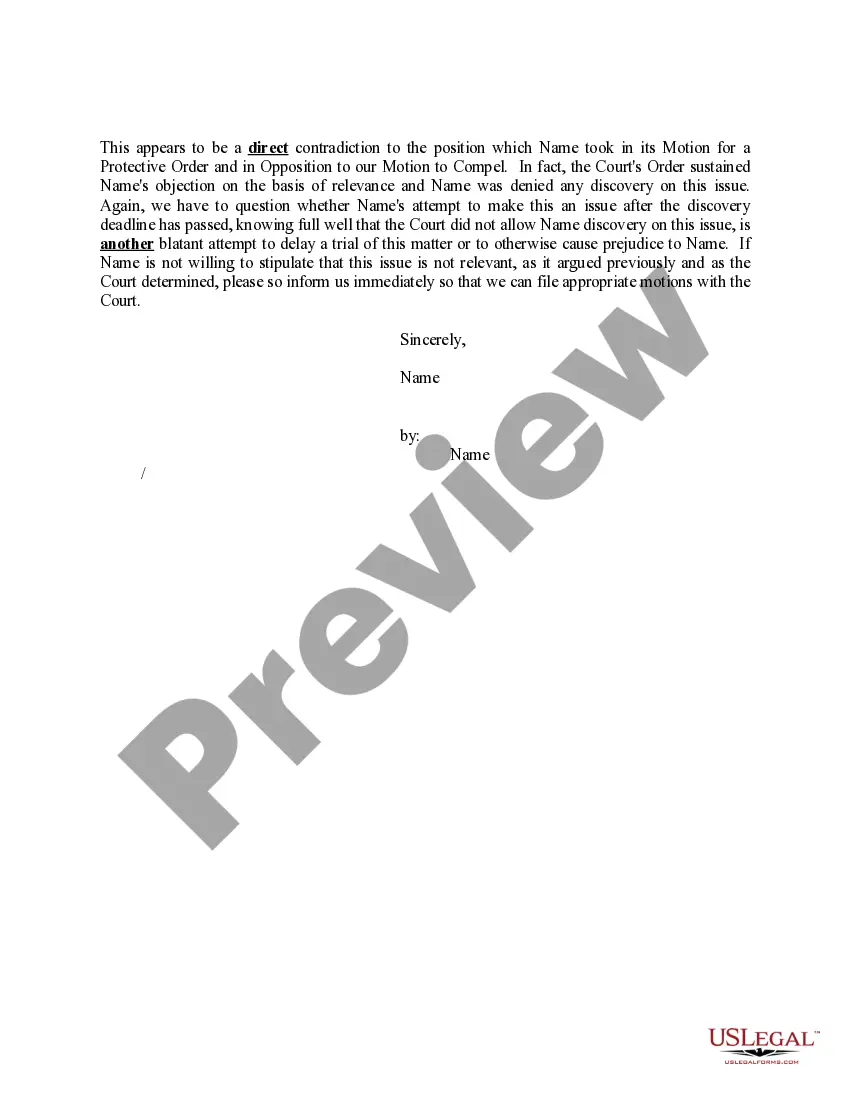
Sample Regarding Case With Keyboard
Description
Get your form ready online
Our built-in tools help you complete, sign, share, and store your documents in one place.
Make edits, fill in missing information, and update formatting in US Legal Forms—just like you would in MS Word.
Download a copy, print it, send it by email, or mail it via USPS—whatever works best for your next step.
Sign and collect signatures with our SignNow integration. Send to multiple recipients, set reminders, and more. Go Premium to unlock E-Sign.
If this form requires notarization, complete it online through a secure video call—no need to meet a notary in person or wait for an appointment.
We protect your documents and personal data by following strict security and privacy standards.

Make edits, fill in missing information, and update formatting in US Legal Forms—just like you would in MS Word.

Download a copy, print it, send it by email, or mail it via USPS—whatever works best for your next step.

Sign and collect signatures with our SignNow integration. Send to multiple recipients, set reminders, and more. Go Premium to unlock E-Sign.

If this form requires notarization, complete it online through a secure video call—no need to meet a notary in person or wait for an appointment.

We protect your documents and personal data by following strict security and privacy standards.
Looking for another form?
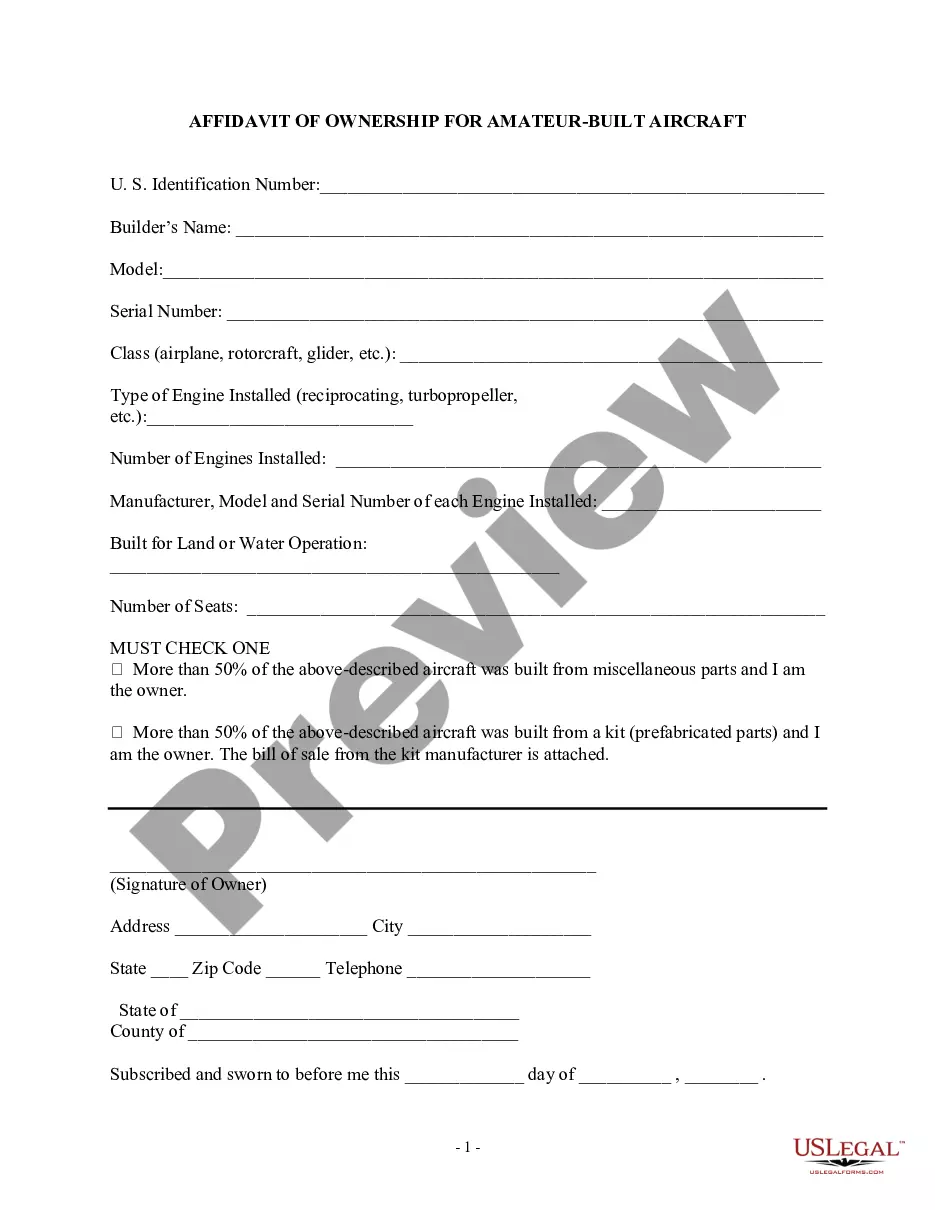
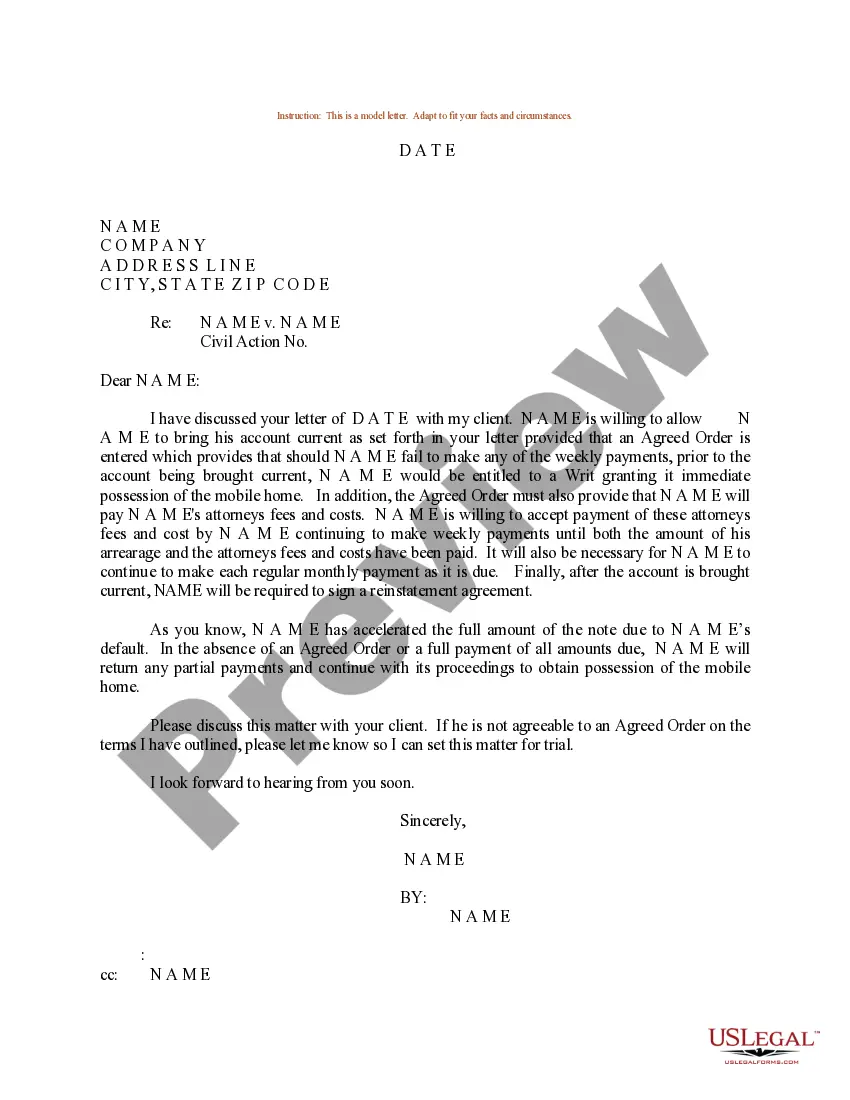
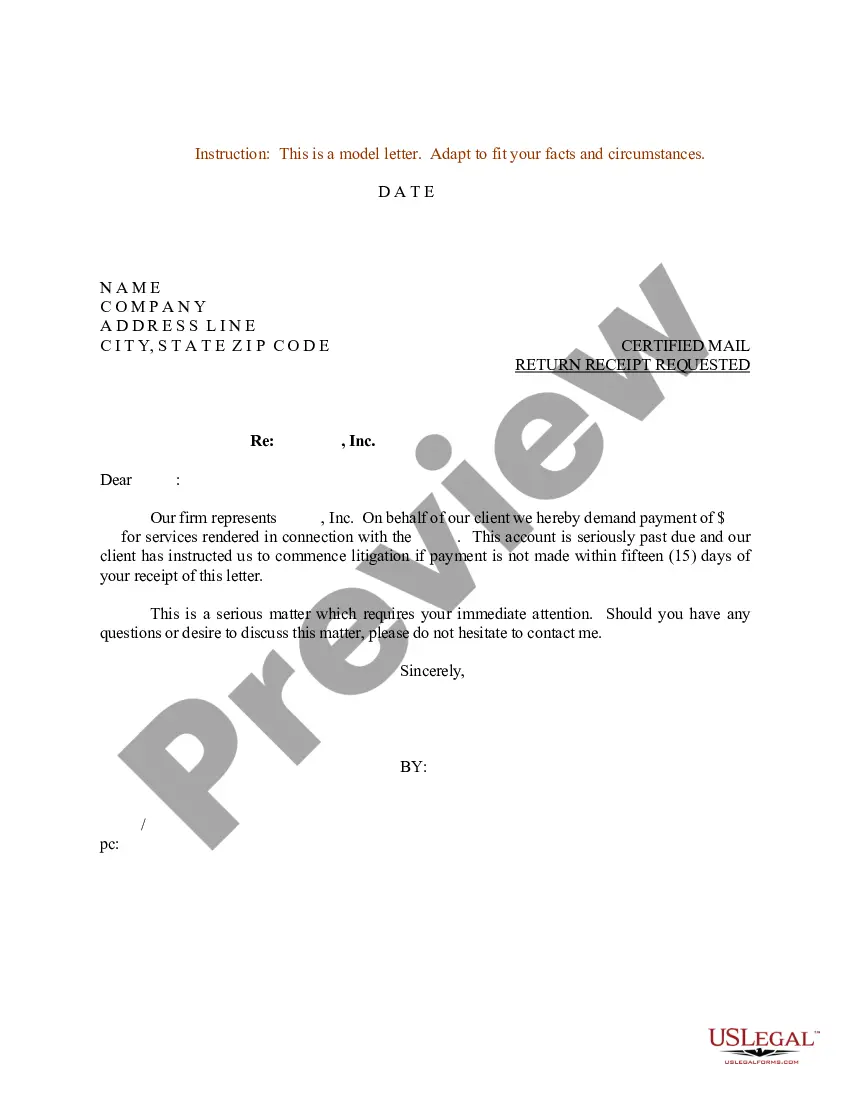

How to fill out Sample Letter For Detailed Discussion Of Items Regarding Case?
Accessing legal document templates that comply with federal and state regulations is crucial, and the web provides a multitude of choices.
However, what is the benefit of spending time looking for the appropriate Sample Regarding Case With Keyboard document online when the US Legal Forms digital library already compiles such templates in one location.
US Legal Forms is the largest online legal repository with more than 85,000 fillable documents prepared by lawyers for various professional and personal circumstances.
Review the template using the Preview feature or through the text outline to ensure it fulfills your requirements.
- They are easy to navigate with all files categorized by state and intended use.
- Our experts keep abreast of legal updates, ensuring your form is always current and compliant when obtaining a Sample Regarding Case With Keyboard from our site.
- Acquiring a Sample Regarding Case With Keyboard is quick and straightforward for both existing and new users.
- If you already possess an account with an active subscription, Log In and download the document sample you require in your preferred format.
- If you are new to our platform, follow the steps outlined below.
Form popularity
FAQ
Making symbols with a keyboard can typically be achieved through keyboard shortcuts or character map utilities. For example, pressing Alt with a specific numeric code can produce various symbols. This ability to insert symbols is useful when creating documents, especially when working on a sample regarding case with keyboard, to ensure clarity and professionalism in your writing.
The Ctrl + N keyboard shortcut is used to create a new document or window in many software applications. This function is essential for legal professionals who frequently start new cases or projects. By using Ctrl + N when working on a sample regarding case with keyboard, you can quickly set up your workspace to improve your efficiency.
To create law symbols using your keyboard, you can use specific shortcuts or character maps available in your operating system. For instance, using Alt codes can help you insert symbols like § (section sign) or ™ (trademark). Knowing how to include these symbols is vital when drafting any sample regarding case with keyboard, ensuring your documents are professional and complete.
Choosing a keyboard case involves considering several factors, such as compatibility, material, and design. Look for a case that protects your keyboard while also allowing easy access to its features. A good keyboard case can enhance your typing experience, especially when working on a sample regarding case with keyboard, ensuring durability and comfort.
The Ctrl + F4 shortcut is commonly used to close the current window or document in many applications. This function can be particularly helpful when you work with multiple documents, allowing you to quickly manage your workspace. If you are drafting a sample regarding case with keyboard, this shortcut can save you valuable time and streamline your workflow.
Creating legal symbols on a keyboard requires using specific key combinations or character codes. For example, you can type © by holding the Alt key and pressing 0169 on the number pad. These symbols are essential for drafting legal documents, especially when you need to include copyright or trademark information in a sample regarding case with keyboard.
The F1 to F12 keys on a keyboard serve specific functions, which can vary by application. Typically, they provide quick access to various commands that improve efficiency. For example, F1 often opens help menus, while F5 refreshes a webpage. Understanding these keys can enhance your productivity, especially when dealing with legal documents or a sample regarding case with keyboard.