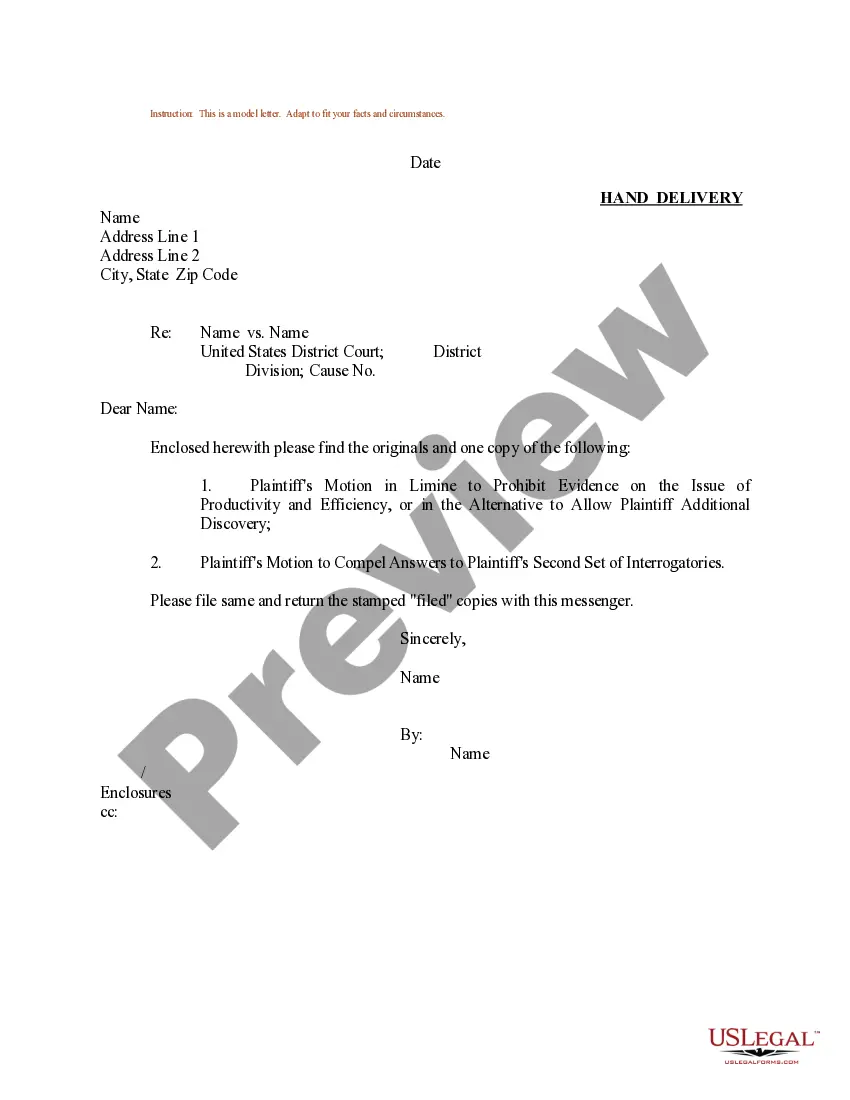
Sample Response To Interrogatories Federal Court
Description
Get your form ready online
Our built-in tools help you complete, sign, share, and store your documents in one place.
Make edits, fill in missing information, and update formatting in US Legal Forms—just like you would in MS Word.
Download a copy, print it, send it by email, or mail it via USPS—whatever works best for your next step.
Sign and collect signatures with our SignNow integration. Send to multiple recipients, set reminders, and more. Go Premium to unlock E-Sign.
If this form requires notarization, complete it online through a secure video call—no need to meet a notary in person or wait for an appointment.
We protect your documents and personal data by following strict security and privacy standards.

Make edits, fill in missing information, and update formatting in US Legal Forms—just like you would in MS Word.

Download a copy, print it, send it by email, or mail it via USPS—whatever works best for your next step.

Sign and collect signatures with our SignNow integration. Send to multiple recipients, set reminders, and more. Go Premium to unlock E-Sign.

If this form requires notarization, complete it online through a secure video call—no need to meet a notary in person or wait for an appointment.

We protect your documents and personal data by following strict security and privacy standards.
Looking for another form?

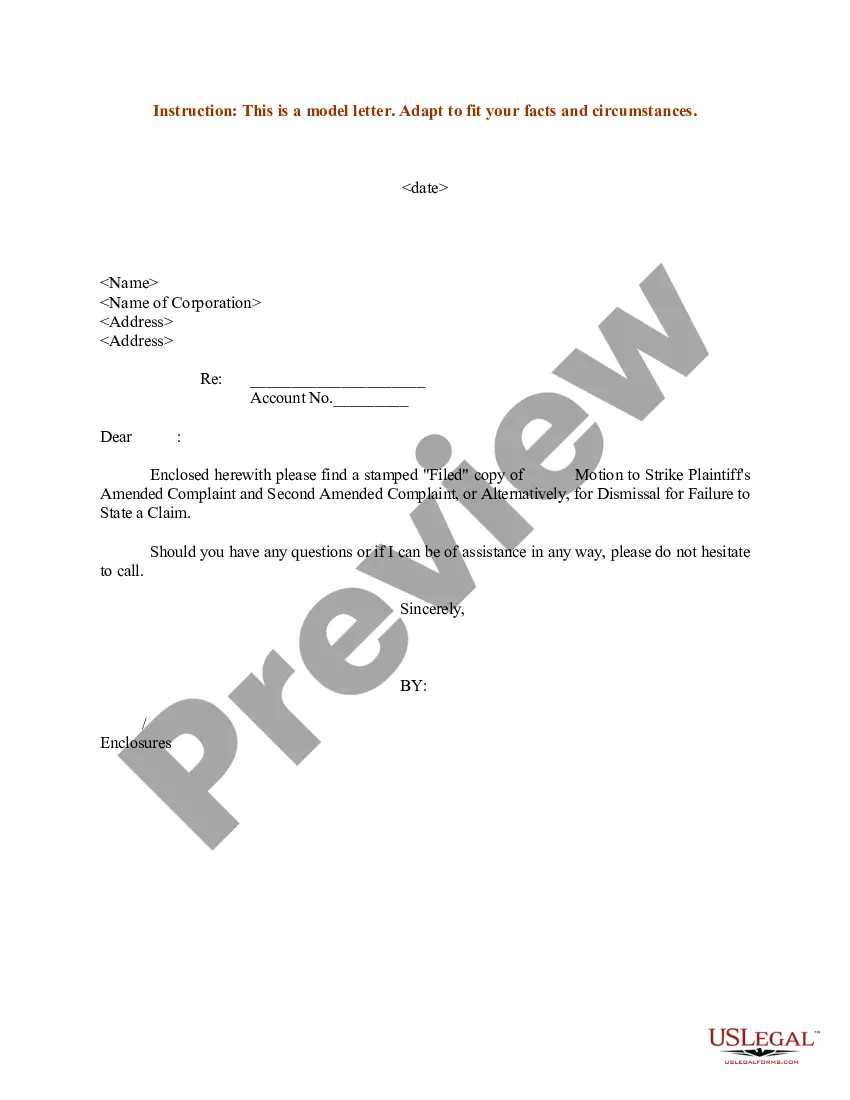
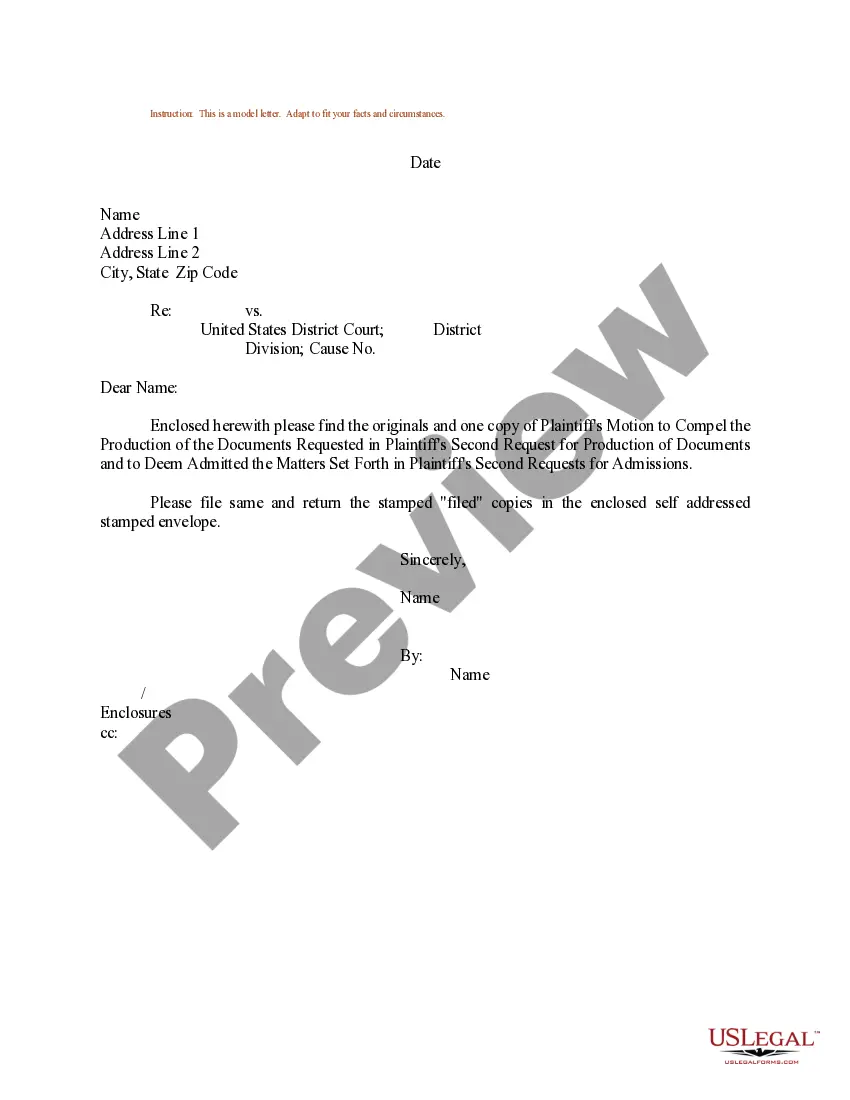
How to fill out Sample Letter For Plaintiff's Motion To Compel Answers To Plaintiff's Second Set Of Interrogatories?
Whether for business purposes or for personal matters, everybody has to manage legal situations at some point in their life. Filling out legal documents demands careful attention, starting with picking the appropriate form sample. For example, if you pick a wrong edition of a Sample Response To Interrogatories Federal Court, it will be rejected once you submit it. It is therefore important to have a reliable source of legal documents like US Legal Forms.
If you need to obtain a Sample Response To Interrogatories Federal Court sample, follow these easy steps:
- Find the sample you need by using the search field or catalog navigation.
- Check out the form’s description to ensure it matches your case, state, and region.
- Click on the form’s preview to examine it.
- If it is the incorrect document, return to the search function to locate the Sample Response To Interrogatories Federal Court sample you need.
- Download the template when it meets your needs.
- If you already have a US Legal Forms account, just click Log in to access previously saved templates in My Forms.
- In the event you do not have an account yet, you may obtain the form by clicking Buy now.
- Pick the appropriate pricing option.
- Finish the account registration form.
- Choose your transaction method: use a credit card or PayPal account.
- Pick the file format you want and download the Sample Response To Interrogatories Federal Court.
- After it is saved, you can fill out the form by using editing software or print it and finish it manually.
With a vast US Legal Forms catalog at hand, you do not have to spend time searching for the right sample across the internet. Use the library’s easy navigation to get the correct form for any occasion.
Form popularity
FAQ
Federal Rule of Civil Procedure 33(b)(5) requires the attorney to sign the objections and the client to sign the answers. Do not make a habit or practice of sending interrogatory responses without verifications.
There is no form for your answer, but you typically have to respond in a specified format, using paper with numbers down the left-hand side, with your name and address at the top left, the name of the court and of the case, and the case number.
There is no form for your answer, but you typically have to respond in a specified format, using paper with numbers down the left-hand side, with your name and address at the top left, the name of the court and of the case, and the case number.
You have 30 days to respond to the interrogatories. If you were served by mail, you typically have 35 days from the date of mailing to respond. Just below the top caption identifying the case, the form identifies the Answering (or Responding) party. Make sure that this is you.
How to fill out Form Interrogatories Fill in basic information at the top of the form. Provide basic information about your case. ... Select the questions. On Page 2, check the box next to each question you want to ask your spouse to answer. ... Make copies. Make 1 copy of the completed Form Interrogatories ? Family Law.