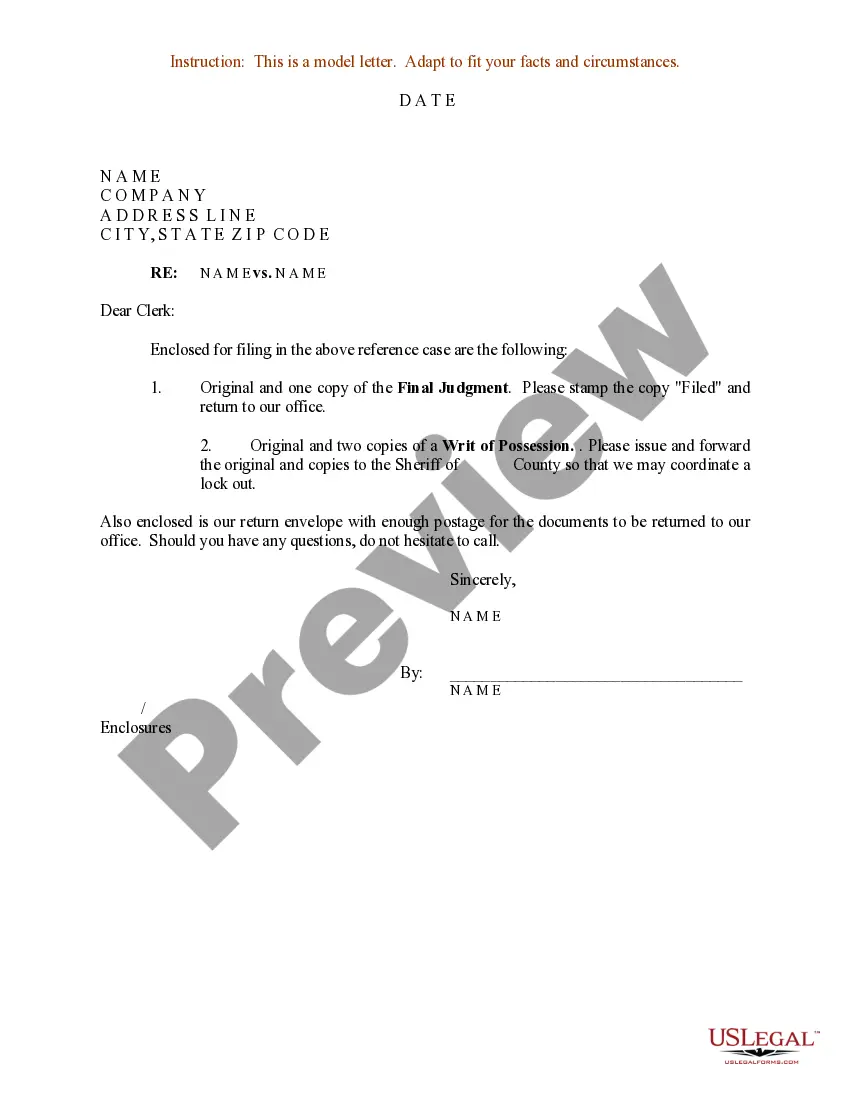
Sample Writ Form With Recaptcha
Description
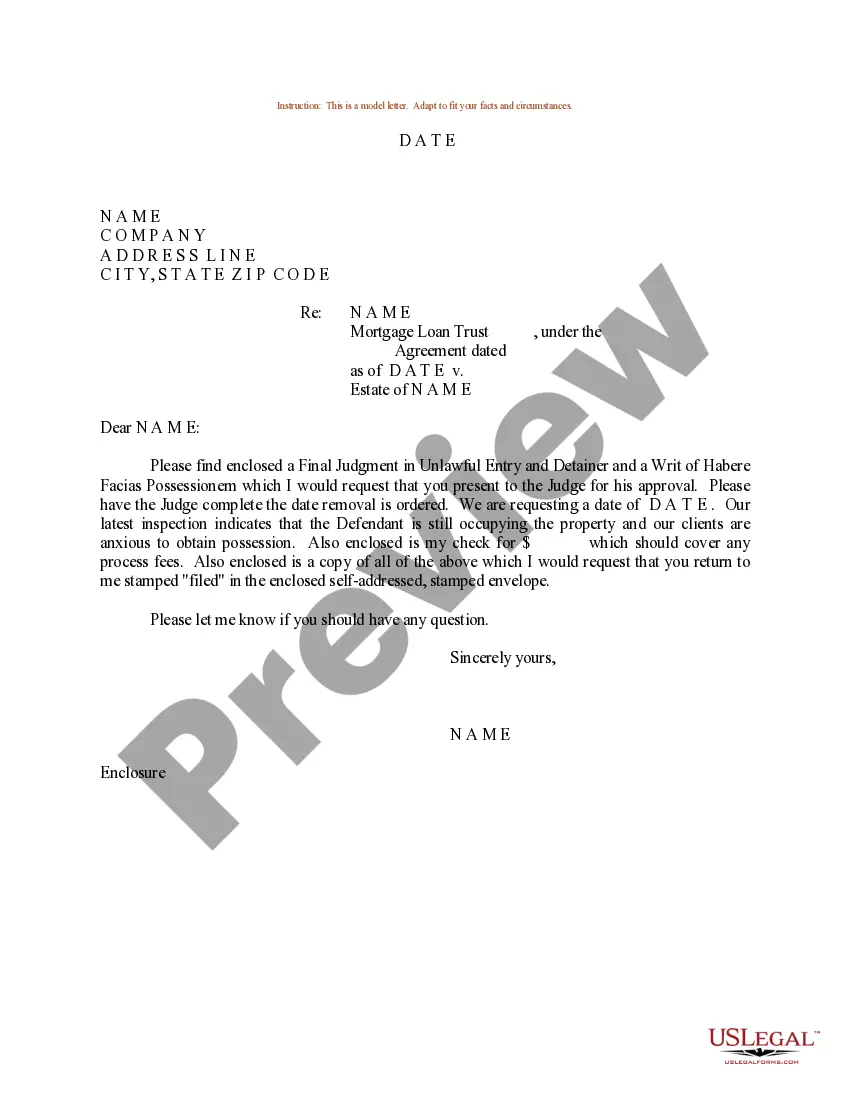
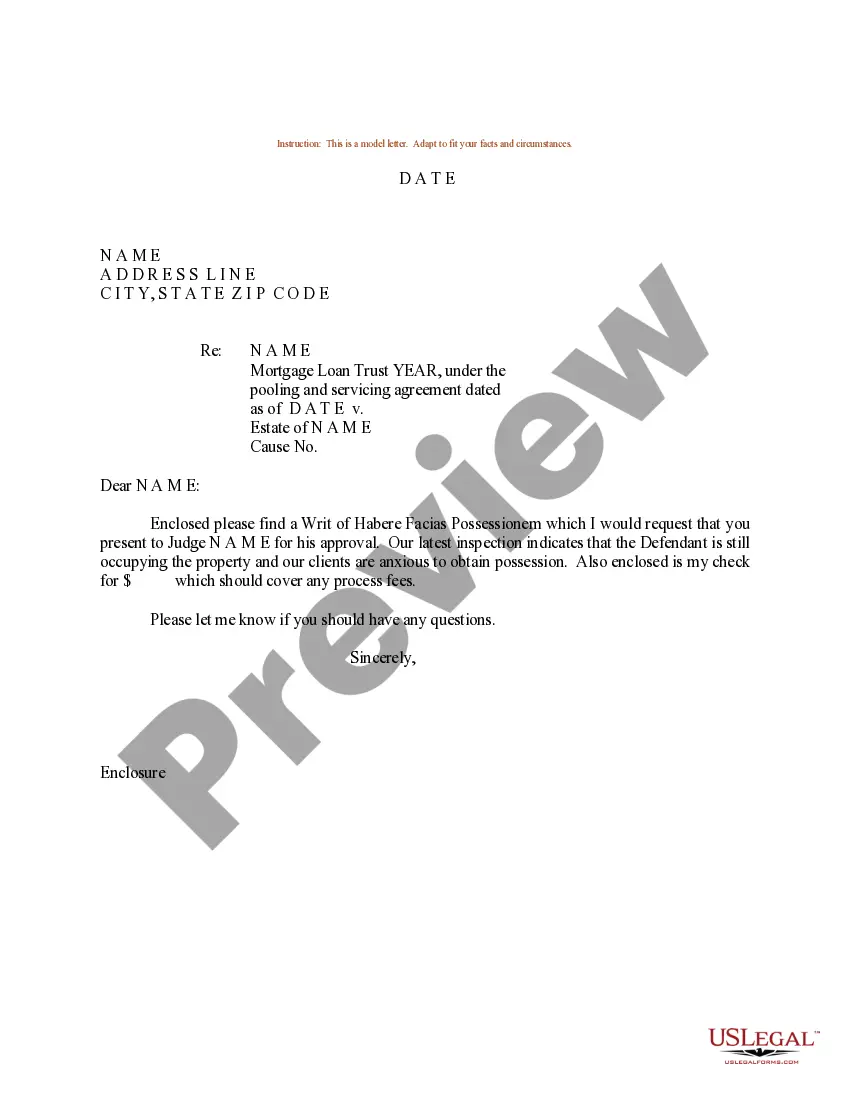
Get your form ready online
Our built-in tools help you complete, sign, share, and store your documents in one place.
Make edits, fill in missing information, and update formatting in US Legal Forms—just like you would in MS Word.
Download a copy, print it, send it by email, or mail it via USPS—whatever works best for your next step.
Sign and collect signatures with our SignNow integration. Send to multiple recipients, set reminders, and more. Go Premium to unlock E-Sign.
If this form requires notarization, complete it online through a secure video call—no need to meet a notary in person or wait for an appointment.
We protect your documents and personal data by following strict security and privacy standards.

Make edits, fill in missing information, and update formatting in US Legal Forms—just like you would in MS Word.

Download a copy, print it, send it by email, or mail it via USPS—whatever works best for your next step.

Sign and collect signatures with our SignNow integration. Send to multiple recipients, set reminders, and more. Go Premium to unlock E-Sign.

If this form requires notarization, complete it online through a secure video call—no need to meet a notary in person or wait for an appointment.

We protect your documents and personal data by following strict security and privacy standards.
Looking for another form?
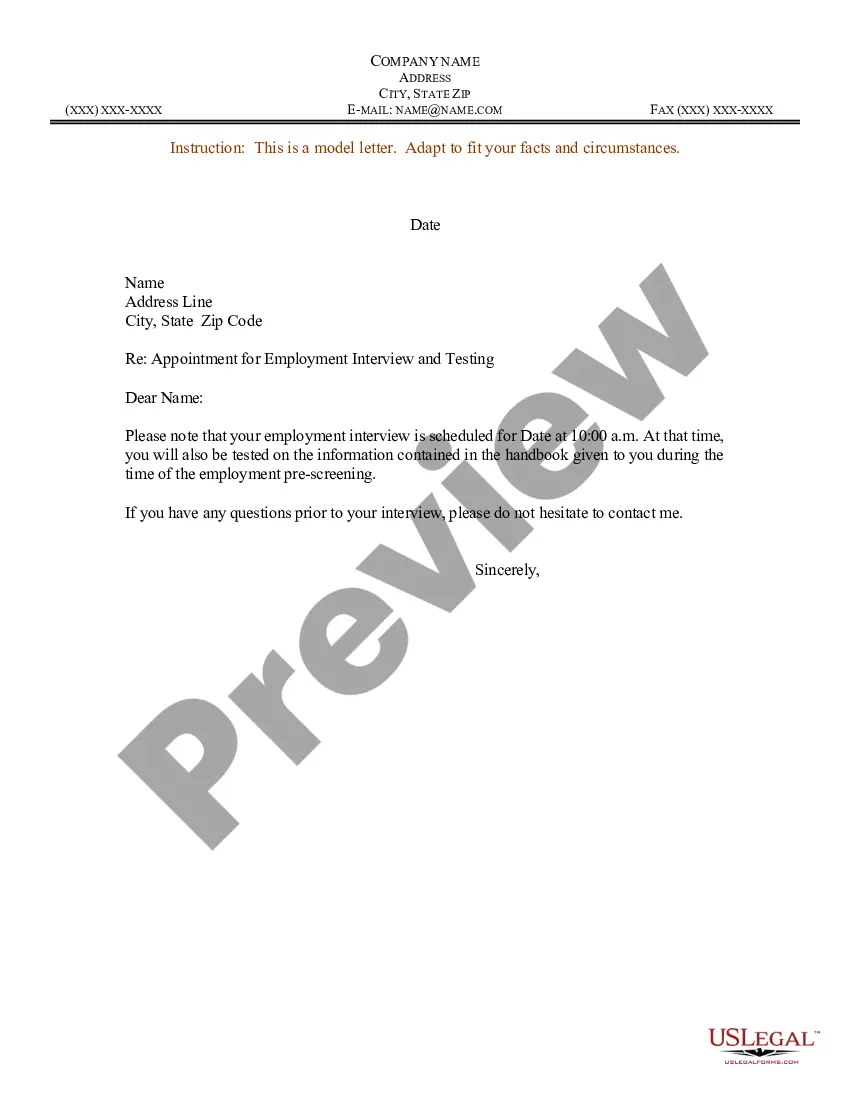
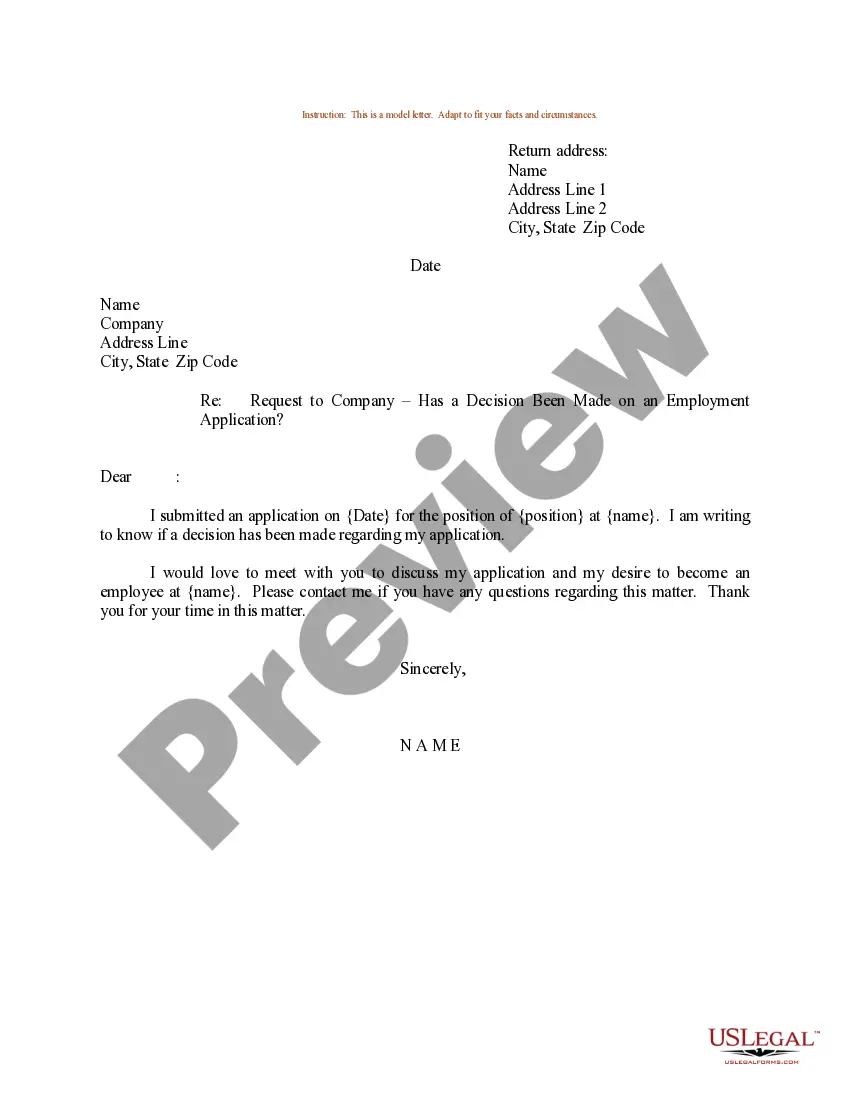

How to fill out Sample Letter For Final Judgment - Writ Of Possession?
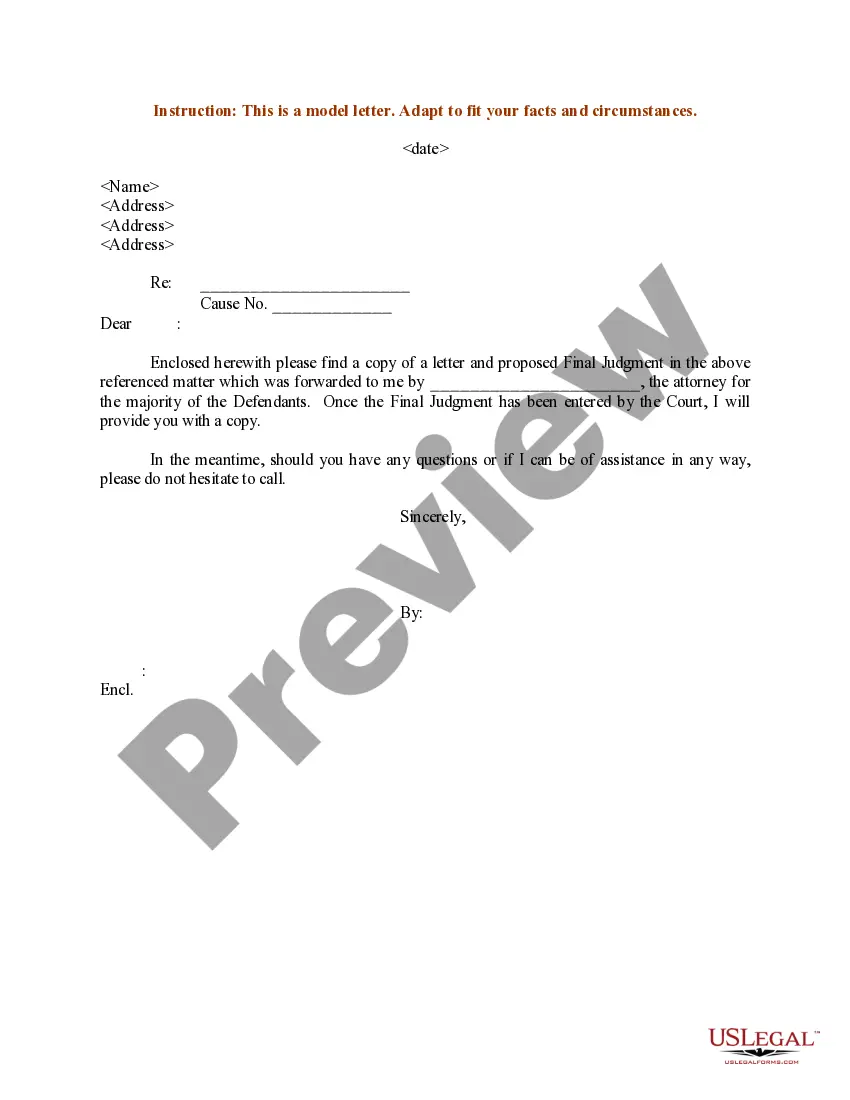
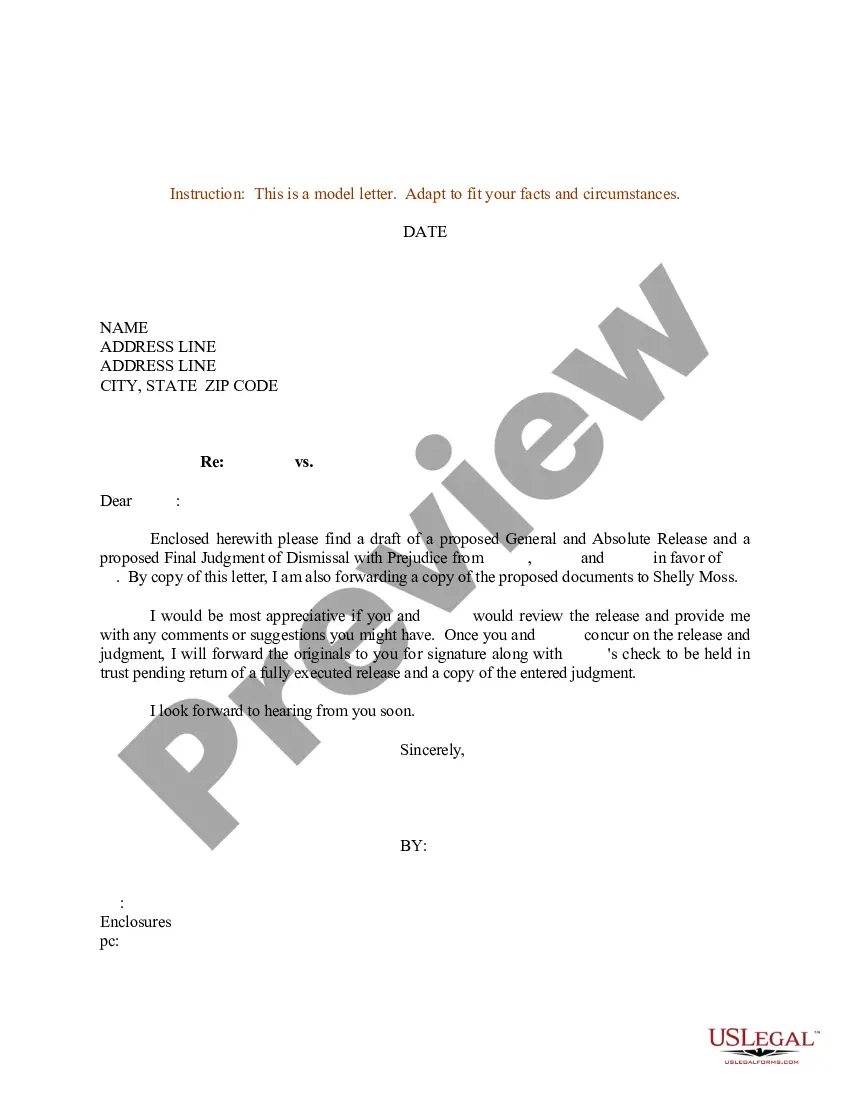
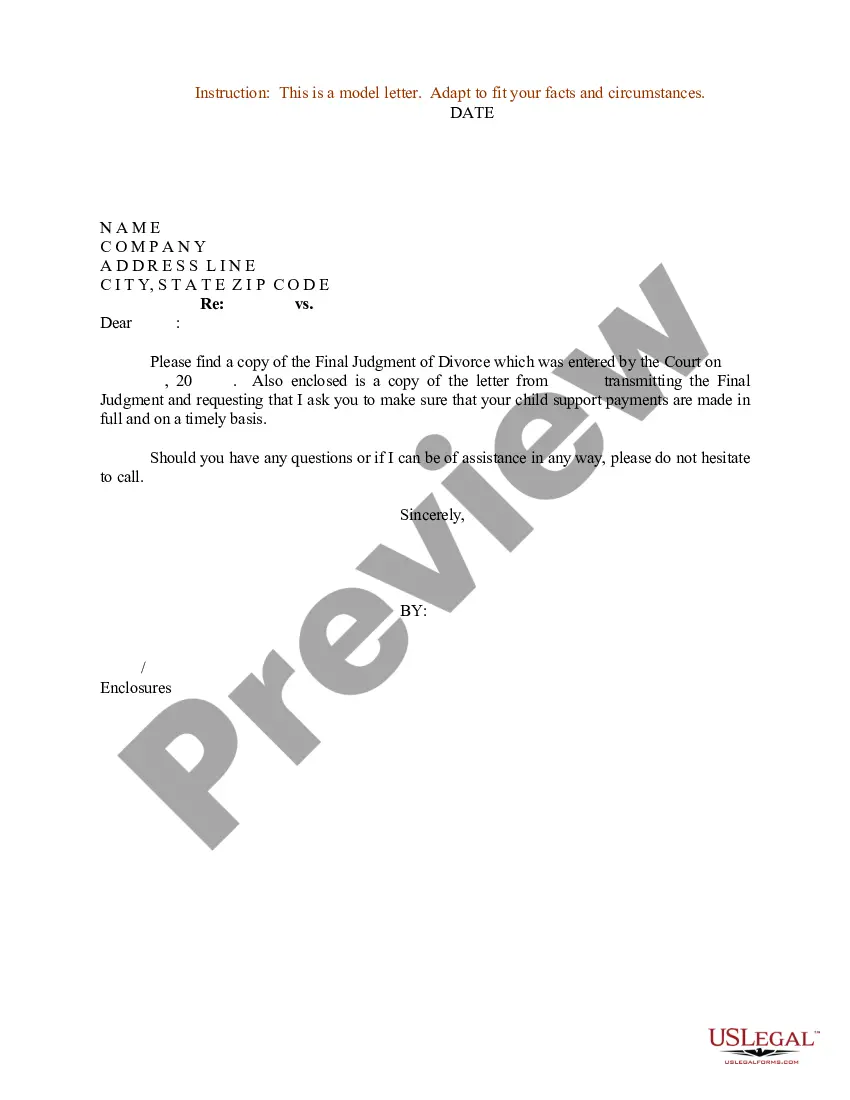
The Sample Writ Form With Recaptcha presented on this page is a versatile formal template created by experienced attorneys in compliance with federal and local statutes and regulations.
For over 25 years, US Legal Forms has supplied individuals, enterprises, and legal experts with more than 85,000 validated, state-specific documents for any business and personal event. It’s the quickest, clearest, and most trustworthy method to acquire the necessary paperwork, as the service ensures bank-grade data protection and anti-virus safeguards.
Subscribe to US Legal Forms to have authenticated legal templates for all of life’s situations readily available.
- Search for the document you require and examine it. Browse the sample you searched for and preview it or check the form description to confirm it meets your needs. If it doesn’t, use the search feature to locate the appropriate one. Click Buy Now once you have found the template you require.
- Register and Log In. Select the pricing plan that best fits you and create an account. Use PayPal or a credit card to process a swift payment. If you already possess an account, Log In and verify your subscription to proceed.
- Obtain the fillable template. Choose the format you desire for your Sample Writ Form With Recaptcha (PDF, DOCX, RTF) and save the sample to your device.
- Fill out and sign the documents. Print the template to complete it by hand. Alternatively, utilize an online multifunctional PDF editor to quickly and accurately fill in and sign your form with a legally-binding electronic signature.
- Download your documents once more. Reuse the same document whenever necessary. Access the My documents section in your profile to redownload any previously purchased forms.
Form popularity
FAQ
To fill CAPTCHA correctly on the Sample writ form with recaptcha, read the instructions provided with the CAPTCHA prompt. Often, you must identify specific images or enter a series of characters as shown. Make sure to double-check your input before submitting the form, as accuracy is crucial for successful completion. If you encounter difficulties, refreshing the CAPTCHA can provide a new challenge.
To complete reCAPTCHA verification on the Sample writ form with recaptcha, look for the reCAPTCHA box on the form. Click the checkbox that states 'I'm not a robot.' This action prompts you to solve additional tasks, such as identifying images or typing letters. Follow the instructions carefully to ensure a smooth verification process.
To add a reCAPTCHA to your WordPress form, first install a plugin that supports this feature, such as Contact Form 7 or WPForms. Once installed, navigate to the plugin settings and input your reCAPTCHA site key and secret key, which you obtained earlier. Then, edit your sample writ form with reCAPTCHA to include the reCAPTCHA field, ensuring it appears where users can easily see it. This process will enhance your form's security and user experience.
A reCAPTCHA form is a type of web form that includes a reCAPTCHA challenge to distinguish between human users and automated bots. By adding a reCAPTCHA to your sample writ form with reCAPTCHA, you can enhance security and improve the quality of your submissions. This ensures that only genuine users can complete the form, thereby reducing spam and potential misuse. Incorporating a reCAPTCHA is a simple yet effective way to safeguard your forms.
To add a reCAPTCHA to your form, start by signing up for the reCAPTCHA service and obtaining your site key and secret key. Next, integrate the reCAPTCHA code into your sample writ form with reCAPTCHA by inserting the provided HTML code into your form's structure. Finally, ensure that your server-side code verifies the reCAPTCHA response before processing the form submission. This integration helps protect your form from spam and abuse.
Before you add Google reCAPTCHA to cover page forms, enable it in Developer tools: Open the Developer tools panel. Click External API Keys and scroll down to Google reCAPTCHA. Click the link to get your Google reCAPTCHA API Keys. ... Click v3 Admin Console. Enter a label to help you identify your site. ... Click reCAPTCHA V2.
A CAPTCHA test is made up of two simple parts: a randomly generated sequence of letters and/or numbers that appear as a distorted image, and a text box. To pass a the test and prove your human identity, simply type the characters you see in the image into the text box.
Adding CAPTCHA to Google Forms Navigate to Google Forms and create your form. Click the Add question button. Select Short answer. In the question field, type in ?Math CAPTCHA:? Click the three vertical dots and select Response validation. Select Number and Equal to. Type in the correct answer to the math problem.
How to add reCAPTCHA to forms. You can add reCAPTCHA to your forms from the Add panel > Elements tab > Forms section. reCAPTCHA elements must be placed into a form. reCAPTCHA will not display on your published site until you enable validation in Site settings > Forms tab.
Simply visit Google.com/reCAPTCHA and select the v3 Admin Console option in the primary navigation menu. Click on the plus sign icon in the reCAPTCHA dashboard and enter a label for your website. This can be any unique identifier. Then, choose what type of reCAPTCHA you want to use for your site.