Blank Letter Page With Pen
Description

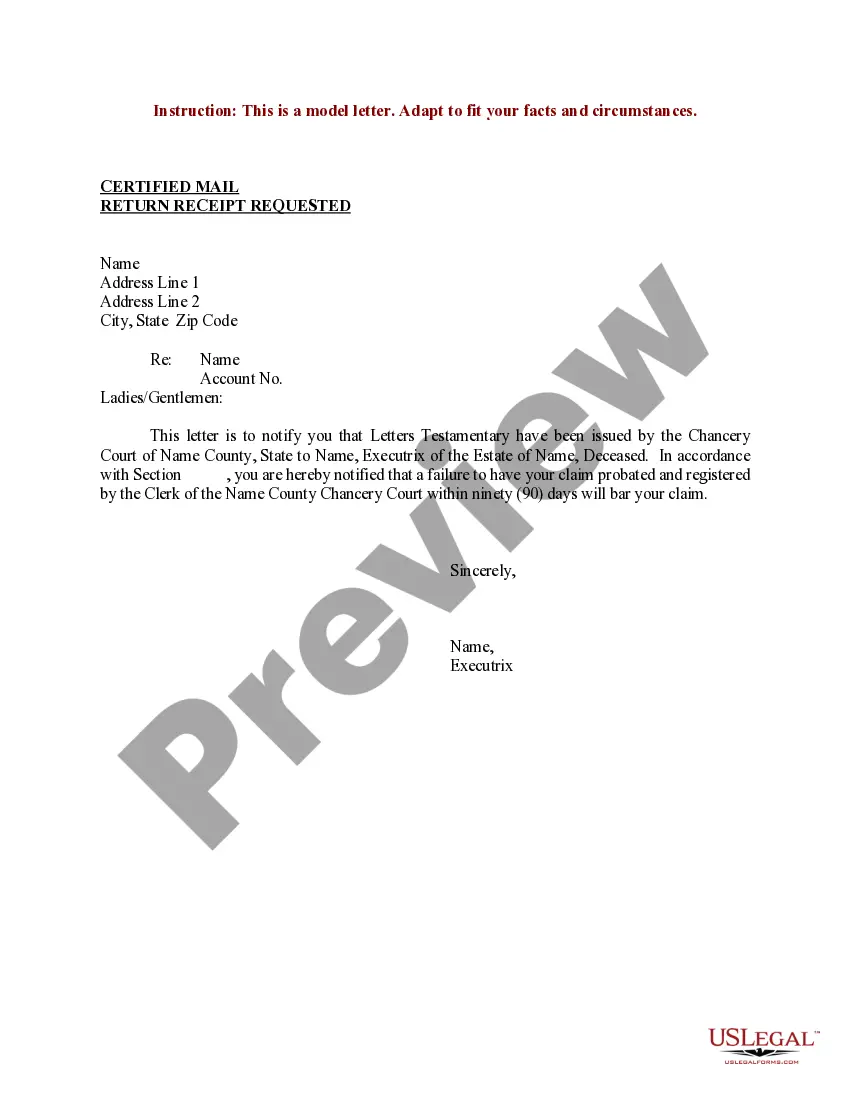
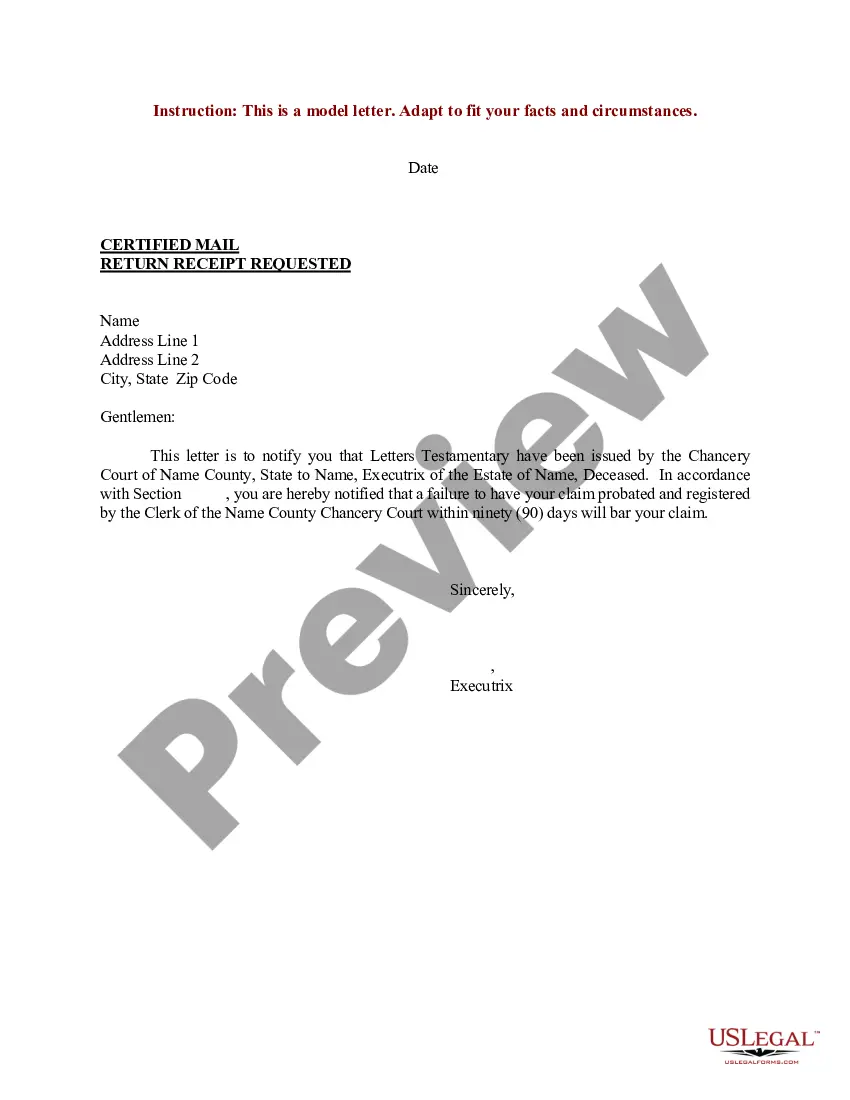

Get your form ready online
Our built-in tools help you complete, sign, share, and store your documents in one place.
Make edits, fill in missing information, and update formatting in US Legal Forms—just like you would in MS Word.
Download a copy, print it, send it by email, or mail it via USPS—whatever works best for your next step.
Sign and collect signatures with our SignNow integration. Send to multiple recipients, set reminders, and more. Go Premium to unlock E-Sign.
If this form requires notarization, complete it online through a secure video call—no need to meet a notary in person or wait for an appointment.
We protect your documents and personal data by following strict security and privacy standards.

Make edits, fill in missing information, and update formatting in US Legal Forms—just like you would in MS Word.

Download a copy, print it, send it by email, or mail it via USPS—whatever works best for your next step.

Sign and collect signatures with our SignNow integration. Send to multiple recipients, set reminders, and more. Go Premium to unlock E-Sign.

If this form requires notarization, complete it online through a secure video call—no need to meet a notary in person or wait for an appointment.

We protect your documents and personal data by following strict security and privacy standards.
Looking for another form?




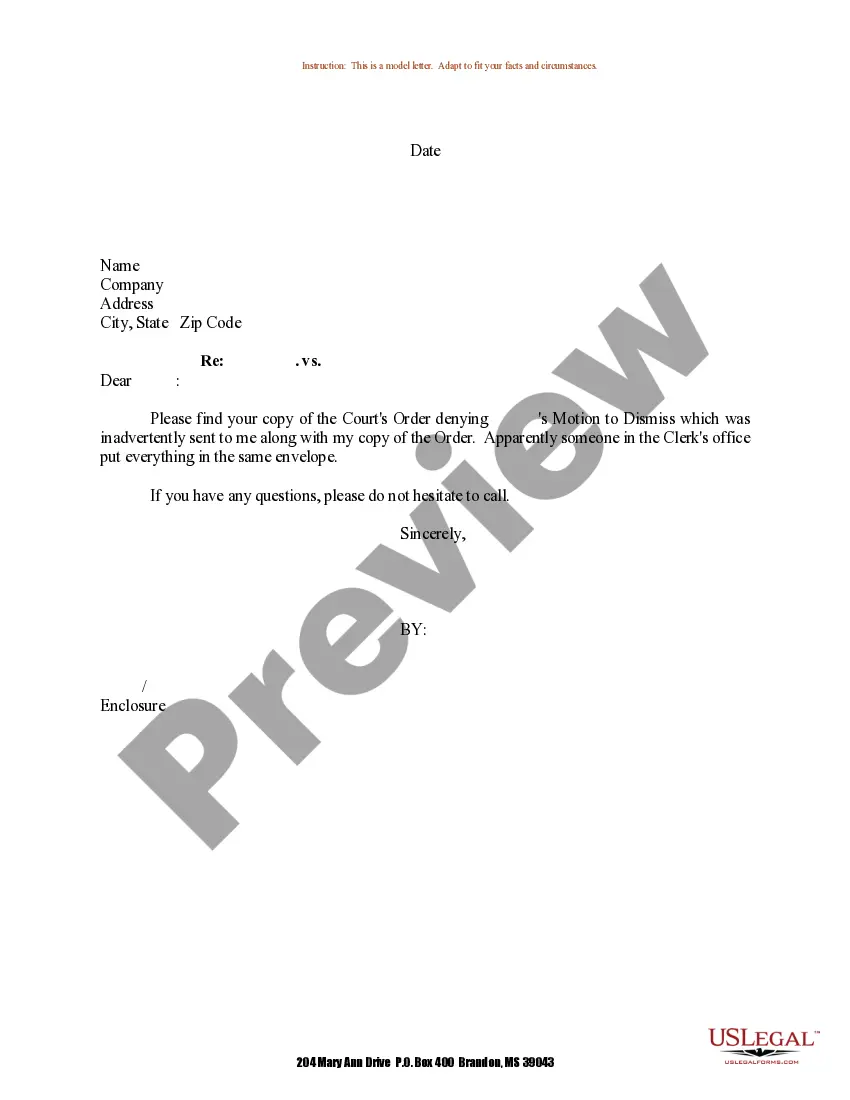
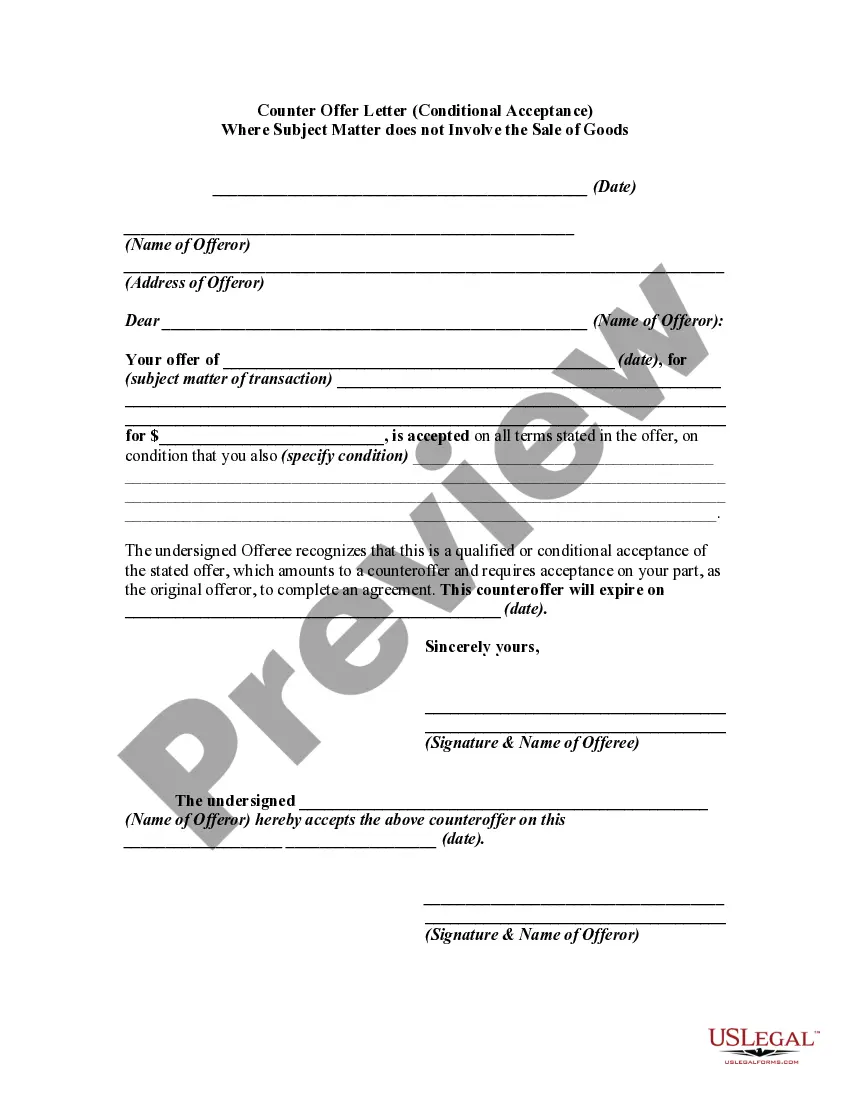

How to fill out Sample Letter For Letters Testamentary?
Obtaining legal documents that adhere to national and local laws is crucial, and the web presents many choices to choose from.
However, what’s the benefit of spending time searching for the appropriate Blank Letter Page With Pen template online if the US Legal Forms digital library has already gathered such documents in one location.
US Legal Forms is the largest online legal repository with over 85,000 fillable forms crafted by lawyers for any business and personal situation. They are straightforward to navigate with all files organized by state and intended use.
All templates you find through US Legal Forms are reusable. To re-download and complete forms you’ve previously acquired, access the My documents section in your account. Enjoy the largest and most user-friendly legal document service!
- Our specialists monitor legal changes regularly, so you can always trust that your documents are current and compliant when obtaining a Blank Letter Page With Pen from our site.
- Acquiring a Blank Letter Page With Pen is quick and easy for both existing and new users.
- If you have an account with an active subscription, Log In and download the necessary document sample in the correct format.
- If you are a newcomer to our site, follow the steps below.
- Review the template using the Preview feature or through the text outline to confirm it fulfills your needs.
Form popularity
FAQ
To obtain a blank page for writing a letter, open your preferred word processing software. From there, choose to start a new document, which will provide you with a blank letter page with pen. Remember to include a header, salutation, and a closing to format your letter correctly. This ensures your message is clear and professional.
Creating a blank page is straightforward. In your word processor, select 'File' and then 'New' to generate a blank letter page with pen ready for your use. Make sure to utilize features like margins and line spacing to enhance your writing experience. This simple process enables you to focus solely on your content.
To type a blank document, open a word processing program, such as Microsoft Word or Google Docs. Simply choose the option to create a new document, and you will see a blank letter page with pen available for writing. This allows you to start typing immediately, formatting the text as you prefer. It's an easy way to draft your thoughts or letters without any distractions.
To use your Cricut for writing on a blank letter page with pen, start by ensuring you have the right pen type for your machine. Next, select the 'Write' option in the design software. After that, load the pen into the machine as instructed, and place the blank letter page onto the cutting mat. Finally, initiate the project, and your Cricut will expertly write on the page with the pen, creating a personalized touch.
To properly handwrite a letter, choose a blank letter page with pen that offers a smooth writing surface. Write slowly and clearly for readability, ensuring each letter is distinct. Use a consistent style throughout and maintain appropriate margins. Personal touches, like a handwritten signature, add warmth and authenticity to your correspondence.
The correct way to write a letter involves addressing your recipient properly and starting with a greeting. Use a blank letter page with pen to maintain organization, ensuring your message flows logically. Conclude with a closing statement and your signature, making sure to proofread for clarity. This format ensures your letter communicates effectively.
Beginners should start by holding the pen comfortably and positioning their hand at a relaxed angle. Begin with a blank letter page with pen, practicing basic strokes and letters. Take your time to form each character, focusing on consistent pressure. With patience and practice, you will develop better control and style in your handwriting.
To fill in words on a Cricut with pen, first select a project that allows pen usage. Then, load your blank letter page with pen into the machine. Ensure you adjust the settings for the pen type and size. Watch as Cricut cleverly writes your text, creating a polished look that enhances your overall design.
When writing a letter, start by clearly stating your purpose. Organize your thoughts logically, using a blank letter page with pen to keep your message clear and simple. Be courteous and professional, ensuring you address the recipient respectfully. Finally, sign your name to personalize the letter and finalize your communication.
To get a blank page for typing your letter, open a word processing application such as Microsoft Word or Google Docs. Upon opening, you can select a new document, which provides you a blank letter page. Alternatively, US Legal Forms offers templates that you can customize, allowing for a seamless letter-writing process. These templates ensure that you have the right format and structure for your letters.
