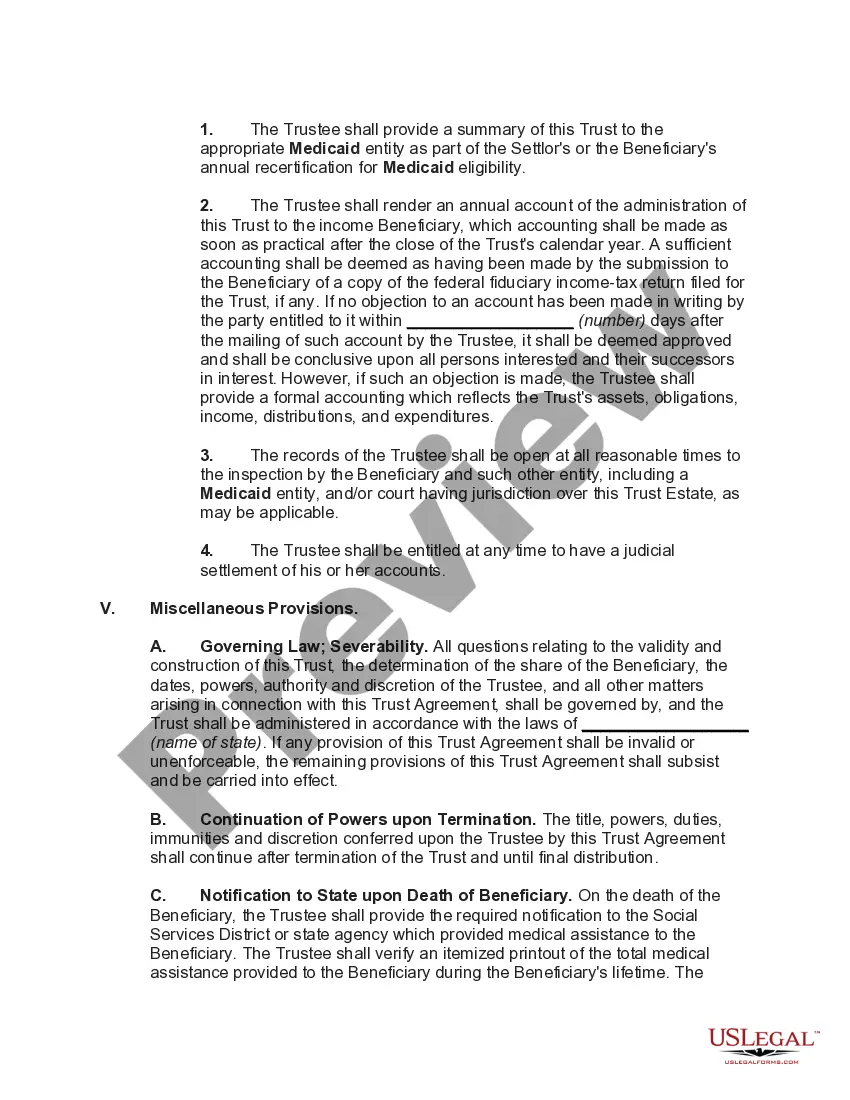
Special Needs Trust In Massachusetts
Description

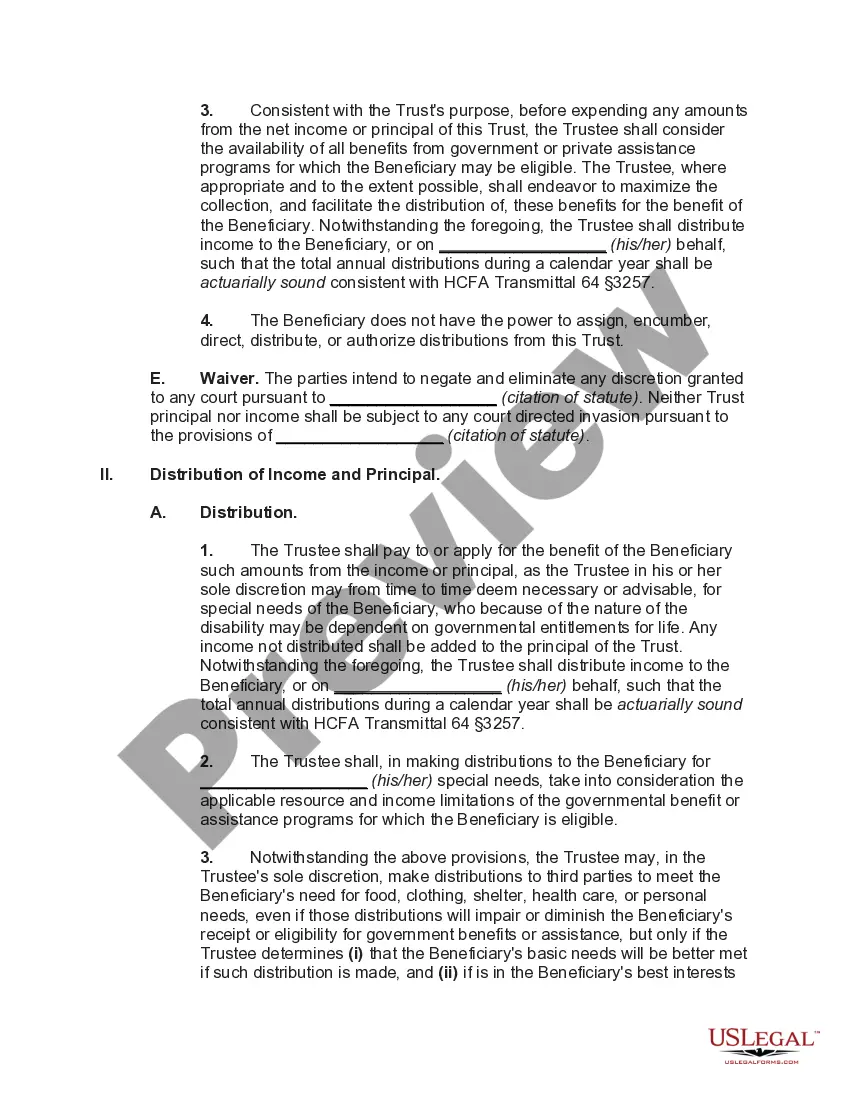
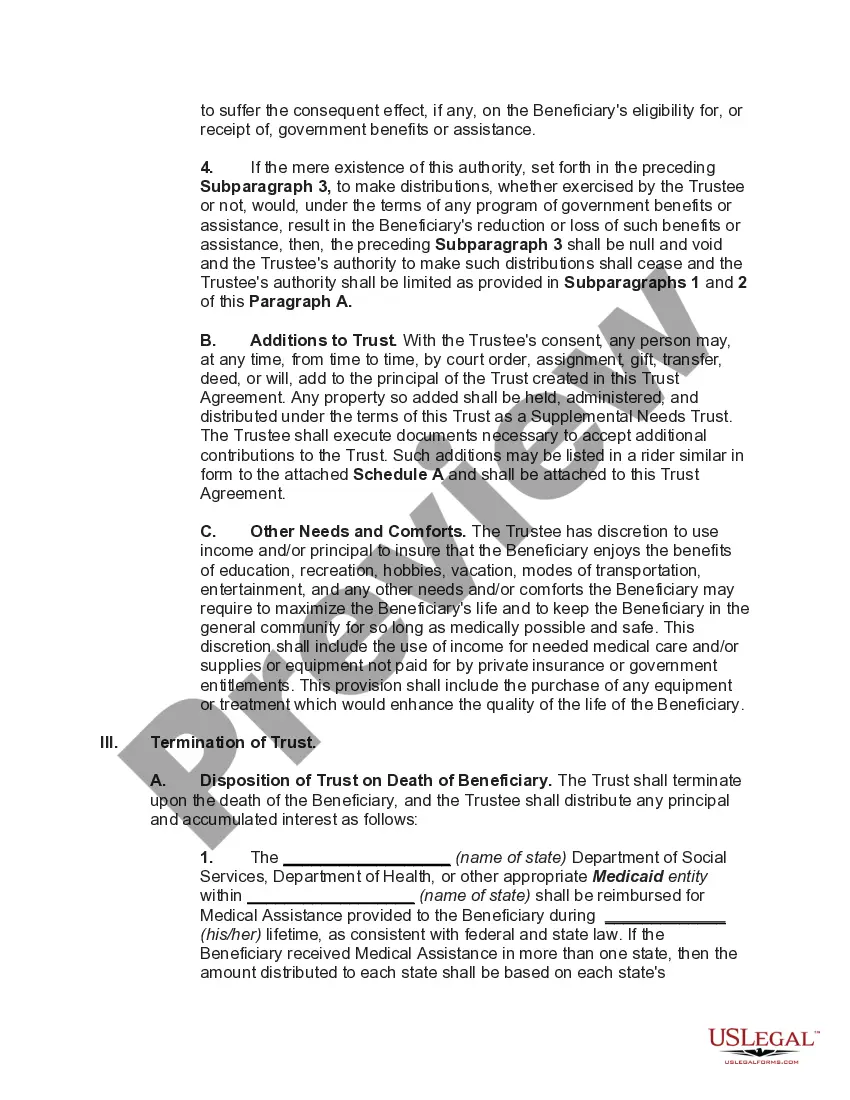
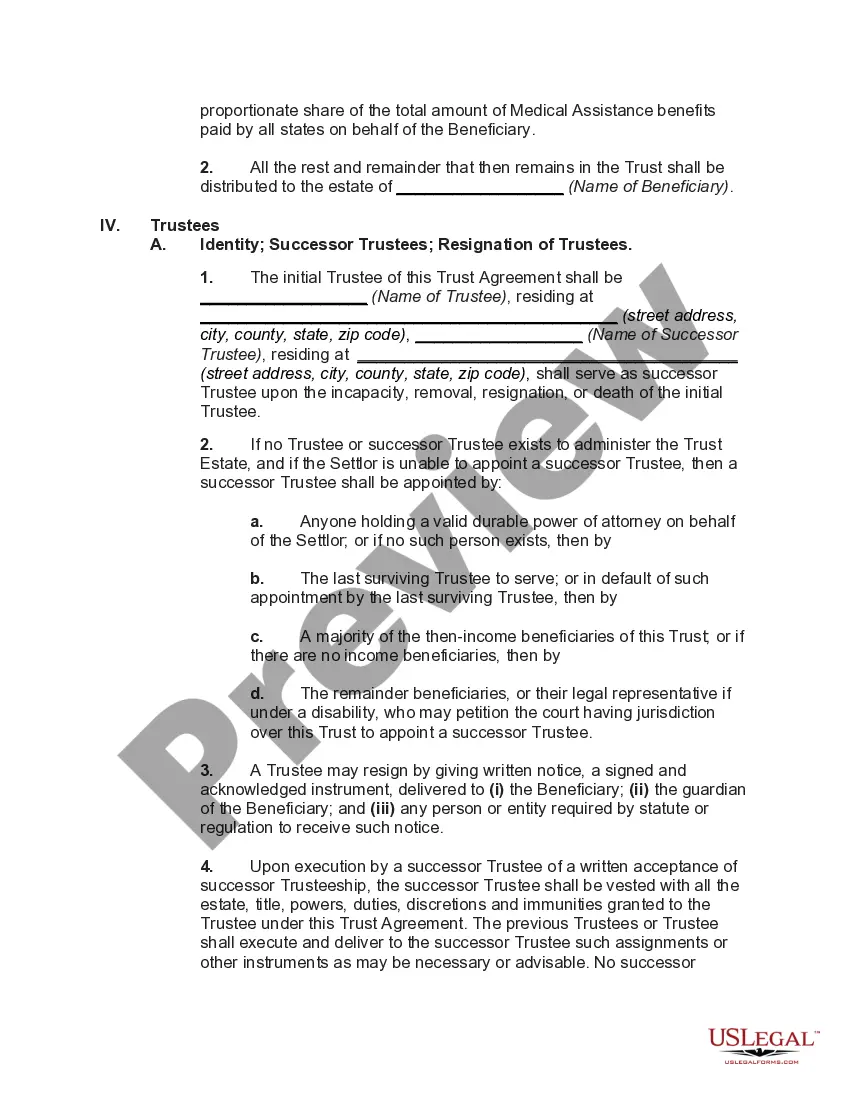
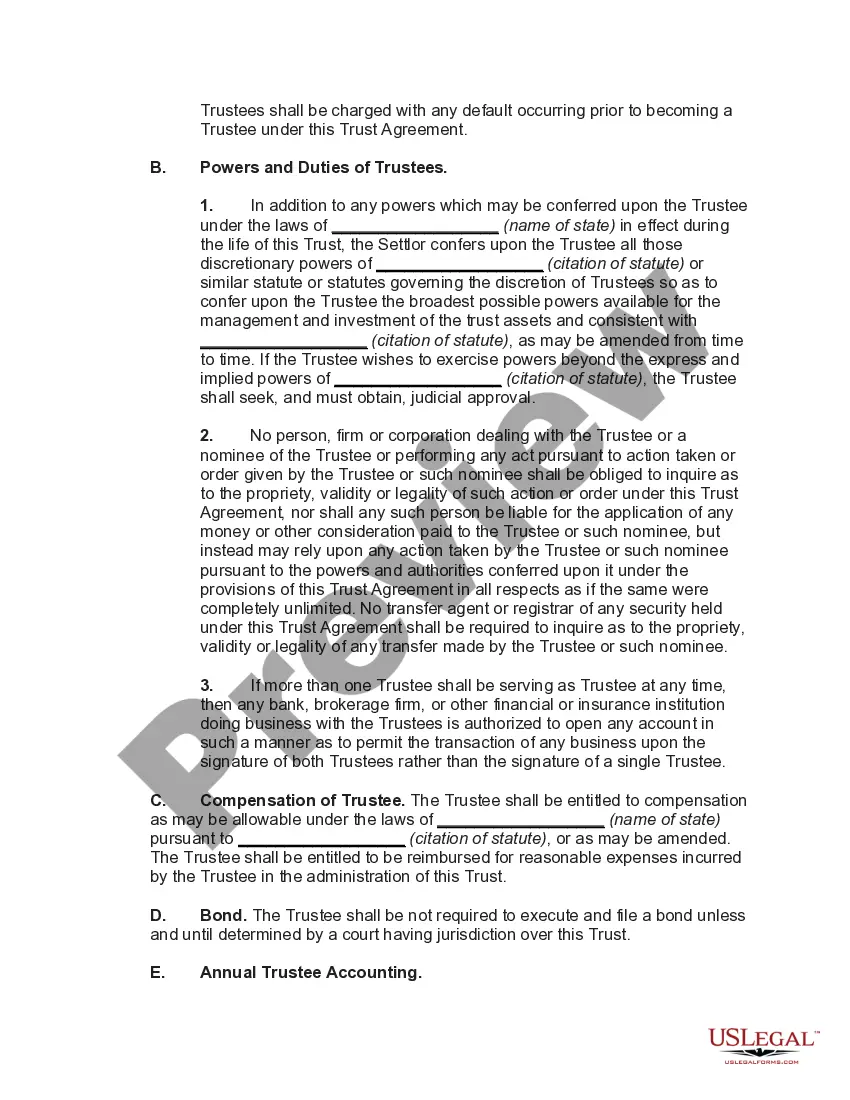




Get your form ready online
Our built-in tools help you complete, sign, share, and store your documents in one place.
Make edits, fill in missing information, and update formatting in US Legal Forms—just like you would in MS Word.
Download a copy, print it, send it by email, or mail it via USPS—whatever works best for your next step.
Sign and collect signatures with our SignNow integration. Send to multiple recipients, set reminders, and more. Go Premium to unlock E-Sign.
If this form requires notarization, complete it online through a secure video call—no need to meet a notary in person or wait for an appointment.
We protect your documents and personal data by following strict security and privacy standards.

Make edits, fill in missing information, and update formatting in US Legal Forms—just like you would in MS Word.

Download a copy, print it, send it by email, or mail it via USPS—whatever works best for your next step.

Sign and collect signatures with our SignNow integration. Send to multiple recipients, set reminders, and more. Go Premium to unlock E-Sign.

If this form requires notarization, complete it online through a secure video call—no need to meet a notary in person or wait for an appointment.

We protect your documents and personal data by following strict security and privacy standards.
Looking for another form?







How to fill out Special Needs Irrevocable Trust Agreement For Benefit Of Disabled Child Of Trustor?
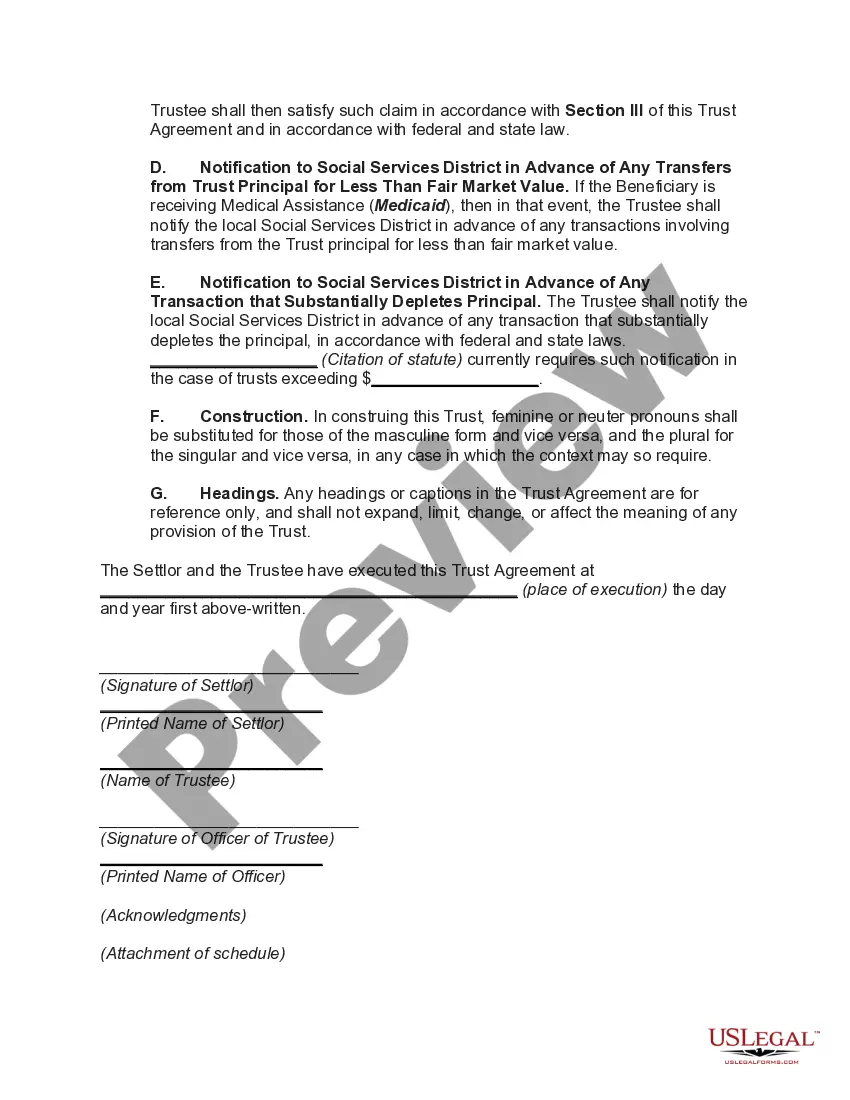
It's clear that you cannot instantly become a legal expert, nor can you swiftly understand how to efficiently draft a Special Needs Trust in Massachusetts without a unique set of abilities.
Producing legal documents is a labor-intensive undertaking that necessitates specific education and expertise. Therefore, why not entrust the development of the Special Needs Trust in Massachusetts to the experts.
With US Legal Forms, one of the most extensive legal document repositories, you can discover everything from court documents to templates for internal business communication. We recognize the importance of compliance with federal and state laws and regulations.
You can regain access to your documents from the My documents tab at any moment. If you are a current client, you can simply Log In and find and download the template from the same tab.
Regardless of the nature of your documents—be it financial, legal, or personal—our platform has you covered. Give US Legal Forms a try now!
- Begin by using the search bar at the top of the page to find the document you need.
- Preview it (if this option is available) and review the supporting description to see if the Special Needs Trust in Massachusetts meets your requirements.
- If you require a different form, restart your search.
- Create a free account and select a subscription plan to acquire the form.
- Click Buy now. Once the transaction is completed, you can obtain the Special Needs Trust in Massachusetts, complete it, print it, and send or mail it to the appropriate individuals or organizations.
Form popularity
FAQ
To make a living trust in Massachusetts, you: Choose whether to make an individual or shared trust. Decide what property to include in the trust. Choose a successor trustee. Decide who will be the trust's beneficiaries?that is, who will get the trust property. Create the trust document.
Party Trust is funded by somebody other than the special needs trust beneficiary (family member, friend, etc.). There is no Medicaid Payback here ? the donor gets to decide what to do with the remaining funds upon the death of the beneficiary.
(1) Any Massachusetts trust desiring to do business in this state shall file with the secretary of state a verified copy of the trust instrument creating such a trust and any amendment thereto, the assumed business name, if any, and the names and addresses of its trustees.
A special needs trust is a valuable tool for individuals receiving Medicaid or Supplemental Security Income (SSI). It allows for the payment of various necessary expenses on behalf of the beneficiary, with the exception of food and shelter costs.
A Special Needs Trust can only be created by or for a disabled person who is under the age of 65. Under federal law, the person can create a SNT for himself or herself. Massachusetts regulations have not yet been amended to specifically state that an individual can establish a SNT for himself or herself.